
Typecho User Guide: A Lightweight PHP-Based Blogging Platform
What is Typecho?
Typecho is a PHP-based blogging software designed to become the world's most powerful blog engine. Released under the GNU General Public License 2.0, it supports multiple databases and natively supports Markdown typesetting syntax. It is a lightweight, efficient, stable, and concise open-source blog program.
https://appstore.lazycat.cloud/#/shop/detail/dev.beiyu.typecho
How to Use?
After installing Typecho from the Lazycat Store, you need to set up the database first.
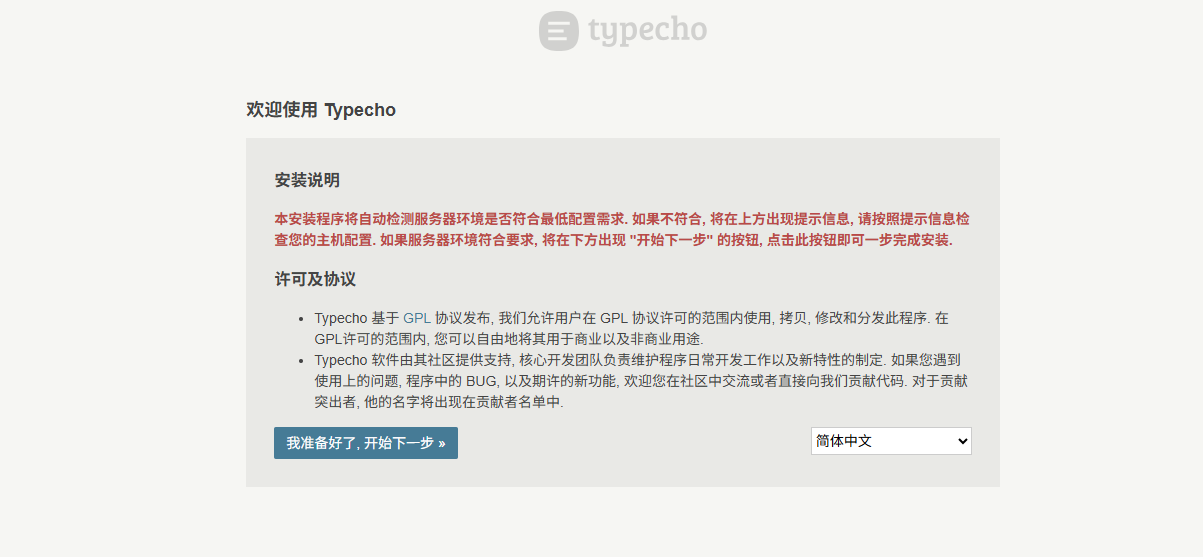
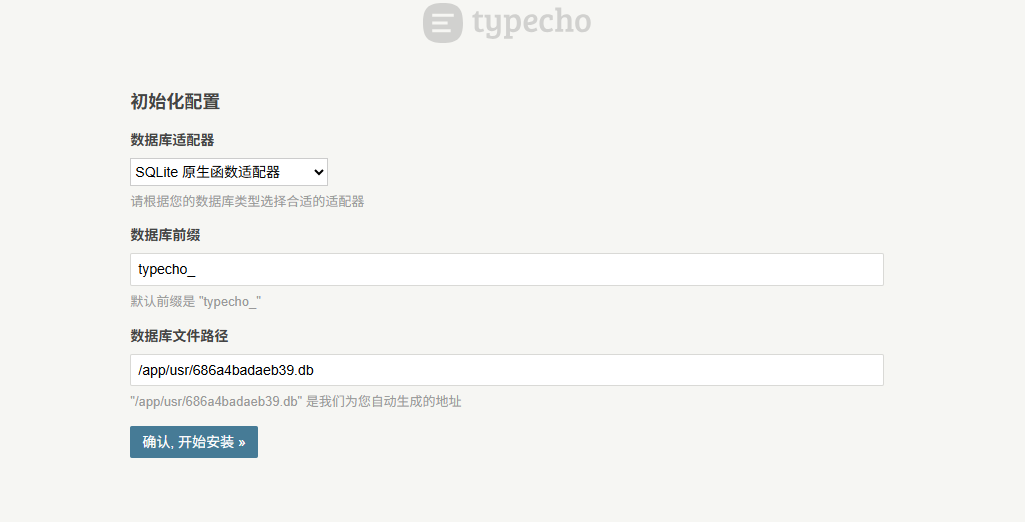
For the initial setup, it is recommended to choose the Sqlite database, as it requires less configuration and is more convenient.
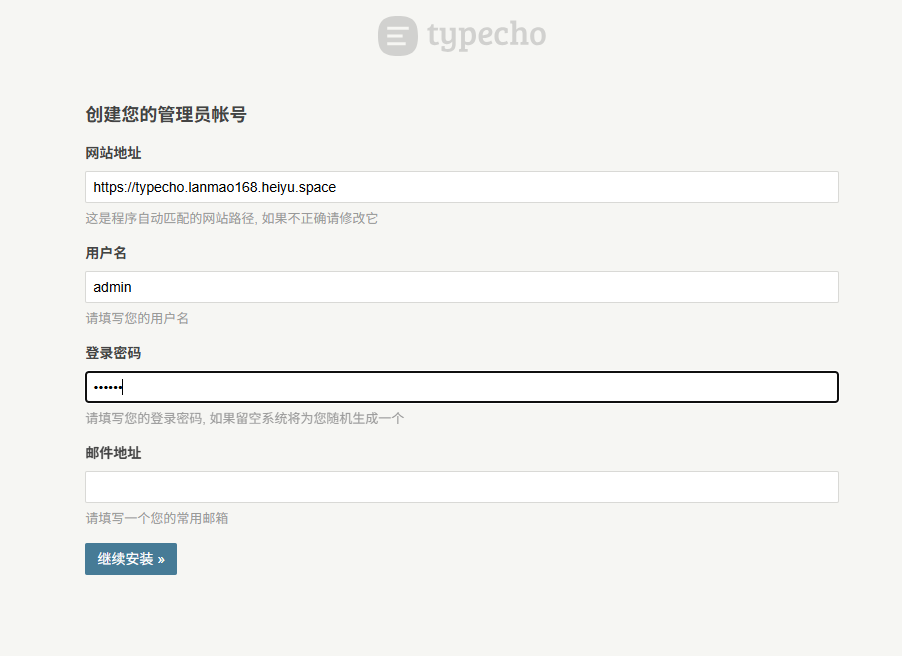
Create an administrator account.
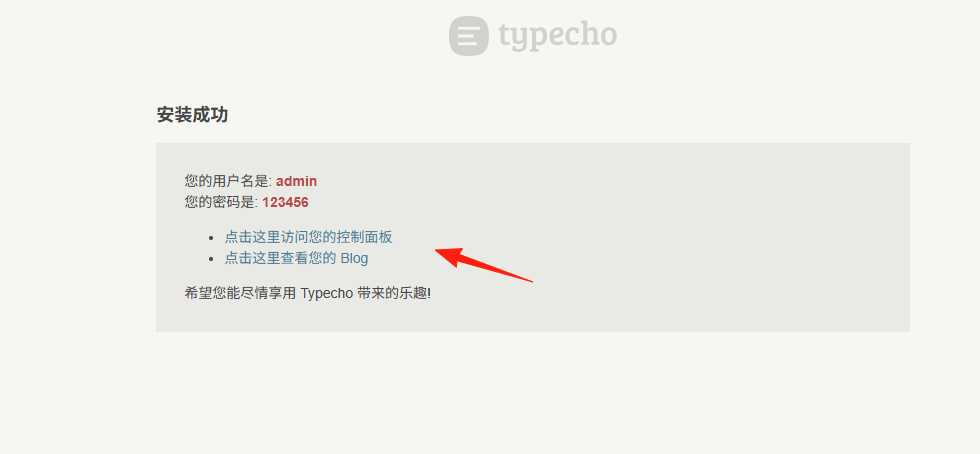
After successful installation, click [Control Panel].
Console homepage:
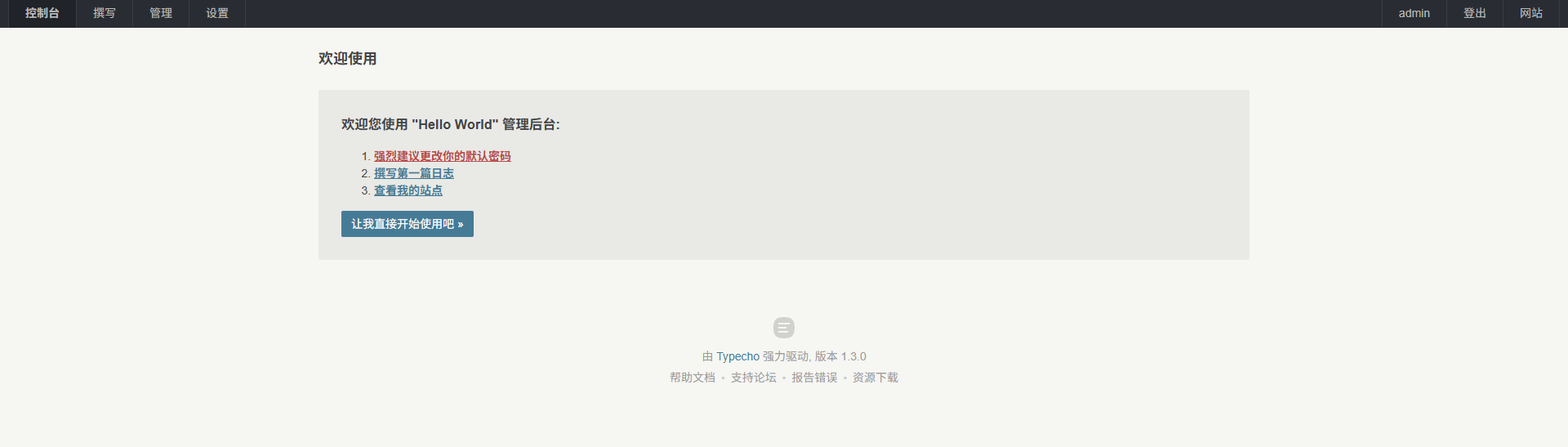
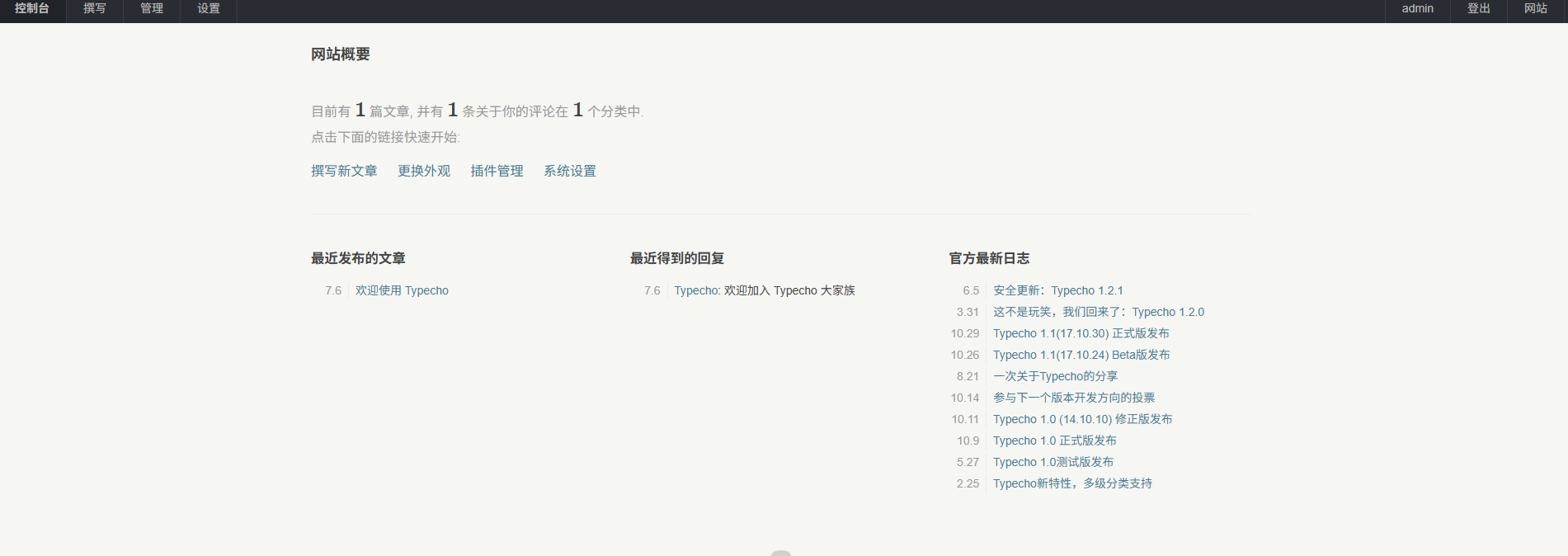
Click [Get Started].
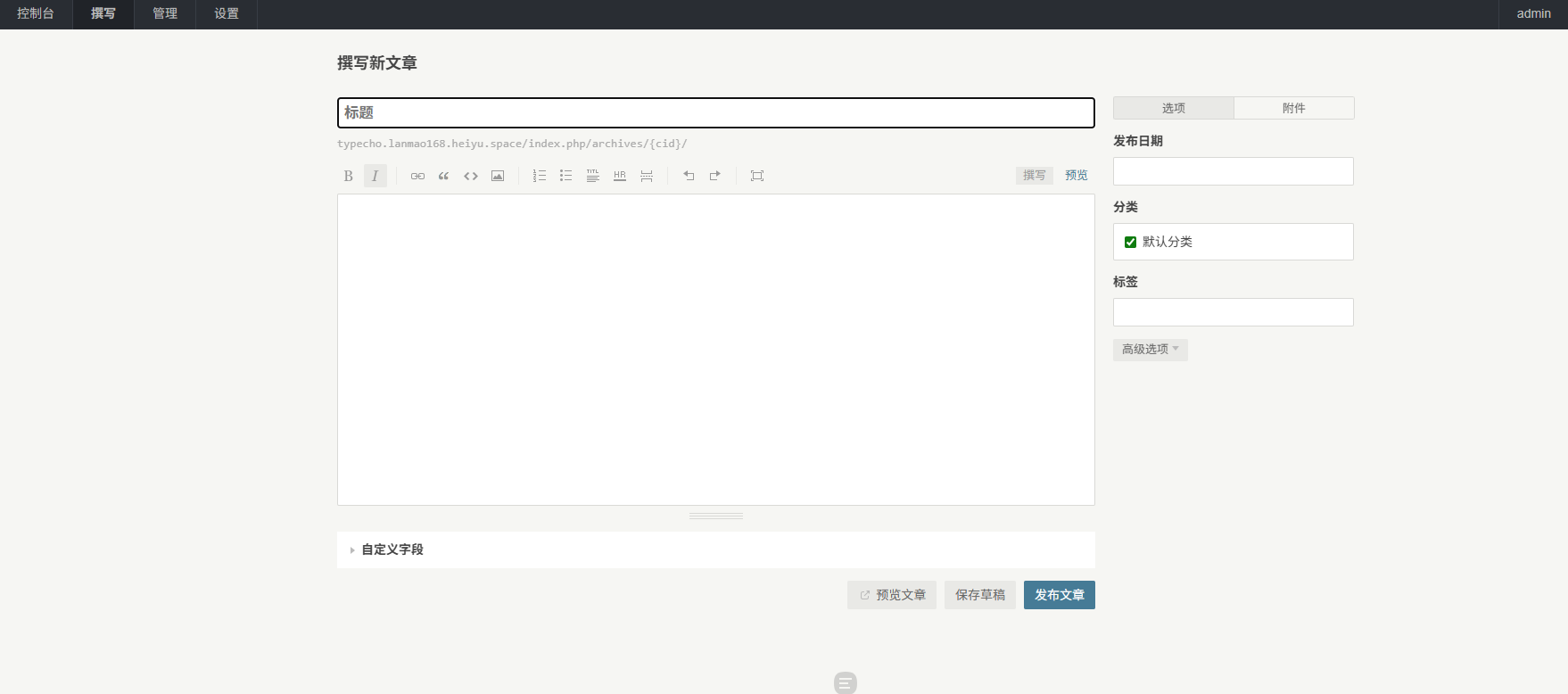
Create a new article.
If you want to insert an image, you can click here, but only remote images can be inserted.
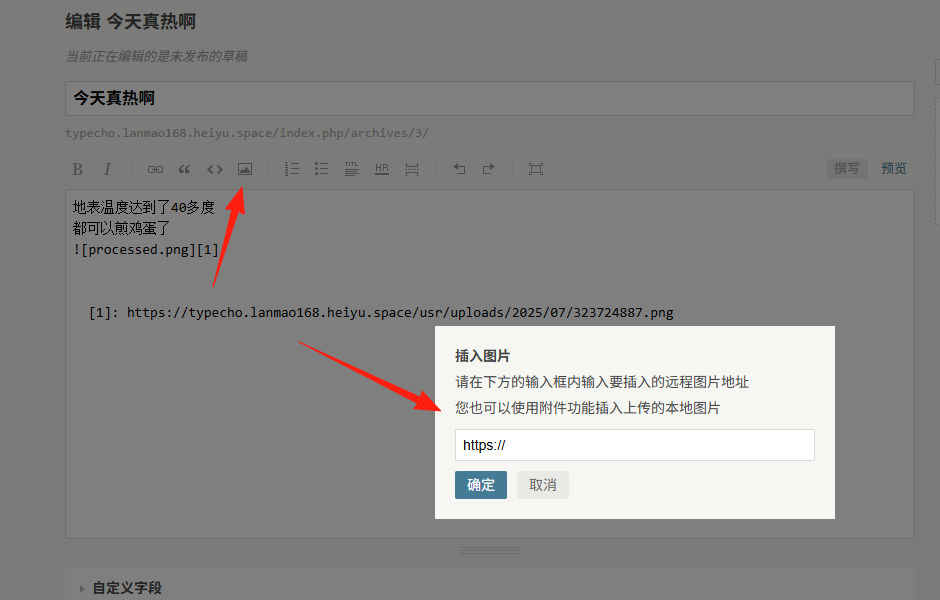
Use the [Add Attachment] option on the right, select a local image, and it will automatically generate a remote image URL.
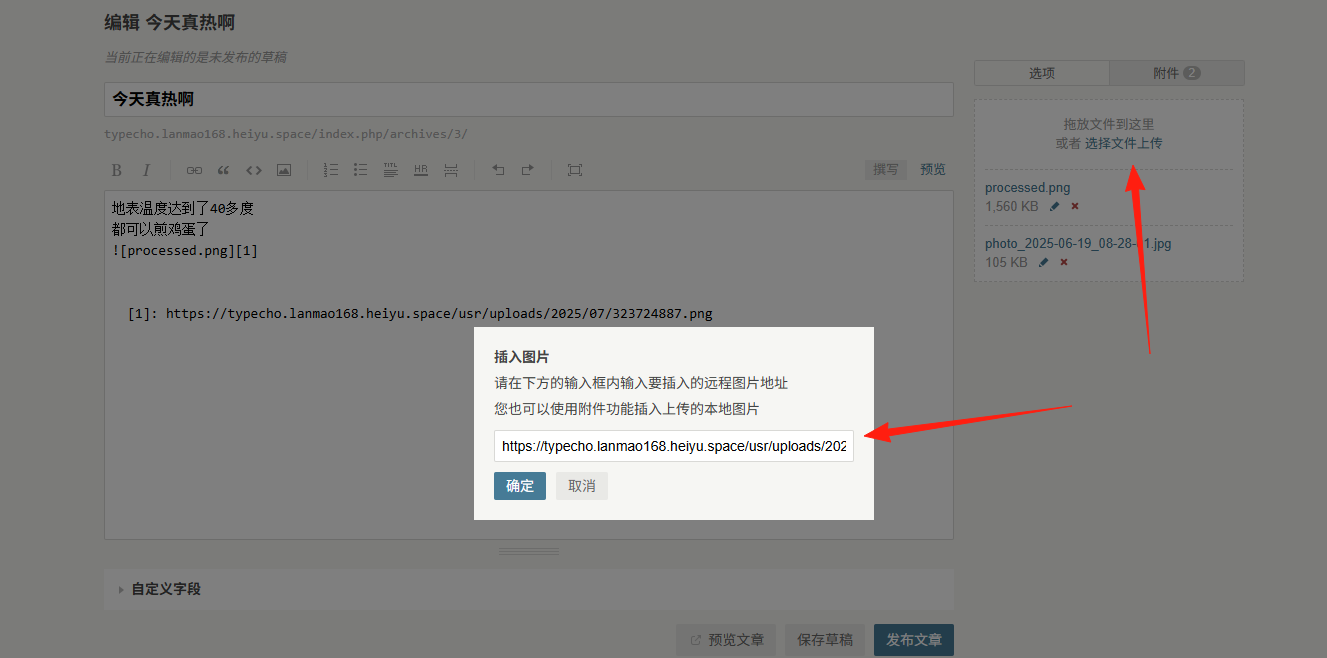
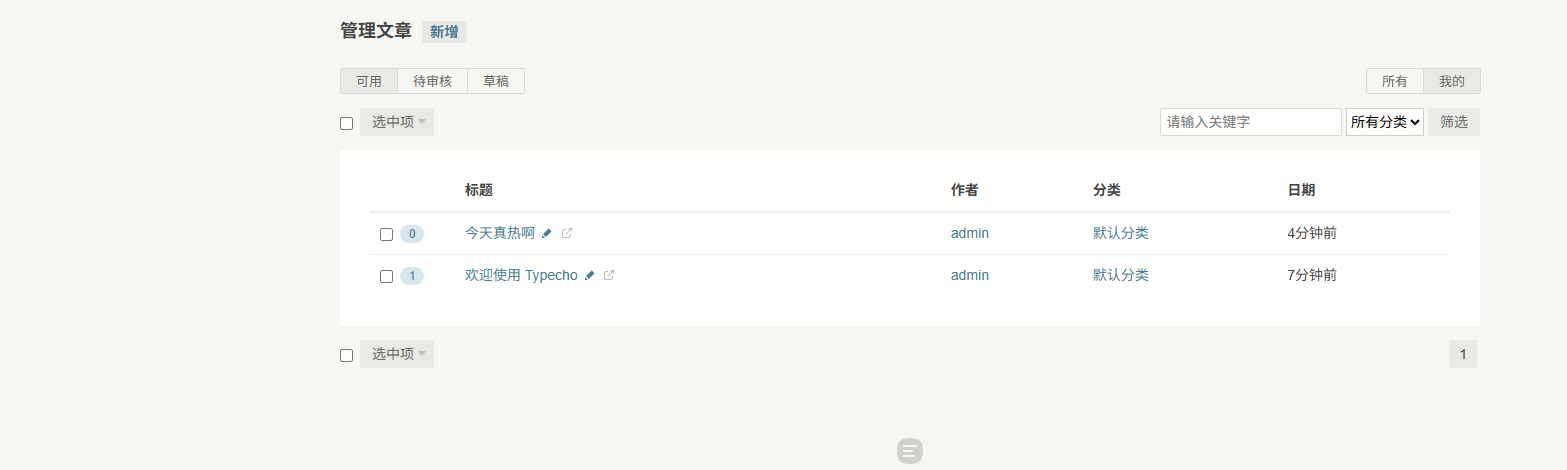
Click [Publish Article] to view the article list.
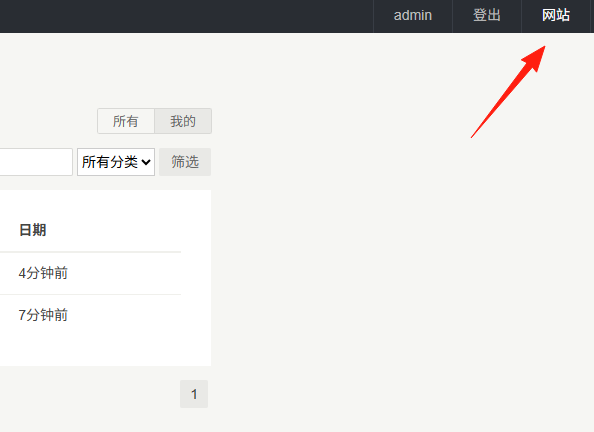
Click [Website] in the upper right corner to view the blog's homepage.
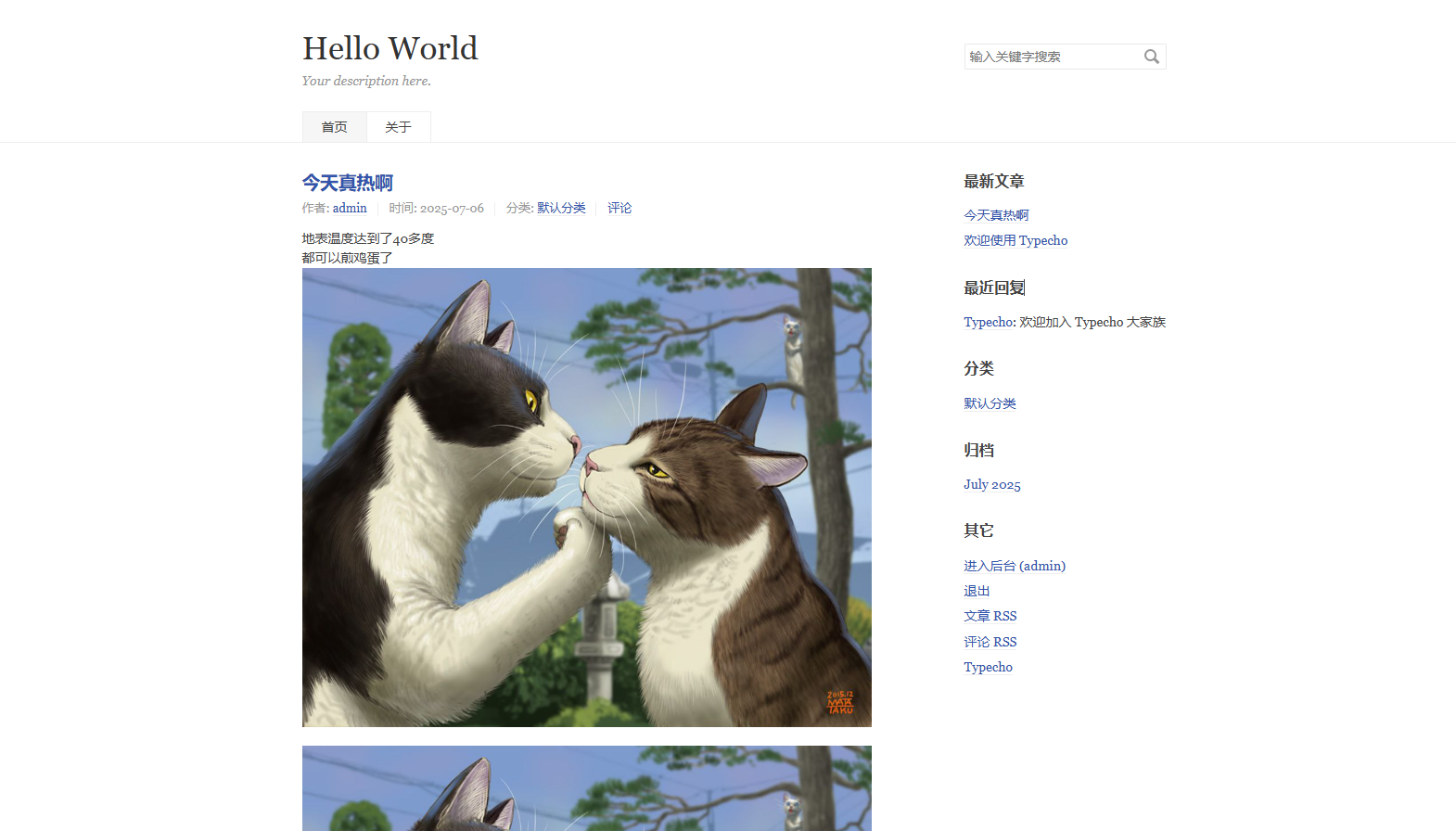
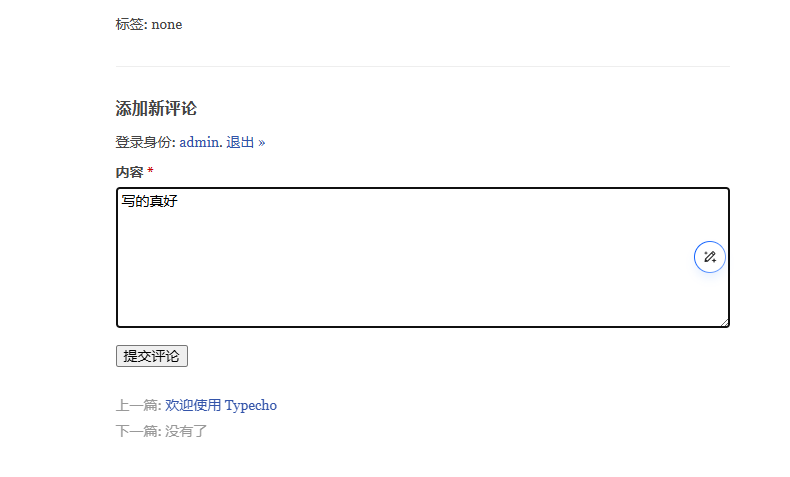
A comment plugin is built-in, allowing readers to comment below.
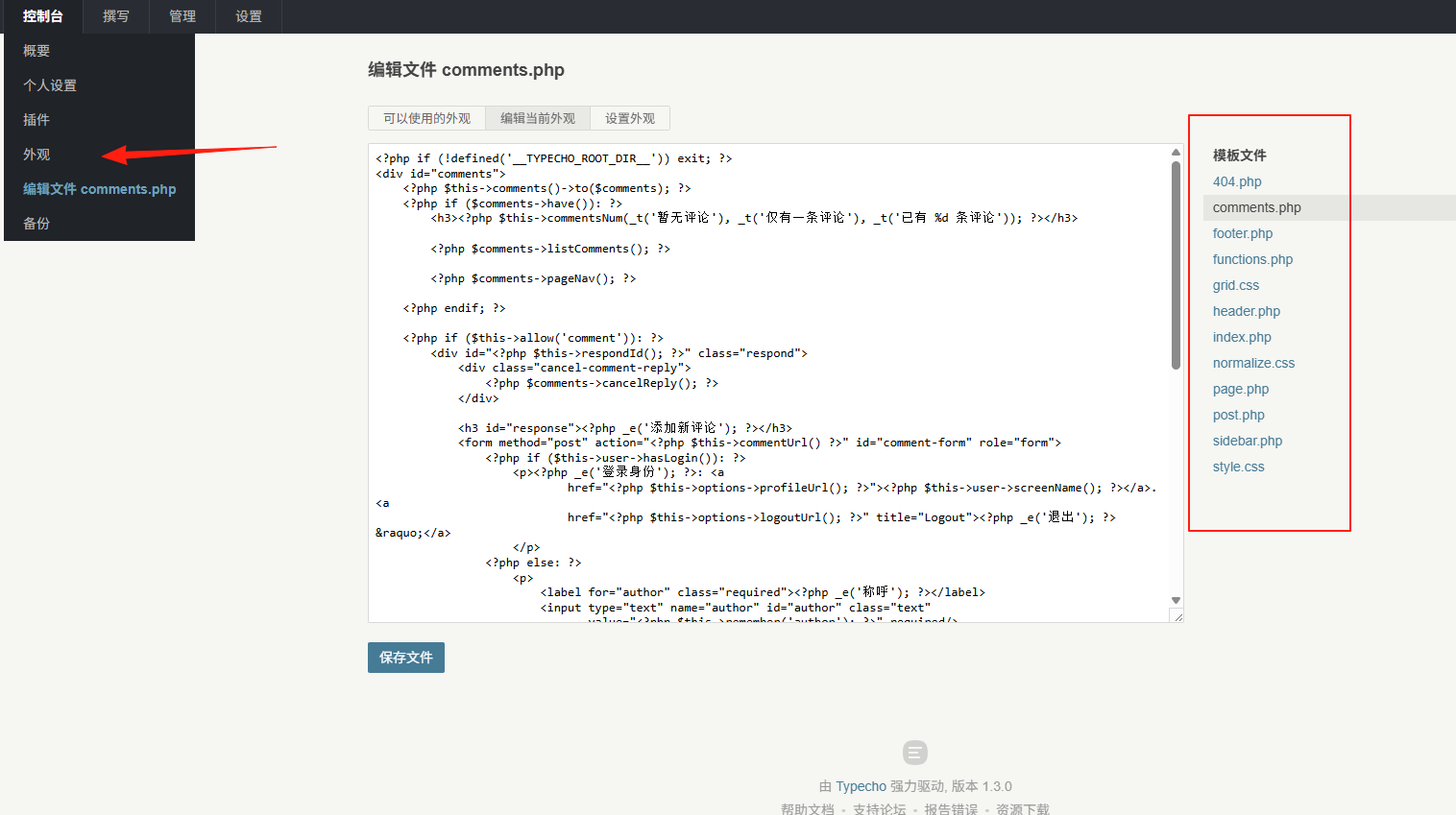
If you are not satisfied with the appearance, you can adjust it here, but coding knowledge is required.
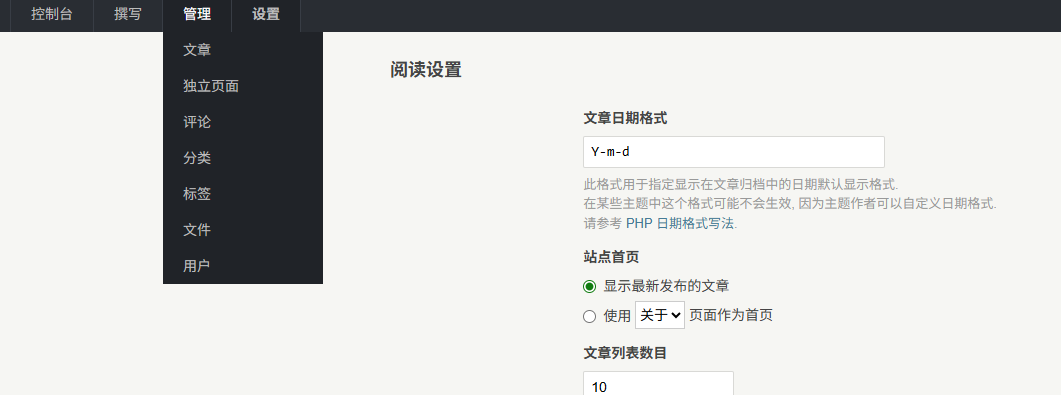
In the Management and Settings sections, you can adjust more details.
Overall, it is quite user-friendly, and the Chinese translation is accurate.
For those looking to set up their own blog, Typecho is a great choice.