
PdfDing User Guide: A Powerful PDF Manager and Viewer
PdfDing is a self-hosted PDF manager and viewer that delivers a seamless user experience across multiple devices. It features a minimalist design, fast performance, and easy setup via Docker.
Features
- Seamless browser-based PDF viewing across multiple devices
- Organize PDFs using tags
- Clean and responsive user interface
- Dark mode
- Remembers current position - resume reading where you left off
- Supports SSO through OIDC
- Each user can upload their own PDFs without requiring administrative content management.
https://appstore.lazycat.cloud/#/shop/detail/in.zhaoj.pdfding
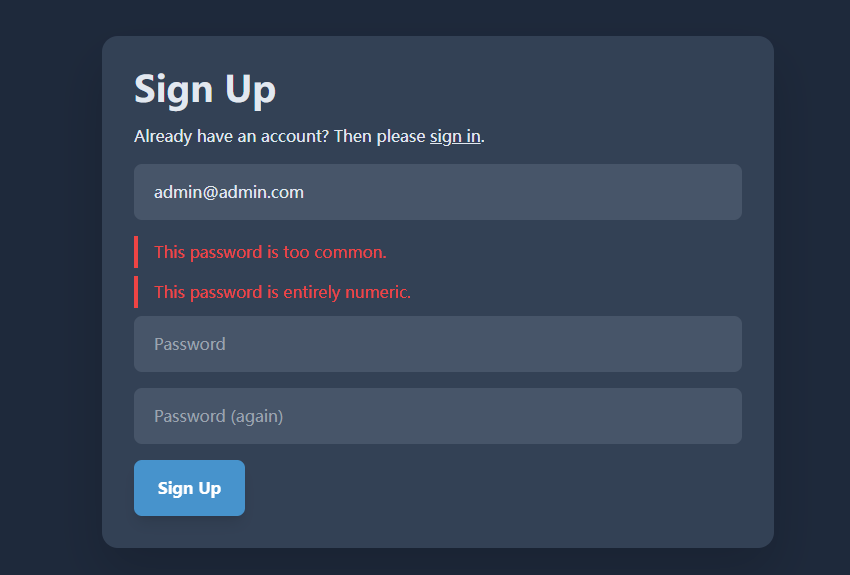
After installing from the LazyCat Store, you need to register an account first:

Set a moderately complex password - it cannot be all numbers.
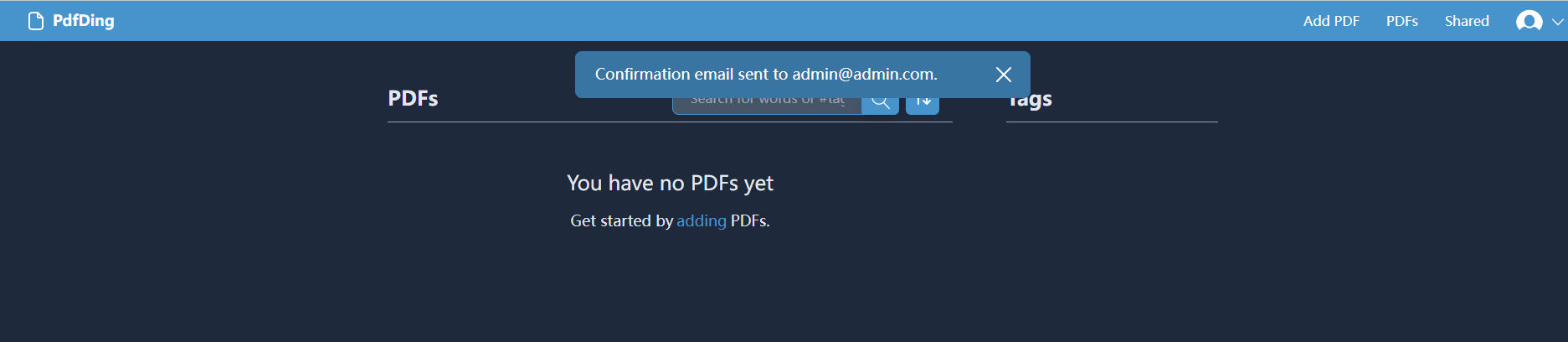
After logging in, the email you provided won't receive any messages; you can use the service normally.
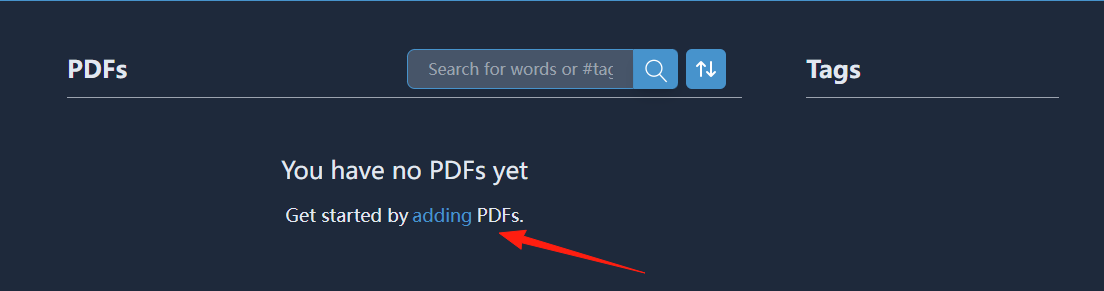
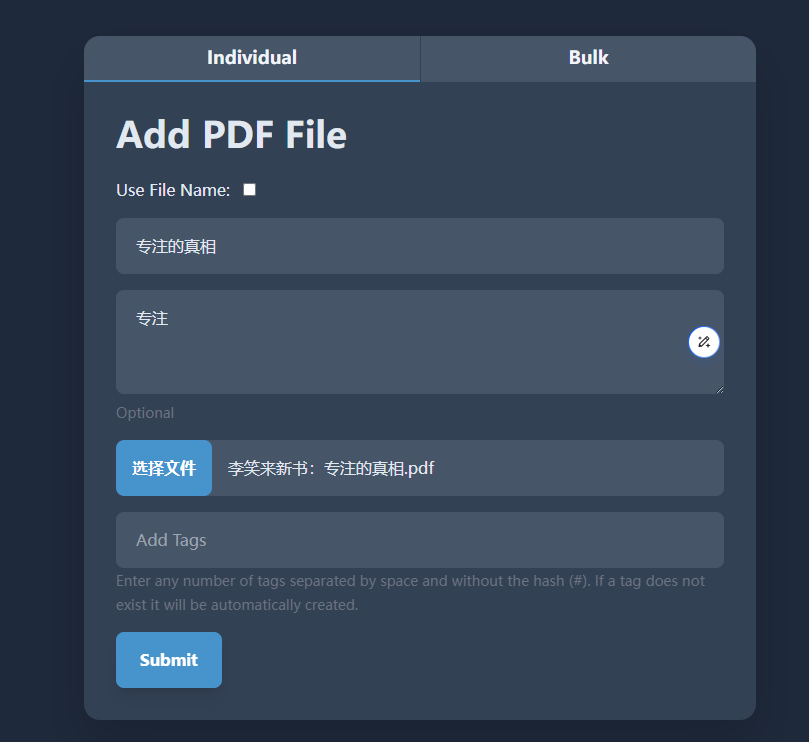
First, add a PDF:
You can then see the result - here it shows the reading progress:

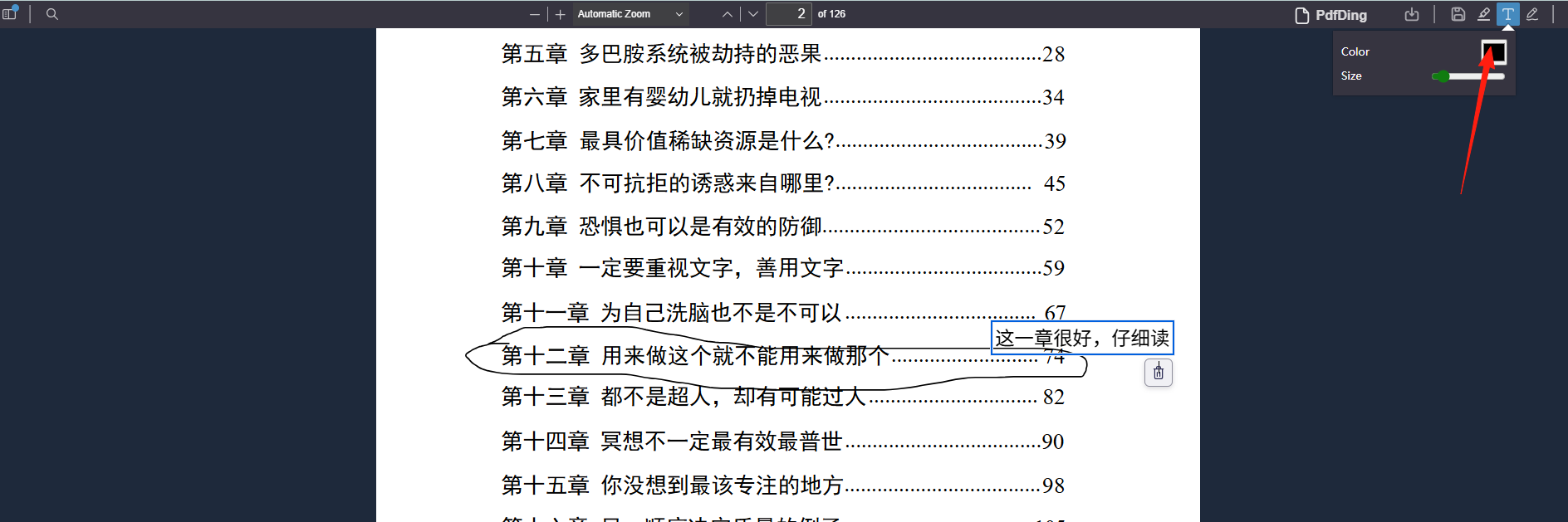
After opening a document, you can edit it by adding reading notes and highlighting key points:
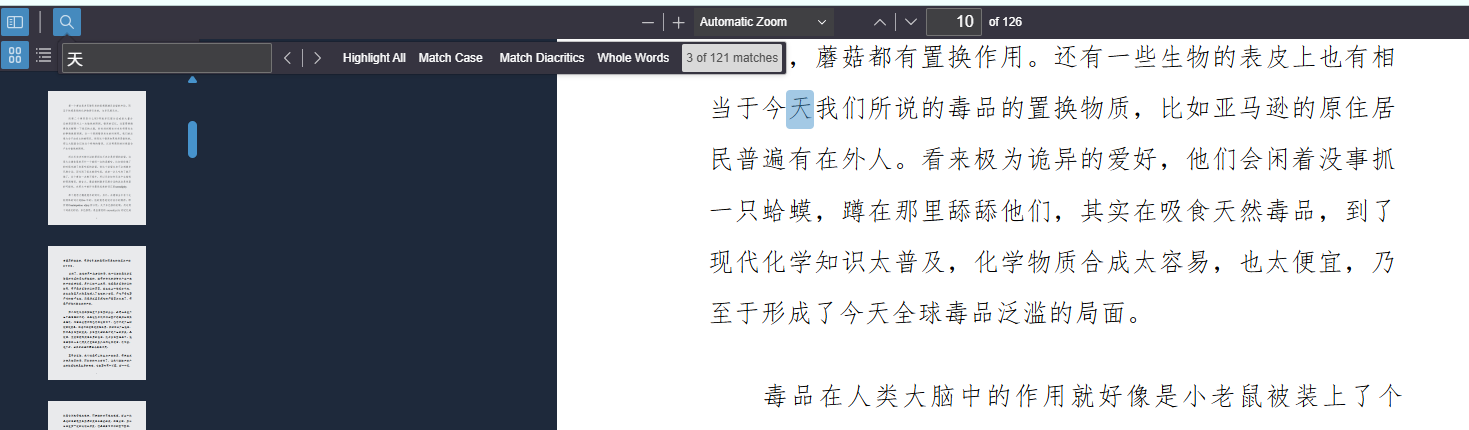
The search function on the left is also quite useful:
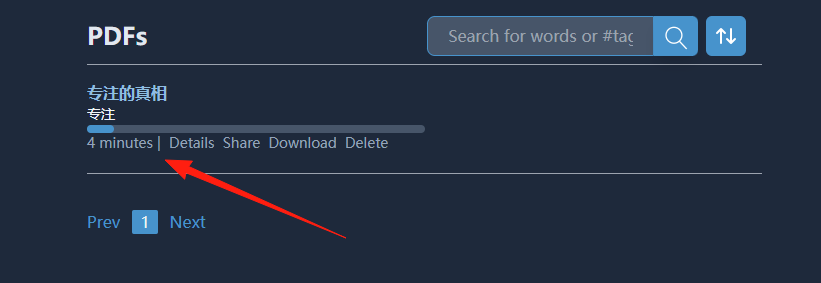
After editing, remember to click the save button in the top right. Returning to the homepage, you can see the progress:
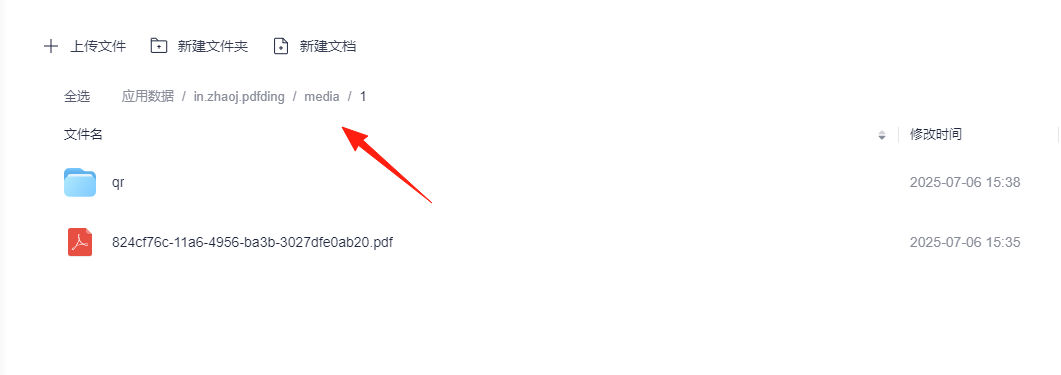
From the application data, you can see that it stores data in the media directory:
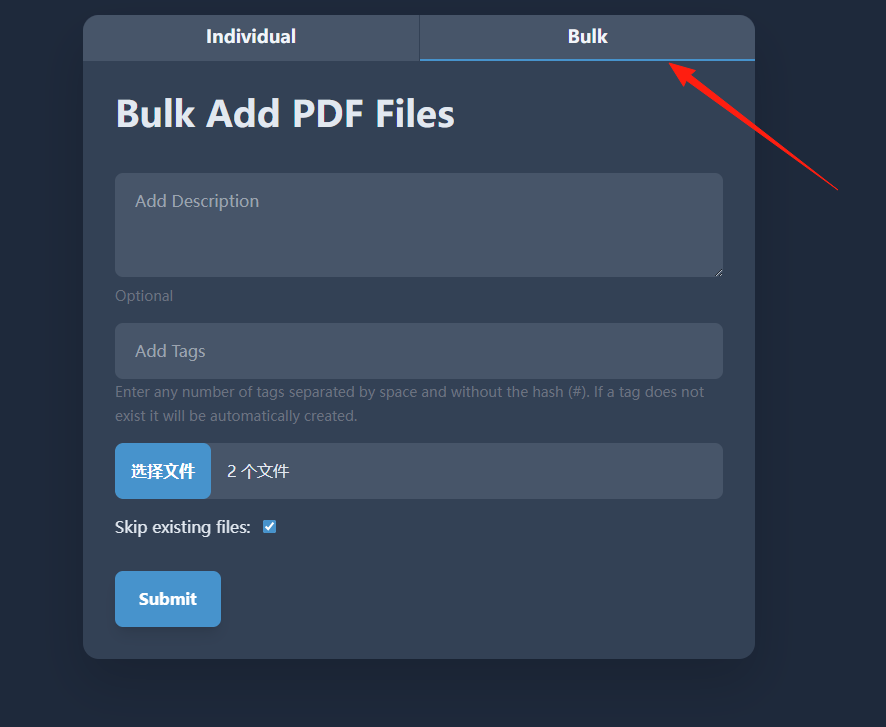
The Bulk function on the right allows for batch file uploads:
Each file supports CRUD operations (Create, Read, Update, Delete).
Summary
For those who frequently read and edit PDF files, this is a very convenient tool.