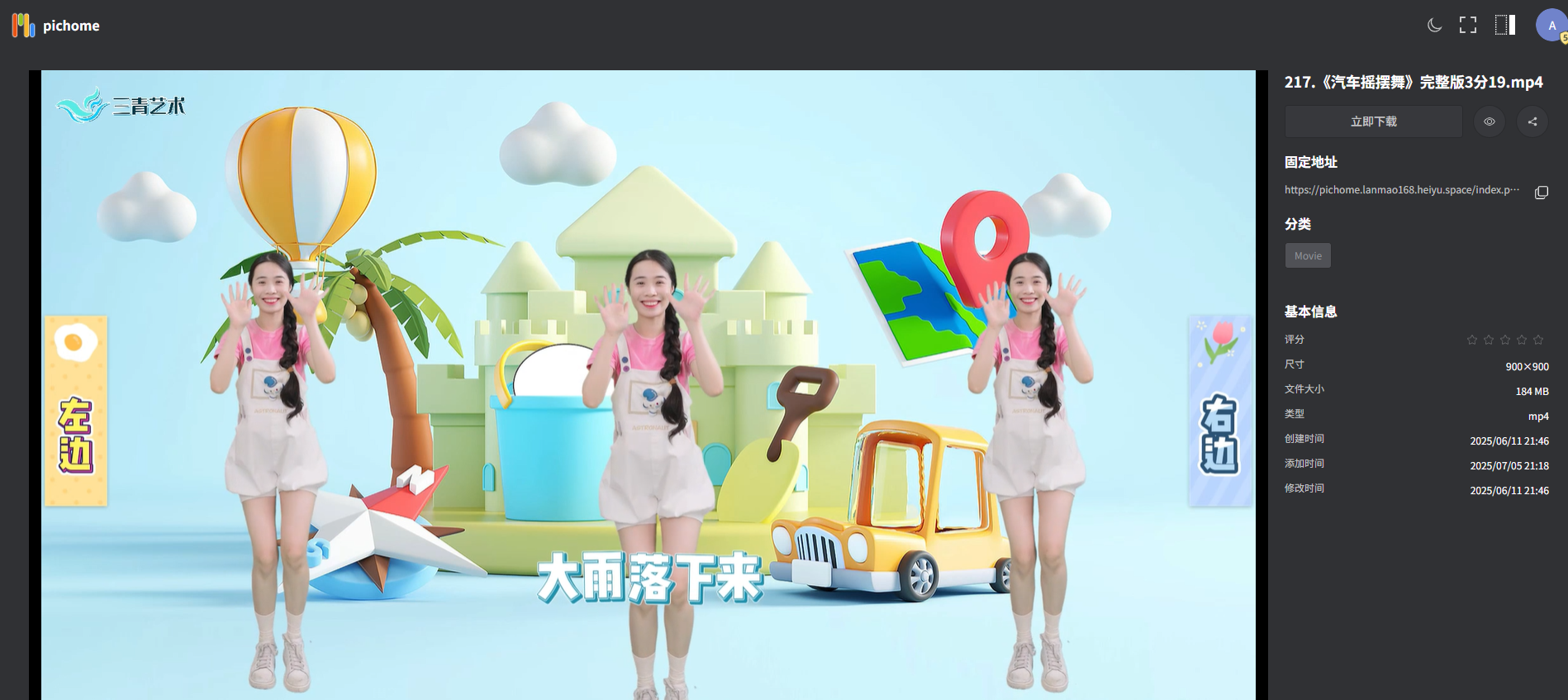
PicHome User Guide: Image Showcase Portal Software
What is PicHome?
OuAo PicHome is a image display portal and search engine for the OuAo Document System. It can also serve as an image display portal for other gallery software like Eagle.
Eagle is an image collection and management tool (commercial software) that makes it easy to collect and organize various materials for design projects, such as "case studies, inspiration, screenshots, images, videos, audio, mood boards," etc. It helps spark more creative inspiration and improves work efficiency!
https://appstore.lazycat.cloud/#/shop/detail/top.j0k3r.pichome
After installing from the Lazycat Store, open the software:
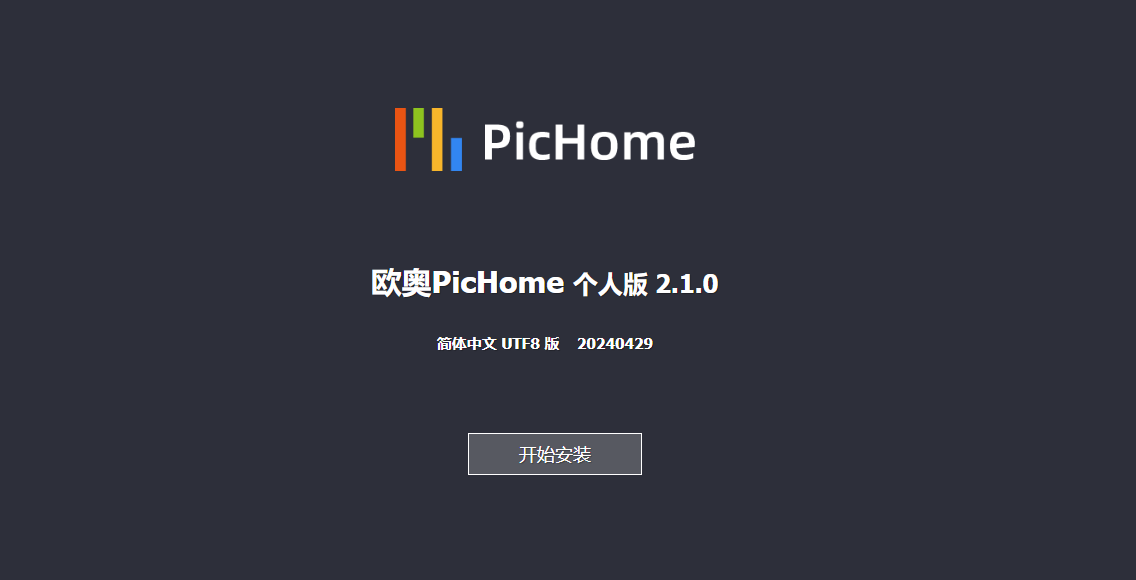
Click Next directly.
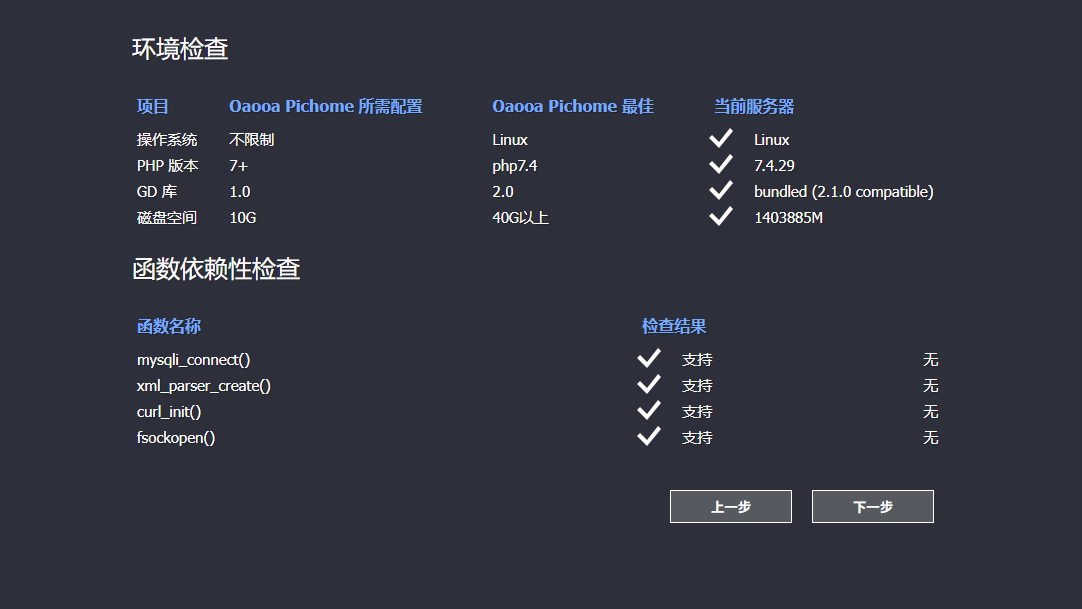
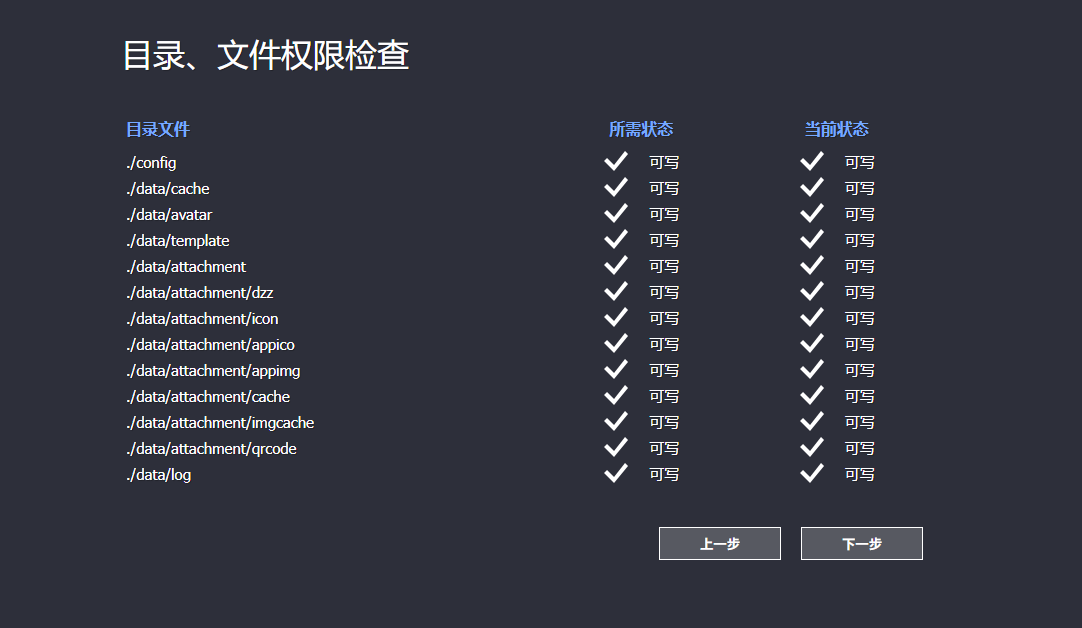
The default here is localhost, which won't work.
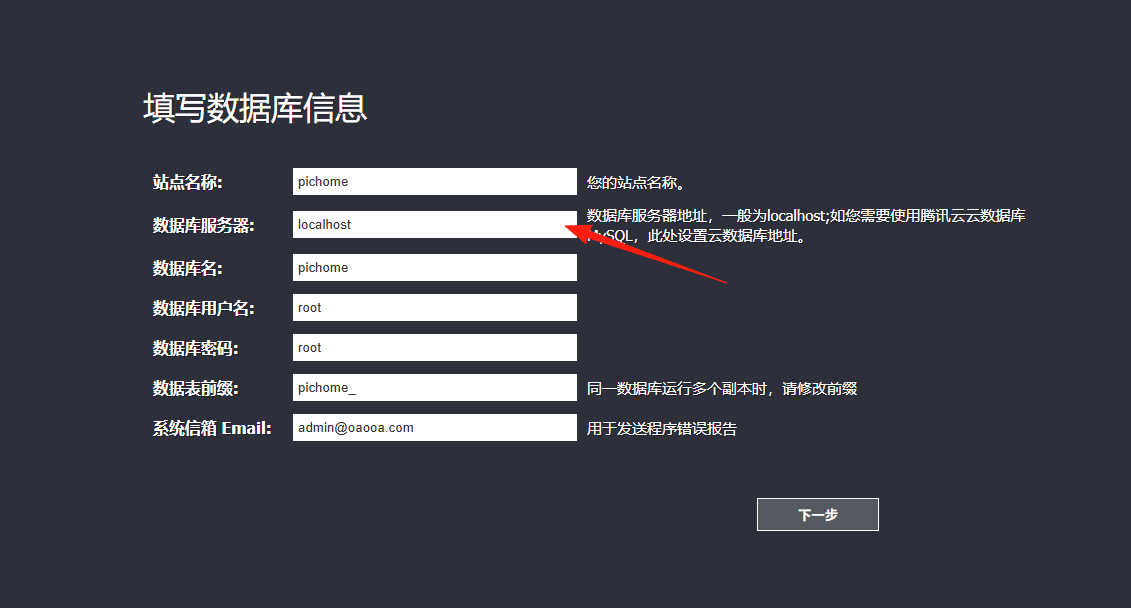
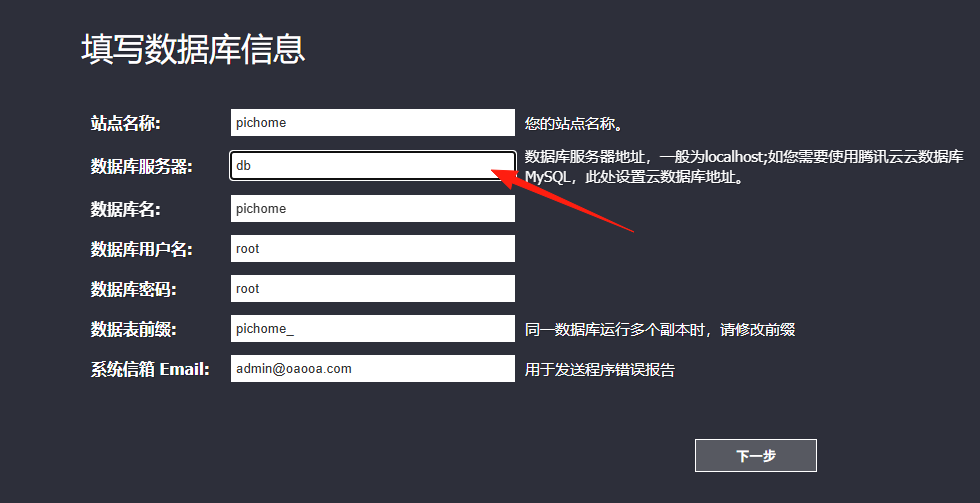
Change it to: db
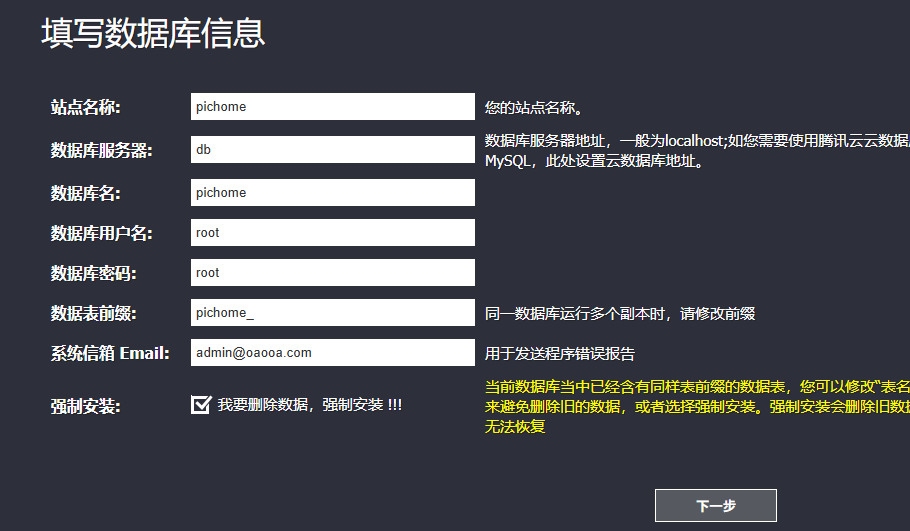
Check the Force Install option.
Next
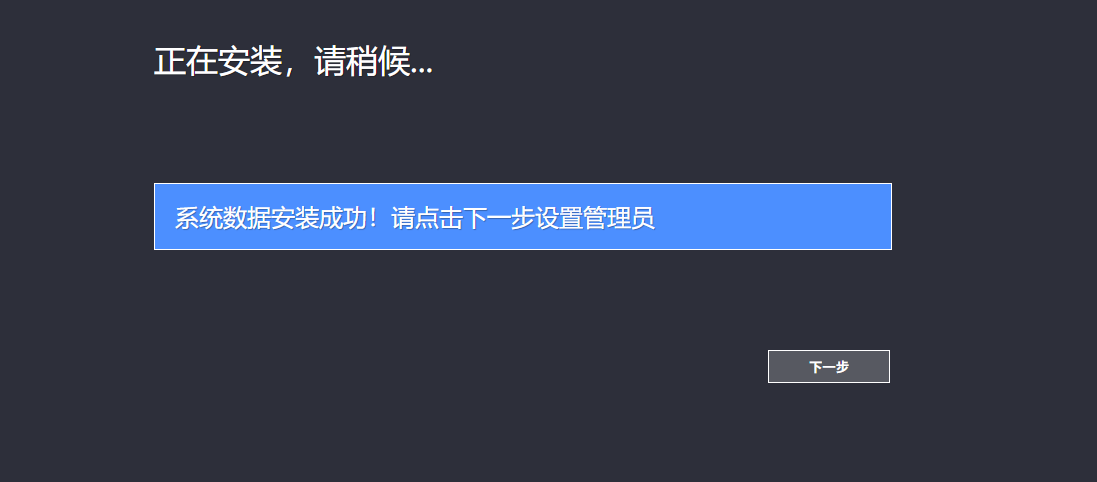
Set the password.
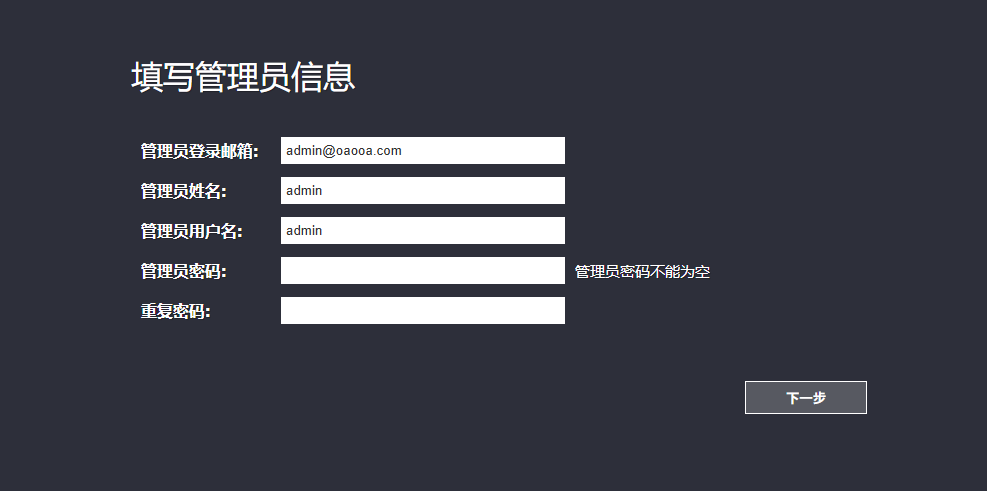
Click to enter the homepage.
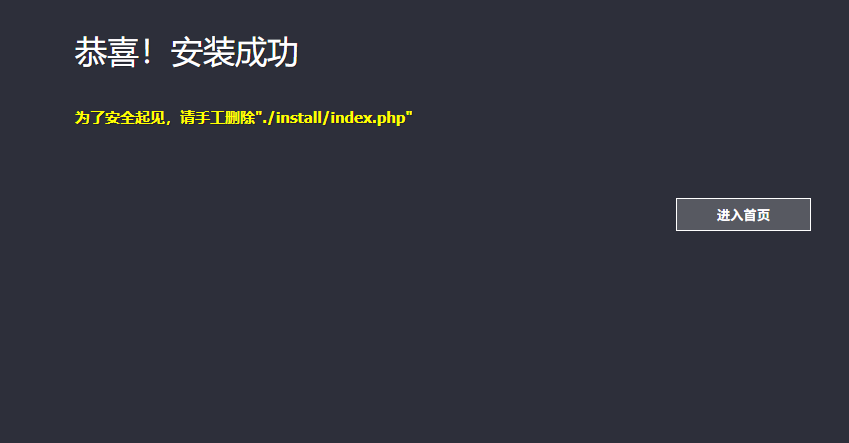
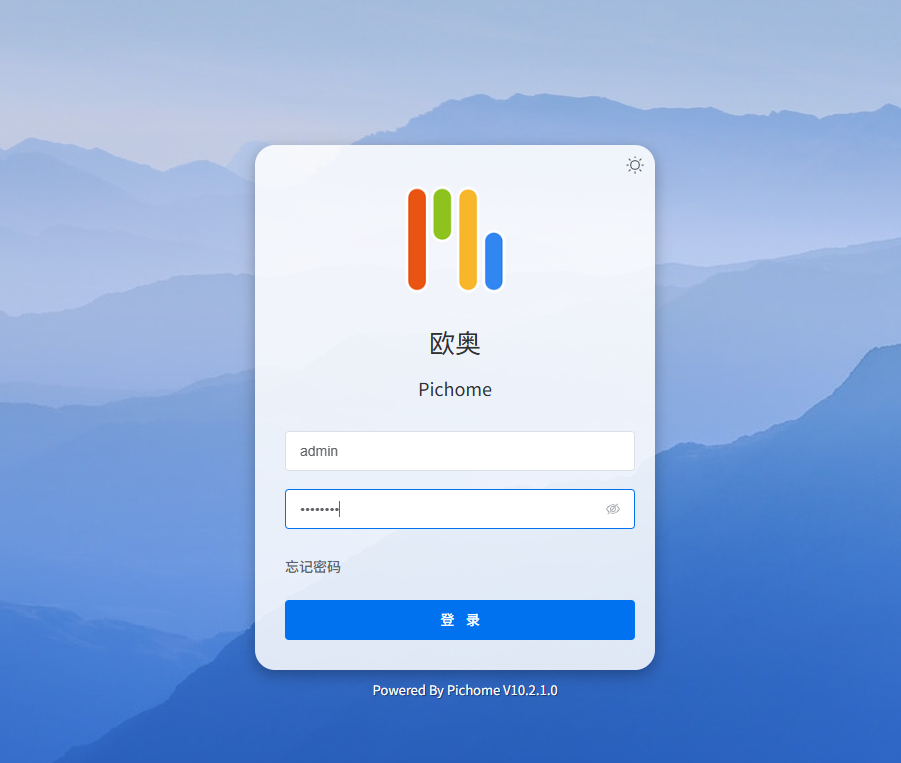
After logging in, it's a blank page with no data yet.
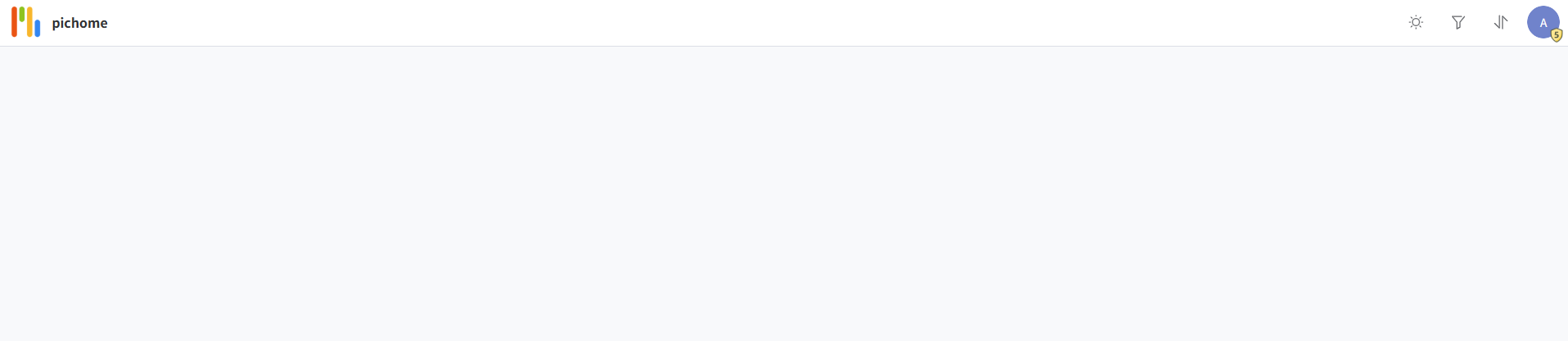
Click the avatar in the top right corner.
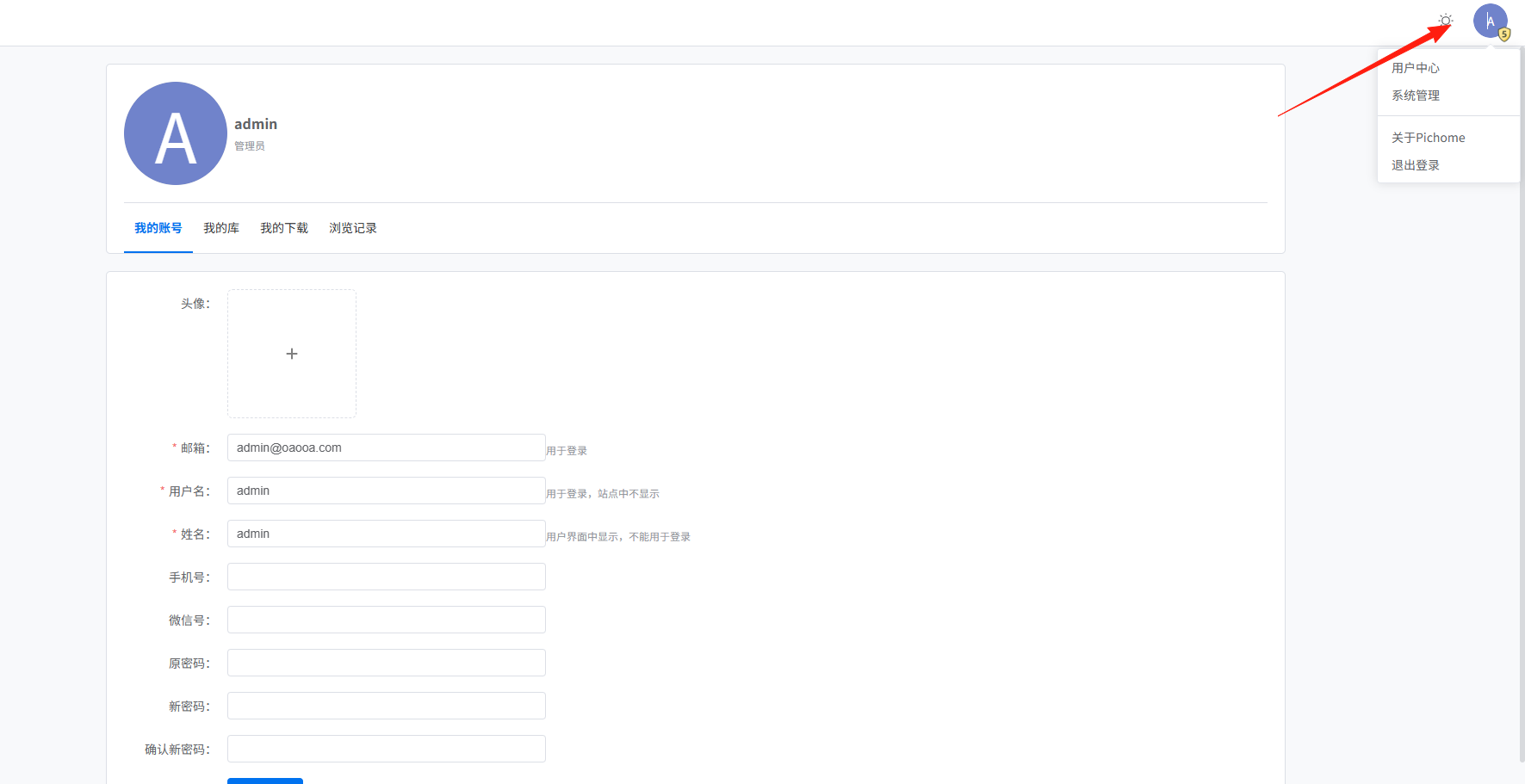
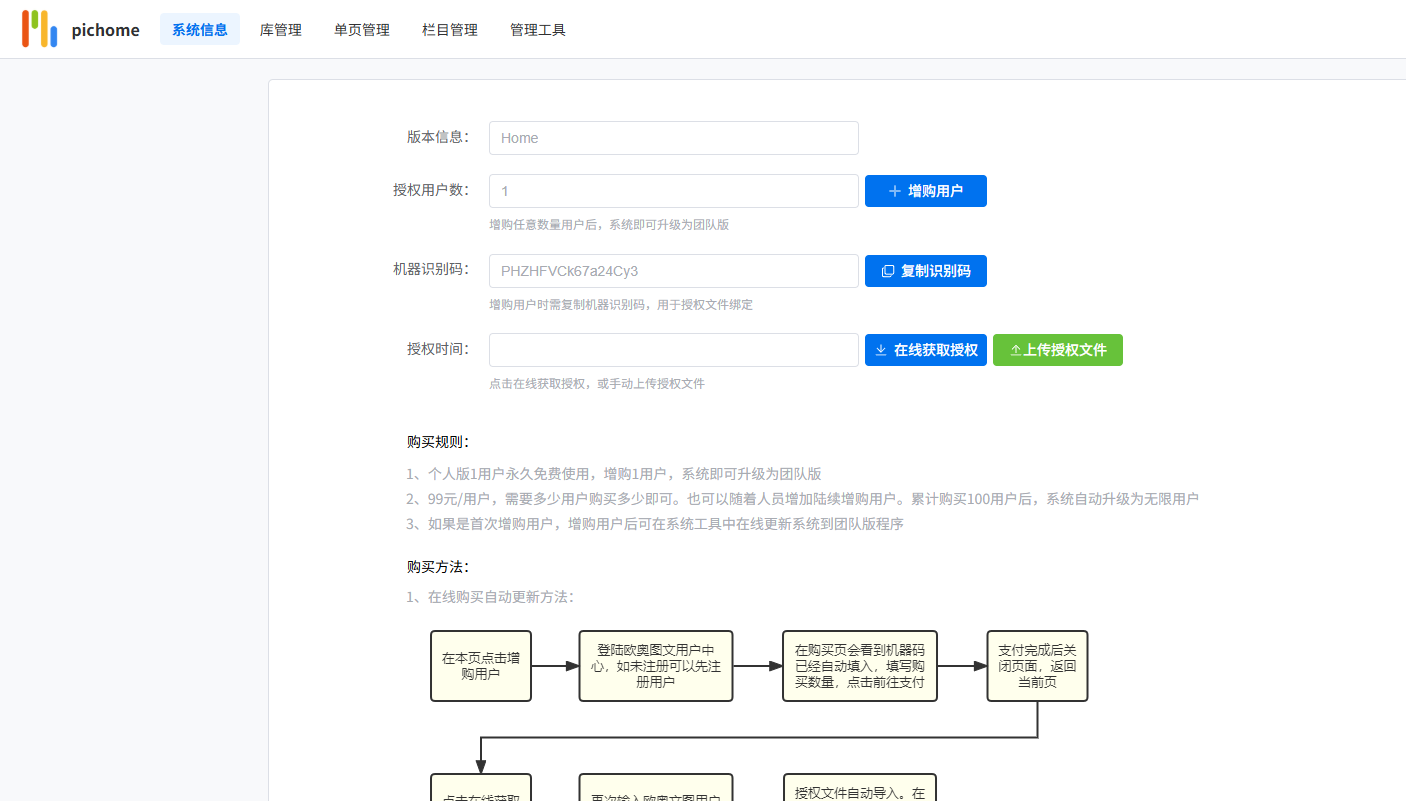
Click [System Management], enter the password, and you will enter this page.
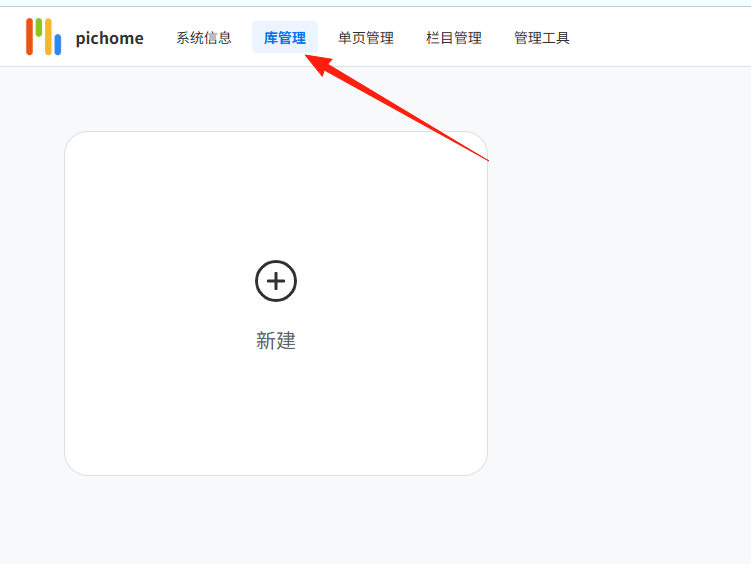
Click [Library Management] and create a new library.
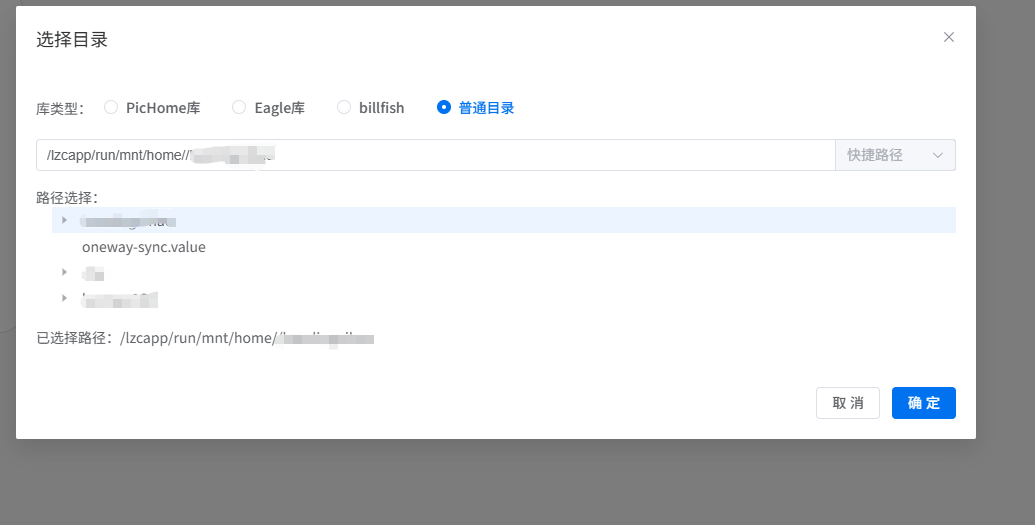
For the address, select /lzcapp/run/mnt/home/<your_username>
After saving, click the update button.
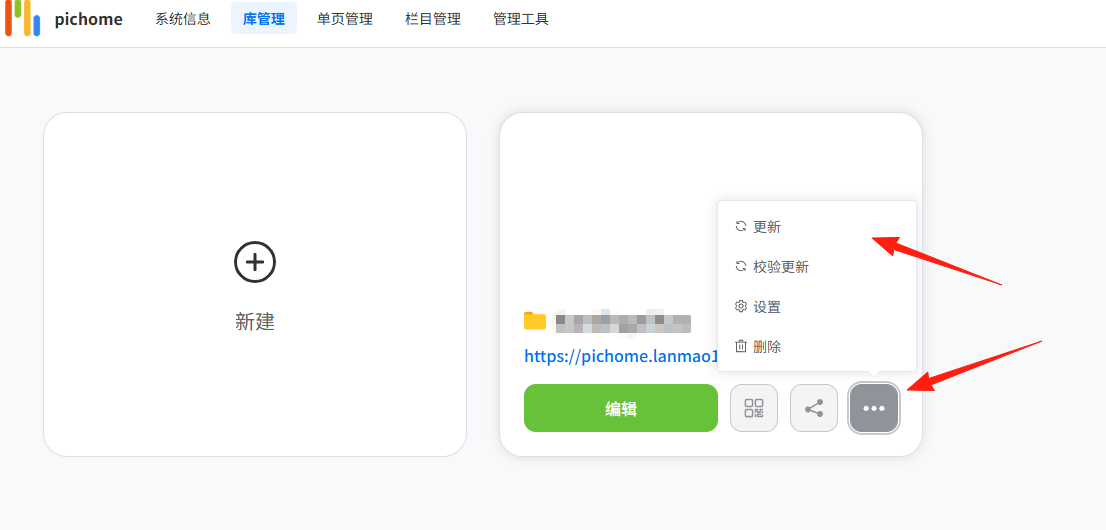
Wait for the progress bar to fill up. This may take a few minutes.

After the progress is complete, click on the library to see the results.
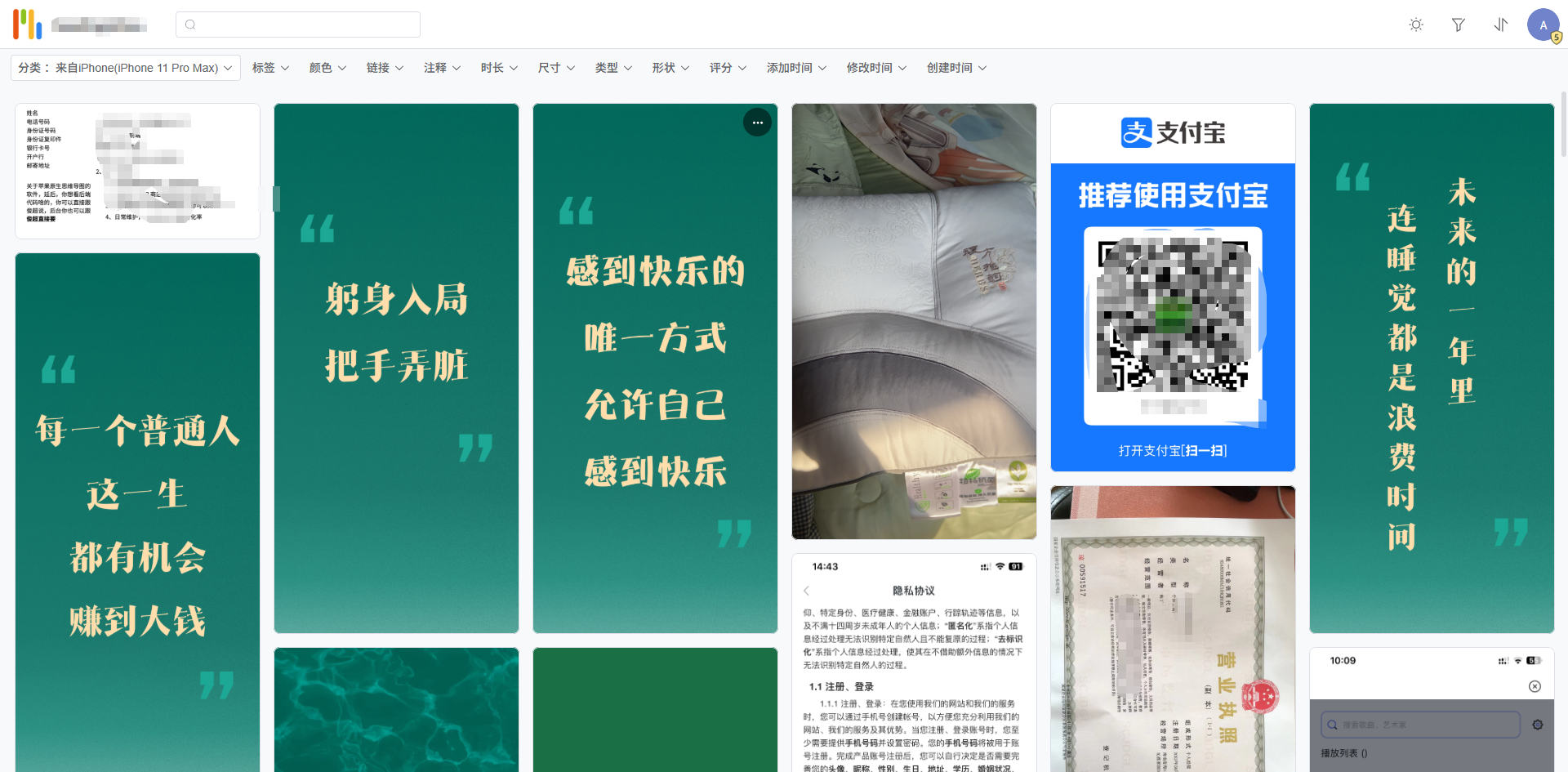
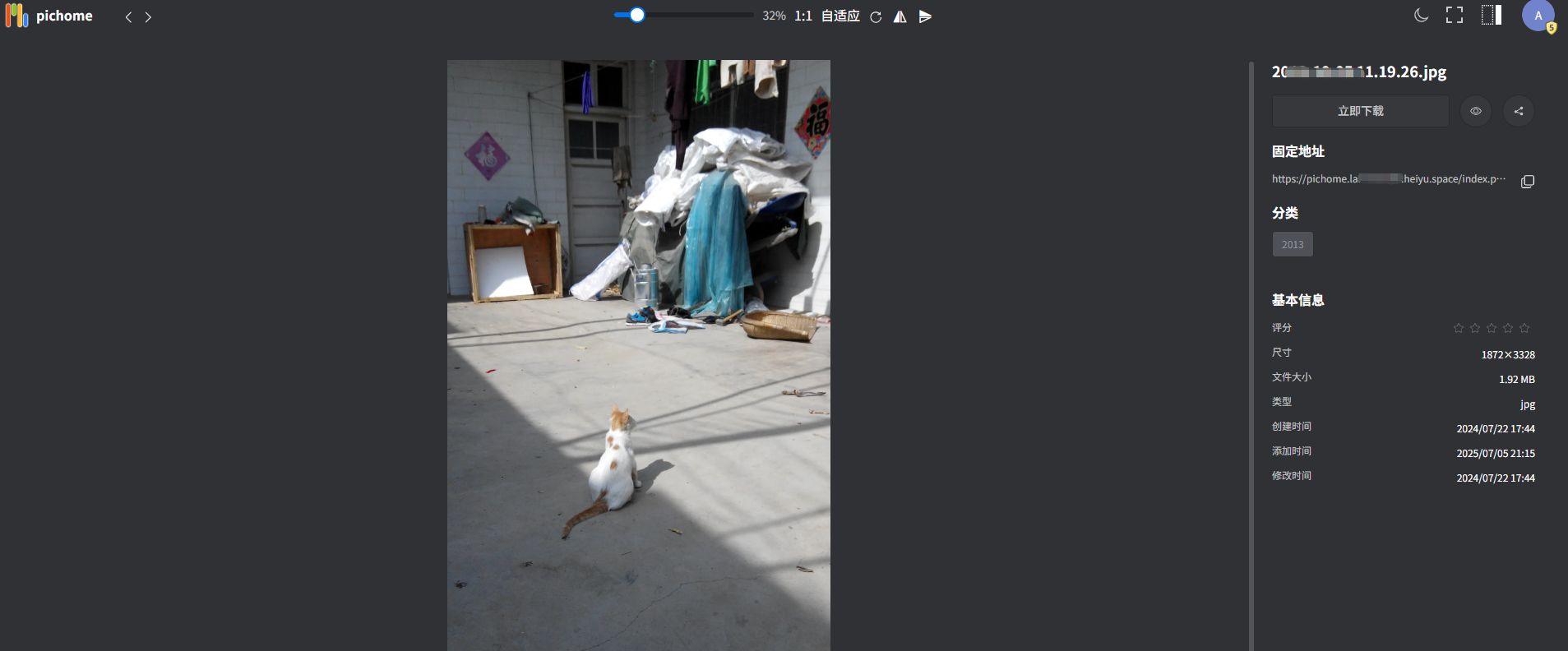
From my experience, the support for images is quite good. However, for videos, it only recognized MP4 files. Formats like RMVB and MKV in my network drive were not recognized.