
webp2jpg: A Free and User-Friendly Image Format Conversion Tool
What is webp2jpg?
webp2jpg is a completely free online image format conversion tool. Its most significant feature is that no file upload is required—all processing is completed locally in your browser. This means your images never leave your computer, protecting your privacy and ensuring security.
https://appstore.lazycat.cloud/#/shop/detail/cloud.lazycat.app.webp2jpg
After installing the application, open the homepage:
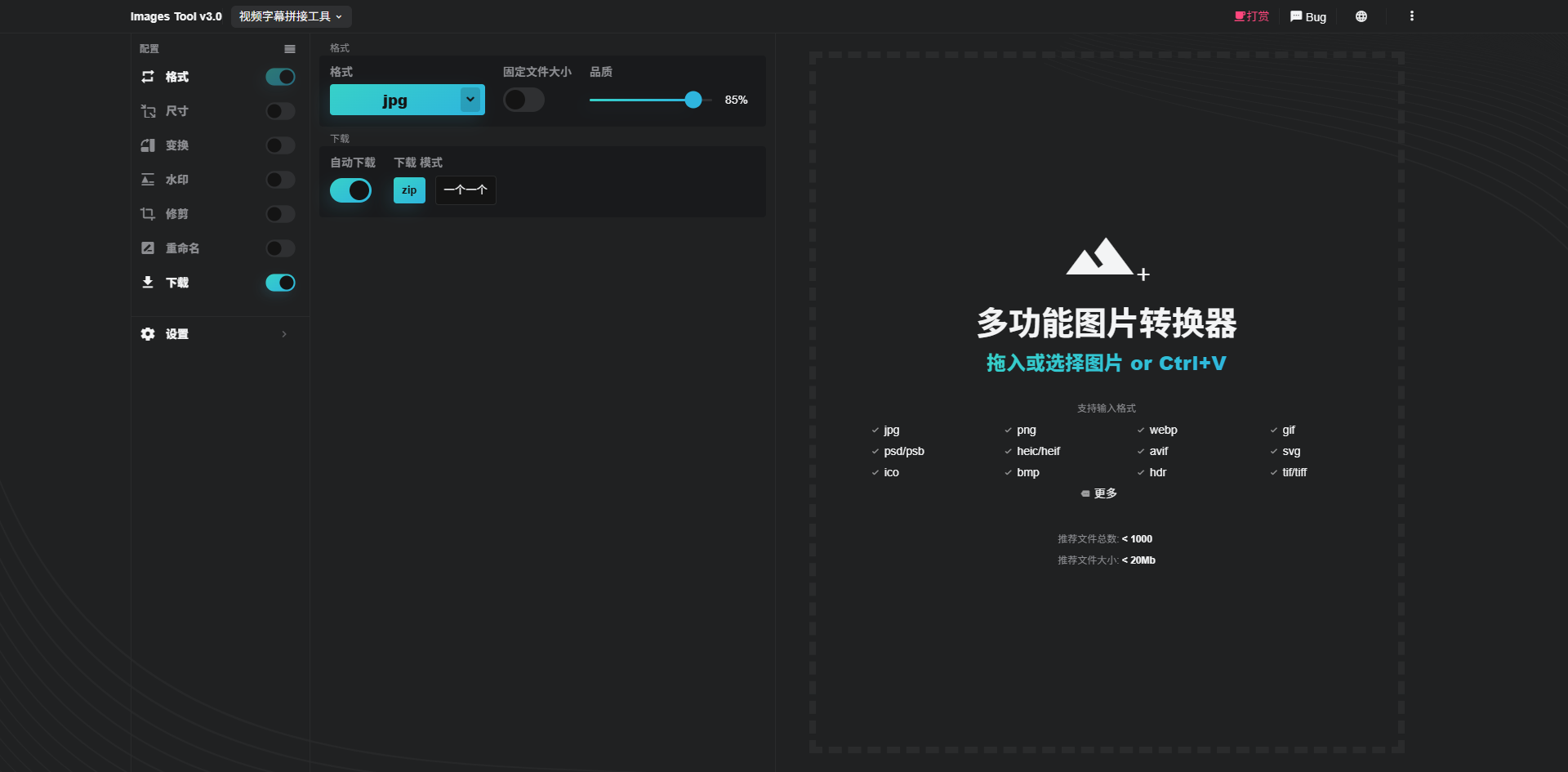
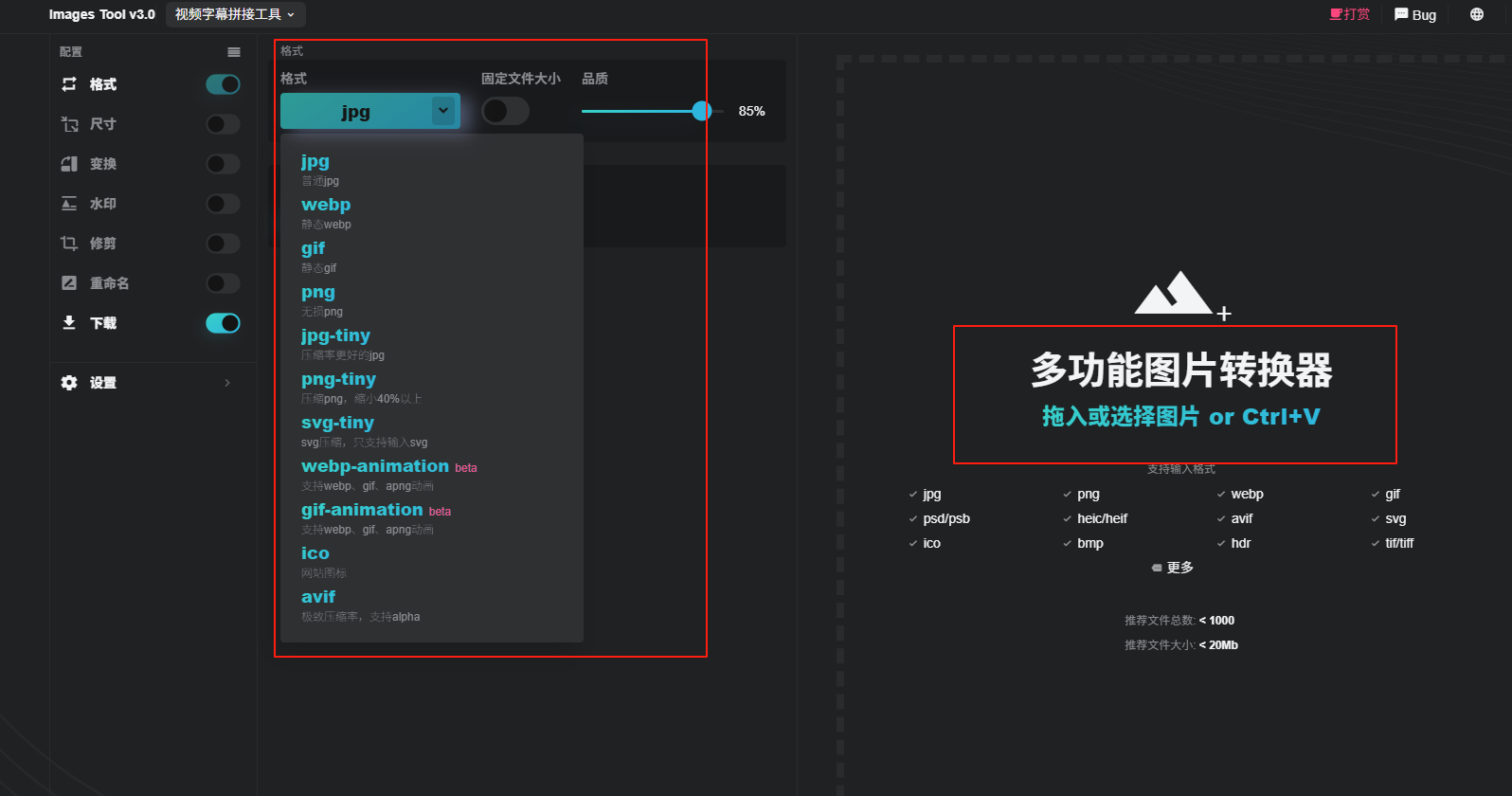
In the red box on the left, you can select different output image formats. On the right, you can directly drag and drop images, with support for multiple images at once.
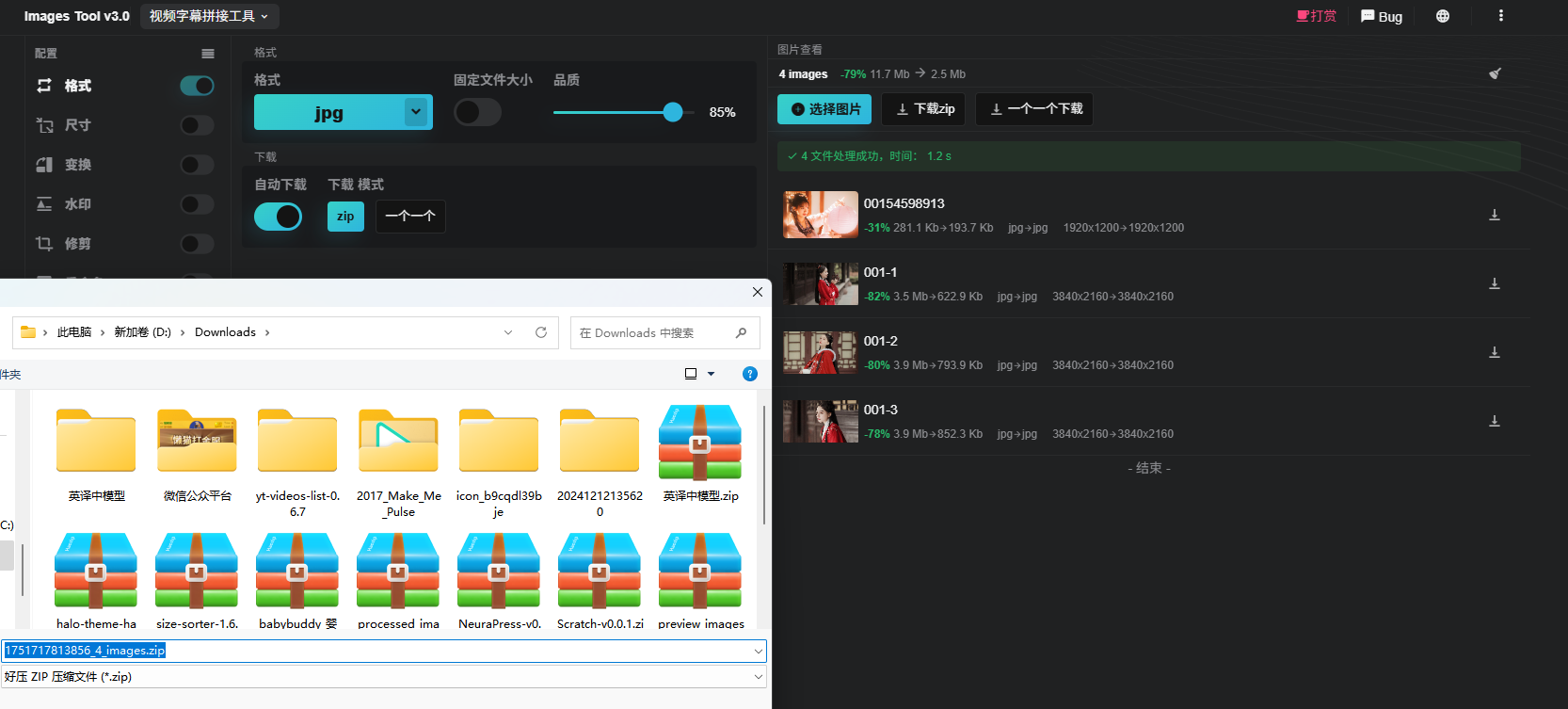
By default, a zip file is generated for download, but you can also choose not to package the files.
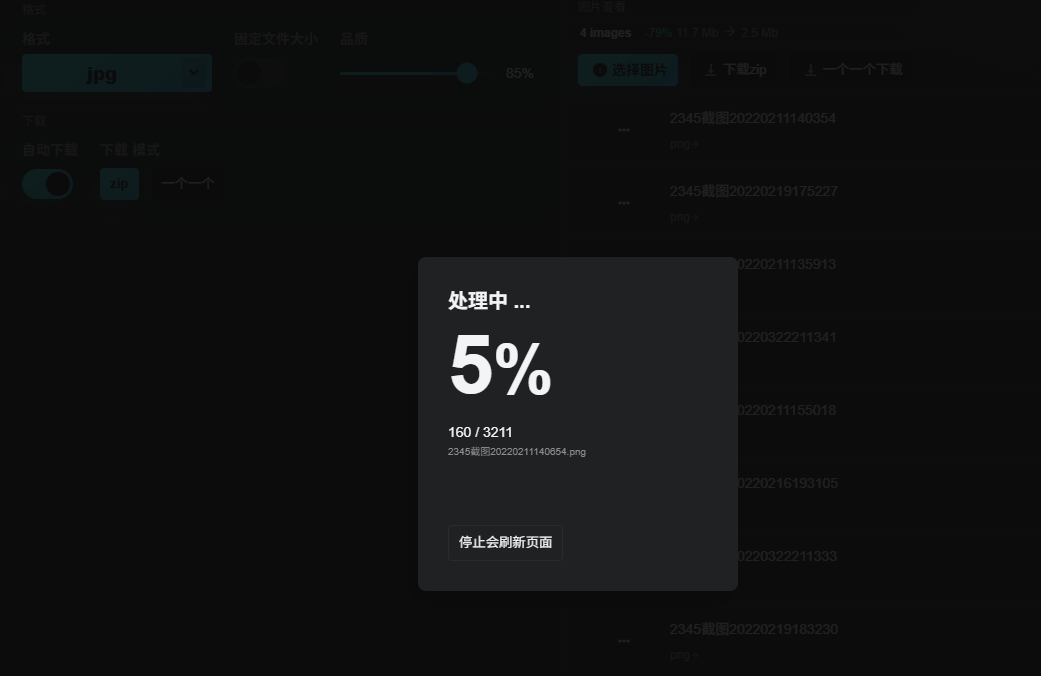
If there are many images, a progress bar will be displayed.
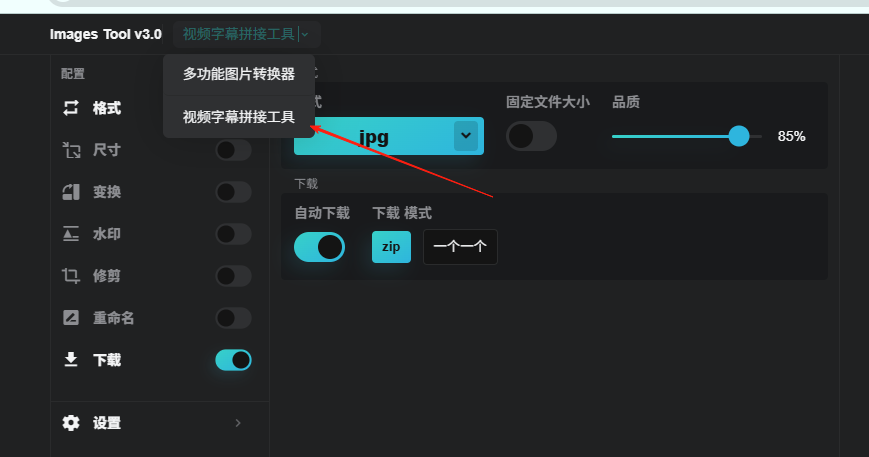
In addition to image conversion, there is also a [Video Subtitle Stitching] feature.
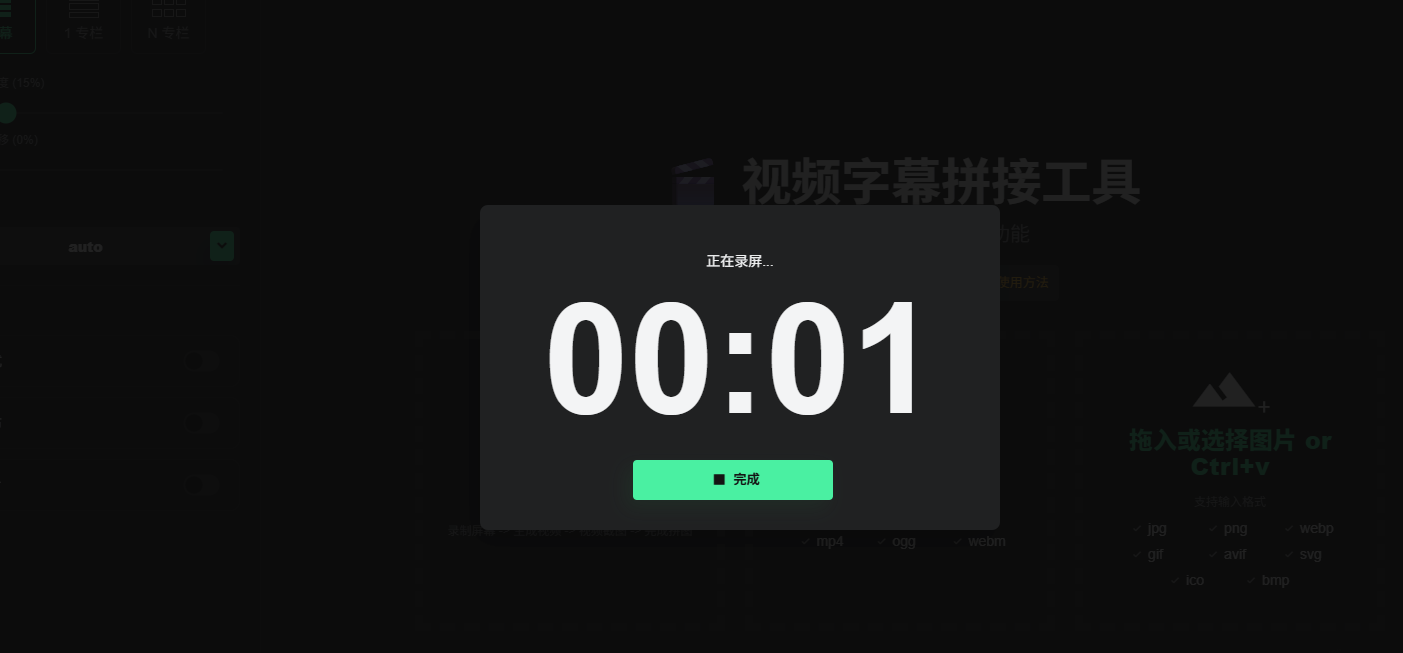
You can record the screen, but screen sharing permissions are required.
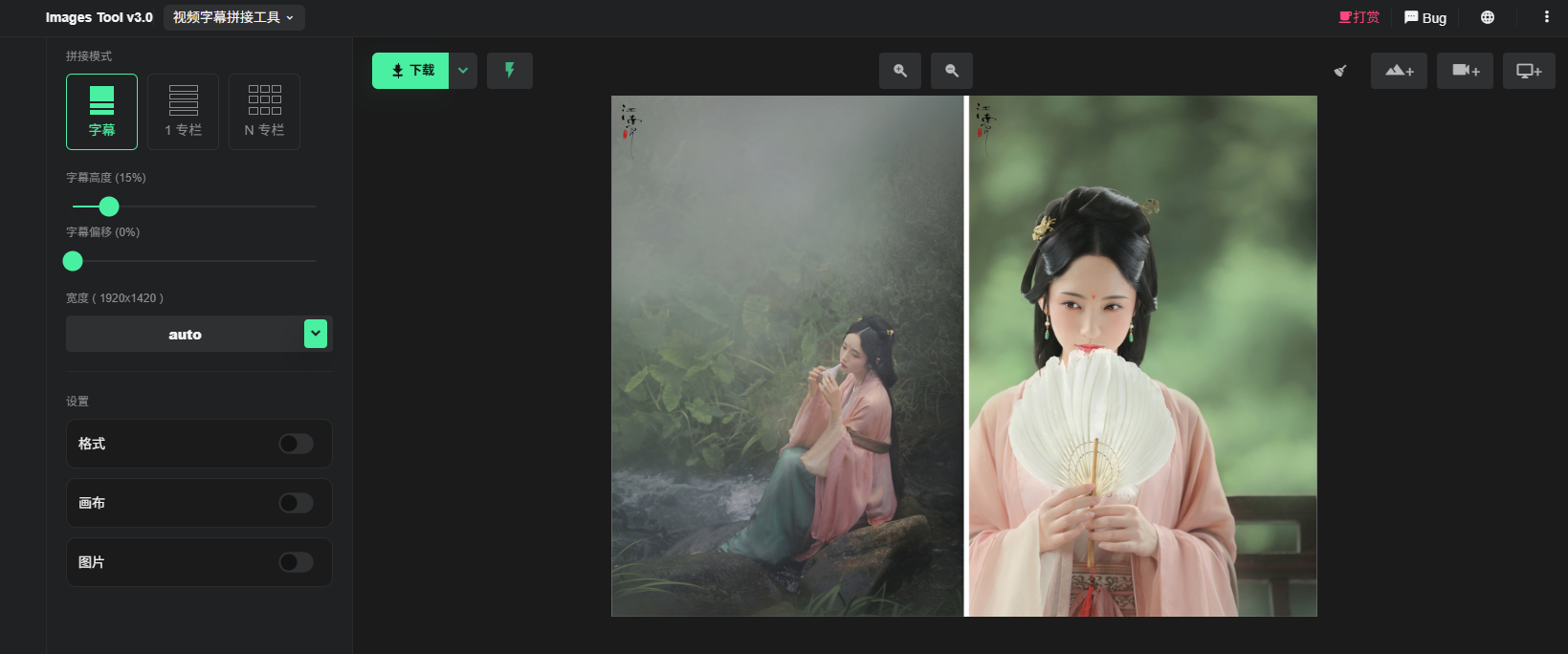
You can also upload video screenshots.
While recording, press the S key to quickly take screenshots.

After clicking the close button in the upper right corner, a collection of screenshots will be automatically generated:
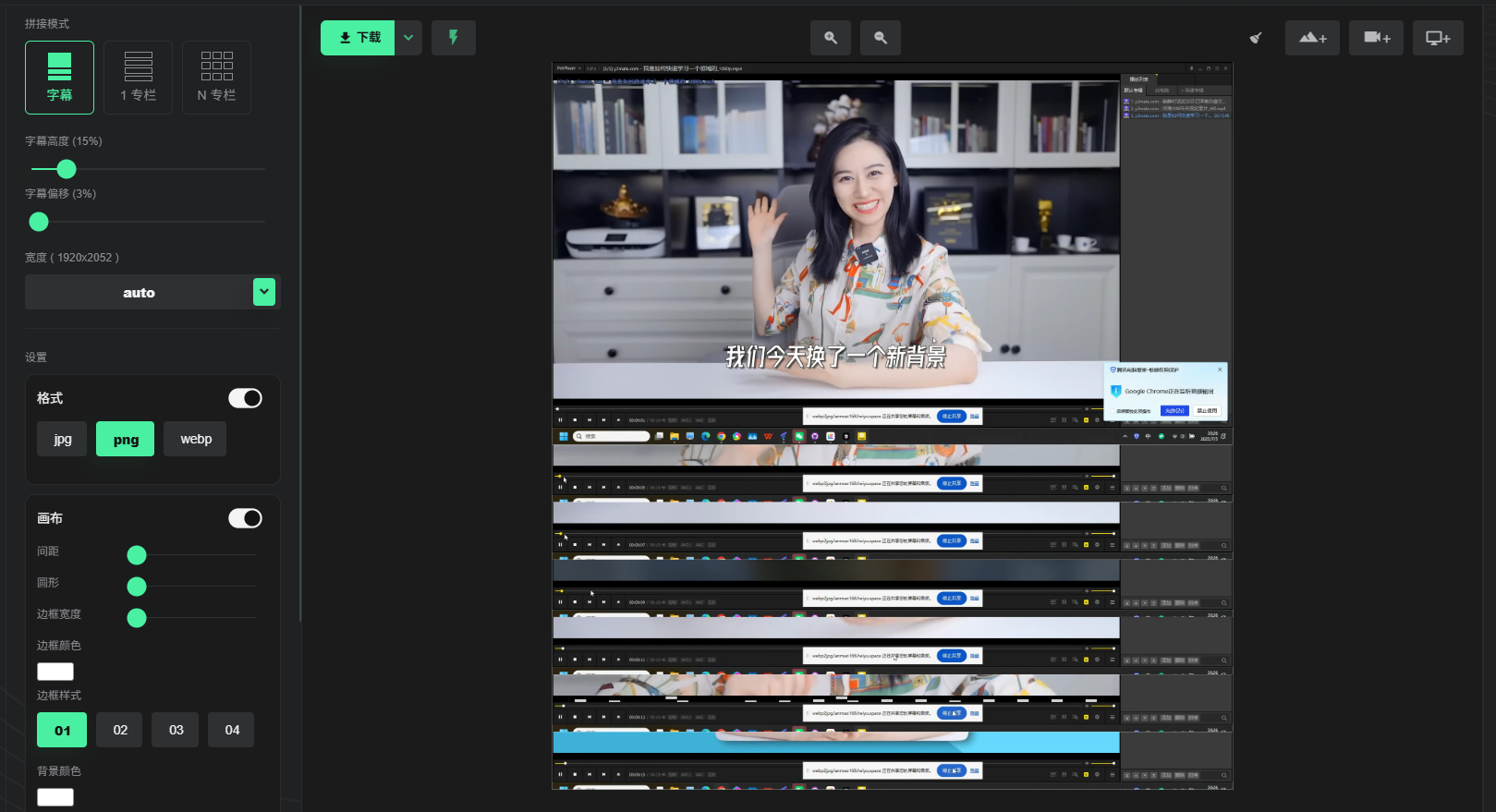
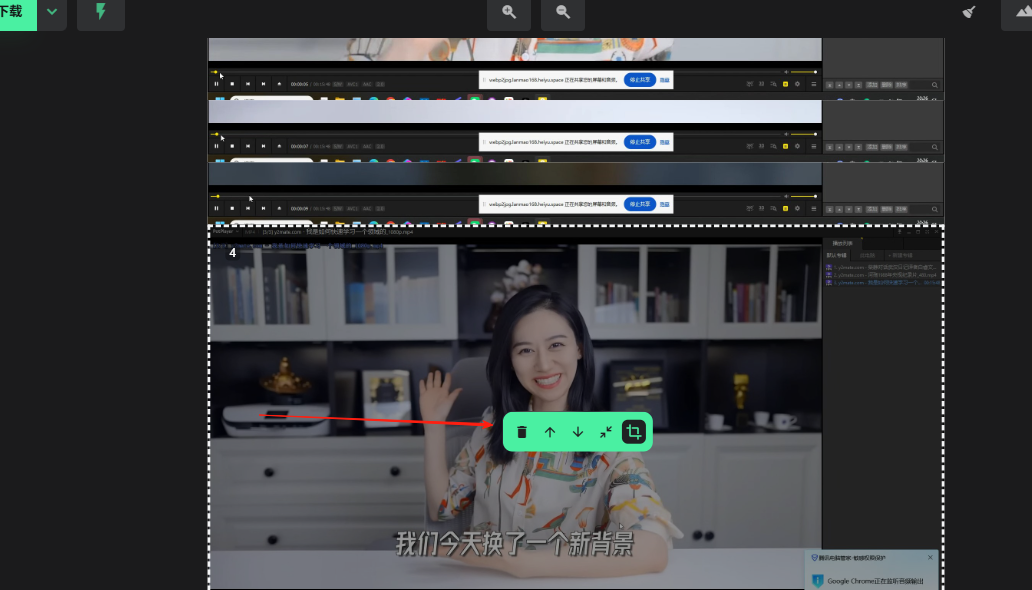
You can drag and drop or use arrow keys to rearrange the image order.
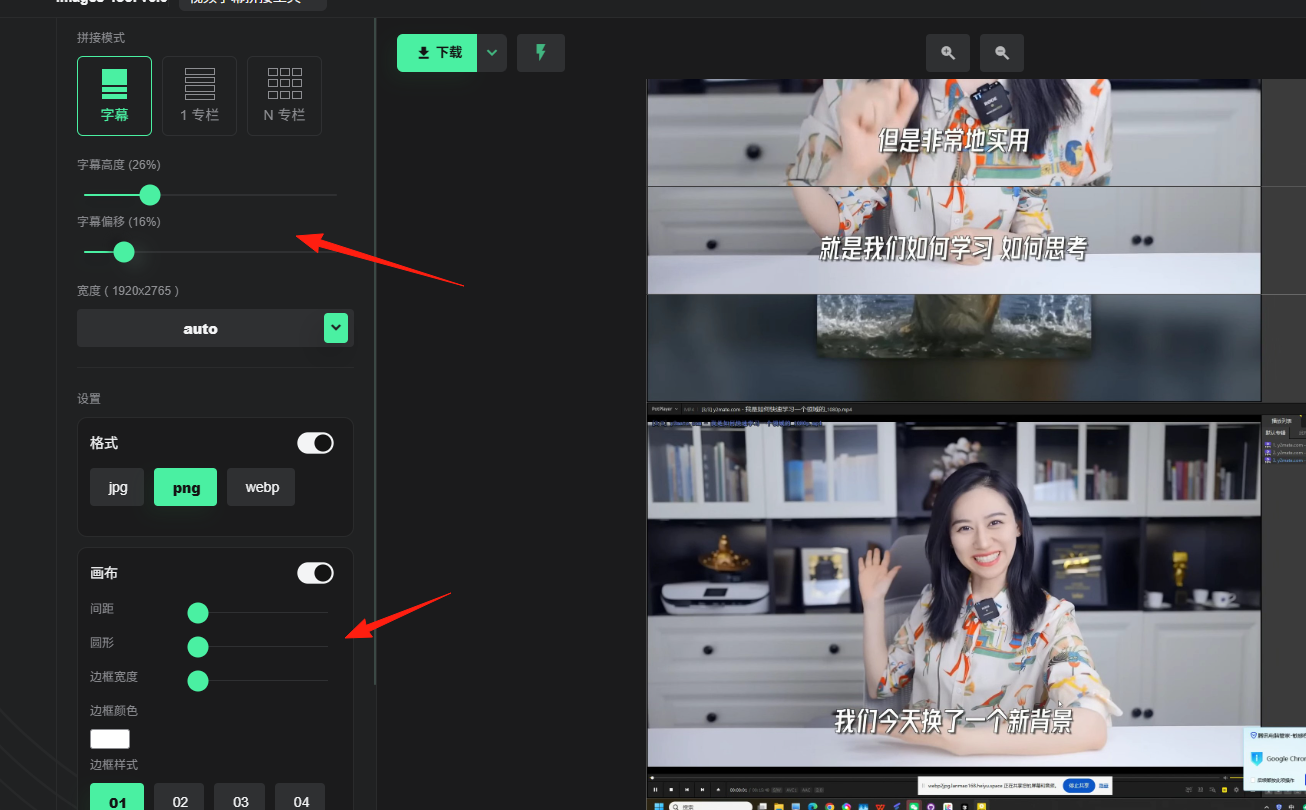
On the left, you can adjust settings such as subtitle height, image borders, and other styles.
Summary
webp2jpg is a highly practical image processing tool, especially suitable for:
- Users who frequently need to convert image formats
- Users who prioritize privacy and security
- Users who need to process images in batches
If you frequently work with images, consider bookmarking this tool—it’s sure to bring a lot of convenience to your work and daily life!