
Wakapi Guide: The Ultimate Tool for Programming Time Tracking
What is Wakapi?
As a programmer, have you ever wondered how much time you actually spend coding each day? Which project consumes most of your time?
In simple terms, Wakapi is an open-source alternative to WakaTime. It can:
- 📊 Track your coding time
- 📈 Analyze the programming languages you use
- 📁 Record your project time distribution
- 🖥️ Show the editors and operating systems you use
- 🎯 Generate beautiful code statistics badges
https://appstore.lazycat.cloud/#/shop/detail/dev.beiyu.wakapi
Quick Start
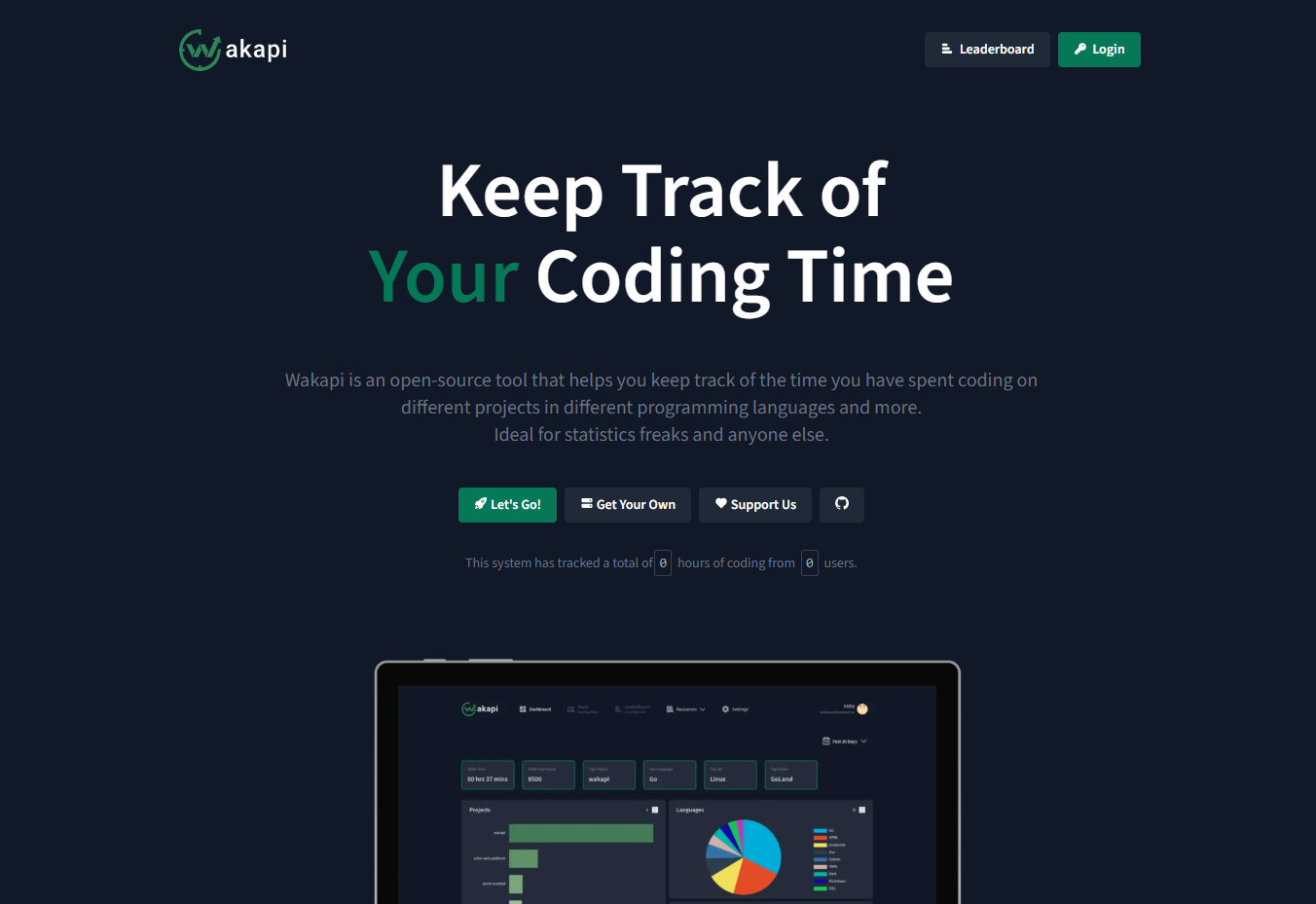
After installing it from the Lazycat Store, open the homepage:
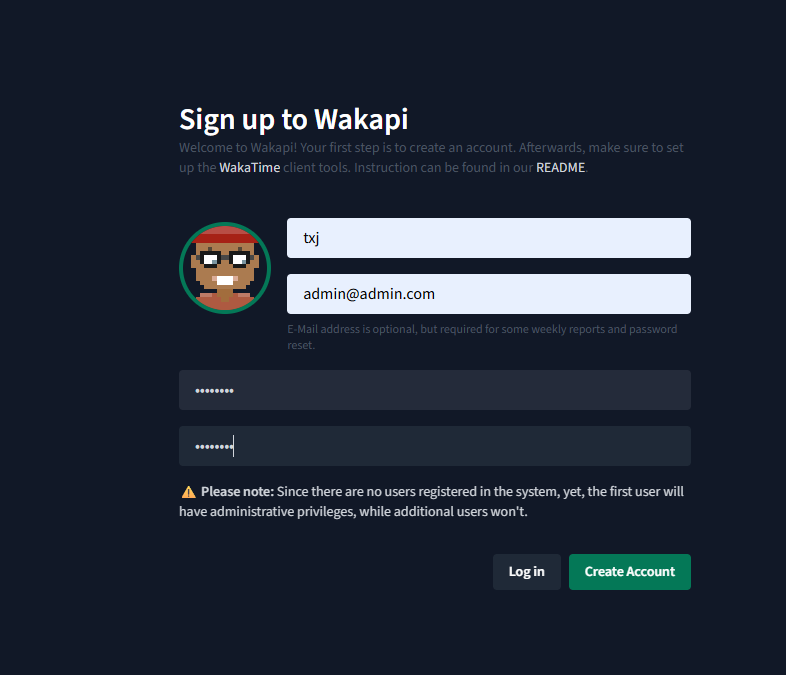
First, register an account:
After logging in, the interface looks like this. The red box shows you how to configure it:
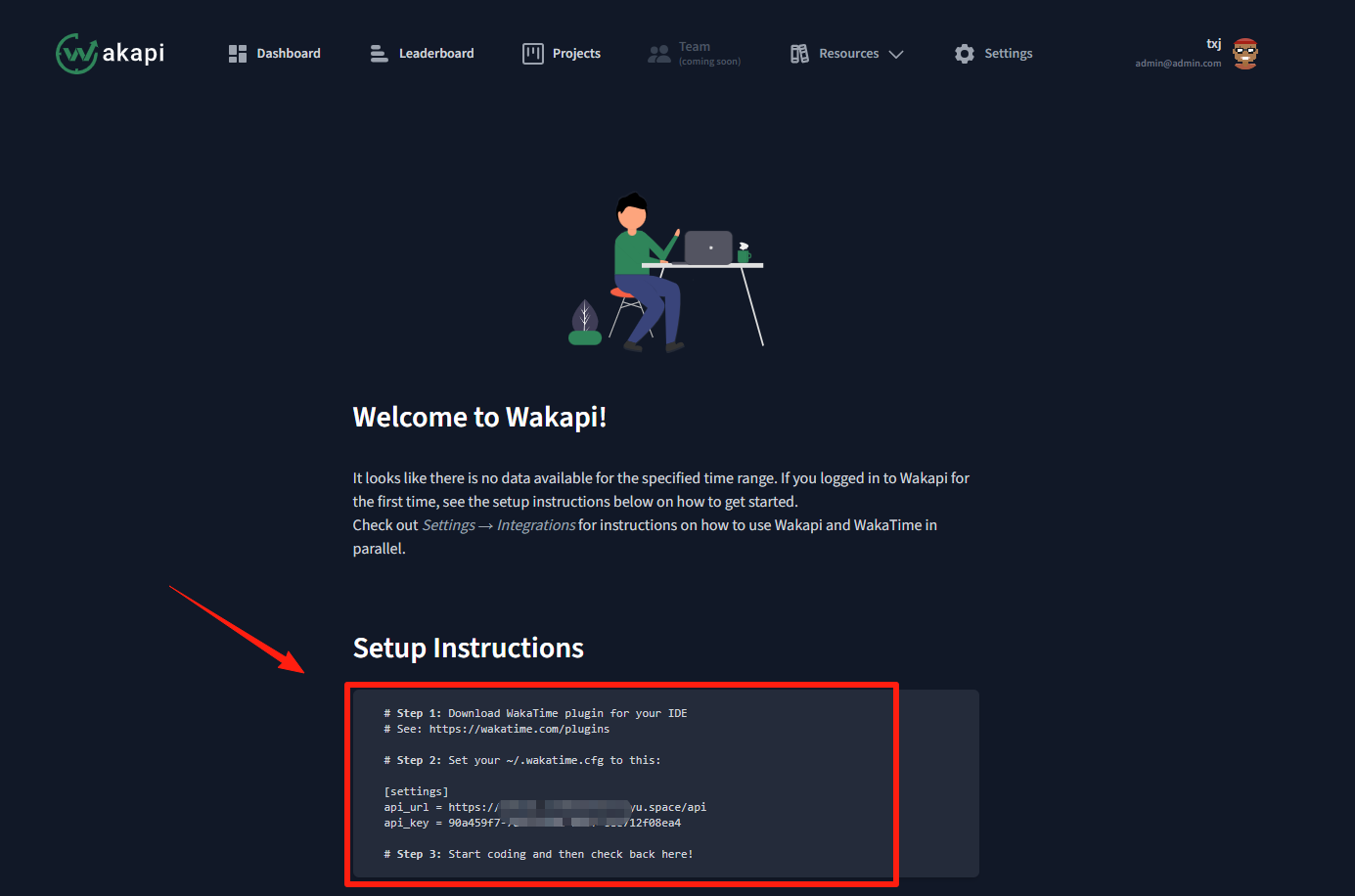
At this point, the Wakapi server setup is complete. Next, you need to configure the client.
Step 1: Install the WakaTime Plugin
Wakapi is compatible with WakaTime clients, so you need to install the WakaTime plugin for your editor:
- VS Code: Search for and install the "WakaTime" plugin
- IntelliJ IDEA: Search for "WakaTime" in the plugin marketplace
- Vim: Use vim-wakatime
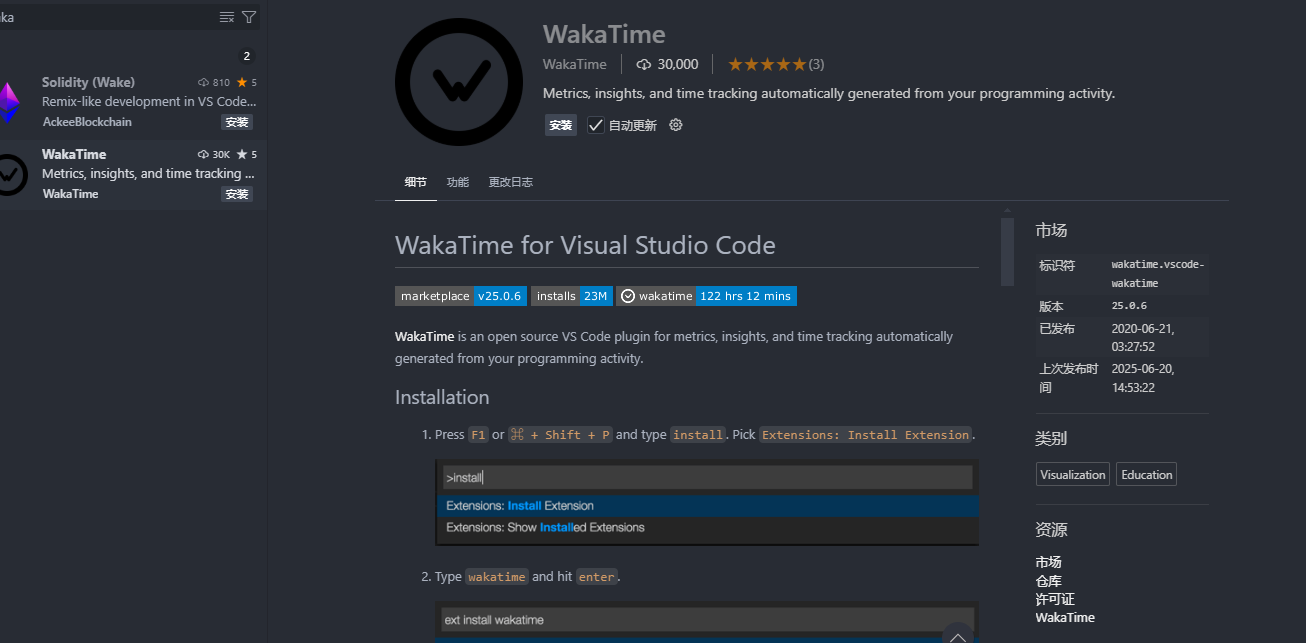
I'll use Cursor as an example. Find wakatime in the plugin marketplace and install it:
Step 2: Configure .wakatime.cfg
This is the most crucial step! Press F1, and configure your URL and API key respectively - these are the parts shown in the red box above.
Step 3: Start Coding
After configuration, you just need to code normally. Wakapi will automatically:
- Track your coding time
- Analyze the languages you use
- Count project time distribution
- Record the editors you use
Refresh the Wakapi dashboard. If it looks like this, you have succeeded:
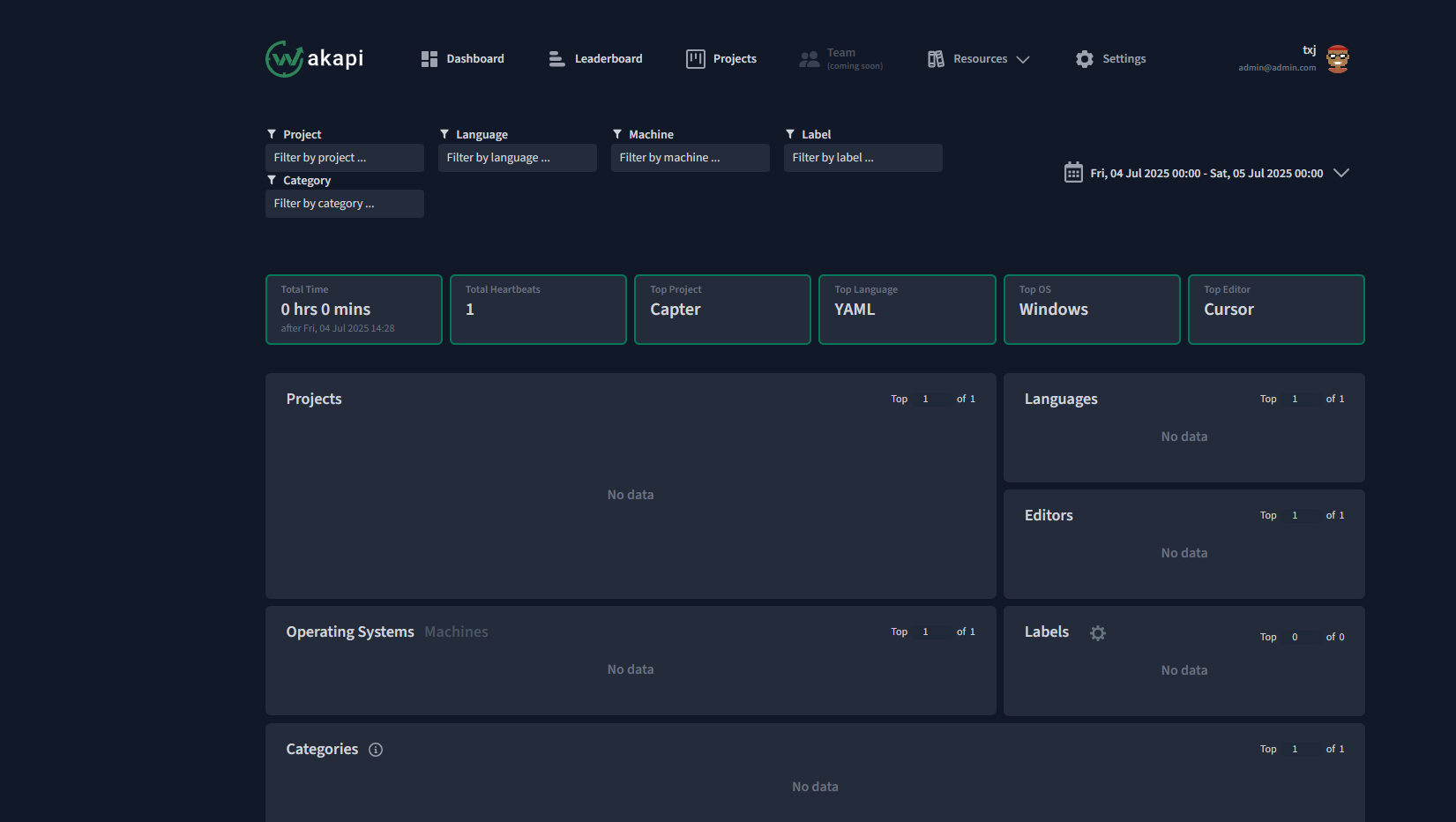
The generated interface will only look good after more time has passed and more data has been collected.
It can also track web browsing time. Install the browser-wakatime plugin:
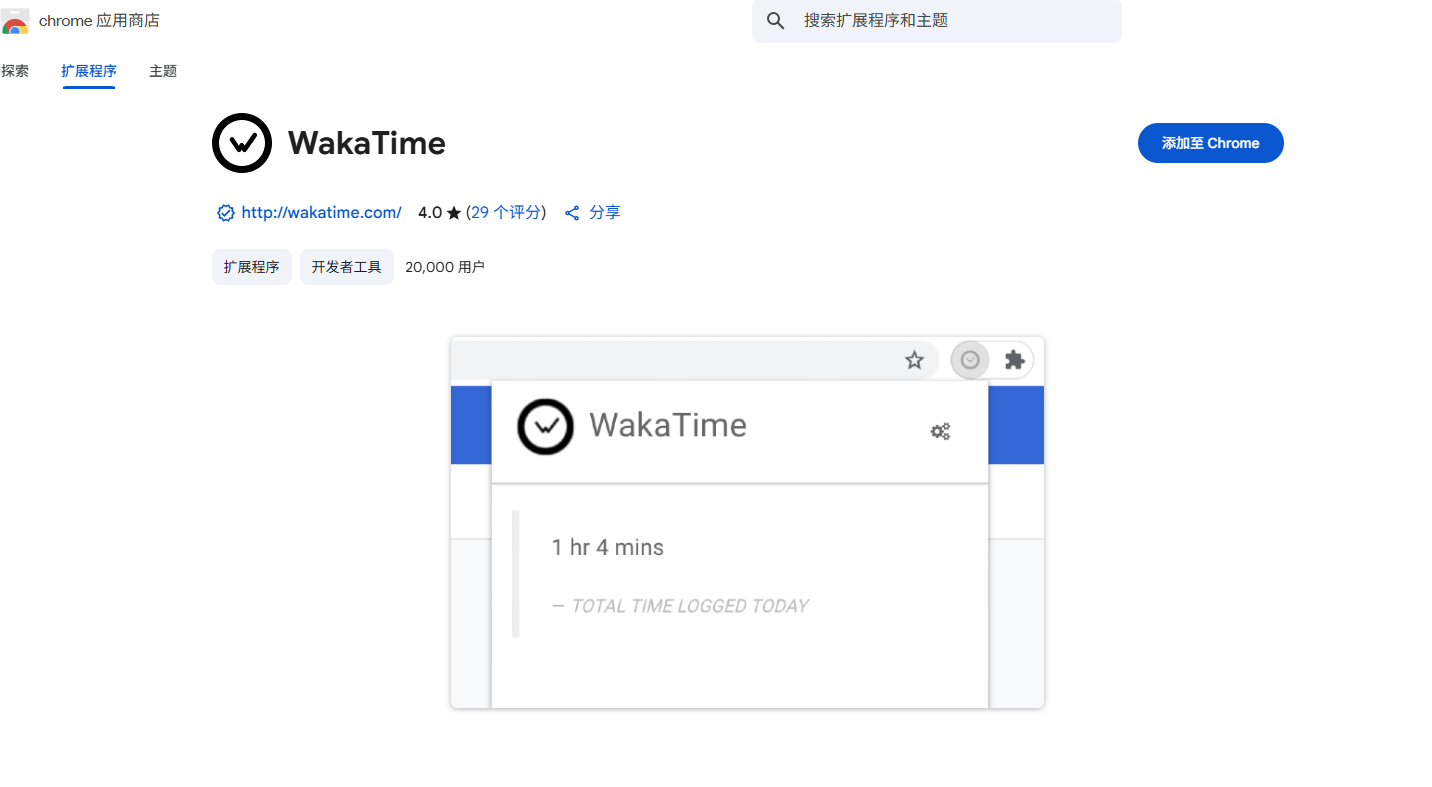
- Install the browser extension (Chrome/Firefox)
- Configure the API URL
- Enter your API Key
Now your web browsing time will also be tracked!
Conclusion
If you:
- Want to track coding time but don't want to pay
- Care about data privacy
- Need simple and practical statistics
Then Wakapi is absolutely the right choice for you!
Related Links: