
Reubah User Guide: The Ultimate Tool for Local Image and Document Processing
Want to compress an image or convert a document format but worried about privacy leaks when uploading to online tools?
Or does your company have confidentiality requirements preventing you from casually uploading files to third-party websites?
Today I’d like to recommend a super practical tool - Reubah - that lets you handle various image and document processing tasks right on your own computer,
No more privacy concerns!
https://appstore.lazycat.cloud/#/shop/detail/dev.beiyu.reubah
📖 Practical Usage Tips
After installing from the Lazycat Store, the usage interface opens directly.
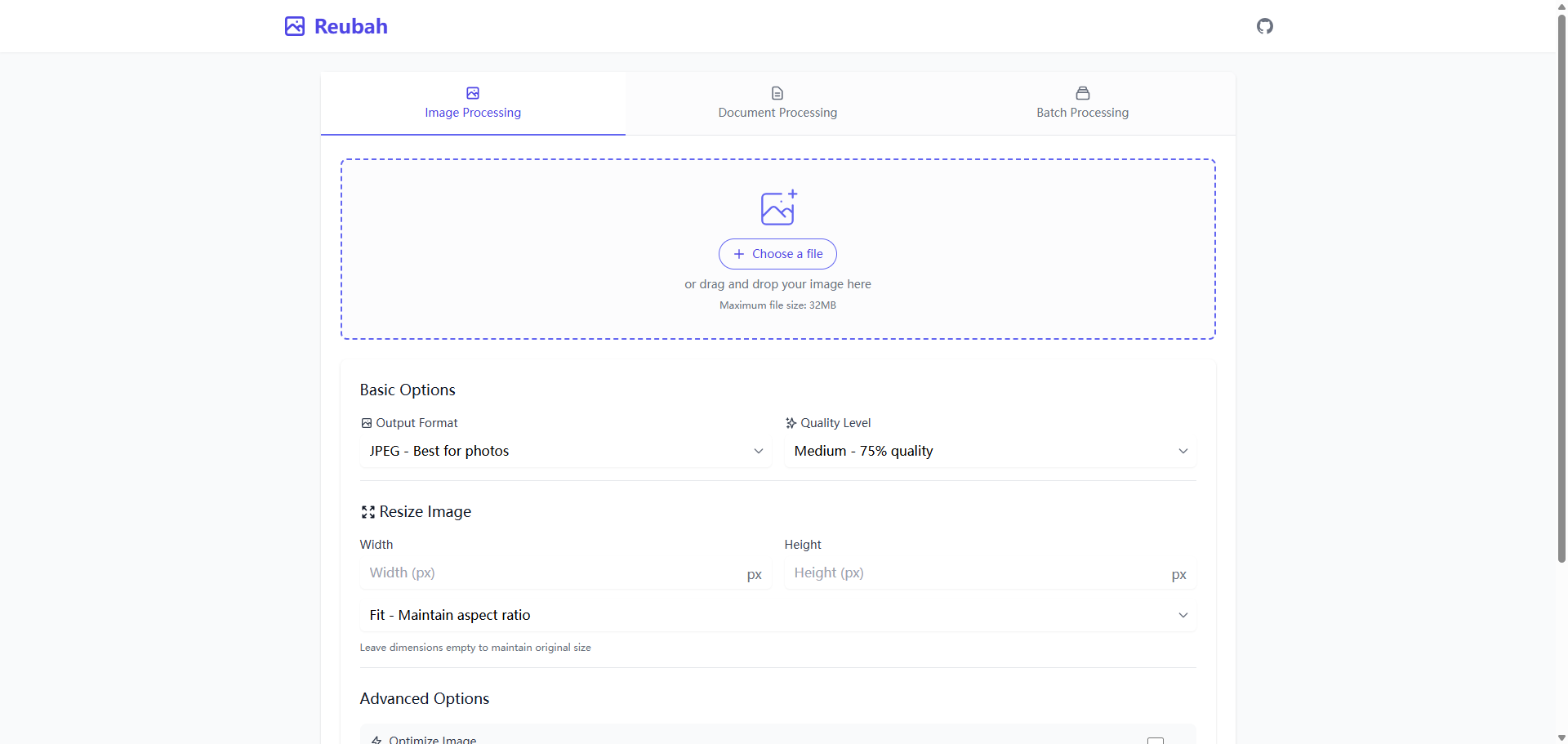
Image Processing
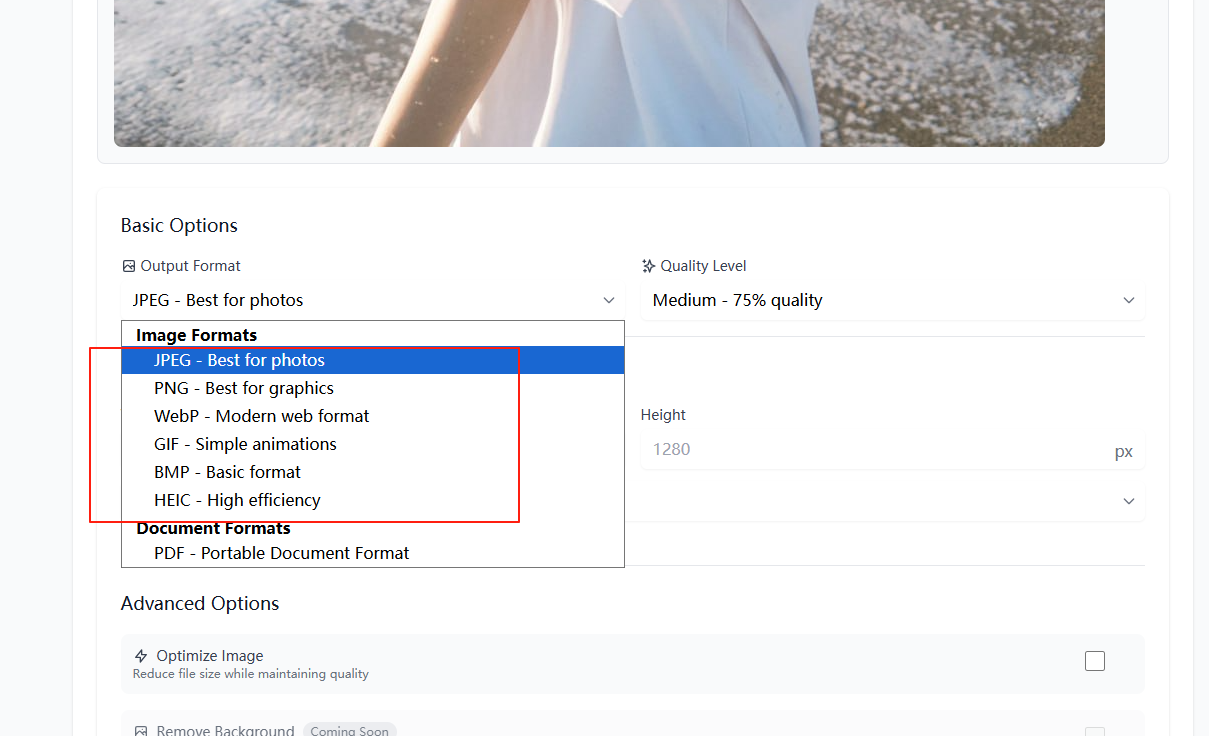
By default, you enter the Image Processing module. First, select an image and choose the output format.
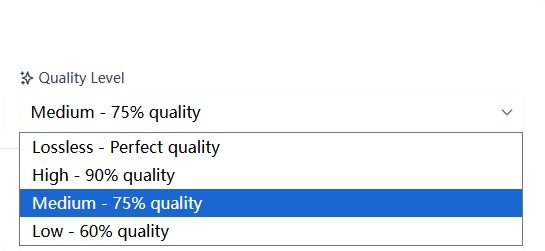
Quality Level: Adjust the image quality.
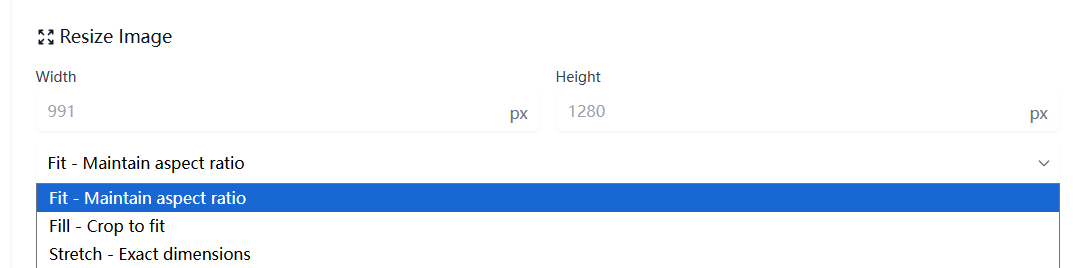
Resize Image: Modify the image width and height, and choose fill or stretch modes.
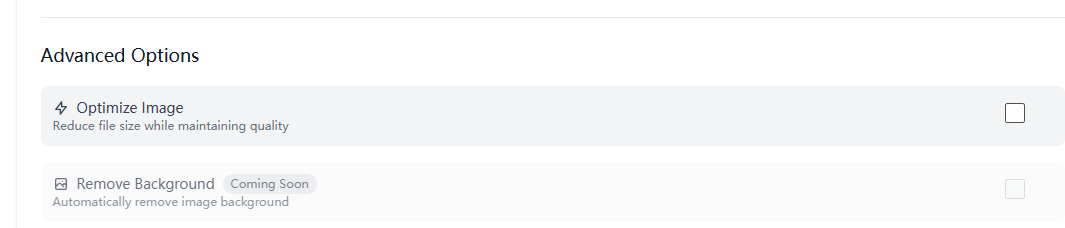
Advanced Options
Currently, only Optimize Image is available. Remove Background will be added later.
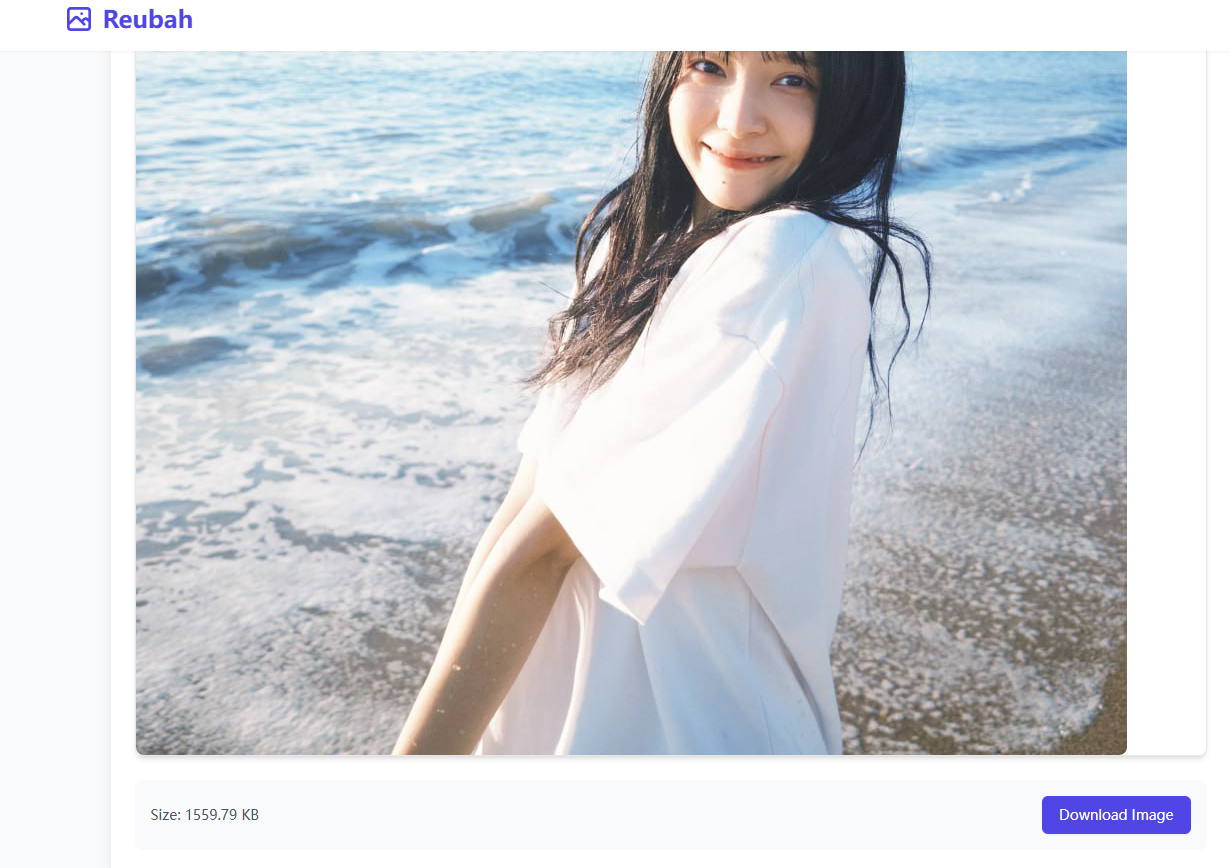
Click Process Image to start processing. Download the image at the bottom.
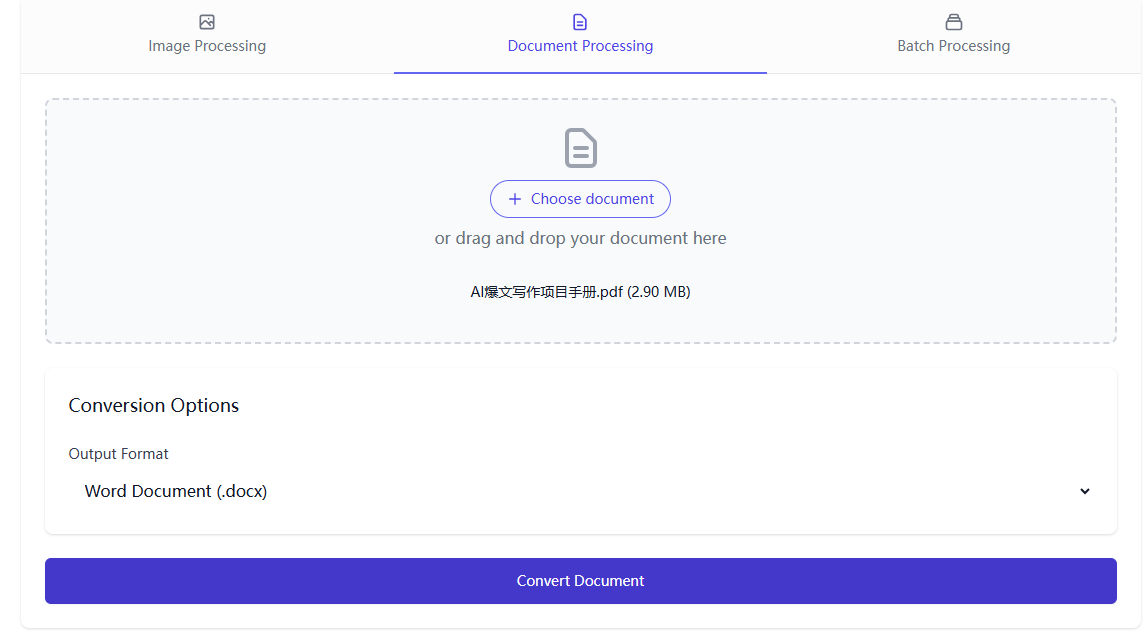
Switch to Document Processing
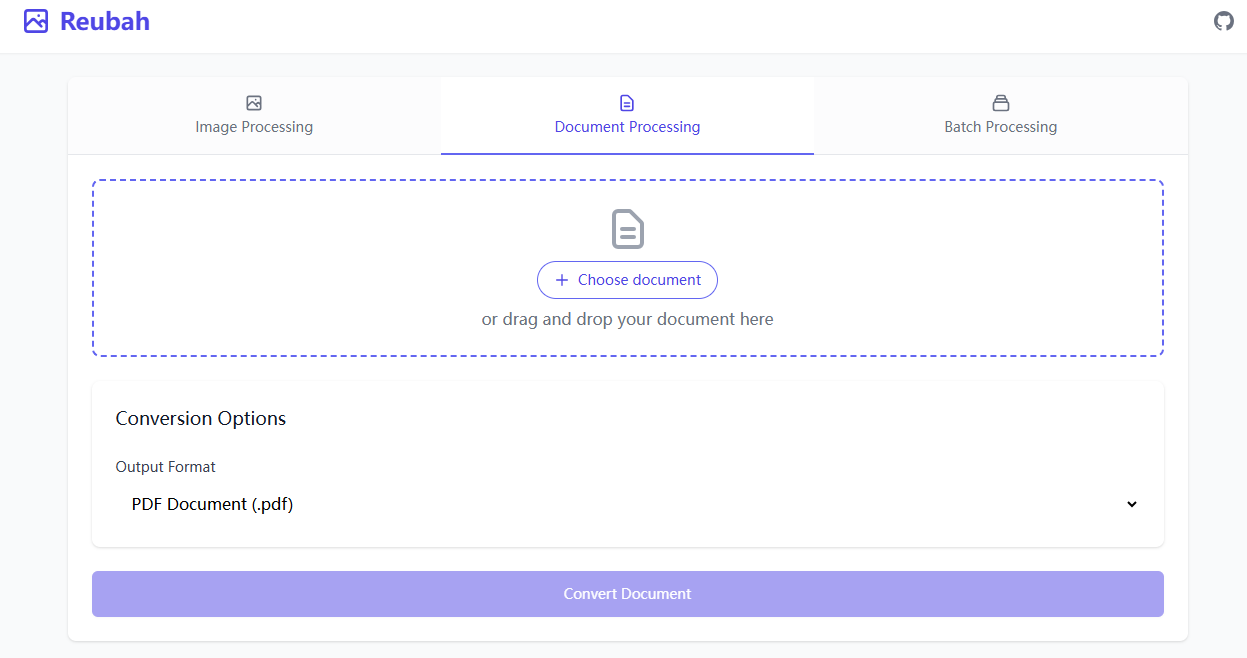
In Conversion Options, select the output format under Output Format.
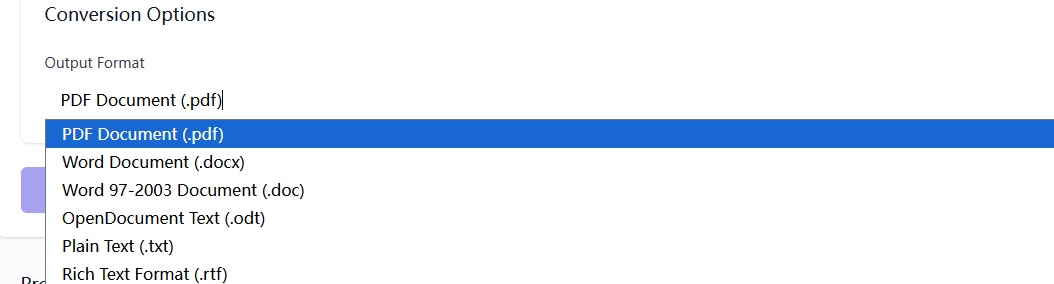
I tried converting PDF to Word. For files with complex formatting, the converted layout might be messy.
Batch Processing
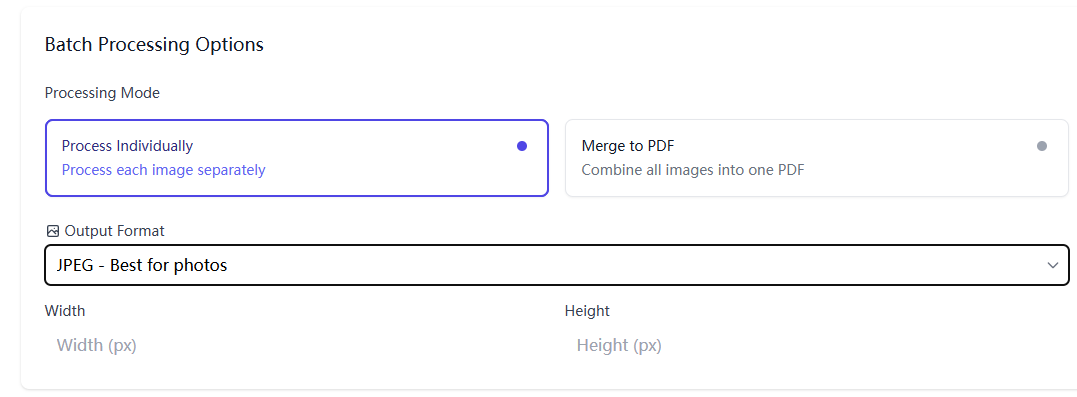
Batch Processing Options allow you to process multiple files at once.
Processing Mode includes:
Process Individually
This mode only allows modifying Output Format and dimensions. Even if multiple images are uploaded, only one can be processed at a time.
Merge to PDF
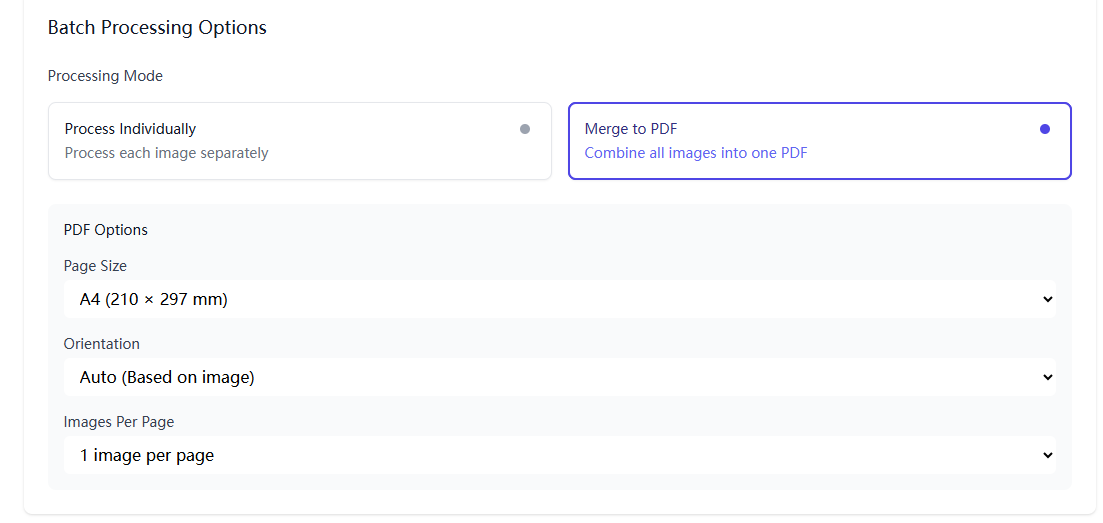
Merge multiple images into a single PDF file, ideal for combining scanned documents.
You can define Page Size, Orientation, and Images Per Page.
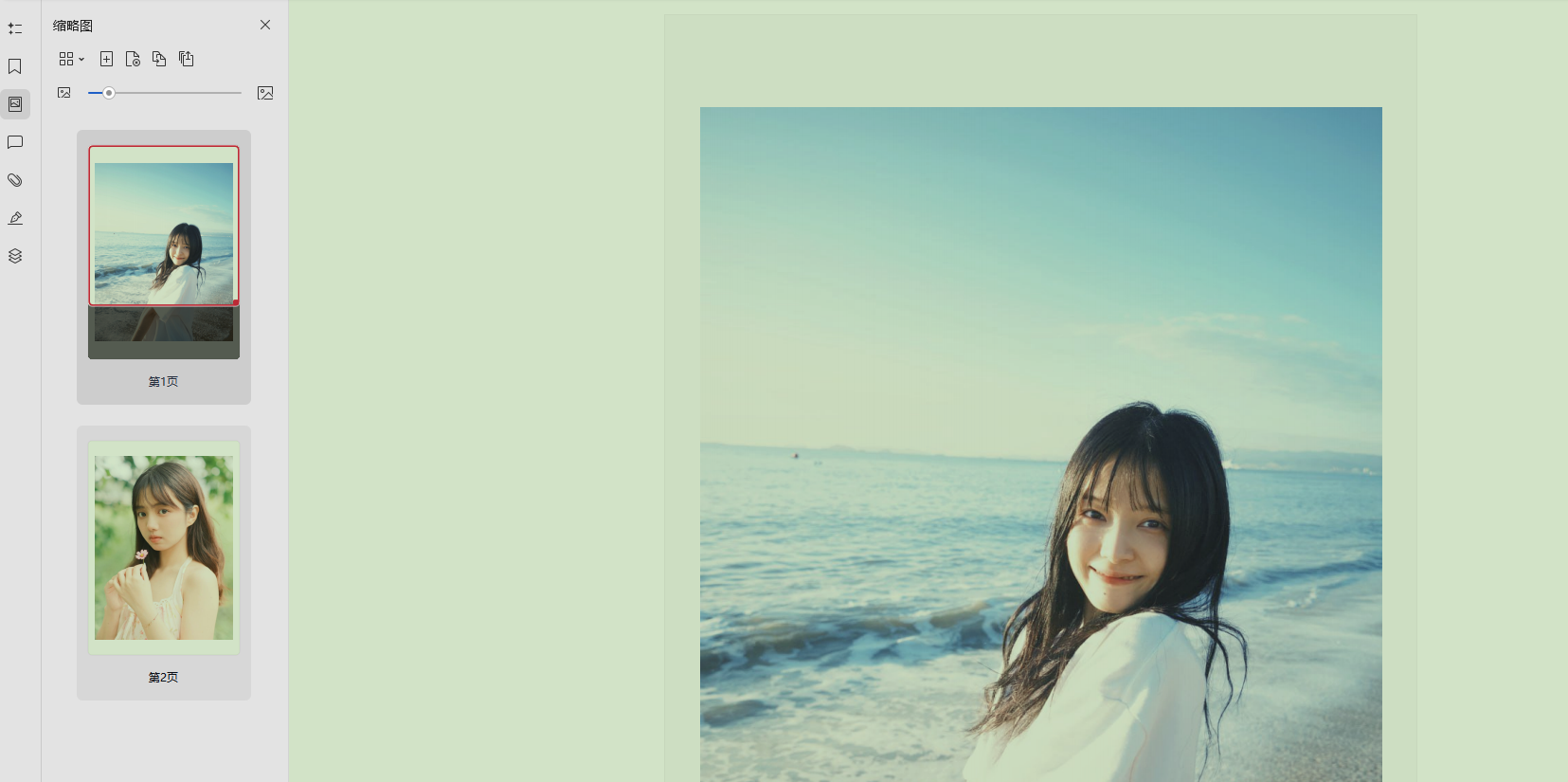
I uploaded 2 images and merged them into a PDF. The result was quite good.
🎯 Summary
Reubah is a practical local image and document processing tool.
While it may not be as powerful as Photoshop, it’s fully capable of handling everyday image compression and format conversion needs.