
Linkwarden: Your Private Web Bookmark Manager to End Bookmark Chaos
Do you also face this frustration: browser bookmarks keep piling up, and it takes forever to find what you need?
Or when you finally revisit a great article you saved, only to find the link is broken?
Today, let me recommend a super practical tool - Linkwarden,
an open-source bookmark manager that will completely free you from these headaches!
https://appstore.lazycat.cloud/#/shop/detail/in.zhaoj.linkwarden
In terms of functionality, Linkwarden overlaps with previously introduced tools like ArchiveBox and Readeck, but Linkwarden focuses on bookmark management,
and offers some unique features.
🚀 Quick Start Guide
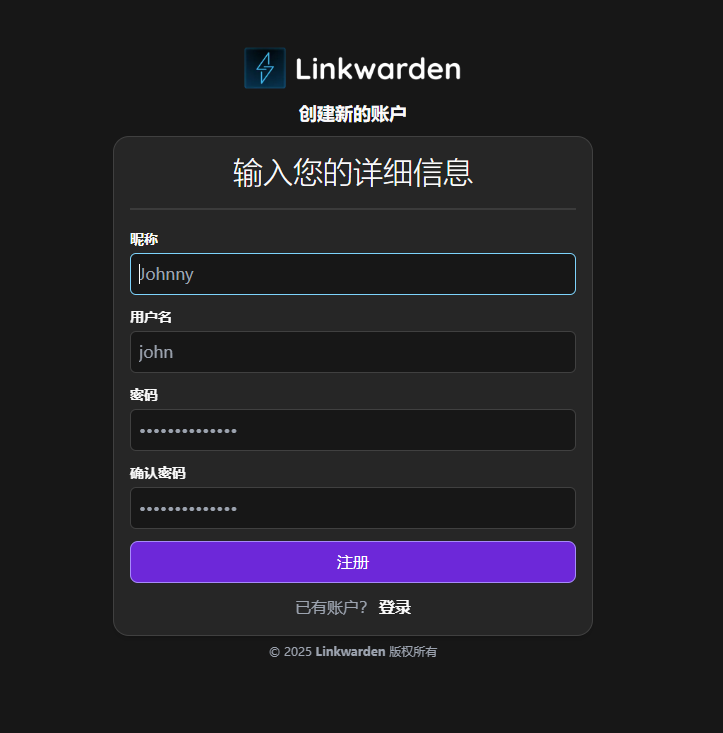
Install Linkwarden from the LazyCat Store. Upon opening the homepage, you first need to register an account:
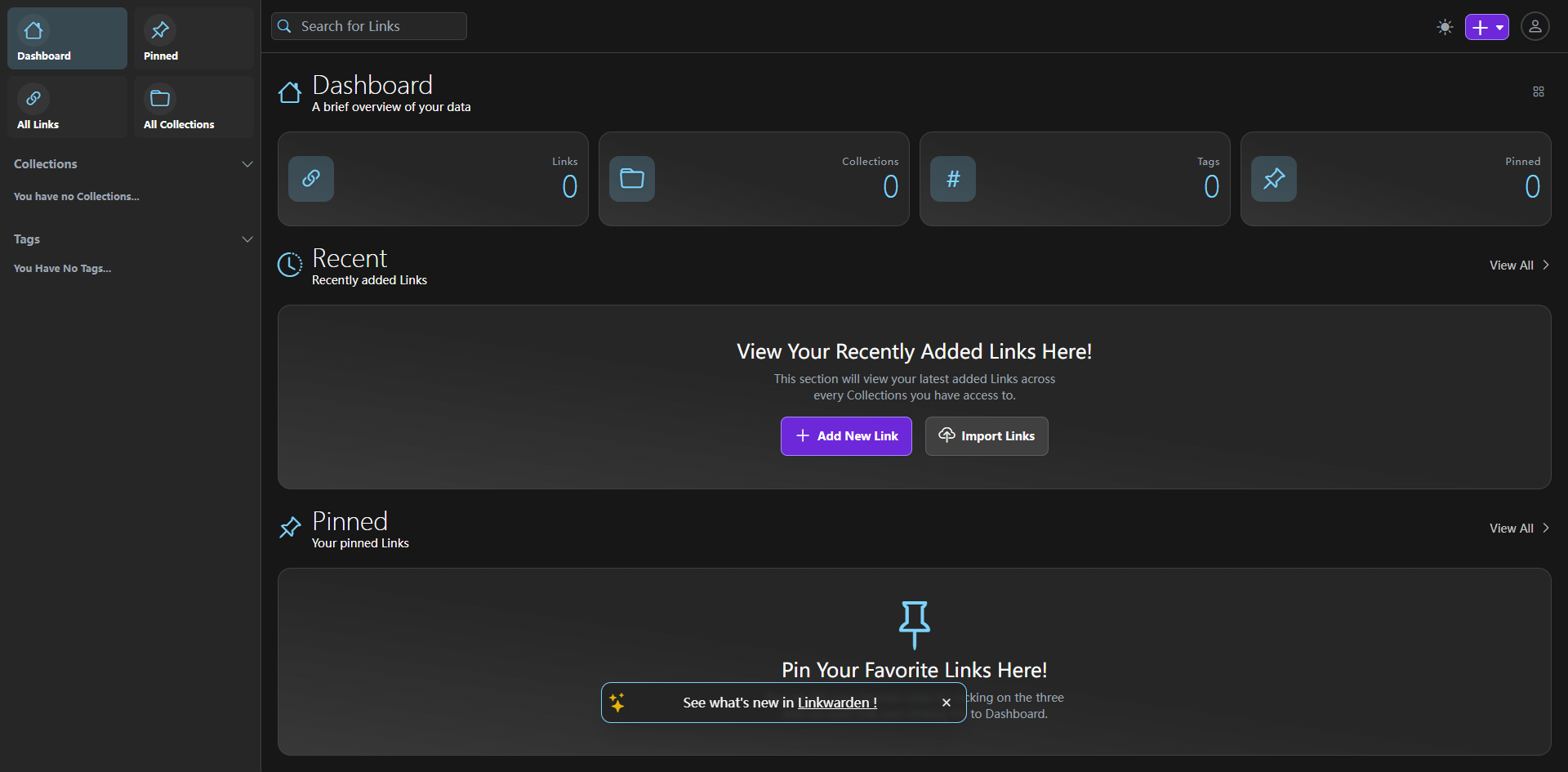
After successful login, the homepage looks like this:
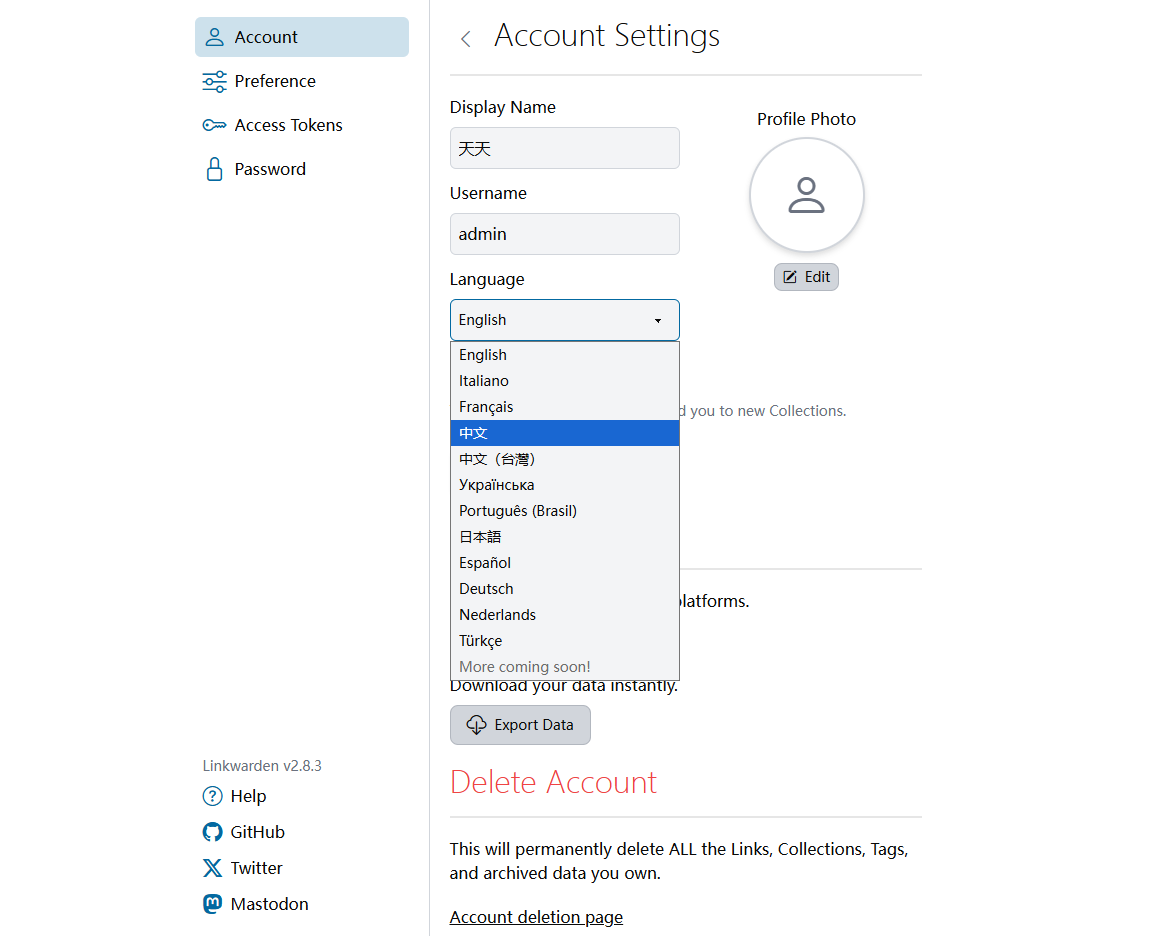
You can first go to the top right corner, into Settings, and change the display language.
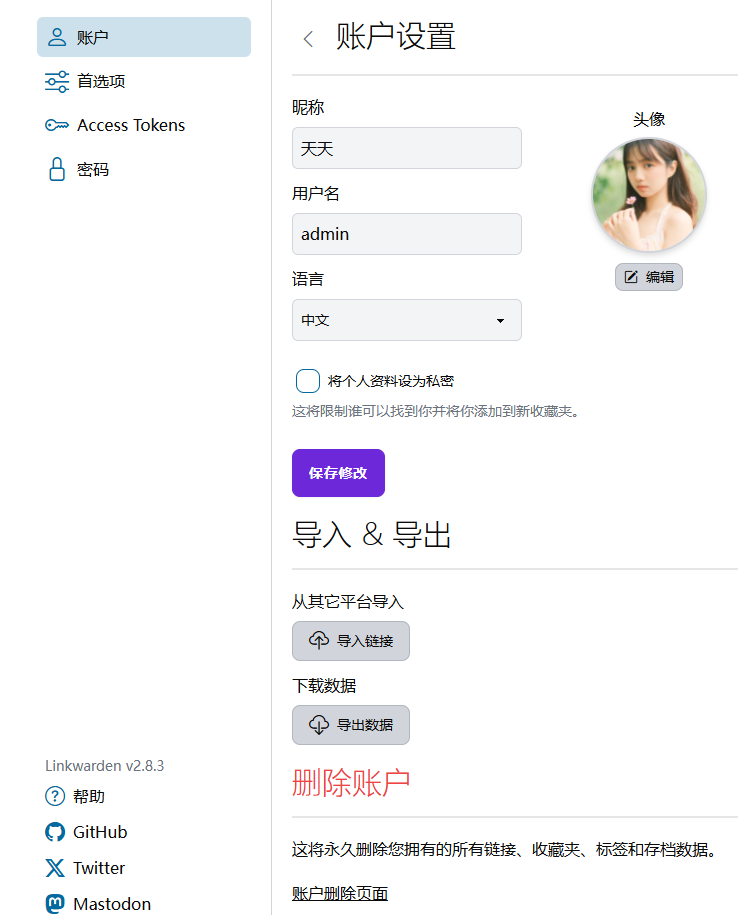
After saving, the page will automatically refresh and change to Chinese.
Let's return to the homepage and click "Add New Link".
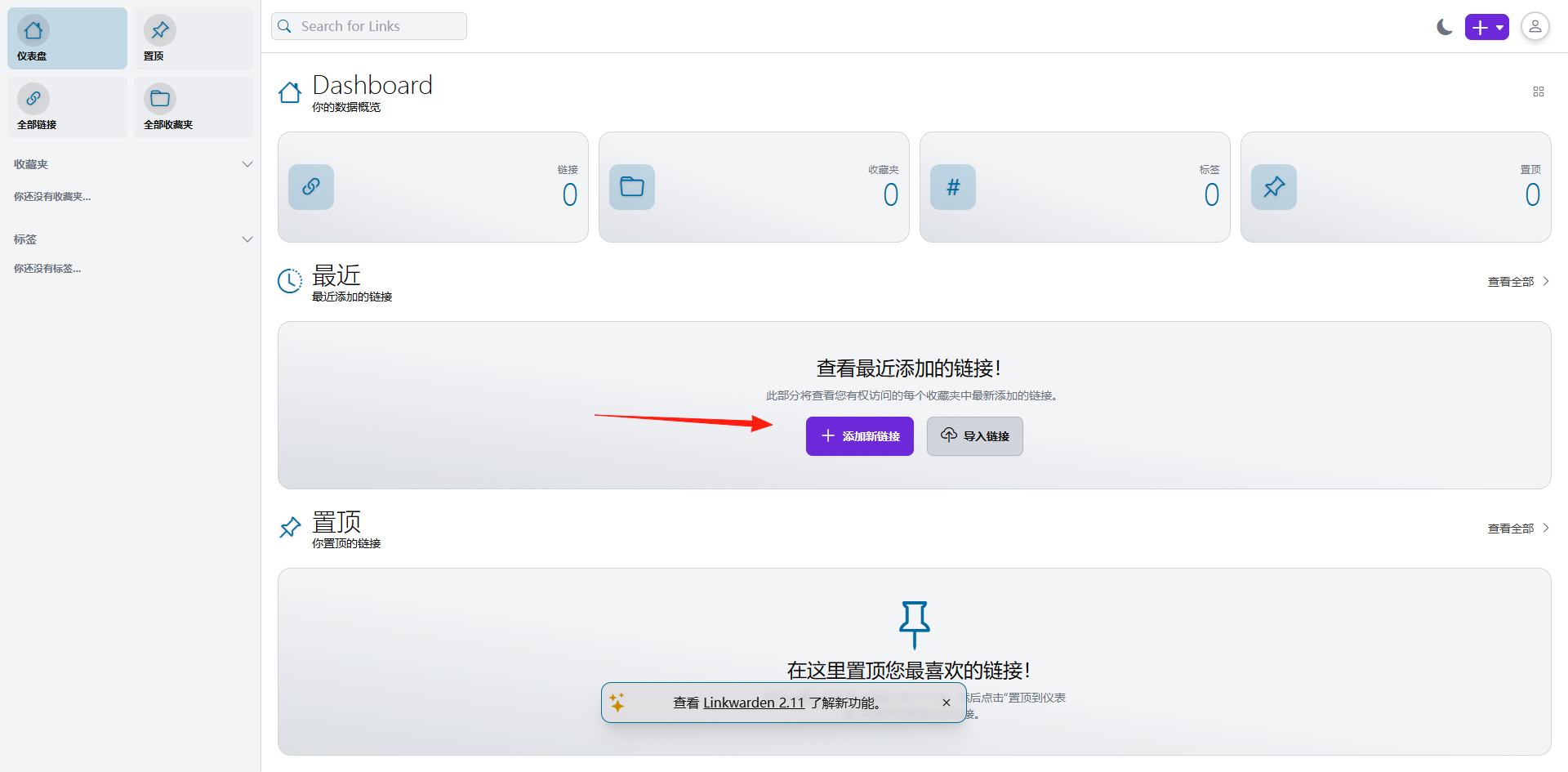
Add a link.
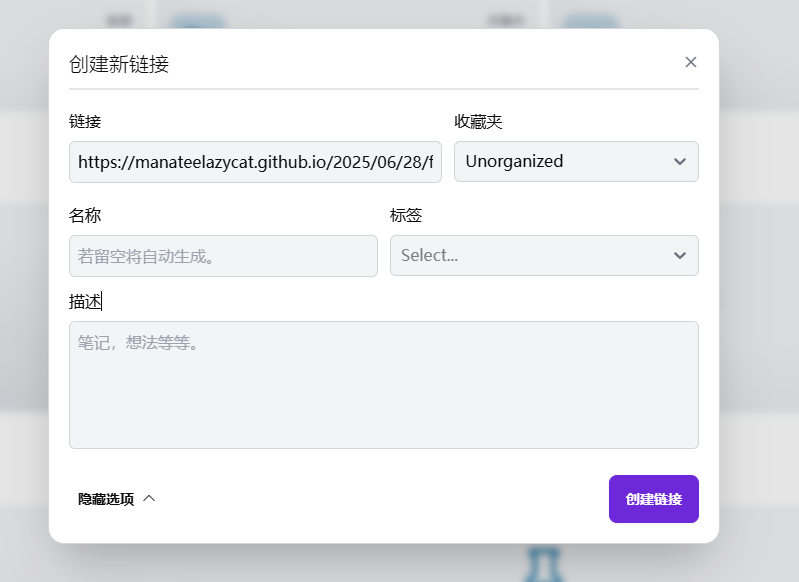
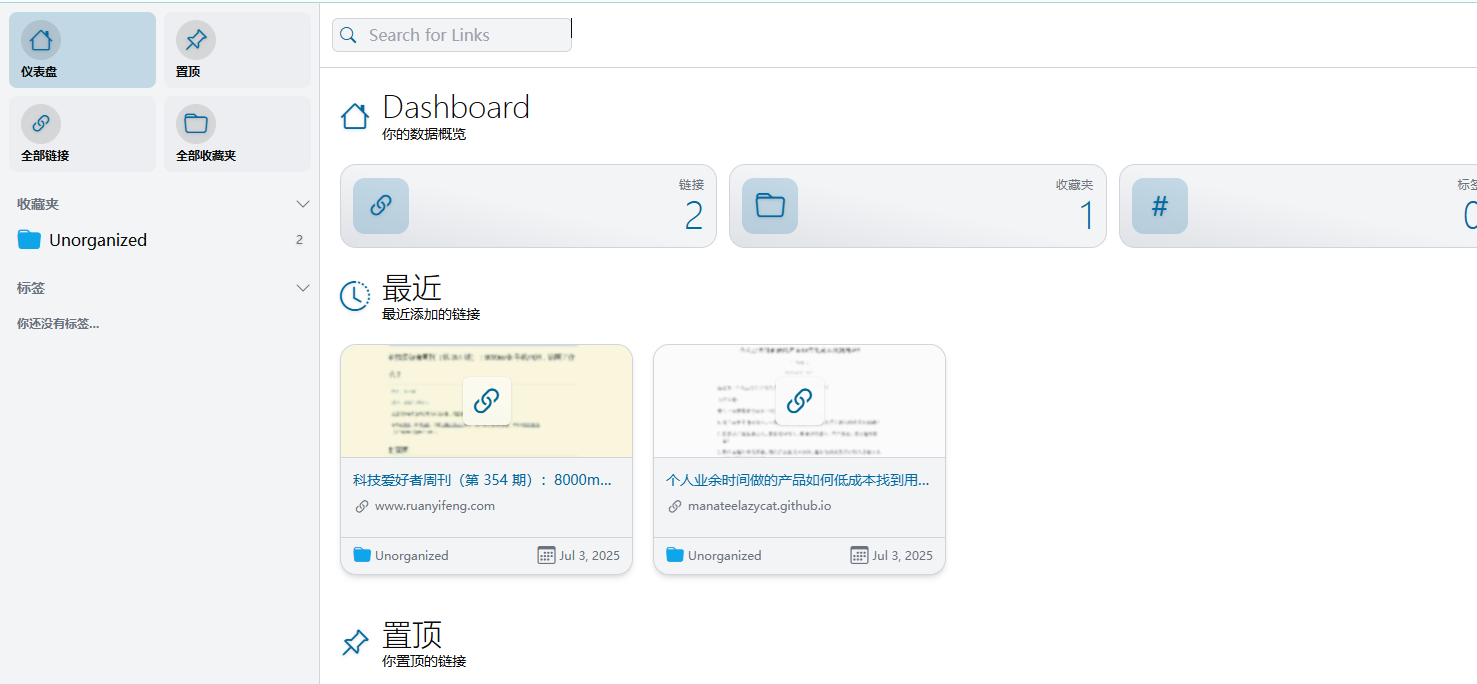
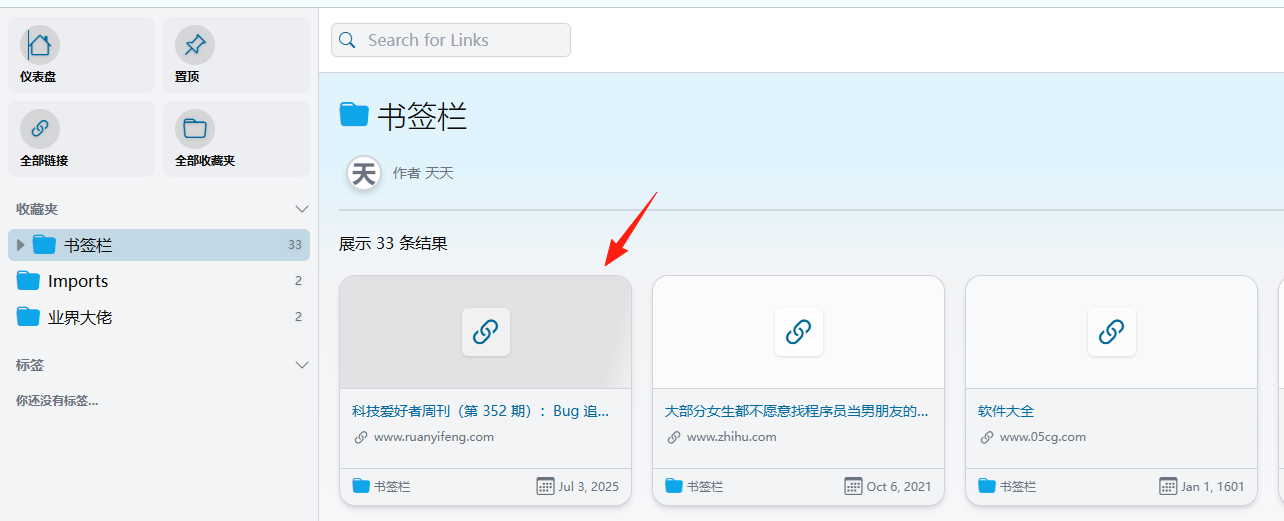
You can now see it on the homepage dashboard. It automatically fetches the content and thumbnail.
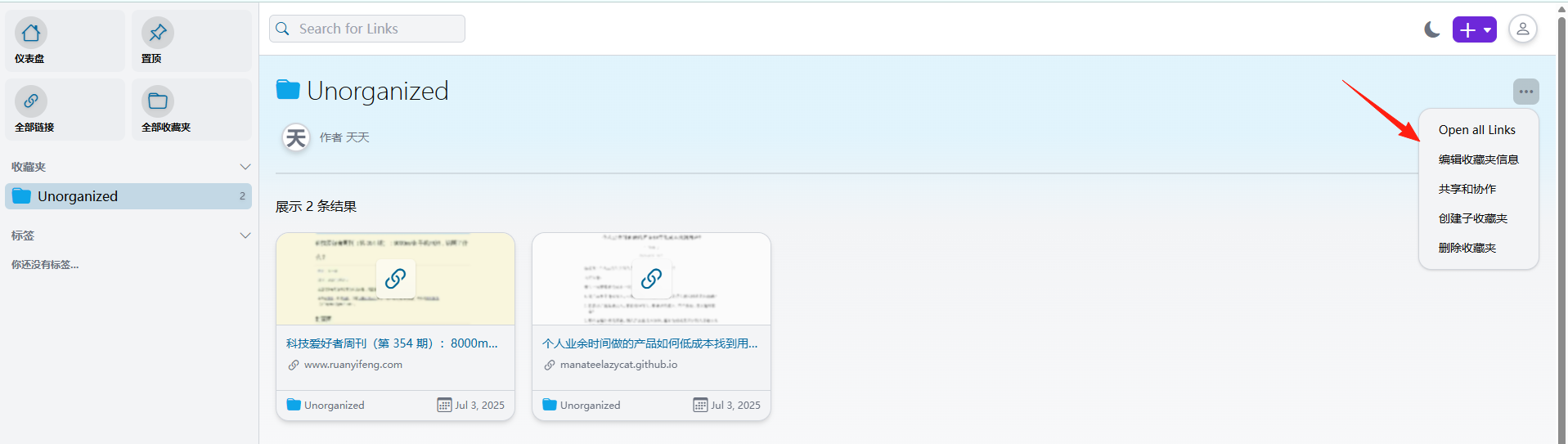
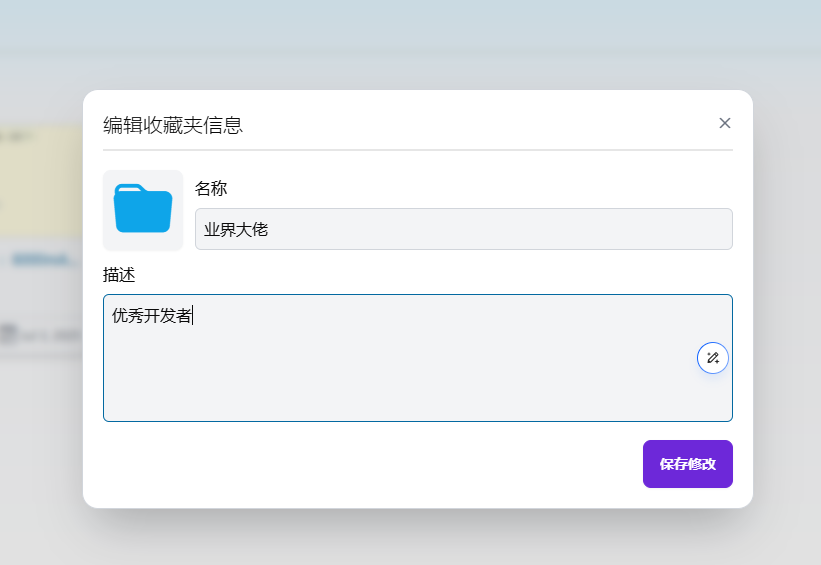
The information for the "Collections" on the left can be modified, similar to "folders" in bookmarks.
If you want to import your current bookmarks, you can first export them from Chrome as an HTML file.

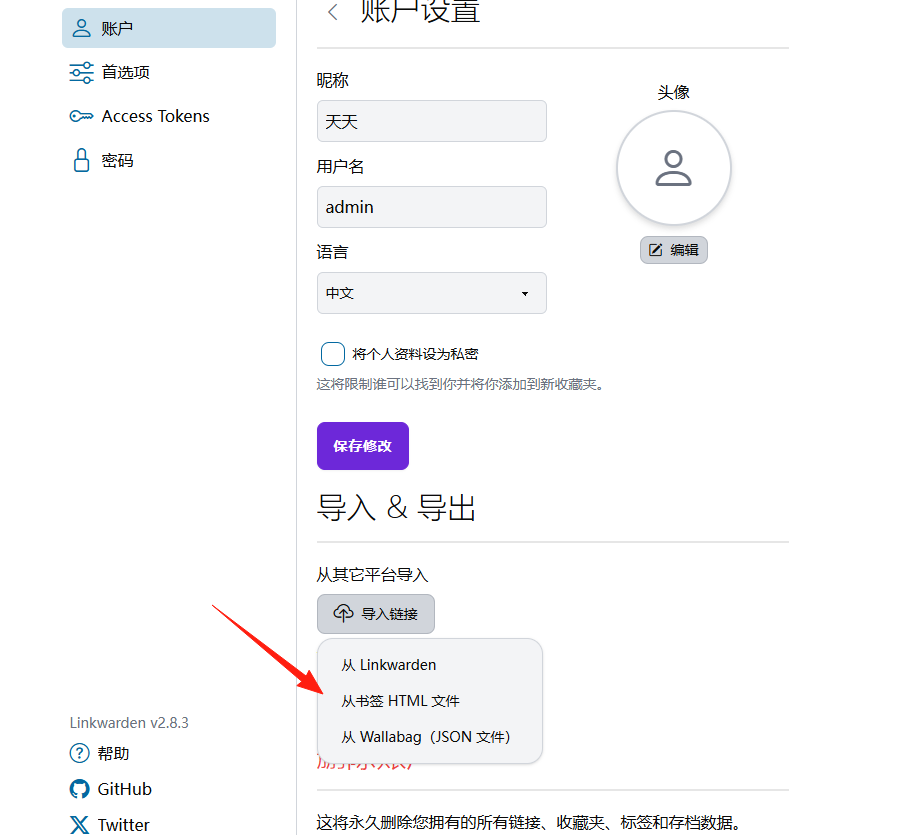
Then, from the Linkwarden settings, import the HTML file you just exported.
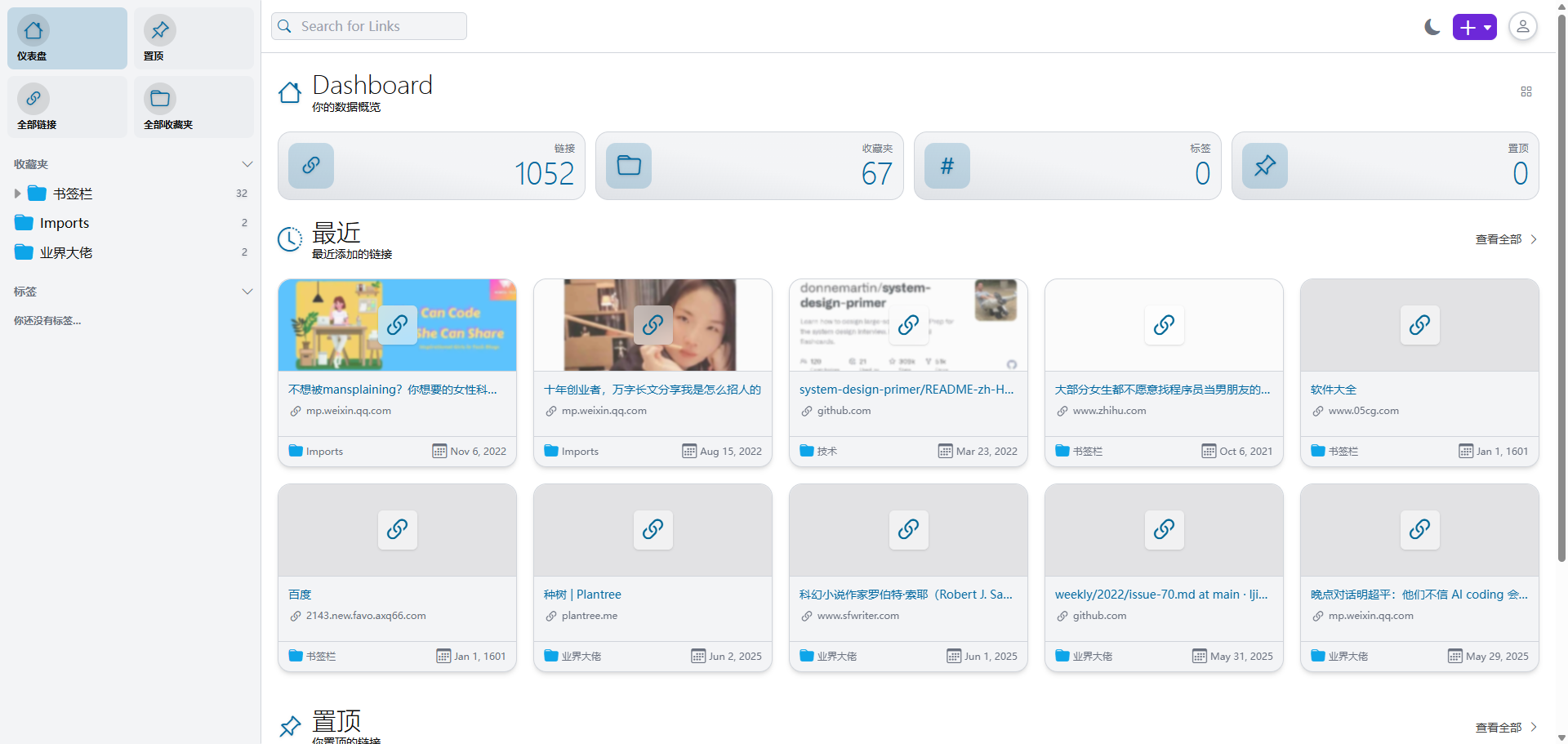
Wait a moment, then return to the homepage. You'll find they have been imported.
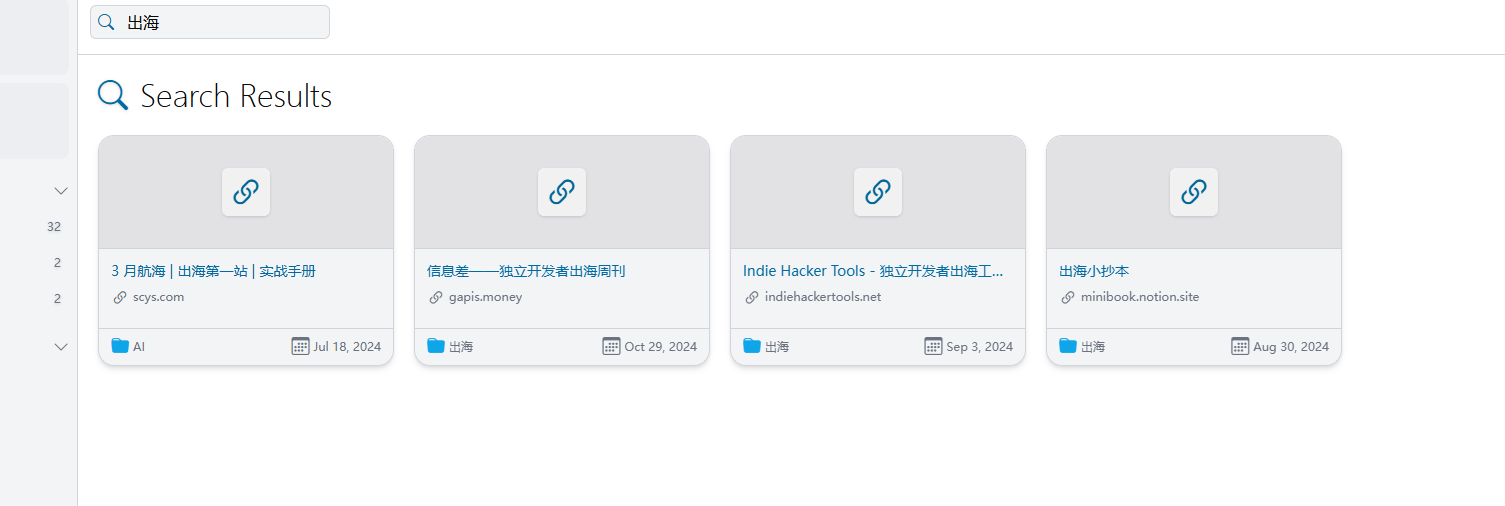
At this point, you can experience the power of its search function - finding things is very fast.
Linkwarden provides an open-source browser extension, allowing you to quickly save web pages without leaving your current page.
Installation Steps:
- Chrome users: Search for "Linkwarden" in the Chrome Web Store.
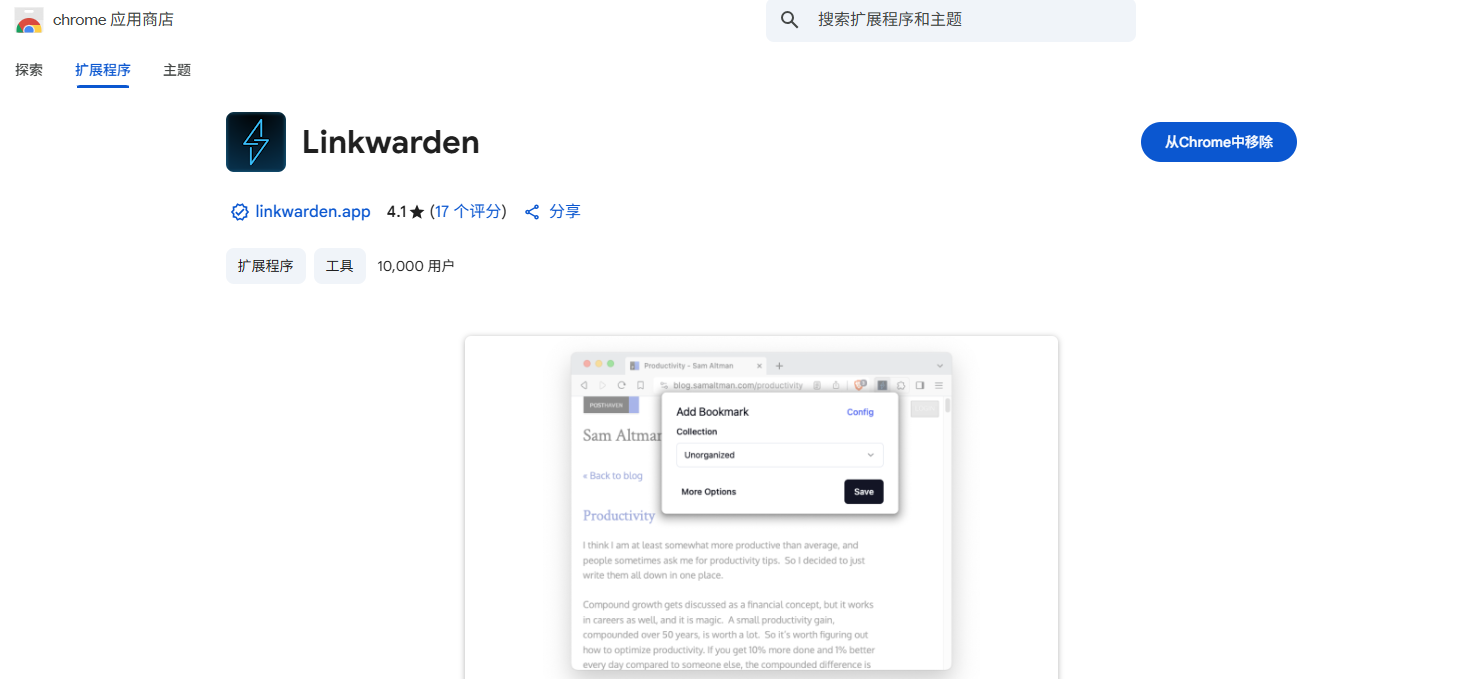
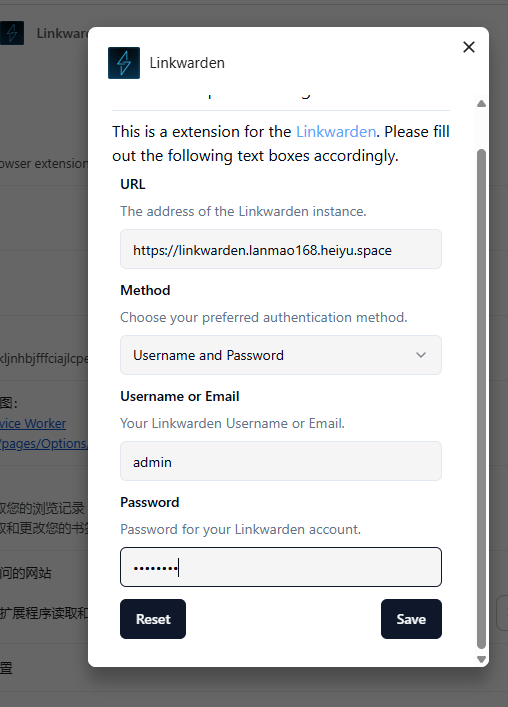
- After installation, log in with your Linkwarden account to start using it.
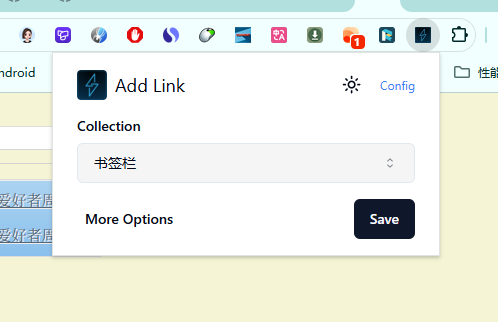
- When you find a good article, simply click the extension icon to save it.
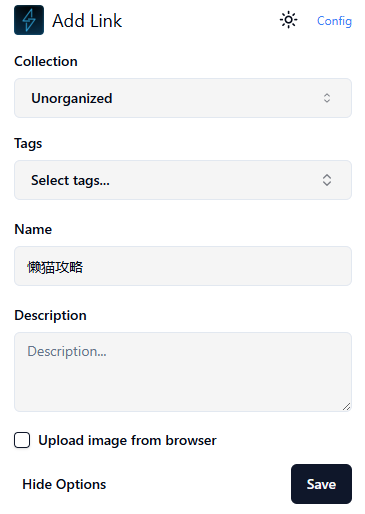
- You can add tags and notes while saving.
- Supports saving selected text, which automatically highlights the key content. You can see it's already saved in Linkwarden.
You can regularly export your data as a backup.
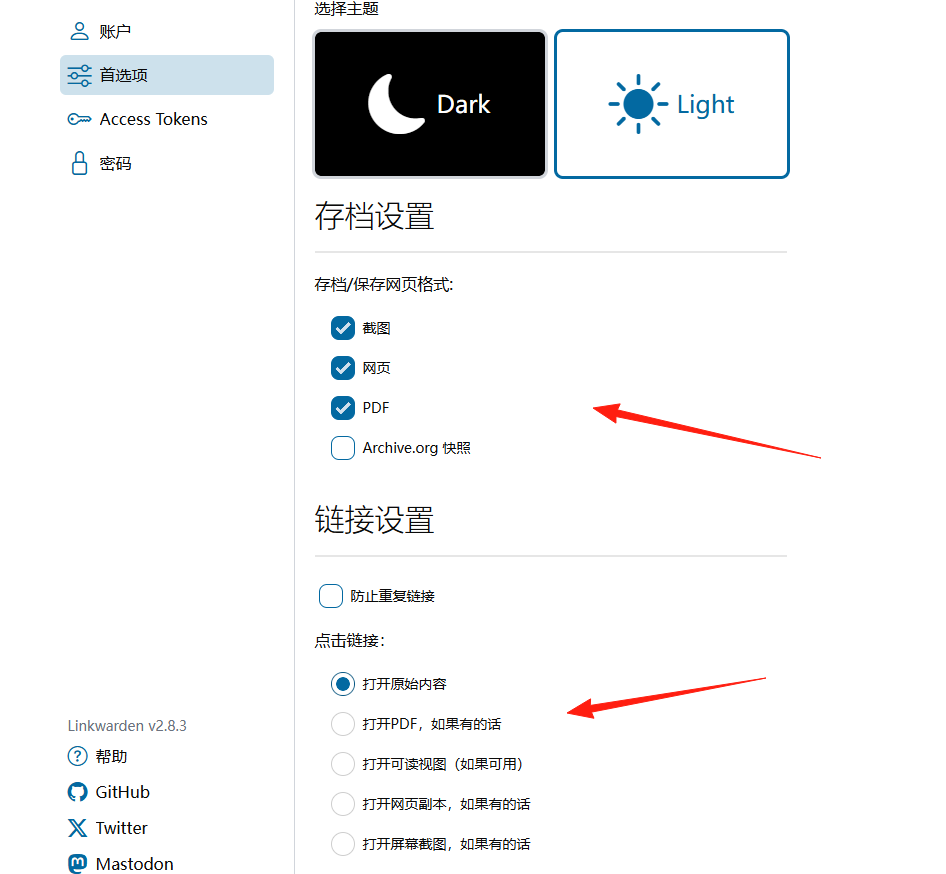
Webpage Snapshot Feature: Each saved webpage automatically generates a screenshot and PDF copy. Even if the original site goes down, you can still view the complete content.
🚦 Summary
Linkwarden is a powerful and thoughtfully designed open-source bookmark manager.
If you frequently need to save web content, especially for work and study, then Linkwarden is definitely worth a try.