
MySpeed: 24/7 Network Monitoring Tool
Opening Ramblings
Do you ever face these frustrations:
- Your internet speed is inconsistent, but you lack evidence when complaining to your ISP?
- Or you want to know when your network is fastest and slowest throughout the day?
Meet today's fantastic tool—MySpeed—which can monitor your network condition 24/7 without interruption.
https://appstore.lazycat.cloud/#/shop/detail/in.zhaoj.myspeed
What is MySpeed?
MySpeed is a self-hosted network speed testing and analysis software that can record your network speed data for up to 30 days.
Simply put, it's a tool that automatically performs regular speed tests and generates beautiful charts and statistics, allowing you to see your network performance at a glance.
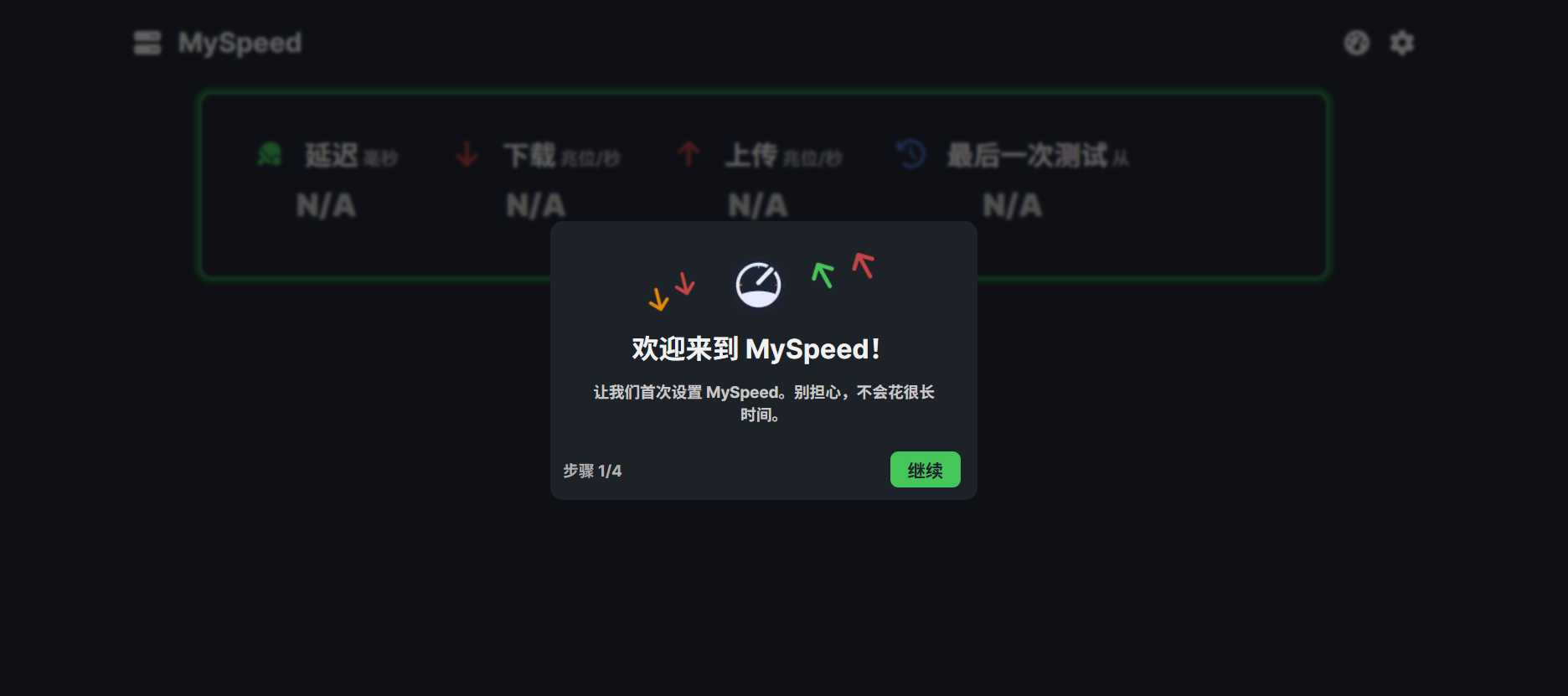
After installing it from the Lazy Cat Store, you'll be guided through setup. Just use the default options and keep clicking 'Next'.
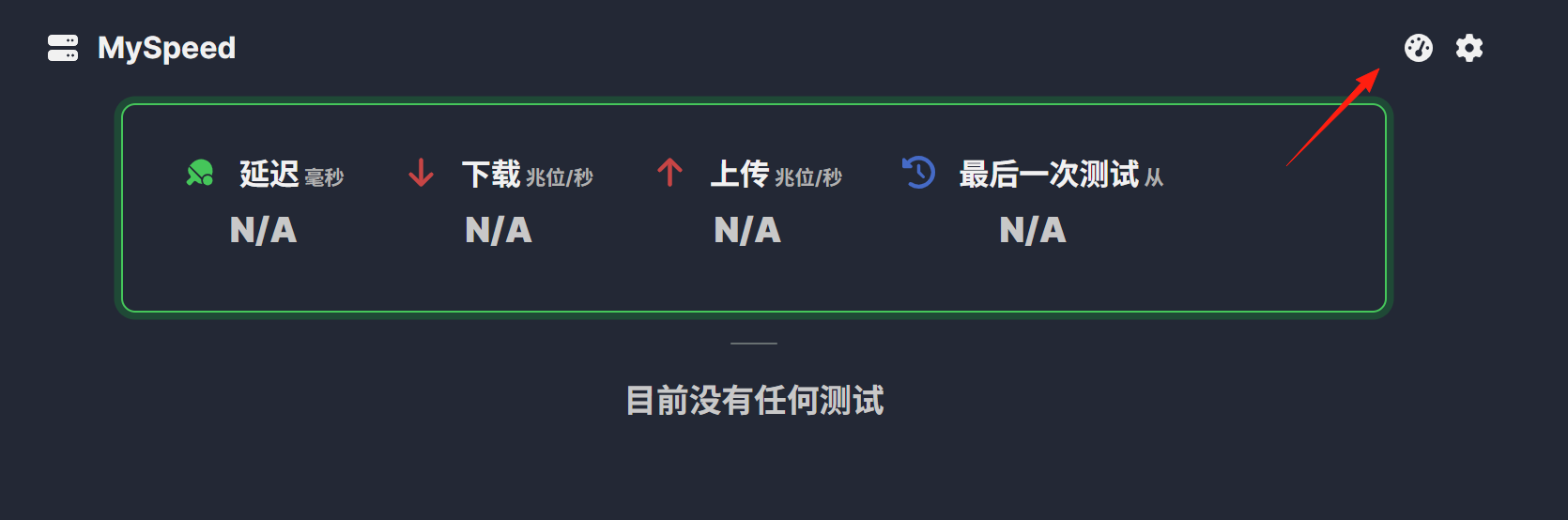
Click the icon in the upper right corner to run a speed test.
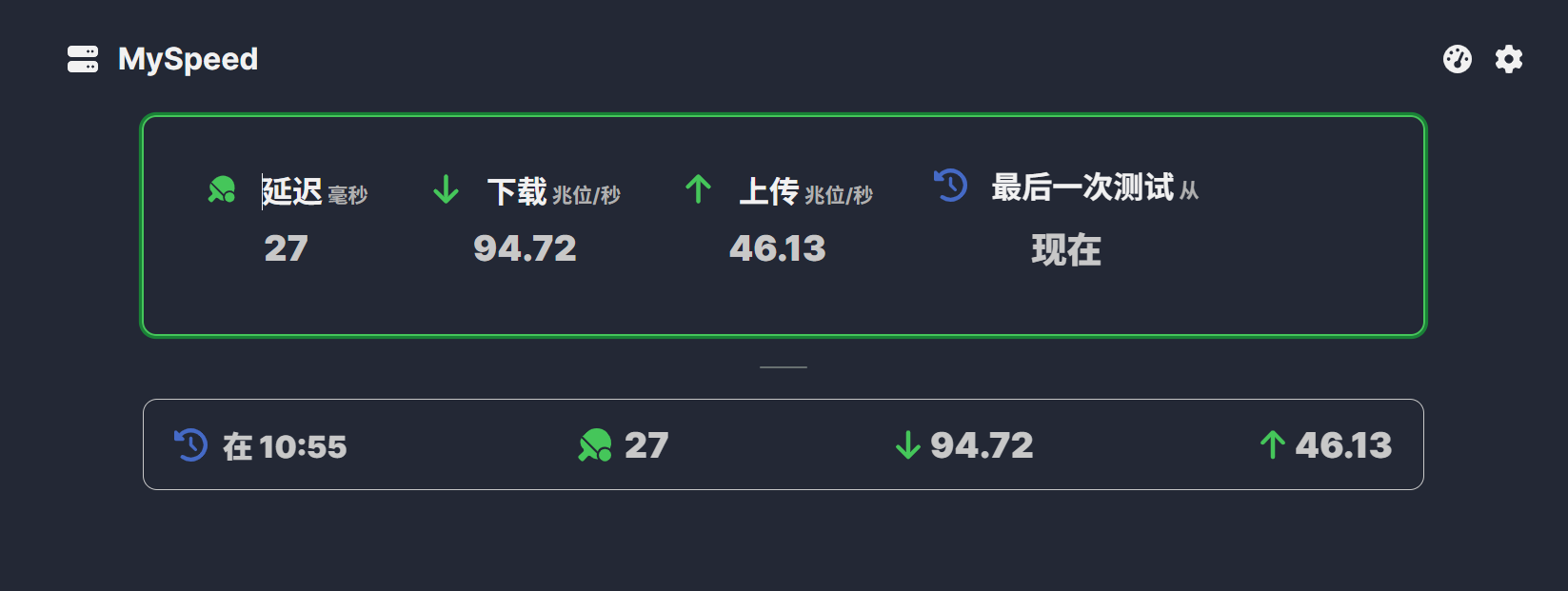
Wait a moment, and you'll get the results.
You can change the view from the settings in the upper right corner. Note: The Chinese translation here is a bit problematic.
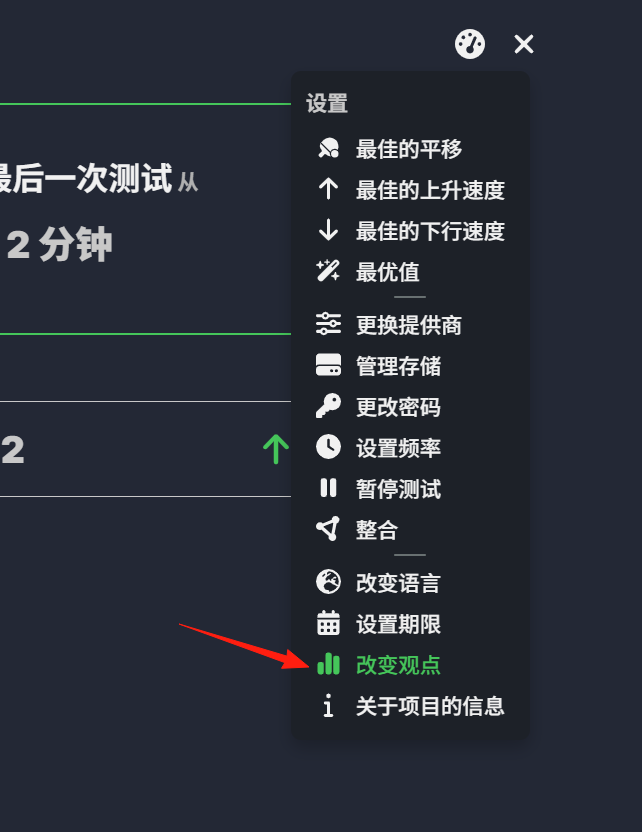
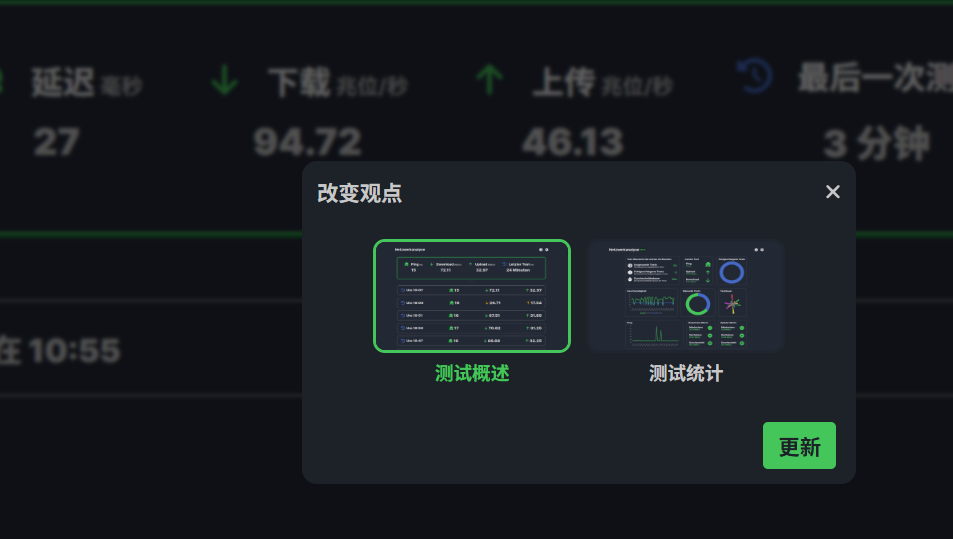
Select [Test Statistics]. After updating, the page looks like this, making it even clearer to understand.
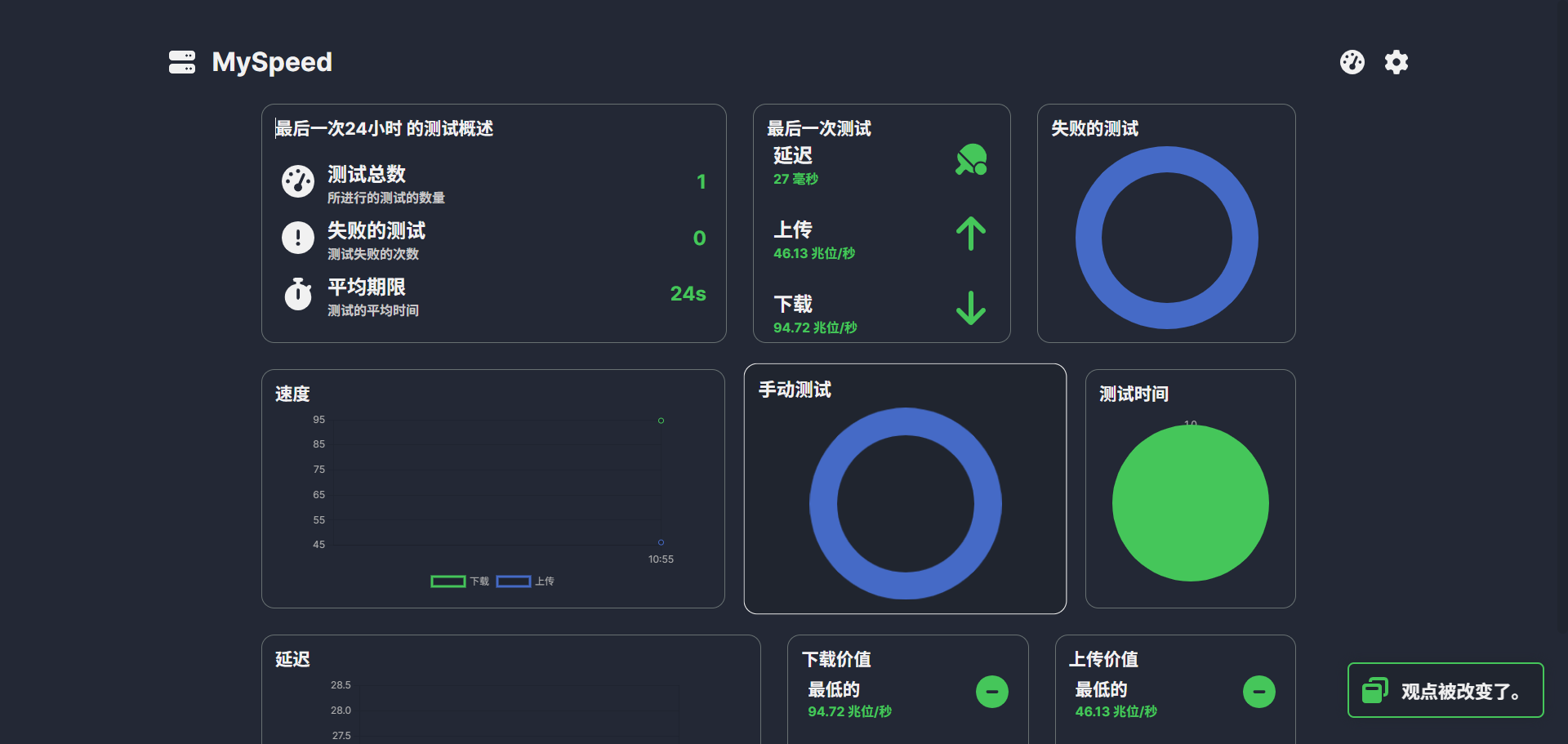
By viewing the 24-hour speed variation chart, you can identify network peaks and troughs, allowing you to schedule large file downloads accordingly.
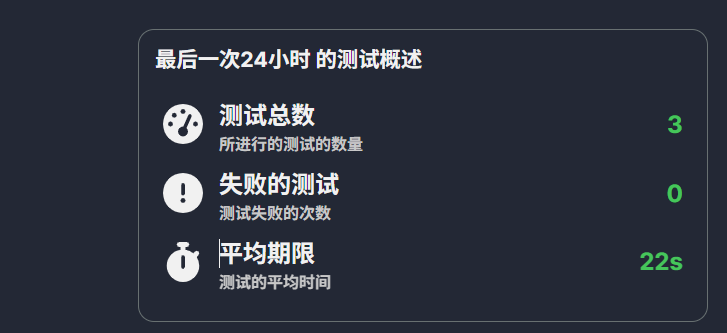
Traditional speed test websites only measure your current speed, but MySpeed is different:
- Automatically performs scheduled speed tests (default: hourly)
- Enables long-term network performance monitoring
- Generates detailed historical data charts
- Helps identify patterns in network fluctuations
Final Thoughts
While network issues can be frustrating, with tools like MySpeed, we can at least back up our claims with data.
Whether you're disputing with your ISP or optimizing your own network environment, you now have scientific evidence to rely on.