
Readeck Guide: Your Personal Bookmark Management and Read-It-Later Solution
What is Readeck?
In simple terms, it's a self-hostable bookmark management and read-it-later tool.
Its functionality is similar to the previously introduced ArchiveBox, but it's simpler to use.
https://appstore.lazycat.cloud/#/shop/detail/com.cursorzz.readeck
🌟 Usage Guide
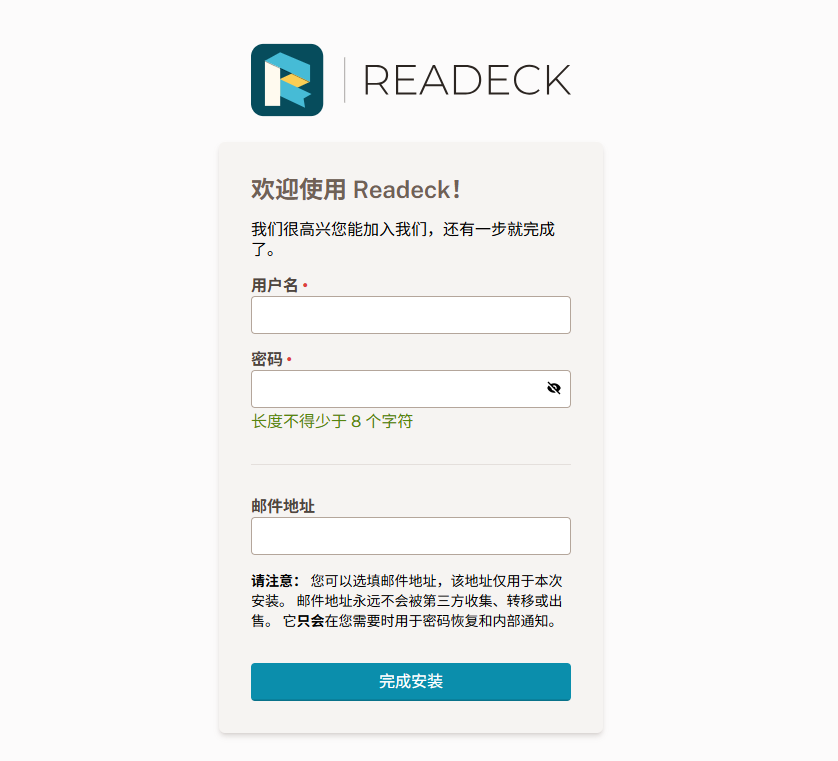
After installing it from the Lazycat Store, you need to register an account upon opening.
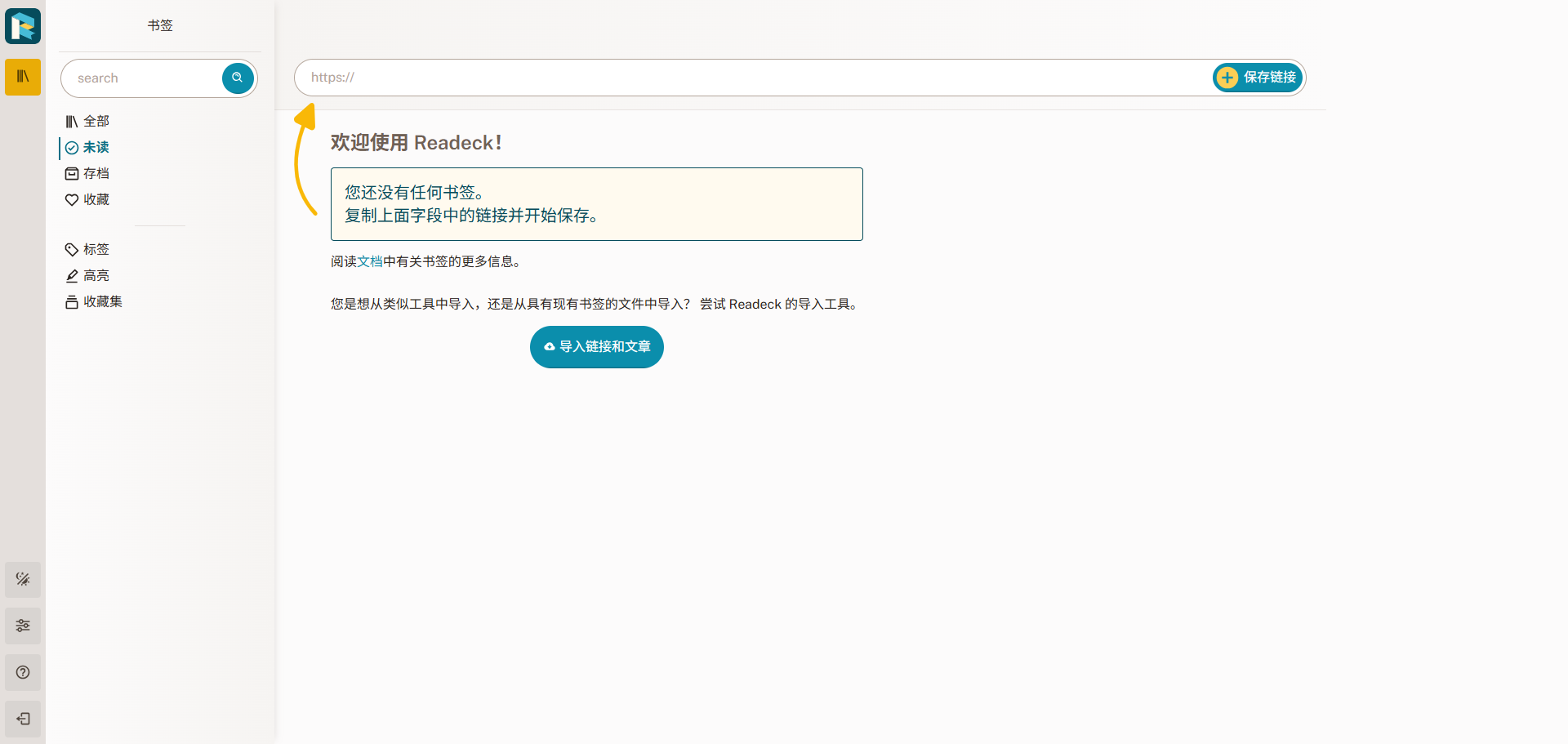
The homepage looks like this:
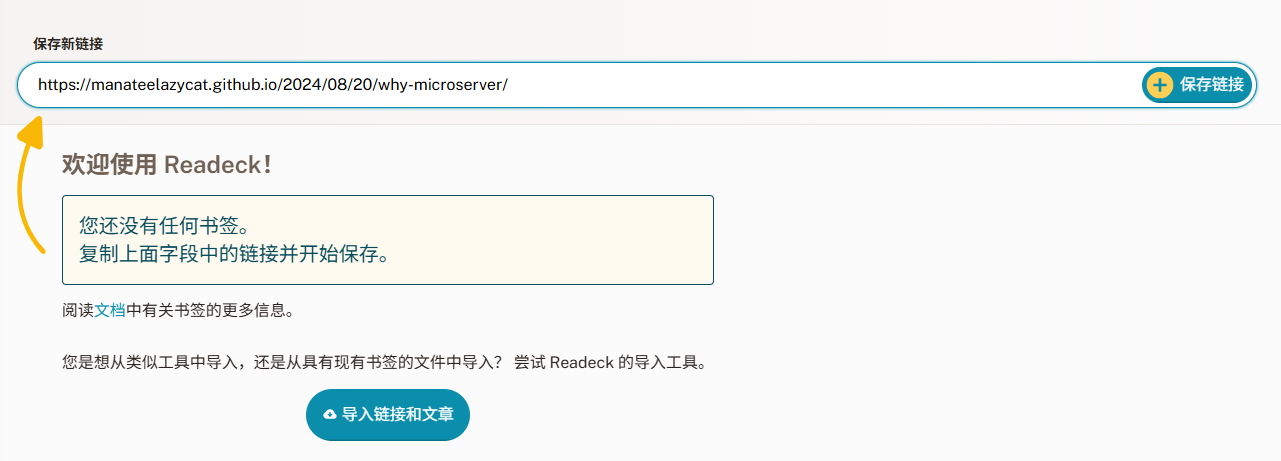
Let's use Lao Wang's blog as an example: https://manateelazycat.github.io/2024/08/20/why-microserver/
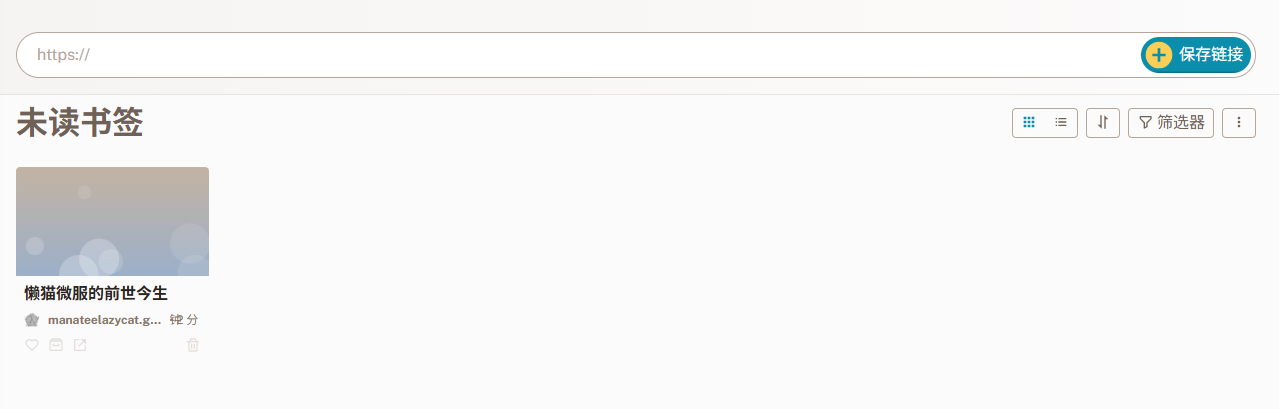
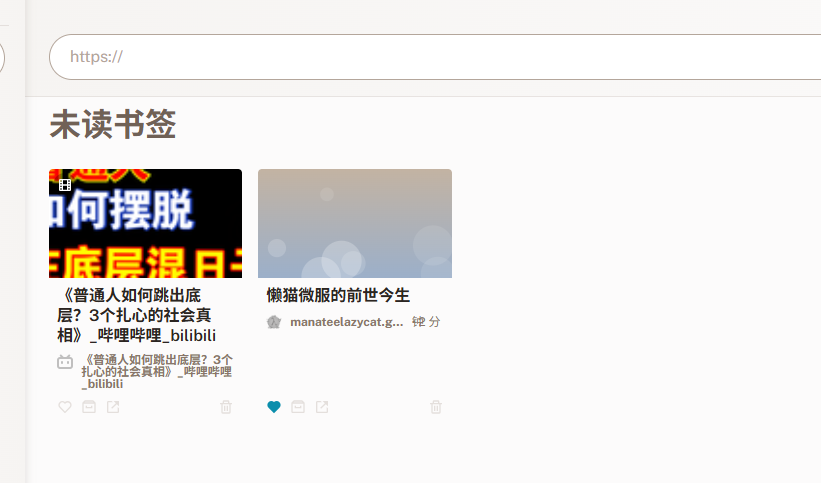
After saving, you can see it here:
Click to open it, and you'll see the result, which is quite good.
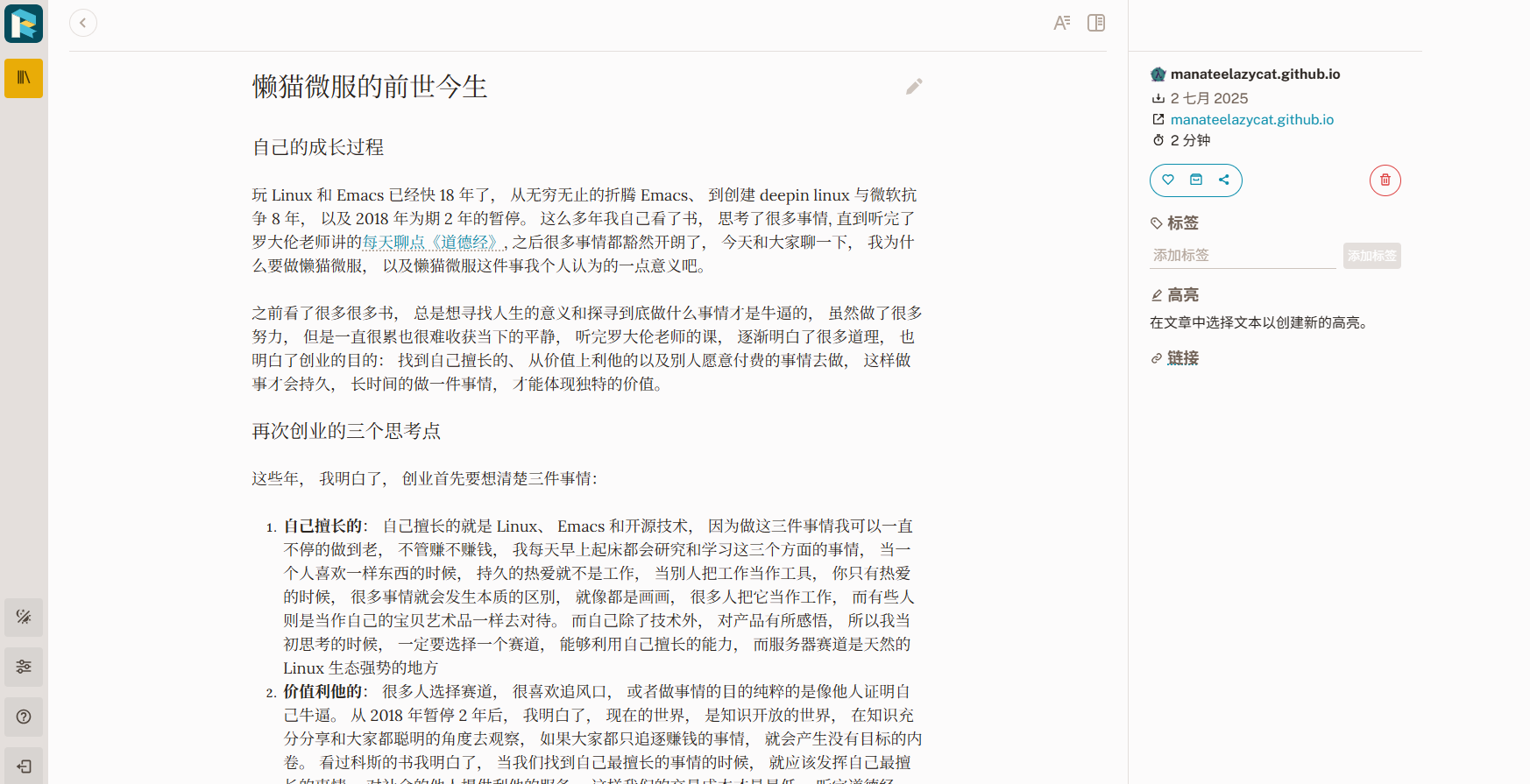
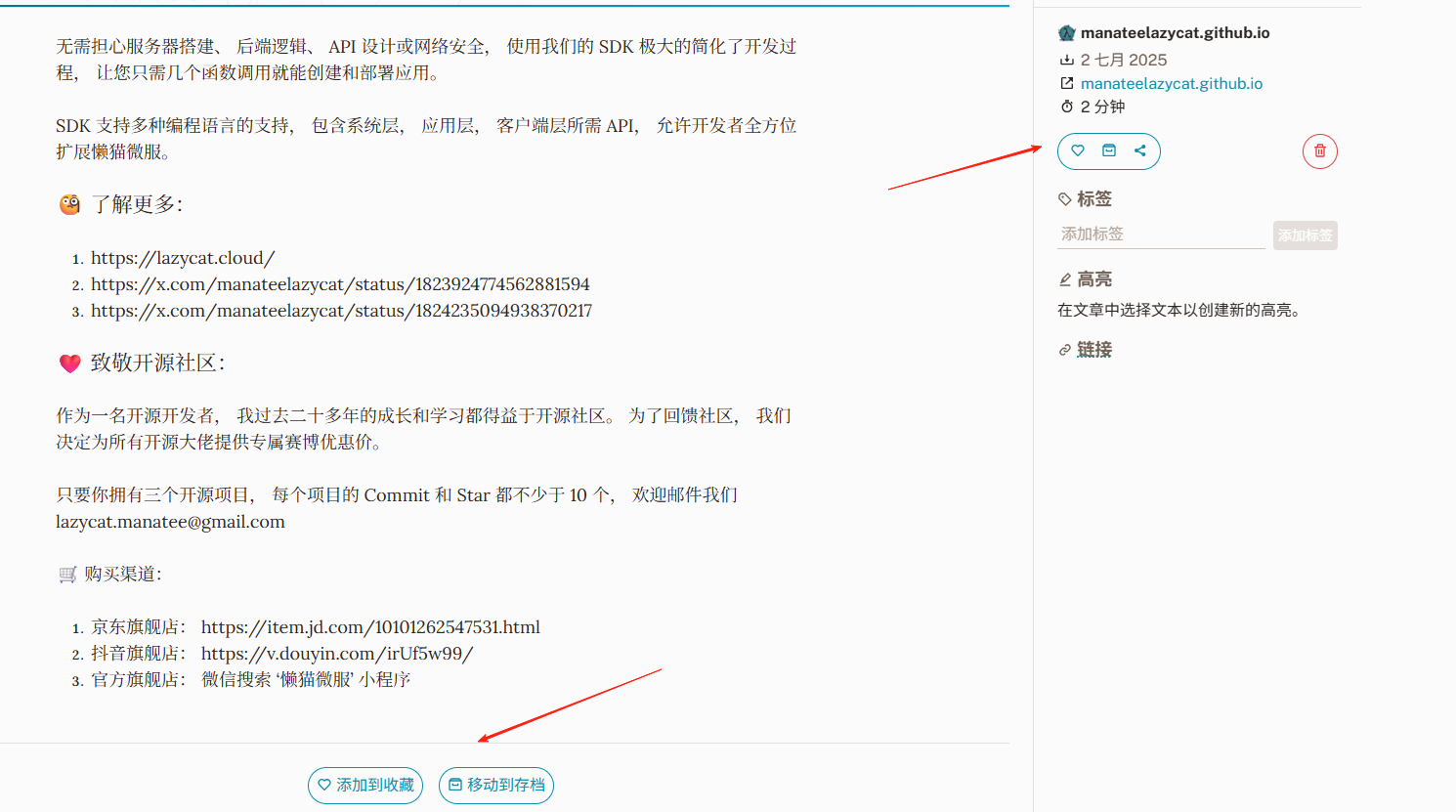
At the bottom and on the right side, you can perform actions like adding to favorites, moving to archive, deleting, etc.
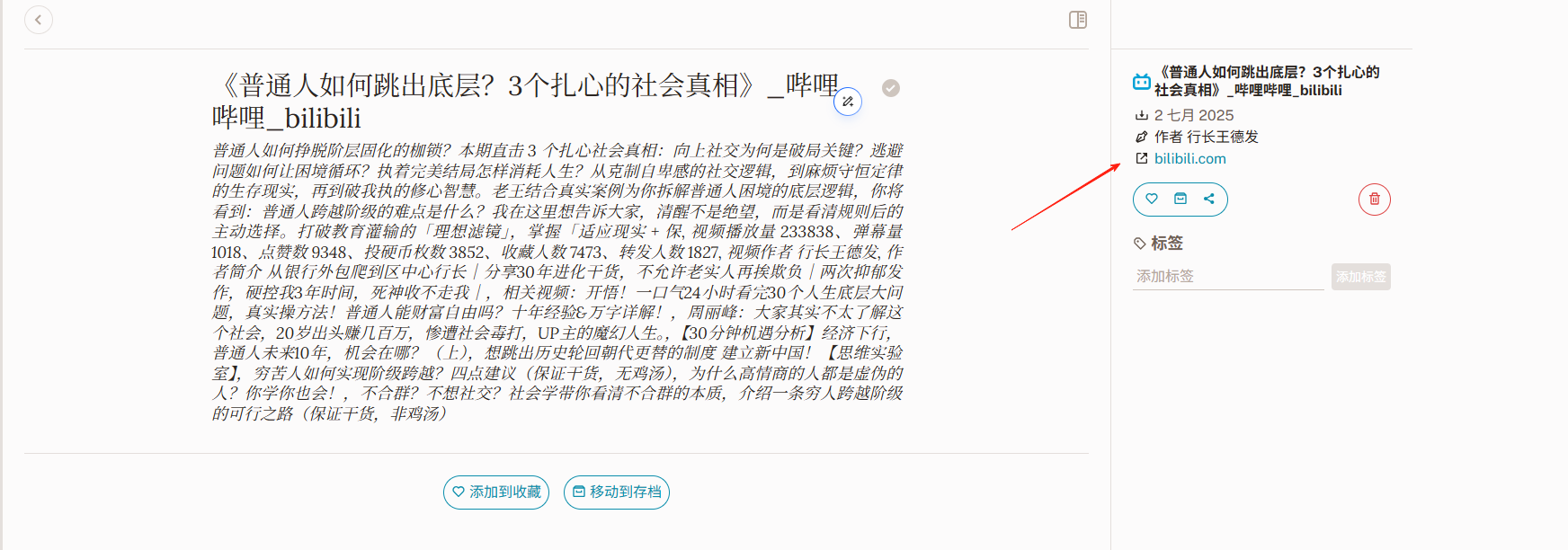
It also supports saving video links. Let's use Bilibili as an example: https://www.bilibili.com/video/BV1VJT3zREK5/?spm_id_from=333.1007.tianma.1-3-3.click
It only saves the text content it crawls. Click the link on the right to watch the original video guide.
Let's try an image link: https://wallhaven.cc/w/d85ewm

We found that it didn't extract the content correctly. Based on testing, it works best with text content.
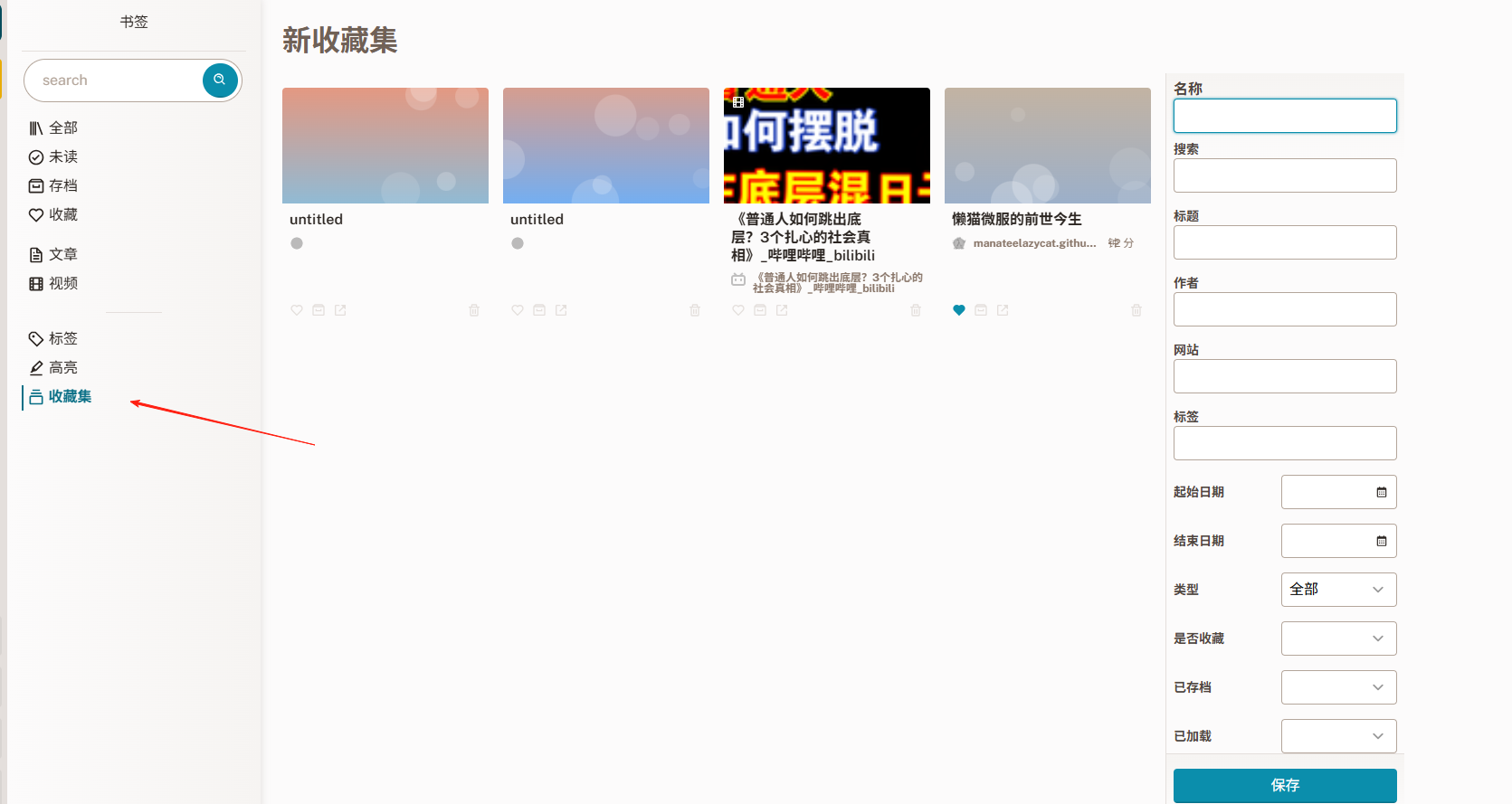
There's a 'Collections' feature on the left, which allows you to categorize and organize your bookmarks.
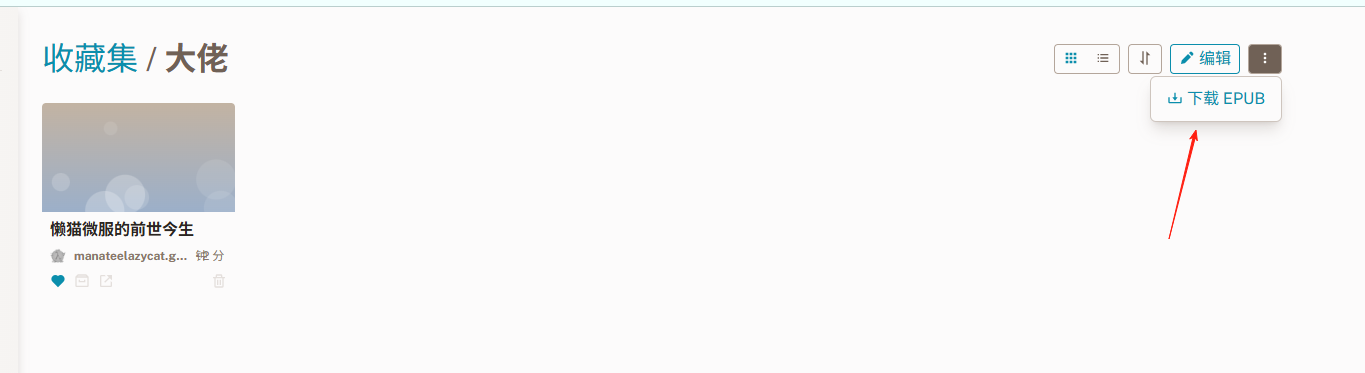
Here you can download content as EPUB format e-books.
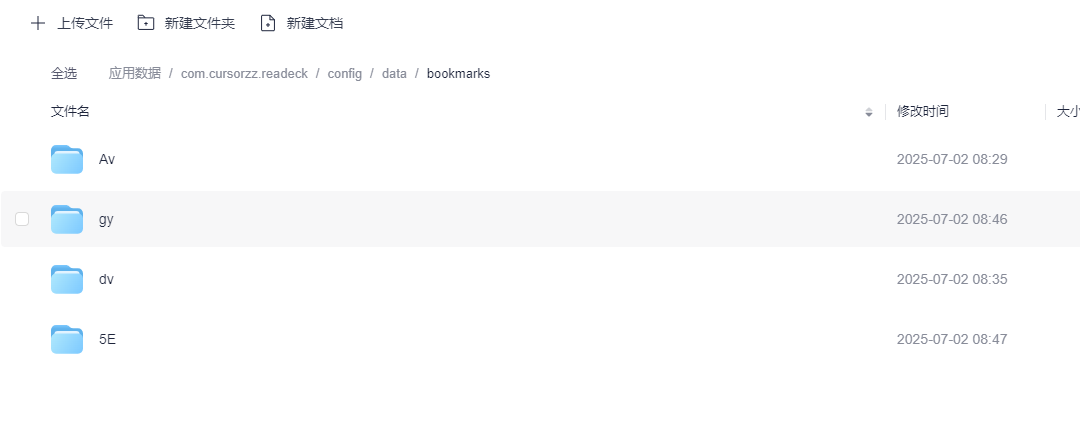
In the Lazycat Cloud Drive, you can see that each bookmark is actually stored as a zip file.
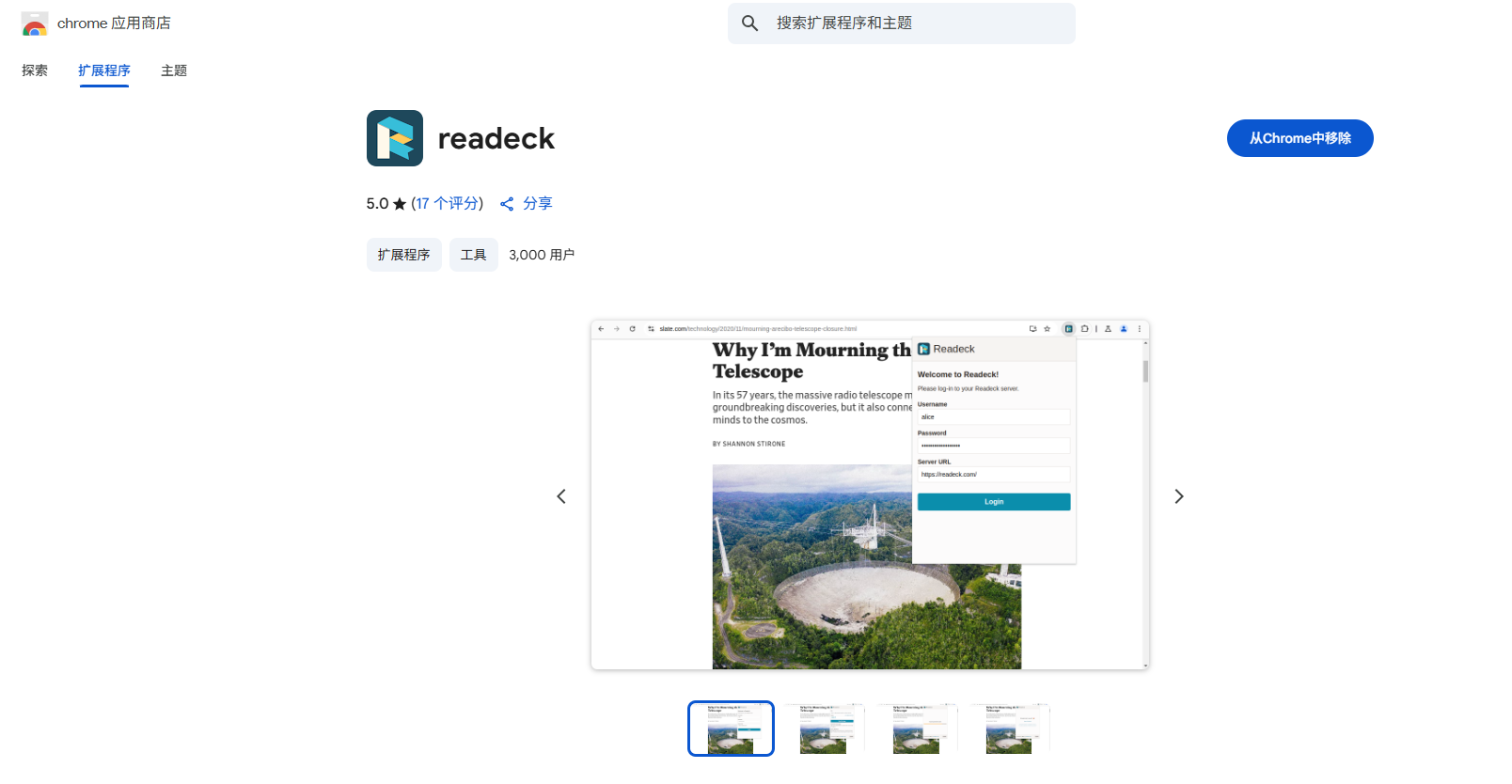
Using this app with a browser extension makes it even more convenient. Let's use Chrome as an example. Search for 'readeck' in the Chrome Web Store and add it to your browser.
After opening it, enter the username and password you set, and the URL: https://readeck.your-lazycat-name.heiyu.space. Note: Do not include a trailing / at the end of this address, otherwise you will get an error and fail to log in.
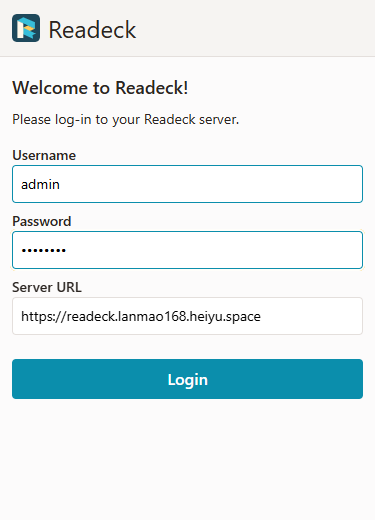
After successful login, the interface looks like this:
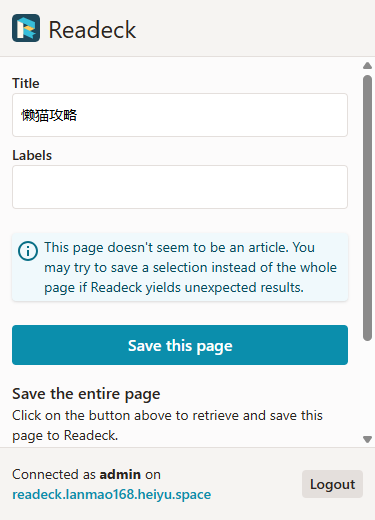
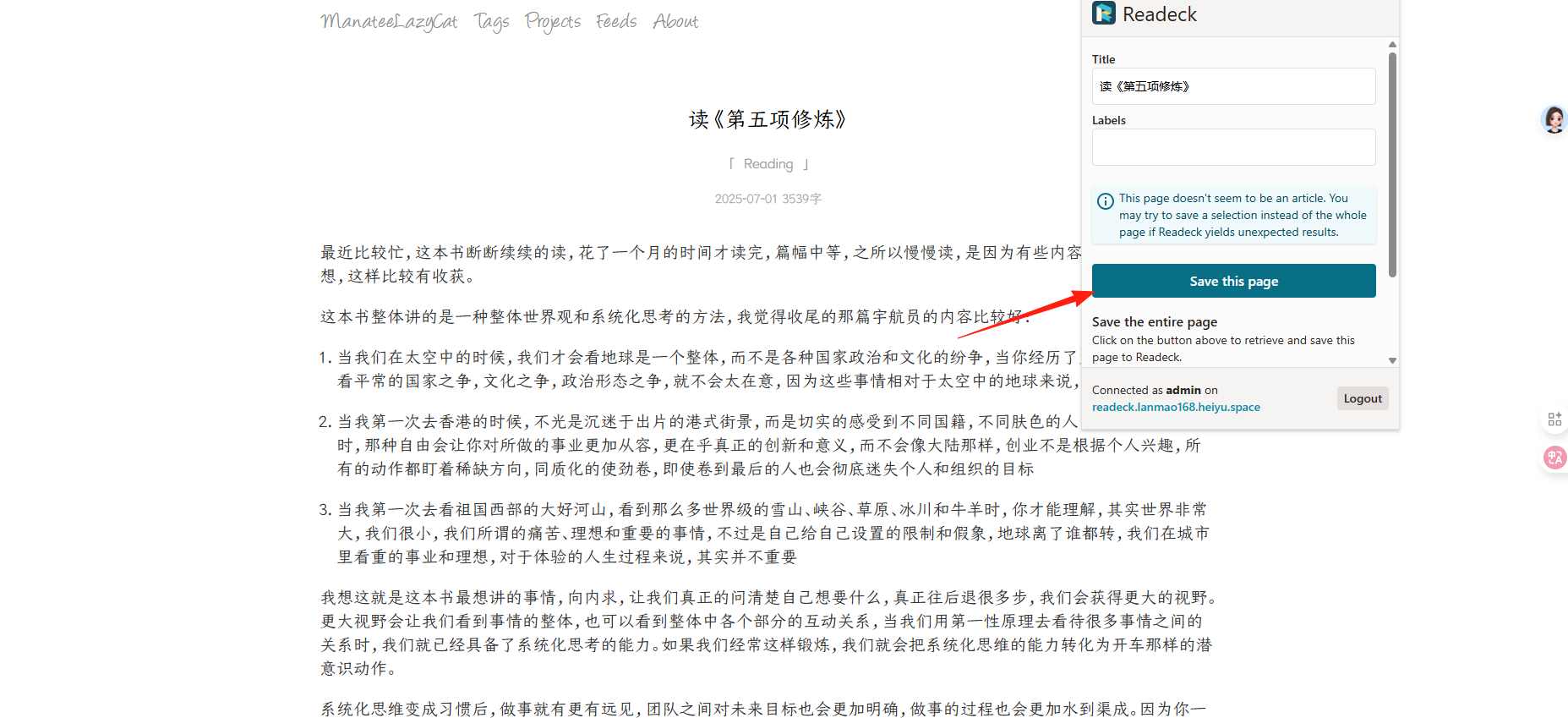
Afterwards, when you come across an article you like, simply click the extension to save it.
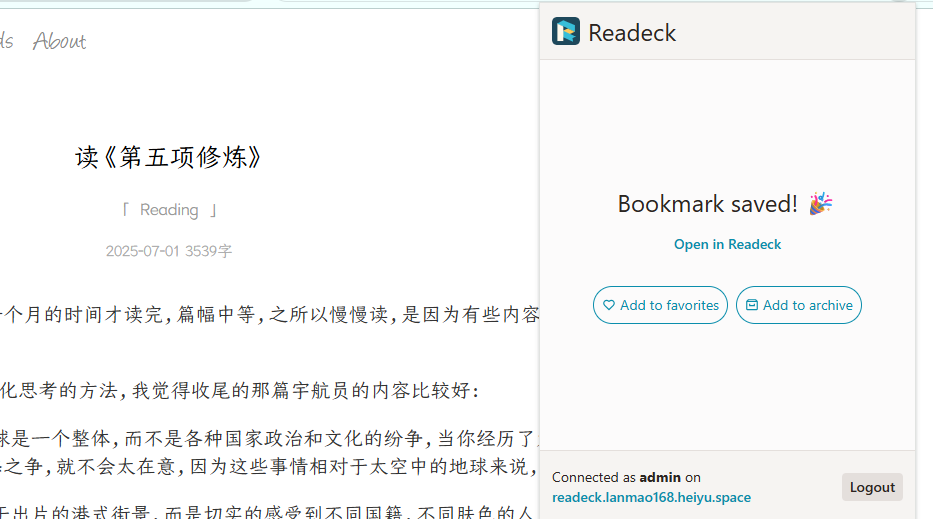
Save successful:
You can then see it in the Readeck client:
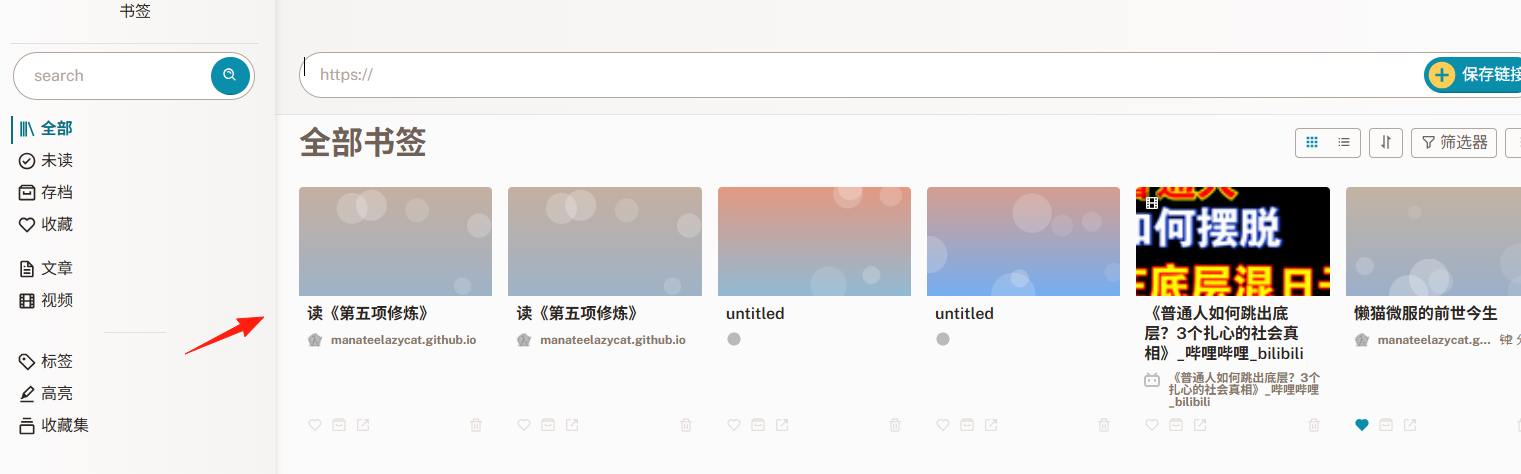
No more worries about web pages disappearing. Perfect!
🎉 Summary
If you are looking for an alternative to Pocket or Instapaper, or want to build your own private knowledge base, Readeck is worth a try.
By following this guide, you should have a basic understanding of how to use Readeck.
We believe it will become a great companion on your knowledge management journey.