
🔥 Stirling-PDF: Master PDF Operations
🤔 Introduction
You're rushing to finish a work report when suddenly you need to split a 100-page PDF into several smaller files, add a watermark to prevent unauthorized use, or convert scanned images into editable text...
Whenever faced with such situations, I used to either purchase Adobe Acrobat or search for various online tools.
Today, this tool—Stirling-PDF—allows you to perform all sorts of operations on PDF files with incredible flexibility. It truly offers an extensive range of features.
https://appstore.lazycat.cloud/#/shop/detail/cloud.lazycat.app.spdf
🎯 What is Stirling-PDF?
In simple terms, Stirling-PDF is a powerful, locally hosted, web-based PDF manipulation tool that enables you to perform various operations on PDF files, such as splitting, merging, converting, reorganizing, adding images, rotating, compressing, and more.
🚀 Core Features Overview
Scenario: The Ultimate Work Report Tool
Requirement: Your boss asks you to merge all this month's work reports into a single PDF and add the company watermark.
Steps: After installing via LazyCat Store, open the Stirling-PDF homepage.
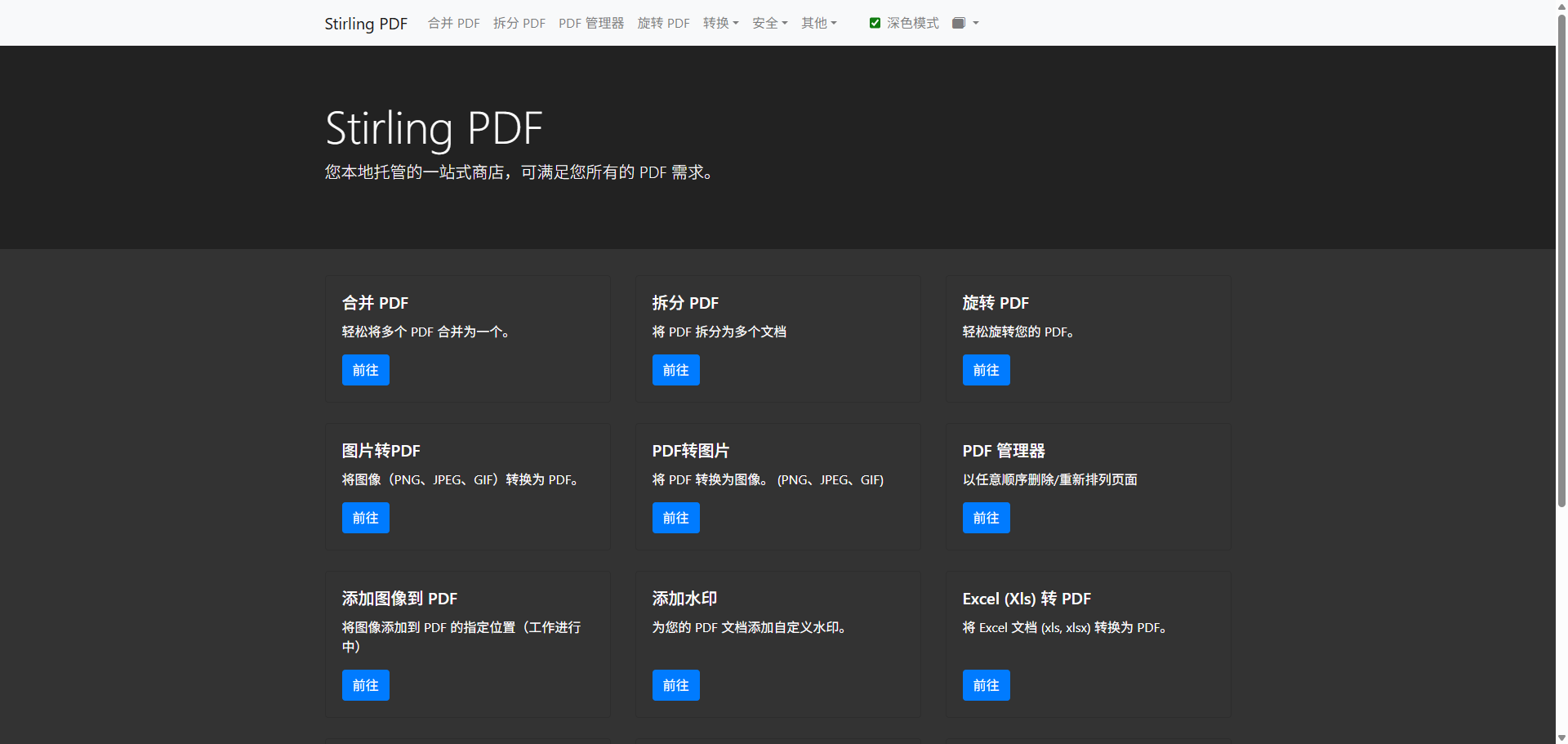 Select the "Merge PDF" function.
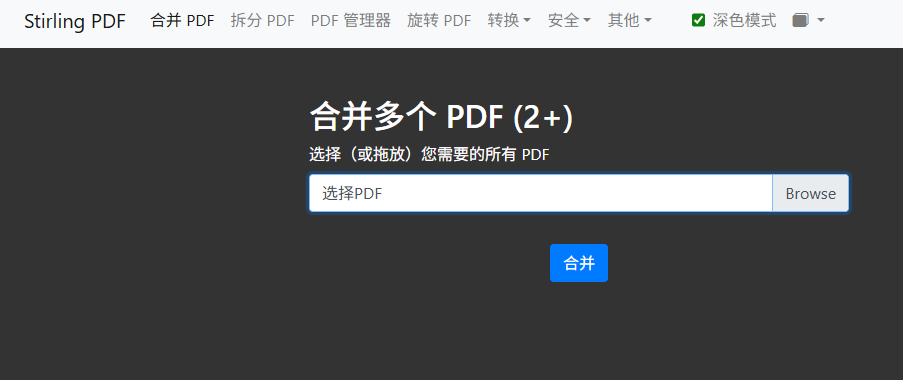 Upload all report files at once.
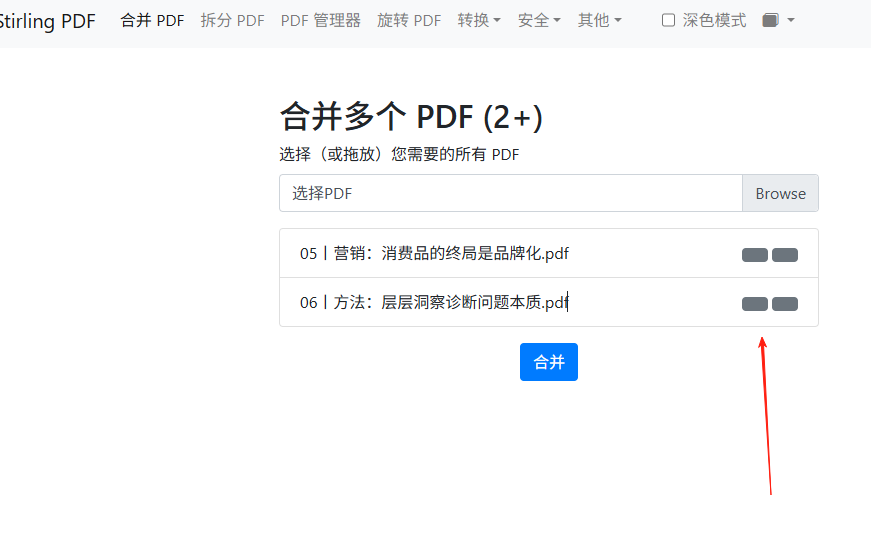 Adjust the page order (simply drag and drop). There should be up/down icons here, which aren't displaying for me, but the functionality works.
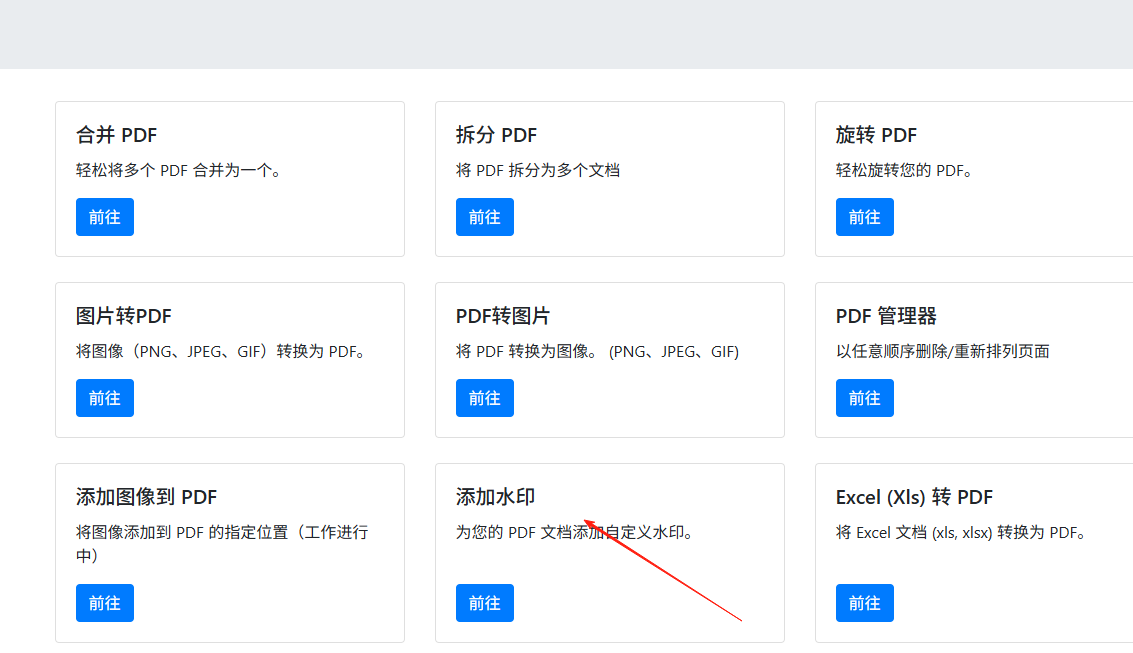
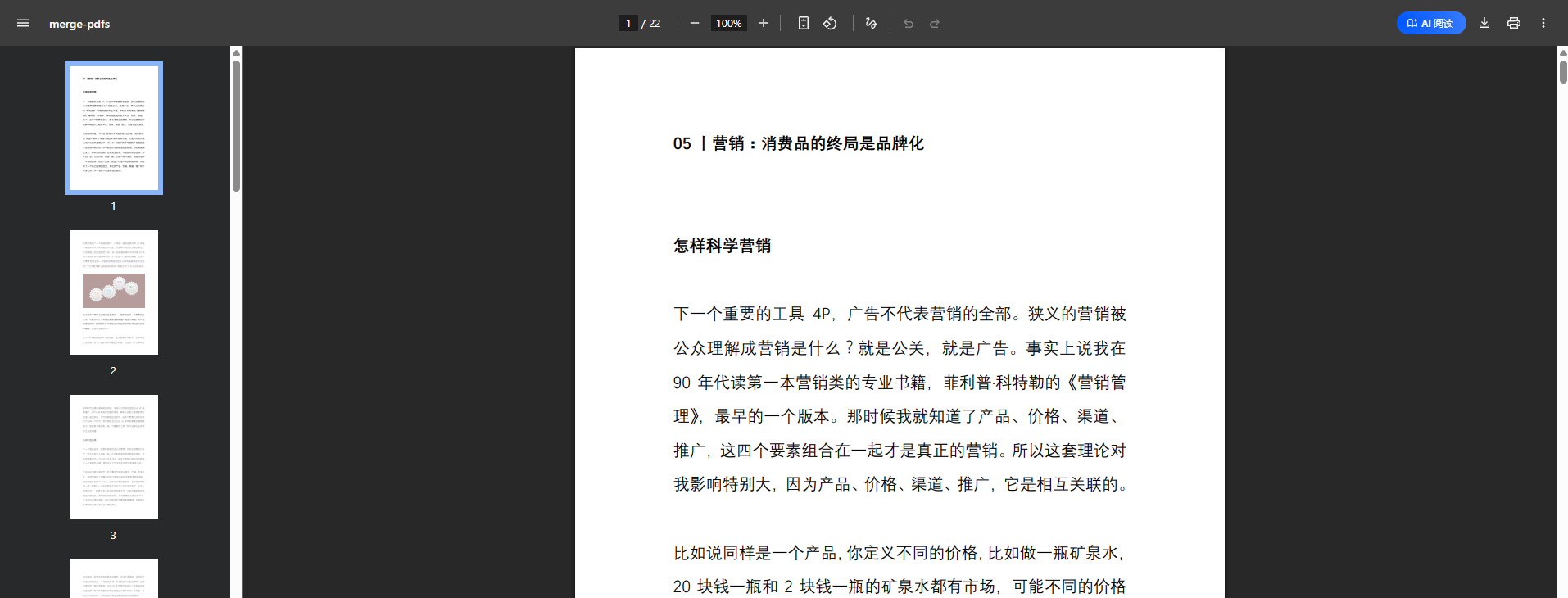 After merging is complete, download the file, return to the homepage, and select "Add Watermark".
 Enter the text watermark.
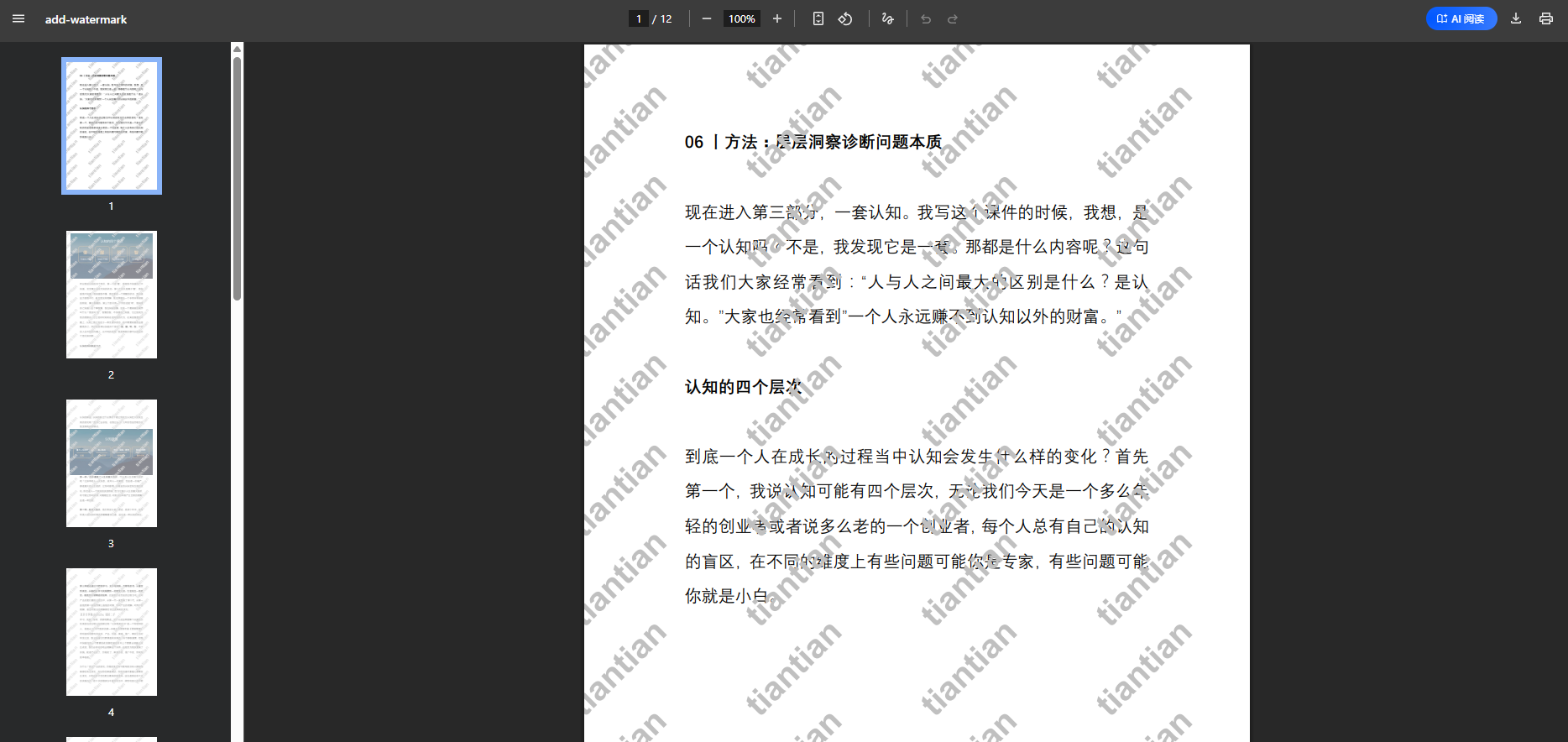
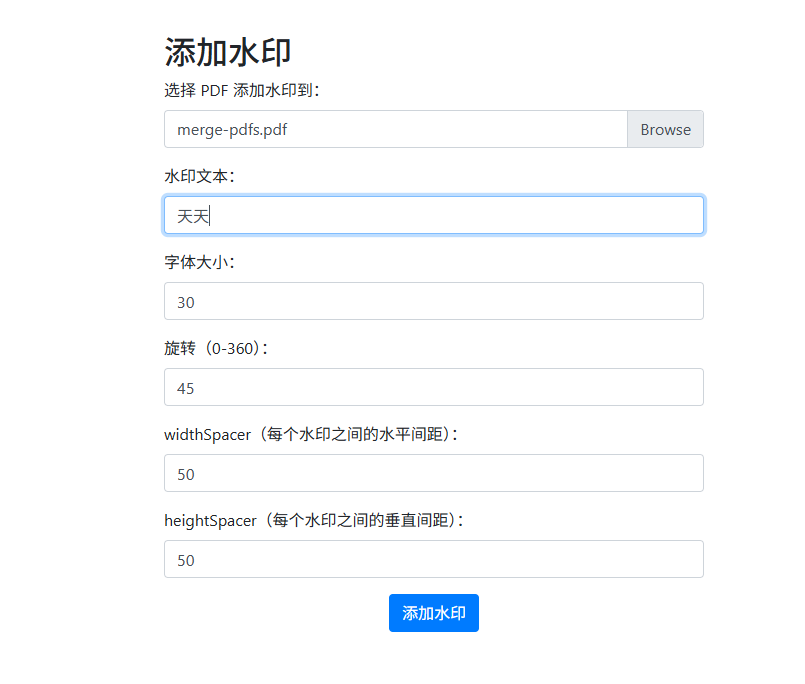 Adjust the position and transparency, and you're perfectly done!
It also has other features:
- Split & Merge: Easily split a large PDF into multiple smaller files, or merge multiple PDFs into one document in seconds.
- Page Reordering: Freely adjust the page order however you like. Feel free to try them out if you're interested.
🎉 Summary
If you frequently need to handle PDFs—organizing study materials, adjusting thesis formats—this tool should be a great help.
Give it a try now!