
A Practical Guide to Logseq: Making Bi-directional Linking Notes Accessible for Beginners
What is Logseq?
Simply put, Logseq is a super smart note-taking application.
Imagine countless ideas in your mind, all interconnected and influencing each other. Logseq is the tool that helps you perfectly organize these ideas.
It is an outliner + bidirectional linking + local storage + GitHub storage note-taking application that emphasizes user data privacy and security.
https://appstore.lazycat.cloud/#/shop/detail/iamxiaoe.lzcapp.logseq
How to Use
After installing it from the Lazycat Store, open the home page:
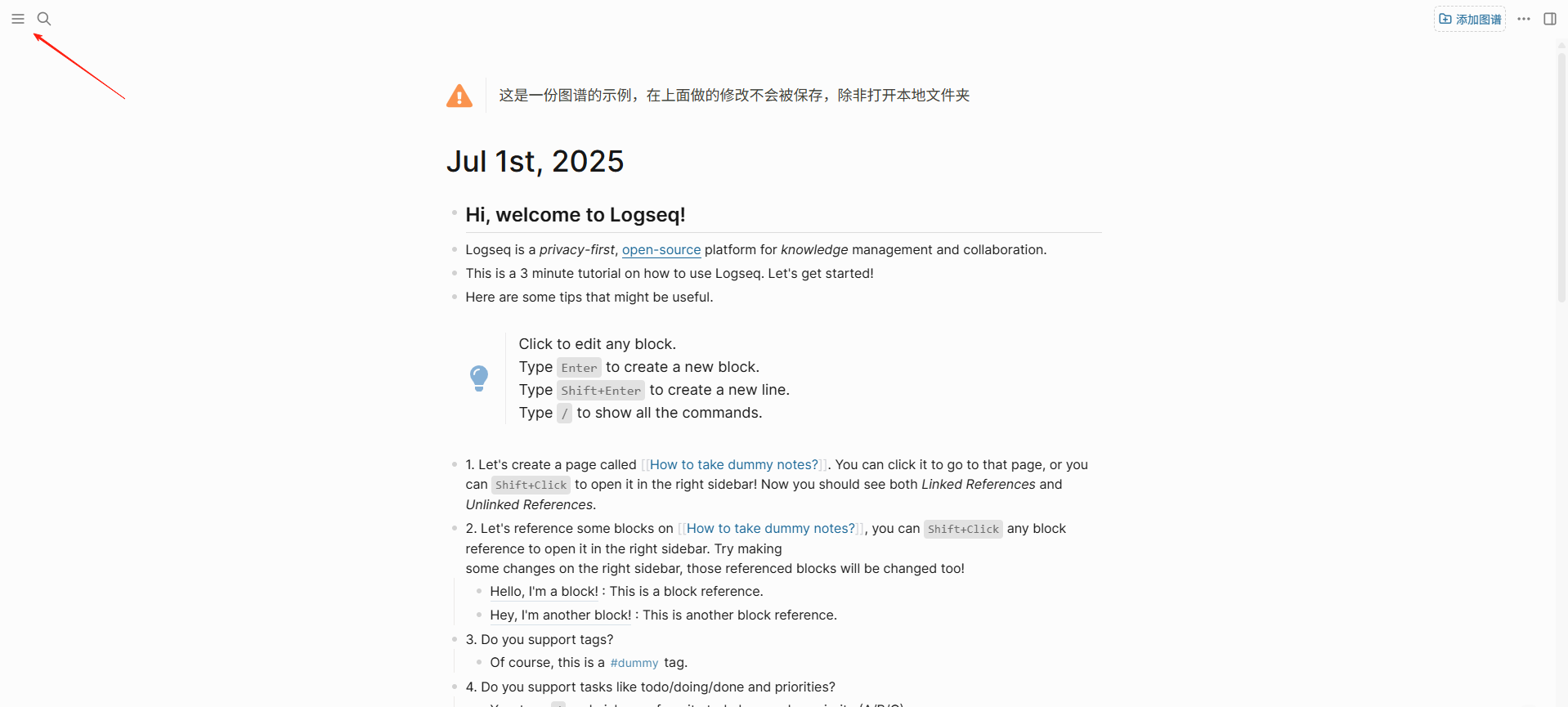 Click the icon in the upper left corner to expand the menu.
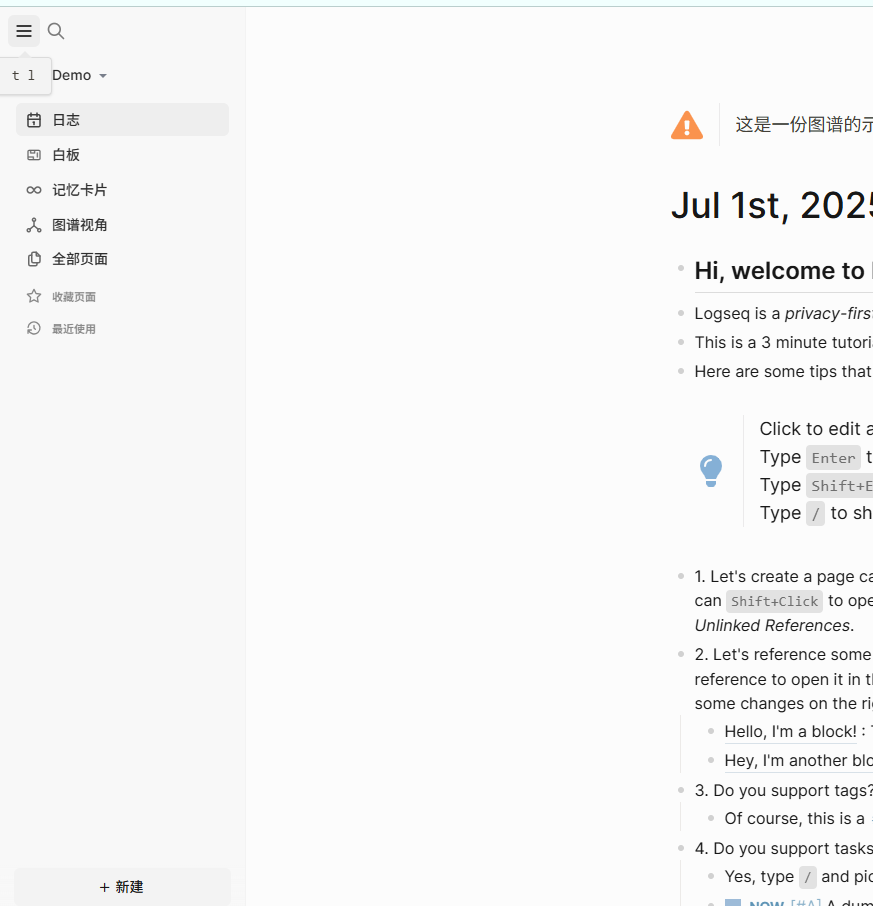
Click the lower left corner to create a new page.
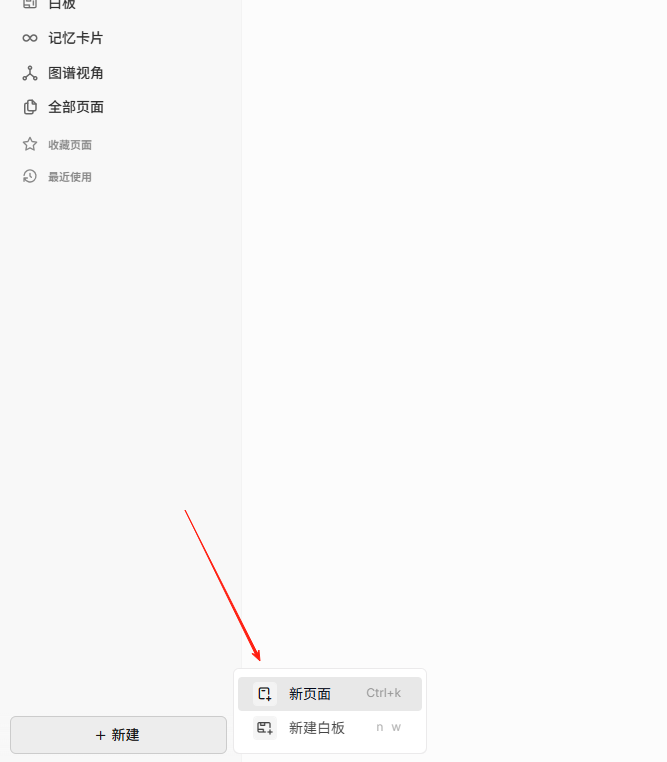
- Don't overthink it, just write down whatever comes to mind.
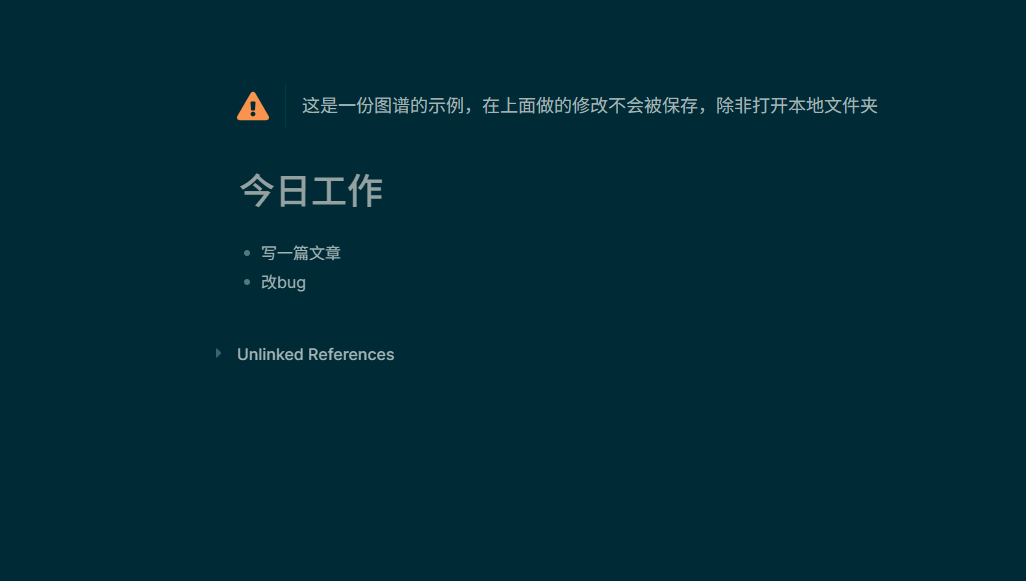 You'll notice an exclamation mark prompt because you haven't linked a local folder yet.
On my Windows computer, I created a new Logseq folder on the E: drive and then linked it.
You'll notice an exclamation mark prompt because you haven't linked a local folder yet.
On my Windows computer, I created a new Logseq folder on the E: drive and then linked it.
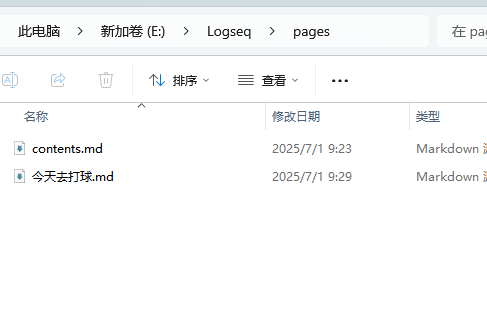
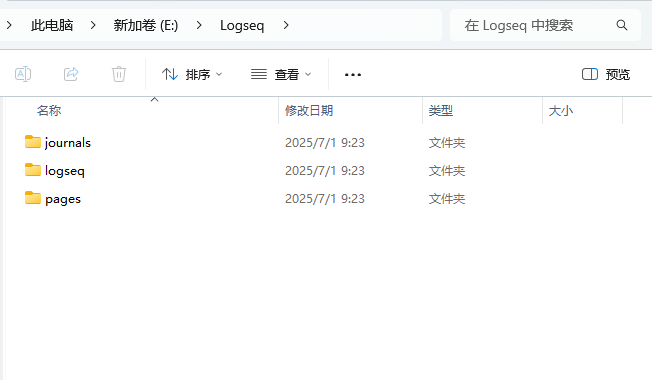 You'll see three folders were automatically created. All the pages you create later can be viewed from here.
-
Use
[[]]frequently to create bidirectional links. -
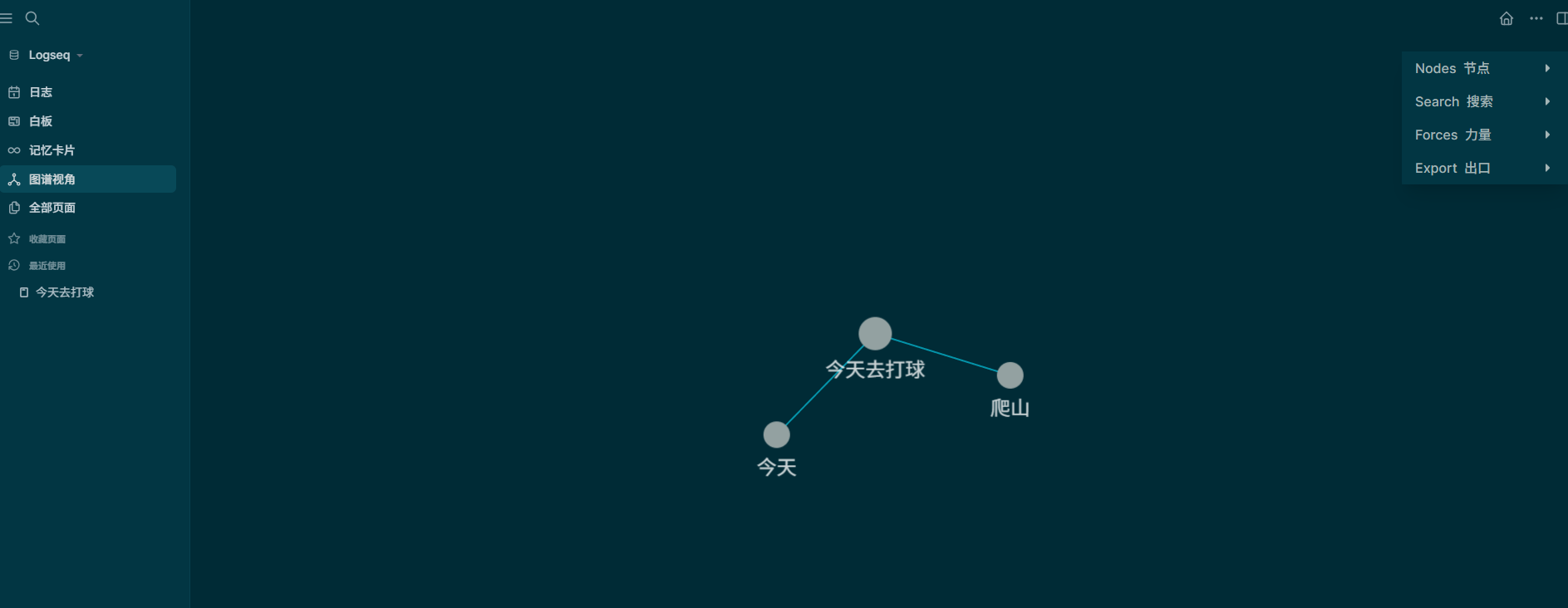
Write a little every day, and you'll gradually discover its power. The graph view feature is also excellent.
The Right Way to Use Bidirectional Linking
Basic Usage:
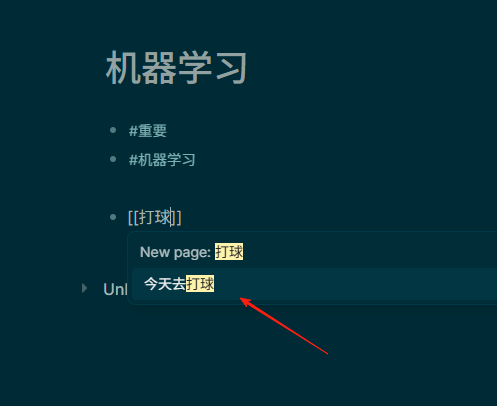
- Use
[[]]to create links:[[Machine Learning]] - Use
#to create tags:#Important - Create hierarchical tags:
#Learning/Programming/Python
- Block Reference: Type
((anywhere and search for previously written content. - Page Embed:
{{embed [[Page Name]]}} - Alias:
[[Machine Learning|ML]]displays as ML but links to Machine Learning.
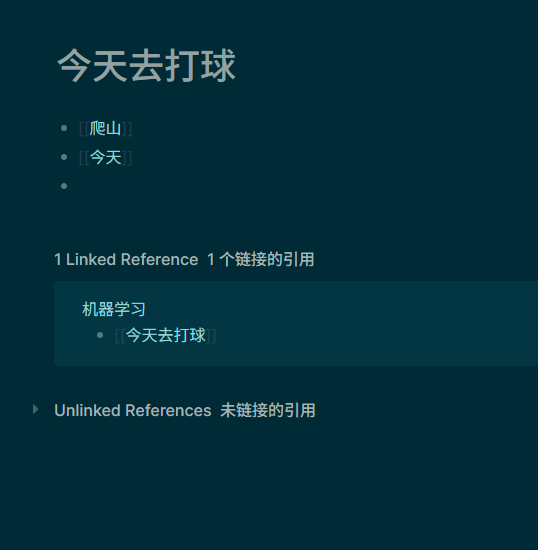
Currently, the mobile experience is average; it's primarily used on the computer.
Summary
Logseq is more than just a note-taking app; it's a thinking tool.
It helps you connect fragmented ideas into a complete knowledge system, making learning and thinking more structured.
Before, my notes were scattered everywhere, and I could never find what I was looking for. Now, with bidirectional linking, all related content is interconnected, and knowledge truly becomes a network.
Especially the daily notes feature has helped me develop a habit of recording. My daily thoughts, learning, and life are all traceable, and looking back gives a real sense of accomplishment.