
AFFiNE User Guide: The Ultimate Note-Taking Tool
What is AFFiNE?
When it comes to note-taking software, the first thing that probably comes to mind is Notion. But today, I want to recommend an even better alternative—AFFiNE.
AFFiNE is an open-source note-taking application currently in development. It combines Notion-like notes with Miro-like whiteboards. Simply put, it perfectly integrates document editing with whiteboard drawing.
https://appstore.lazycat.cloud/#/shop/detail/cloud.lazycat.app.affine
How to Use
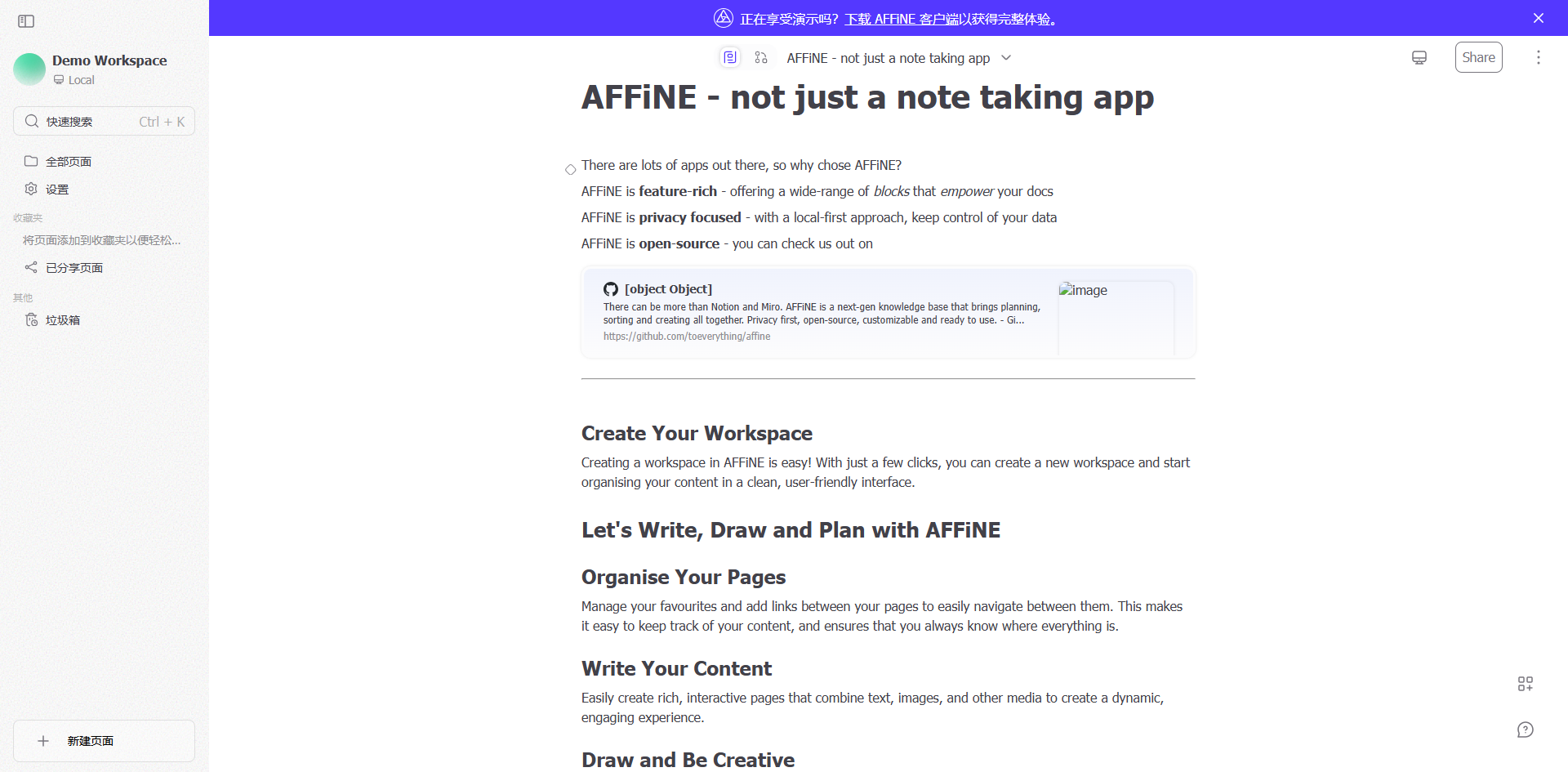
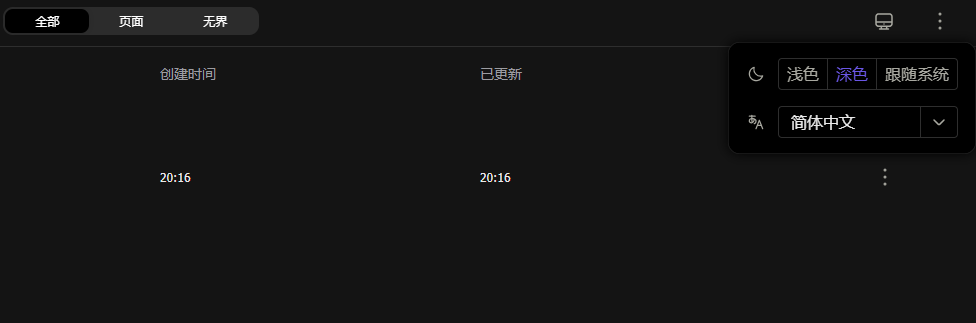
After installing it on LazyCat, the home page looks like this:
Create Your First Workspace
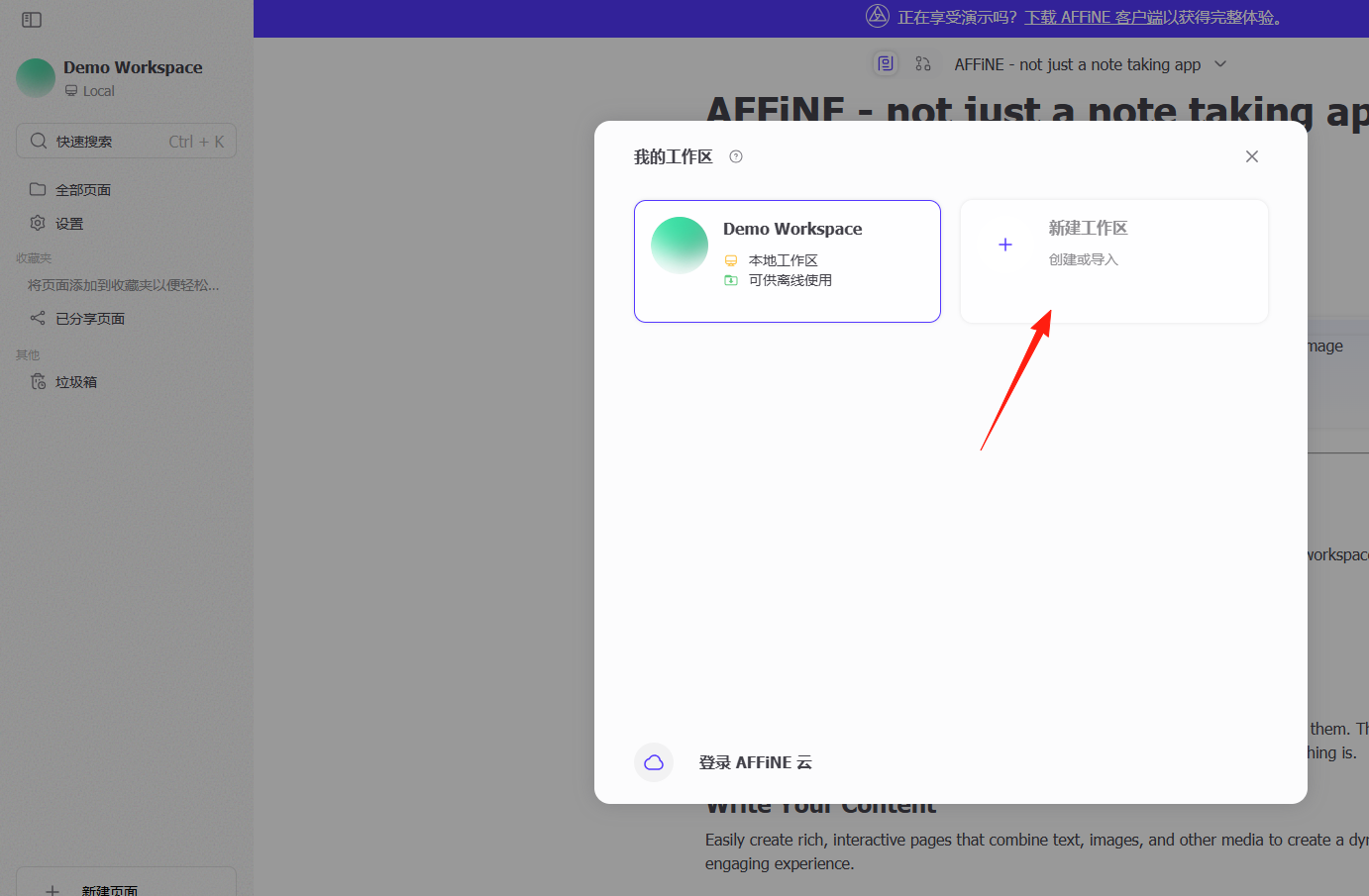
- After opening AFFiNE, click "New Workspace" in the top left corner.
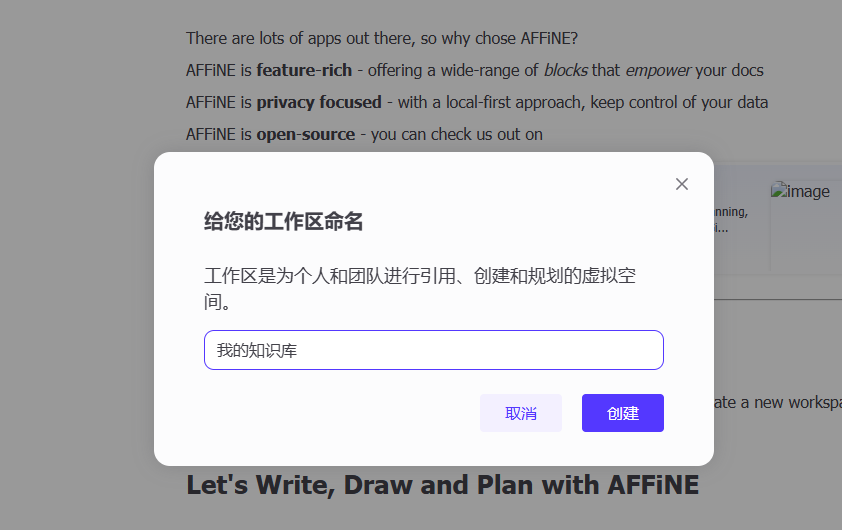
- Give your workspace a name, for example, "My Knowledge Base".
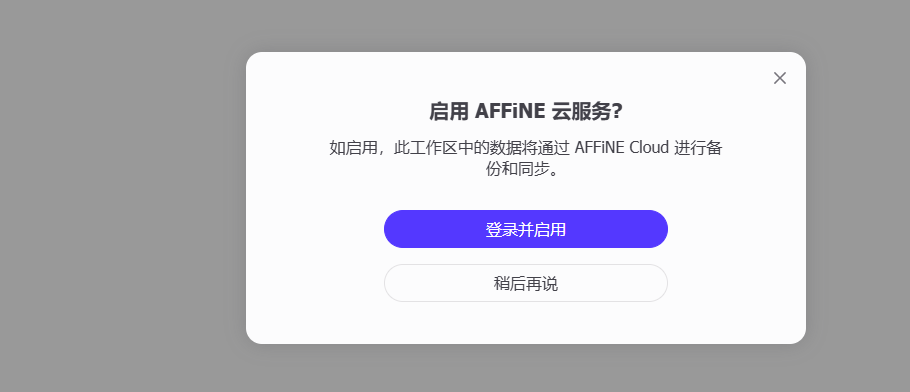
 4. Choose Local Storage (Recommended) or Cloud Sync.
Familiarize Yourself with the Interface Layout
- Left: Page Navigation Sidebar
- Center: Main Editing Area
- Top Right: Mode Toggle Button (Document / Whiteboard)
Common Use Case Example: Project Management
Target Users: Those who need to manage multiple projects.
Steps:
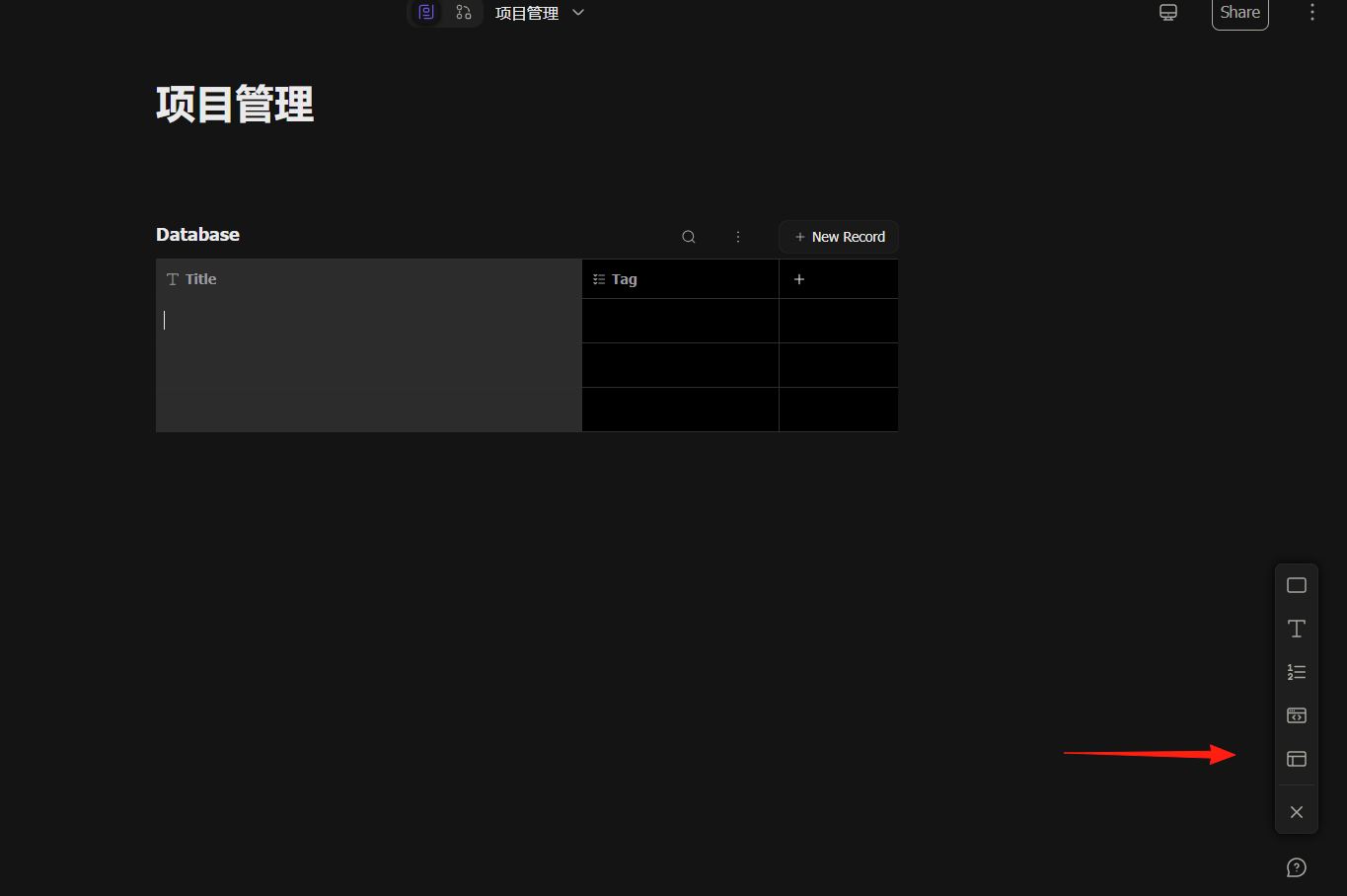
- Create a "Project Management" page.
- Insert a Database block, and set up columns: Project Name, Status, Priority, Deadline, Assignee.
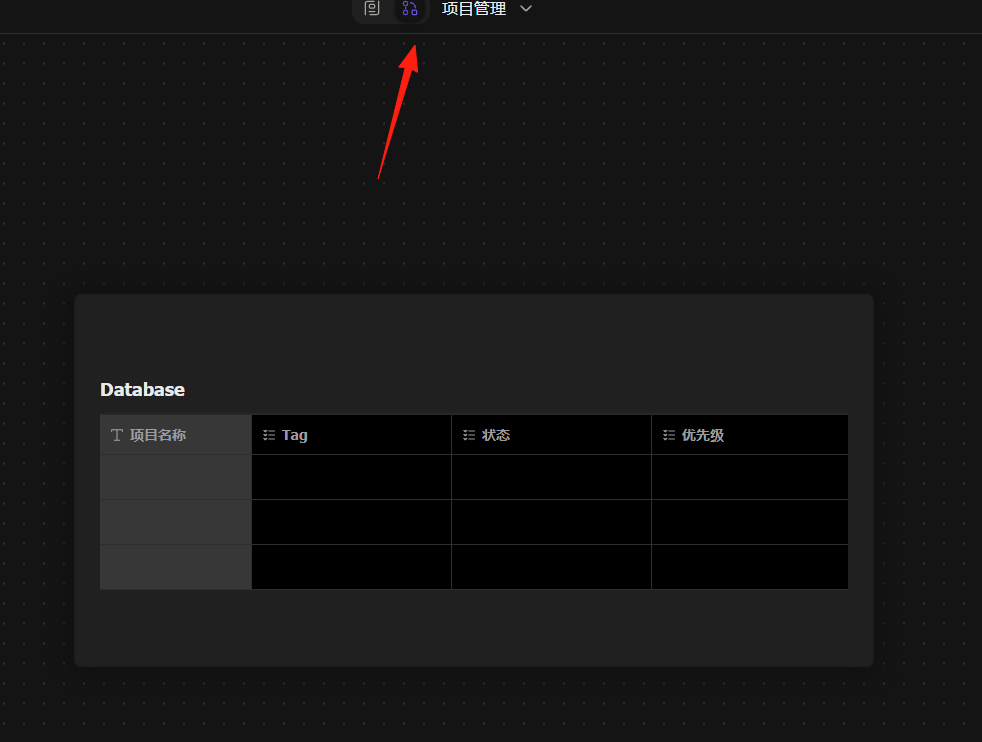
 3. Switch to Whiteboard mode to visualize project progress using a Kanban board layout.
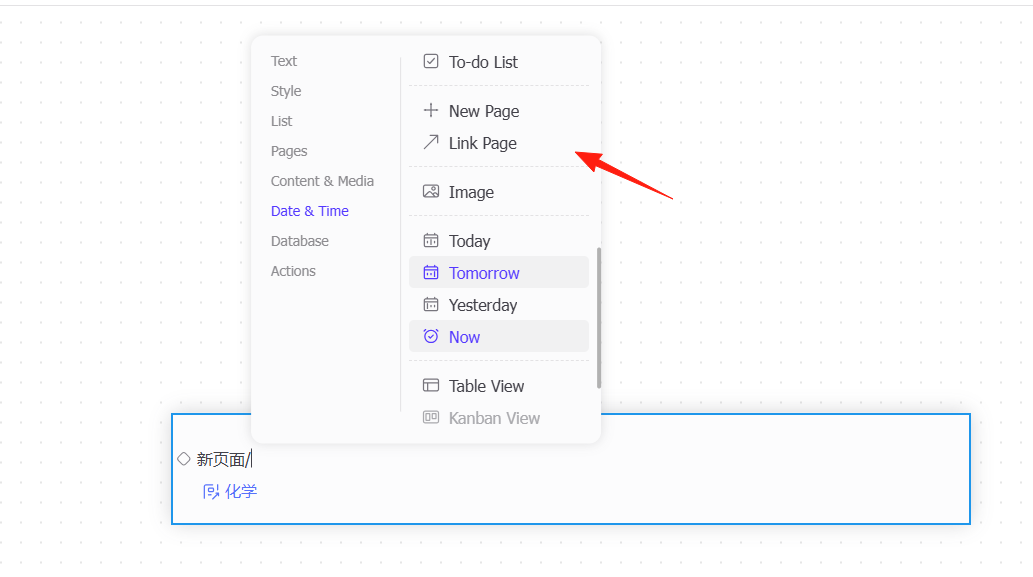
Use the bi-directional linking feature to connect different pages. Type / to bring up the command menu and select "new page".
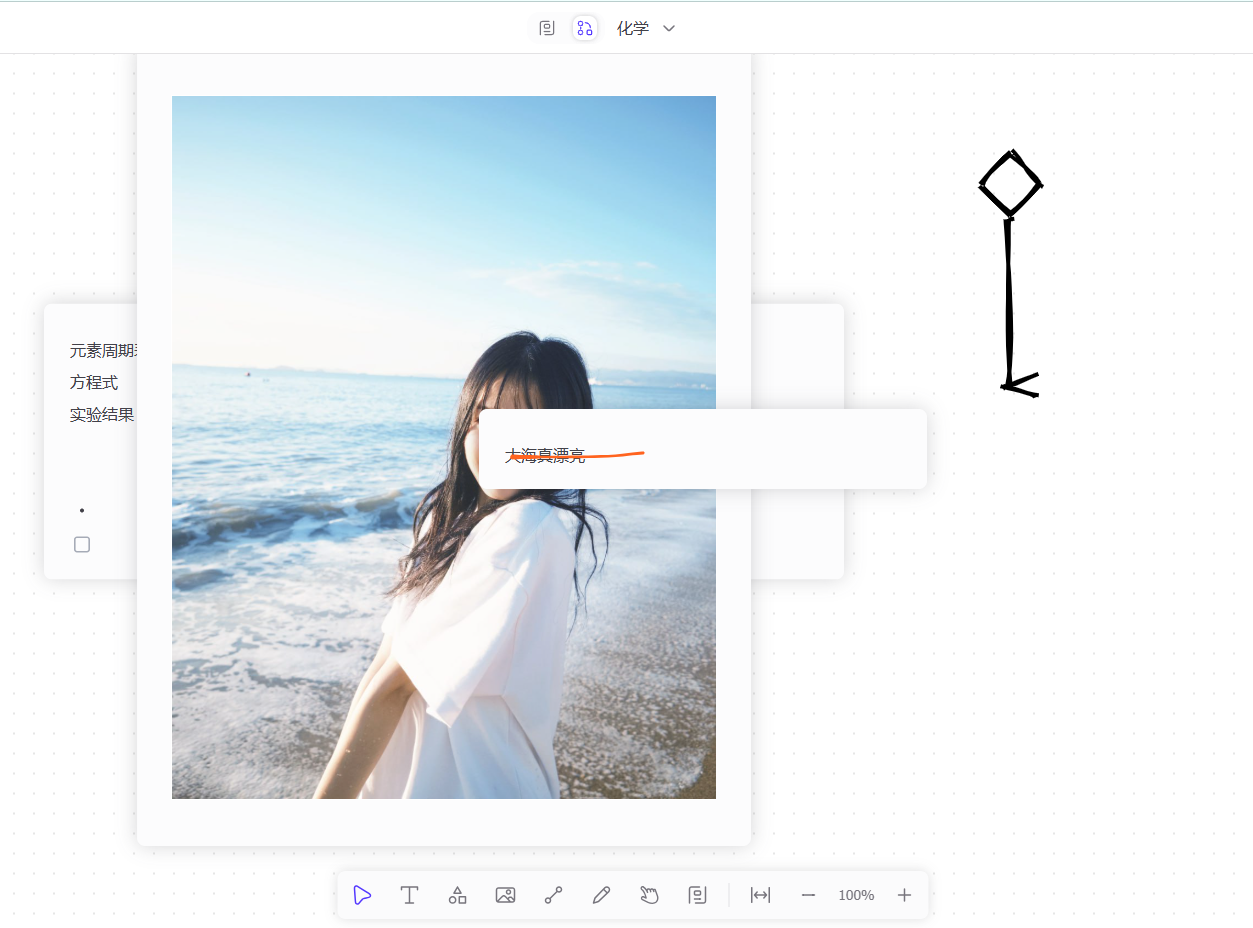
Whiteboard Feature (More Flexible than Miro)
This is AFFiNE's most distinctive feature! You can:
- Draw Freely: Create mind maps, flowcharts, hand-drawn sketches.
- Insert Various Elements: Text boxes, images, shapes, connector lines.
- Infinite Canvas: Draw as large as you want, no more worrying about running out of space.
Import & Export Tips
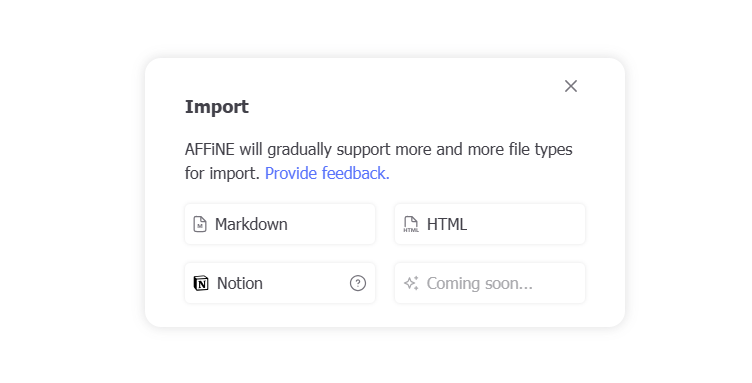
- Supports importing from Notion, Markdown, and PDF.
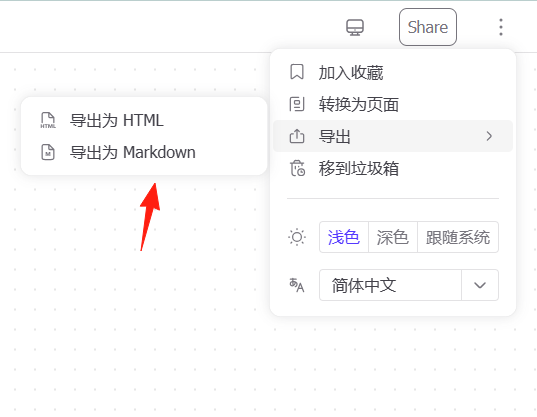
- Can export to HTML and Markdown formats.
My Experience
My favorite feature is the whiteboard. I often use it to outline my thoughts before writing an article, then switch to Document mode to start writing. The whole process is incredibly smooth.
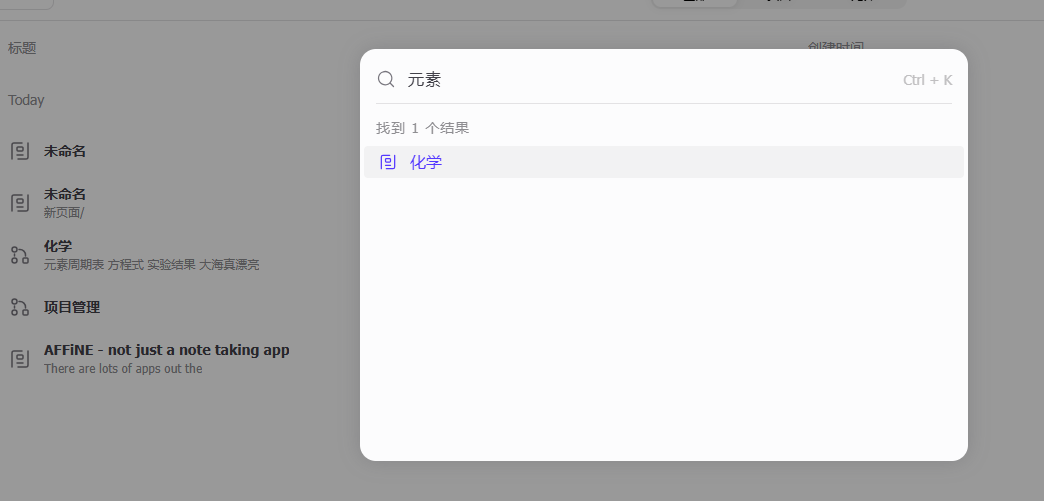
Another great detail: AFFiNE's search function is super powerful. It can even find text written on whiteboards, which is hard to achieve in other software.
Conclusion
If you are looking for a powerful, free, and privacy-focused note-taking software, AFFiNE is worth a try!
It might feel a bit complex at first due to its many features, but don't worry. Start with basic document editing and gradually explore advanced features like the whiteboard.
Trust me, once you get the hang of it, you'll love it