
Reader: Build Your Personal Library
Introduction
Today I want to recommend a fantastic tool—Reader! In simple terms, it's an online library you can build yourself, supporting book searching, reading, and management, with multi-user capabilities.
https://appstore.lazycat.cloud/#/shop/detail/iamxiaoe.lzcapp.reader
Practical Guide: From Zero to Pro
🔧 Initial Setup
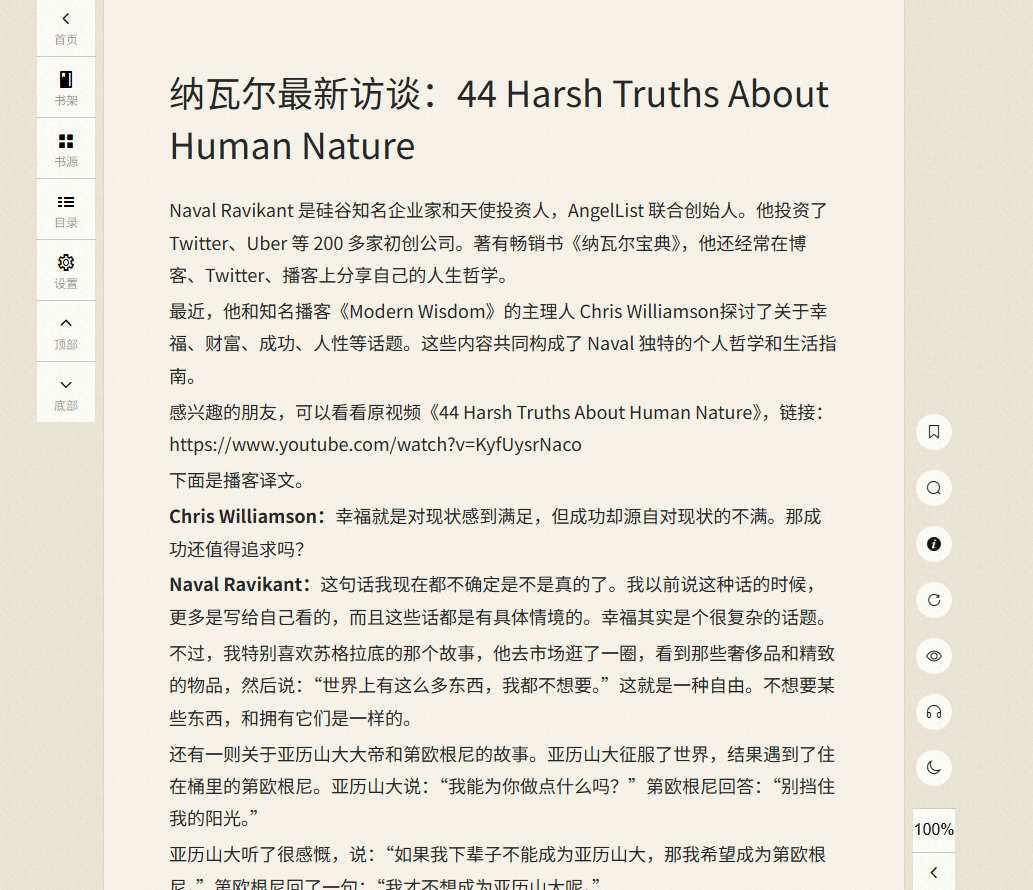
When you first open it, the main functions are located on the left side.
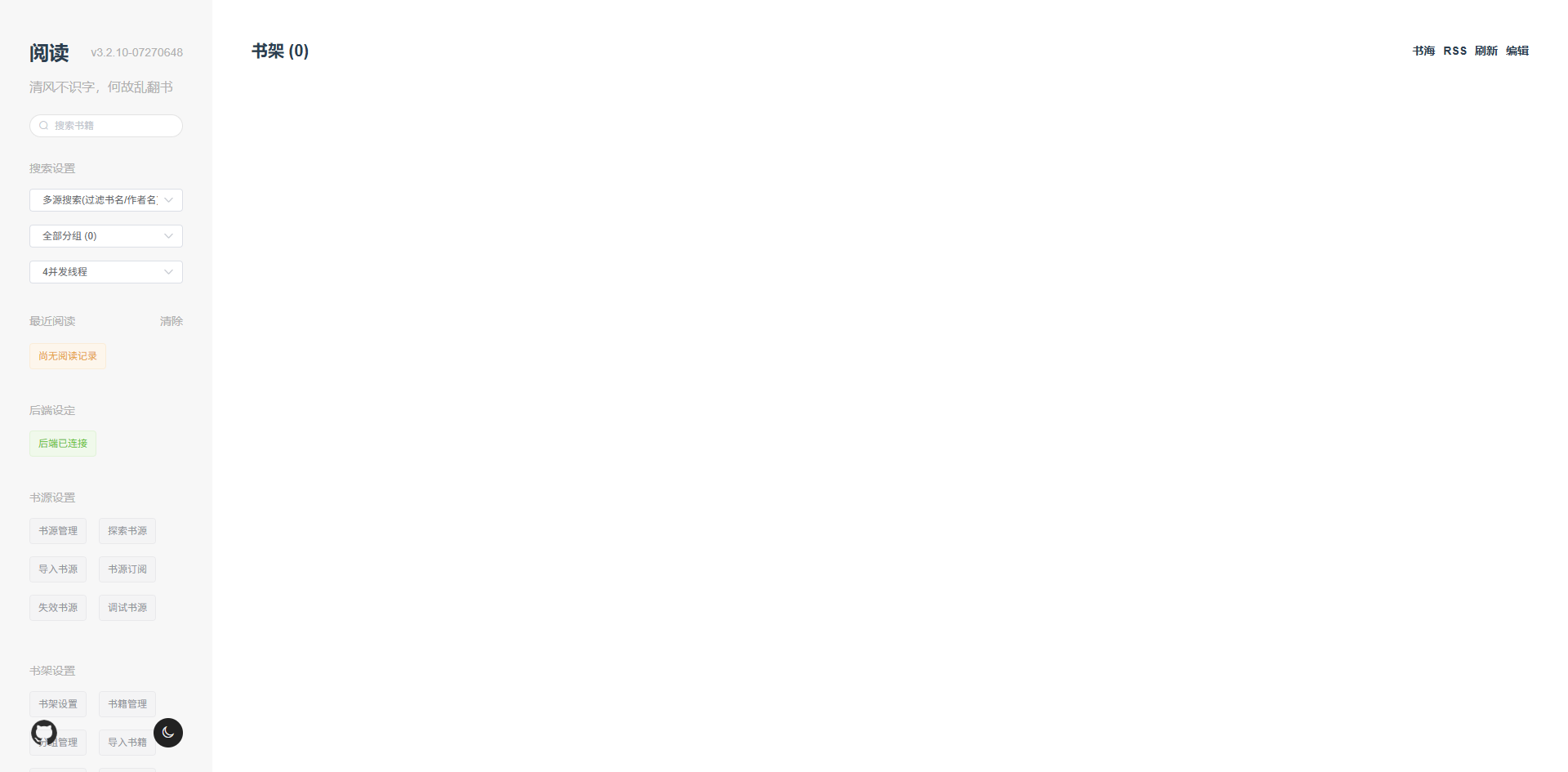
📚 Adding Book Sources
This is the most crucial step! Book sources are the origins from which book content is fetched.
Method 1: Import a Book Source File
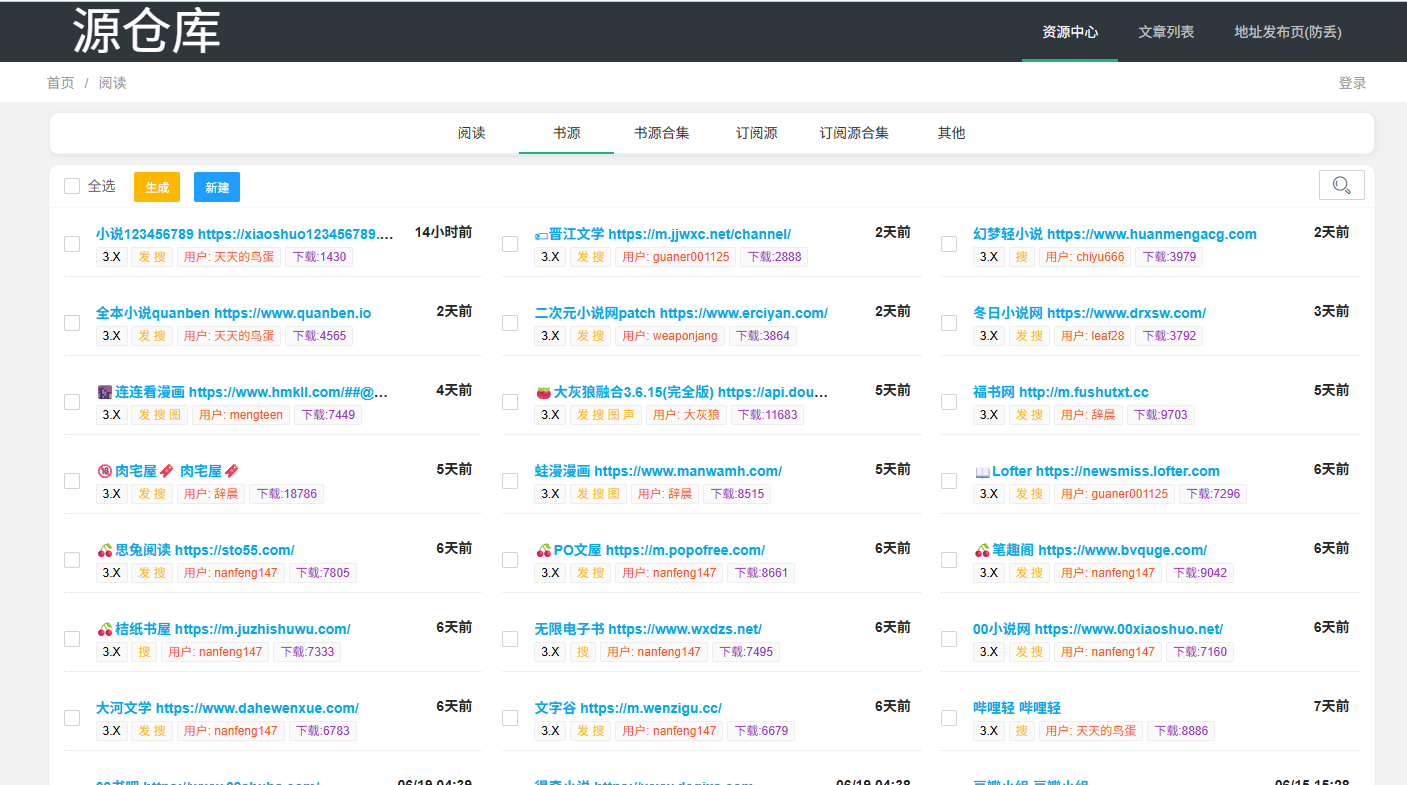
- Download a book source file (.json format). You can download it from this website: https://www.yckceo.com/yuedu/shuyuan/index.html, which has a large number of book sources.
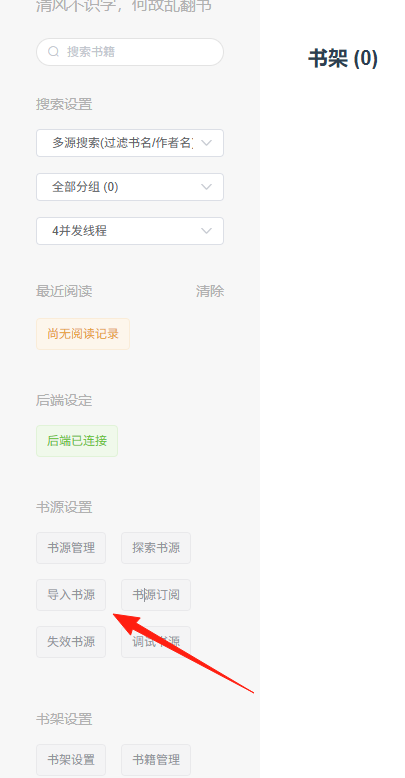
 2. In the management interface, select "Book Source Management" → "Import Book Sources".
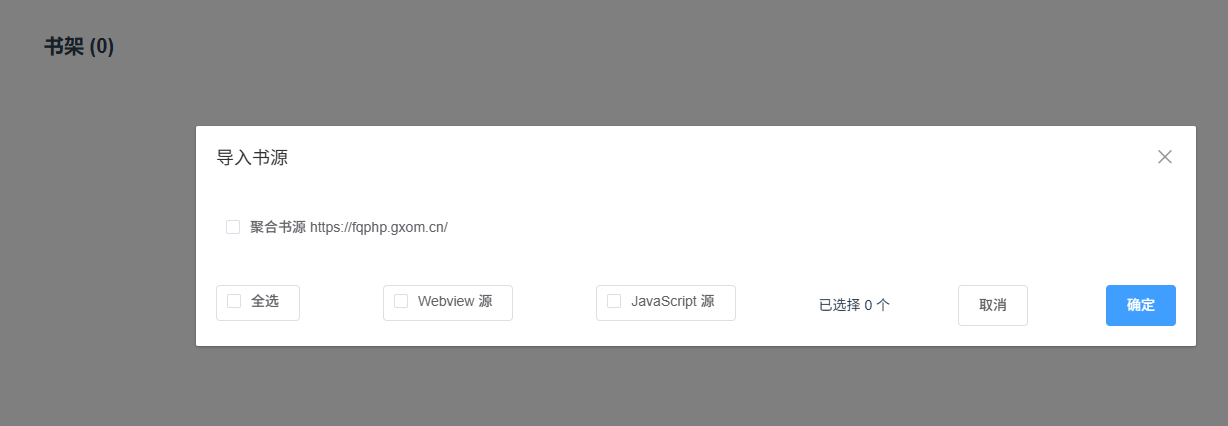
 3. Select the downloaded book source file and click Import.
Method 2: Manually Add a Book Source
- Go to "Book Source Management".
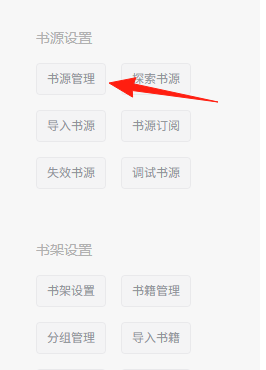 2. Click "Add Book Source".
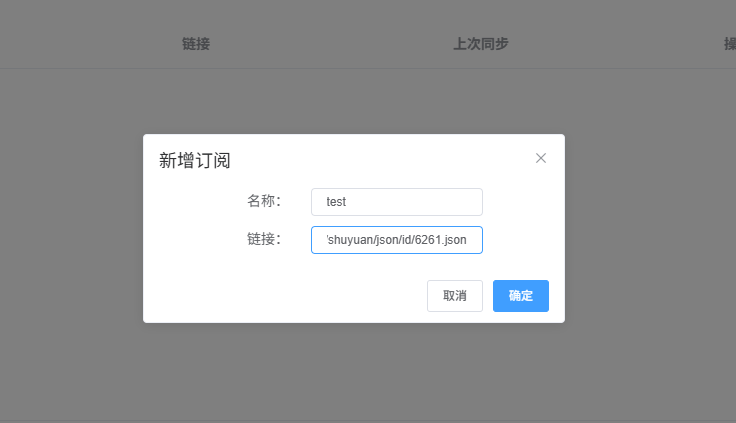 3. Fill in the book source information (Name, URL).
Book Source Channels:
- Official Telegram Group: https://t.me/+pQ8HDlANPZ84ZWNl
- Major book source sharing websites
- Open-source book source projects on GitHub
Explore Book Sources, you can see the data from here.
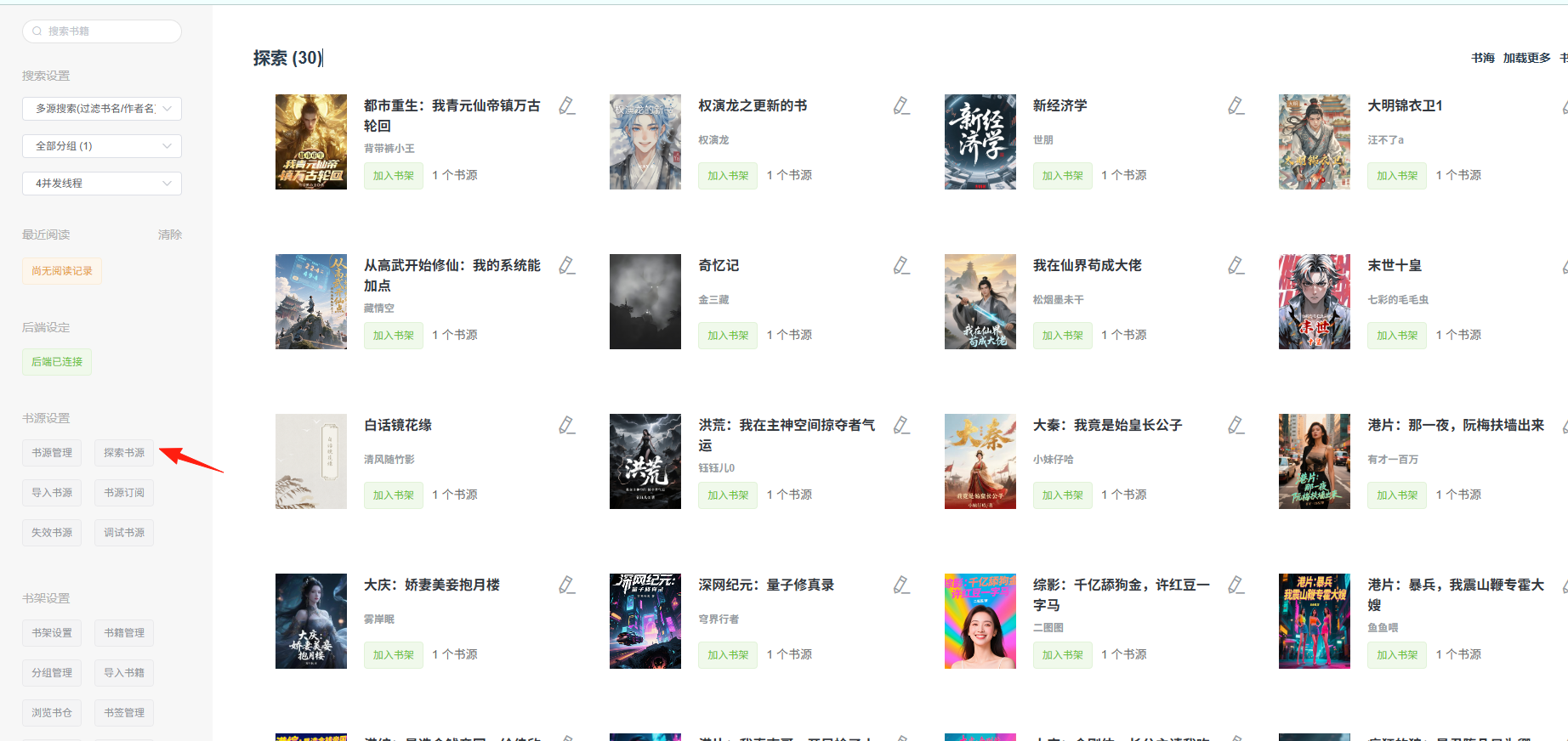 Click [Add to Bookshelf] for a book, and you'll see it in your bookshelf.
 Importing Books
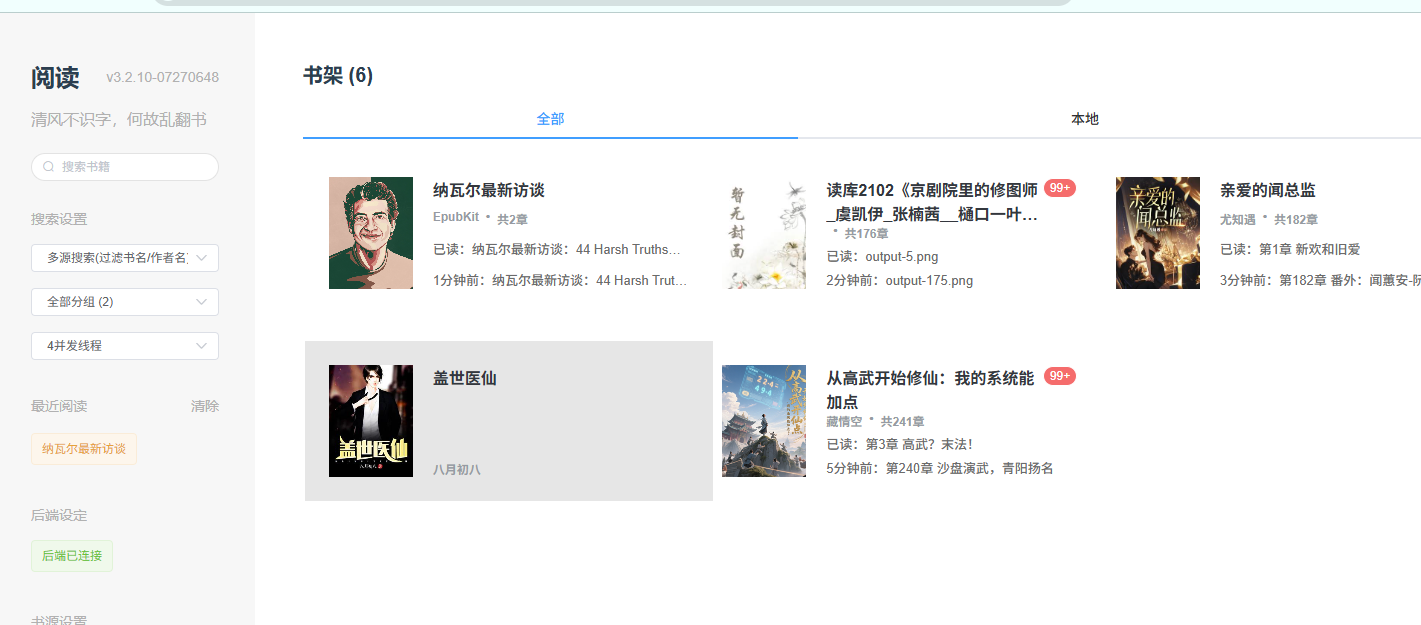
You can also import your own books. Common formats like PDF, EPUB, etc., are supported. Click on a book to start reading.
Importing Books
You can also import your own books. Common formats like PDF, EPUB, etc., are supported. Click on a book to start reading.
💡 Usage Tips
Enhancing the Reading Experience:
- Enable Night Mode for eye protection when reading at night.
- Adjust the font size to find the most comfortable reading size.
Summary
If you are a book lover or want to build a family library, I highly recommend trying Reader. Just follow this guide step by step, and even beginners can get it set up easily!
Happy Reading! 📚✨