
First Impressions of TalkFlow: A Decentralized Chat Tool
What Is This?
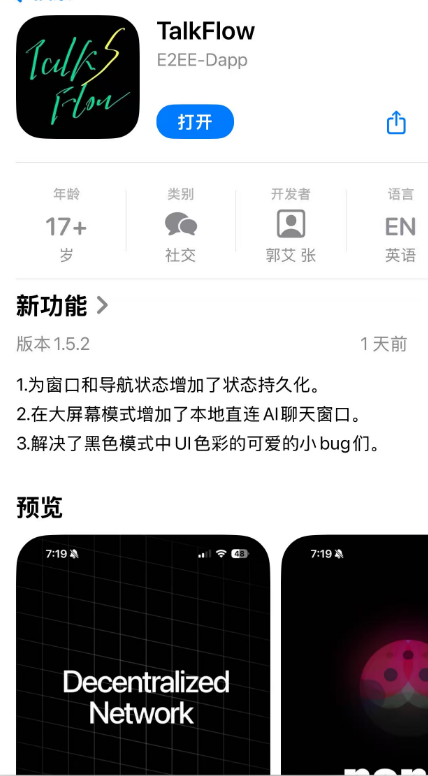
TalkFlow is an original application created by a community expert. Let's look at the application description: A 100% pure decentralized distributed communication tool, perfectly adapted for the Lazycat Microservice hardware platform, with stability further enhanced by Lazycat Microservice's reliable NAT traversal capability. Features end-to-end encrypted chats and group chats using military-grade encryption standards. The built-in security module has been deployed in real-world scenarios such as the Dutch Navy's IoT facilities and CIA communication tools. Independent key pair wallet provides clear visibility into all encryption statuses; only the key pairs you configure and the certificates you build can decrypt the data. Enables secure remote communication with local AI via relays and the built-in SEA module, including a natural language IoT controller, compatible with the Lazycat Microservice computing power warehouse. Fully open-source and auditable. The TalkFlow non-profit project working group provides free 24/7 technical and security assistance.
In a nutshell: This is an encrypted chat tool that looks seriously impressive.
https://appstore.lazycat.cloud/#/shop/detail/cloud.lazycat.app.ponzs-talkflow
Core Features Guide
1. Installation & Registration
Open the application – it has a high-quality UI. Note that you need to click to enter the main functionality.

Upon first launch, a key will be generated. Remember to save it locally, as it will only be displayed once and cannot be viewed again later.
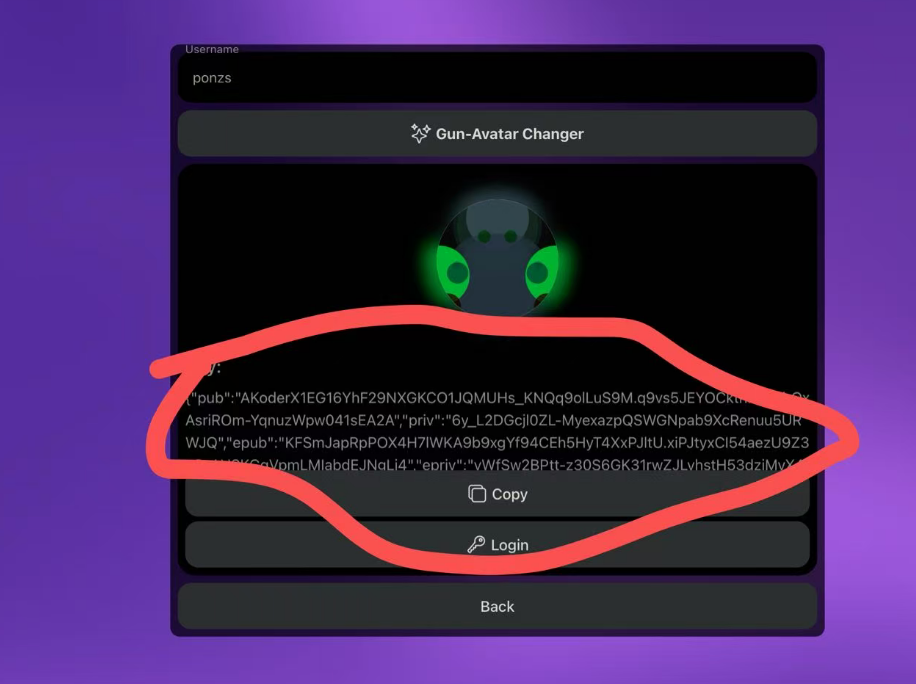
After entering, the default screen is the chat page, which is initially blank. Conversations will only appear on the home page after someone sends you a message.

2. Adding Friends
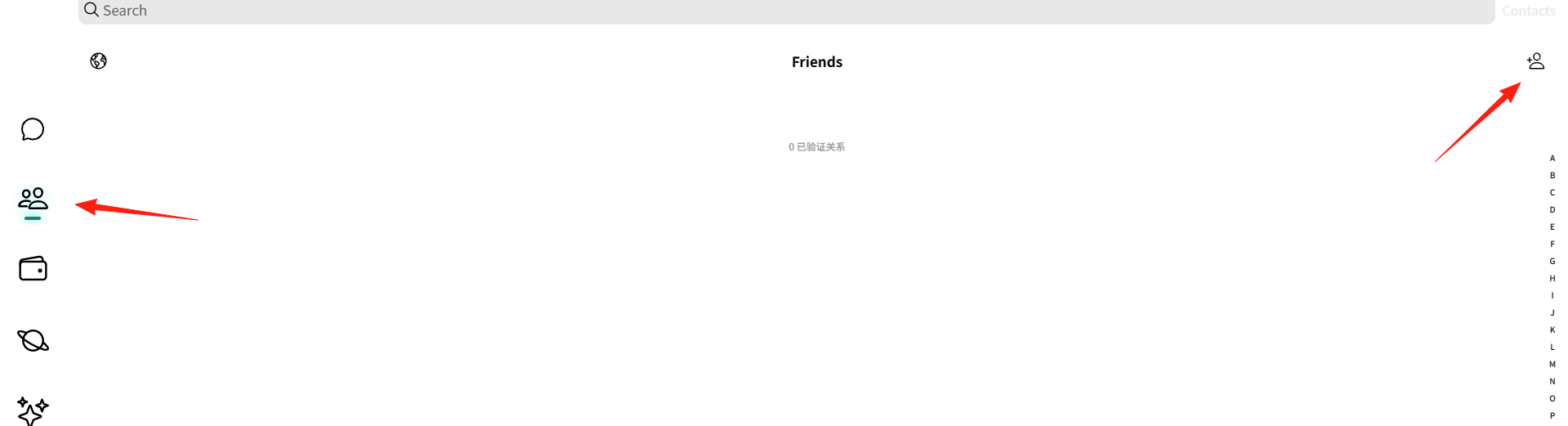
Click on "Contacts" on the left sidebar. You can add friends using the button in the top right corner.
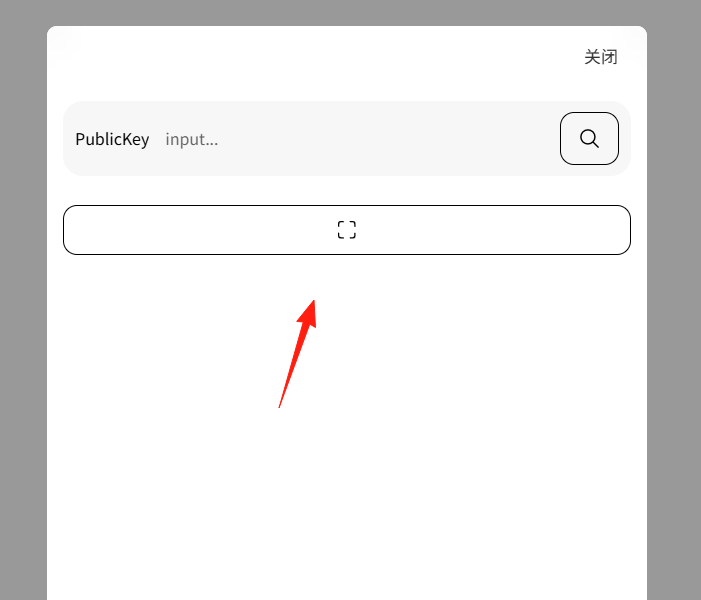
You can enter the other person's key here, or use the button below to scan a QR code.
To find your own QR code: Click on your avatar, and the QR code will be displayed on the right side.
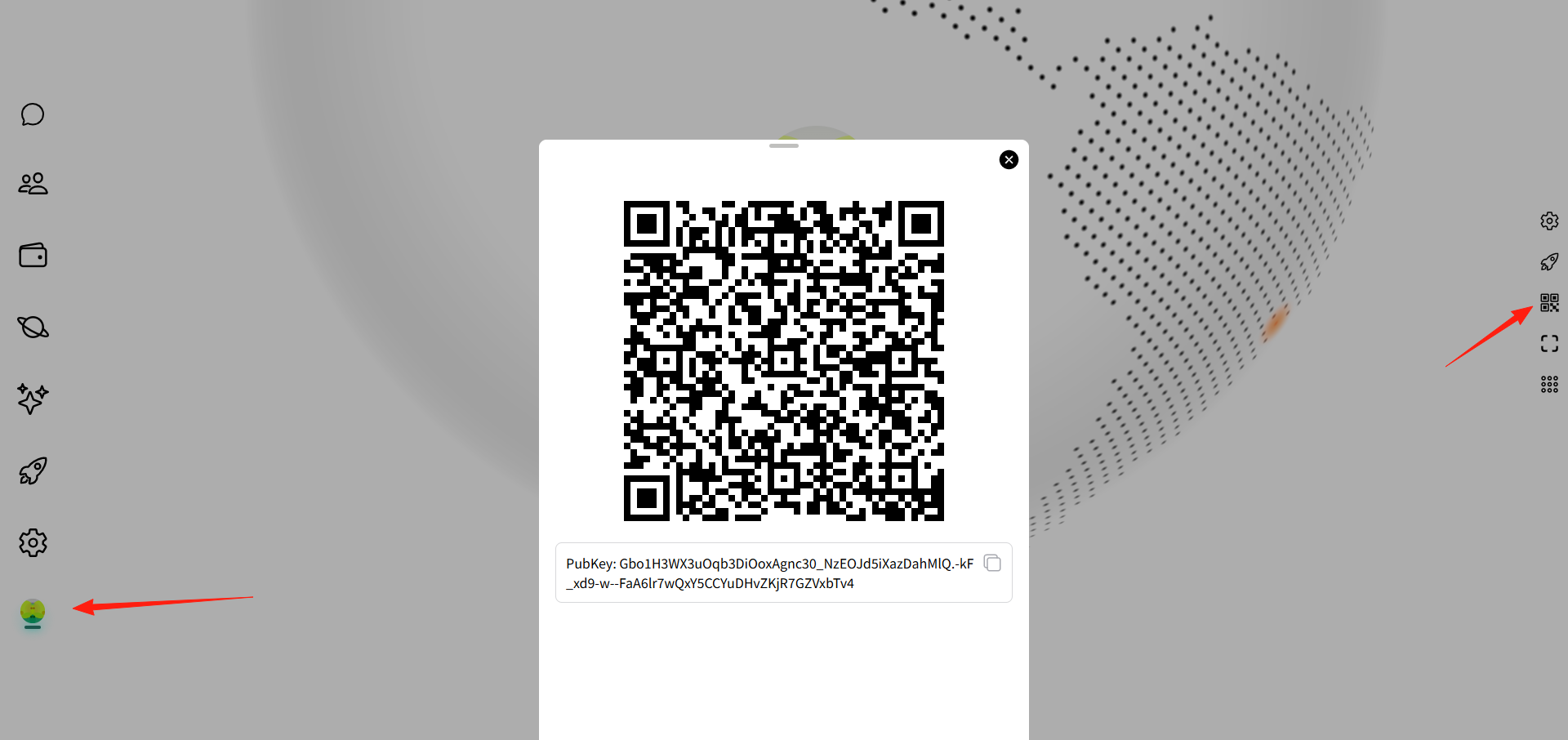
Scanning might be inconvenient on desktop. On mobile, you can use the camera. The application also has a desktop client.
If you want to log in with the same account on another device, you will need the key saved in Step 1.
Once the other party accepts your request, they will appear in your contacts list.
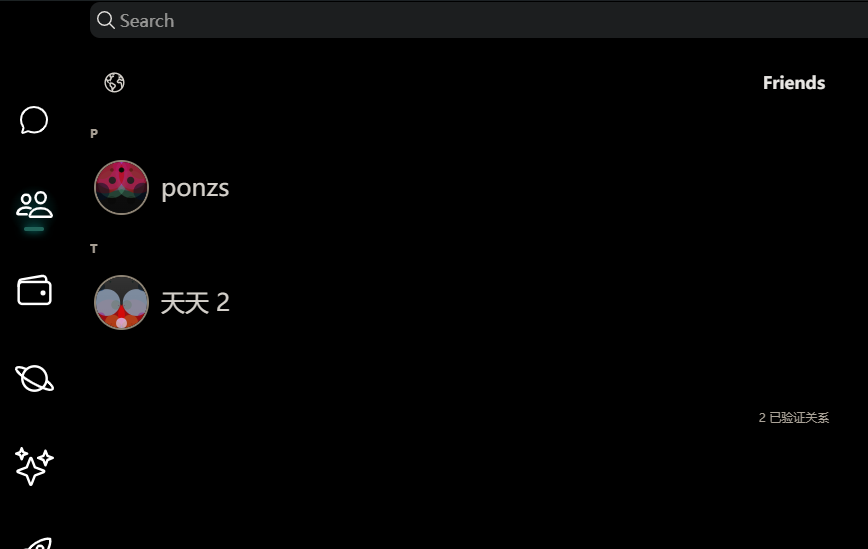
Currently, there might be some message delay during testing, as the nodes are located in the US.
3. AI Chat
The left sidebar integrates an AI chat feature.

The features on the left are still under active iteration. The developer plans to add support for drones in the future, using the decentralized network to control them more securely via natural language commands instead of a remote controller.
Summary
This is a decentralized tool with no cloud servers involved. Your data is stored exclusively locally.
The developer stated that even if he passes away, the application will continue to run as long as people are using it. 🤣
If you highly value privacy, you might want to try this application.