
Kaneo: The Ultimate Simple and Efficient Project Management Tool
Before We Begin
When it comes to project management tools, do you immediately think of those "enterprise-grade" software packed with numerous features and complex interfaces? Tools like Jira, Asana, Notion... can feel as complicated as flying a plane, requiring significant time just to figure out how to use them.
Kaneo, recommended today, was born specifically to solve this problem.
In a nutshell: Absurdly simple to use, yet surprisingly powerful.
https://appstore.lazycat.cloud/#/shop/detail/in.zhaoj.kaneo
Usage Guide
First, register an account
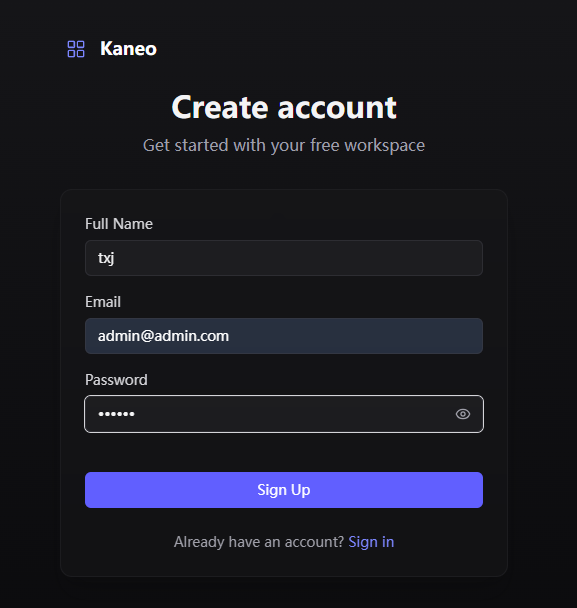
Kaneo simplifies complexity to the extreme, offering a very clean interface:

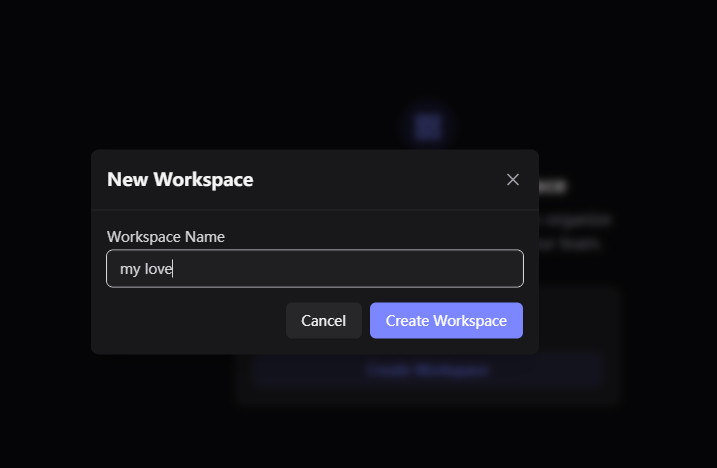
Start by creating a workspace
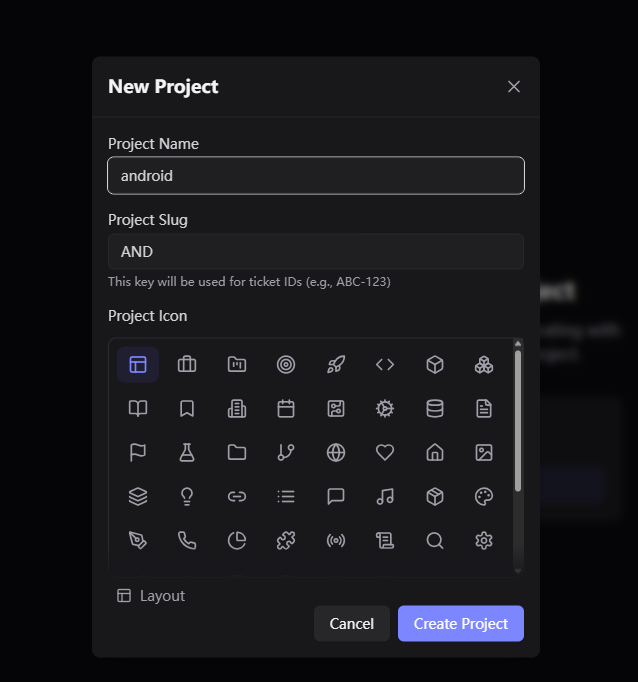
Then create a project
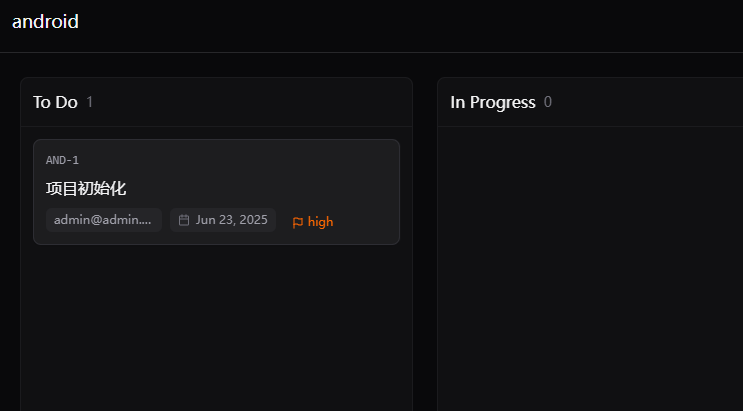
After that, you'll see the main page
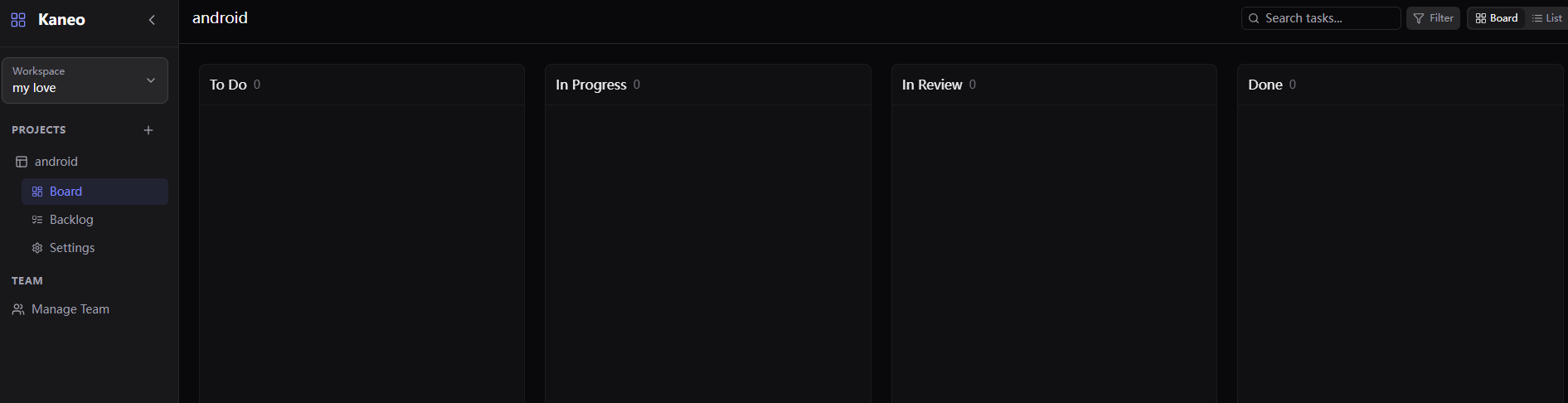
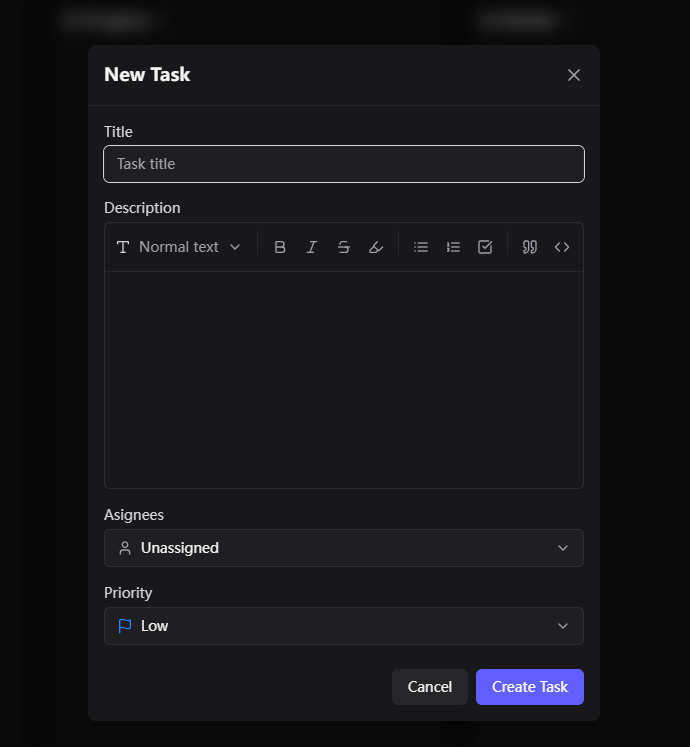
Under each module, you can Add Task
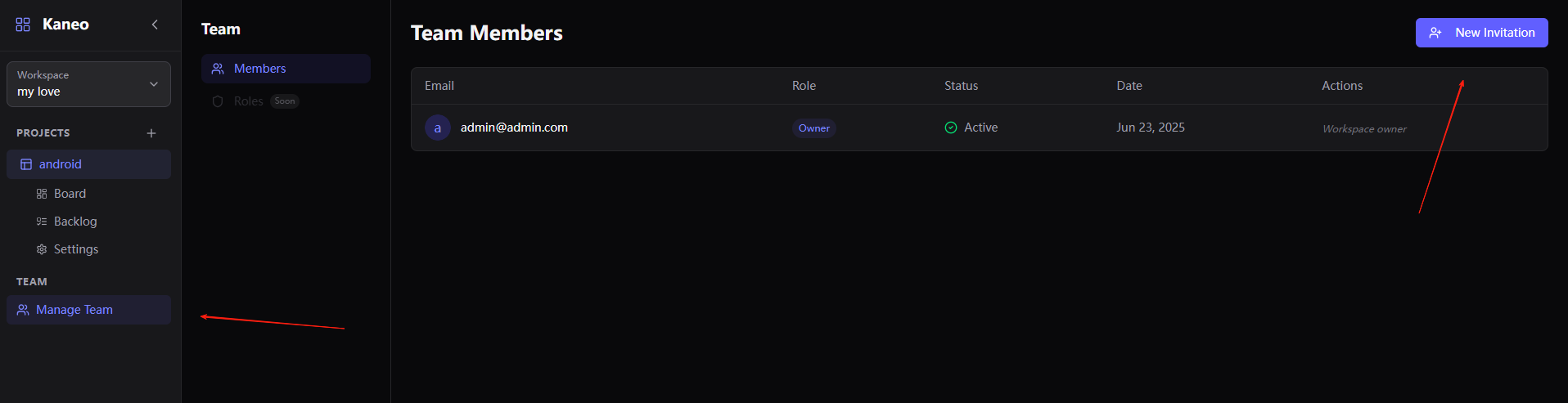
Send an invitation link, and your teammates can join the project
If you just need to manage tasks, track progress, and collaborate with your team, Kaneo is definitely sufficient. If you require Gantt charts, time tracking, or complex reporting, you might need to consider other tools.
Summary
Kaneo's feature design follows the principle of "just enough," making it very suitable for small teams and independent developers.
It doesn't cram in a bunch of features you'll never use, unlike some other tools.
Of course, Kaneo isn't a silver bullet. If you need complex project management features, it's still advisable to consider other tools.
A good tool doesn't have to be complex; a simple tool can also be powerful.
In this era obsessed with complexity, Kaneo's simplicity is its greatest advantage.
If you found this article helpful, feel free to give the project a thumbs up to show your support!