
Pinry Practical Guide: Building Your Personal Image Repository
Introduction
Pinry is a waterfall-style image sharing application that allows you to easily build a Pinterest-like website. It enables user registration and quick pinning, tagging, and sharing of media (images, videos, and web pages). In simple terms, it's a "private Pinterest" that you can host yourself.
https://appstore.lazycat.cloud/#/shop/detail/xyz.mxue.pinry
Why Choose Pinry?
🖼️ Scenario 1: Personal Inspiration Library Management
- Designers collecting reference images and UI assets
- Photographers archiving portfolios and creating boards by theme
- Bloggers saving article images and quickly retrieving them via tags
👥 Scenario 2: Team Material Collaboration
- Marketing departments sharing event posters and ad materials
- Development teams storing UI mockups and screenshot feedback
- Family photo albums maintained collectively, accessible even to grandparents
🌐 Scenario 3: Public Portfolio Display
- Online galleries for artists (Official Demo)
- Product preview walls for e-commerce
- Screenshot documentation libraries for open-source projects
How to Use
Open the homepage

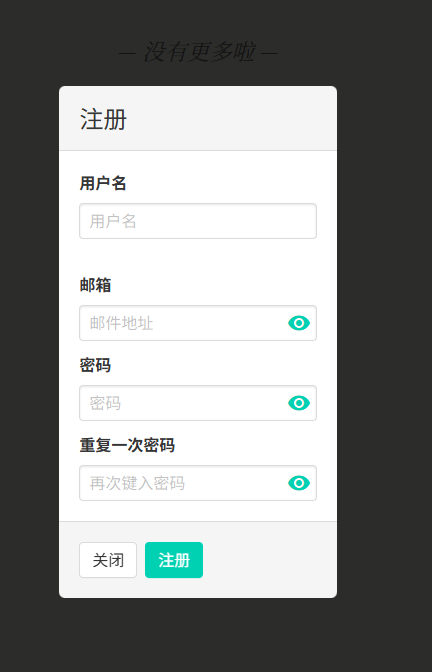
First, register a user. You can enter any email address; no verification email will be sent.
Create a new board first.


Then create a new Pin.

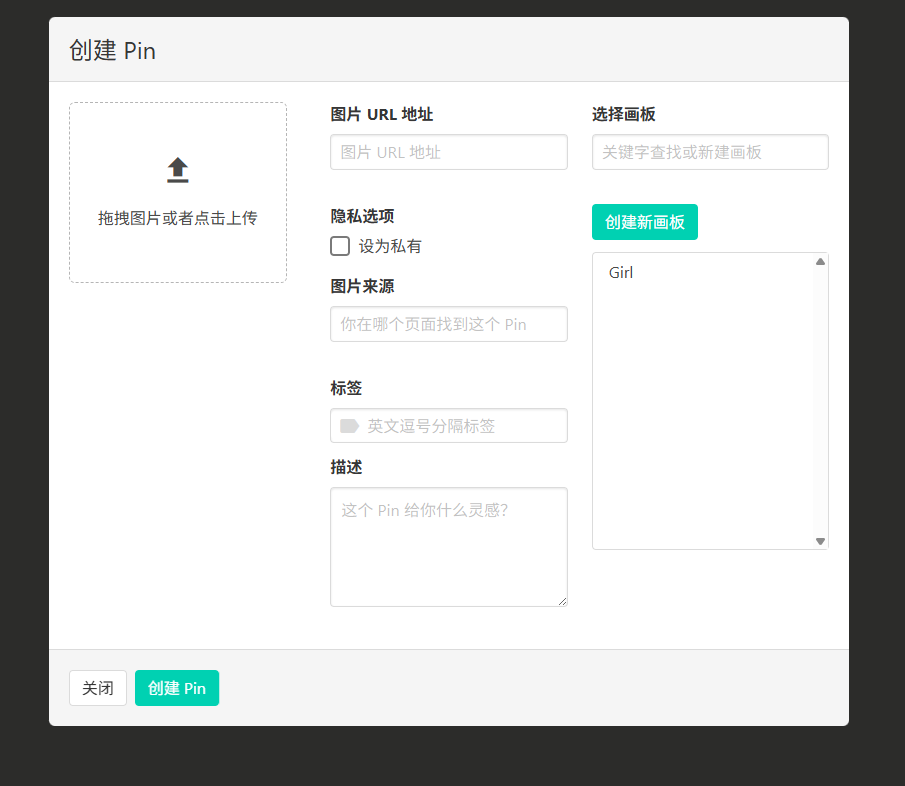
You can drag and drop images directly, but I tried it and it only allows uploading one image at a time, not in batches.
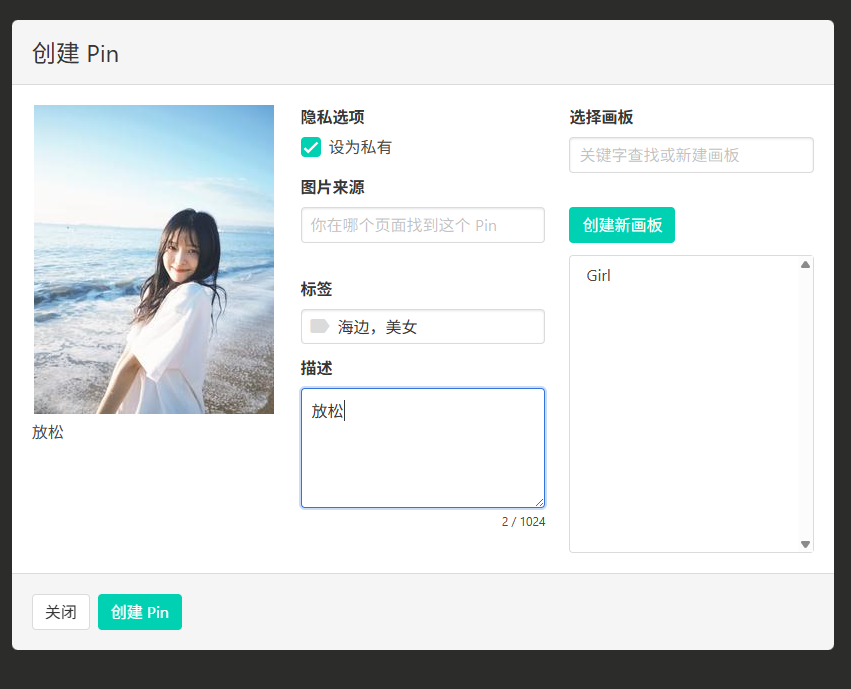
Then you can see it on the homepage.

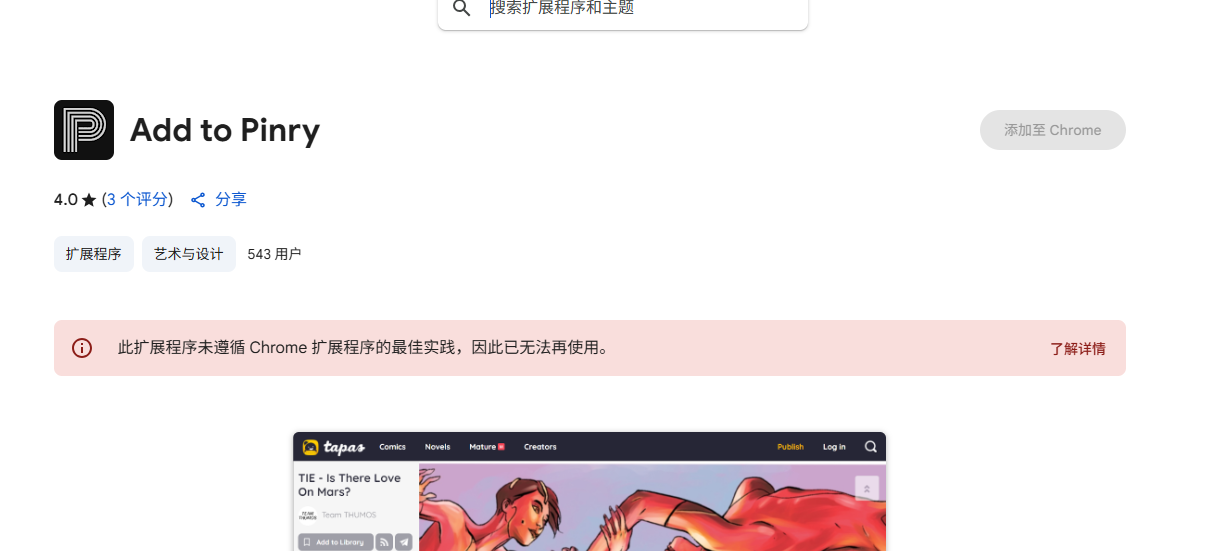
It also supports browser extensions, but the Chrome extension is currently unavailable.

🔍 Efficient Search Tips
- Tag Search: Enter the tag name directly, e.g., search for "landscape"
- Combination Search: Separate multiple keywords with spaces
- Board Search: Search by board name

Final Thoughts
For designers, photographers, or anyone who works with a large number of images, having a private image collection library is incredibly useful.
Make image management elegant and boost your creative efficiency—Pinry is worth a try.