
MAZANOKE: The Ultimate Privacy-Preserving Image Compression Tool
Before We Begin: Why Choose MAZANOKE?
When we need to compress images, we usually habitually search for "online image compression" and casually pick a website to start uploading photos.
But have you ever considered that these seemingly ordinary photos might hide some "hidden information"?
For example, the location where you took the photo, the time, what phone you used, etc. This information is called EXIF data.
More importantly, when you upload photos to those "free" websites, who knows if they secretly save your photos? Especially for some private photos, it's genuinely concerning.
MAZANOKE, recommended today, was born to solve this exact pain point—it works entirely within your browser, your photos never leave your device, and it automatically removes private information from your photos.
https://appstore.lazycat.cloud/#/shop/detail/xyz.mxue.mazanoke
Detailed Practical Features
1. Basic Compression Settings
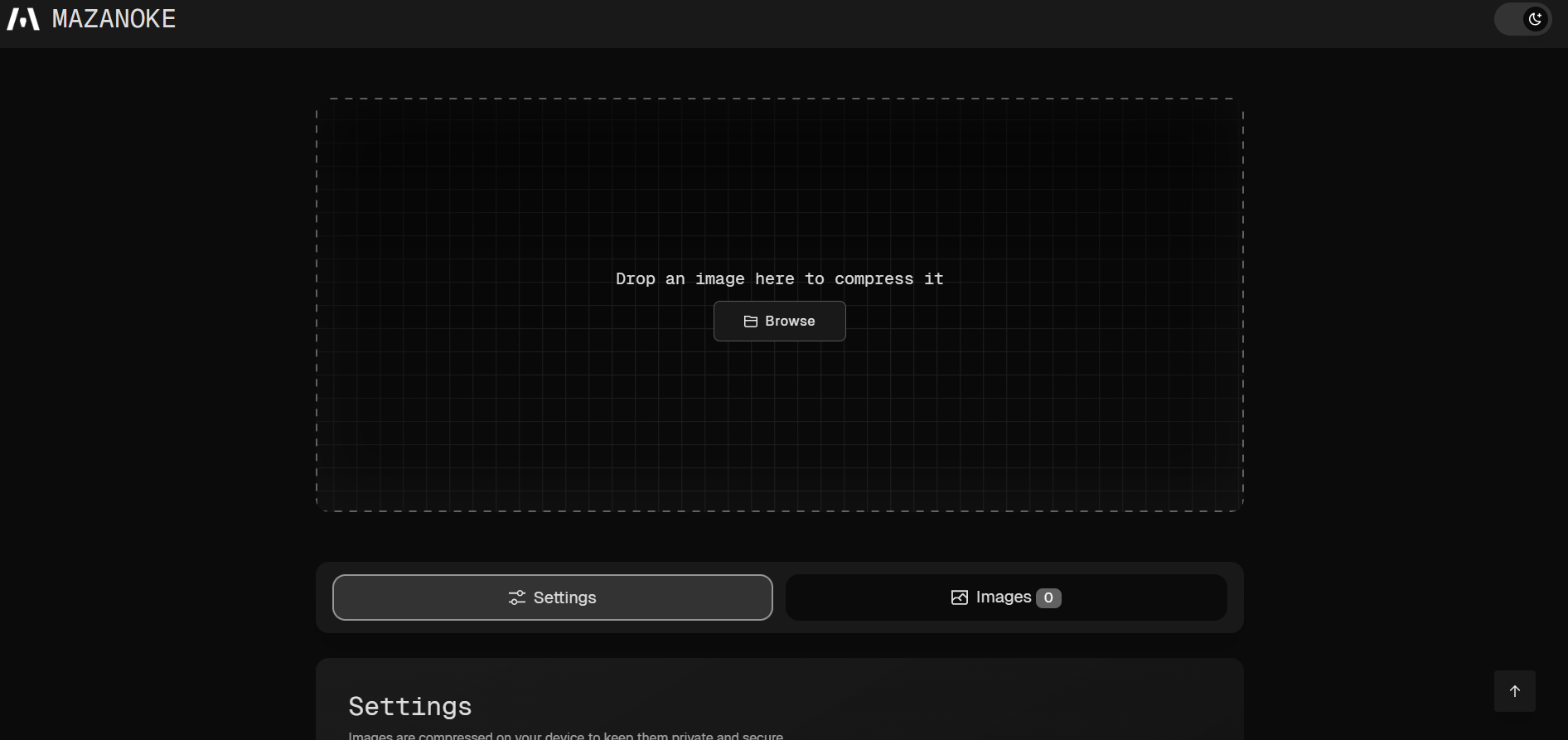
In the settings below, you can see
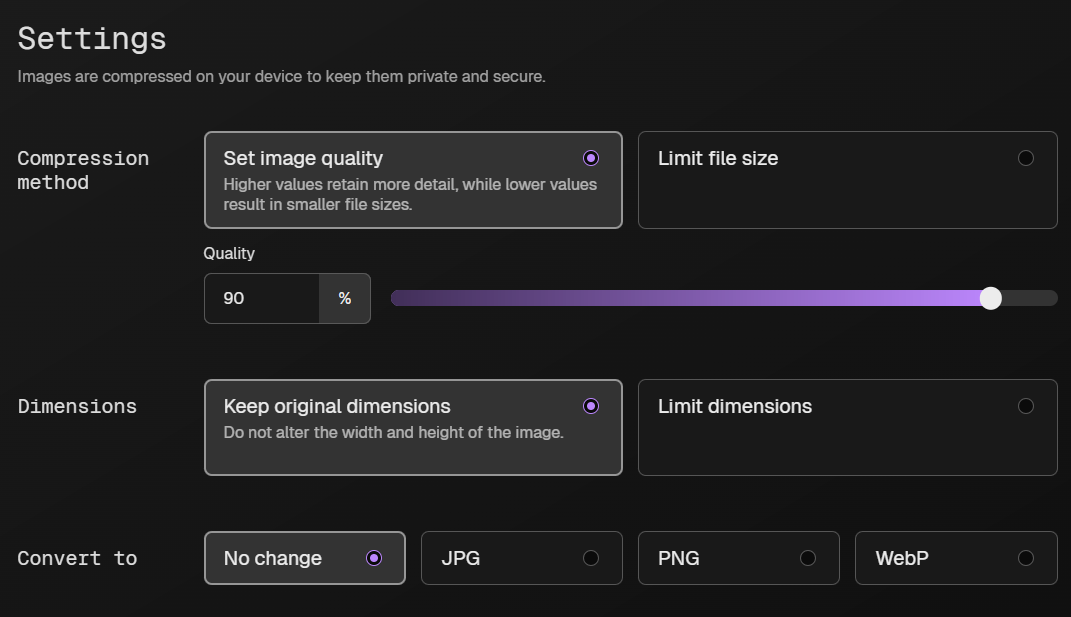
Quality Adjustment:
- High Quality (80-100): Suitable for photos that need to retain detail, such as portfolio showcases.
- Medium Quality (50-80): A balanced choice for everyday sharing, offering decent file size and quality.
- Low Quality (20-50): For quick transfers or when storage space is tight.
Target File Size: The "Limit file size" option on the right is particularly useful!
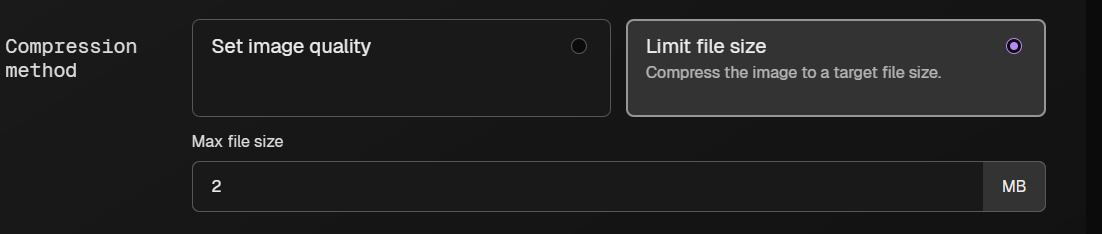 For example, if you need to upload a profile picture and the website restricts files to 500KB or less, you can directly set the target size to 500KB. MAZANOKE will automatically adjust compression parameters to meet this target.
Size Limits: Set maximum width and height, especially suitable for:
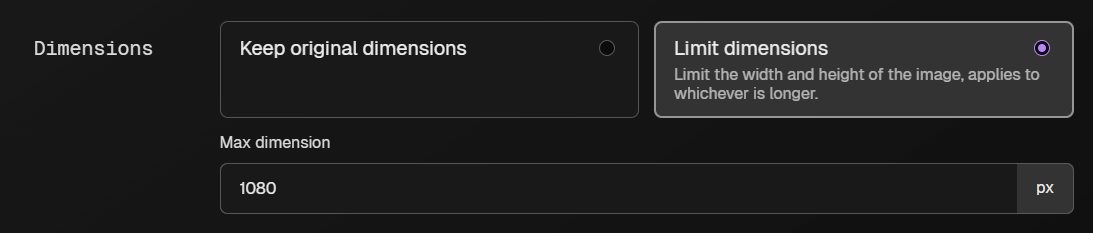
- Website Images: Set to 1920x1080, ensuring clarity without being too large.
- WeChat Sharing: Set to 800x600 for faster transfers.
- Avatar Creation: Set to 512x512, supported by most platforms.
2. Format Conversion Tips
 JPG to WebP:
WebP format is 30-50% smaller than JPG with similar quality, making it ideal for website use. Note that some older systems might not support it.
JPG to WebP:
WebP format is 30-50% smaller than JPG with similar quality, making it ideal for website use. Note that some older systems might not support it.
HEIC to JPG: Photos taken on iPhones are in HEIC format by default, which many Android phones and computers cannot open. Use MAZANOKE to convert them to JPG for universal compatibility.
PNG to JPG: If a PNG image has no transparent background, converting it to JPG can significantly reduce the file size.
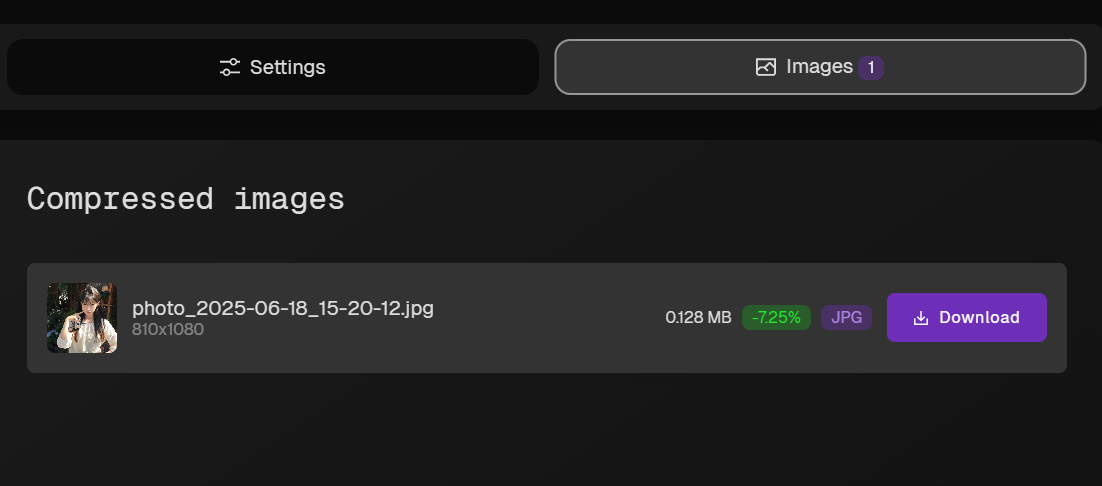
3. Privacy Protection Features
MAZANOKE automatically removes EXIF data, including:
- Shooting Location: GPS coordinate information.
- Shooting Time: Timestamp accurate to the second.
- Device Information: Phone model, camera model.
- Shooting Parameters: Aperture, shutter speed, ISO, etc.
EXIF data often poses security risks, especially for photos. When people share photos, they carefully remove or obscure any sensitive content within the image itself, but they often overlook the EXIF data attached to the photo file. MAZANOKE handles this issue for you automatically.
Summary
Key Features:
- Privacy Protection: Photos never leave your device.
- Comprehensive Functionality: Compression, conversion, and resizing all in one.
- Easy to Use: Drag-and-drop upload, one-click download.
If you're still using those questionable online compression websites, why not try MAZANOKE and give your photos an extra layer of security!