
Discover a Hidden Gem: Qwerty Learner - Master Vocabulary While Practicing Typing!
Today I'd like to recommend a super practical typing learning application: Qwerty Learner.
https://appstore.lazycat.cloud/#/shop/detail/cloud.lazycat.app.qwerty-learner
Quick Start Guide
Step 1: Choose the Right Word Bank
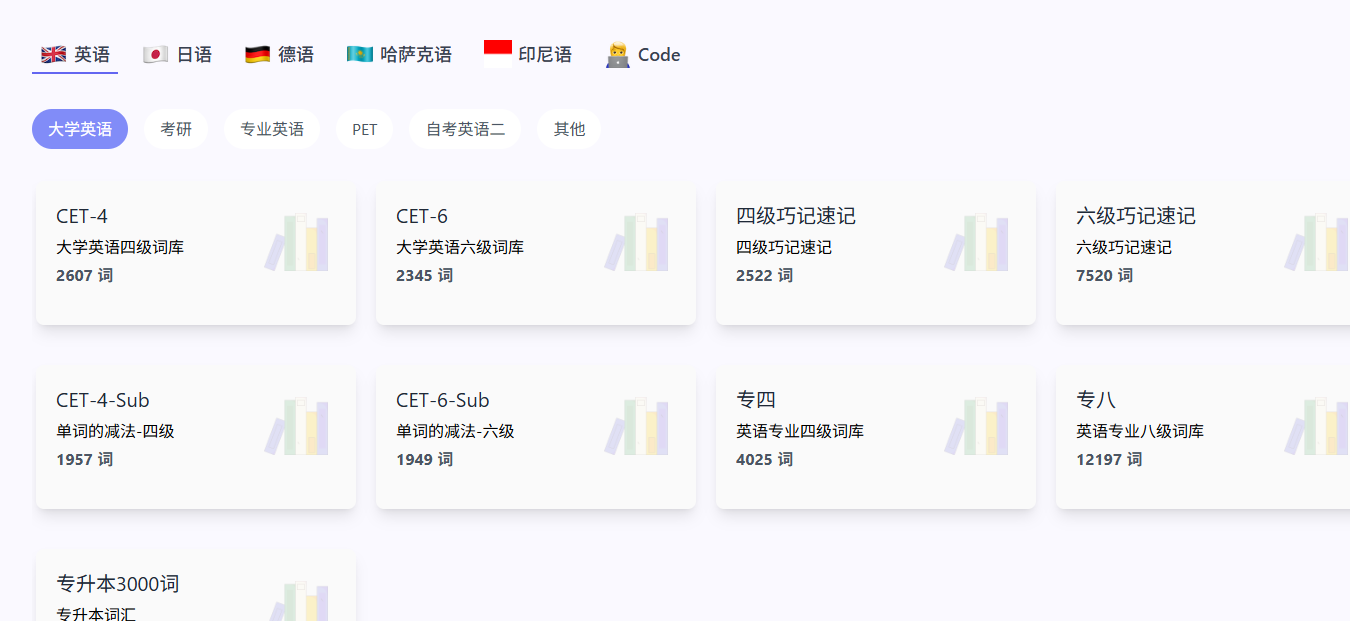
After opening the app, you'll see multiple word bank options. Here's our recommendation for beginners:
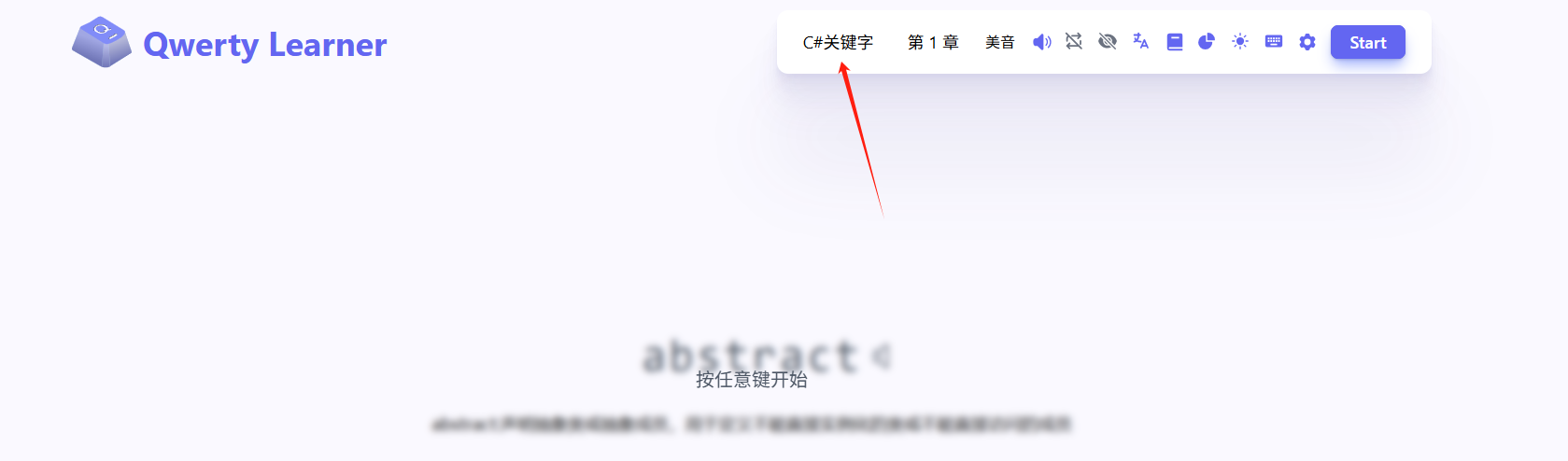
- Weak English foundation: Start with "CET-4" - moderate word count and practical
- Some foundation: Directly choose "CET-6" or "IELTS"
- Programmers: Select corresponding programming language word banks (like "JavaScript", "Python")
- Professional needs: Choose "Business English" or "Academic English"
Step 2: Adjust Practice Settings
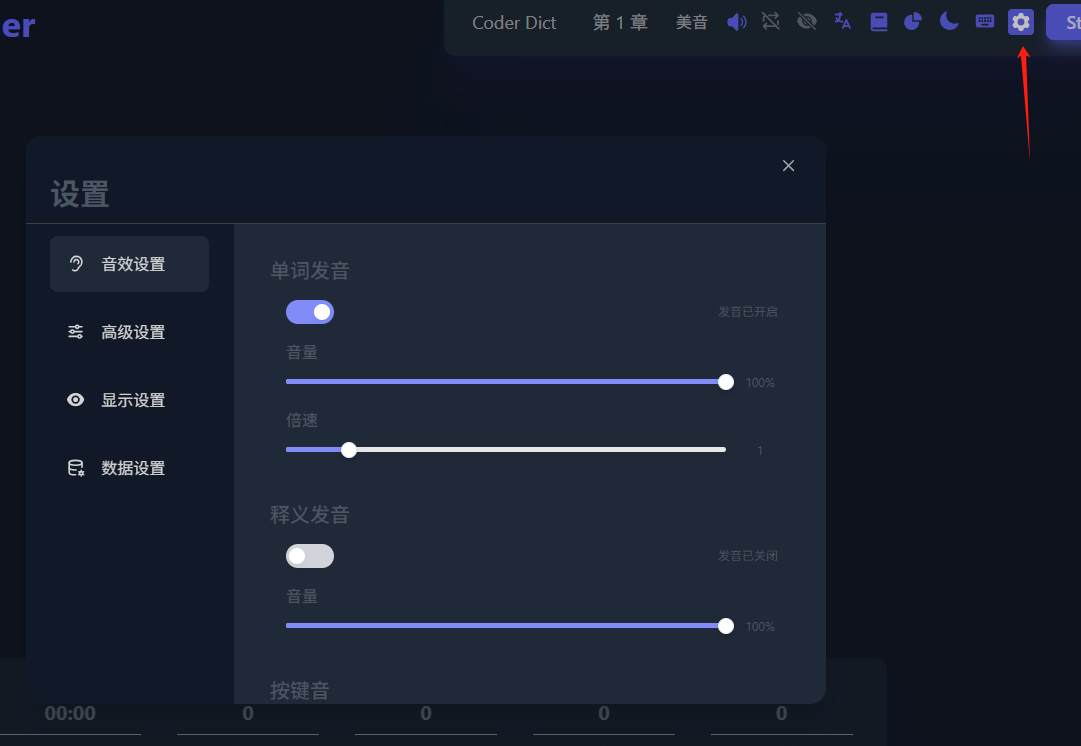
Before starting practice, we recommend adjusting these settings:
- Practice Mode: Recommend choosing "Word Mode" (suitable for beginners)
- Display Settings: Enable "Show Definitions" (helps understand word meanings)
- Sound Settings: Enable "Keyboard Sounds"
Be sure to enable sound effects - they sound amazing!
Practical Tips Sharing
Methods to Improve Typing Speed
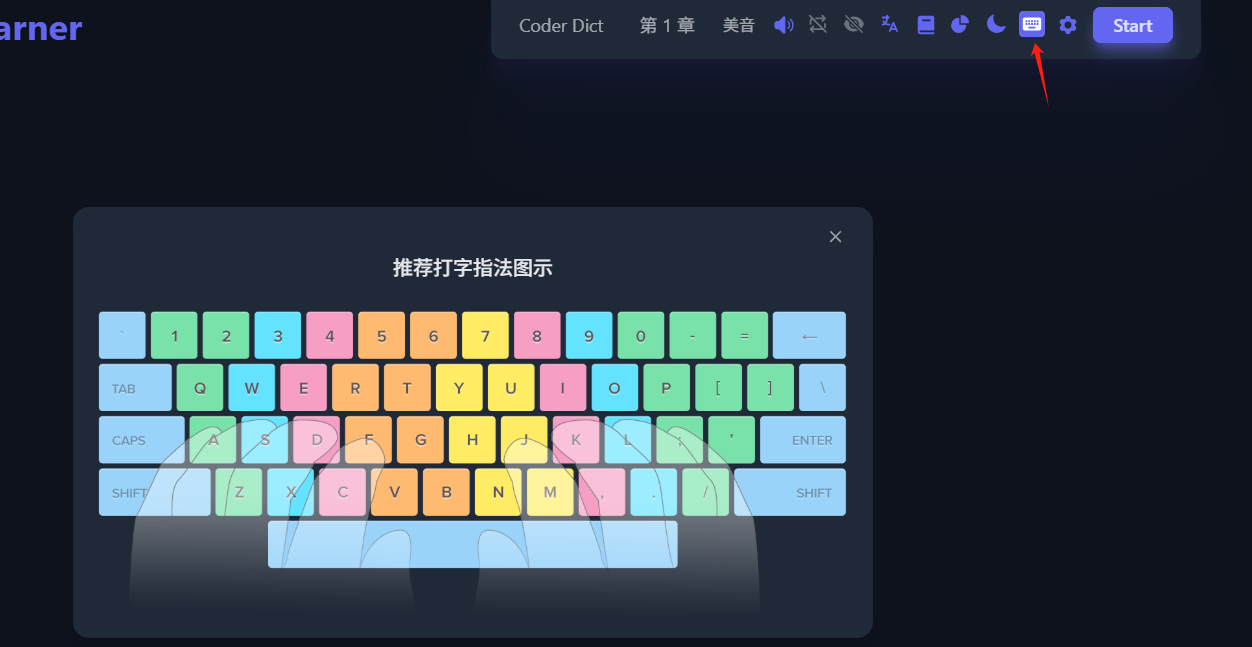
- Standard Finger Placement:
- Left hand: A S D F (pinky to index finger)
- Right hand: J K L ; (index finger to pinky)
- Thumbs: Spacebar
- Common Error Correction:
- Don't look at the keyboard, develop muscle memory
- Use proper finger placement, don't just use a few fingers
- Keep wrists naturally suspended to avoid fatigue
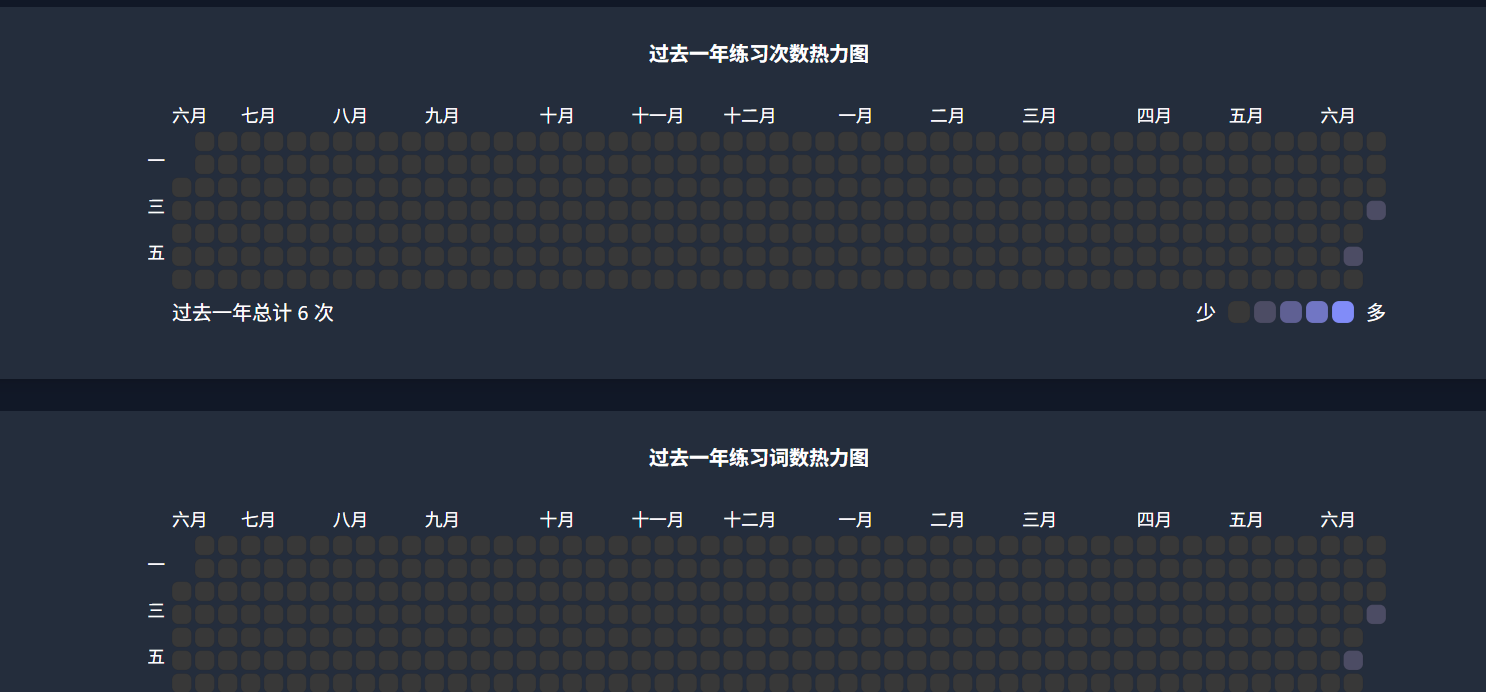
In the data statistics, you can see your daily progress. It's incredibly satisfying when all the markers are filled!
Learning Strategy Q&A
Q: How to balance speed and accuracy? A: First ensure accuracy is above 95%, then gradually increase speed. It's better to go slower than make frequent mistakes.
Q: When can I switch to more difficult word banks? A: When you can complete the current word bank with 40+ WPM speed and 95% accuracy.
Data Analysis and Improvement
Key Metrics Interpretation
- WPM (Words Per Minute): Standard measurement for typing speed
- Accuracy: Reflects typing precision
- Key Accuracy: Accuracy rate for each keystroke
- Keystroke Time: Reflects finger reaction speed
Custom Word Banks
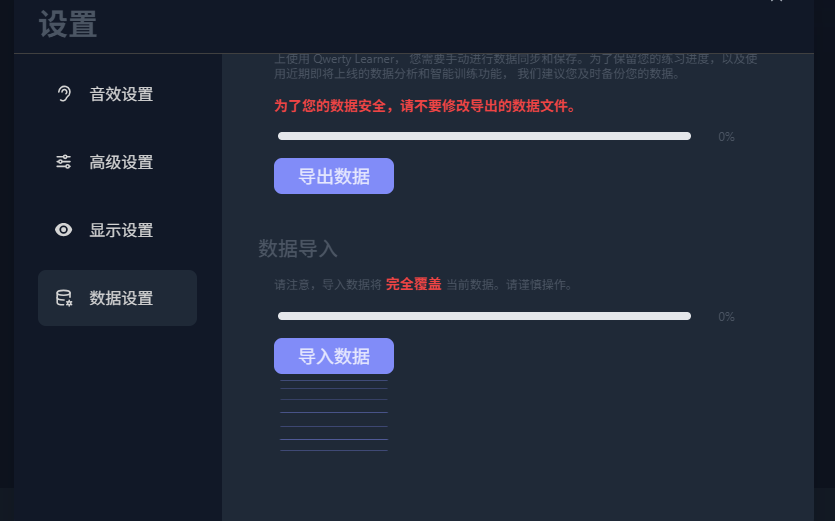
- Import professional vocabulary: Add industry terminology based on work needs
Through daily practice, you can not only quickly improve your English typing speed but also effectively memorize words during practice.
The key is persistence and proper methods. Make a little progress every day, and after 30 days you'll see significant changes!