
Master's Original App: NineCrafts Music User Experience
🤔 Introduction
LazyCat Store already has many music players, but based on experience, this one is currently the cleanest and most concise.
This is an original application by community expert @halo_芒鸽. The official platform rewards original works – how enviable!
https://appstore.lazycat.cloud/#/shop/detail/mcloud.mg.app.jjmusic
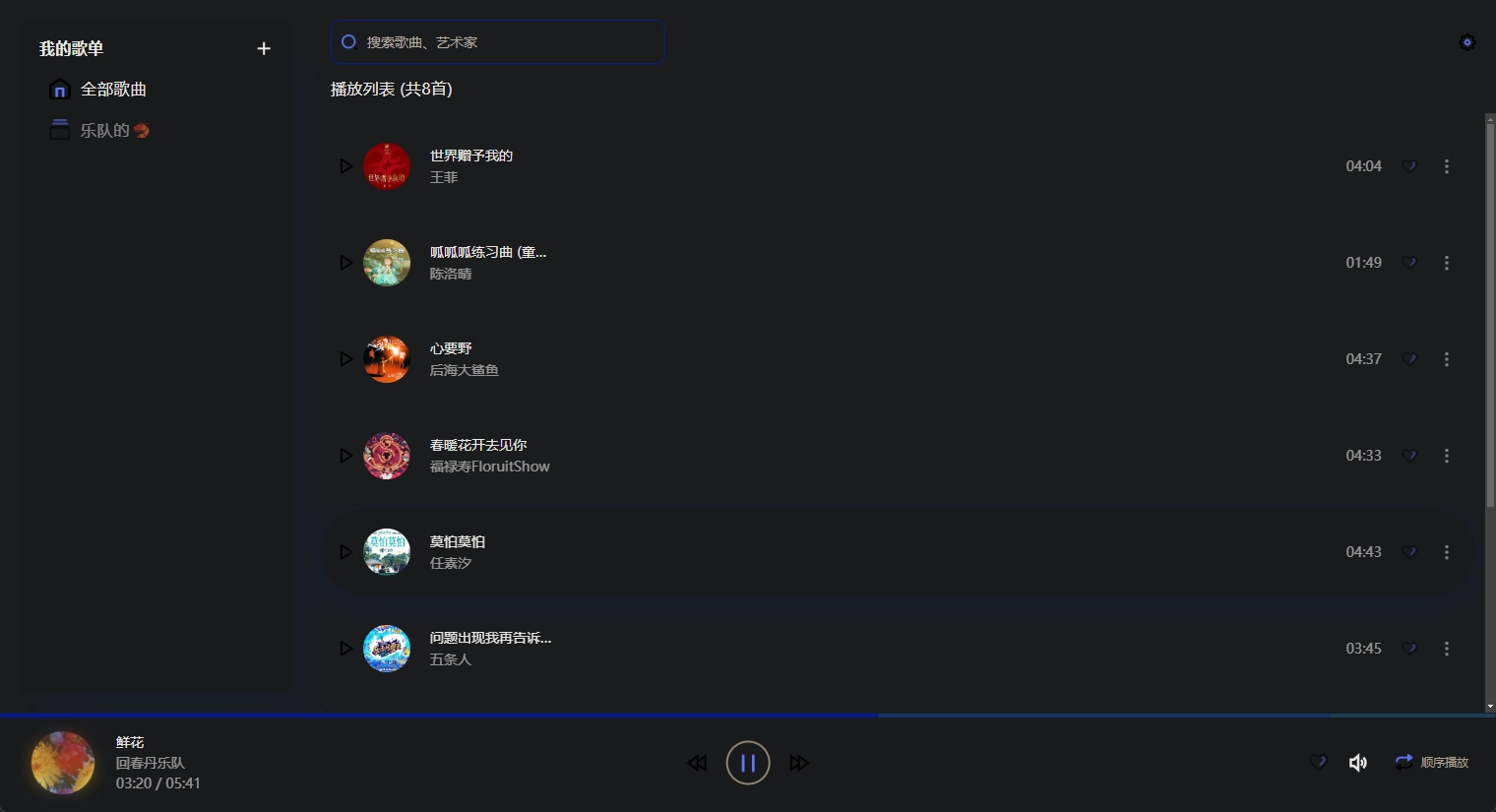
In night mode, some buttons are hard to see. For the convenience of this demo, I'll switch back to day mode.
✨ Key Features
Import Music
Upon opening, the interface is very clean. You need to go to the settings in the upper right corner to import music.
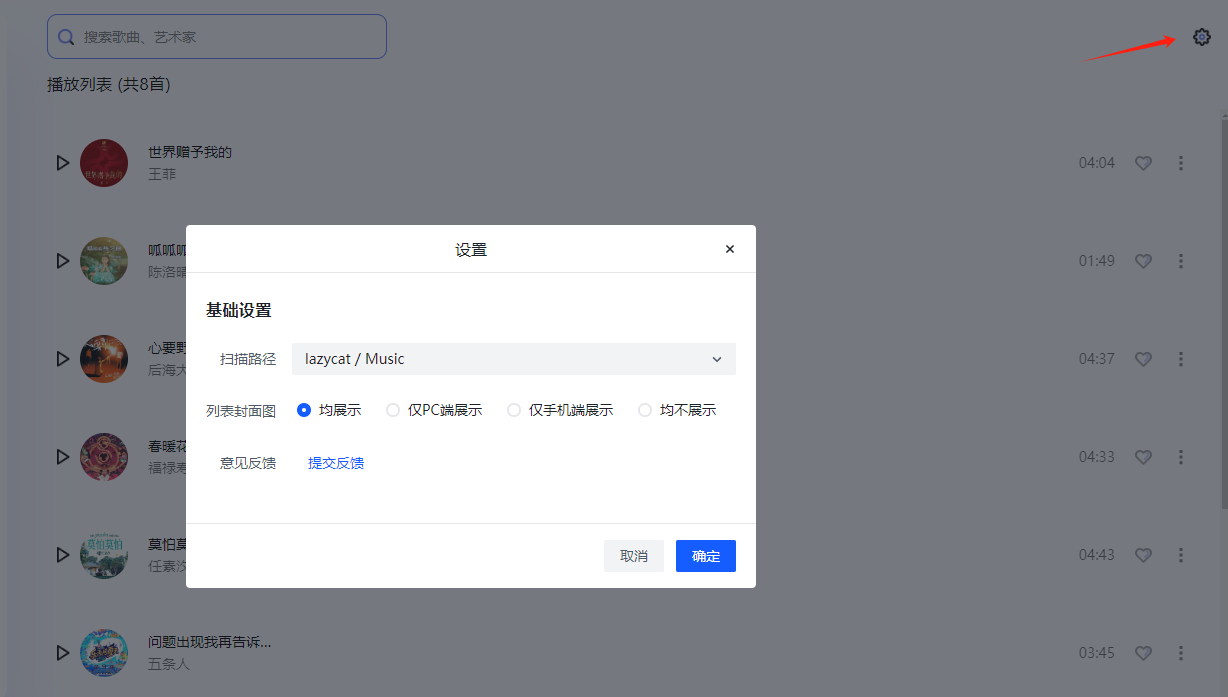
Select the folder in LazyCat Cloud Drive where you store your music. I only have a few dozen songs, so the scan was very quick.
I chose to display all cover art, which makes the page look better.
Create Playlists
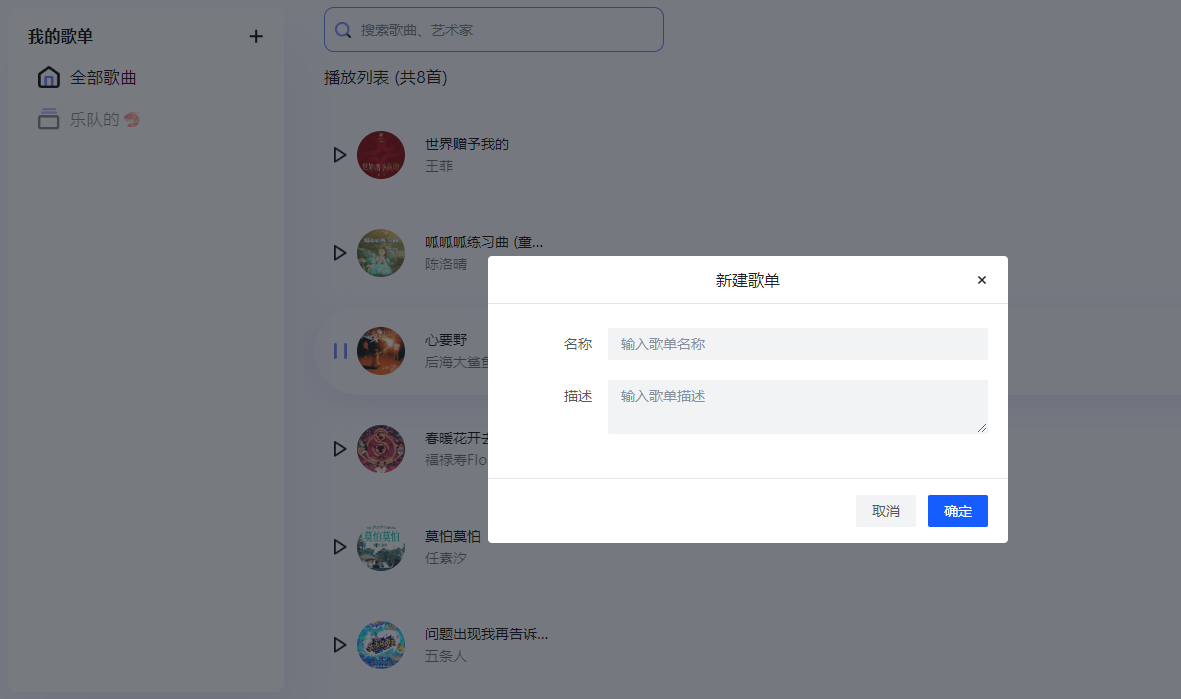
You can create playlists on the left side. The titles even support emojis, making the sorting quite interesting after creation.
Click the three dots on the right side of a song to add it to a playlist.
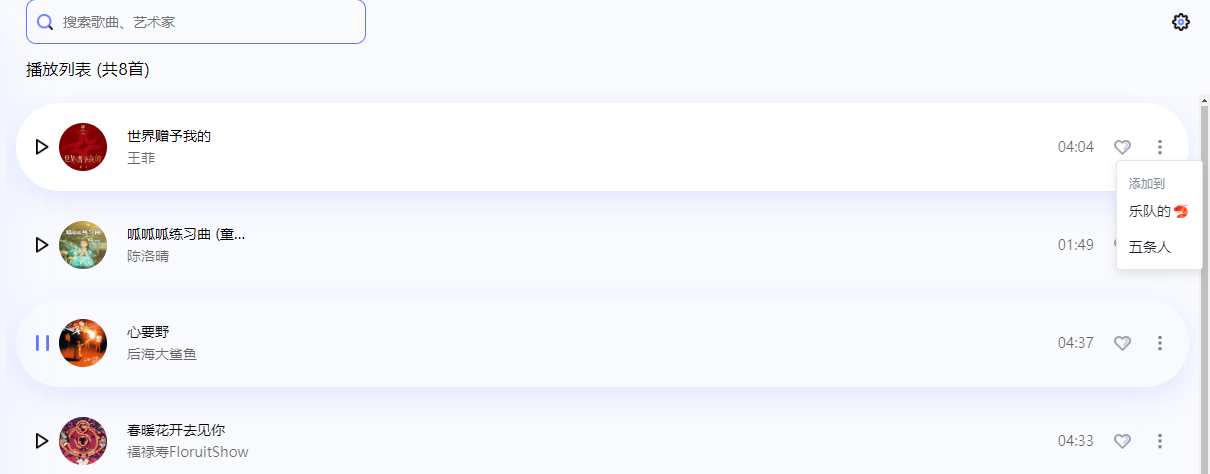
Playing music is simple: click to pause, click again to play.
💡 Hands-on Experience Sharing
Having used it myself, here are my genuine impressions:
Full of Strengths:
- ✅ Starts Super Fast: Launches in just a couple of seconds.
- ✅ Clean Interface: No flashy decorations, focuses on the functionality itself.
A Few Minor Drawbacks:
- ❗ Features Still Expanding: Compared to some established tool websites, the functionality isn't yet comprehensive.
- ❗ Interface is Quite Simple: Some might find it not flashy enough. The mobile experience isn't great yet, but the developer responds very quickly, and new features are continuously being iterated.
🎉 Conclusion
For those who prioritize simplicity, this player is definitely worth a try!
While it might not be the most feature-rich tool, its advantages lie in being: Simple, Pure, and Practical.
Hope original applications continue to develop and thrive.