
Say Goodbye to Phone Dependency! This Tool Makes Two-Step Verification Easy on Your Computer
Today I want to recommend an incredibly practical tool on LazyCat - 2FAuth.
When it comes to two-factor authentication, I'm sure everyone is familiar with it. Services like GitHub, X, and various websites often require you to enter verification codes when logging in.
But having to pull out your phone and open Google Authenticator or other apps every single time is really quite troublesome, especially when you're working at your computer.
The tool I'm recommending today specifically addresses this pain point!
https://appstore.lazycat.cloud/#/shop/detail/cloud.lazycat.app.c2fauth
Let's Talk About Two-Factor Authentication
Two-Factor Authentication (2FA), also known as dual verification or two-factor verification, is a specific type of multi-factor authentication. It uses two different factors to generate a time-based random verification code that authenticates with the server to confirm the user's identity.
Simply put: besides your password, you also need a dynamically changing 6-digit verification code to prove "you are you."
This way, even if your password is stolen, without your verification code, bad actors can't access your account.
Most people use mobile apps like Google Authenticator or Authy, but here's the problem:
- Having to take out your phone for every verification is really inconvenient
- If you lose or break your phone, all your verification codes are gone - that's disastrous
- When working at your computer, constantly checking the countdown on your phone screen adds unnecessary stress
2FAuth: Your Personal Verification Code Manager
This is exactly why I recommend 2FAuth! It's a web-based, self-hosted two-factor authentication management tool. In plain language:
You can set up a web-based verification code generator on your own server.
First, register an account:
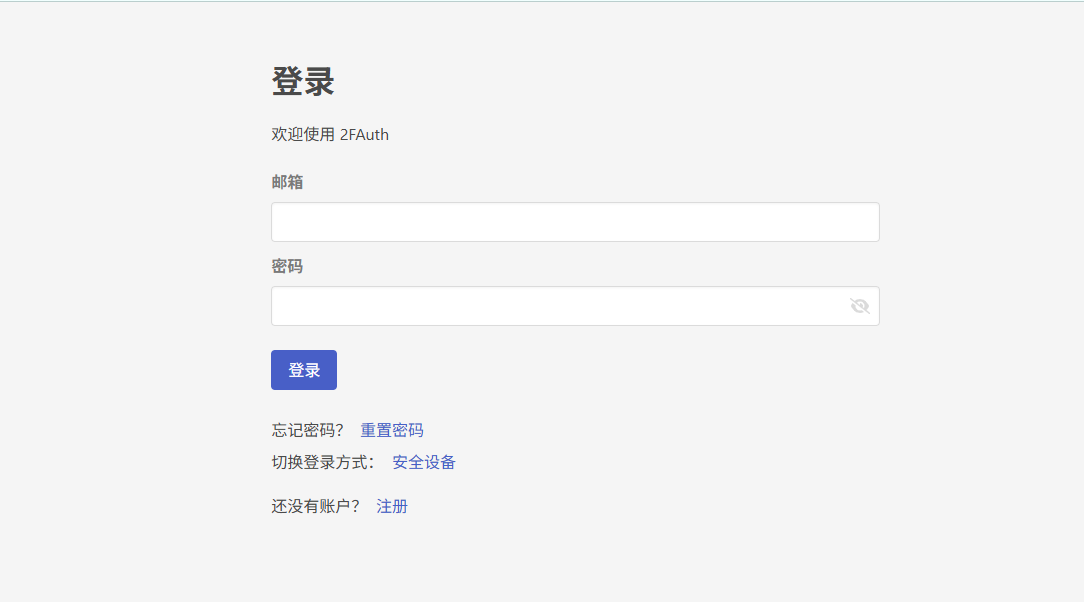
At this step, scanning the QR code from a computer isn't convenient - it's better to operate from the LazyCat mobile app.

After that, you can just scan codes and use it normally, adding your common accounts.
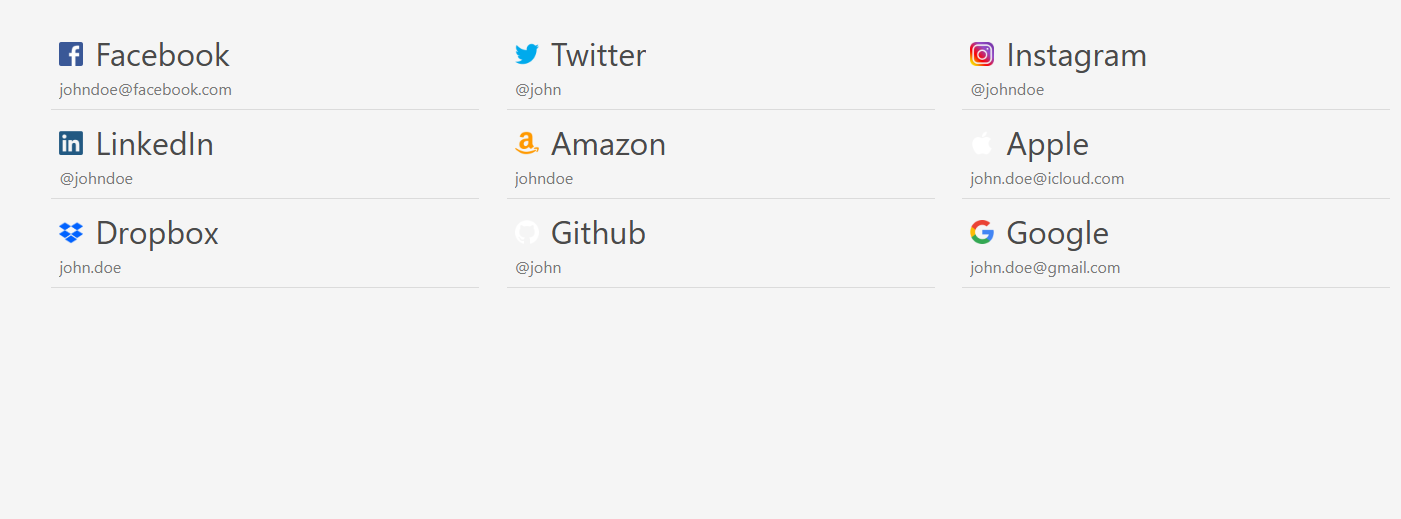
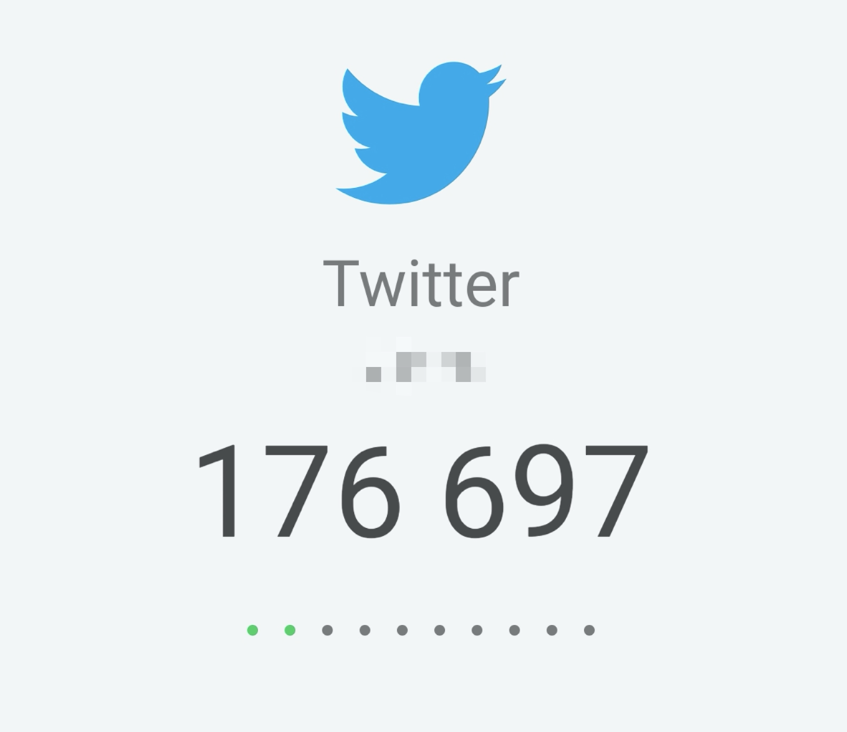
From then on, you can just open LazyCat to view your verification codes.
Why Choose 2FAuth?
1. Works on Both Computer and Phone Whether you use Windows, Mac, or Linux, as long as you have a browser, you can use it. When working on your computer, you can view verification codes directly in your browser tab without reaching for your phone.
2. You Fully Control Your Data All verification code data is stored on your own server, so you don't have to worry about third-party companies stealing it or the service suddenly shutting down. Your data, your rules!
3. Clean Interface Without Anxiety Most verification code apps display all account codes and countdowns simultaneously, which can be anxiety-inducing. 2FAuth's interface is designed to be clean and won't add mental pressure.
4. Powerful Yet Thoughtful Features
- Supports quick account addition via QR code scanning
- Manual account addition (in case QR codes don't work)
- Supports group management for organizing different types of accounts
- Edit existing account information
- Import data from other tools like Google Authenticator
5. Maximum Security
- Account creation required for use, with login protection
- Supports hardware security keys (like Yubikey) for login
- Encrypted storage for sensitive data
- Automatic logout after periods of inactivity
What's the Actual User Experience Like?
After using it for a while myself, I find it really excellent:
Advantages:
- Hands-free convenience: No more switching between computer and phone
- Comfortable interface: Unlike other authenticators that cause anxiety, it's pleasant to use
- Comprehensive features: Has all the necessary functions plus group management
- Fast response: Verification codes appear instantly when opening the webpage - much faster than grabbing your phone
- Data security: Stored on your own server, giving you peace of mind
Who Is This Tool Suitable For?
Highly recommended for these users:
- Programmers and tech enthusiasts: Frequently work at computers and find phone verification codes inconvenient
- Privacy-conscious users: Don't want verification code data stored on third-party servers
- Multi-device users: Want convenient access to verification codes across different devices
- Enterprise users: Need to manage large numbers of two-factor authentication accounts
Summary
2FAuth is truly a very practical tool.
The developer created it because they "hated having to pull out their smartphone to get OTP codes while using a desktop computer" - a pain point many people can relate to.
Bid farewell to phone dependency and have your own personal verification code manager - it feels really great!
If you're also frustrated with phone verification codes or concerned about data security issues, why not give 2FAuth a try.
Trust me, once you've used it, you won't want to go back!