
My Writing Companion: A Hands-on Experience with the xiaoshujiang Editor
Have you ever encountered these frustrations:
Want to write a technical blog, but find the editors on various platforms cumbersome to use? Want a tool that works both online and offline? Want to sync articles to multiple platforms, but the formatting always ends up messy?
If you're nodding your head, then the xiaoshujiang editor we're recommending today might just be the perfect tool you've been searching for.
https://appstore.lazycat.cloud/#/shop/detail/cloud.lazycat.app.pegasus
What is the xiaoshujiang Editor?
Simply put, the xiaoshujiang editor is an editor specifically designed for Markdown writing. Its biggest characteristic is being "feature-rich yet practical" – it offers a vast array of functions, but each one is genuinely useful.
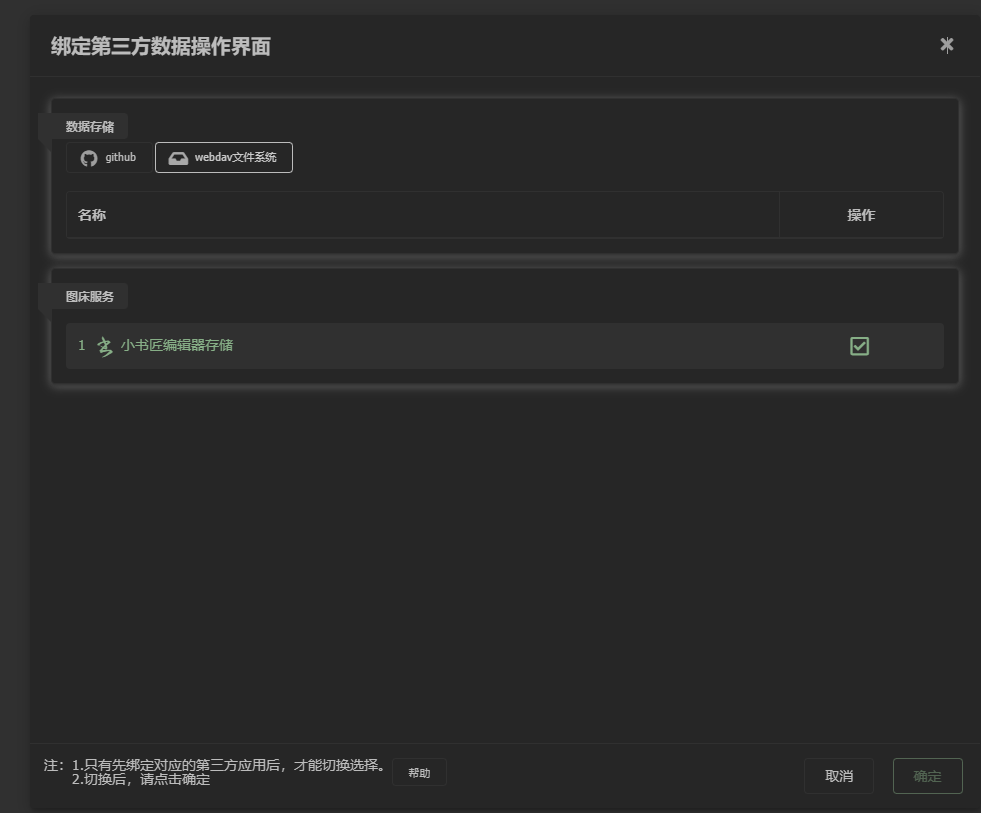
This editor supports both offline and online modes and integrates with numerous third-party data storage services, including Evernote, Yinxiang Notes (Evernote China), GitHub, Dropbox, Youdao Notes, Gitee, and more. Sounds impressive, right? It's genuinely convenient in practice.
Why Recommend the xiaoshujiang Editor?
1. Truly "Usable Anywhere"
The most endearing aspect of xiaoshujiang is its flexibility. You can use the online version directly on Lazycat, or download the offline version to your computer. What does this mean? It means you can start an article at work and seamlessly continue writing at home, or keep working on it in a hotel while traveling.
Whether in a café, library, or on the road, users can instantly get into writing mode as long as there's an internet connection. The feeling of being able to write anytime, anywhere is truly fantastic.
2. Cloud Sync, No Data Loss
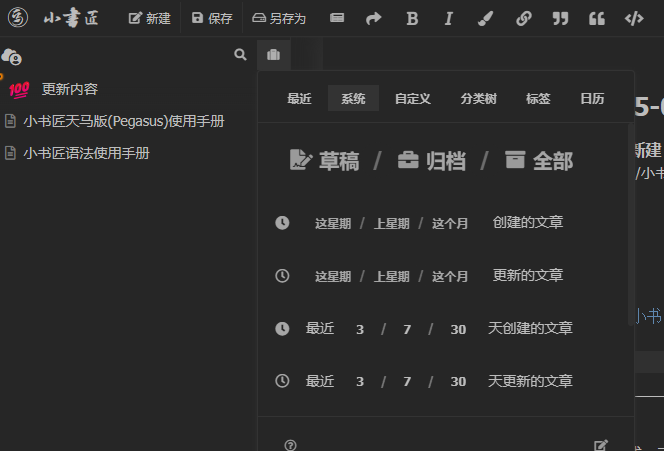
The system provides a version history feature, recording historical versions each time a user saves a file. This feature is a lifesaver for those who frequently revise articles, eliminating the worry of losing the original version after making unwanted changes.
3. Rich Export Formats, Write Once, Publish Everywhere
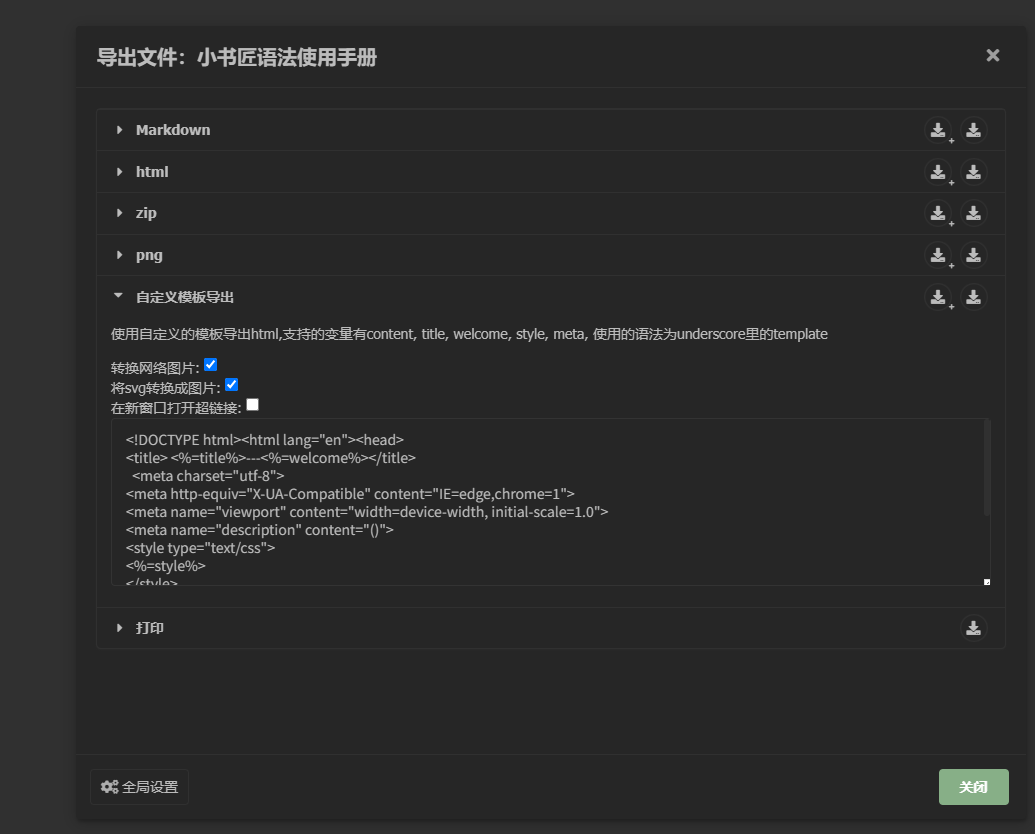
After finishing an article, you might need to publish it on different platforms. xiaoshujiang handles this thoughtfully, allowing easy rendering and export of documents to formats like Markdown documents, HTML pages, and more.
4. User-Friendly Interface, Easy to Get Started
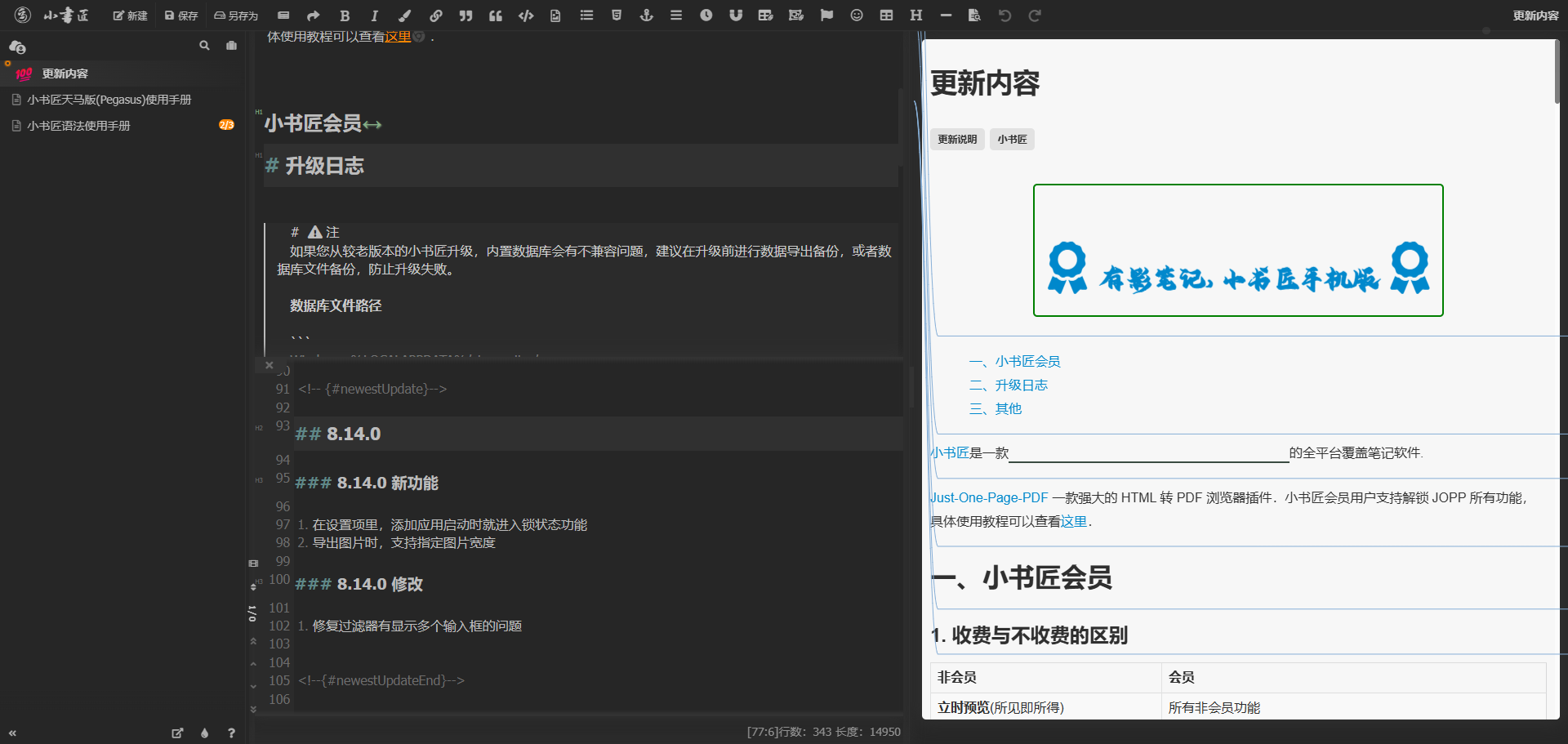
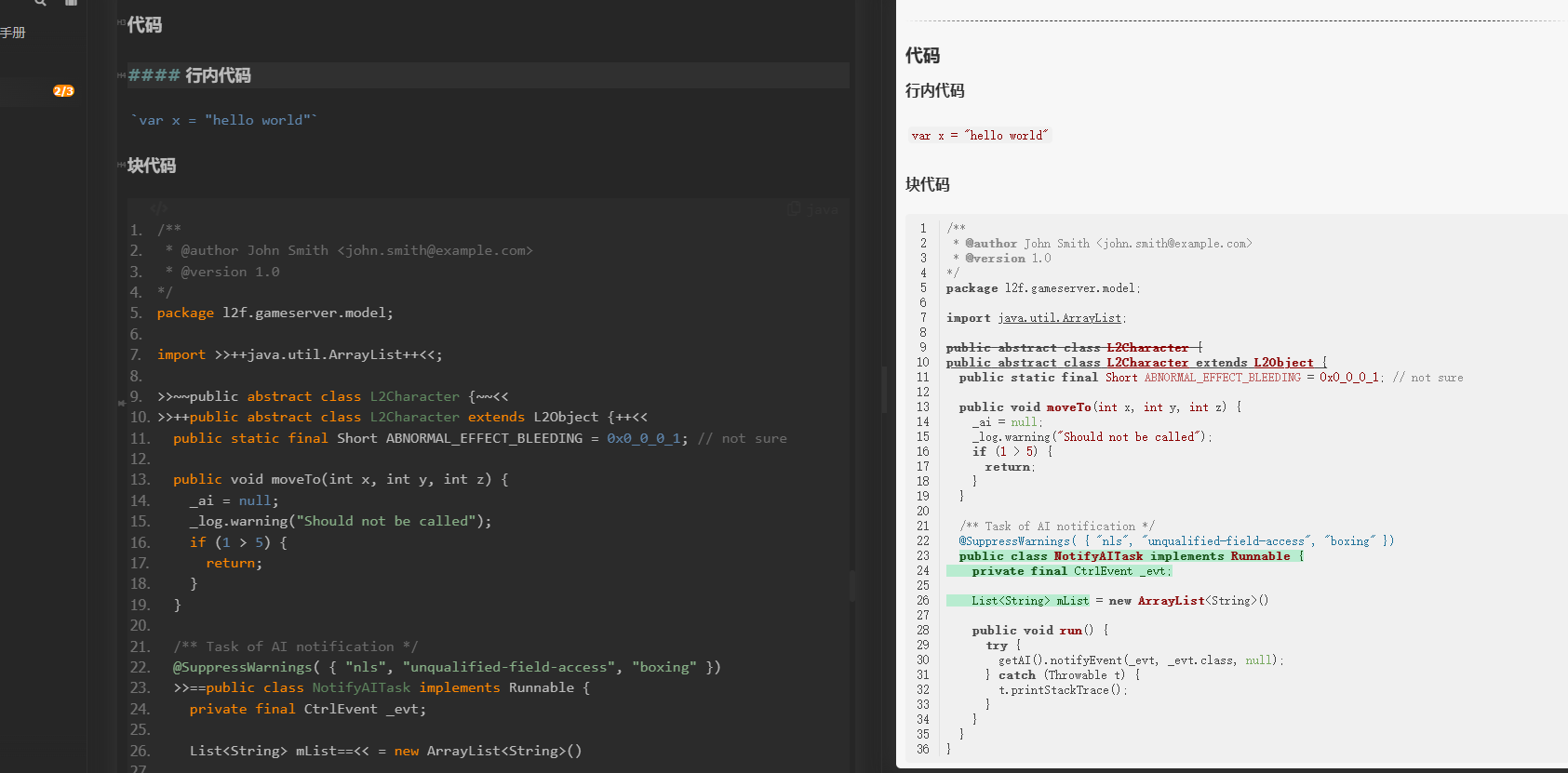
Despite its rich feature set, xiaoshujiang's interface is intuitively designed. The classic two-panel layout – editing area on the left, preview area on the right – is immediately understandable. The toolbar buttons are clear, and their functions are generally obvious from the icons.
The editor also provides practical tools like live preview and one-click PDF export, ensuring a smooth and uninterrupted writing experience for every user.
5. Supports Extensive Markdown Syntax
If you're a technical writer, you'll love xiaoshujiang's code support. It not only supports standard Markdown syntax but also extends many practical features, such as mathematical formulas, flowcharts, sequence diagrams, and more. It particularly emphasizes the importance of code examples, encouraging authors to make full use of this feature when writing technical articles.
Who is it Suitable For?
Technical Blog Writers: If you frequently write technical articles requiring code snippets and formulas, xiaoshujiang is an excellent choice.
Content Creators: Whether you write for WeChat Official Accounts or answer questions on Zhihu, you can benefit from xiaoshujiang's multi-platform publishing capabilities.
Students and Researchers: Writing papers, taking notes – the export features are particularly useful.
Cross-Device Users: If you frequently switch between different devices, you'll love xiaoshujiang's cloud sync functionality.
Any Drawbacks?
Of course, no tool is perfect. xiaoshujiang has some points to note:
Network Dependency: As it's primarily oriented towards online use, the user experience might be affected without a stable internet connection.
Feature Overload: For users who just want to write simple text, the plethora of features might feel overwhelming. But this isn't a major issue – you can simply ignore the functions you don't need.
Learning Curve: While basic operations are simple, fully utilizing all features requires some time investment to learn.
What's the User Experience Like?
From a practical standpoint, xiaoshujiang feels "professional yet approachable." It has enough features to meet the needs of professional writers while maintaining a relatively clean interface that doesn't intimidate beginners.
Its auto-save feature is particularly noteworthy, automatically saving progress every few minutes to prevent data loss from unexpected disconnections. This attention to detail provides a great sense of security – no more fear of losing a half-written article.
Summary
If you're looking for a powerful and flexible Markdown editor, the xiaoshujiang editor is definitely worth trying. It streamlines the entire workflow of writing, syncing, and publishing, allowing you to focus on content creation without worrying about technical hurdles.
While it might take some time initially to familiarize yourself with all its features, once you get the hang of it, you'll likely find it's a tool you "won't want to switch from."
After all, a good tool should make you forget its existence, letting you concentrate on what you really want to do.