
n8n Hands-On Guide 21: Generate Viral Animal Diving Videos with One Click
First, take a look at the final generated video effect:
The workflow is mainly divided into 4 parts: Image Generation, Image-to-Video, Audio Generation, and Data Saving. In fact, each part has been covered in previous guides; this one simply strings all the parts together.
https://appstore.lazycat.cloud/#/shop/detail/cloud.lazycat.app.n8n
Image Generation
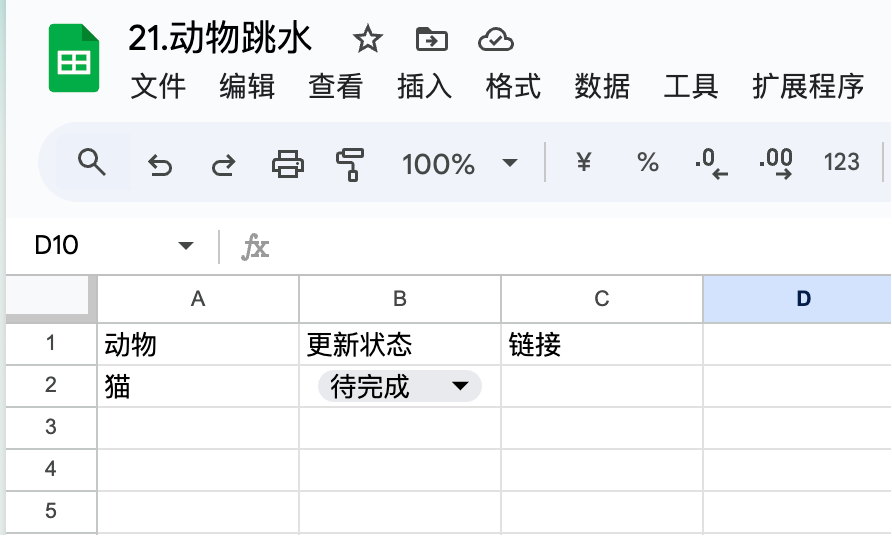
First, prepare a table in Google Sheets.
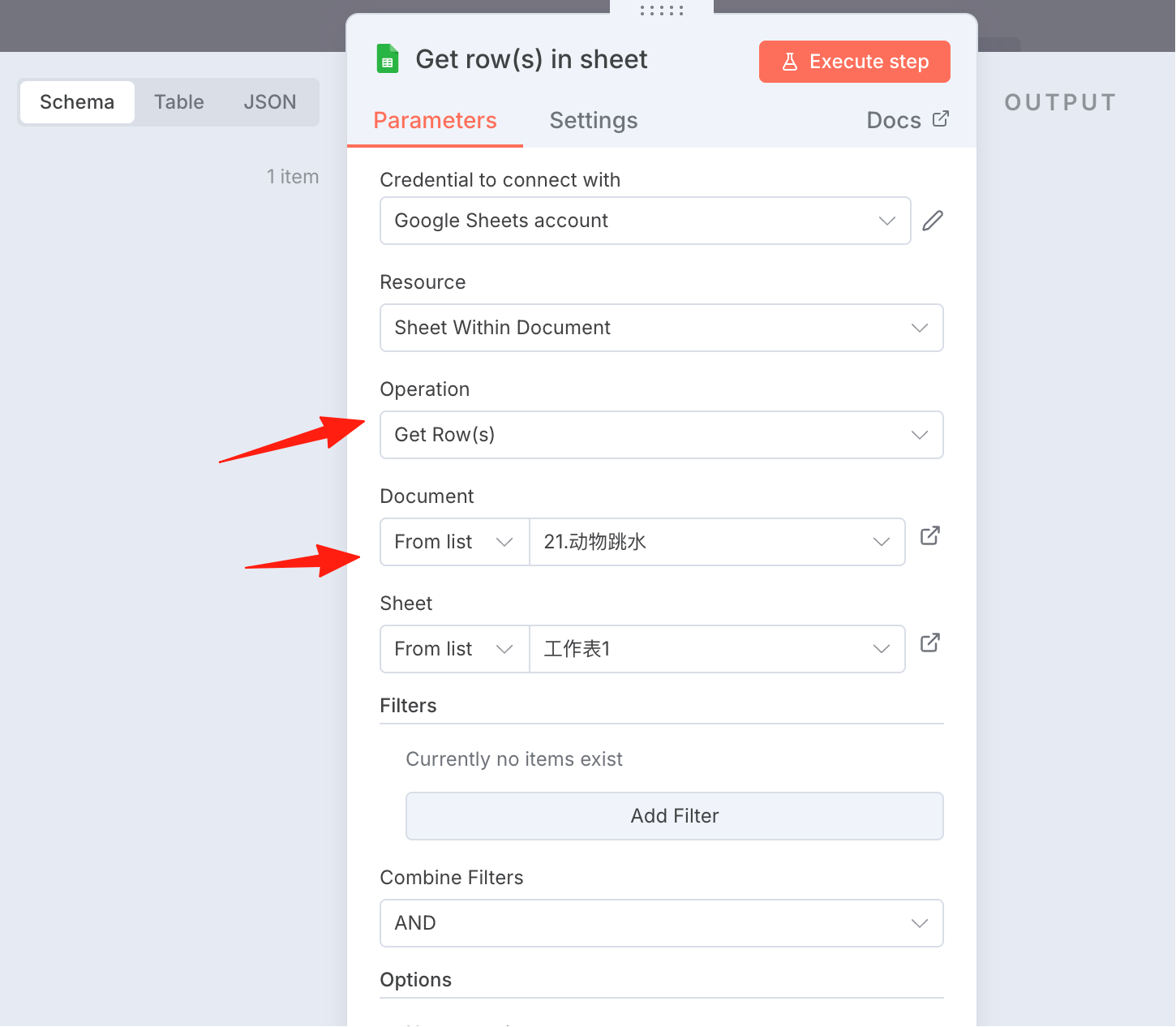
Add a get row node.
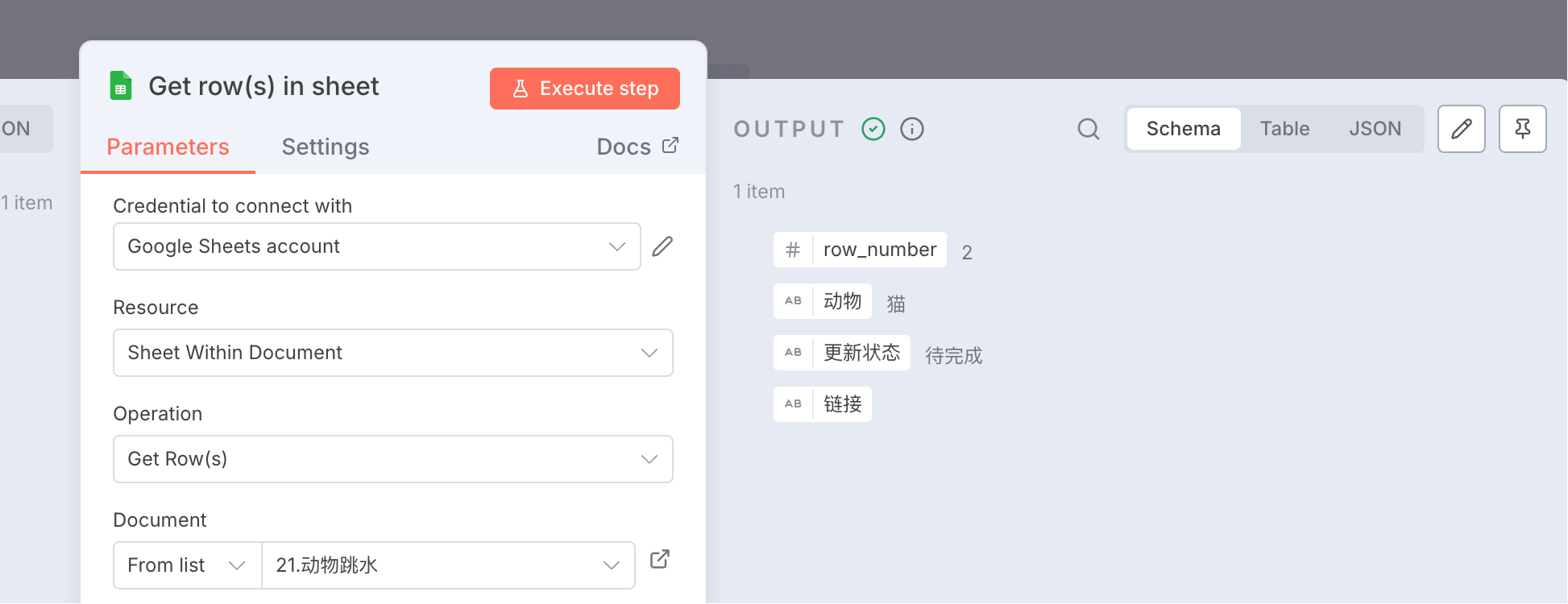
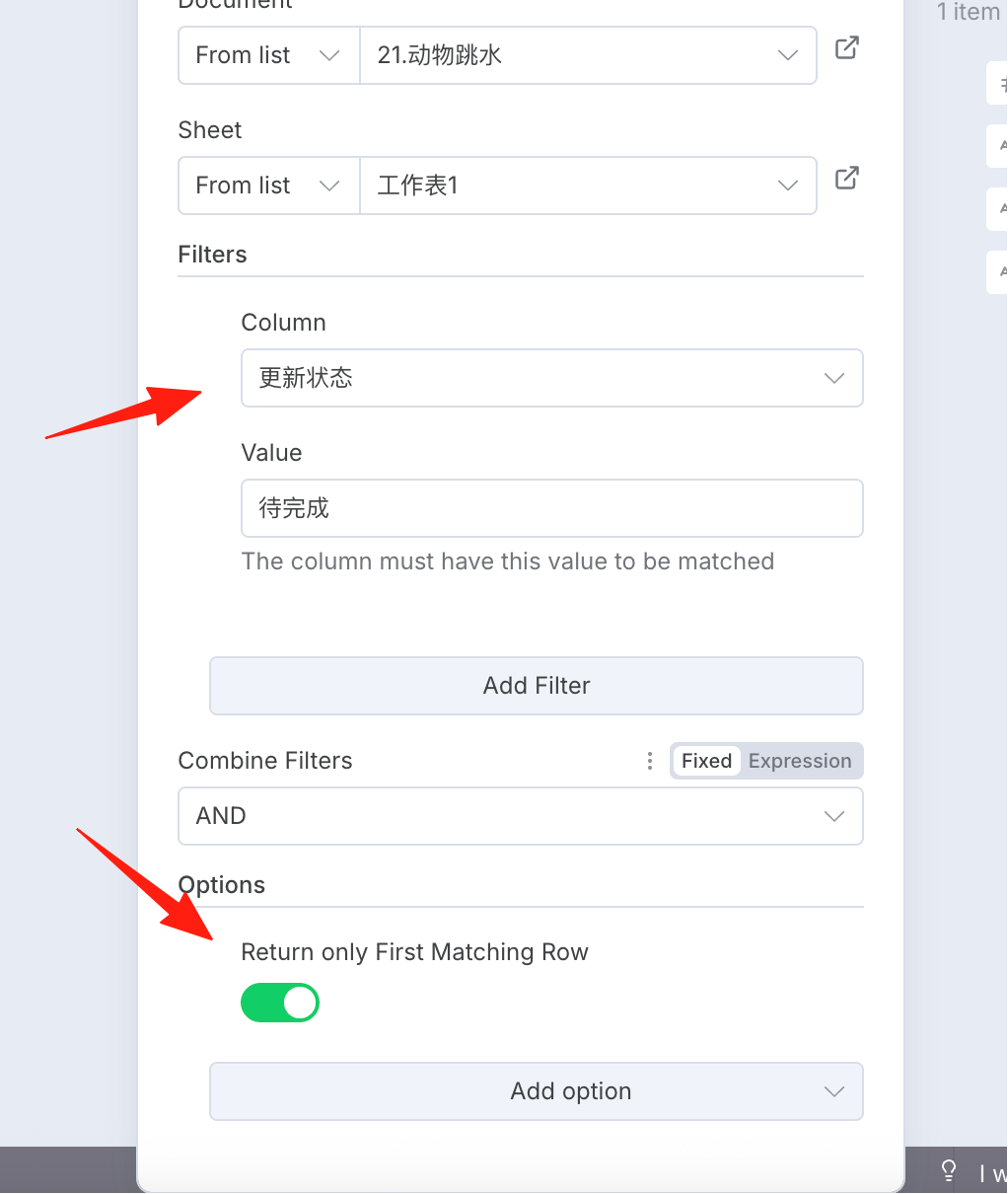
Only take the first row of found data marked as 'To Do'.
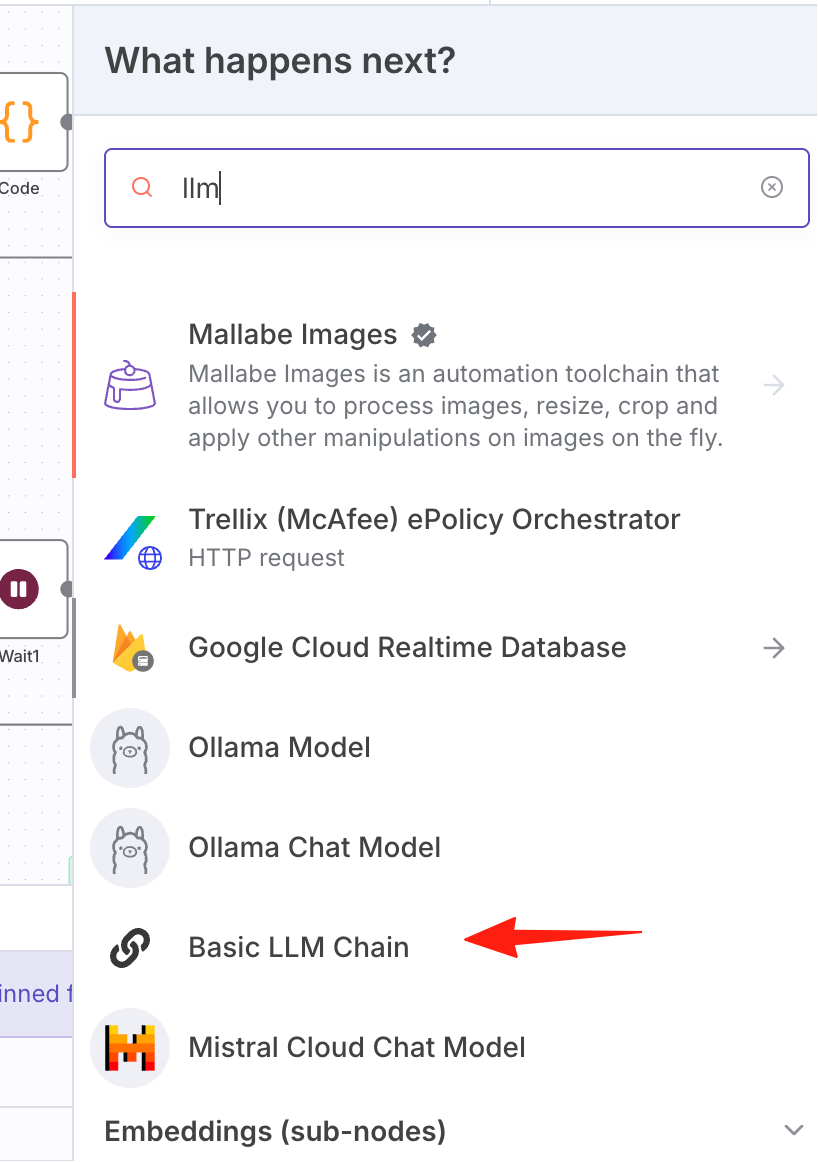
Step 2: Add an LLM node. Prompt reference:
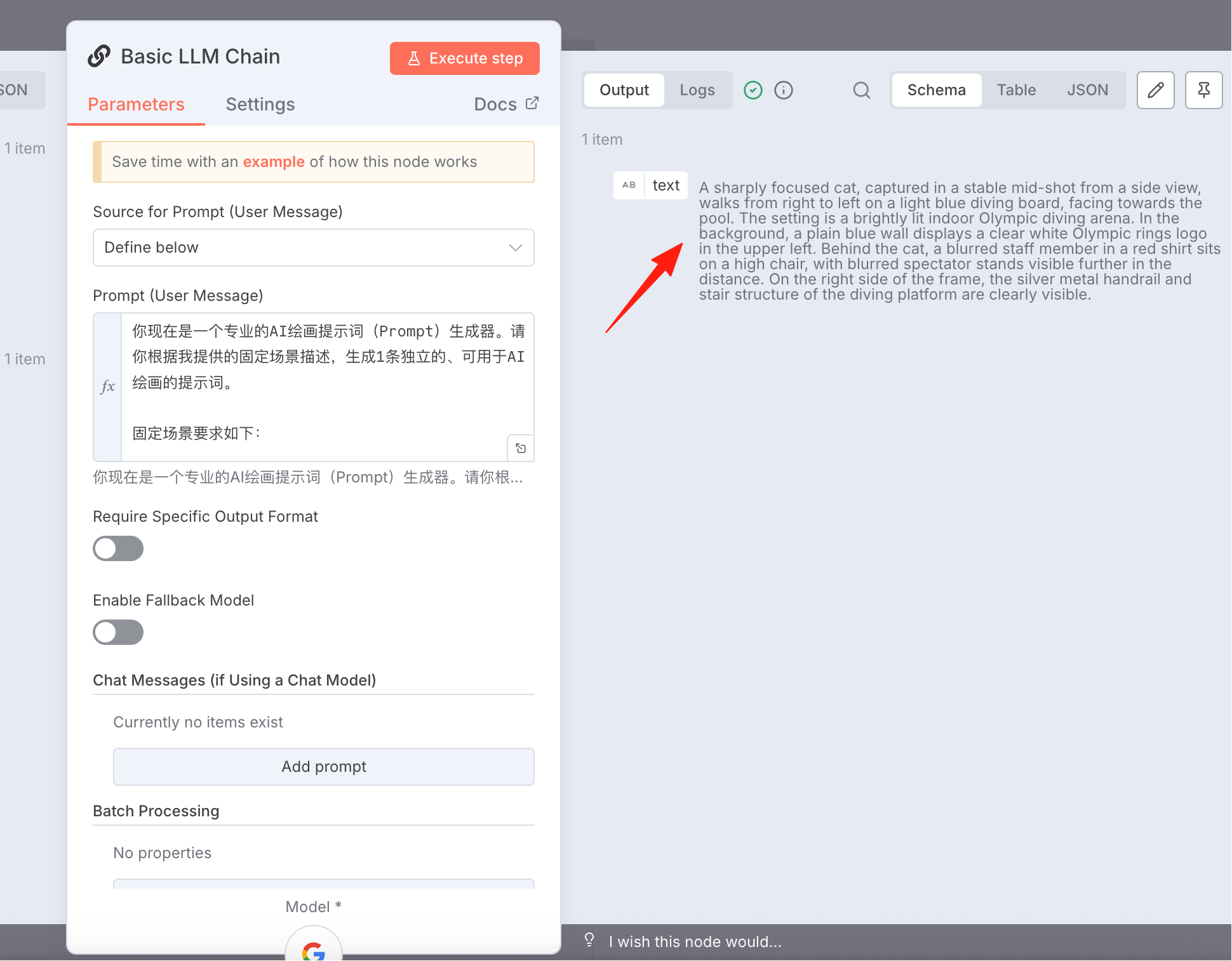
You are now a professional AI painting prompt generator. Please generate 1 independent prompt suitable for AI painting based on the fixed scene description I provide.

Fixed scene requirements are as follows:

Perspective & Composition: A medium shot filmed from the side, with stable composition. The focus is clearly on the main subject {{ $json['Animal'] }}.

Location & Core Elements: The scene is a brightly lit indoor Olympic diving venue. The main subject {{ $json['Animal'] }} is walking from right to left on a light blue diving board.

Background Details: The background is a pure blue wall, with a clear white Olympic rings logo printed on the upper left of the wall. Behind the main subject animal, a blurred staff member in a red shirt sitting on a high stool and a more distant blurred spectator stand can be seen. On the right side of the image, the silver metal handrail/stairs structure of the diving platform can be seen.

Your Task:
In the fixed scene described above, set the core subject as: a {{ $json['Animal'] }}.

Output Requirements:

Generate 1 independent prompt.

The final output prompt should completely and fluently integrate all scene descriptions.

Attention!!! Only output the final generated prompt content, do not include any other irrelevant text.

The generated animal should be facing the pool.
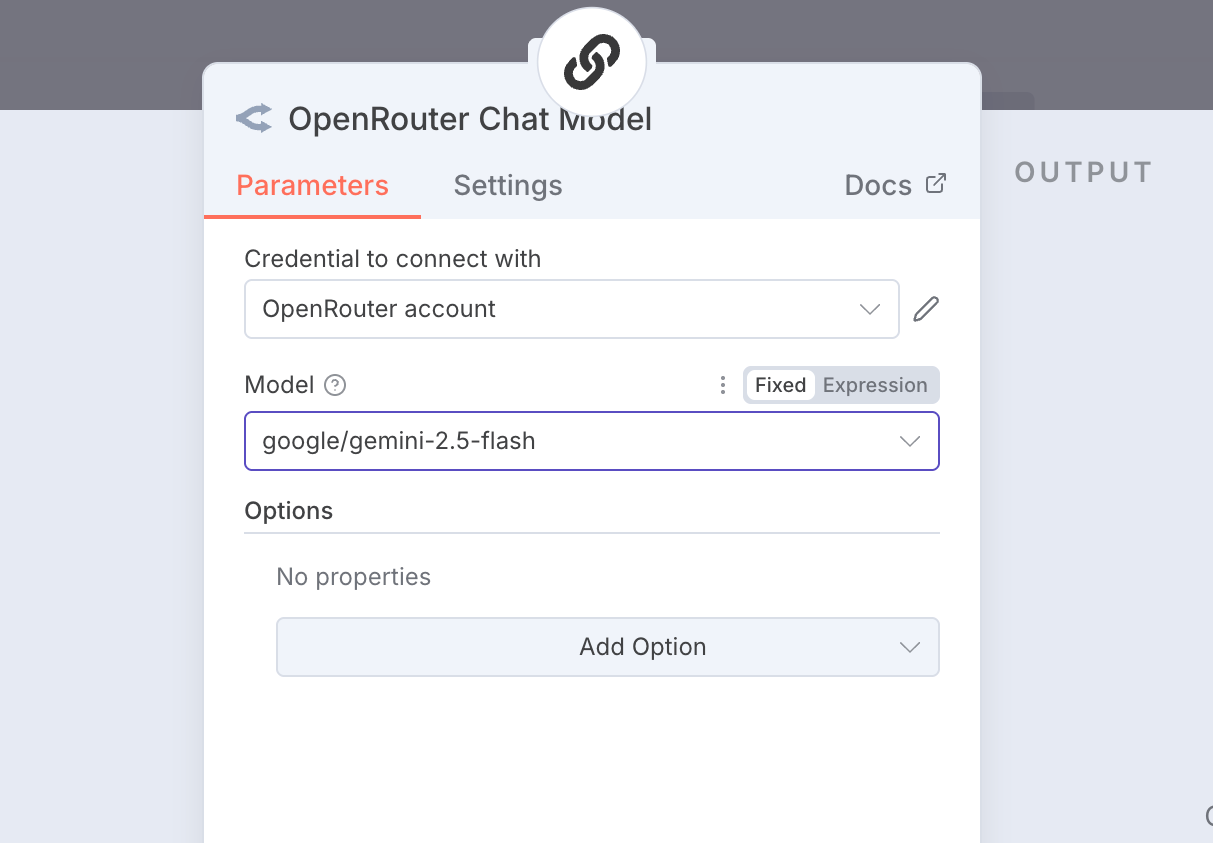
Model configuration: Gemini 2.5 Flash.
After execution, we get the prompt.
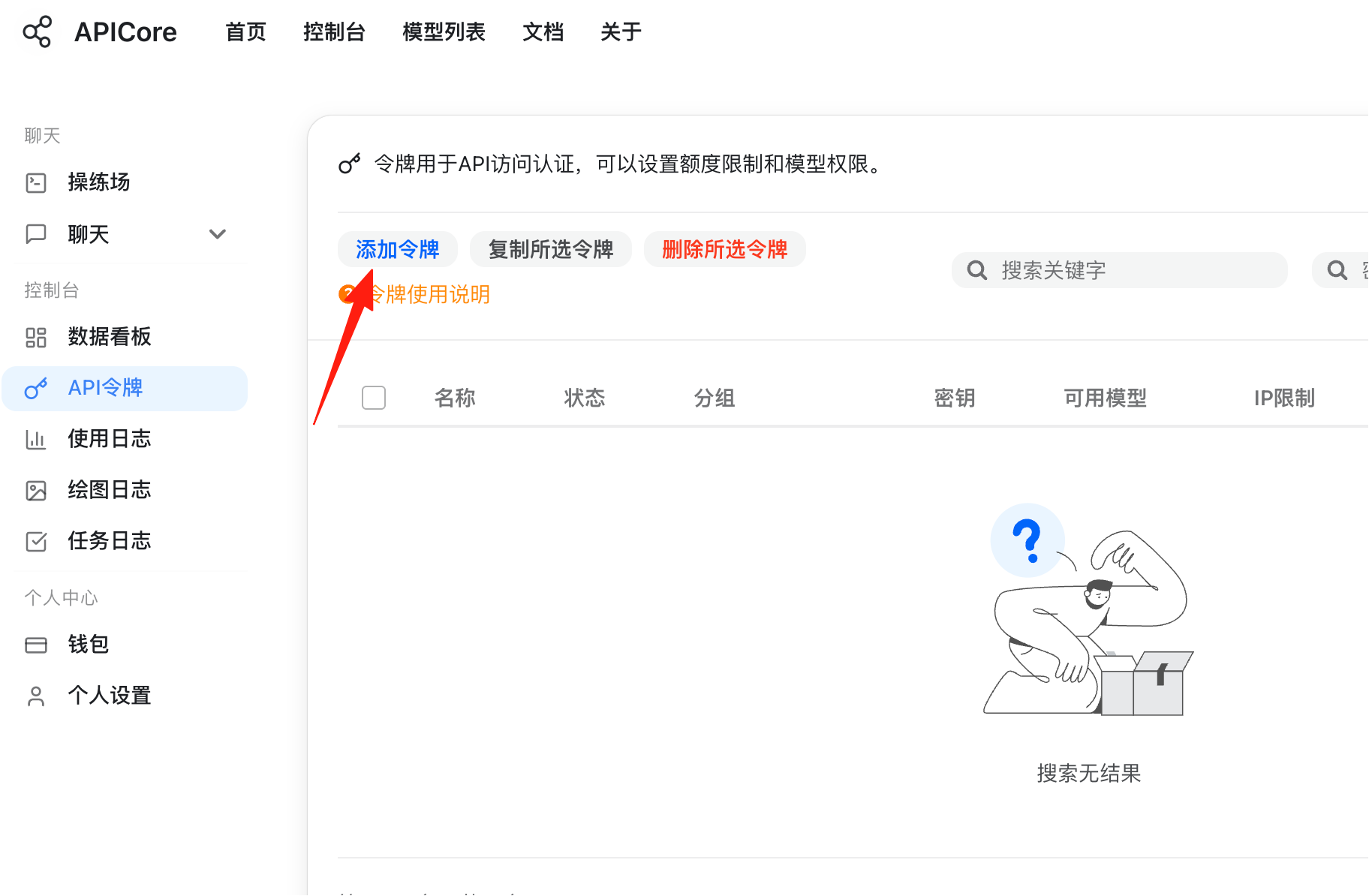
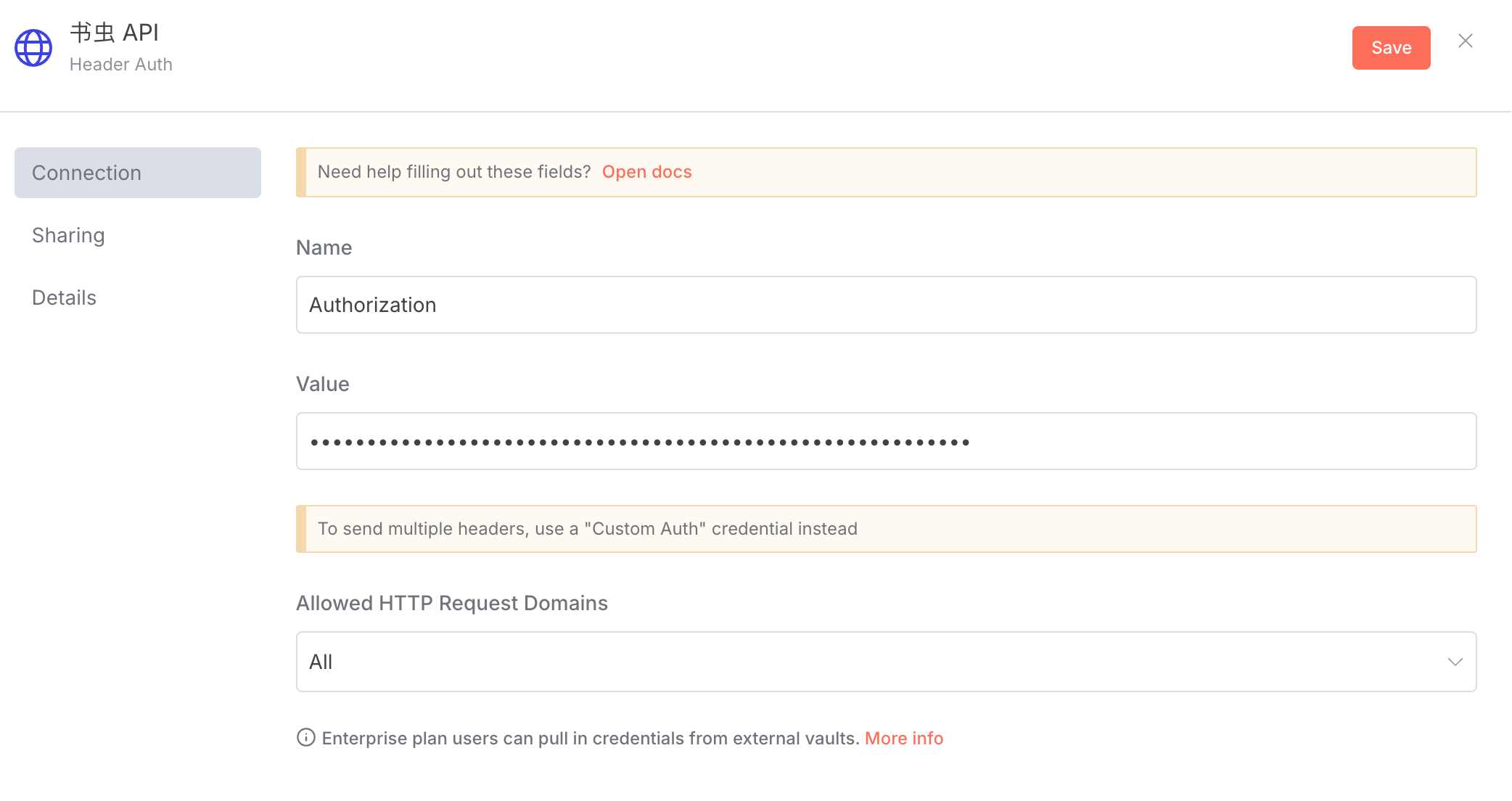
Next, I will generate an image based on this prompt. Here I use this third-party API interface: https://api.apicore.ai/. It has many models and is cheap. Add a credential.
Go back to n8n and create a credential. Name: Authorization
The Secret is: Bearer Your_Secret_Key
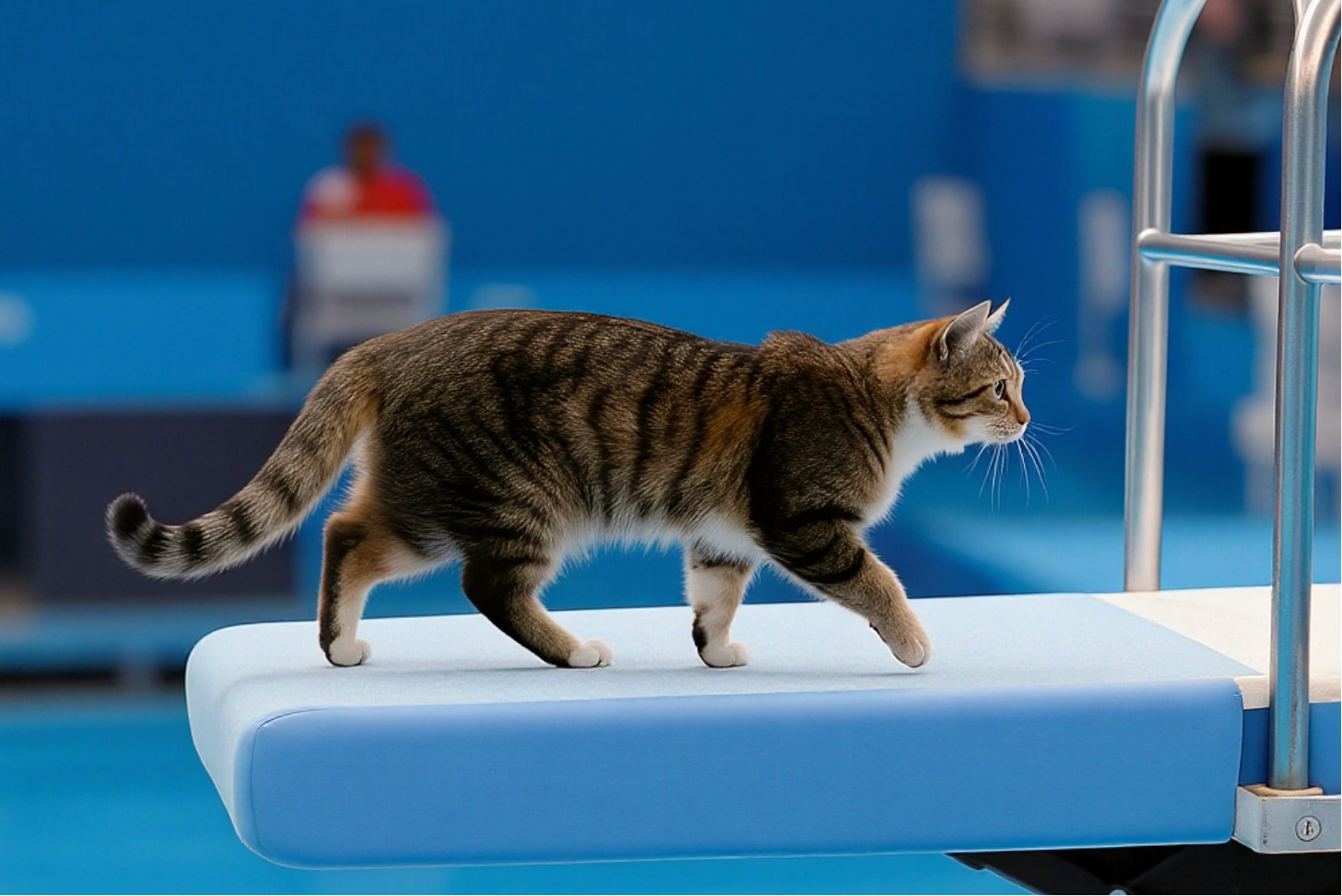
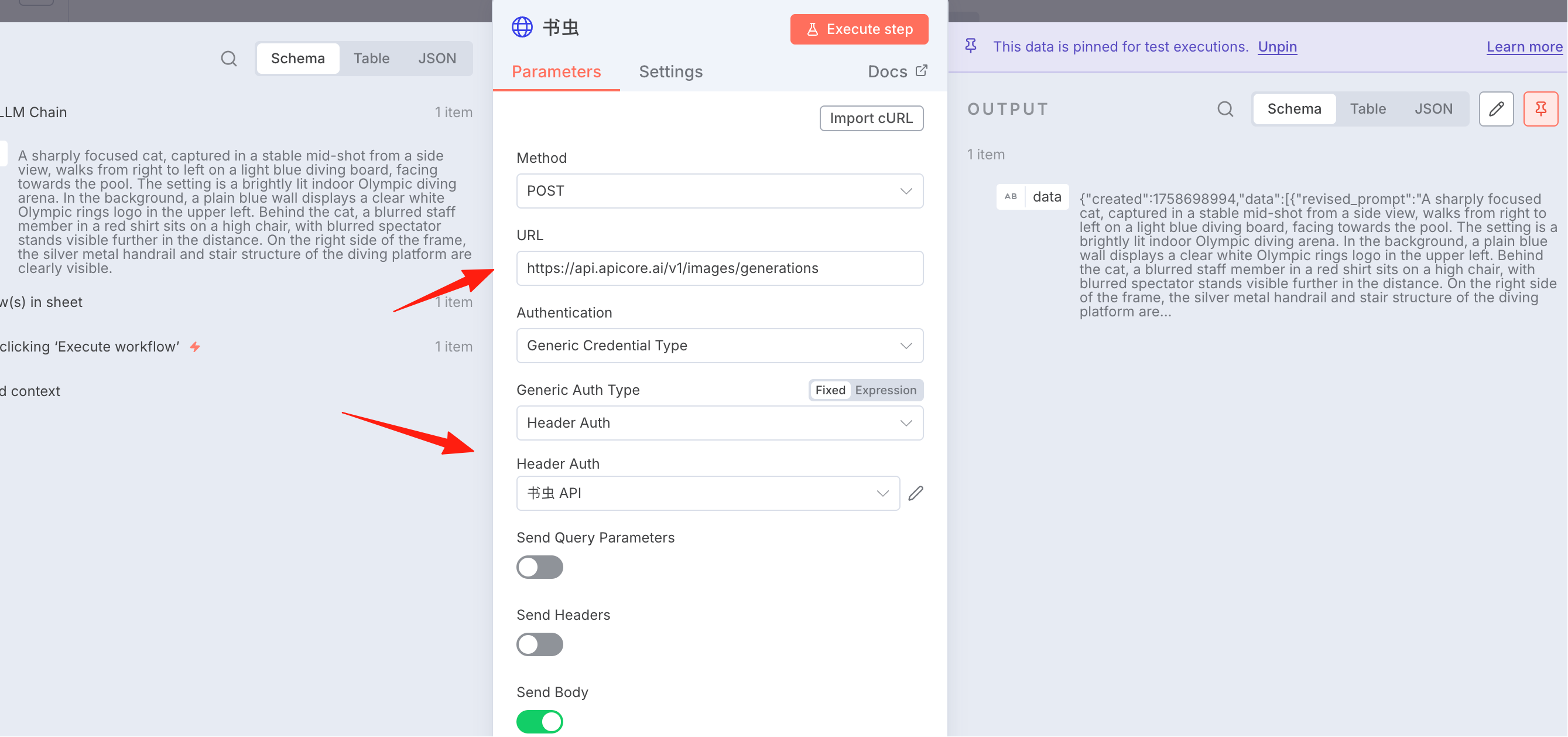 After execution, you can see the image URL, although it seems it generated it backwards for me, the cat is walking in the wrong direction.
But all the generated data is in the data field, we need to process it to get the URL.
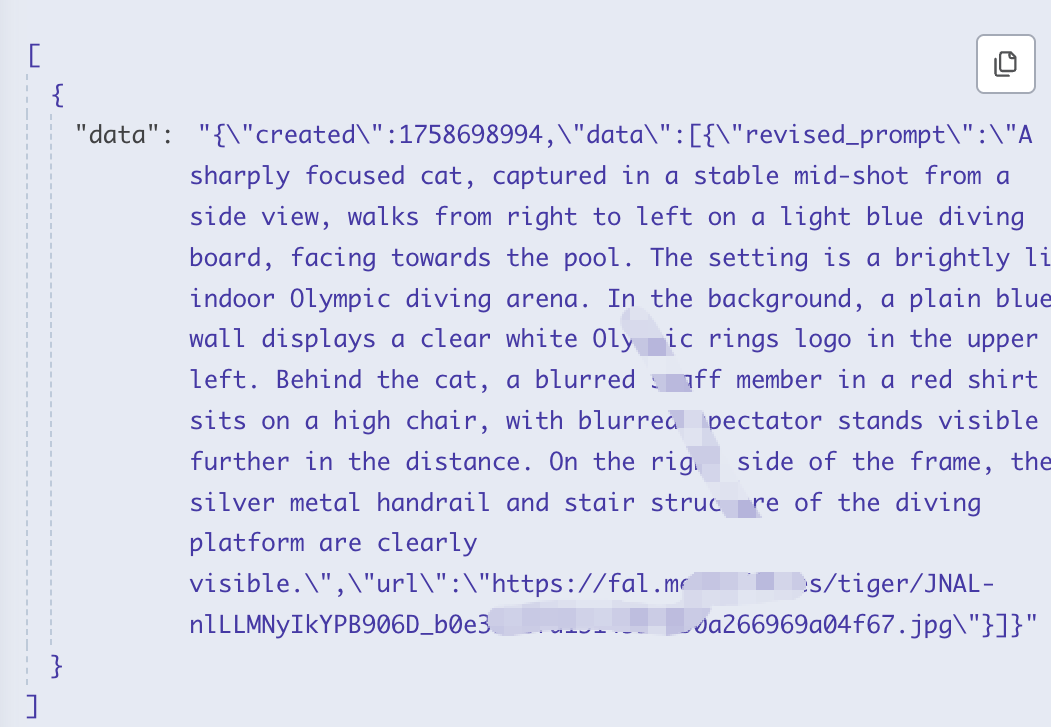
Add a Code field, finally formatted into the result on the right.
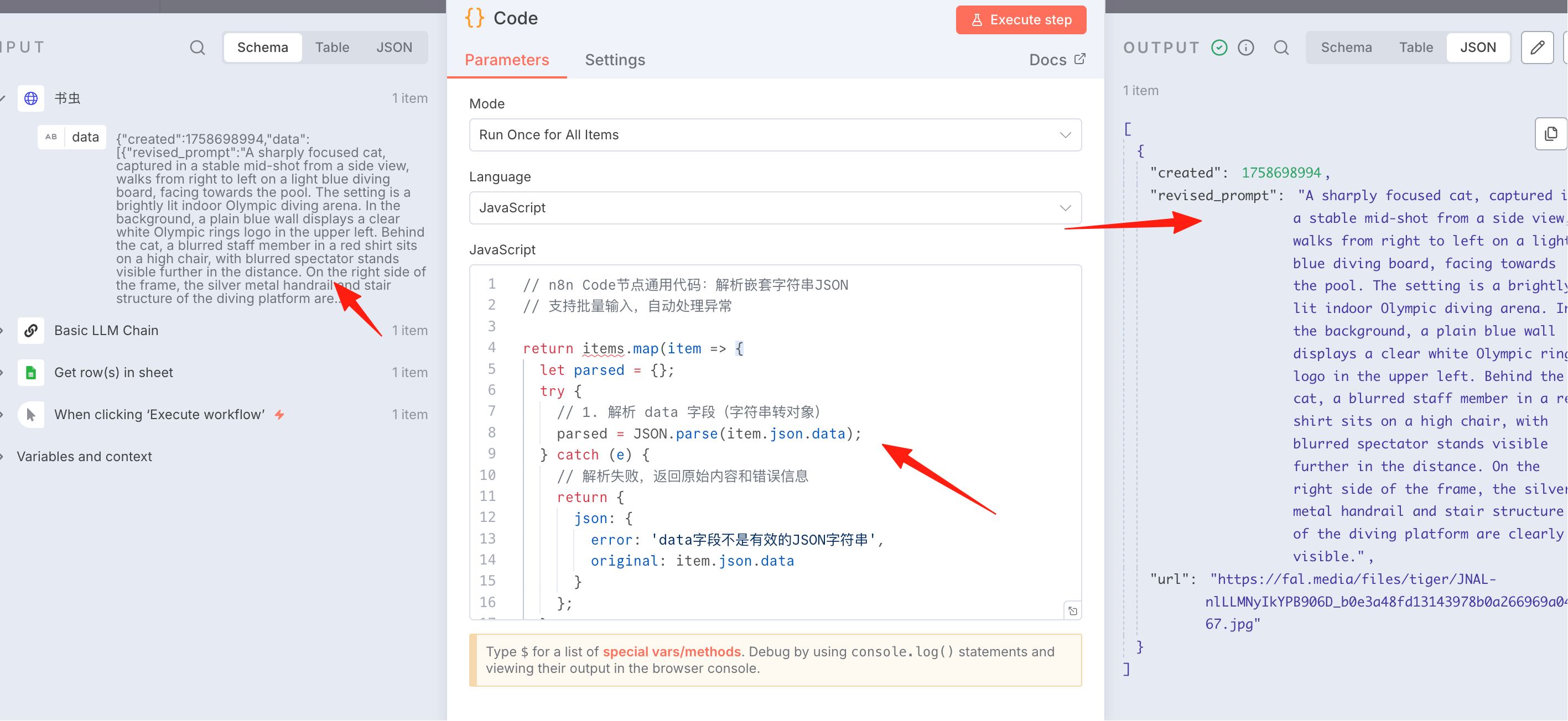
Don't waste brainpower figuring out how the intermediate code is written. Remember to ask AI. Copy the code on the left, tell it your requirements, and let the AI generate the code for you automatically.
Video Generation
After the steps above, the image has been generated. Next, generate the video.
This time, the Hailuo 2 API is used. Its characteristic is large motion amplitude. It requires using the fal platform API. The official documentation is here.
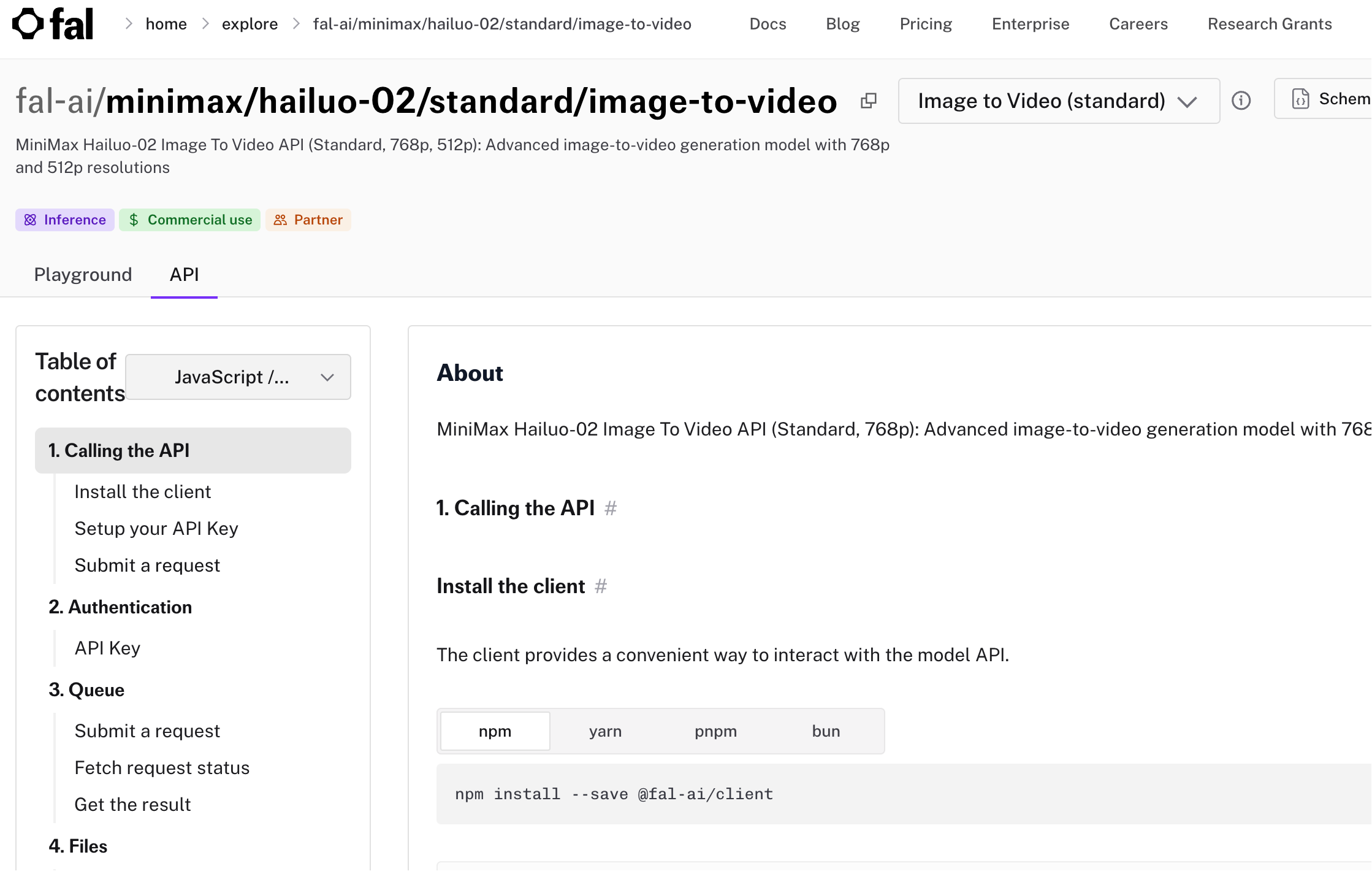
Create a new HTTP Request node, POST request.
URL: https://queue.fal.run/fal-ai/minimax/hailuo-02/standard/image-to-video
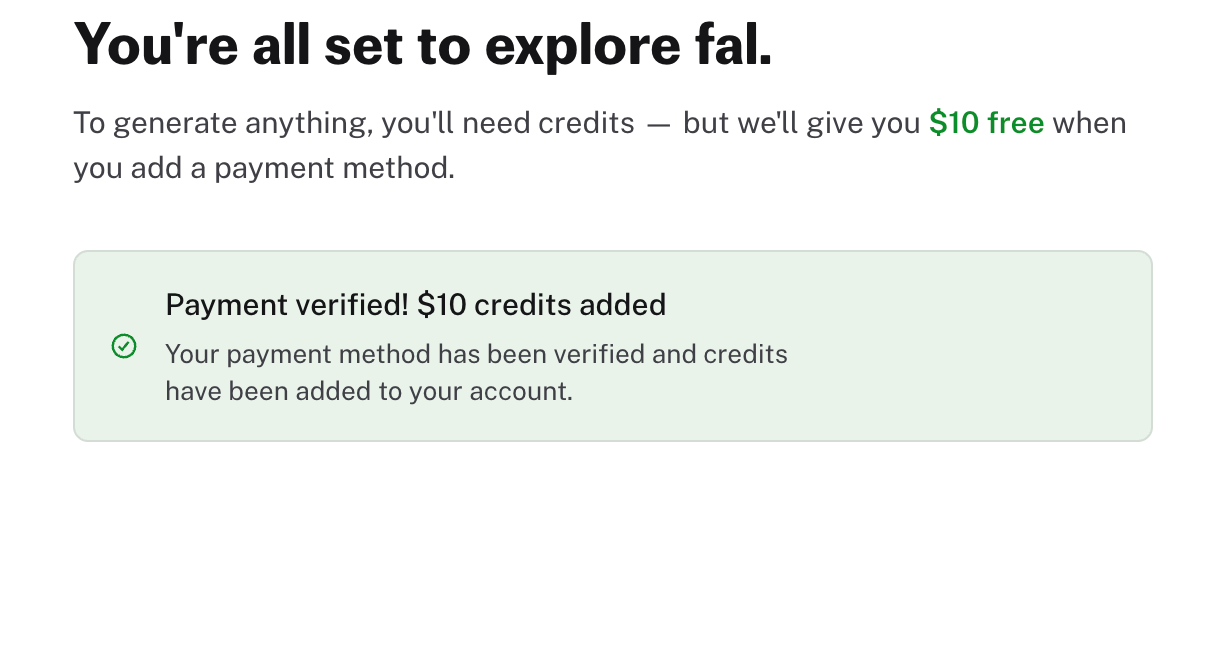
fal is relatively expensive, but for first-time users, you get $10 credit after binding your card.
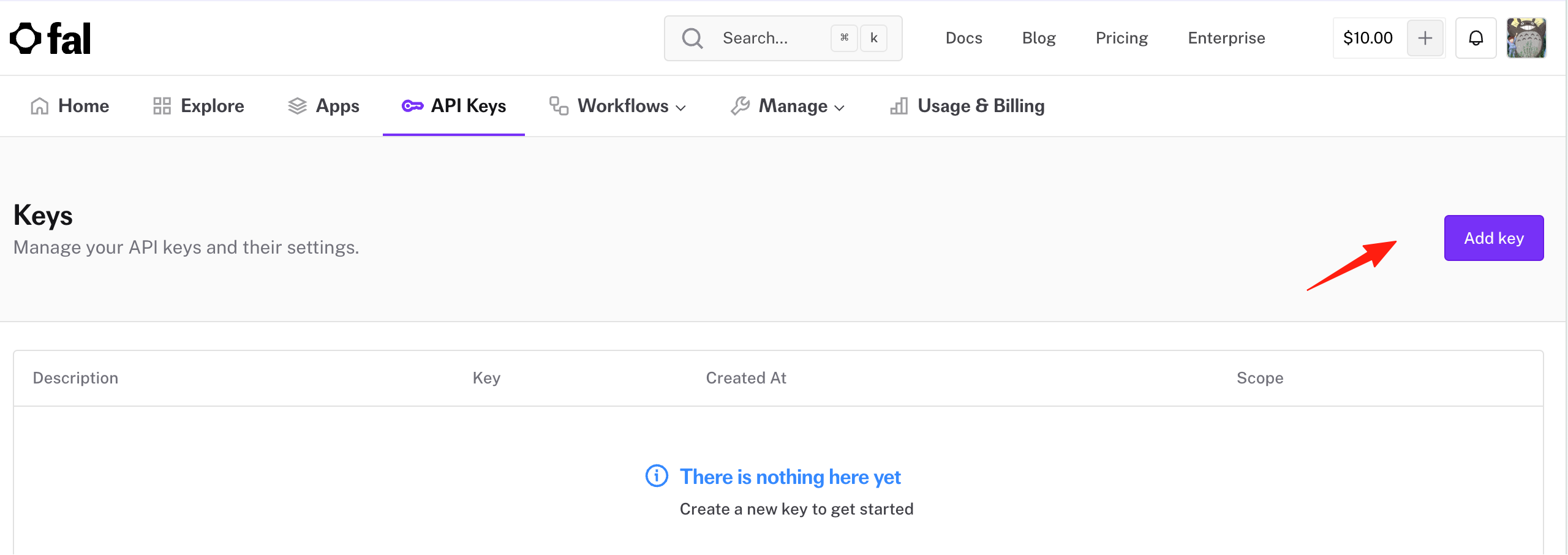
Create a new key in the apikey section.
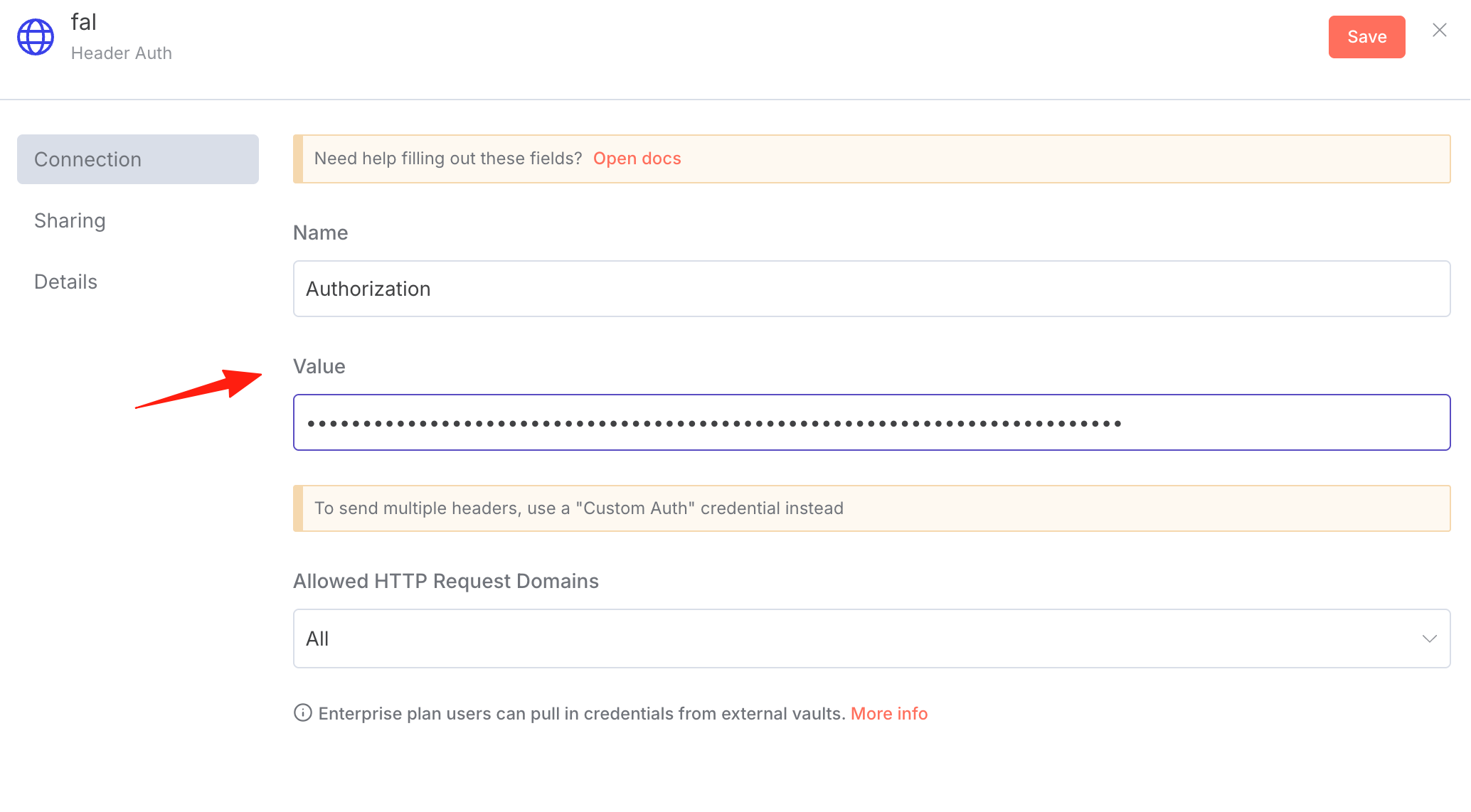
Go back to n8n and create a credential for fal. Note the value here is Key + space + your secret key, the prefix is different from the Bearer method above.
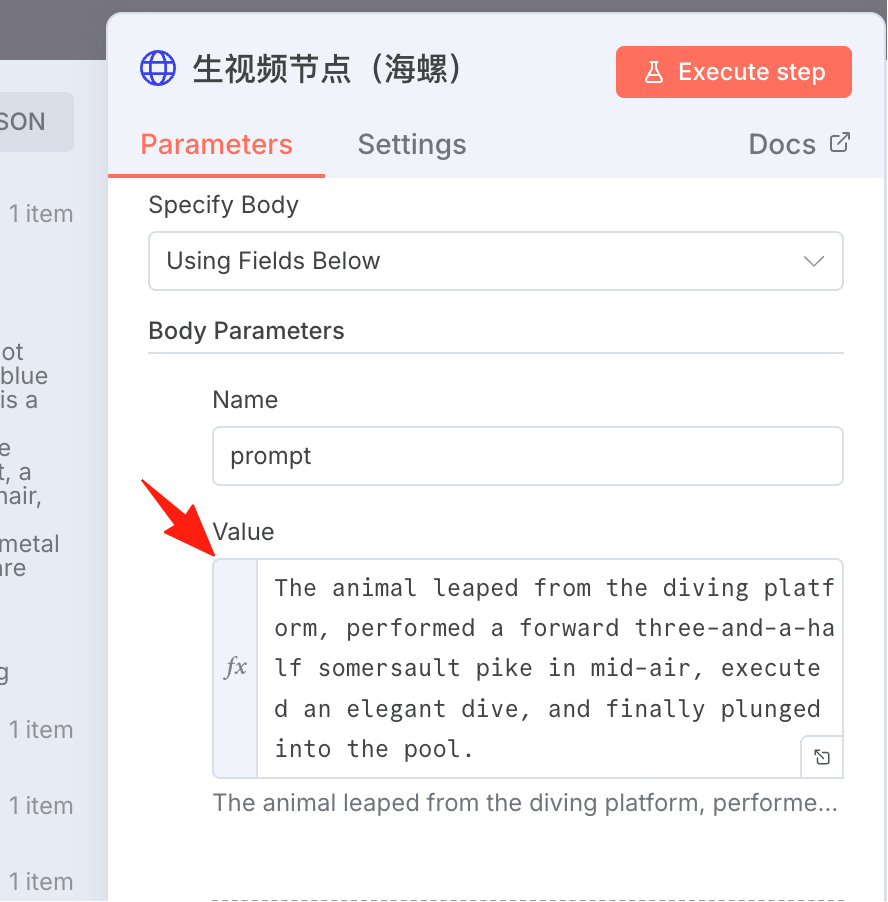
The prompt used here:
The animal leaped from the diving platform, performed a forward three-and-a-half somersault pike in mid-air, executed an elegant dive, and finally plunged into the pool.
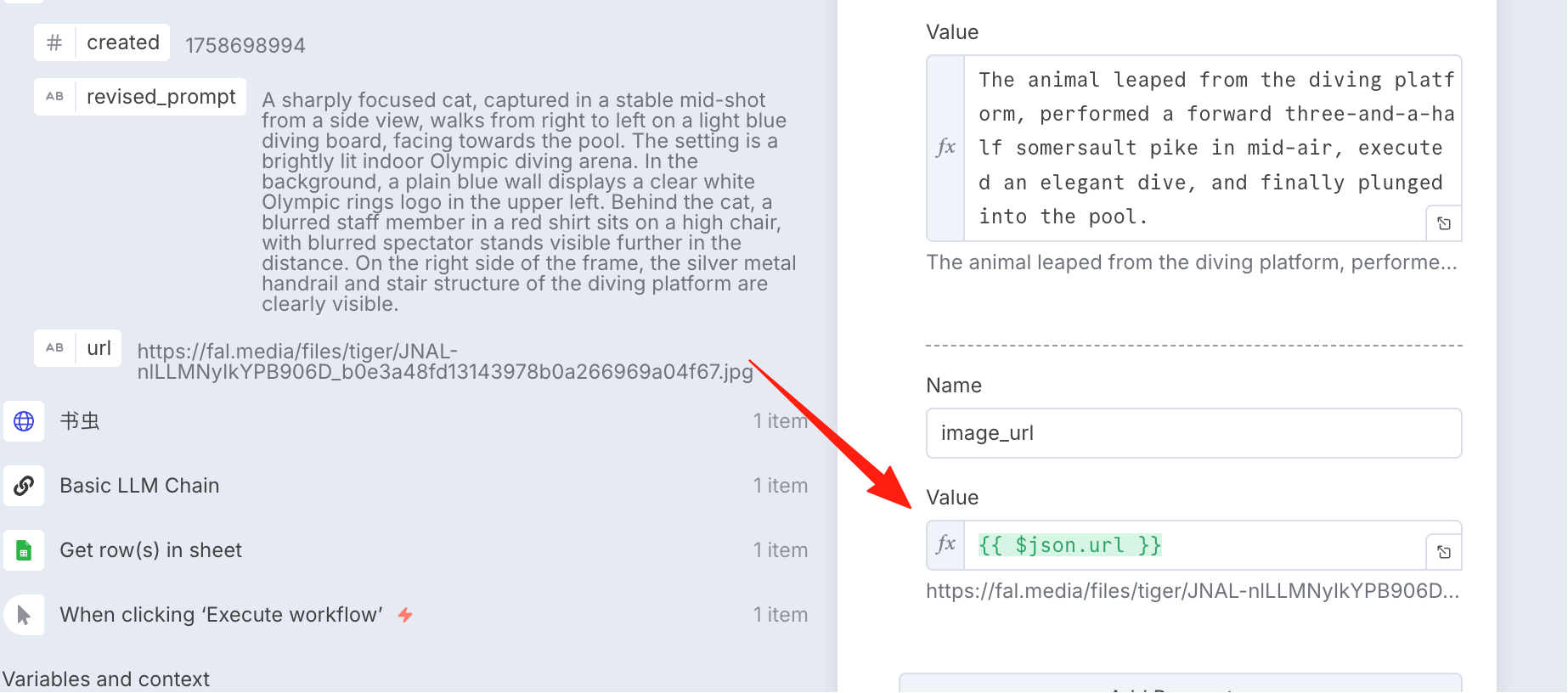
The image_url is the URL from the previous step, drag it over directly.
After execution, you can see its status is queued.
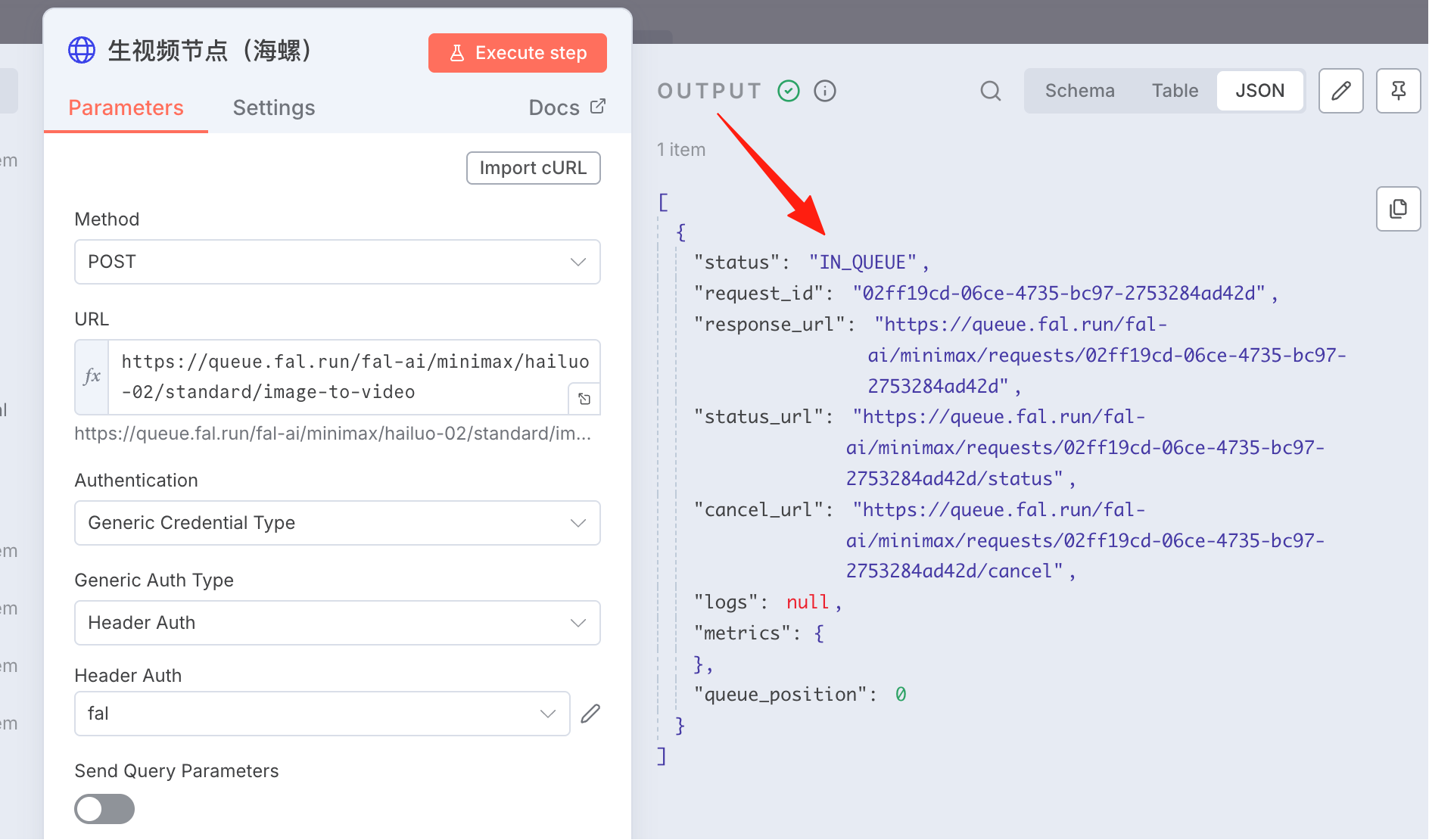
Image-to-video generation is time-consuming, so it's necessary to add a wait/polling step to retrieve the data result.
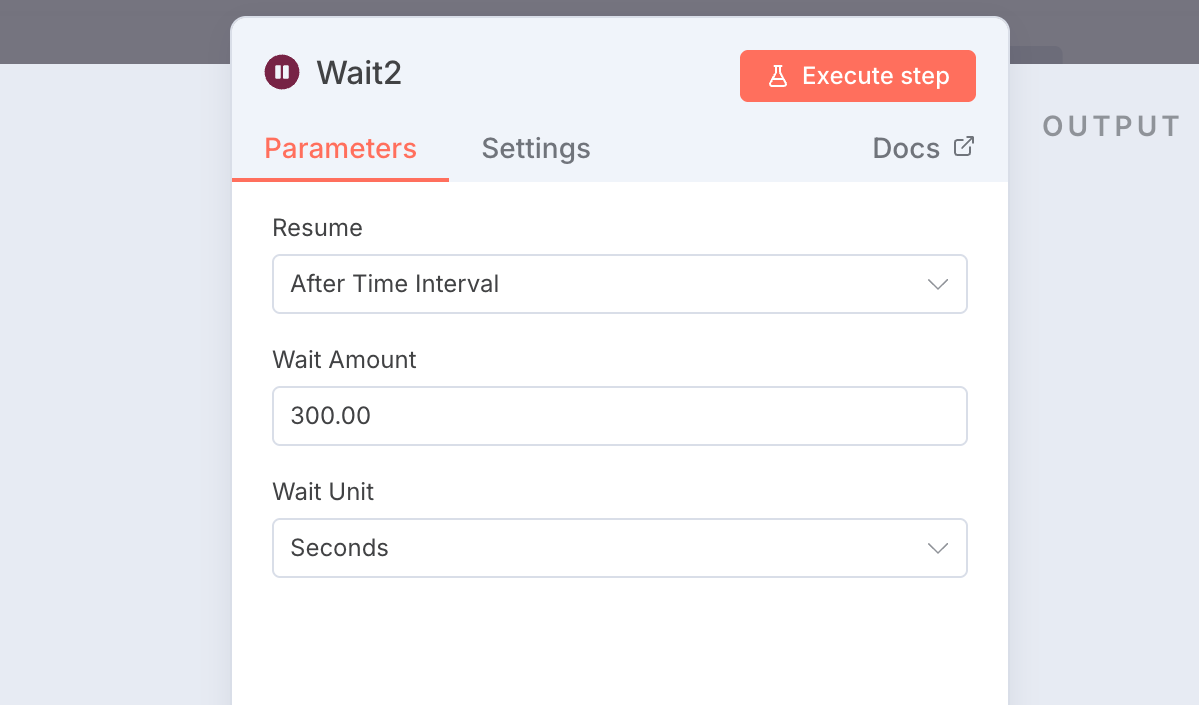
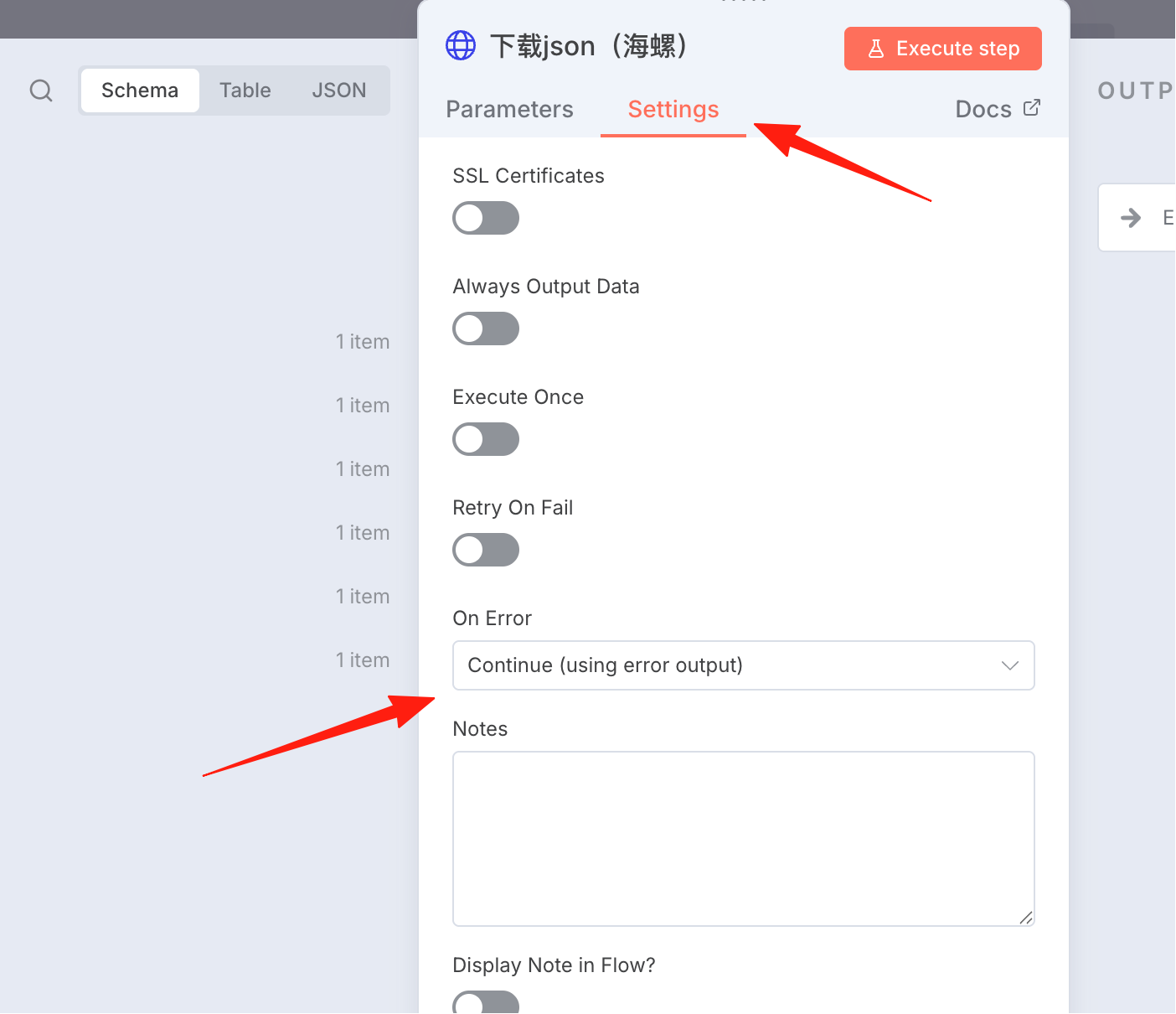
Note here, in the Setting, if the status is not complete, continue fetching data.
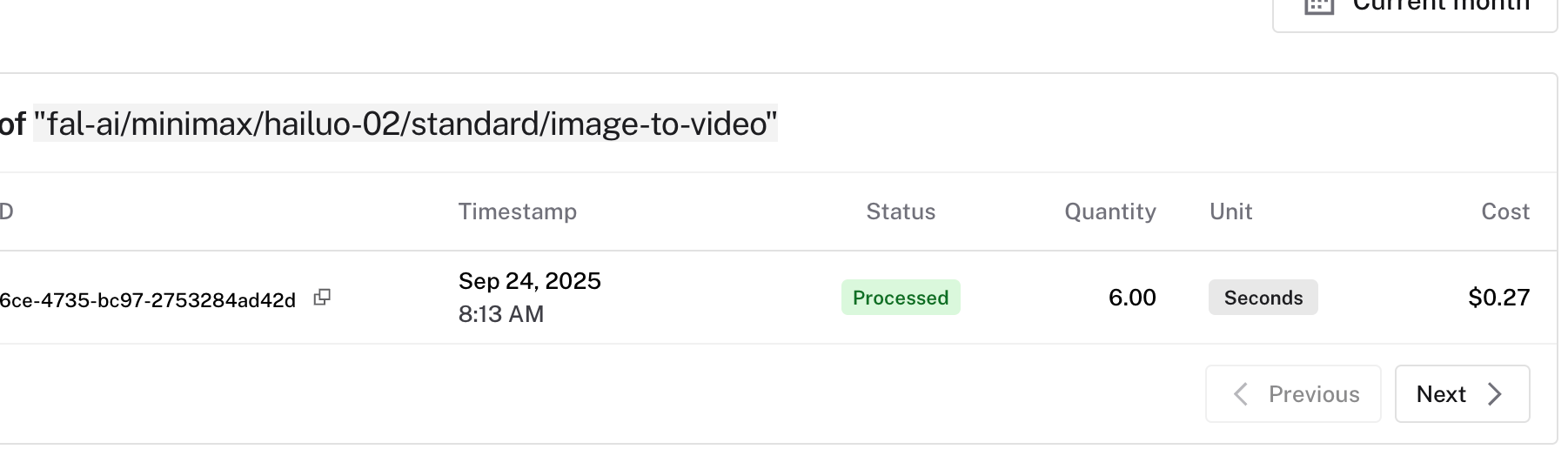
This video cost $0.27, about 2 RMB.
Watching the video made me laugh. The cat directly did two backflips and then dived into the water. Okay, I initially thought it was walking in the wrong direction.
Audio Generation
The video above has no sound. Adding audio requires another API.
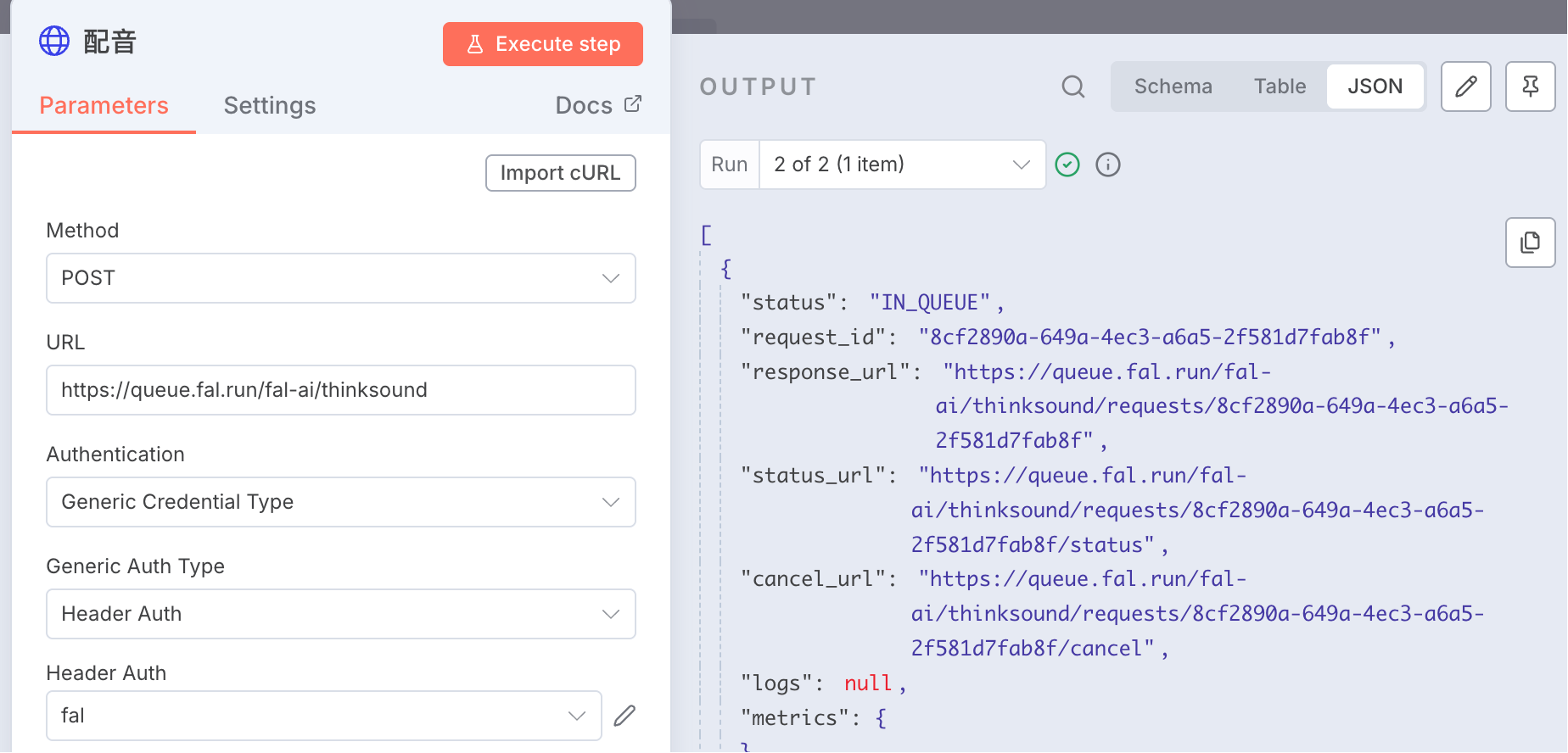
Add an HTTP Request node, URL: https://queue.fal.run/fal-ai/thinksound
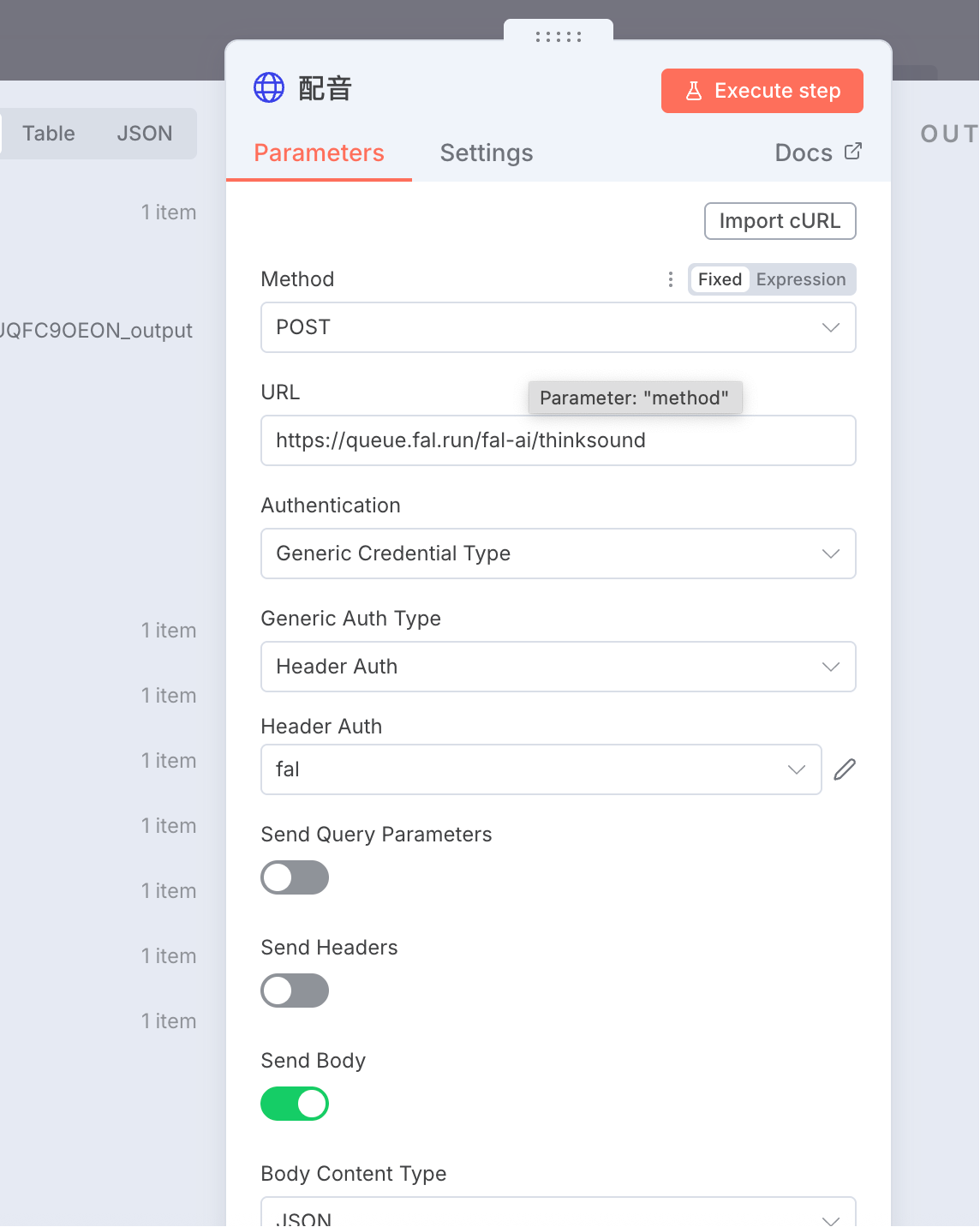
The prompt for audio generation:
The animal leaped from the diving platform, performed a forward three-and-a-half somersault pike in mid-air, executed an elegant dive, and finally plunged into the pool.
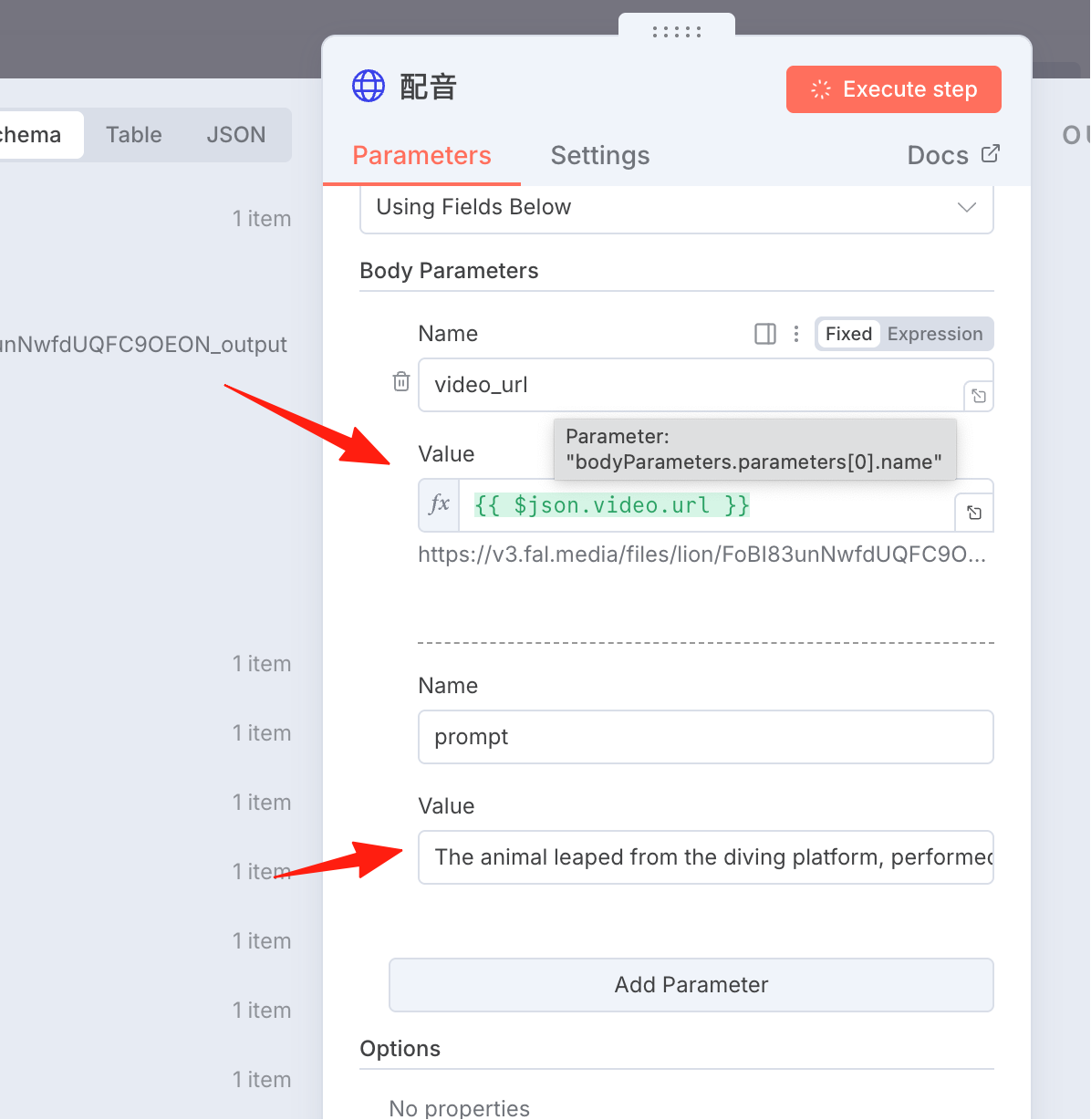
After execution, you can see the output.
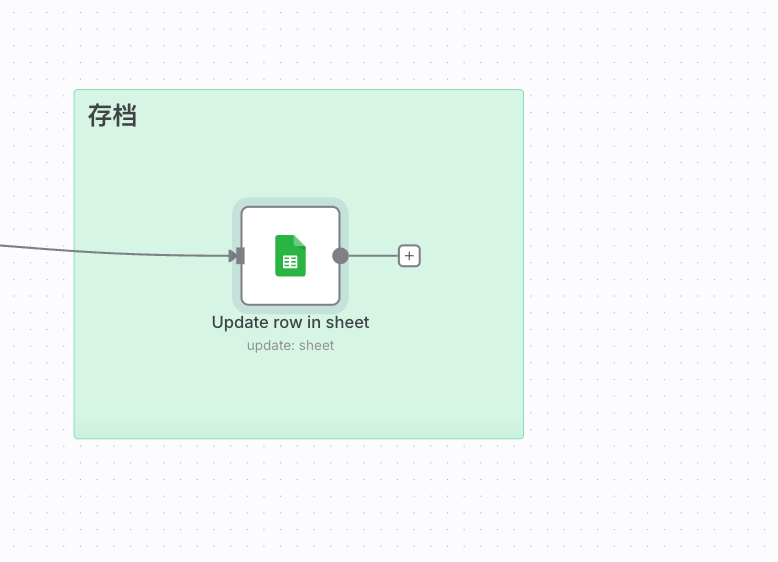
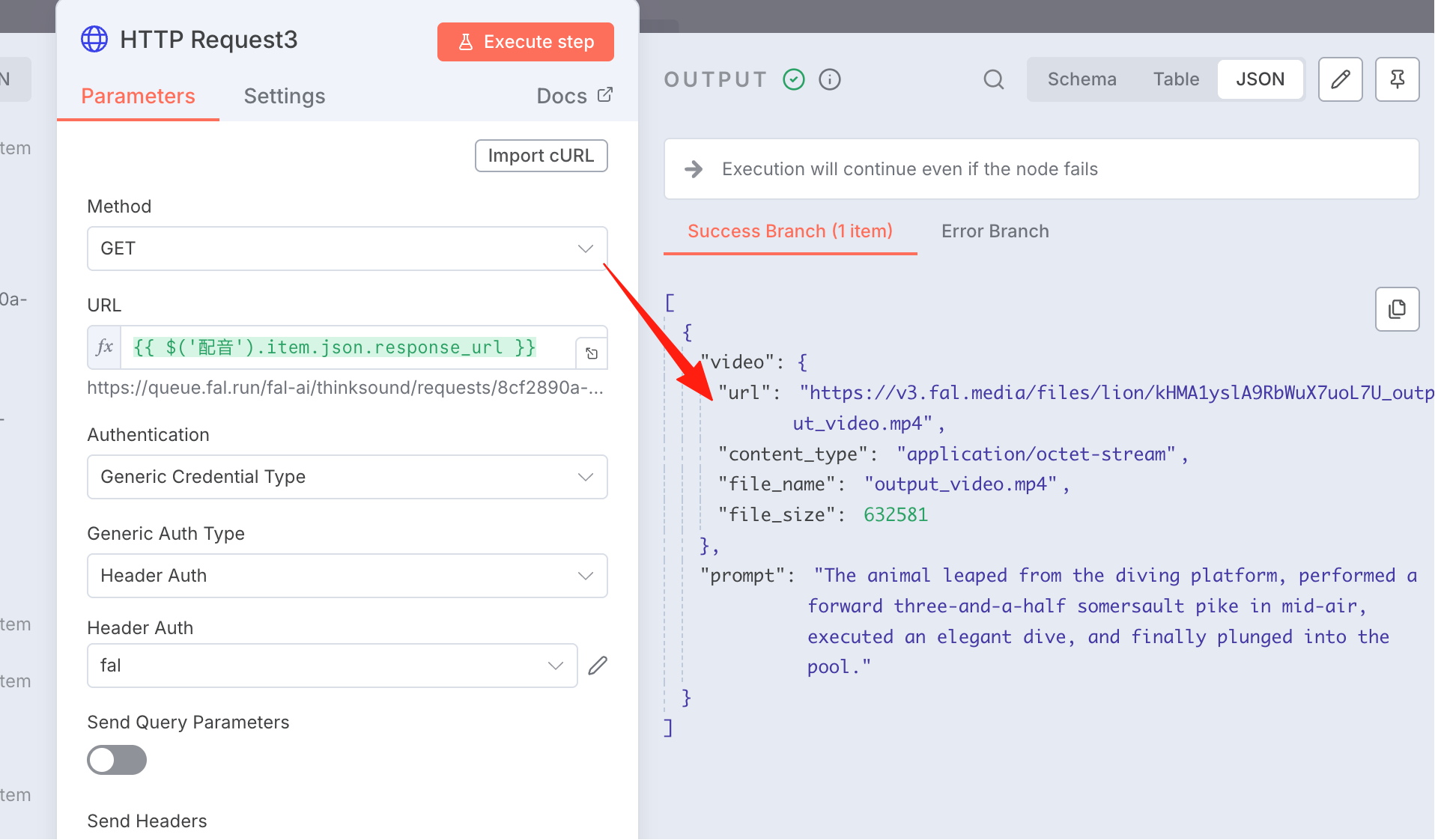 Save the video URL data to Google Sheets. Add an
 update row node.
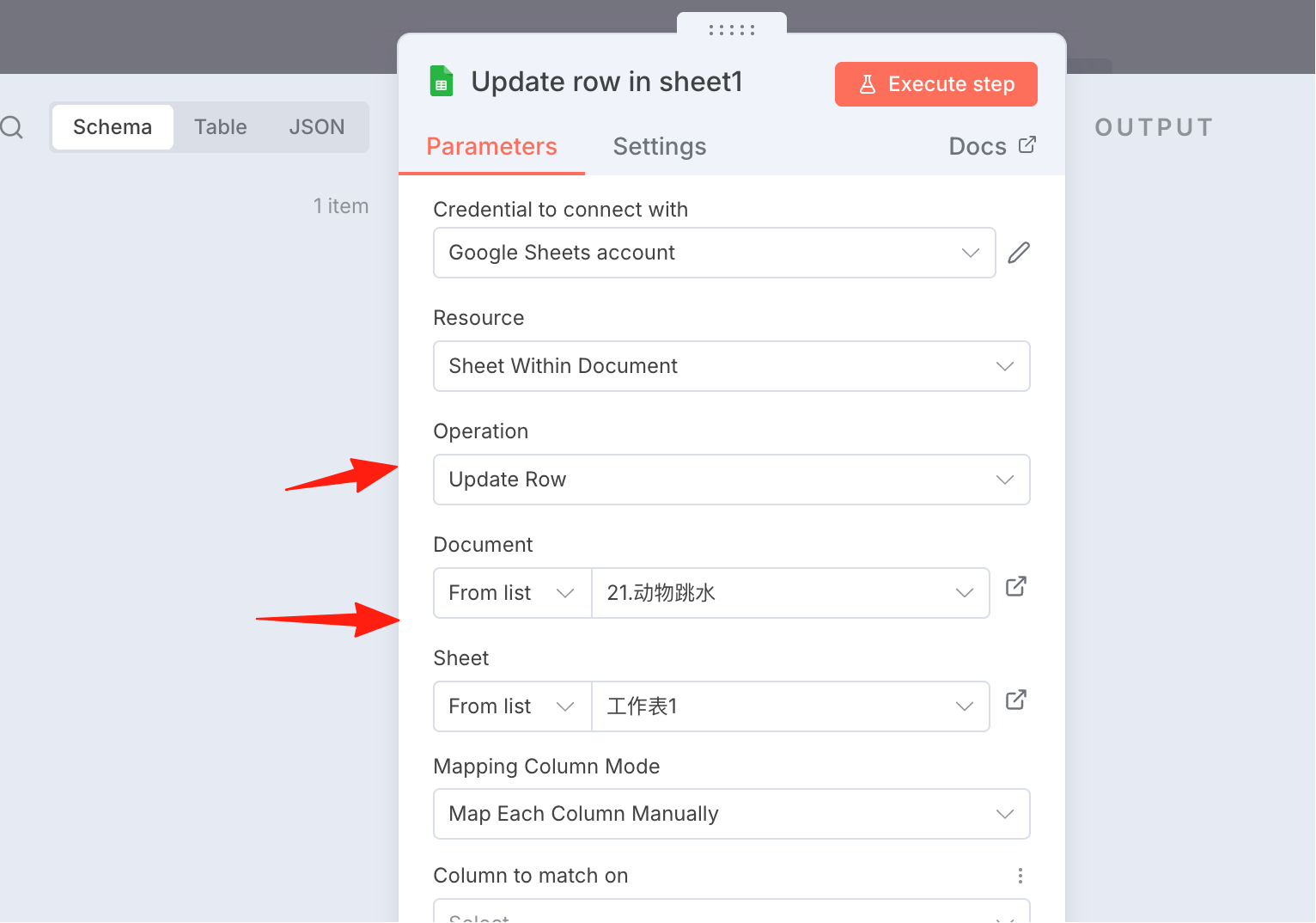
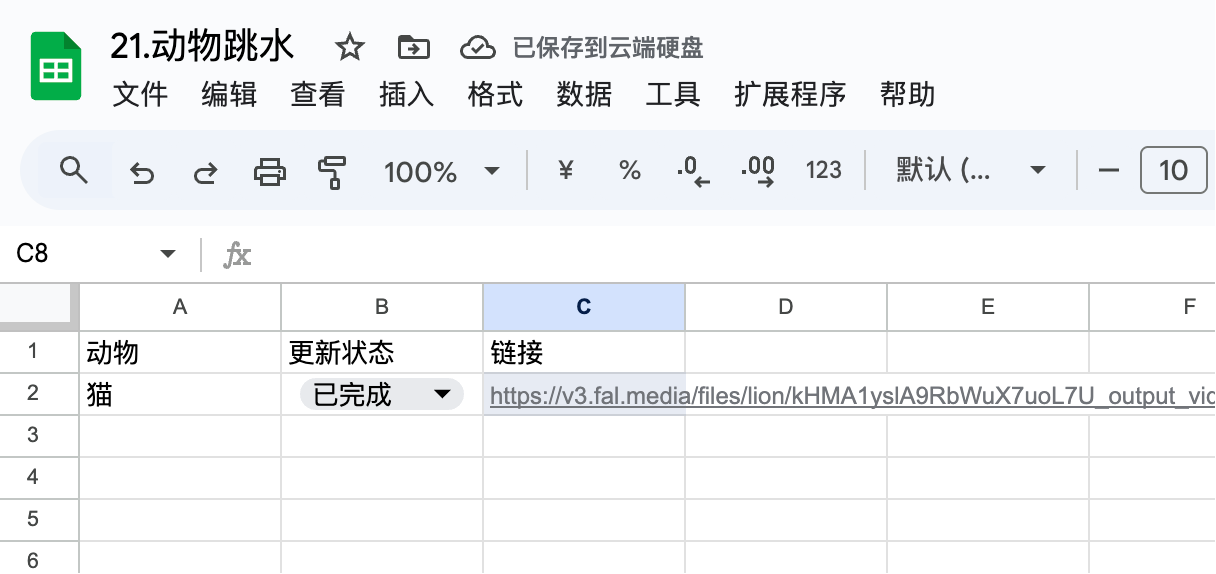 This completes the video production. The difficulty lies in the configuration of the fal request; it produces results asynchronously, and I had to retry several times due to unhandled intermediate details.
Also, generating videos is quite expensive. I haven't tried the compute credit system yet, but not having to spend money is certainly a plus.