
n8n Hands-on Guide 20: Building an SEO Content Engine Workflow
If you want to acquire overseas traffic through SEO content, this guide can help you.
Its workflow effect:
Search for keywords on Google and identify the top 3 ranking articles; Scrape the content of these 3 articles; Submit the content to AI to create a new article; Automatically save the content to Google Sheets.
https://appstore.lazycat.cloud/#/shop/detail/cloud.lazycat.app.n8n
Workflow Setup
Create a new workflow
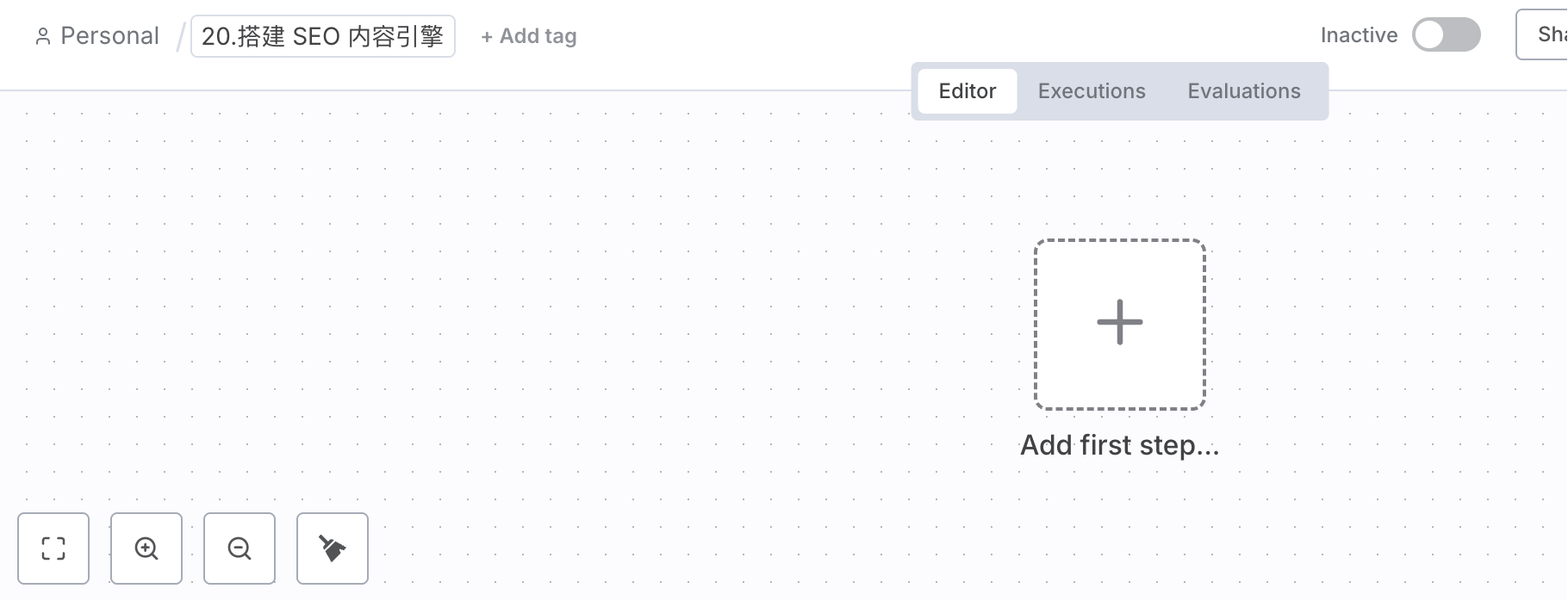
Create a new regular Manual Trigger. For step 2, when setting the keyword, select this:
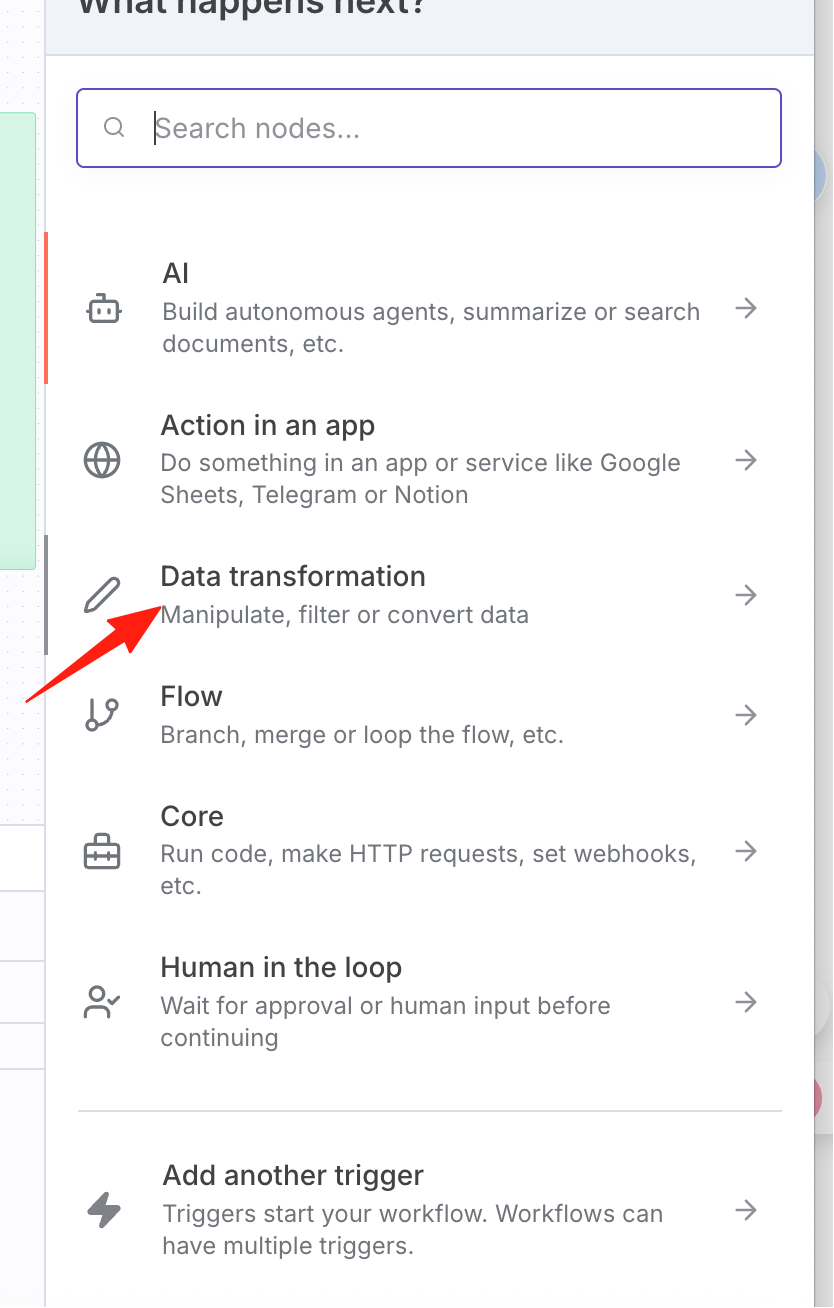
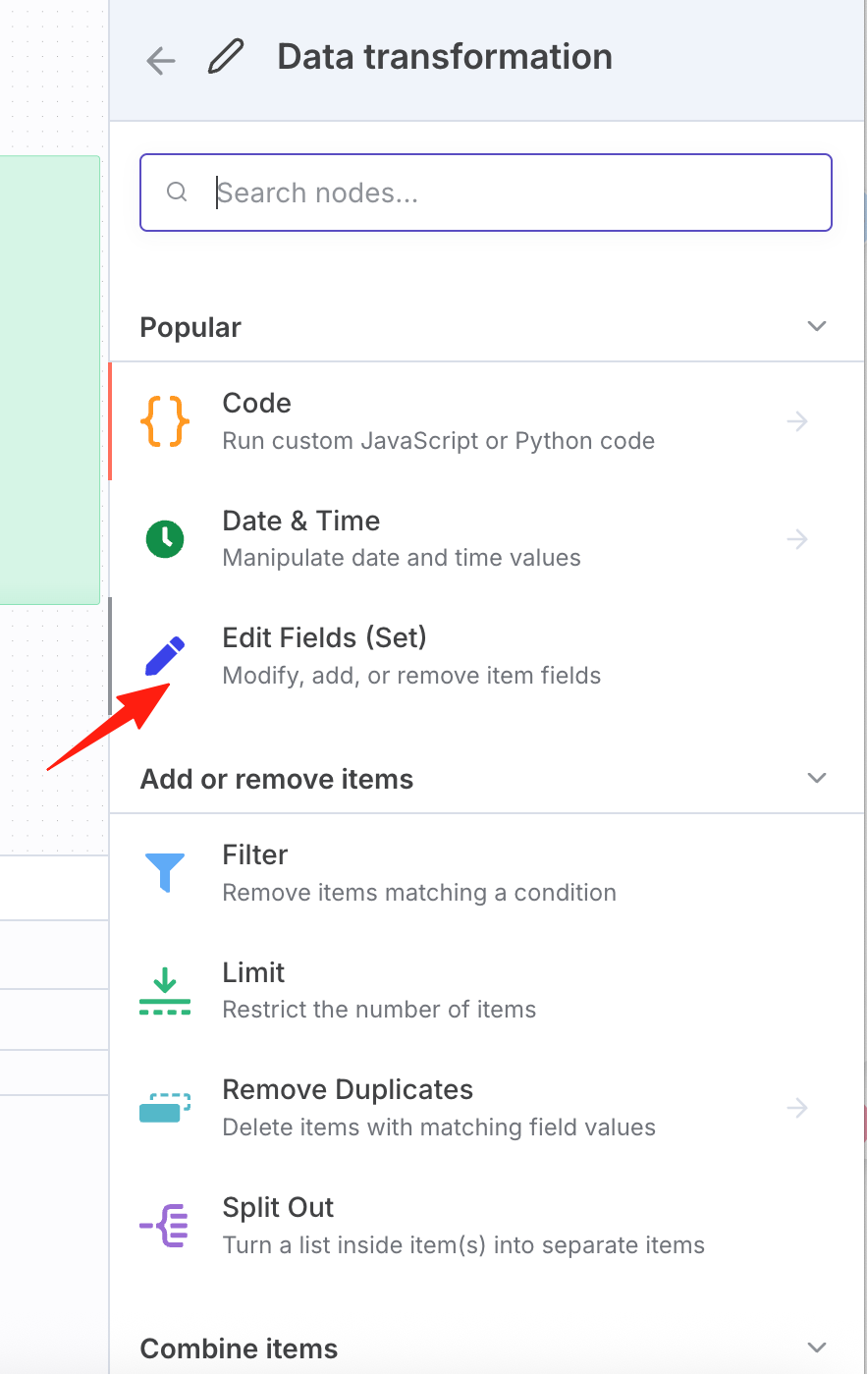
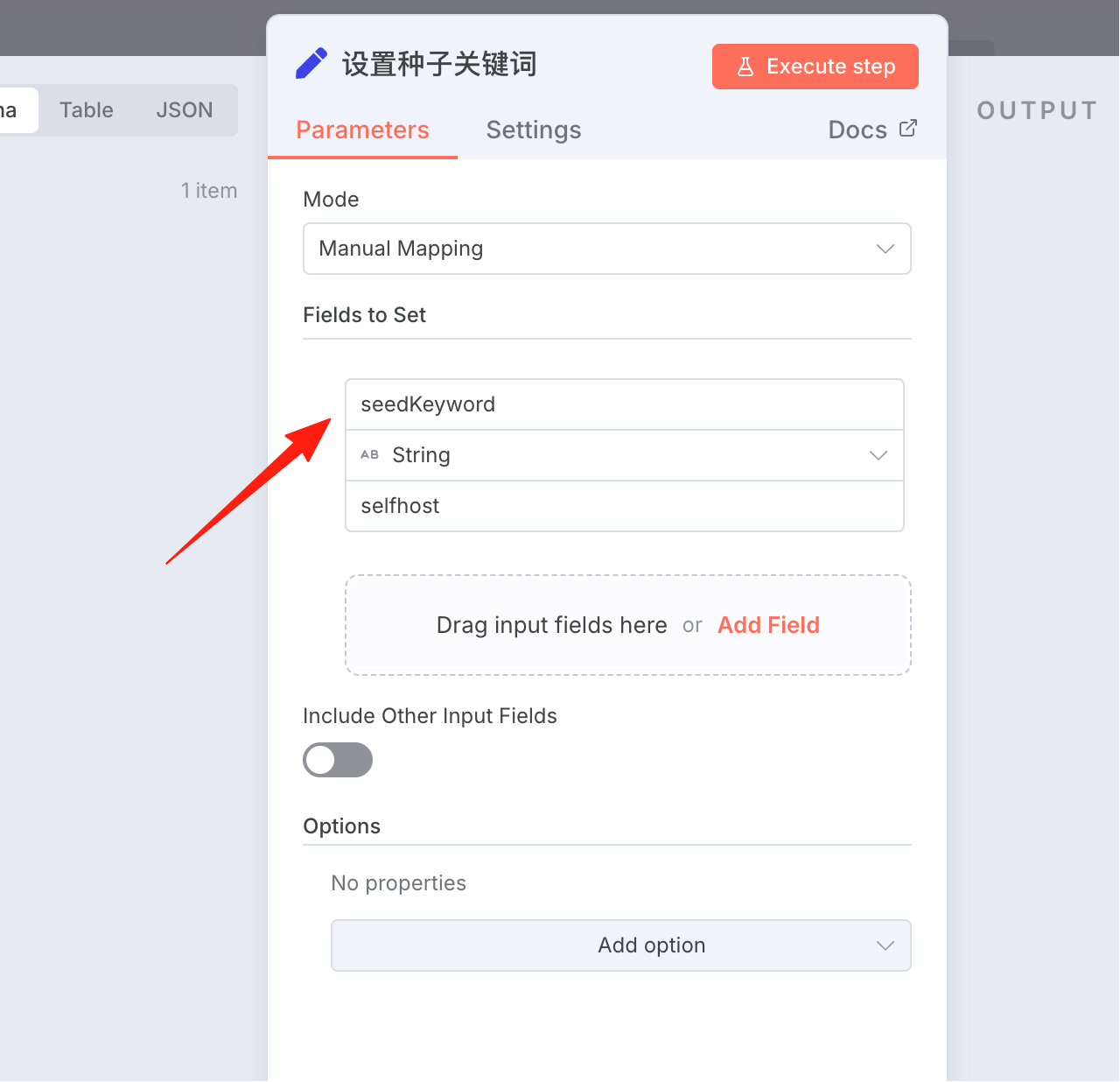
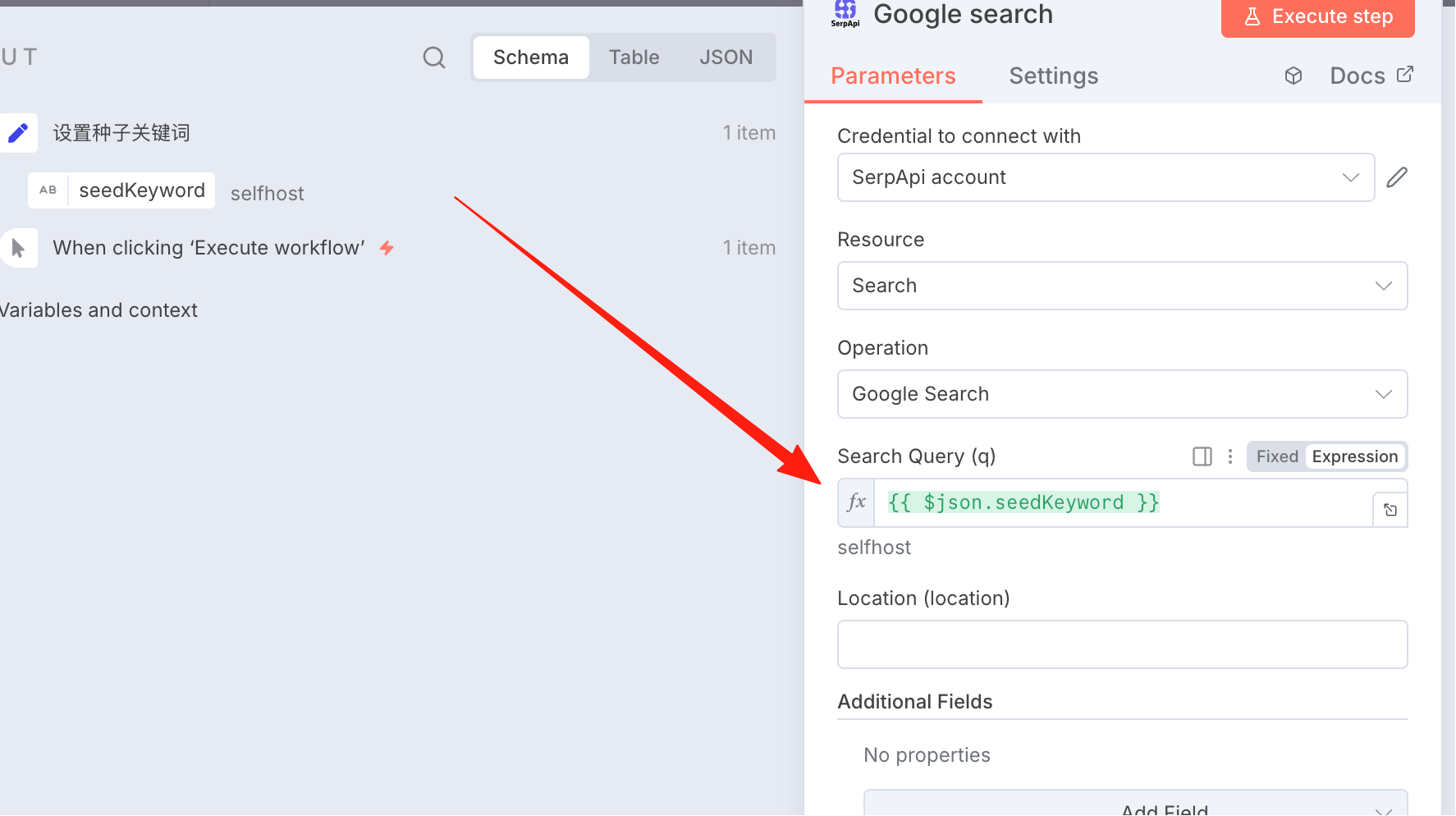
Set a keyword: fill seedKeyword for the name, and fill in the word you want to search for the value.
Next, search for serpapi. This tool can call the Google Search API.
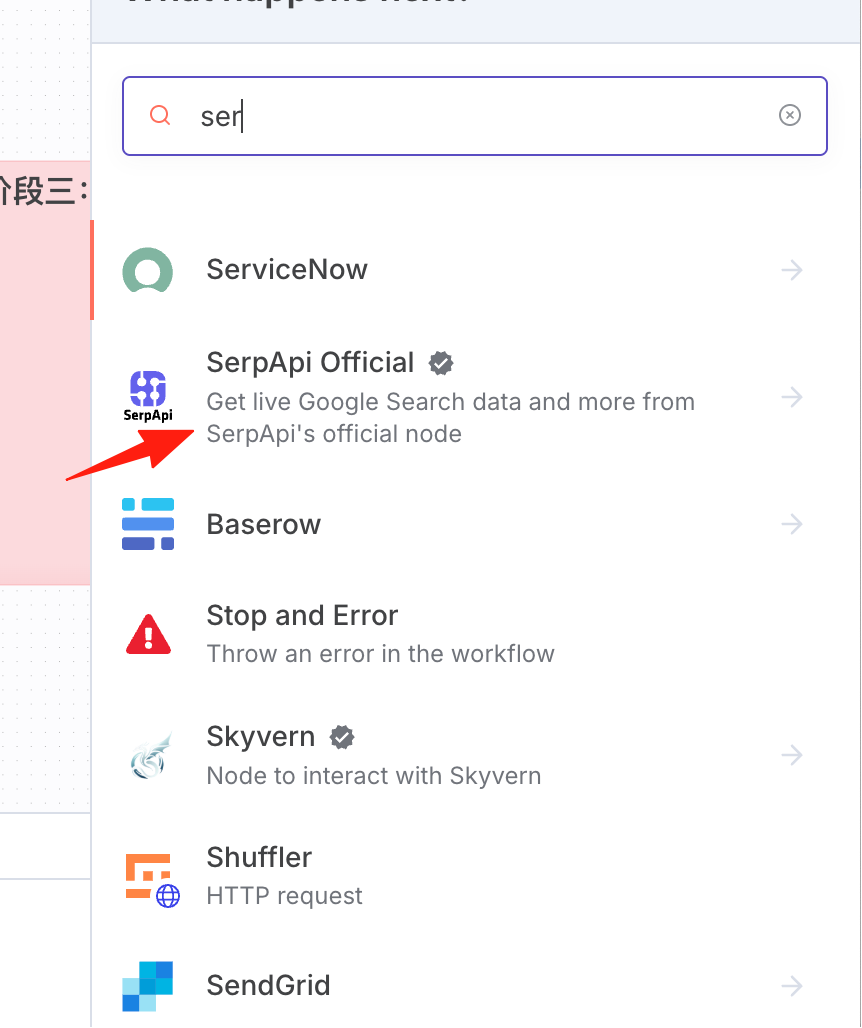
For first-time use, you need to install the node first.
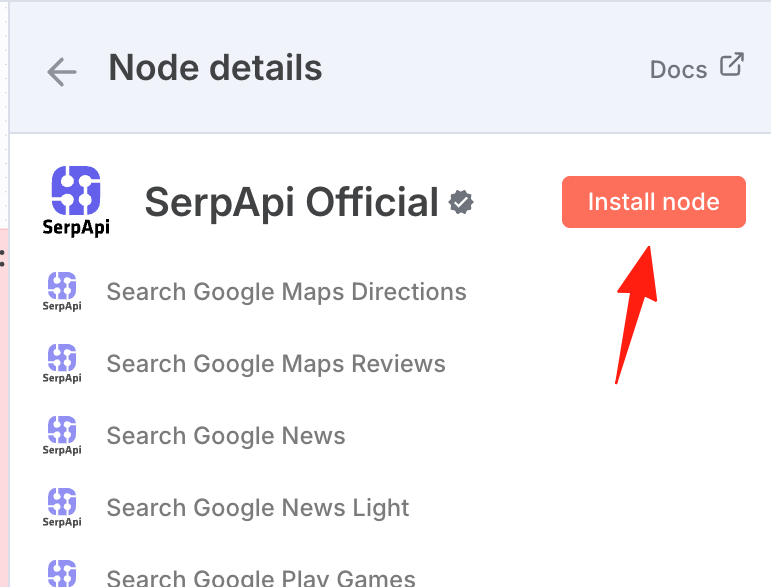
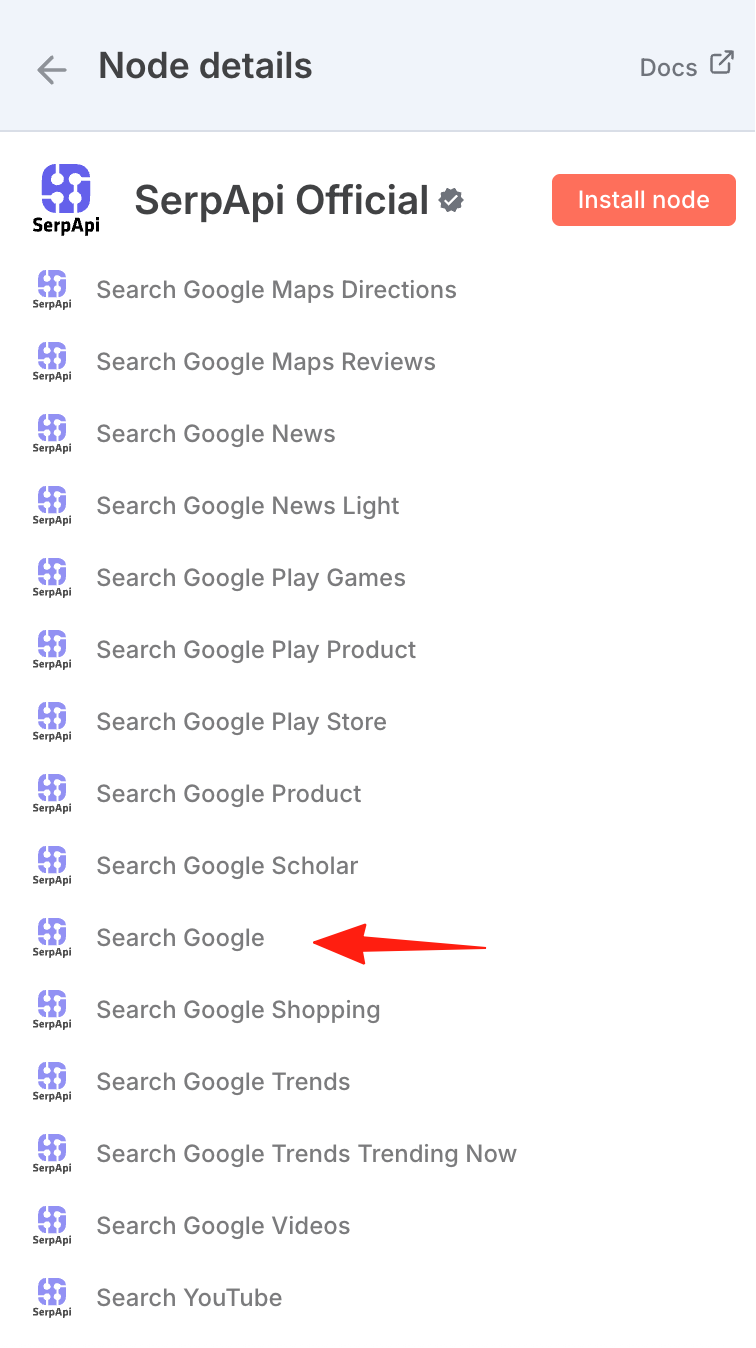
Select search google.
First, go to the serpapi website to create an API key.
Use the free plan, which allows 250 searches per month. Note: It will verify your email and phone number (domestic numbers are acceptable).
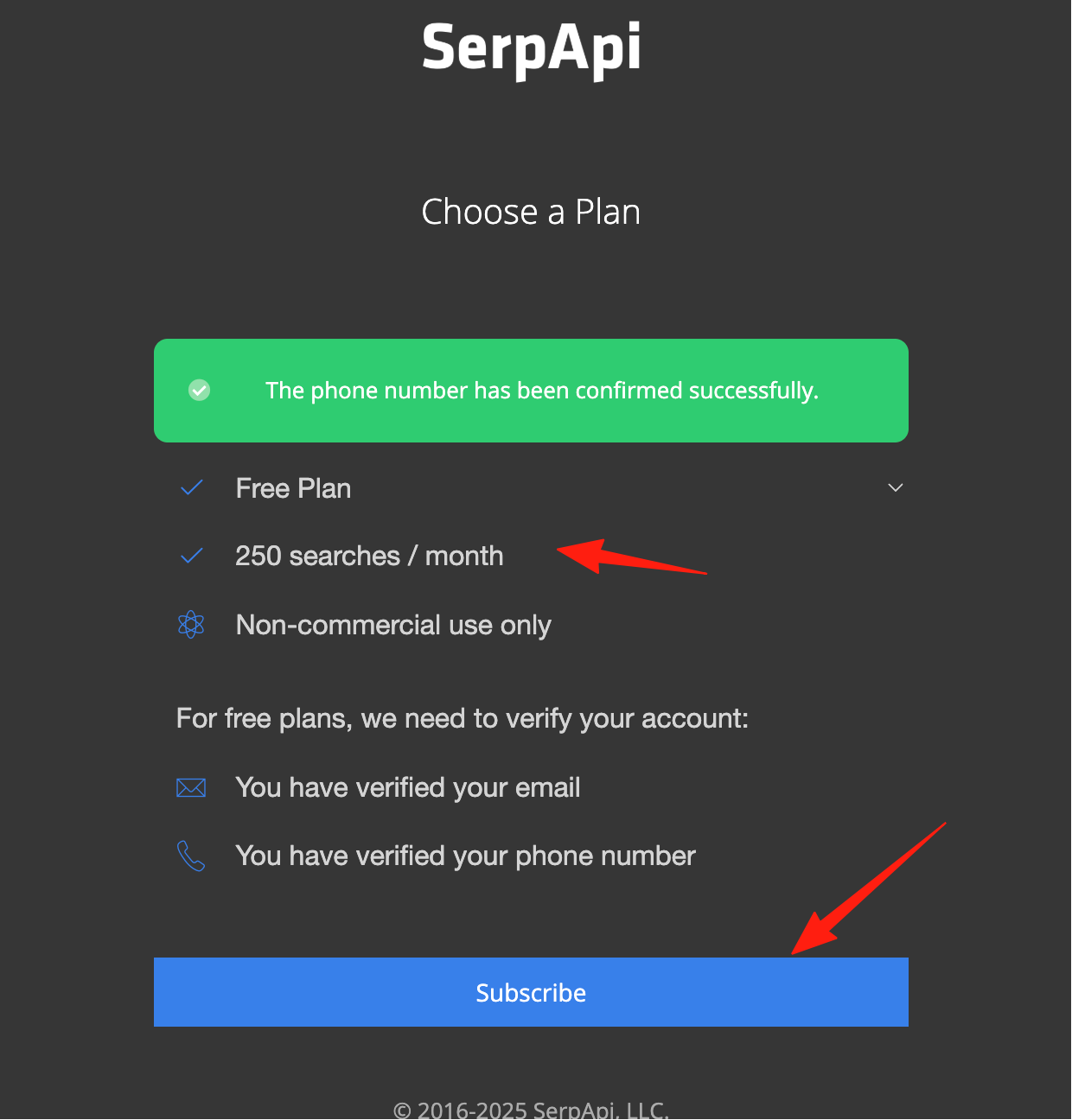
After subscribing, you can see your apikey.
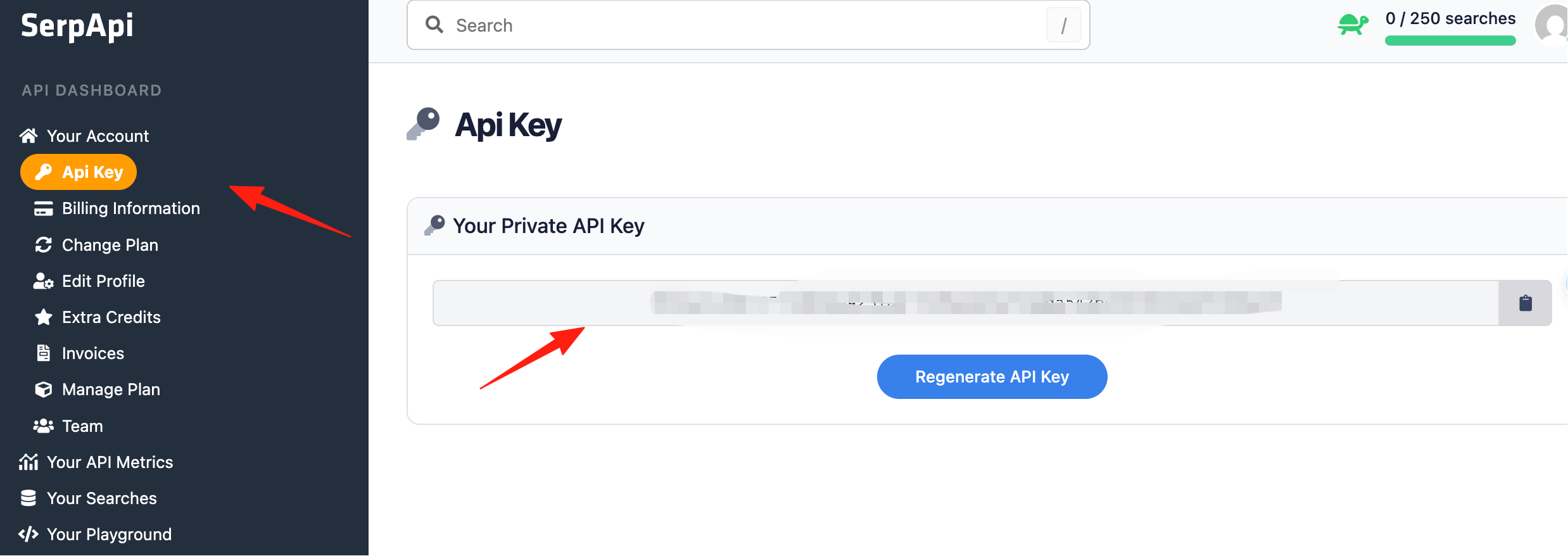
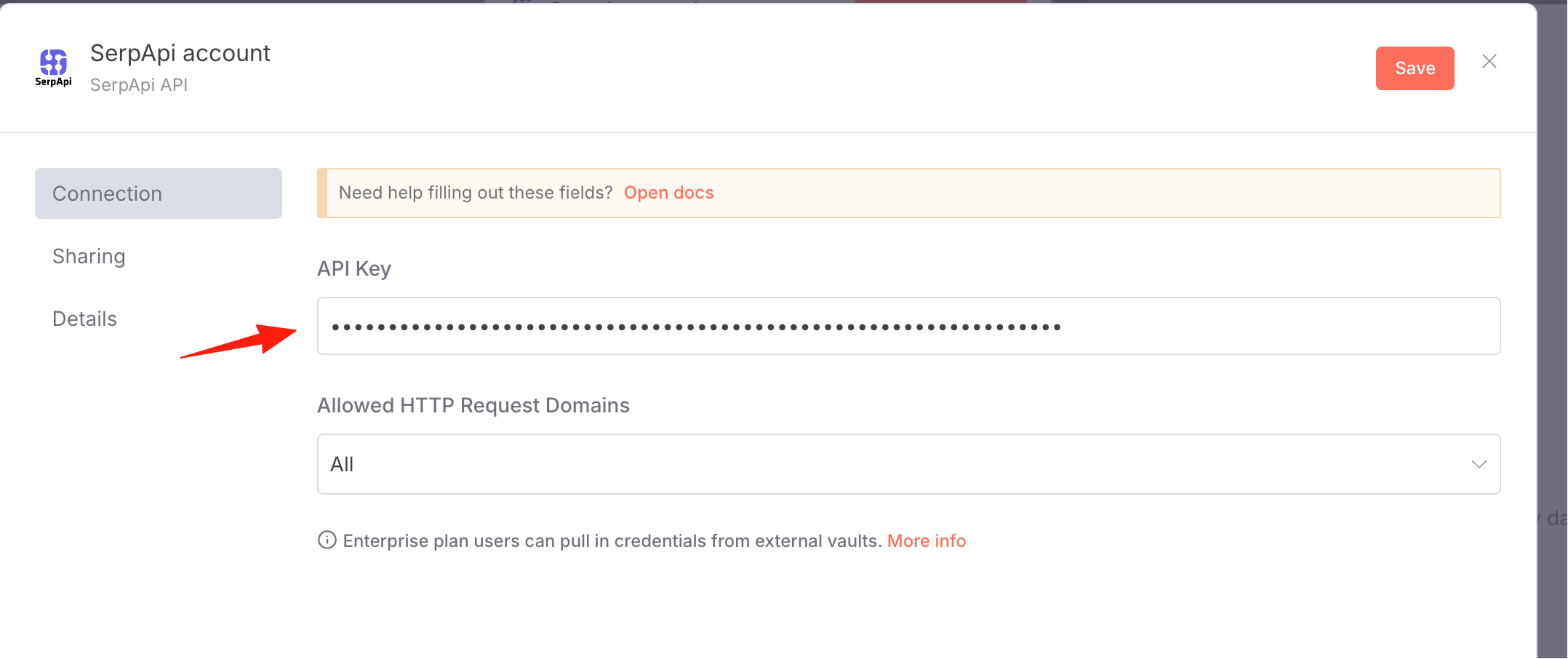
Enter the key above in n8n.
Drag the keyword from the left side over.
Click Execute to see the result.
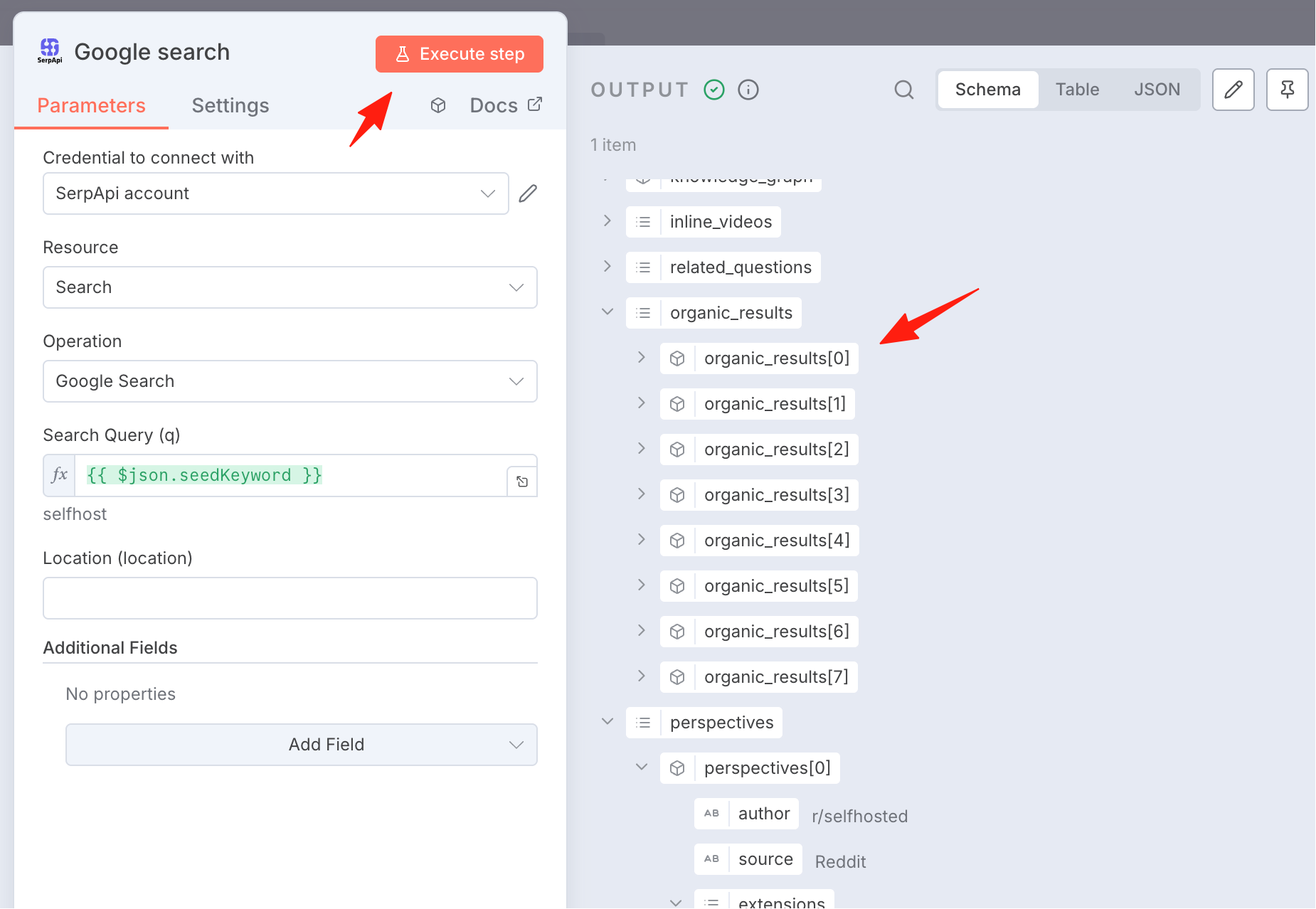
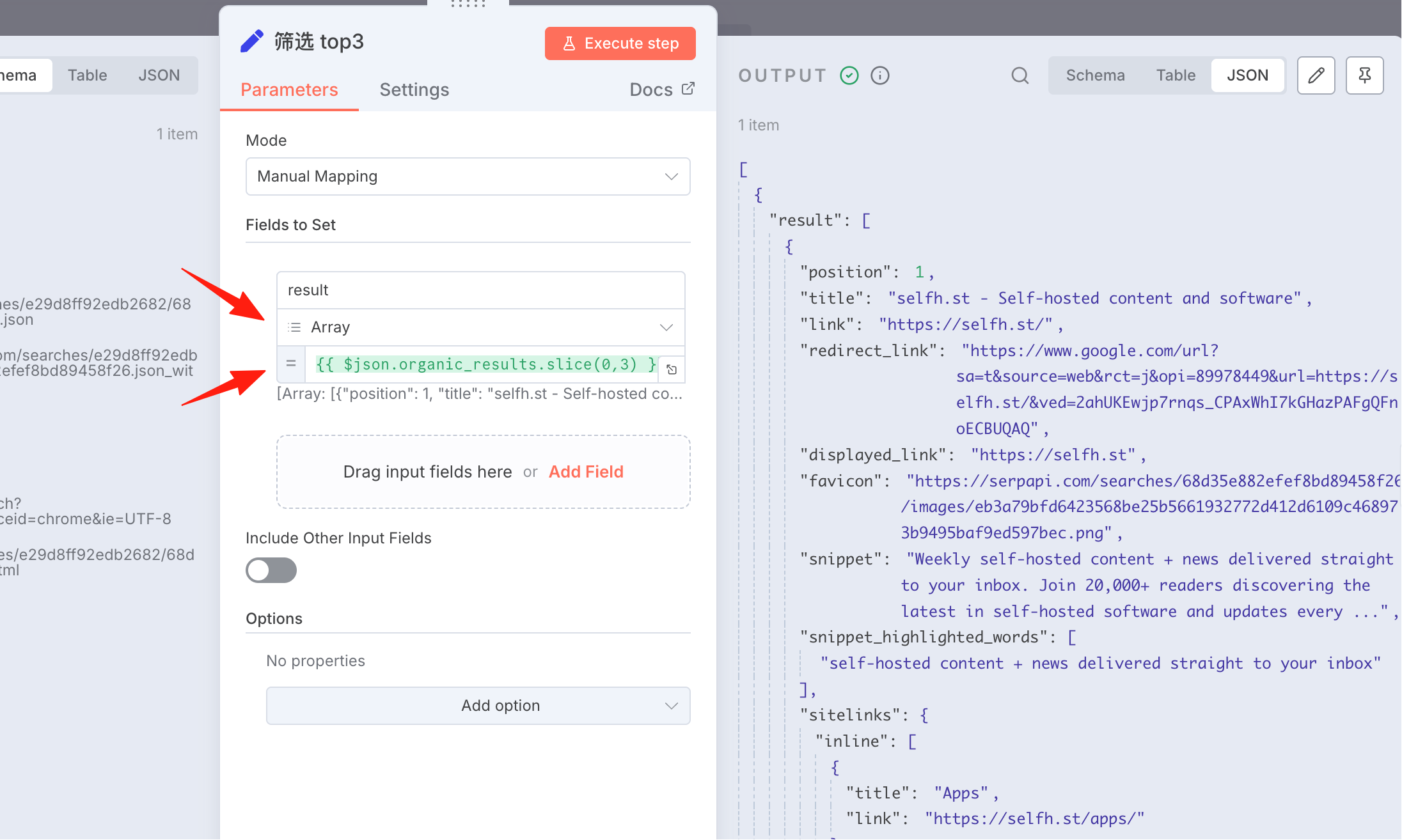
Next, we need to process the data. We only want the top 3 results.
Name: fill in result, Type: select Array, Value: fill in {{ $json.organic_results.slice(0,3) }}
This will fetch the first 3 items of data.
Phase 2: Processing Content
In the previous step, we obtained 3 items of data. Now we need to fetch the full content based on the URLs.
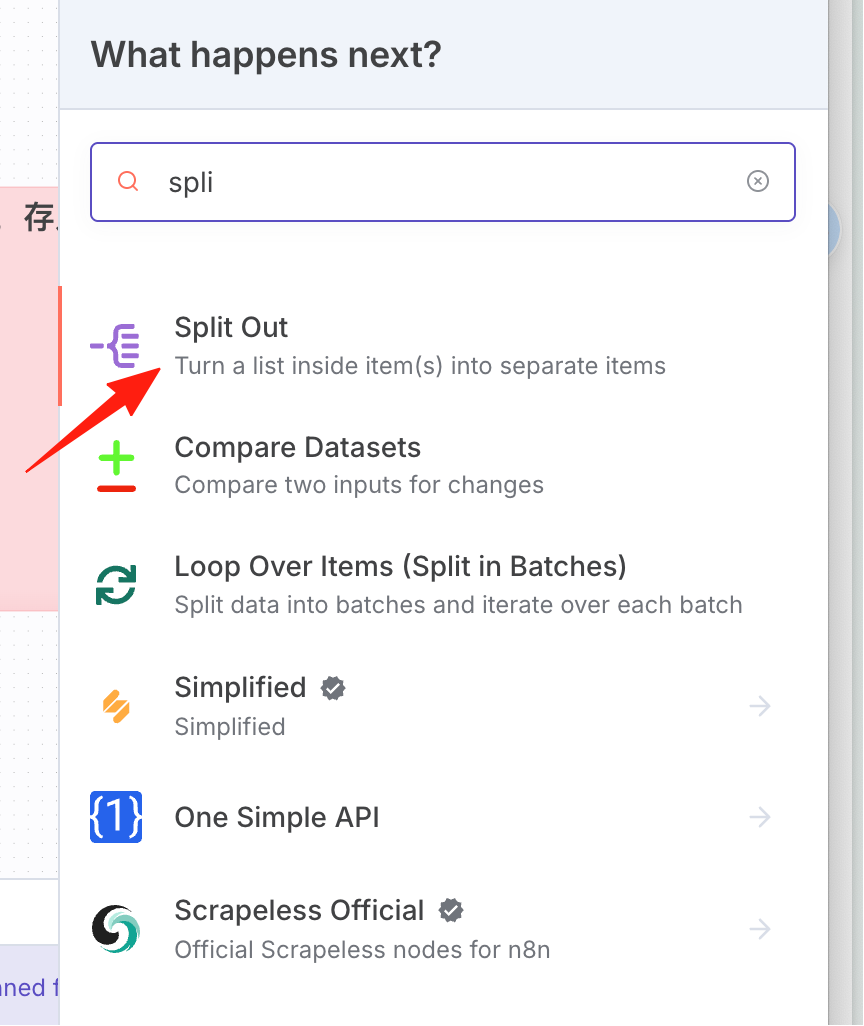
Add a Split Out node.
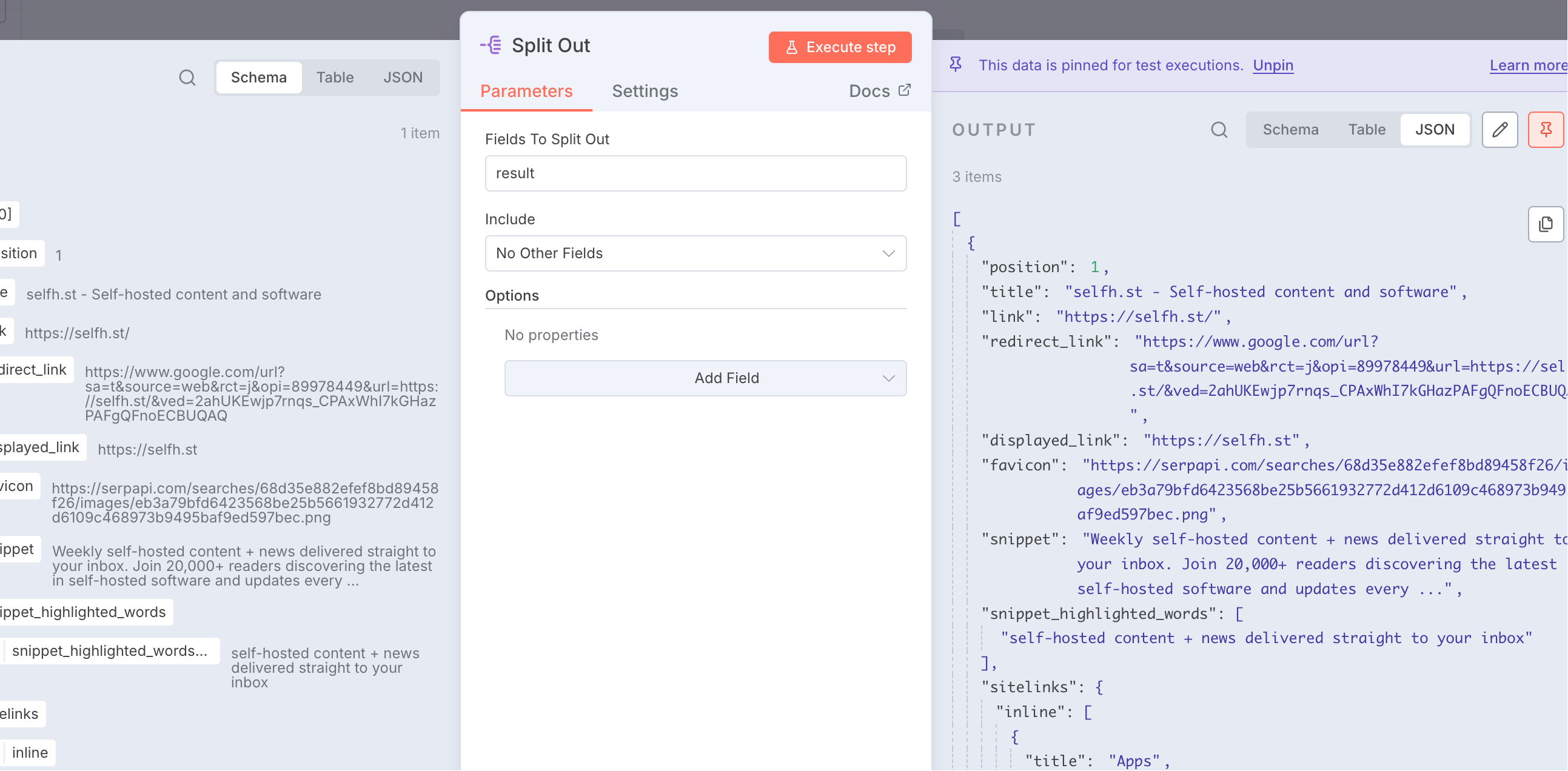
Drag the result from the left side over.
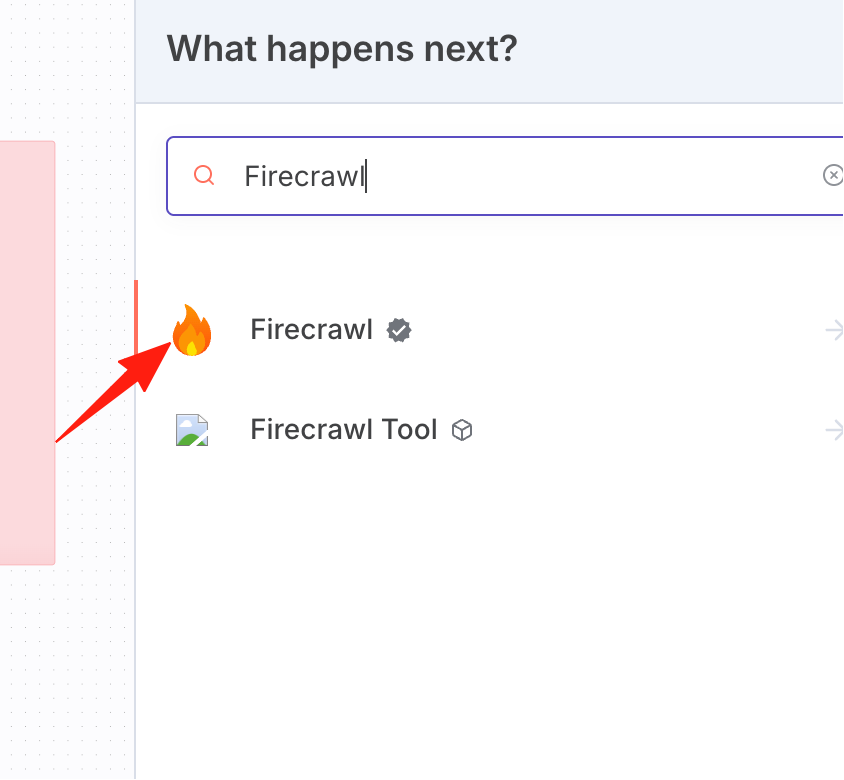
To crawl data based on the URL, we will use Firecrawl.
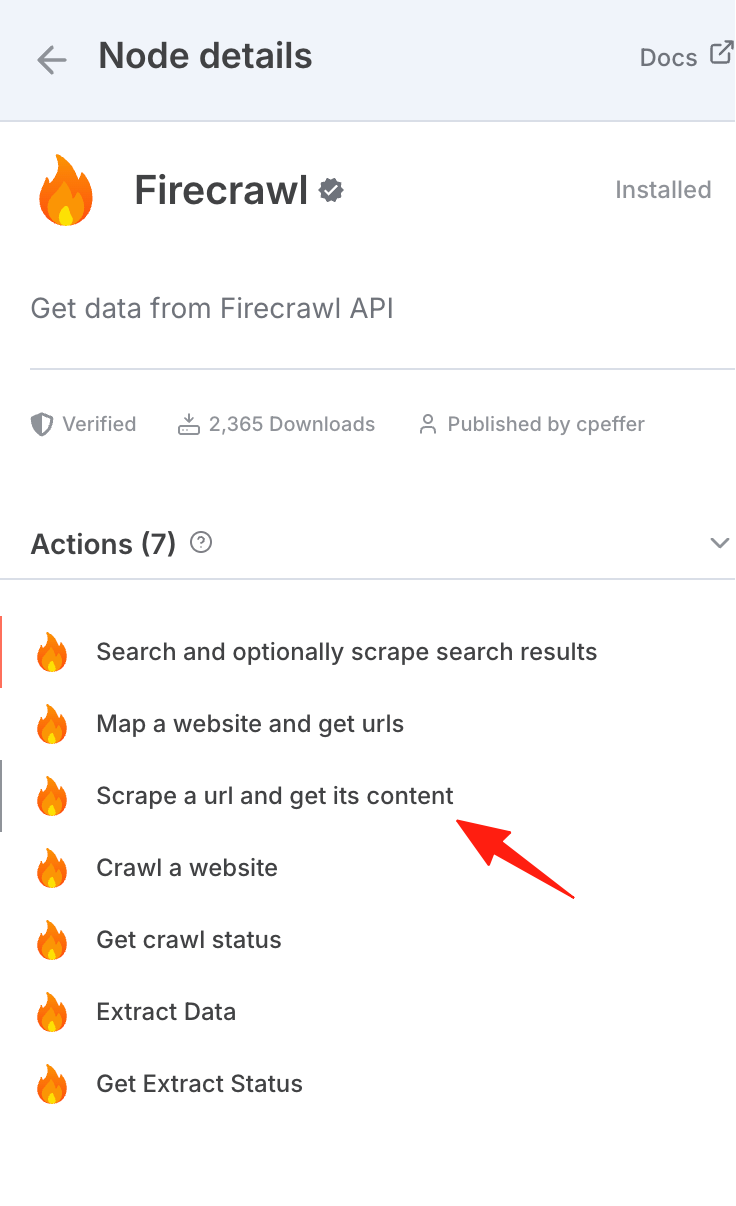
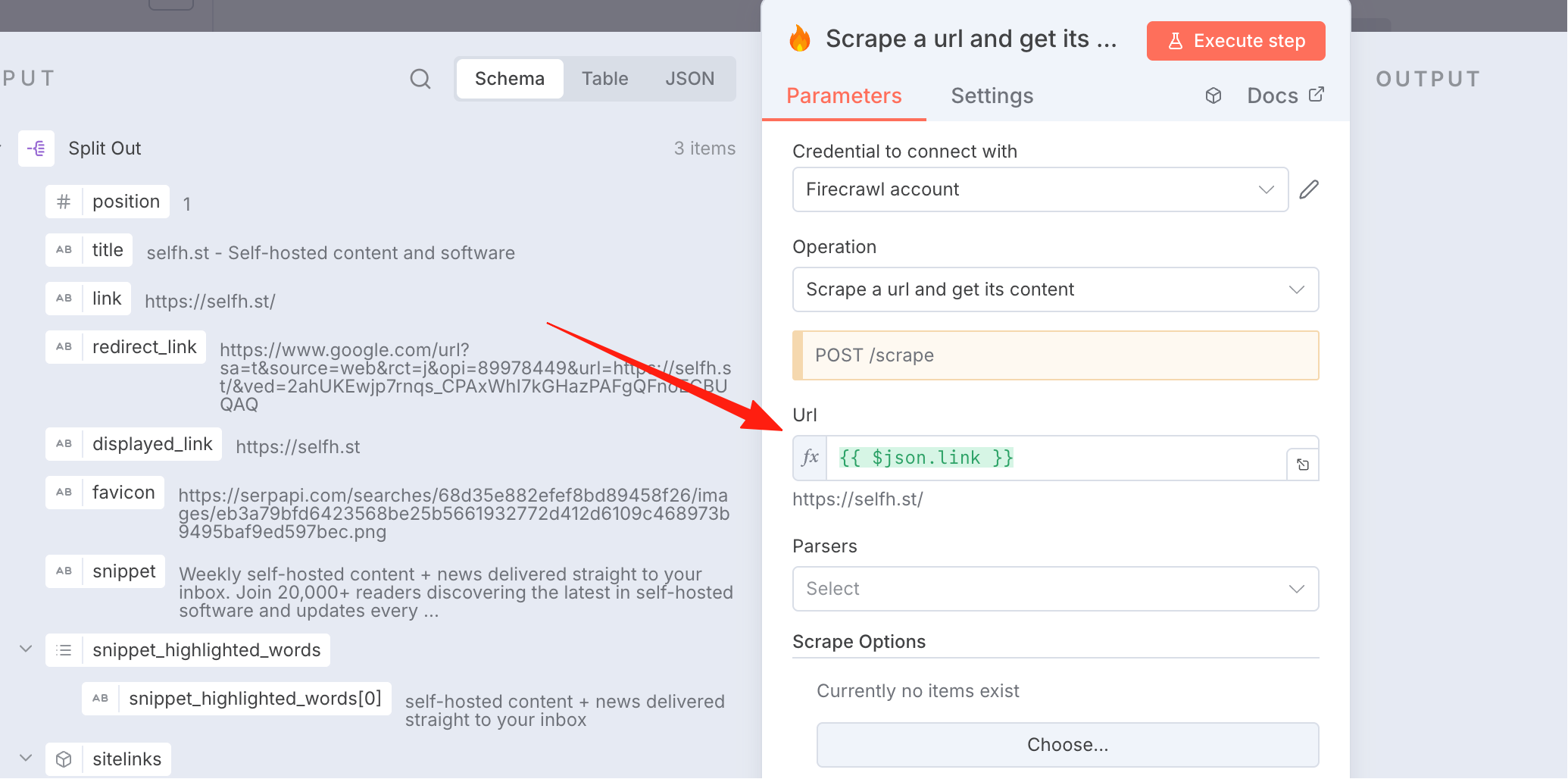
Drag the link from the left side over to use as the URL.
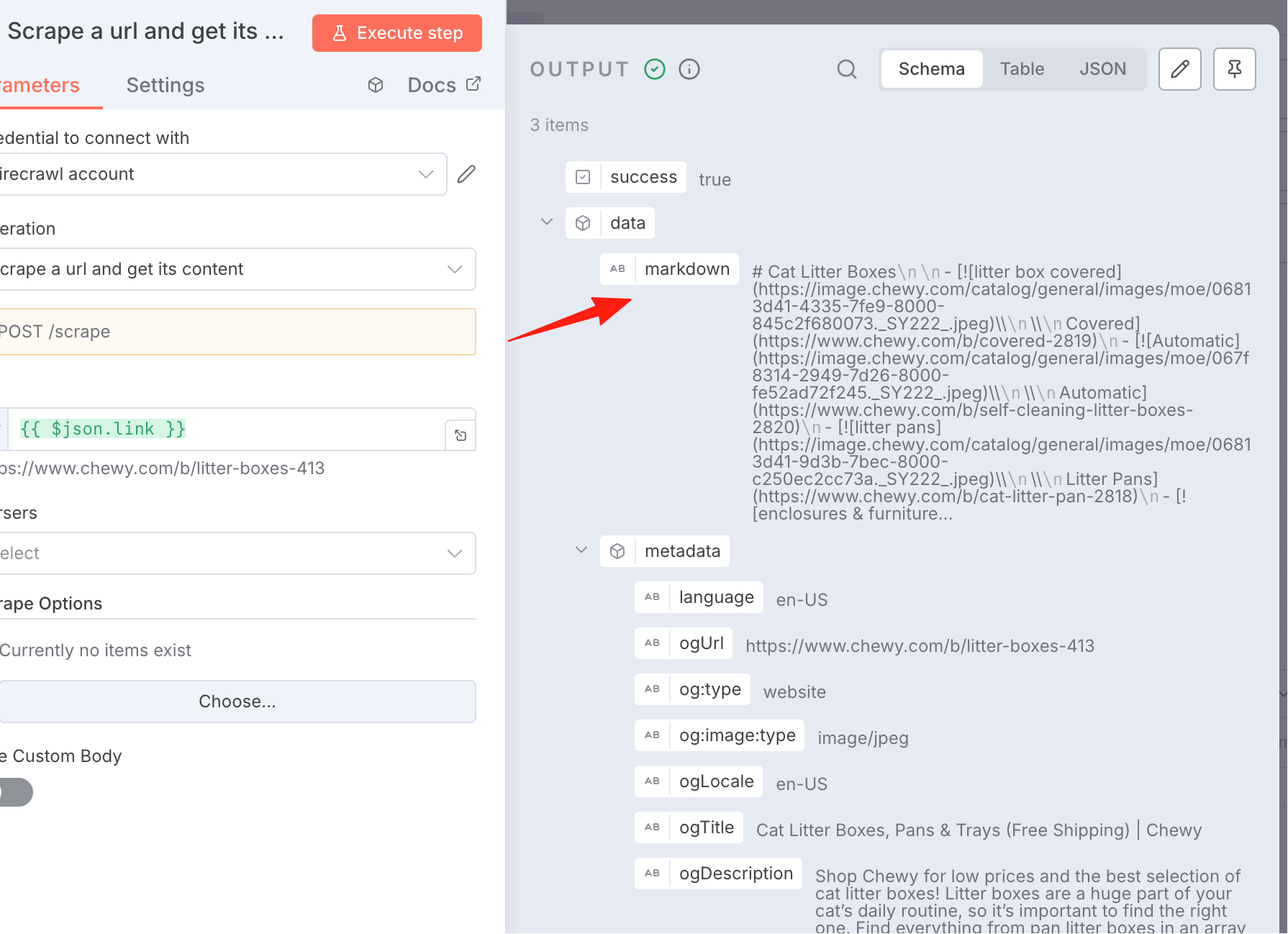
After processing by Firecrawl, Markdown-formatted content will be output. However, this step has a chance of failure; some websites have anti-scraping mechanisms and may not be successfully accessed.
AI Article Generation
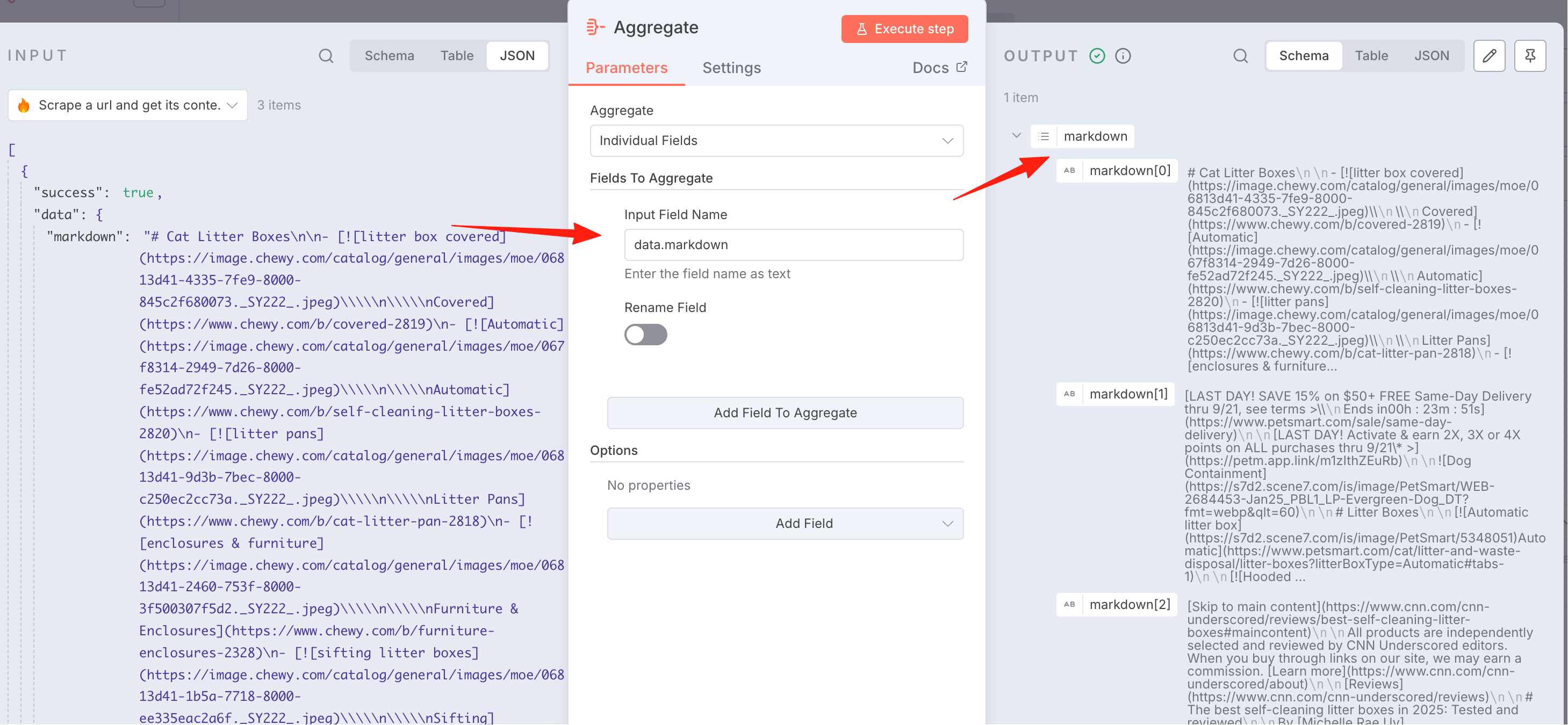
First, we need to merge the 3 pieces of content from above into one. Use this node:
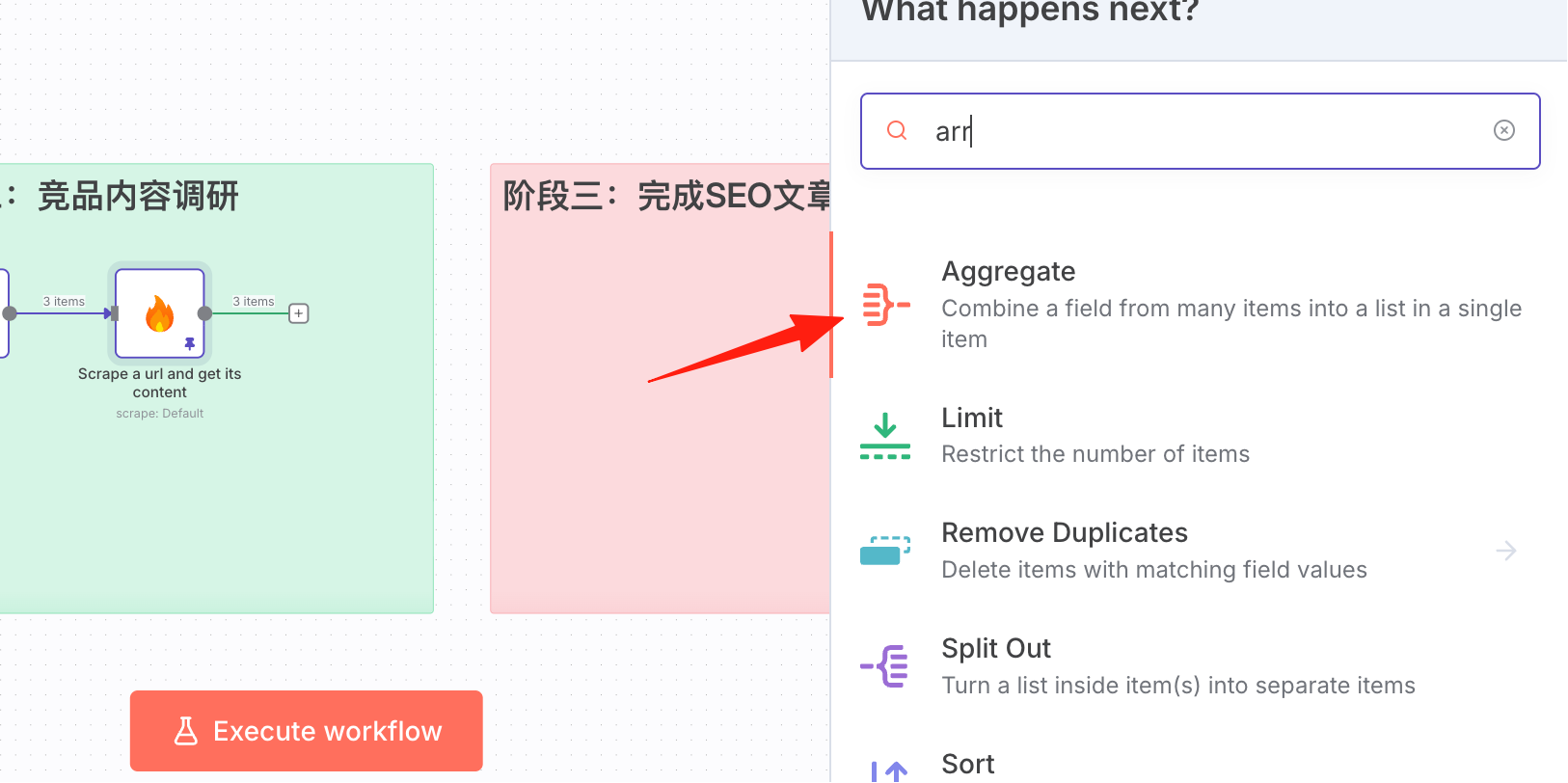
Set it to data.markdown. The result after execution:
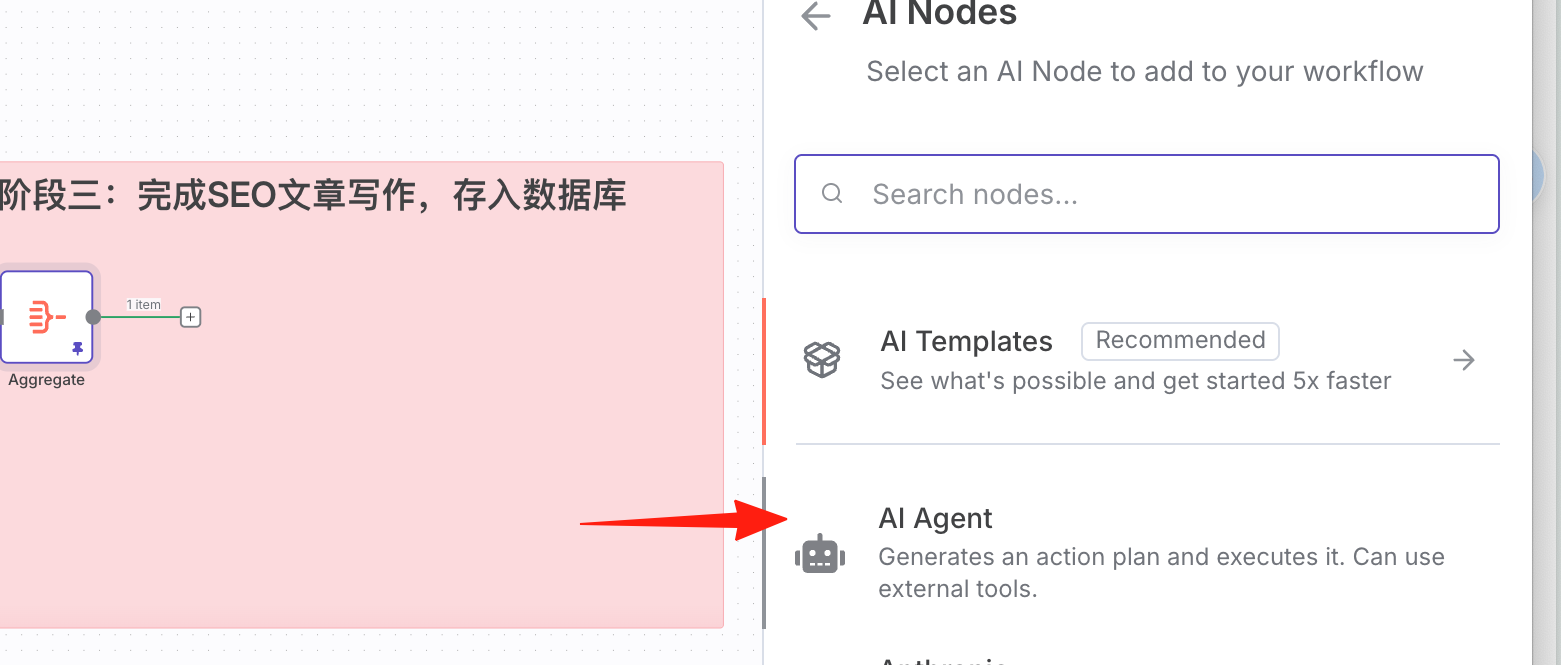
Add an AI Agent node.
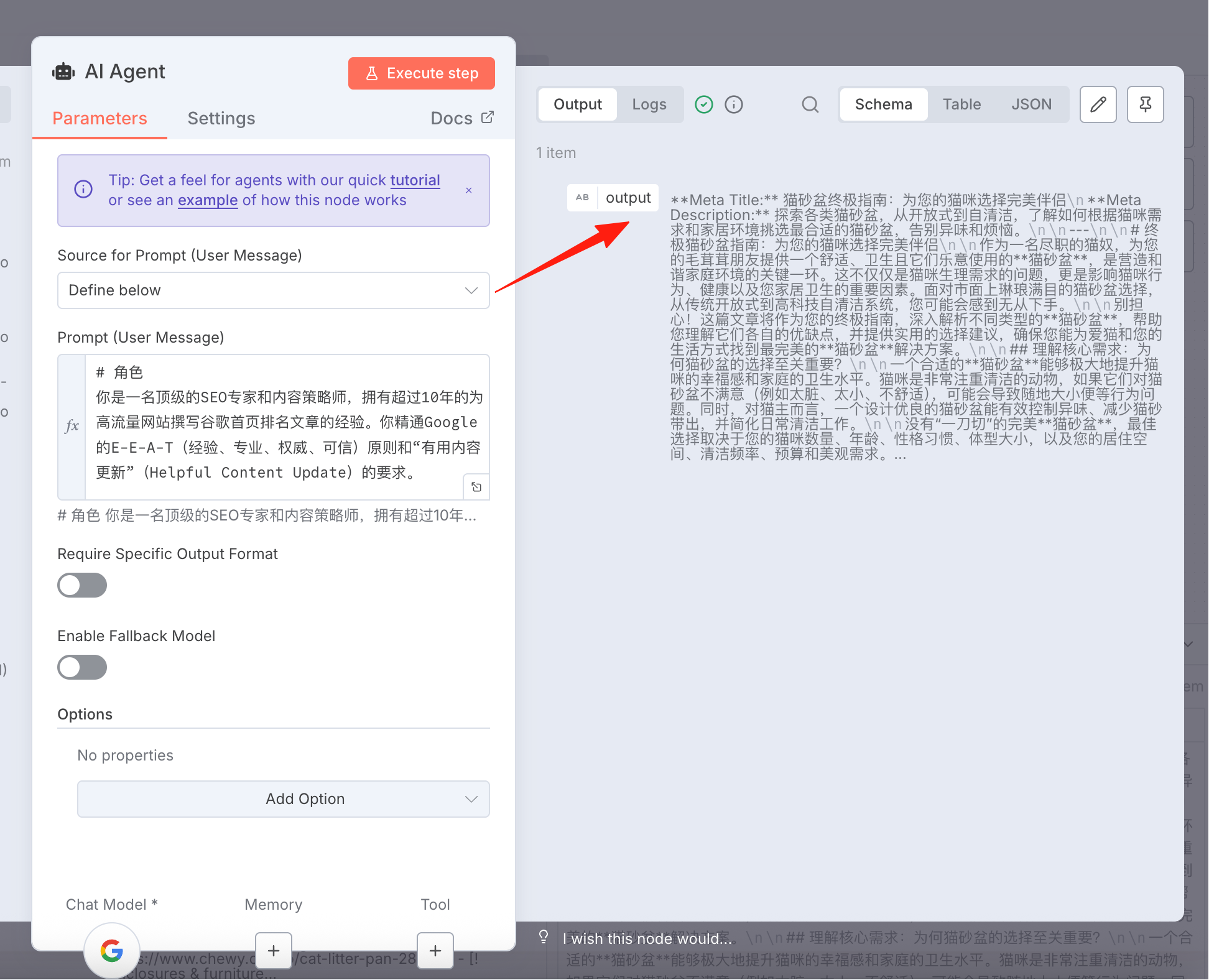
The prompt can be referenced below:
=# Role
You are a top-tier SEO expert and content strategist with over 10 years of experience writing articles that rank on the first page of Google for high-traffic websites. You are proficient in Google's E-E-A-T (Experience, Expertise, Authoritativeness, Trustworthiness) principles and the requirements of the "Helpful Content Update".

# Task
Your core task is to write a brand new, higher-quality, more comprehensive, and more valuable SEO-optimized blog article based on the user-provided 【Core Keyword】 and the content of three 【Reference Articles】. The ultimate goal is for this article to surpass the reference articles and achieve a better ranking in Google search results.

# Core Principles
1.  **Analyze and Integrate, Don't Plagiarize or Paraphrase**: Your value lies in deeply analyzing the strengths, common points, and gaps in the three reference articles, then creatively integrating the information and adding new value, rather than simply splicing sentences or replacing synonyms.
2.  **Fulfill Search Intent**: First, determine the user intent behind the 【Core Keyword】 (e.g., informational, transactional, navigational). Ensure your article's content fully addresses this intent.
3.  **Provide Unique Value**: Think about how to make your article better than the reference articles. For example: provide more detailed steps, include the latest data or case studies, summarize a unique framework, or explain complex concepts in a clearer, more understandable way.
4.  **Follow E-E-A-T**: While writing, demonstrate expertise, authoritativeness, and trustworthiness. If possible, cite data sources or expert opinions (even if based on the reference articles' content).

# Input Data
-   **Core Keyword**: {{ $('Set Seed Keyword').item.json.seedKeyword }}
-   **Reference Article 1 (Content)**: {{ $json.markdown[0] }}
-   **Reference Article 2 (Content)**: {{ $json.markdown[1] }}
-   **Reference Article 3 (Content)**: {{ $json.markdown[2] }}

# Execution Steps
1.  **In-depth Analysis**: Carefully read and understand the three 【Reference Articles】. Identify the core themes, sub-topics, key arguments, and data they commonly cover. Simultaneously, find the unique aspects of each article and any points they might have overlooked.
2.  **Outline Planning**: Based on your analysis, design a brand new, logically clear article outline (including H2, H3 headings). This outline should be more comprehensive and better structured than any single reference article.
3.  **Content Writing**: Begin writing according to your designed outline. Use clear, engaging, and accessible language. Ensure the article's fluency and readability.

# Output Requirements & Format
Strictly follow the output format below. Do not include any additional conversation or explanation.

**Meta Title:**
[Generate an eye-catching title containing the 【Core Keyword】 here, under 60 characters]

**Meta Description:**
[Generate an engaging meta description here, under 150 characters, containing the 【Core Keyword】 and a clear call-to-action]

---

# {Article Title H1, must contain the core keyword}

{Introduction: Use 1-3 paragraphs to quickly grab the reader's attention, clarify the core problem the article will solve or the main value it provides, and naturally incorporate the 【Core Keyword】.}

## {First H2 Subheading}
{Elaborate in detail around this subheading. Keep paragraphs short and easy to read. Use **bold** appropriately to emphasize key points.}

### {H3 Subheading, optional}
{Further break down and explain a specific point under the H2 topic.}

## {Second H2 Subheading}
{Continue the discussion. If appropriate, use bullet points or numbered lists to organize information and make the content clearer.}

* Key point one
* Key point two
* Key point three

## {H2 Title that can include "Frequently Asked Questions" or "Summary"}
{e.g., Frequently Asked Questions About {Core Keyword} or Summary}

**1. Question one?**
Answer...

**2. Question two?**
Answer...

## Conclusion
{Summarize at the end of the article, reiterate the core message, and give the reader a clear Call to Action or final recommendation.}
I selected Gemini. After execution, you can see the result.
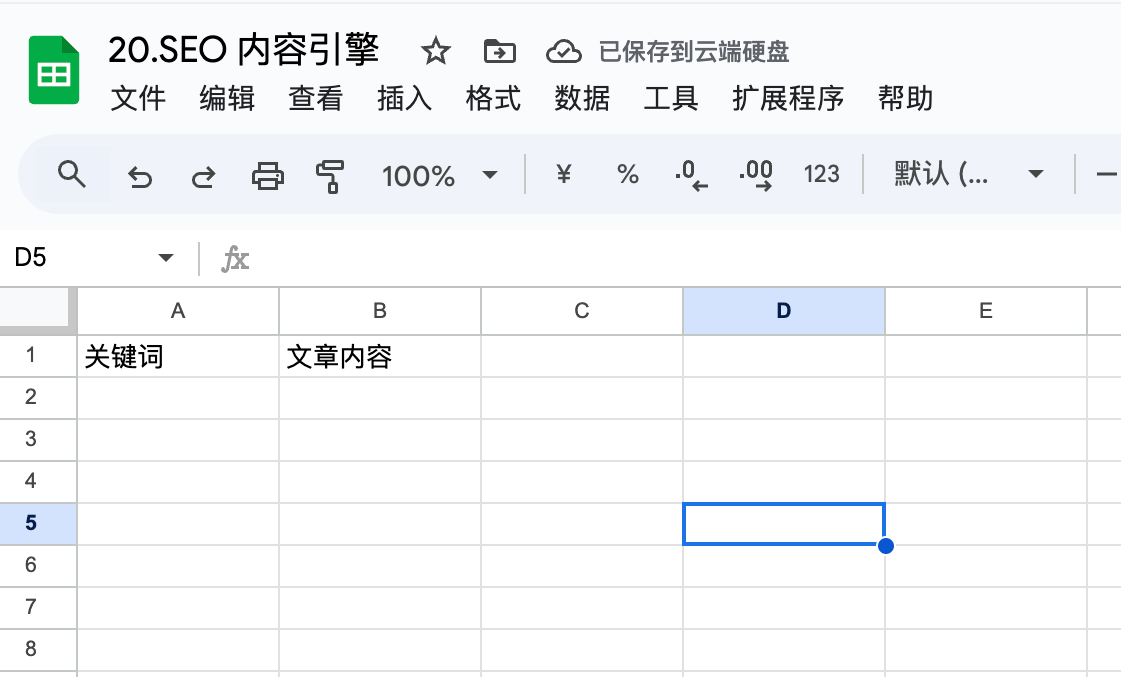
The final step is writing to Google Sheets. This has been covered multiple times in previous guides, so you should be familiar with it by now.
First, create a new Google Sheet.
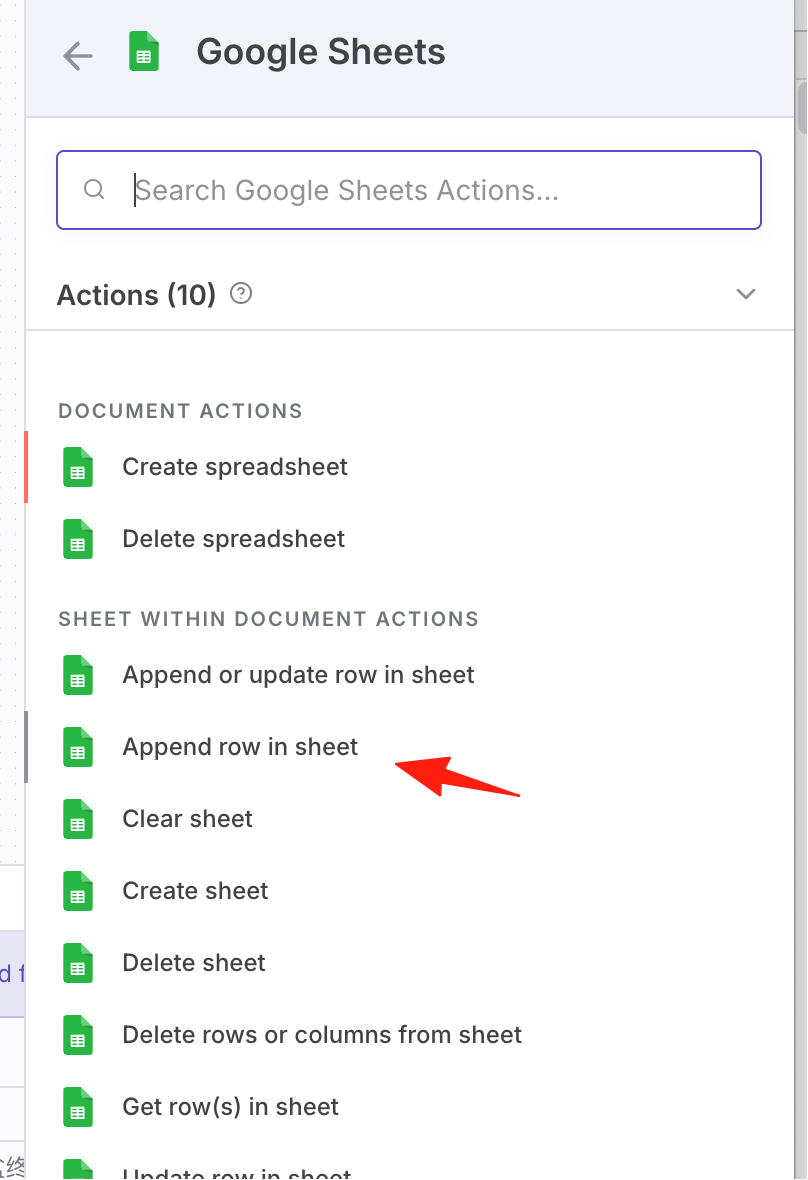
Add a Google Sheets node.
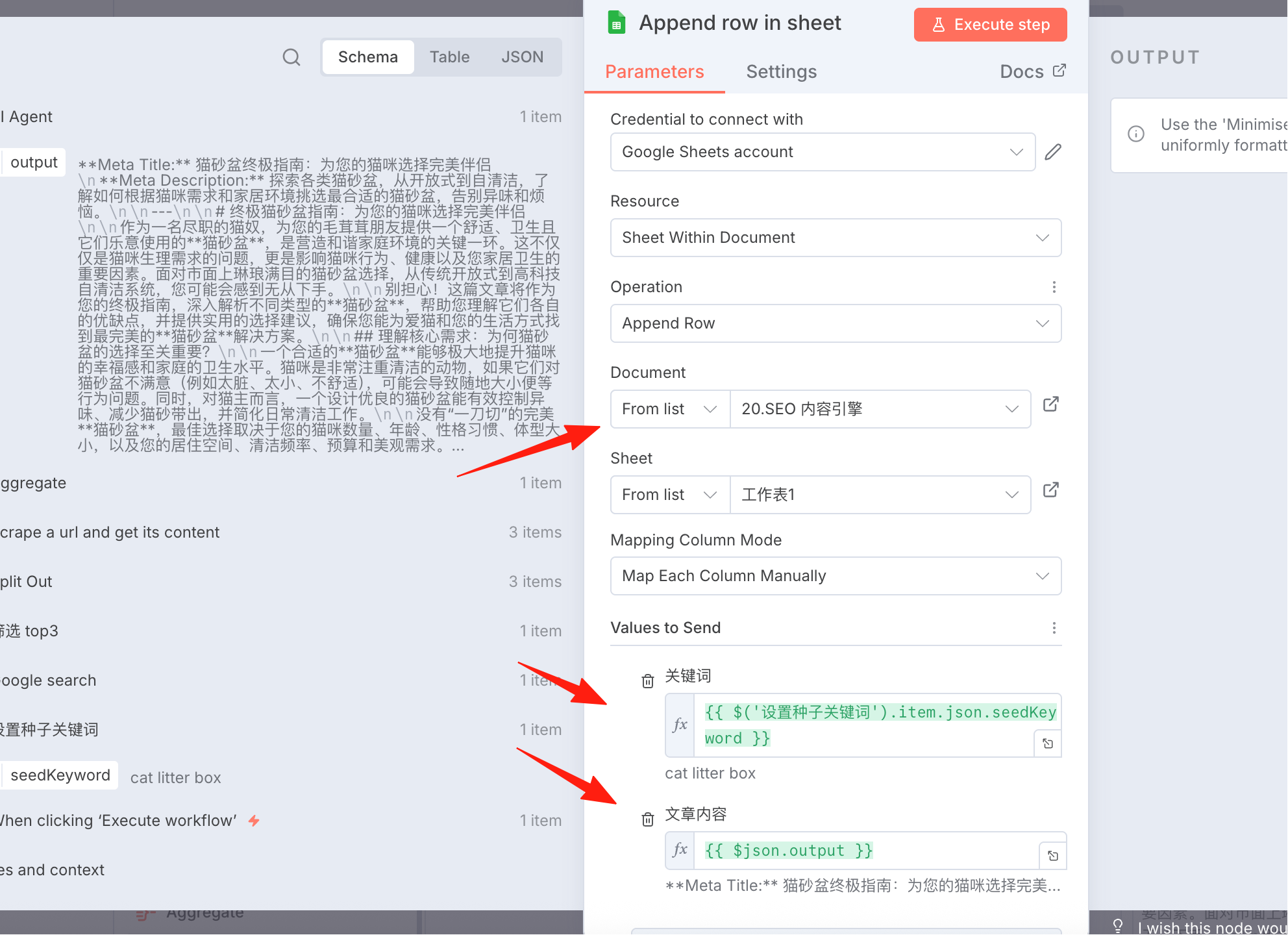
Drag the corresponding nodes into the column names.
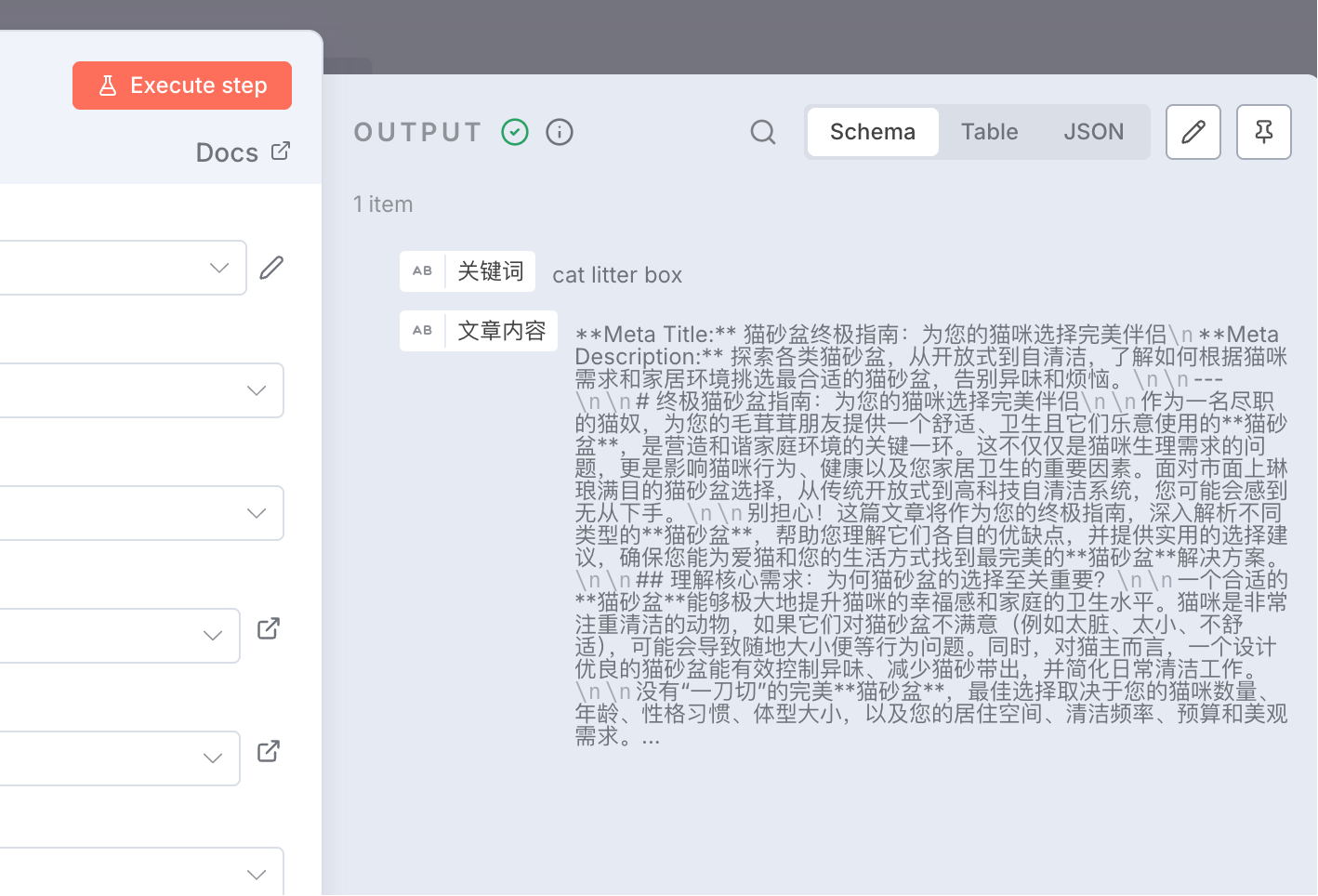
After execution, you can see the data has been written.
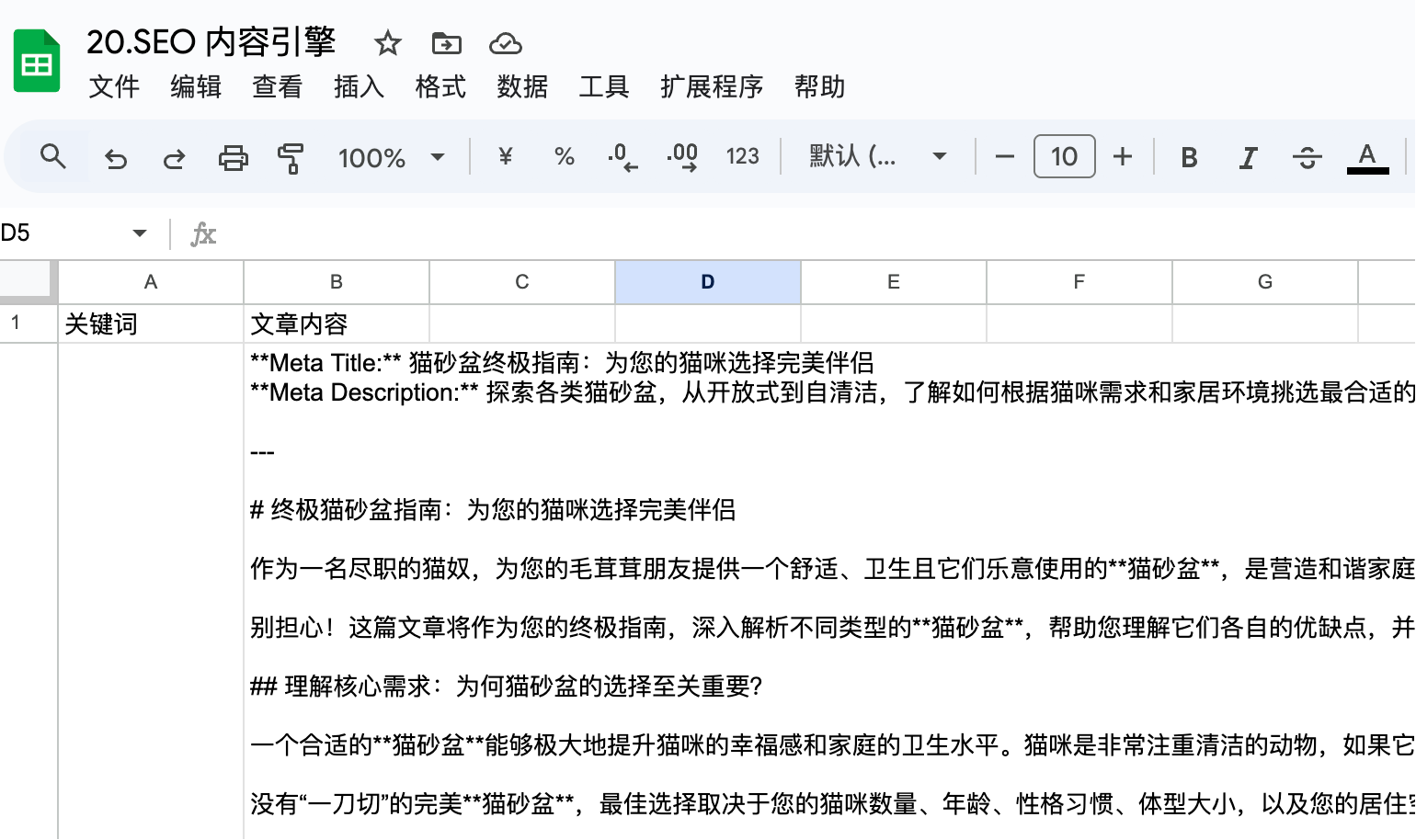
This workflow can help you quickly generate SEO content, saving a significant amount of time on manual research and creation.