
MoneyPrinterTurbo: Making short video creation as easy as typing
What Is This
In simple terms, you just need to input a keyword, like "Daily Life of a Cat" or "Fitness Tips," and it can automatically generate a complete short video for you, including script, visuals, voiceover, subtitles, and background music—a one-stop service!
The most impressive part is that generating a 2-3 minute video only takes 10-15 minutes. Plus, it's completely open-source and free—no need to spend a single cent on memberships.
- Generate Videos from Keywords: For example, input "Philosophy of Life," and it will automatically write the script, find footage, add voiceover, and include subtitles.
- Batch Production: Generate multiple versions at once and choose the most satisfactory one to publish.
- Multiple Aspect Ratios: Supports both vertical (for Douyin, Xiaohongshu) and horizontal (for Bilibili, Xigua) formats.
- Video footage is sourced from royalty-free libraries like Pexels and Pixabay, so no need to worry about copyright infringement.
- Supports uploading your own local media files.
- Generated videos are high definition, starting at 1080P.
https://appstore.lazycat.cloud/#/shop/detail/app.ikw.lzc.moneyprinterturbo
Prerequisites
1. Large Language Model API (Required)
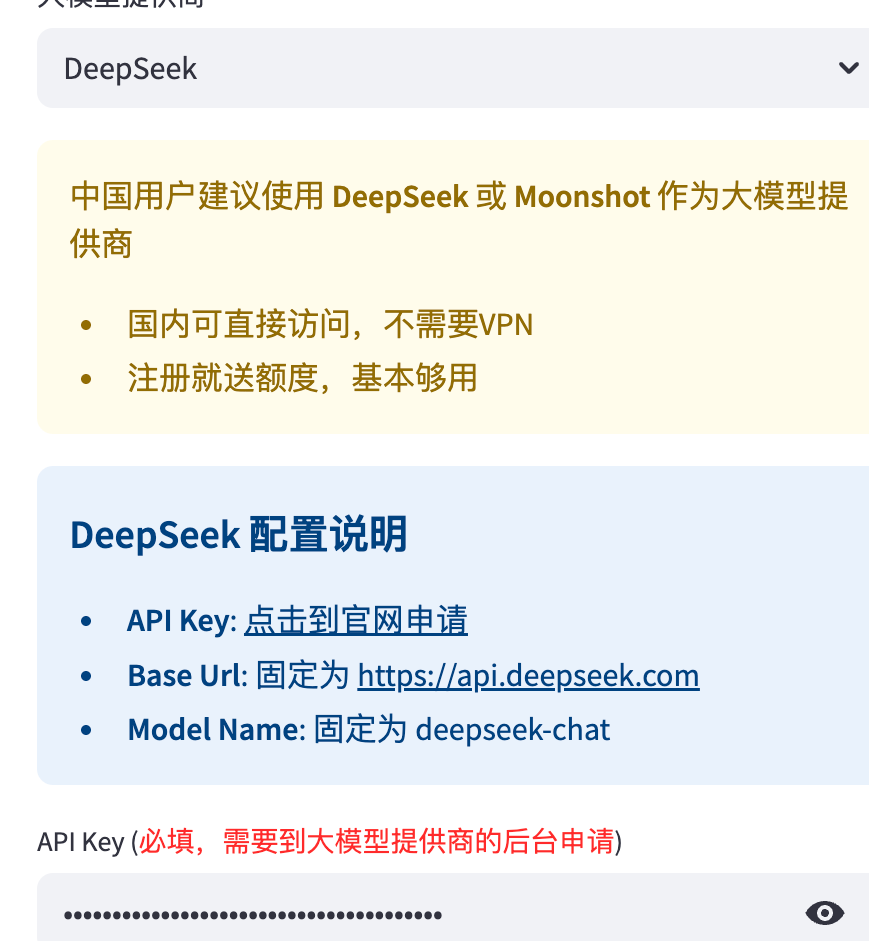
It is recommended to use one of the following services (accessible directly within China):
-
DeepSeek (Recommended): https://platform.deepseek.com/
- Credits are provided upon registration.
- Directly accessible within China, no VPN required.
-
Tongyi Qianwen: From Alibaba, also very stable.
2. Video Footage API (Required)
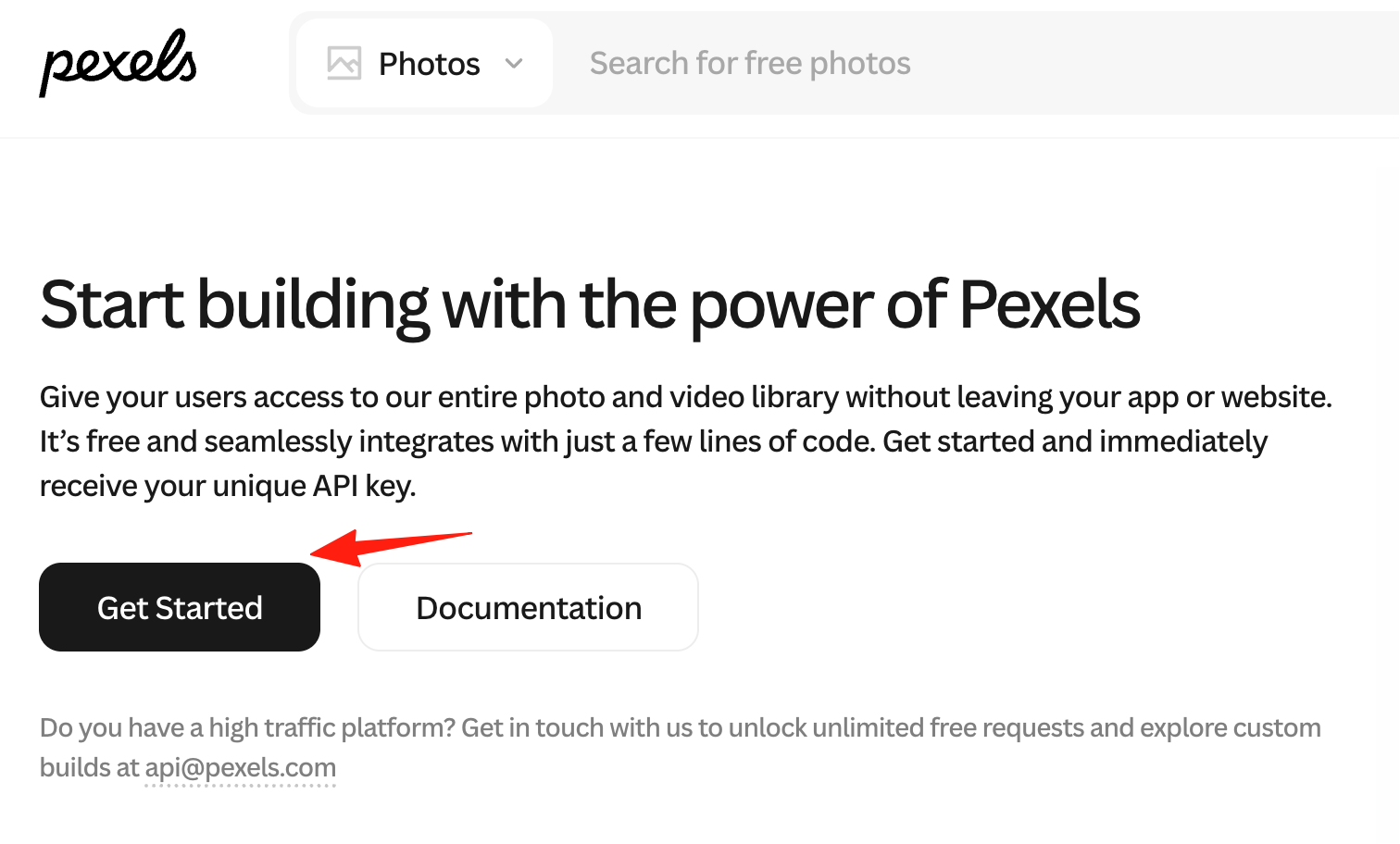
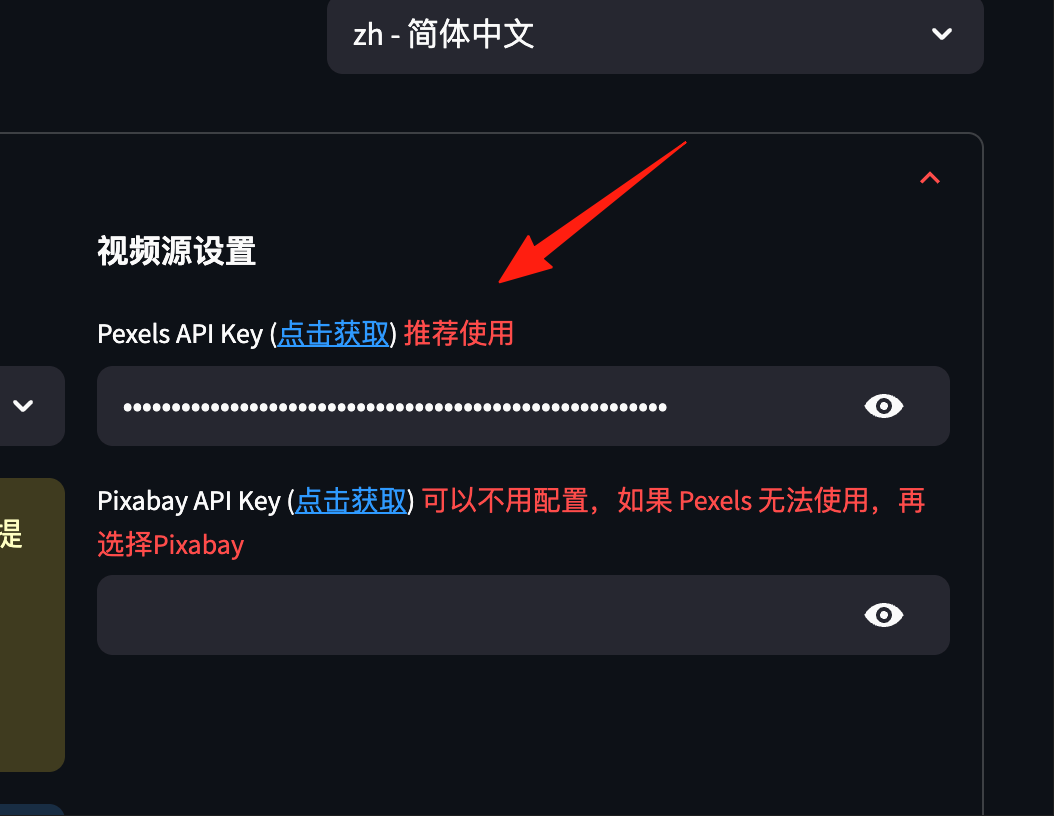
Go to the Pexels website: https://www.pexels.com/api/
- Click "Get Started"
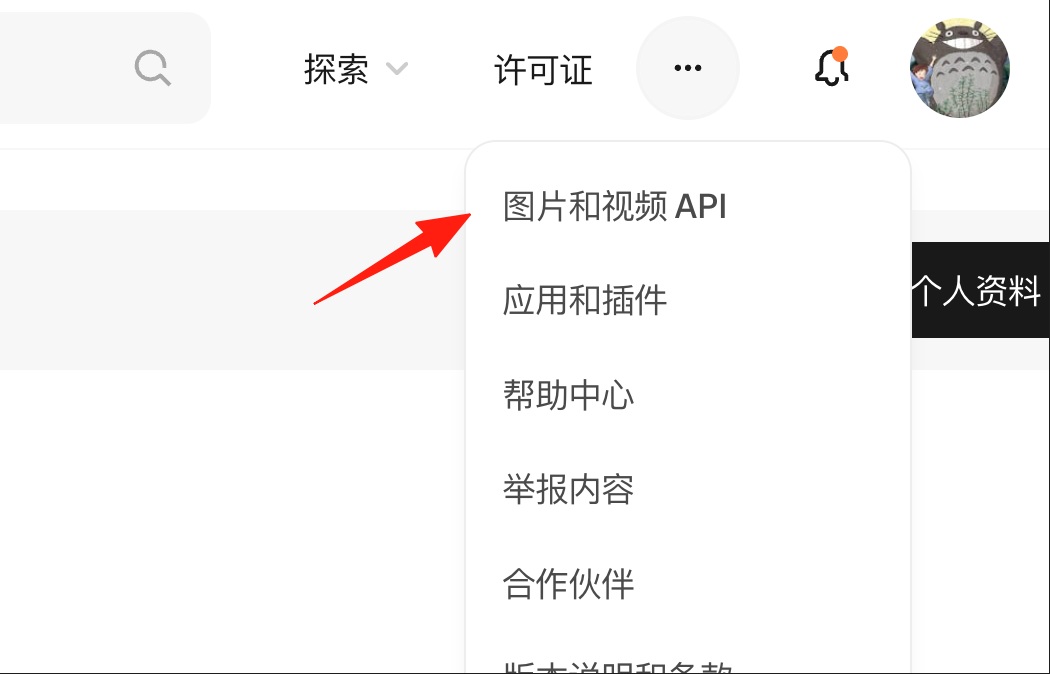
 Register simply.
Get your API Key.
Register simply.
Get your API Key.
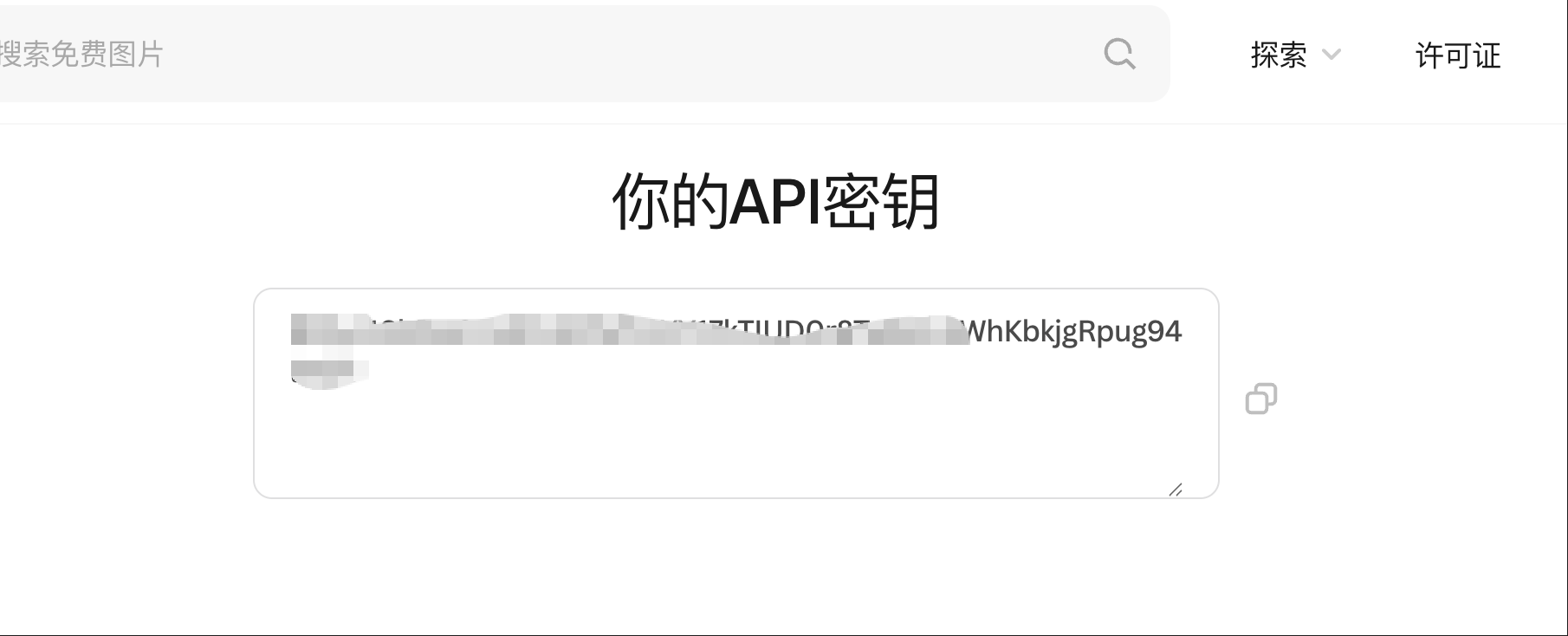 Fill it into the
 pexels_api_keys field.
Step 2: Input Topic
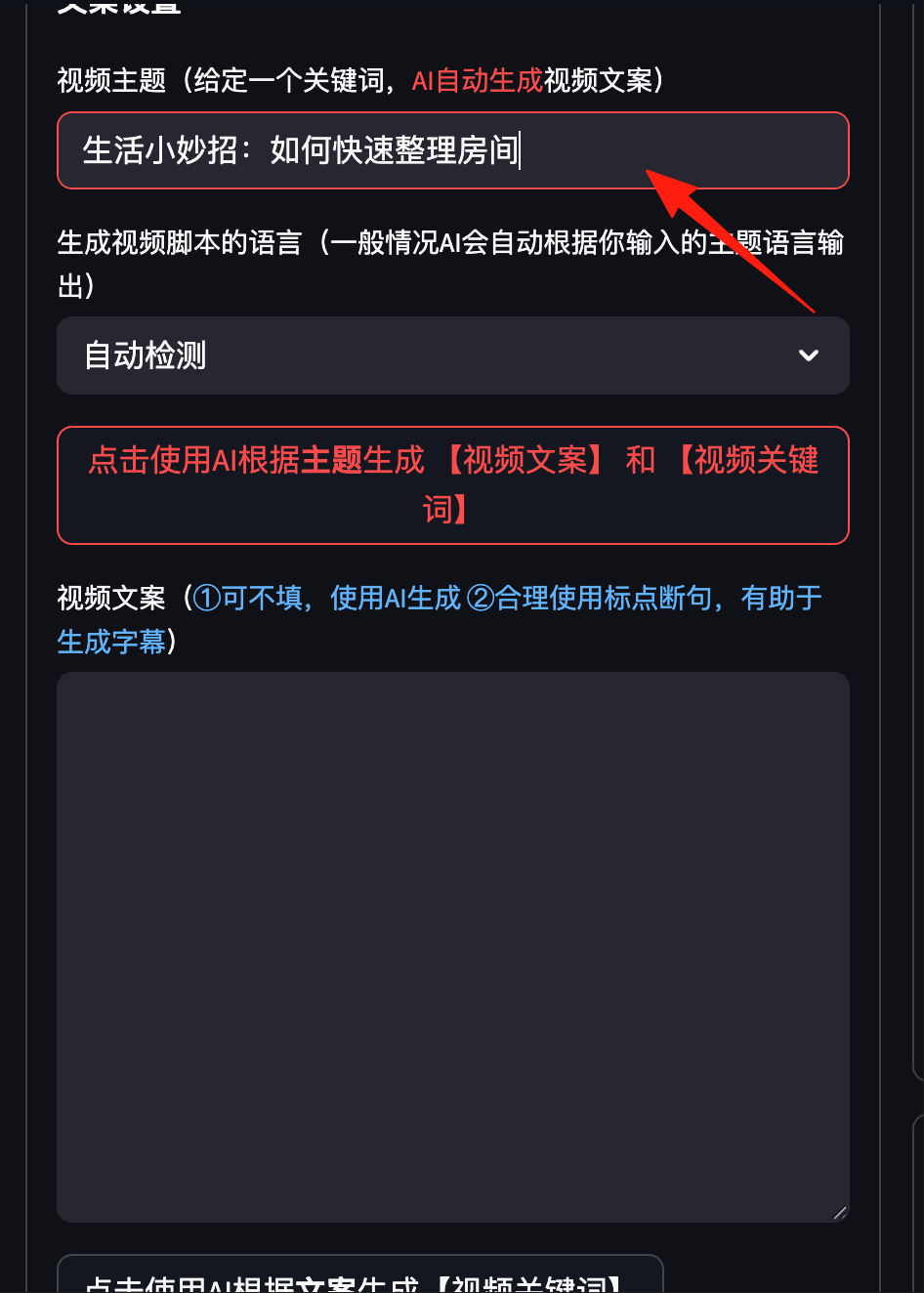
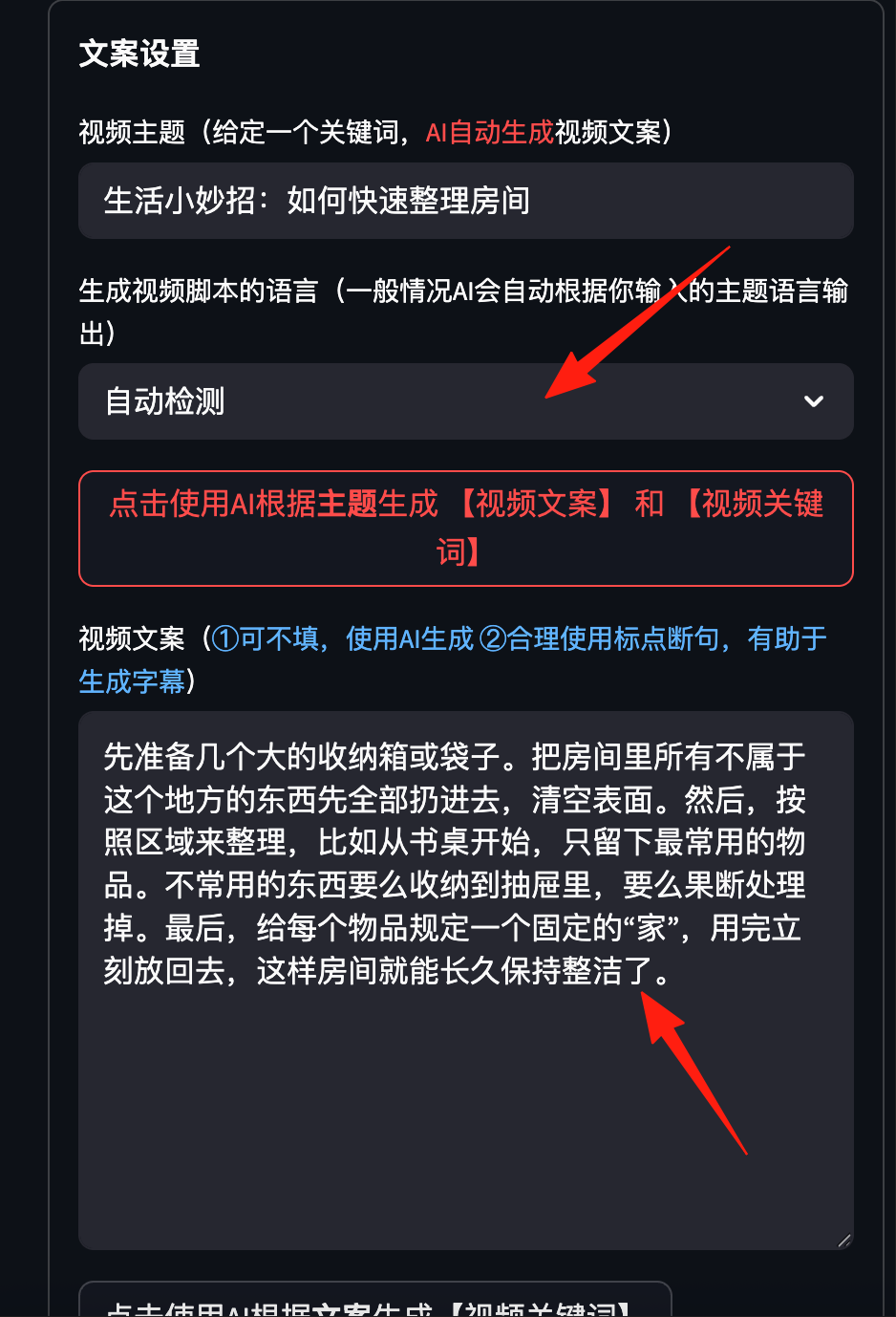
In the "Video Topic" field, enter: Life Hacks: How to Quickly Tidy Your Room
Step 3: Select Configuration
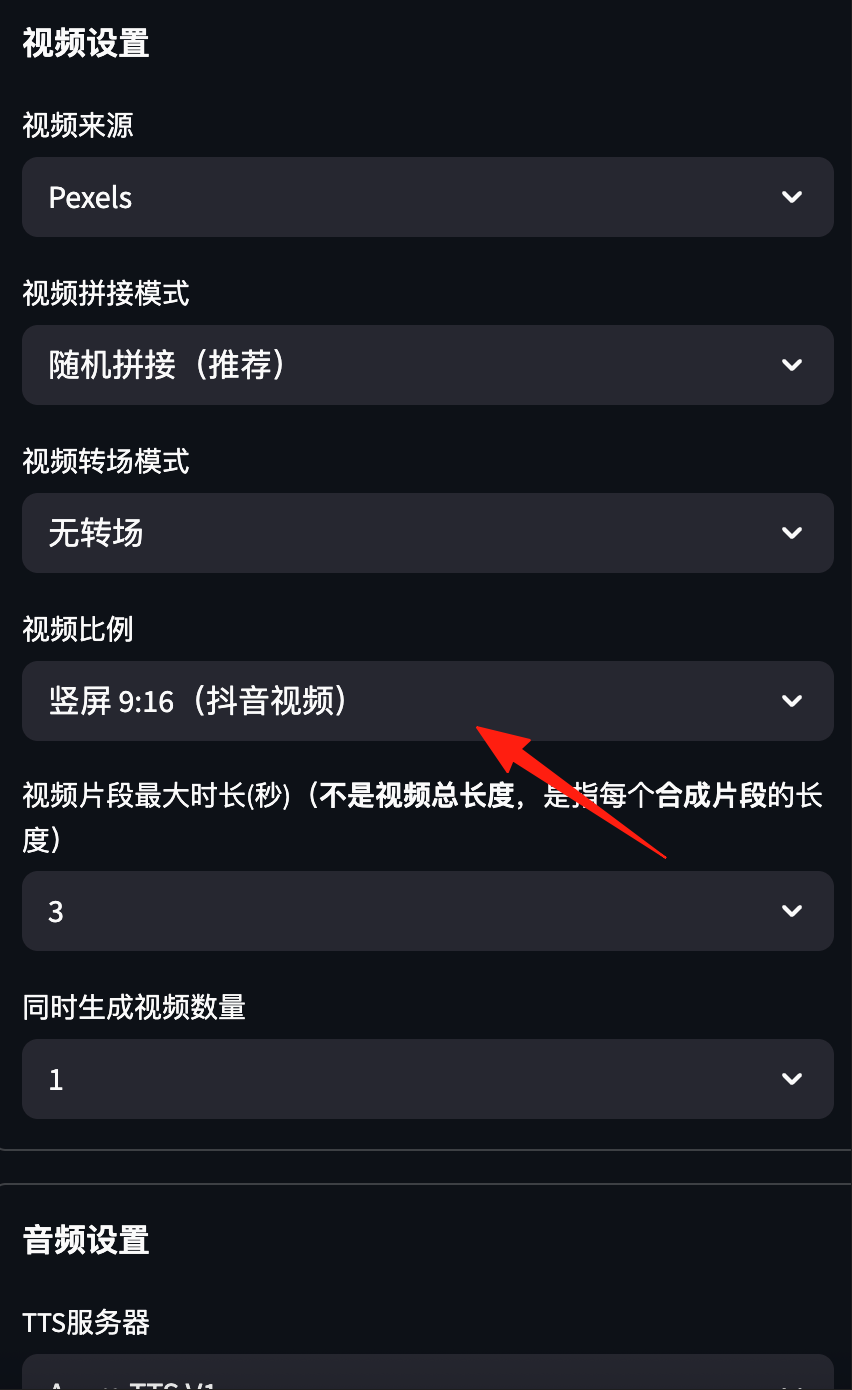
- Video Aspect Ratio: Choose 9:16 (suitable for Douyin)
- Maximum Clip Duration: 5 seconds (for faster scene transitions)
- Voice for Narration: Choose one you like, it's recommended to preview them
- Subtitle Position: Bottom Center
- Background Music: Random is fine, or upload your own
Step 4: Generate Video
Click "Generate Video," then go grab a cup of water. Come back in 10 minutes and your finished video will be ready!
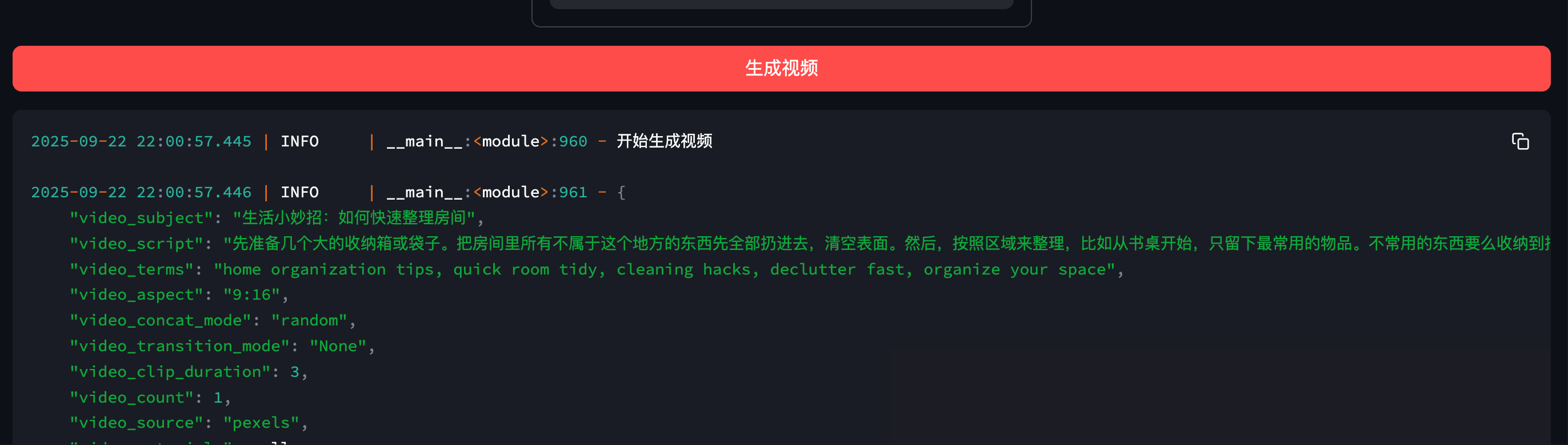
In the logs, you can see it primarily goes through these 5 steps.
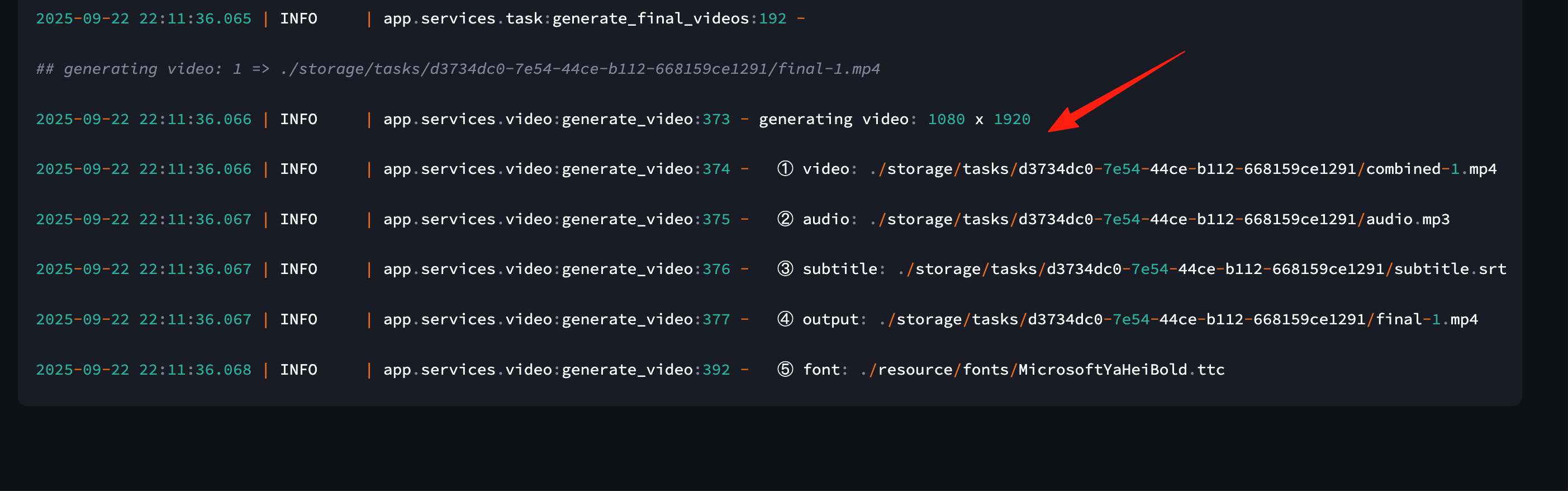
This 30s video took 8 minutes to generate.
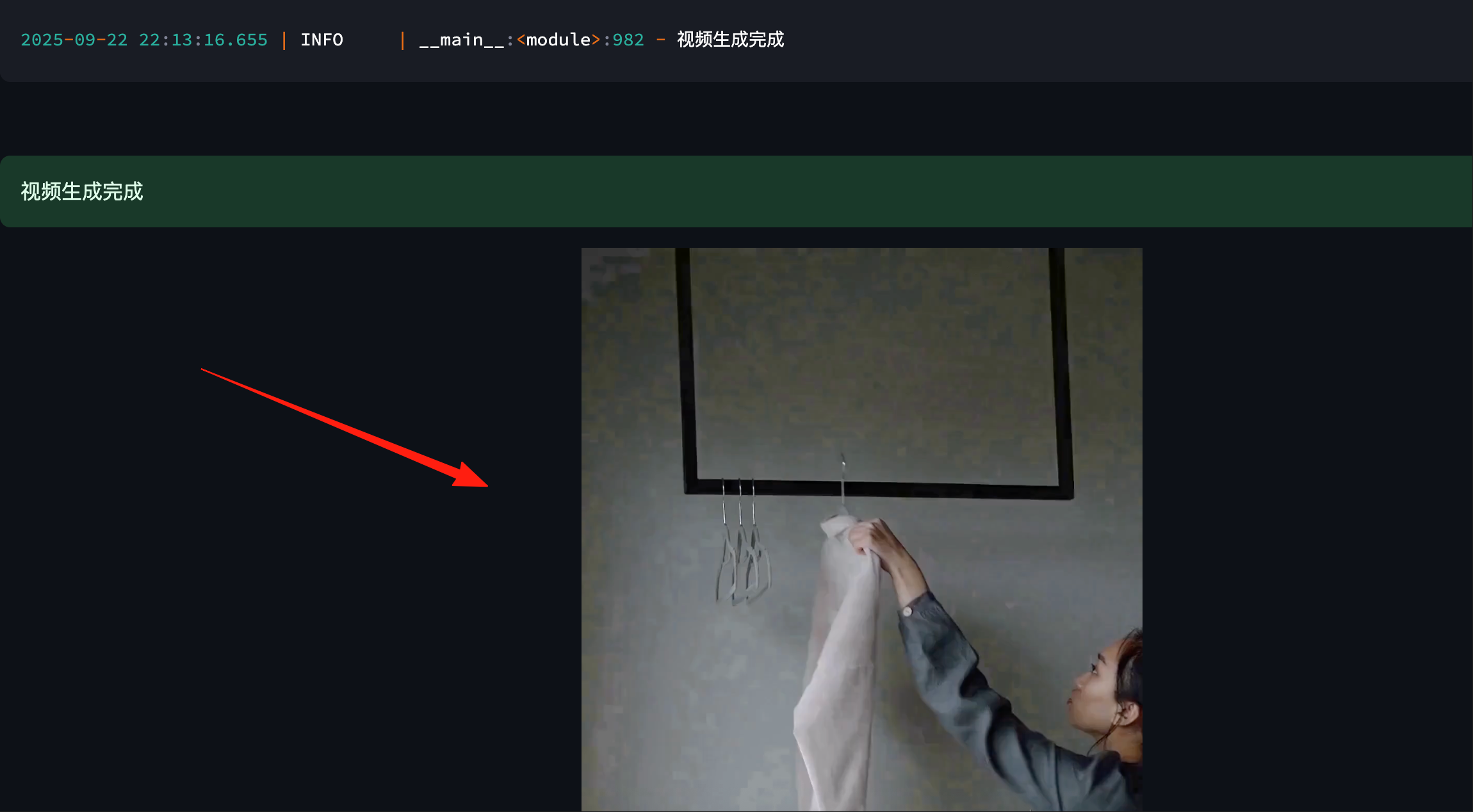 The generated video will be saved in the project folder, and all the media assets used will be categorized and saved for easy secondary editing.
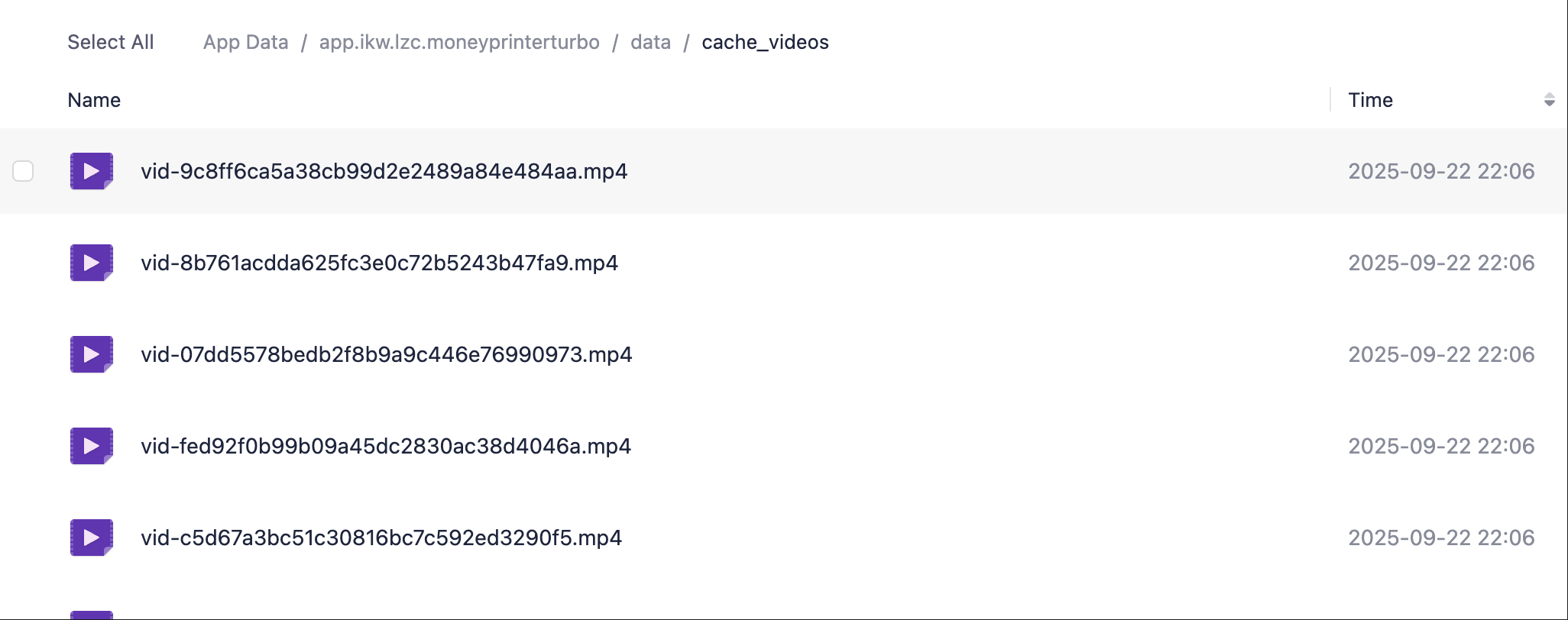 The generated video is as follows
Final Words
MoneyPrinterTurbo has truly lowered the barrier for video creation to the floor. What used to take half a day of effort can now be done by simply typing a few words.
However, the tool is just a tool; content creativity still relies on yourself. It's recommended to use it for rapid content production first, then continuously optimize based on data feedback to find your own style.
Instead of obsessing over whether a video is 100% perfect, it's better to publish one that's 80% there—the market will give you the answer.
Go try it out now—your next viral video might be just around the corner! 🚀