
n8n Hands-On Guide 16: How to Send Long Thread X Tweets
In the previous two tutorials, we covered X configuration and sending regular tweets:
n8n Configuration Guide 14: How to Configure X (formerly Twitter) Node n8n Practical Guide 15: How to Automate X Operations
https://appstore.lazycat.cloud/#/shop/detail/cloud.lazycat.app.n8n
Some friends asked if it's possible to send "long thread" tweets. This tutorial will demonstrate exactly how to do that.
First, let me explain what a "long thread" tweet is.
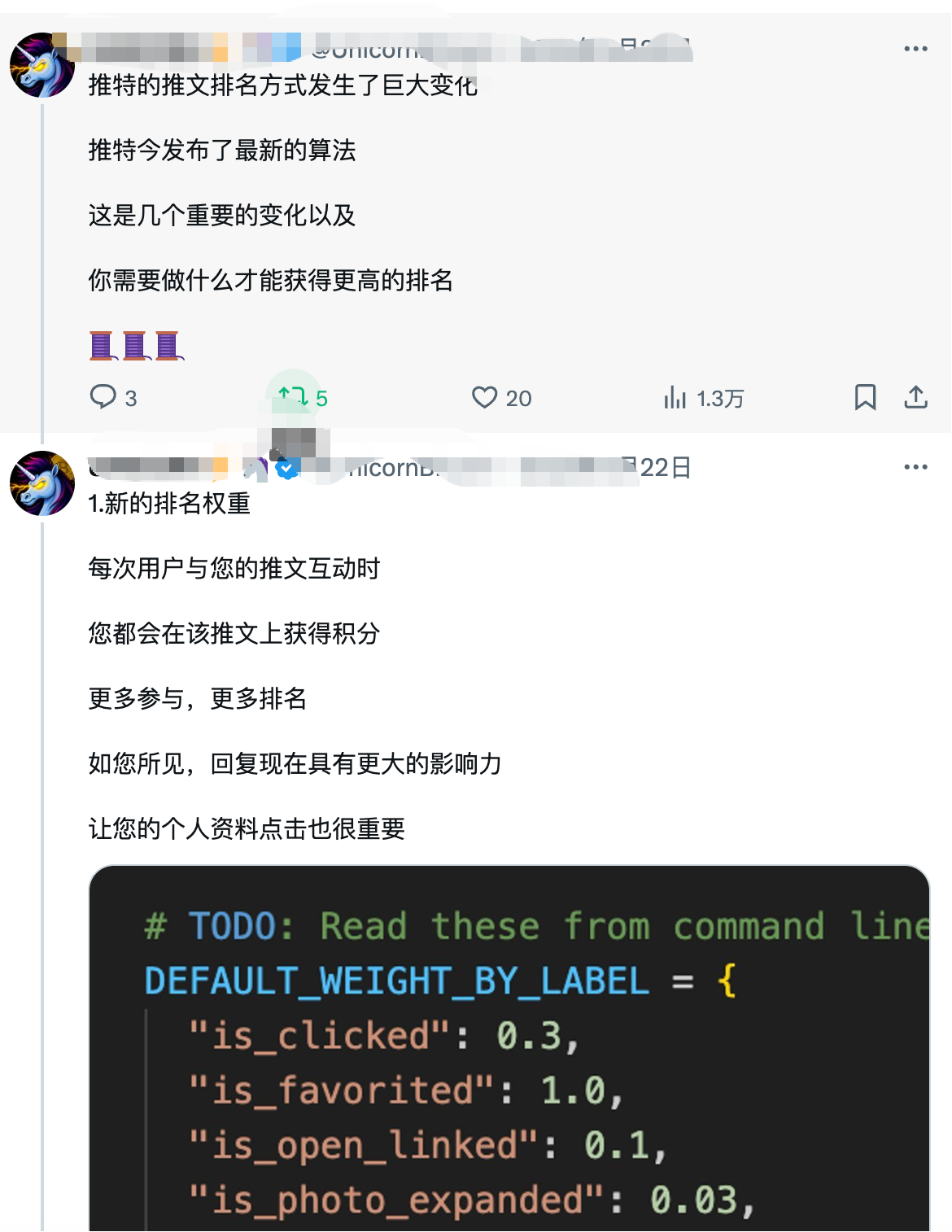
It's a unique type of post on Twitter where you publish a tweet and then continuously add replies to your own post, creating a long connected thread. Here's an example of how it looks:
First, let's look at the workflow diagram:
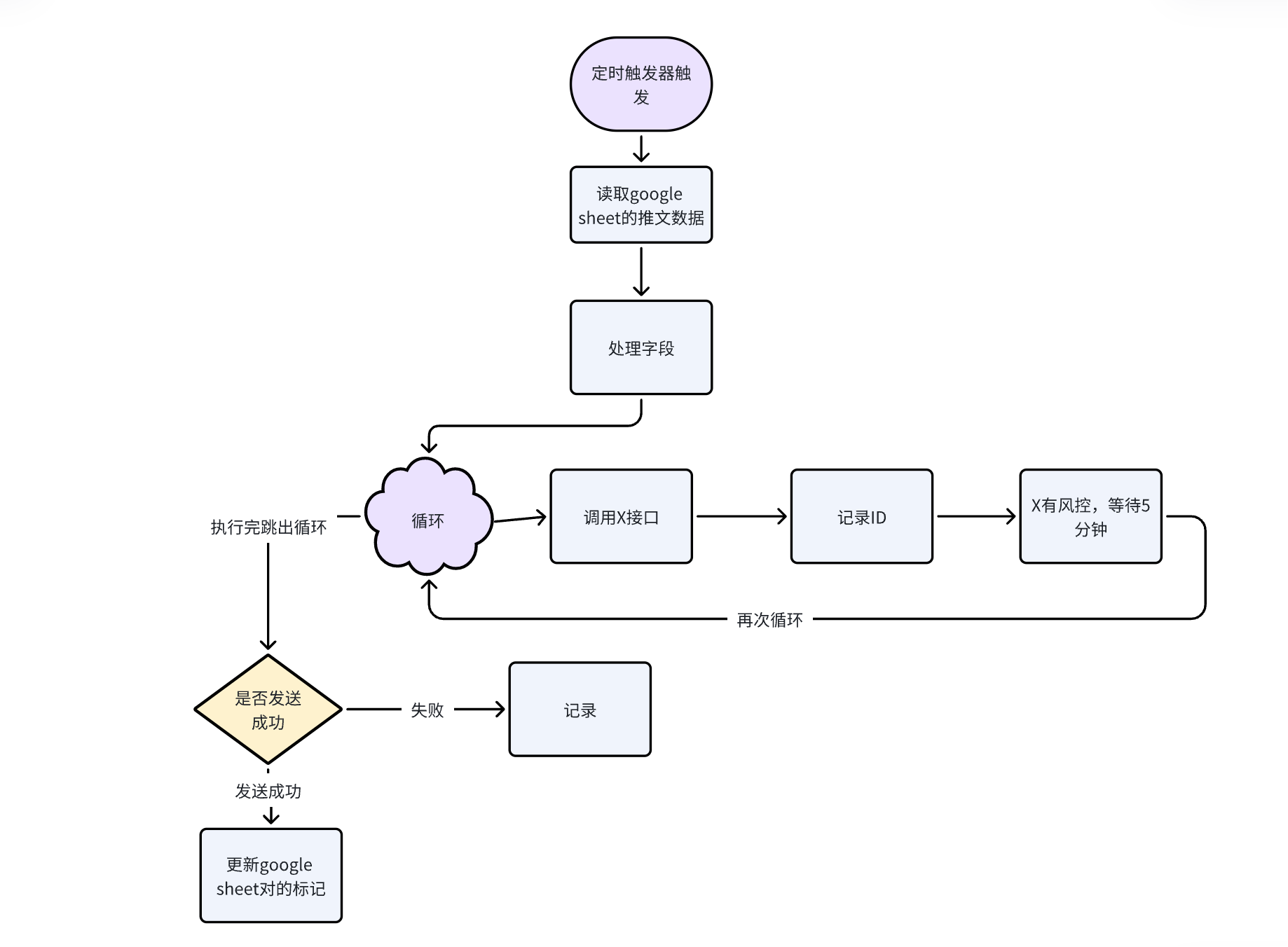
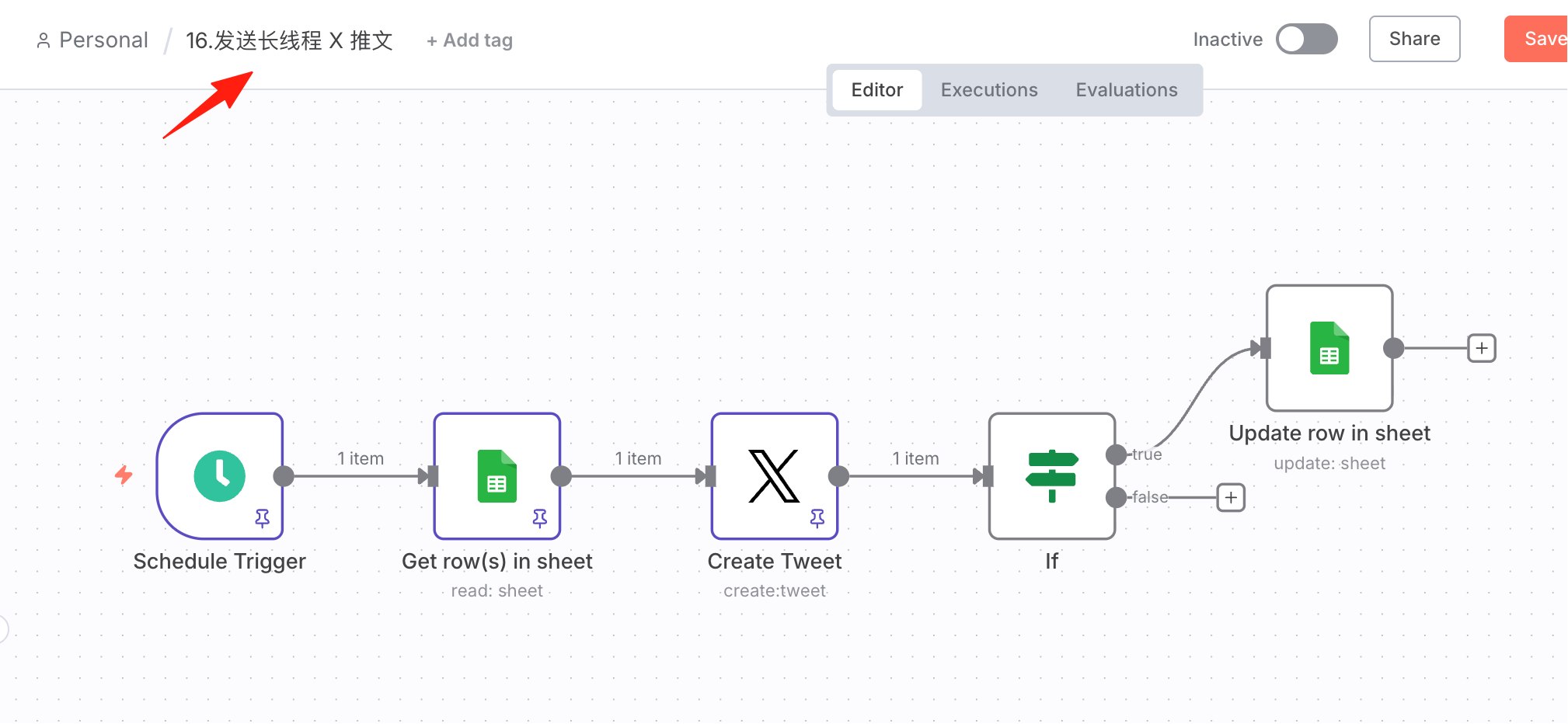
Workflow Setup
Since this workflow is similar to the one in the previous tutorial, we can simply copy the previous workflow, paste it here, and modify it accordingly.
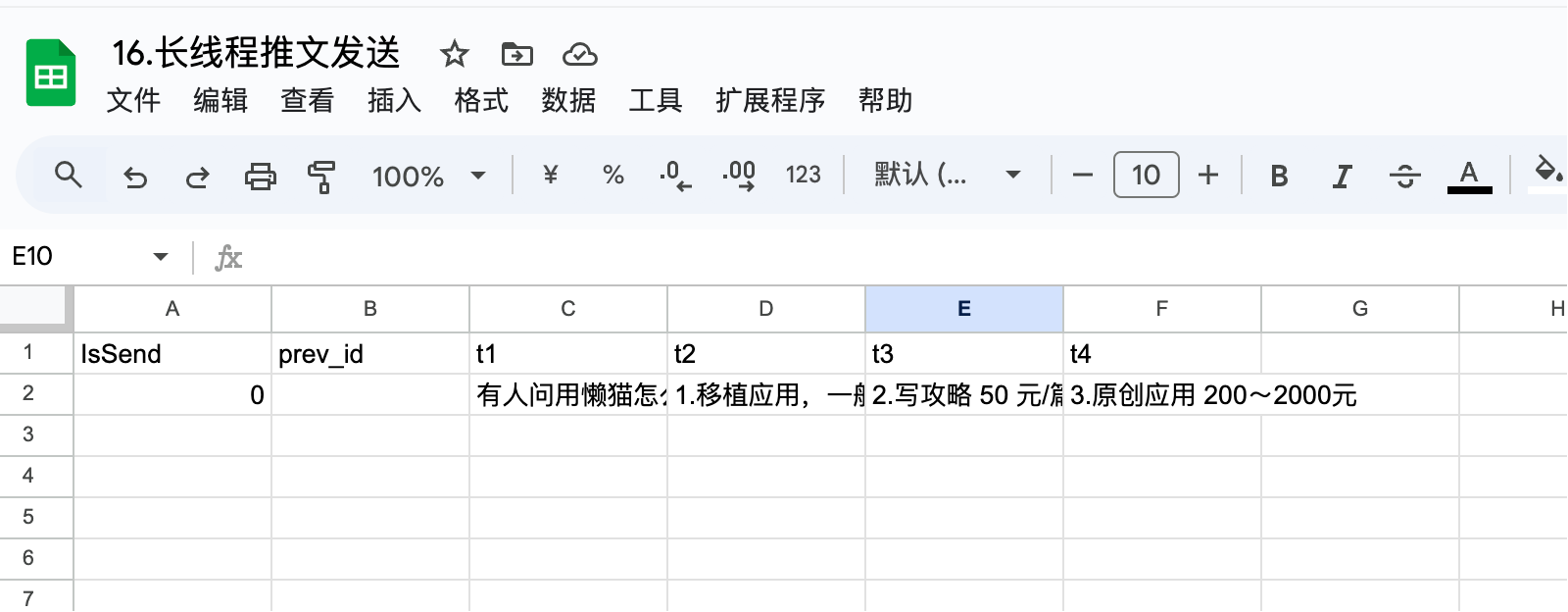
I've prepared a Google Sheet in advance, formatted as shown:
First, retrieve data where IsSend=0 and execute:
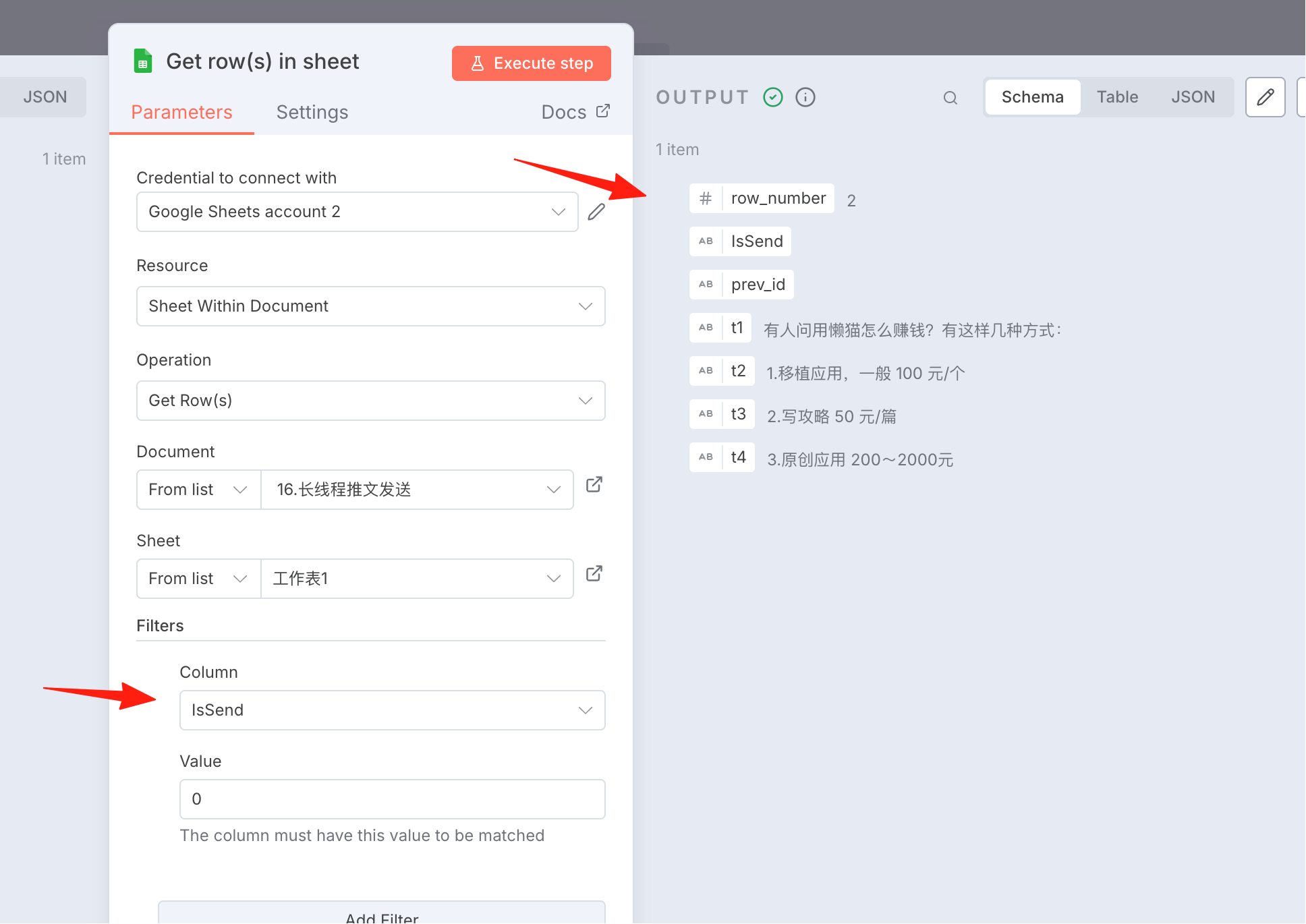
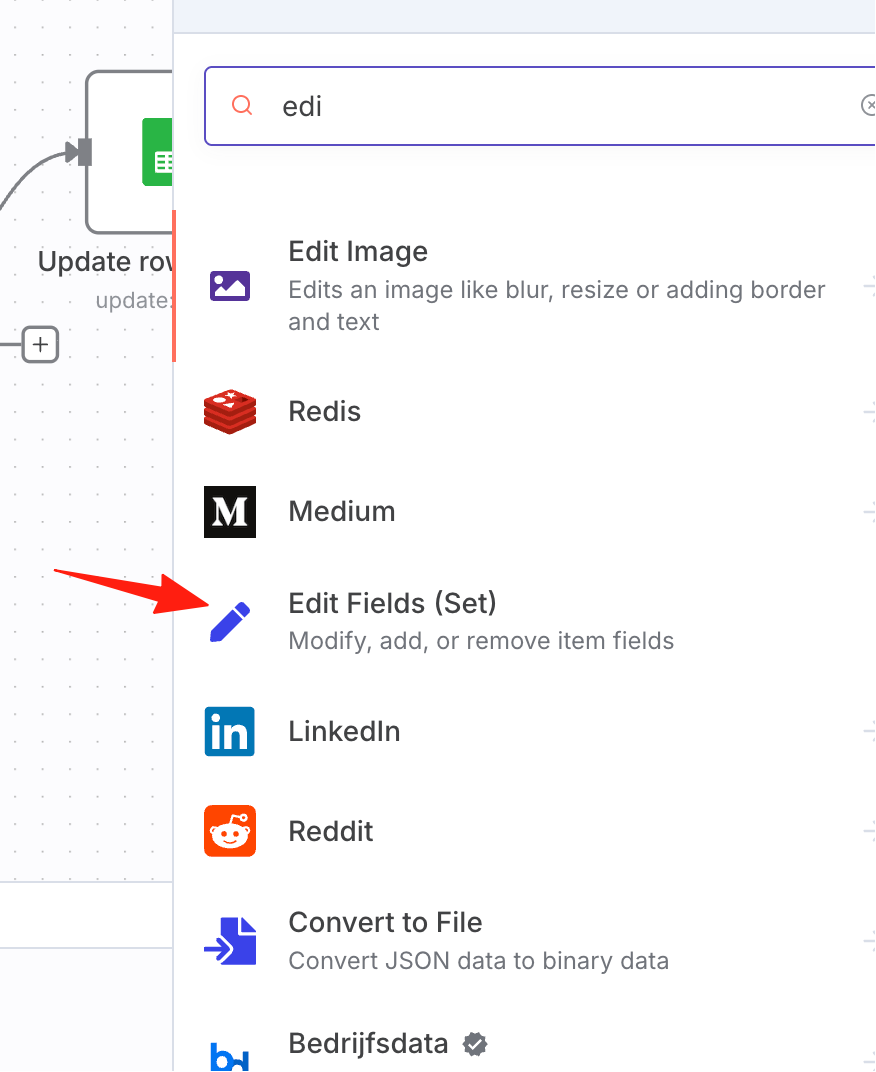
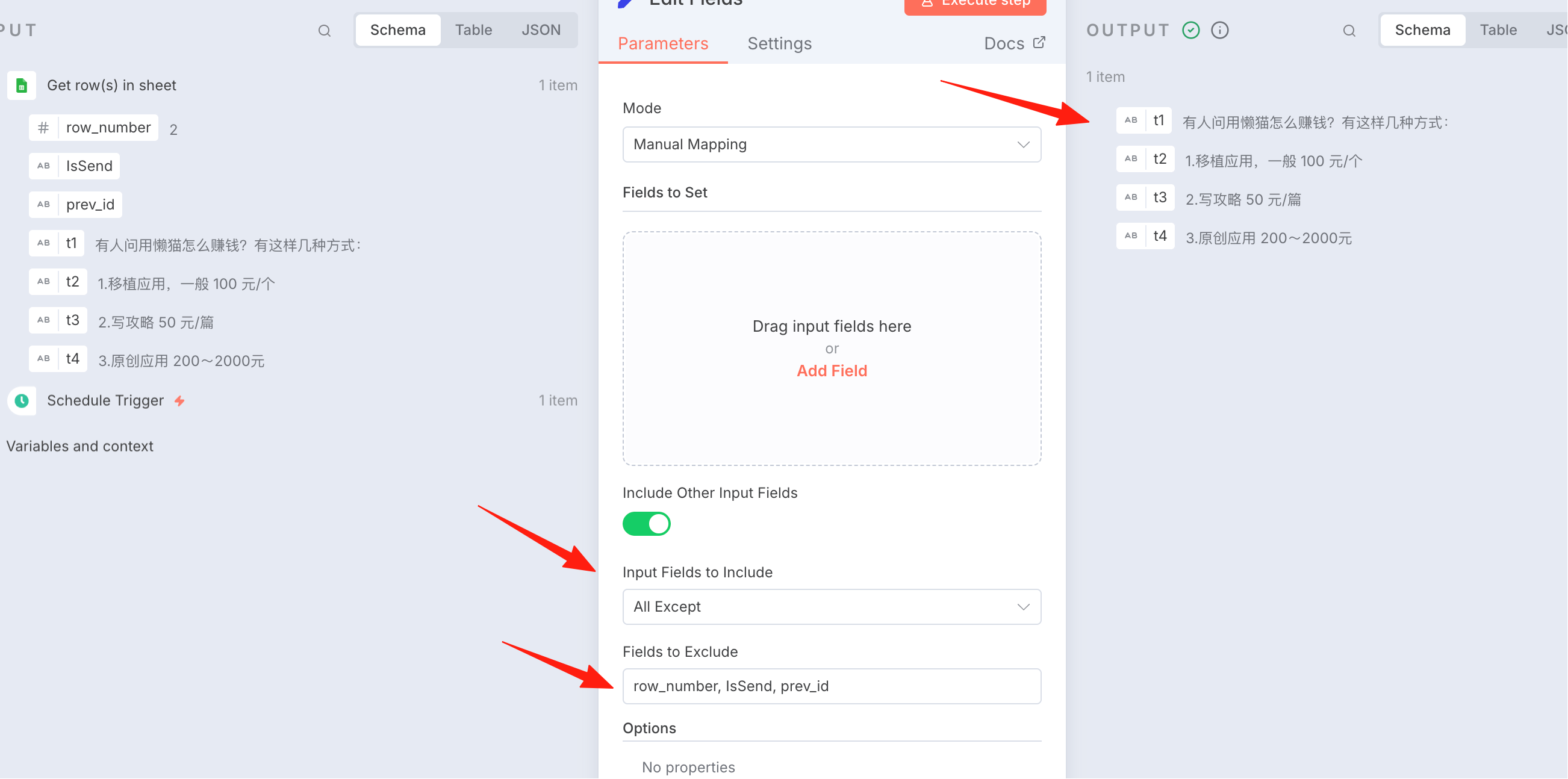
Next, add an Edit Fields node to filter out the tweet fields:
Exclude these 3 fields, the output should look like this on the right:
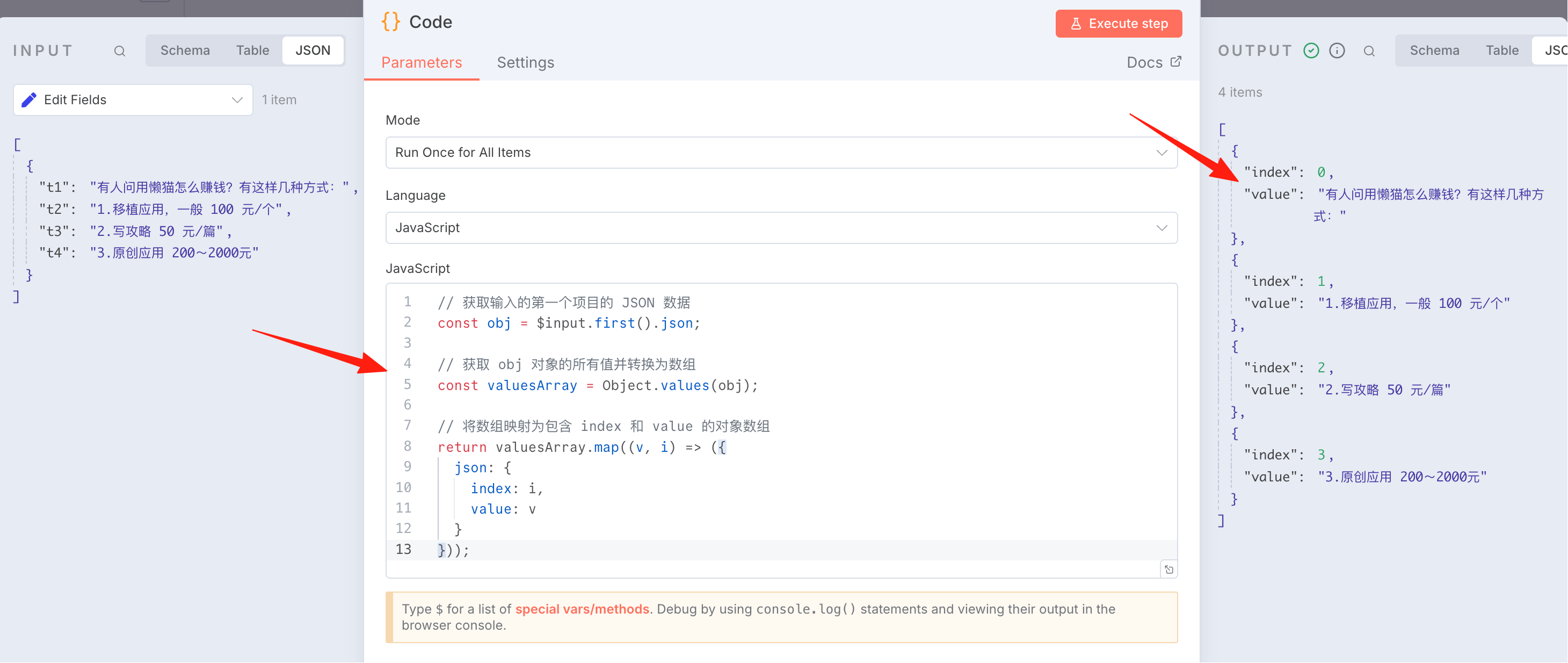
Add a Code node to process the data into JSON format. Reference code:
// Get JSON data from the first input item
const obj = $input.first().json;

// Get all values from the obj object and convert to array
const valuesArray = Object.values(obj);

// Map array to object array containing index and value
return valuesArray.map((v, i) => ({
  json: {
    index: i,
    value: v
  }
}));
The effect is as shown:
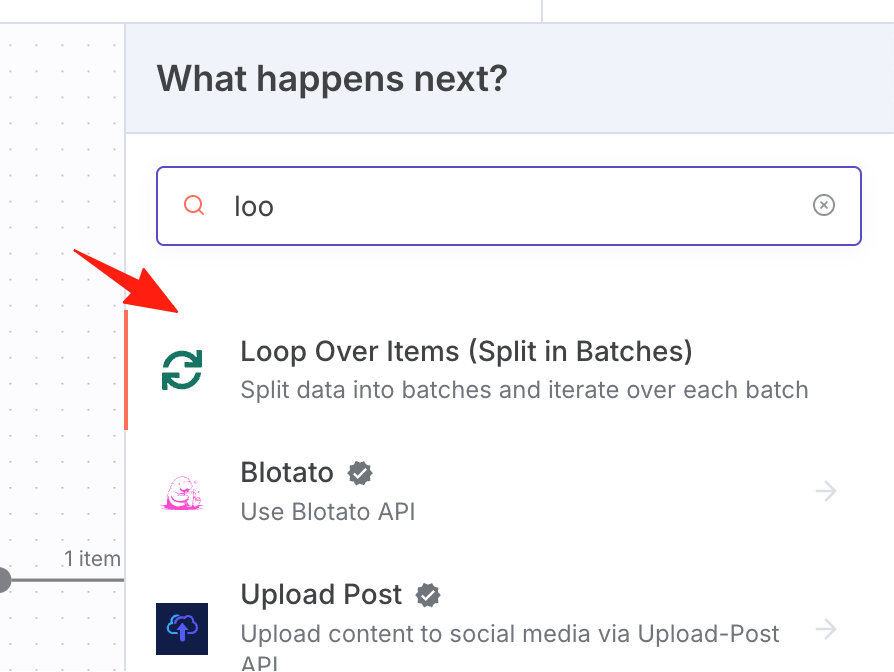
Add a loop processing node:
Prepare to reply to the tweet:
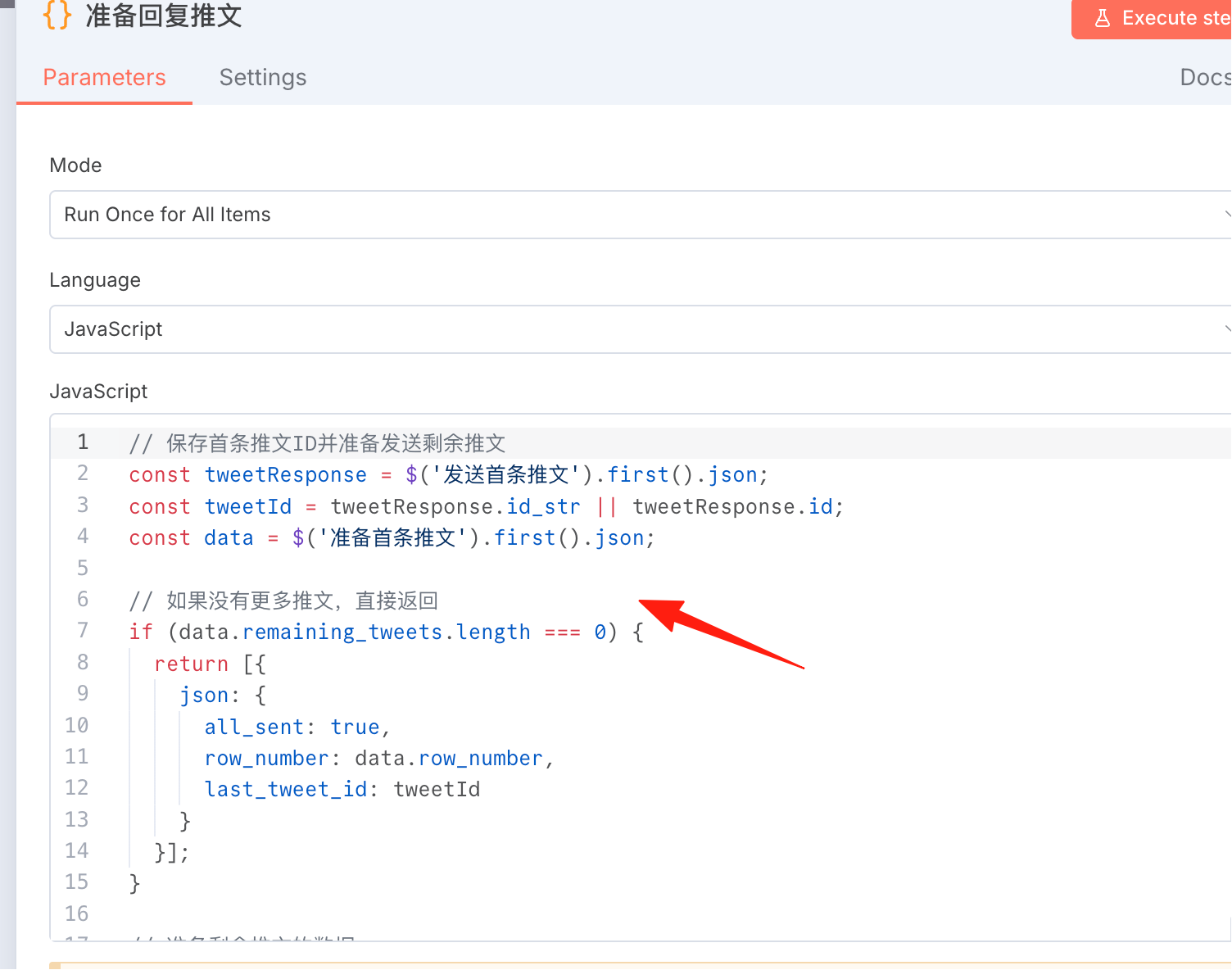
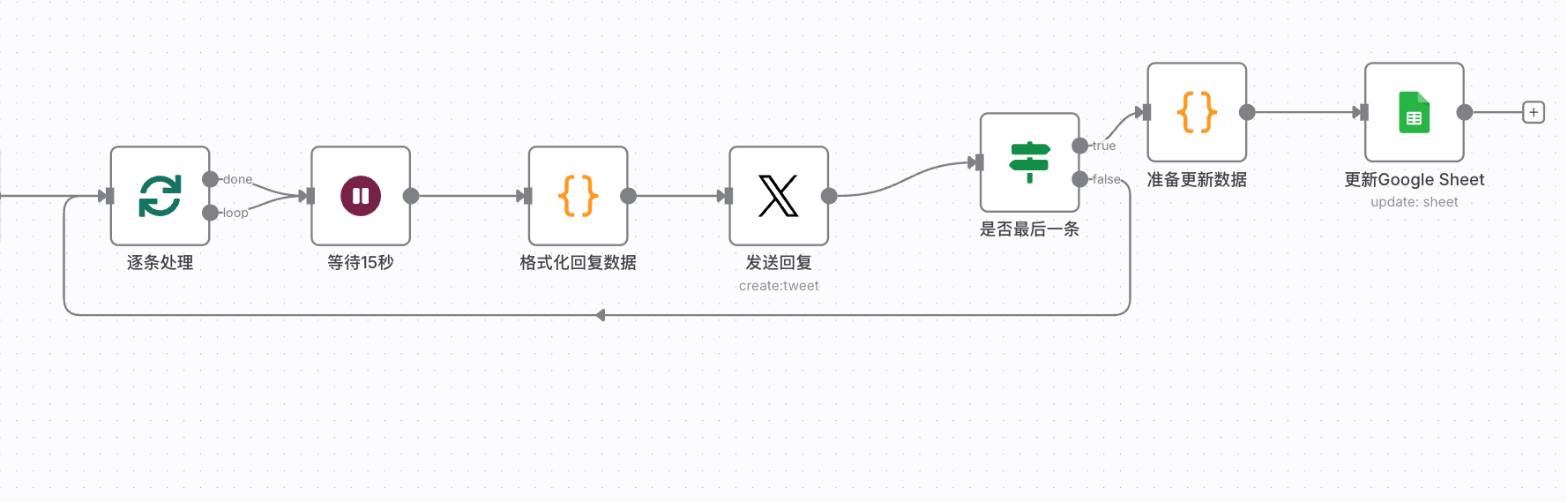
Here we enter the loop logic. After getting the ID of the previous tweet, directly reply to that tweet ID:
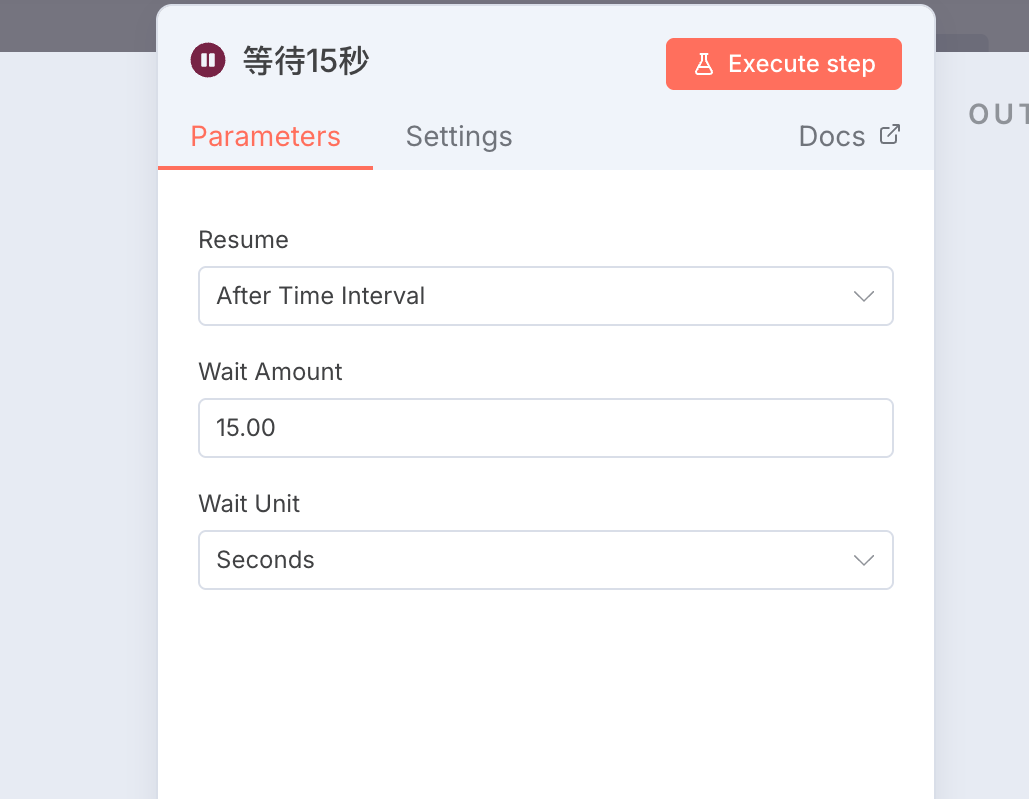
To prevent API rate limiting, I added a 15-second wait node in the middle:
Finally, after sending is complete, mark the corresponding row in Google Sheet as sent:
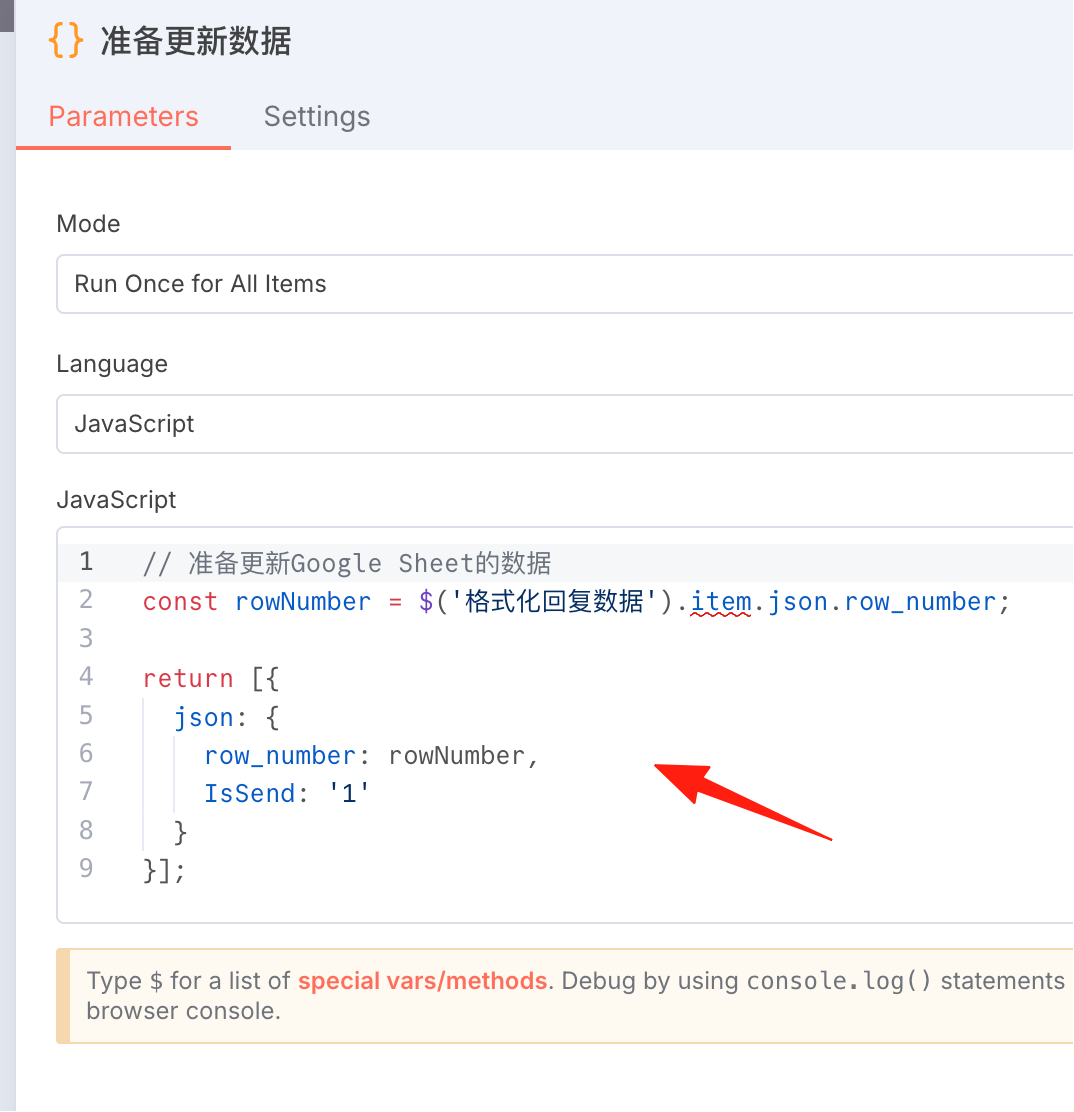
The core challenge of this workflow is to correctly implement the tweet reply chain:
-
Each tweet must correctly reference the previous tweet's ID The Twitter API's inReplyToStatusId parameter has strict format requirements Need to dynamically pass and update tweet IDs within the loop
-
The SplitInBatches node's looping mechanism limits data access Cannot directly reference data from nodes executed outside the loop Need to use static storage ($getWorkflowStaticData) to maintain state across loops
The final result is as shown:
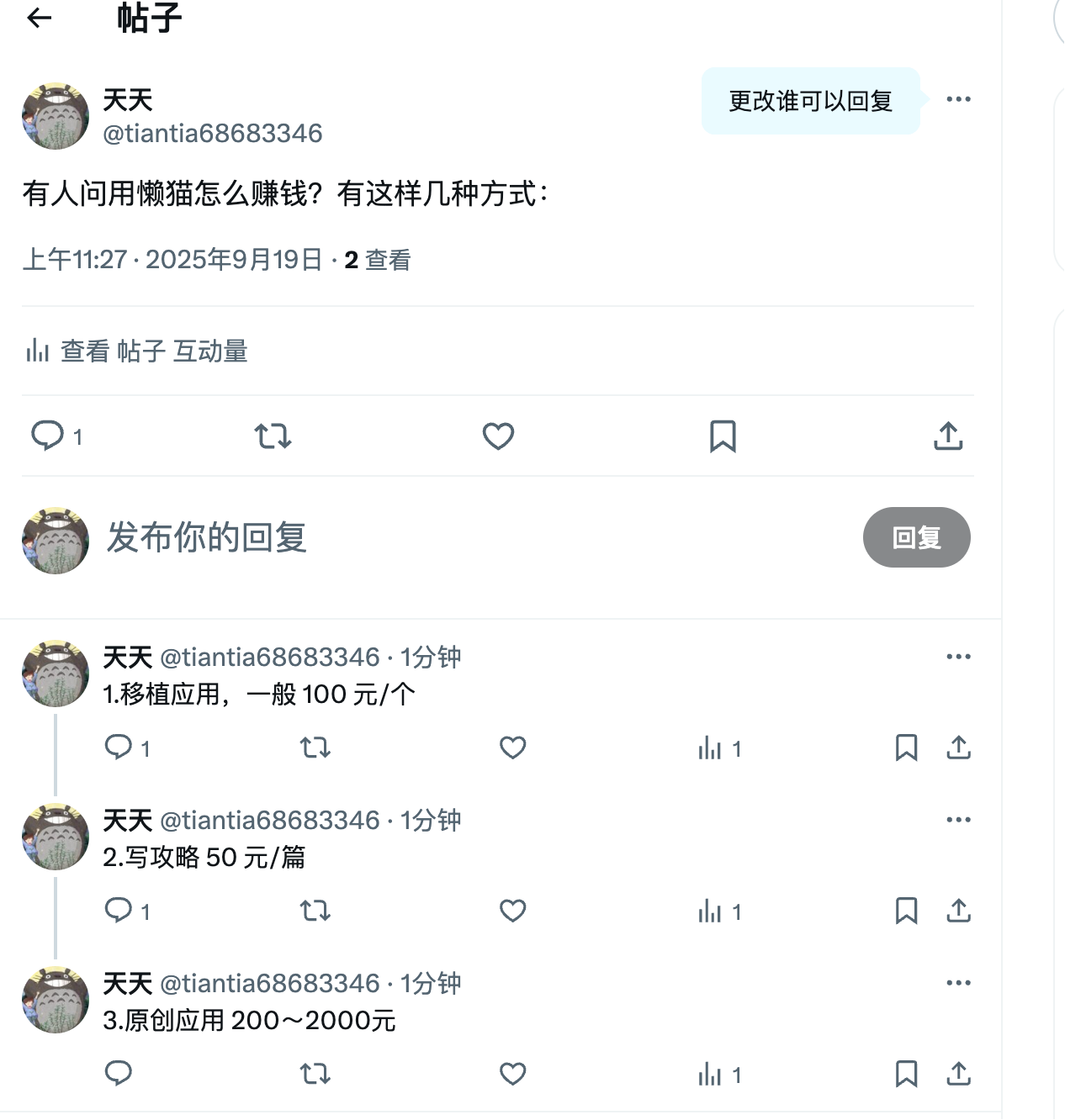
This completes the workflow for automatically sending long thread tweets.