
n8n Configuration Guide 14: How to Configure X (formerly Twitter) Node
In n8n, you can configure X to enable automatic reading and sending of tweets.
This guide explains how to configure the relevant details for X.
https://appstore.lazycat.cloud/#/shop/detail/cloud.lazycat.app.n8n
1. Create a New Workflow
First, create a new workflow.
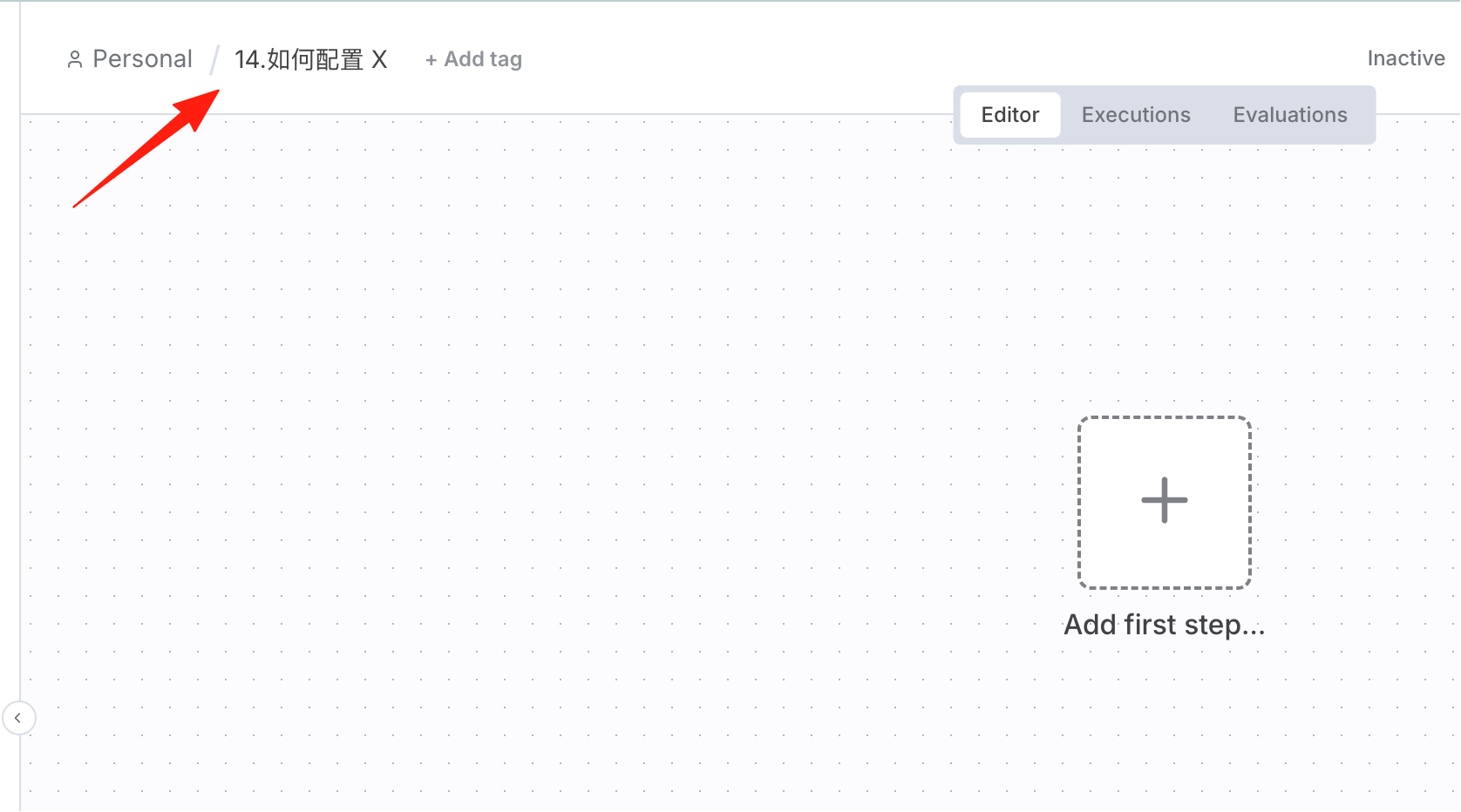
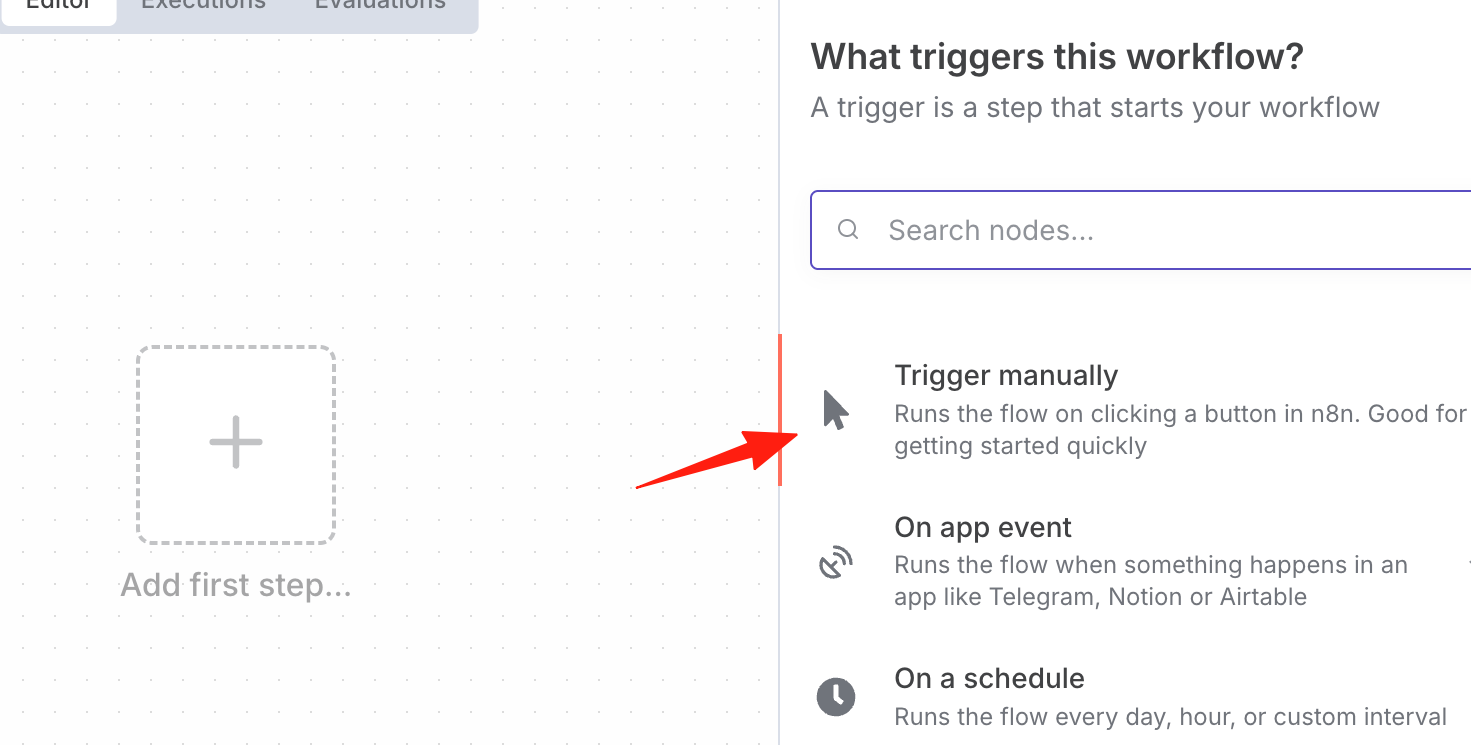
For the trigger, simply select "Manual Trigger".
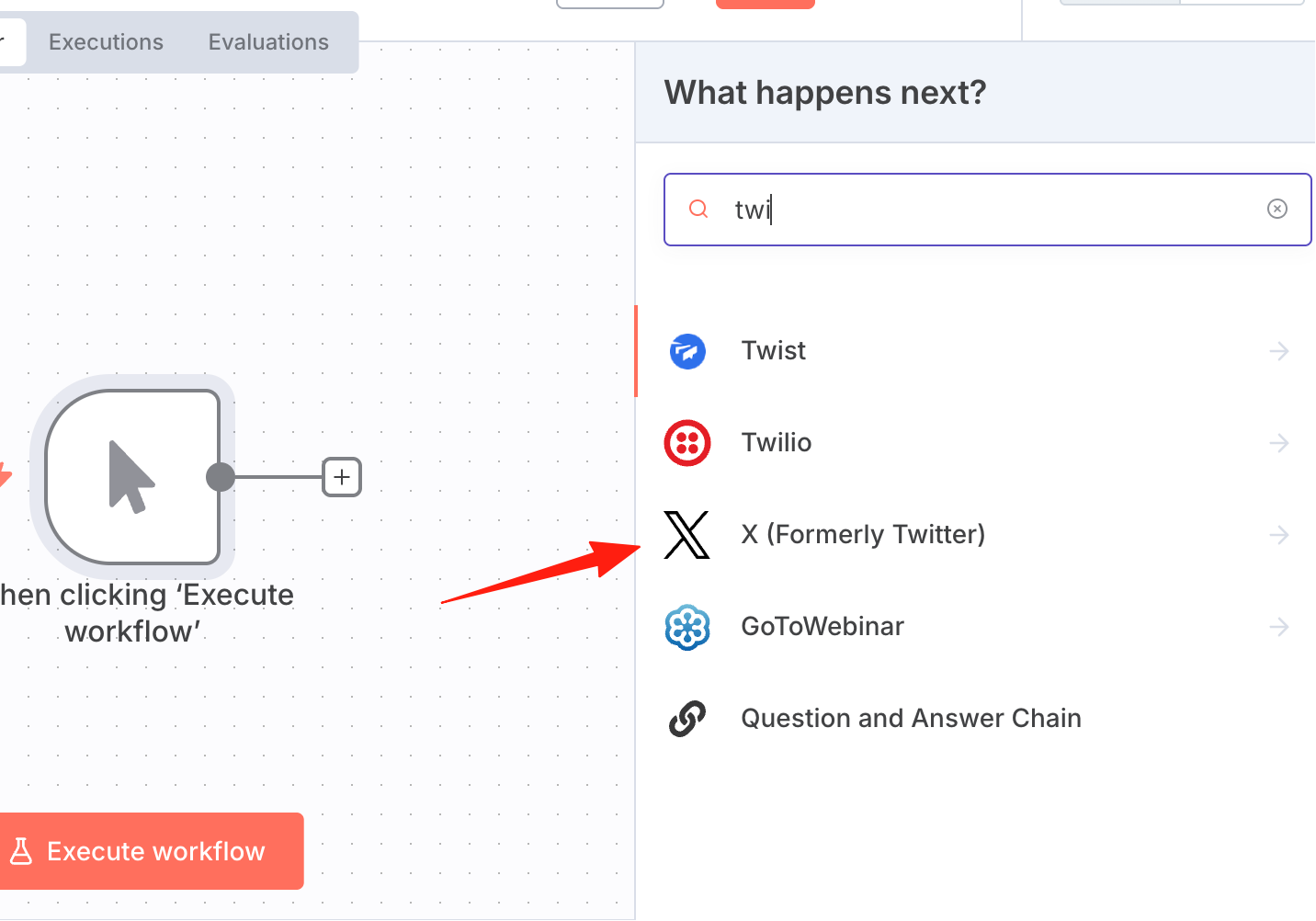
Add an X node.
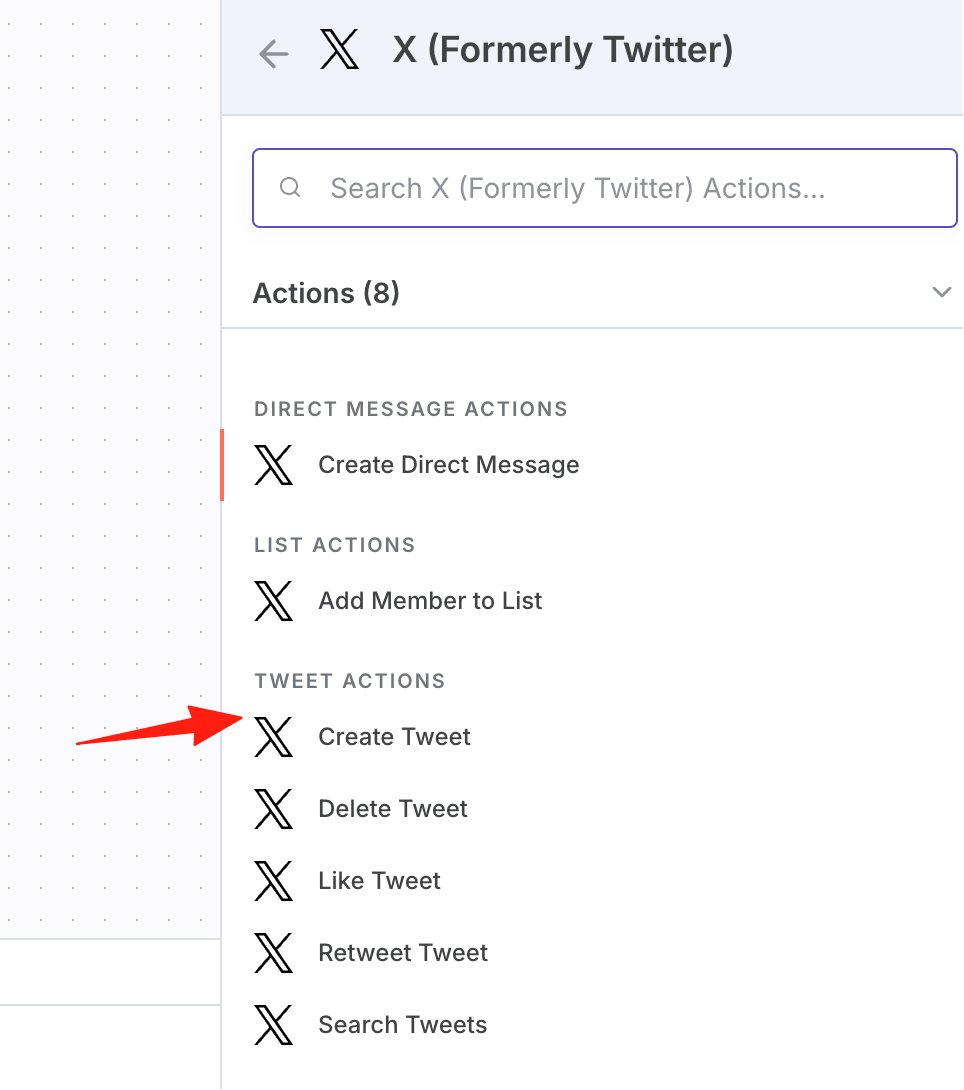
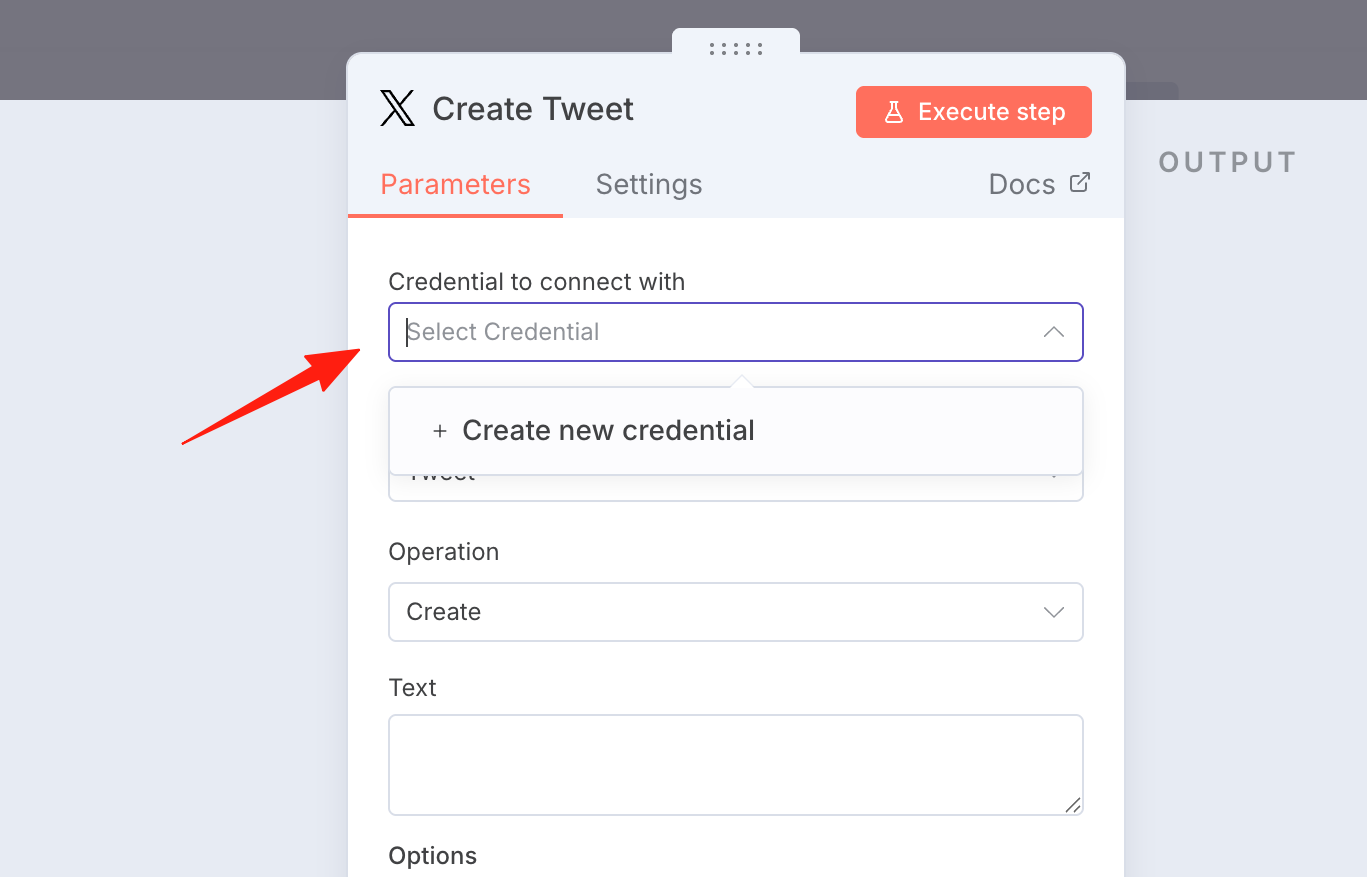
Select "Create Tweet".
Credentials need to be created here.
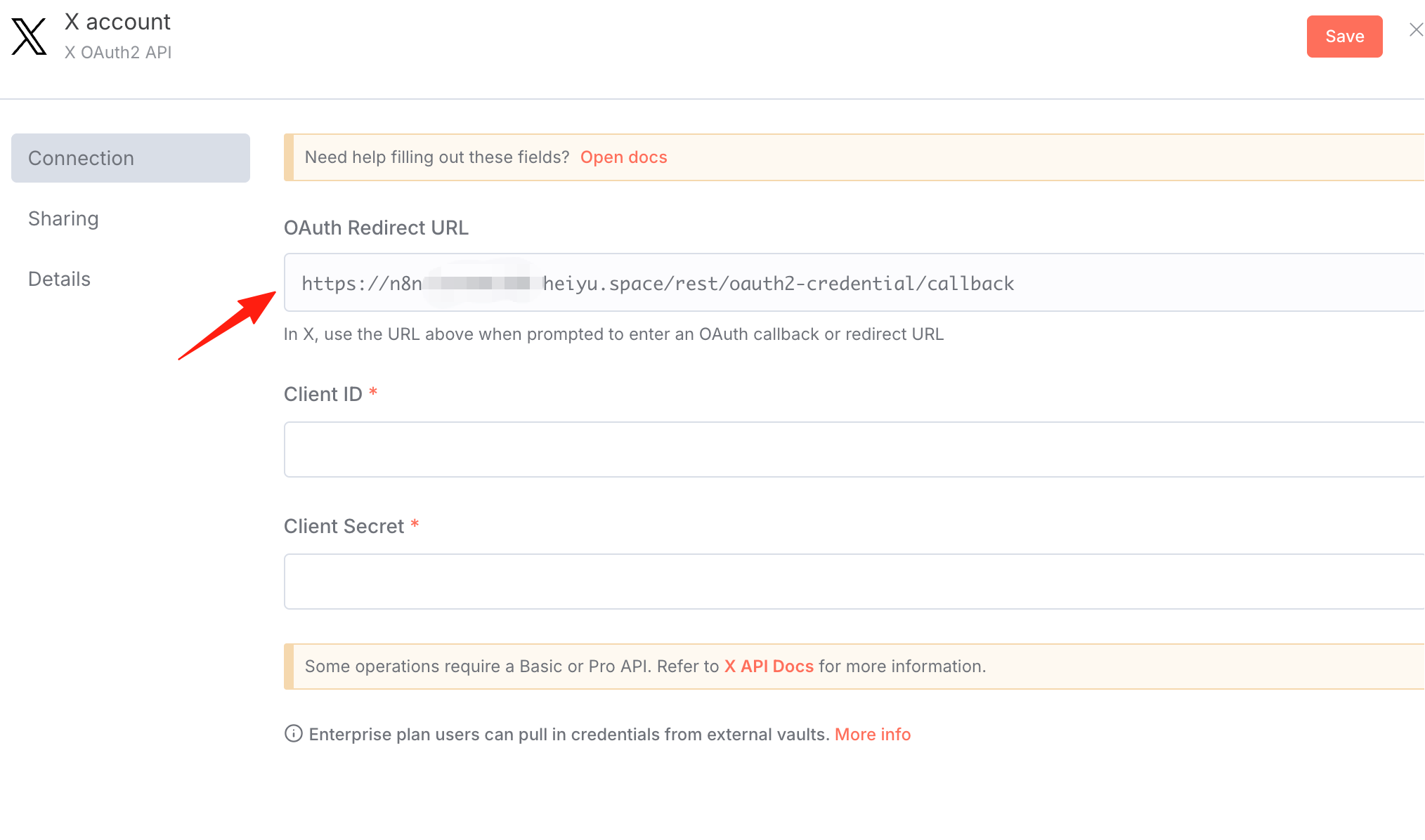
You can copy this URL first; it will be needed later.
2. Check the API Documentation
The official configuration documentation is here. It's in English by default; you can use immersive translation to view it in Chinese.
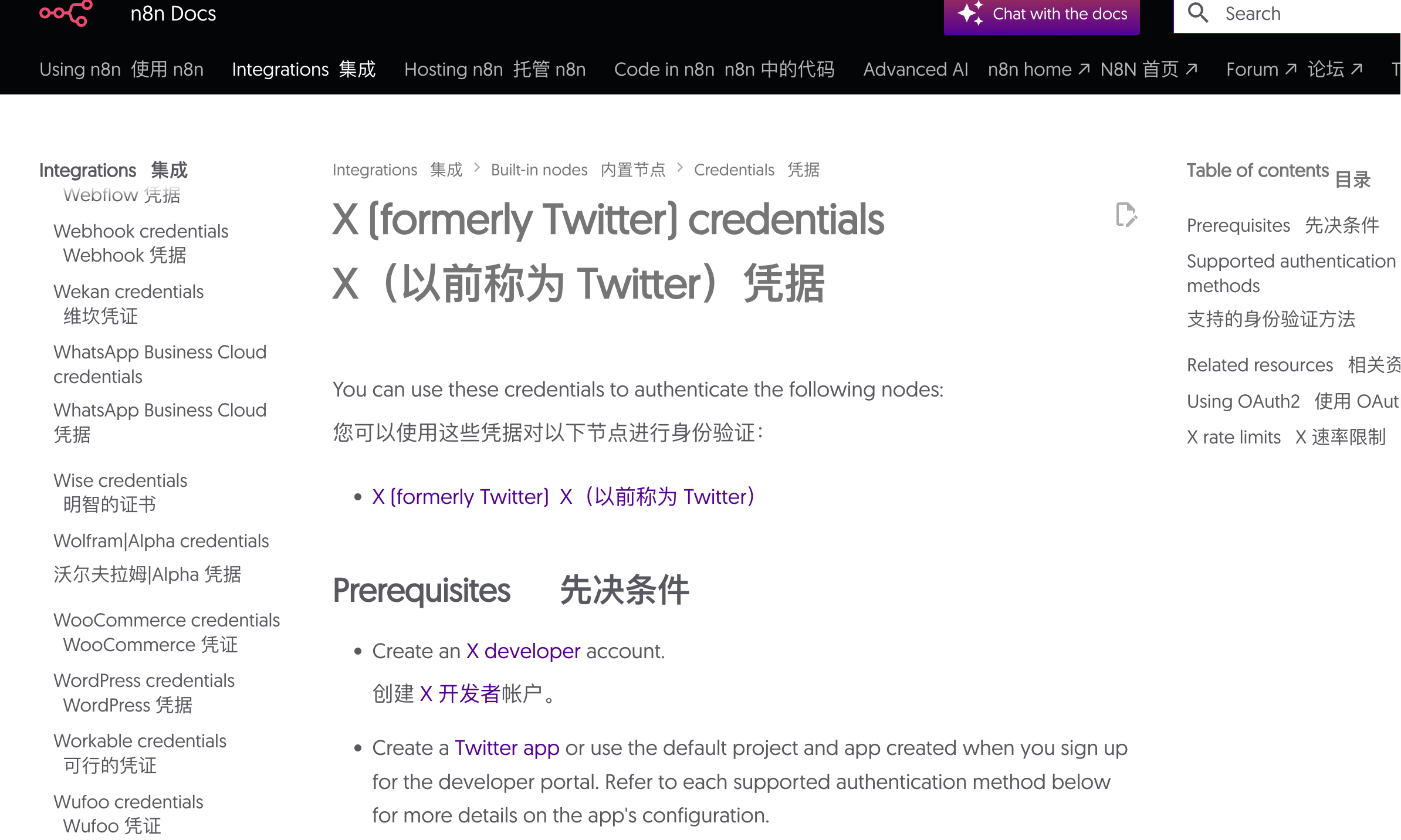
According to the documentation, you first need to go to the X developer account and apply for access.
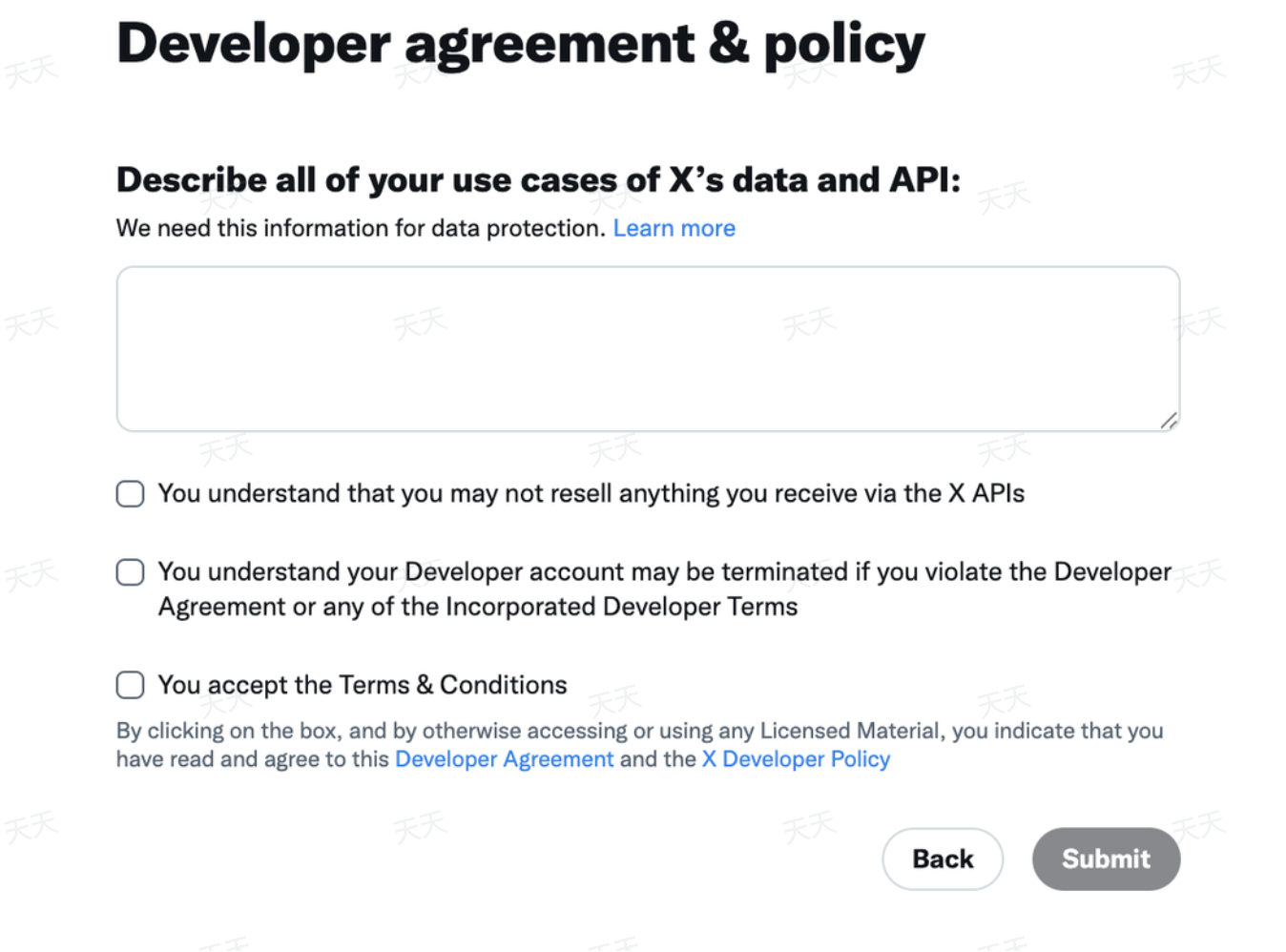
For the application reason, you can have AI generate one for you; it's best to fill it out in English. Check all these boxes.
Next, create a project to apply for a Client ID and Secret Key.
On the "Overview" tab of your project, find the "Apps" section and select "Add App". This is the page after I created it.
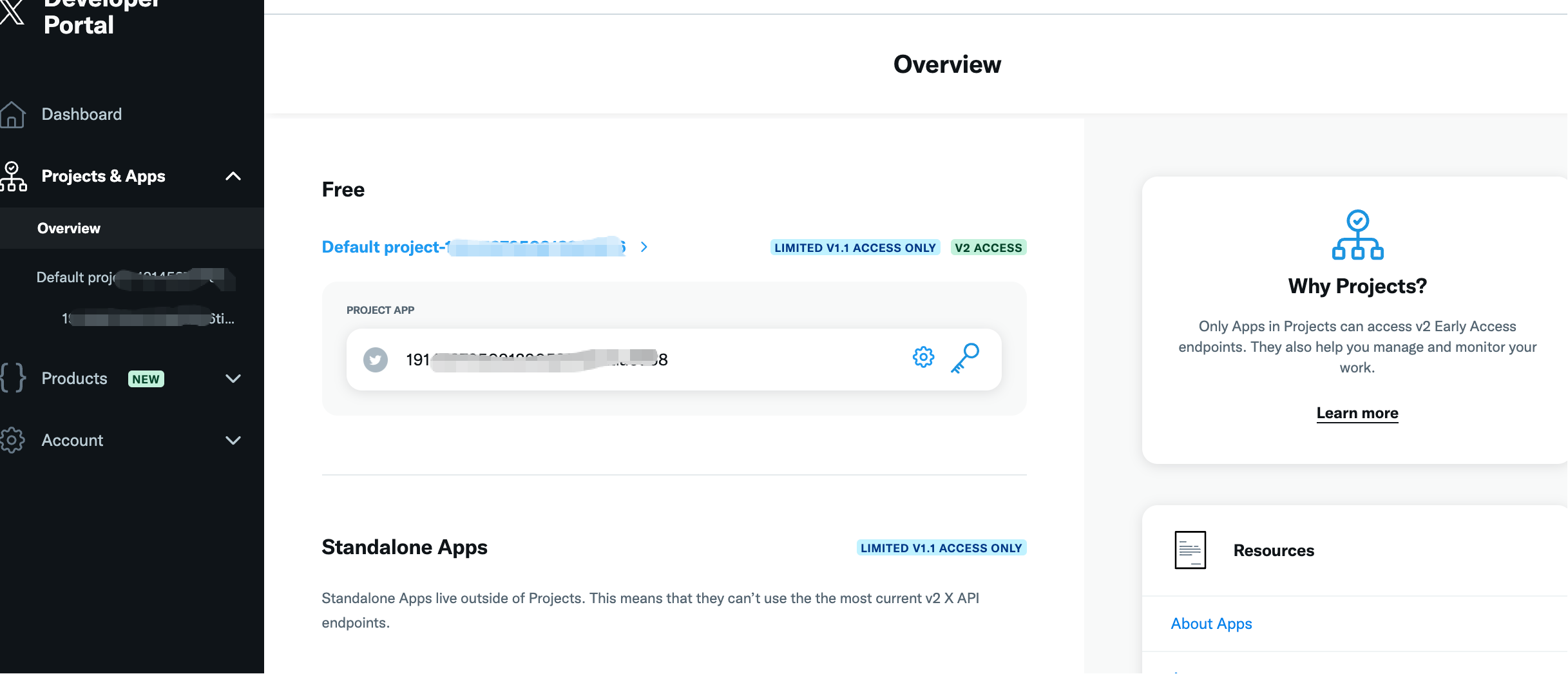
Enter the app's settings interface.
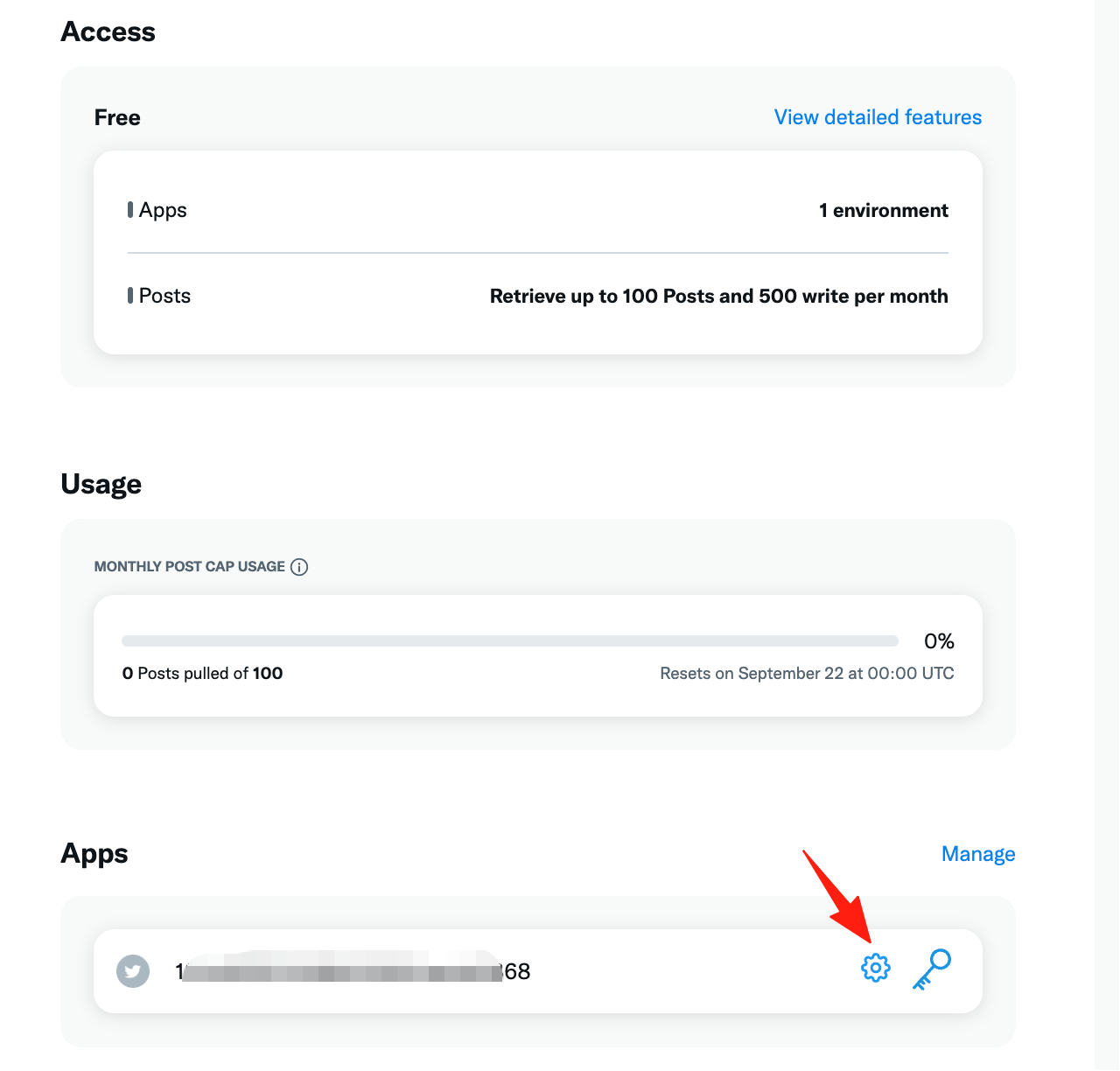
In User authentication, click "Set up" to install.
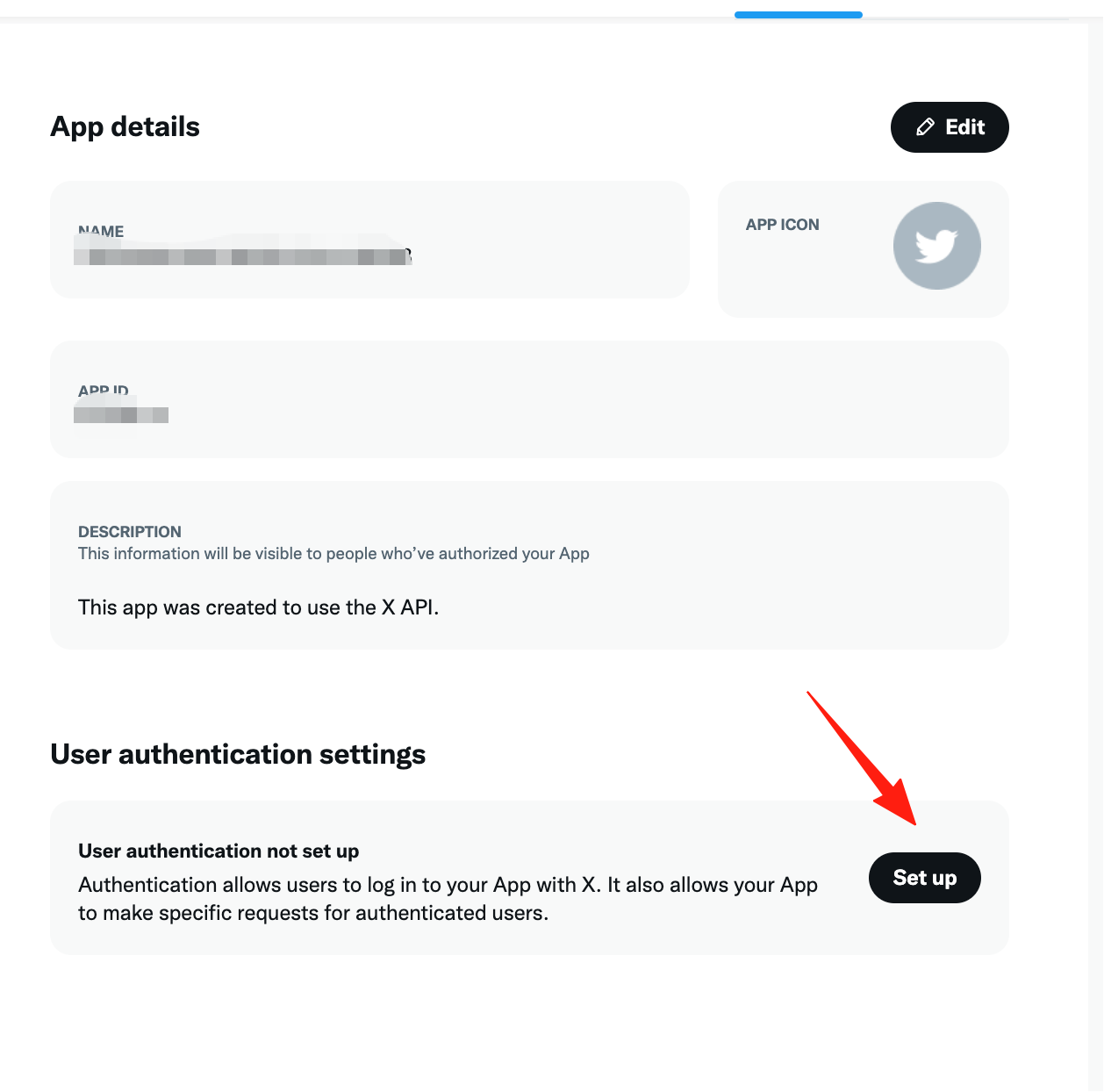
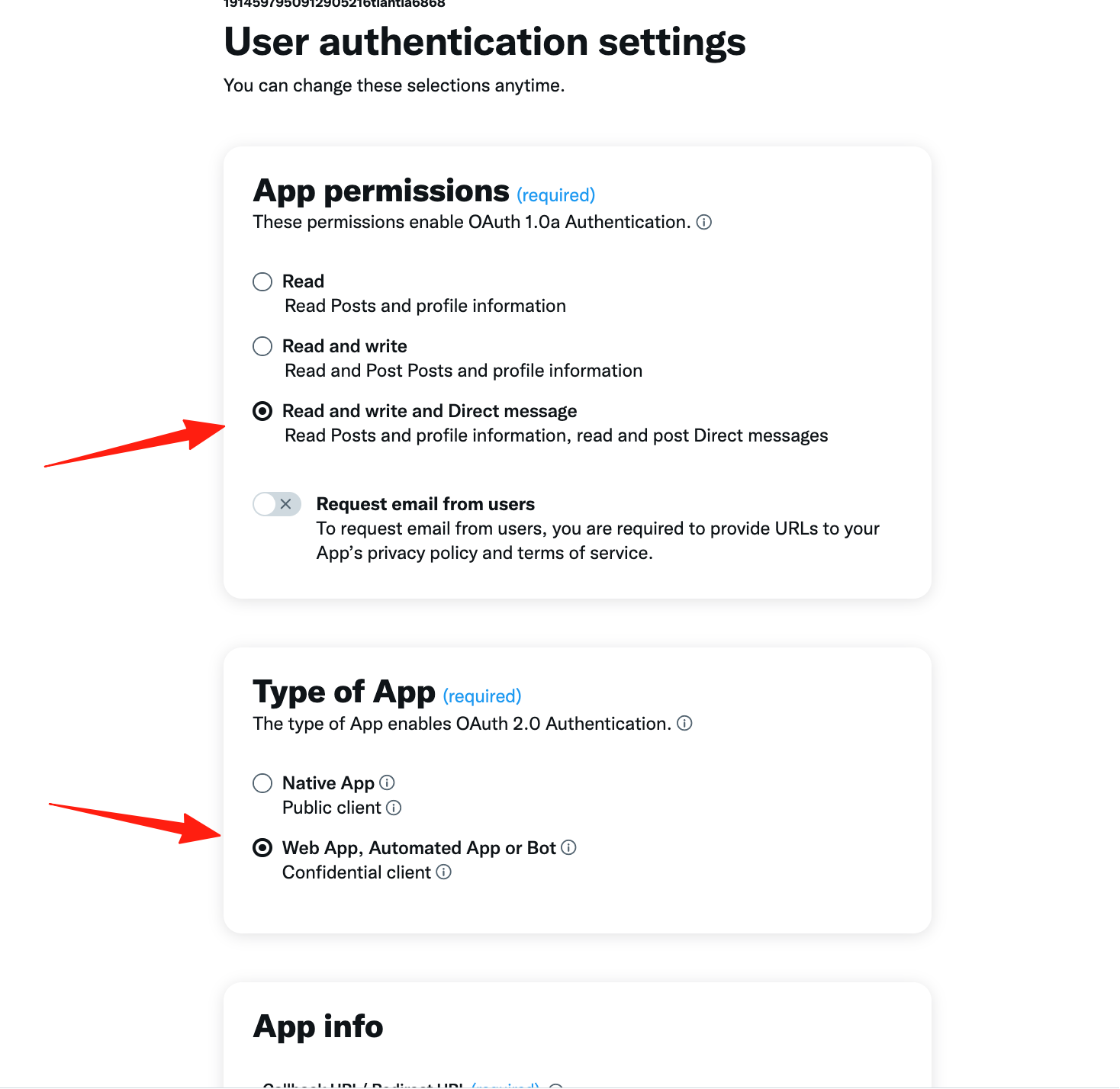
Here, I gave it the highest permissions. For "Type of App", select the bottom option.
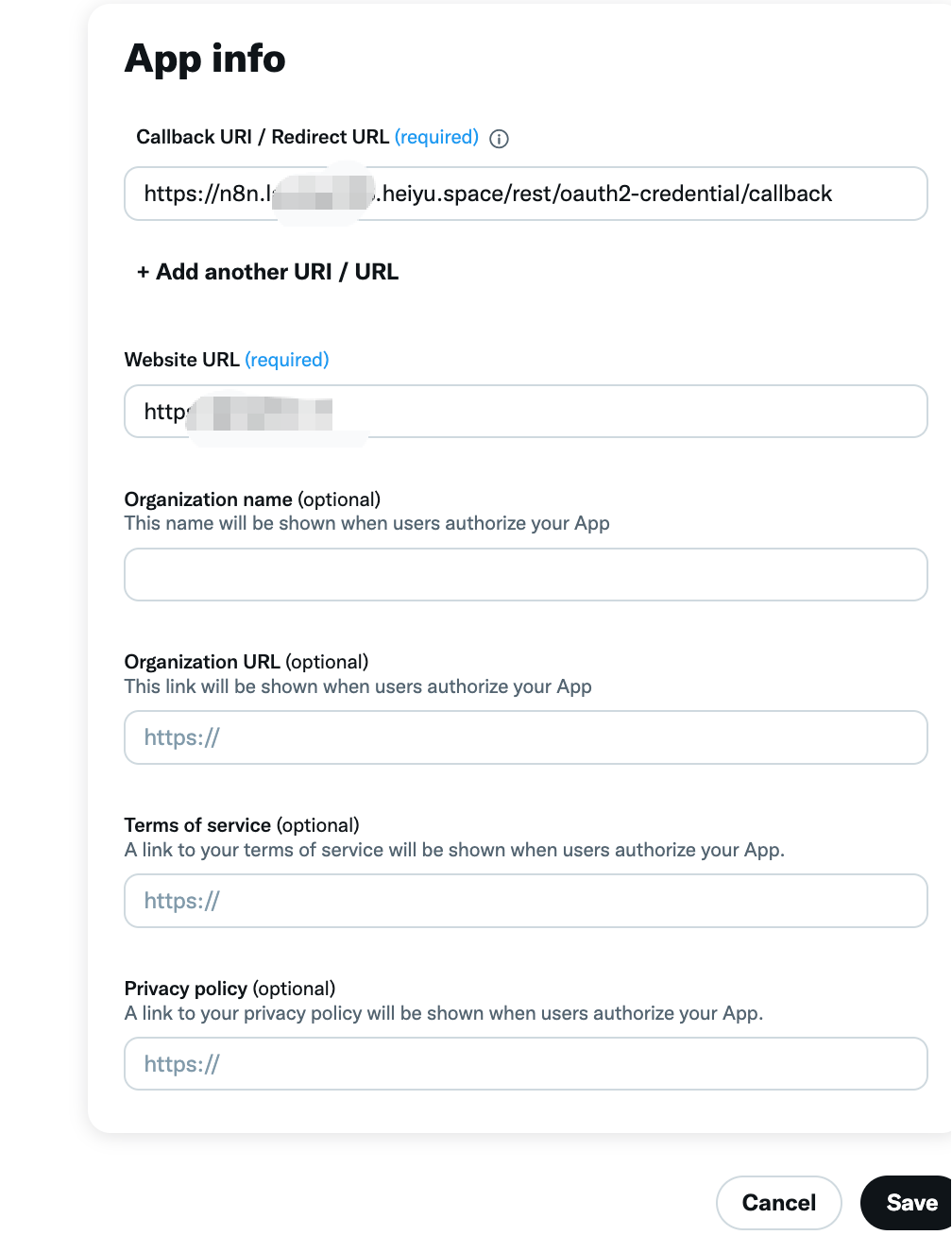
In the "App info" section, you need to fill in several URLs.
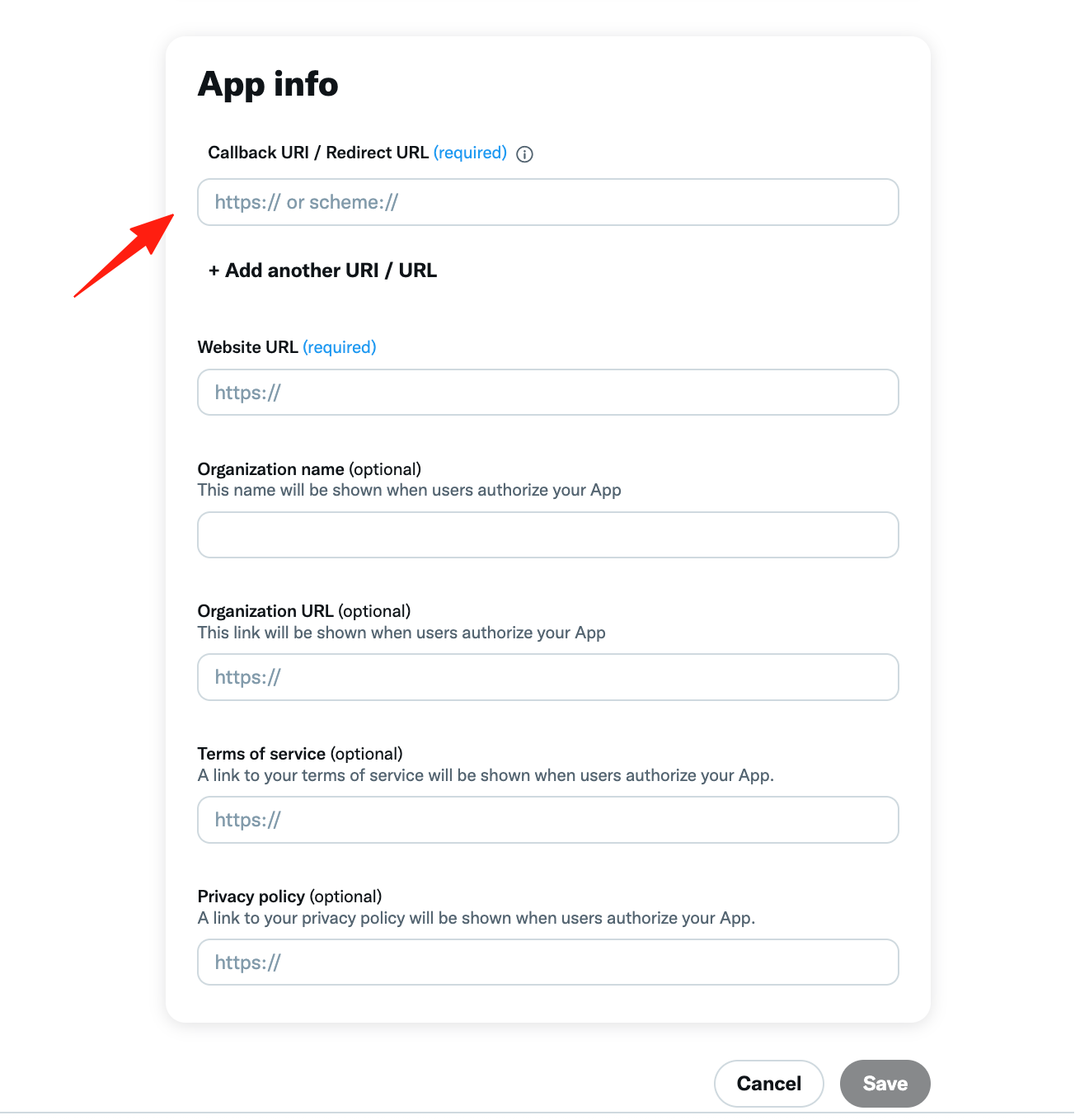
The Callback URI here is the URL we copied in Step 1. Enter your website URL; you can fill in any valid one.
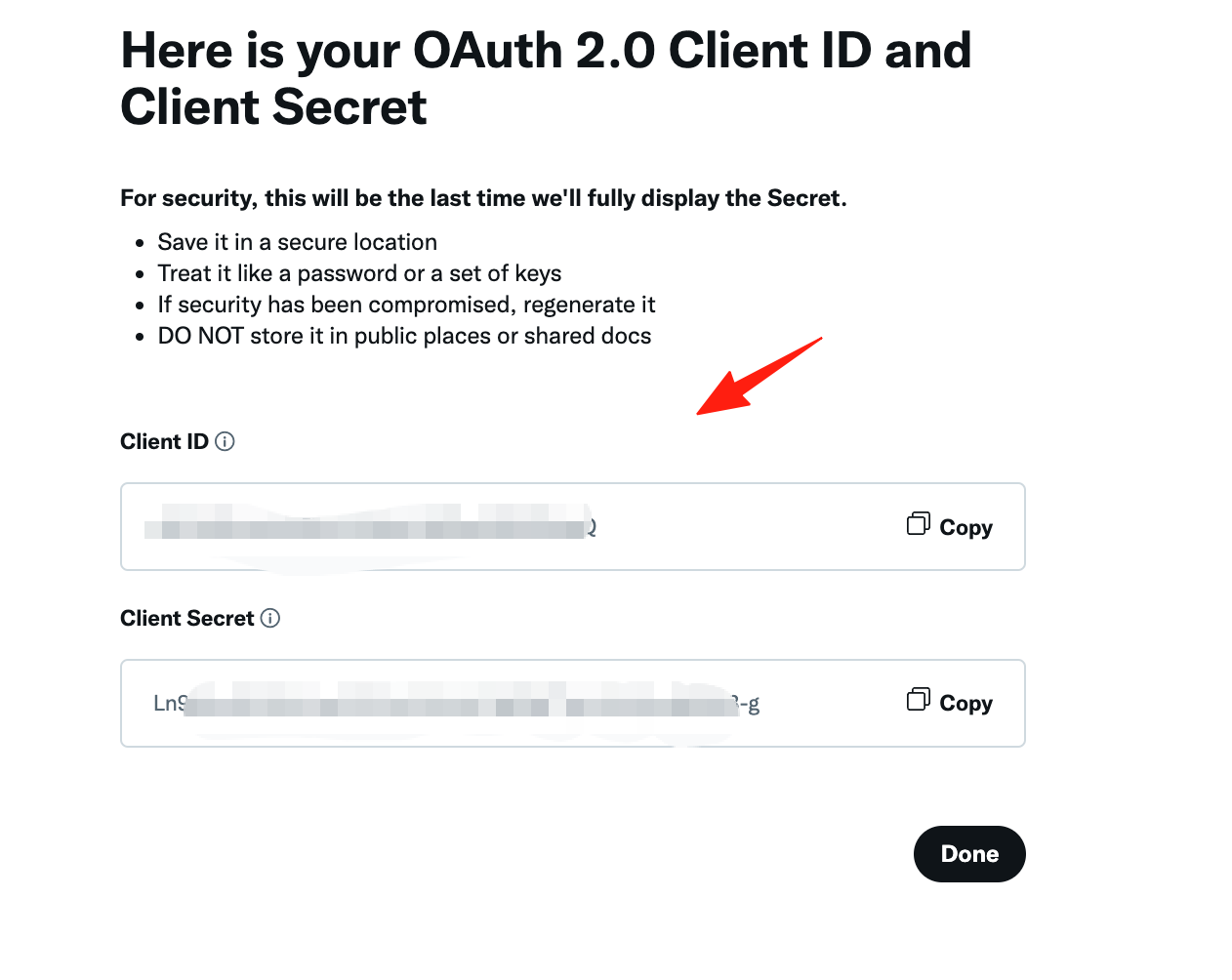
At this point, the Client ID and Secret will be generated. Note: save the secret key locally to prevent loss.
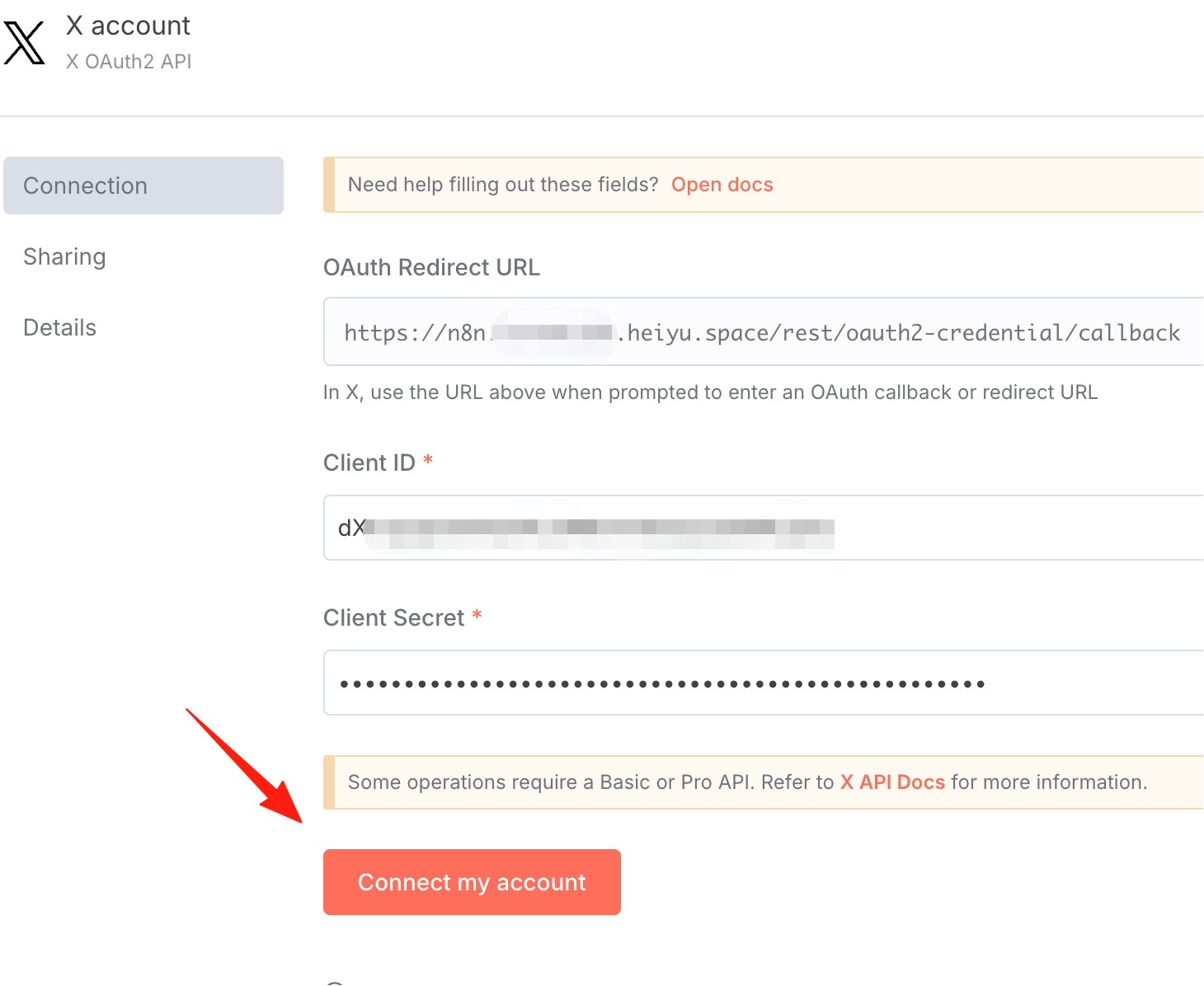
Copy and paste them into the n8n fields.
Click "Connect Account".
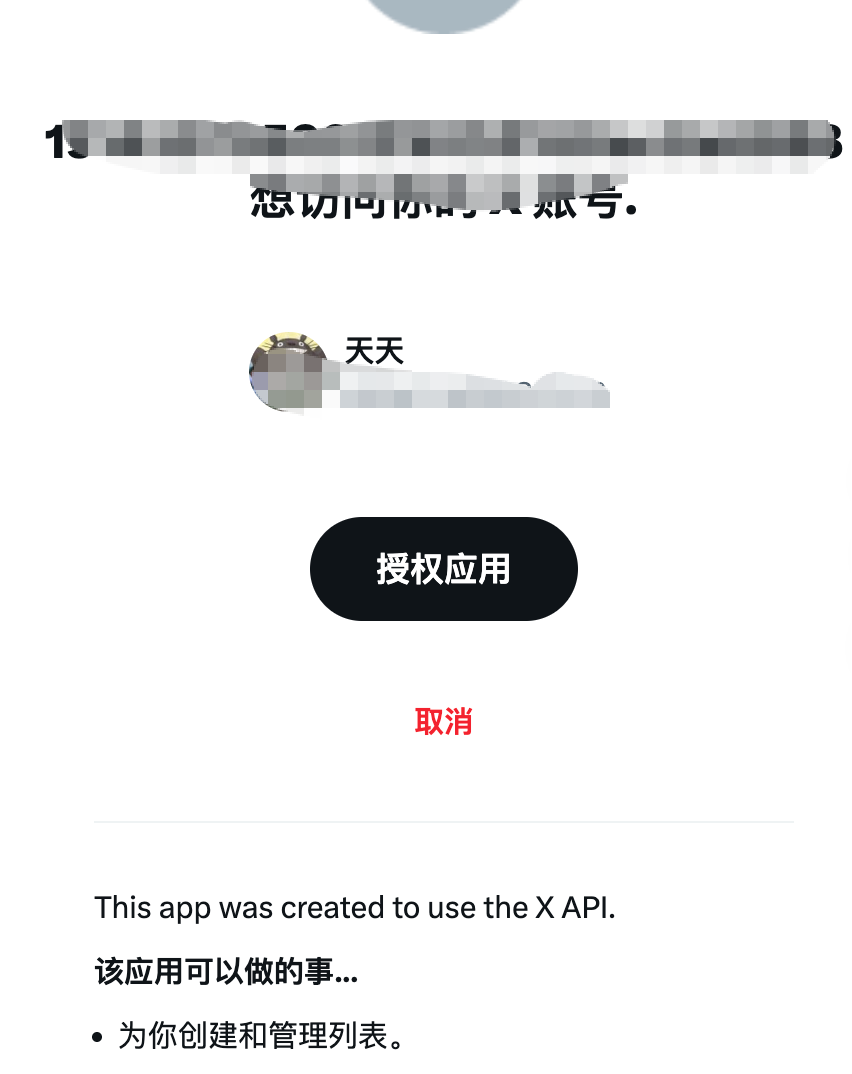
Authorize the app.
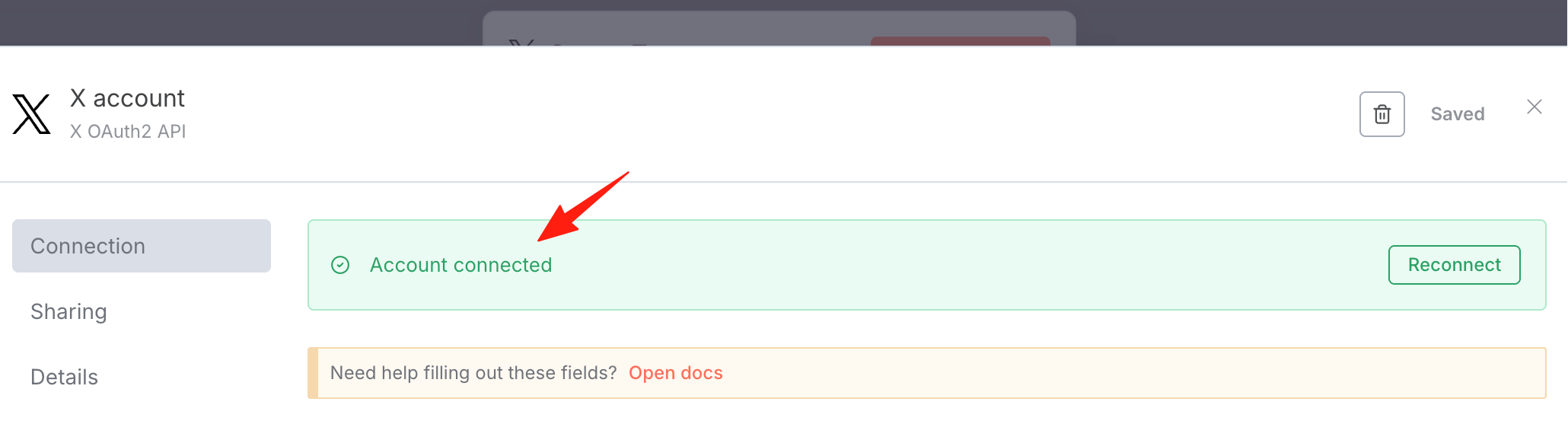
In n8n, you can see the connection was successful:
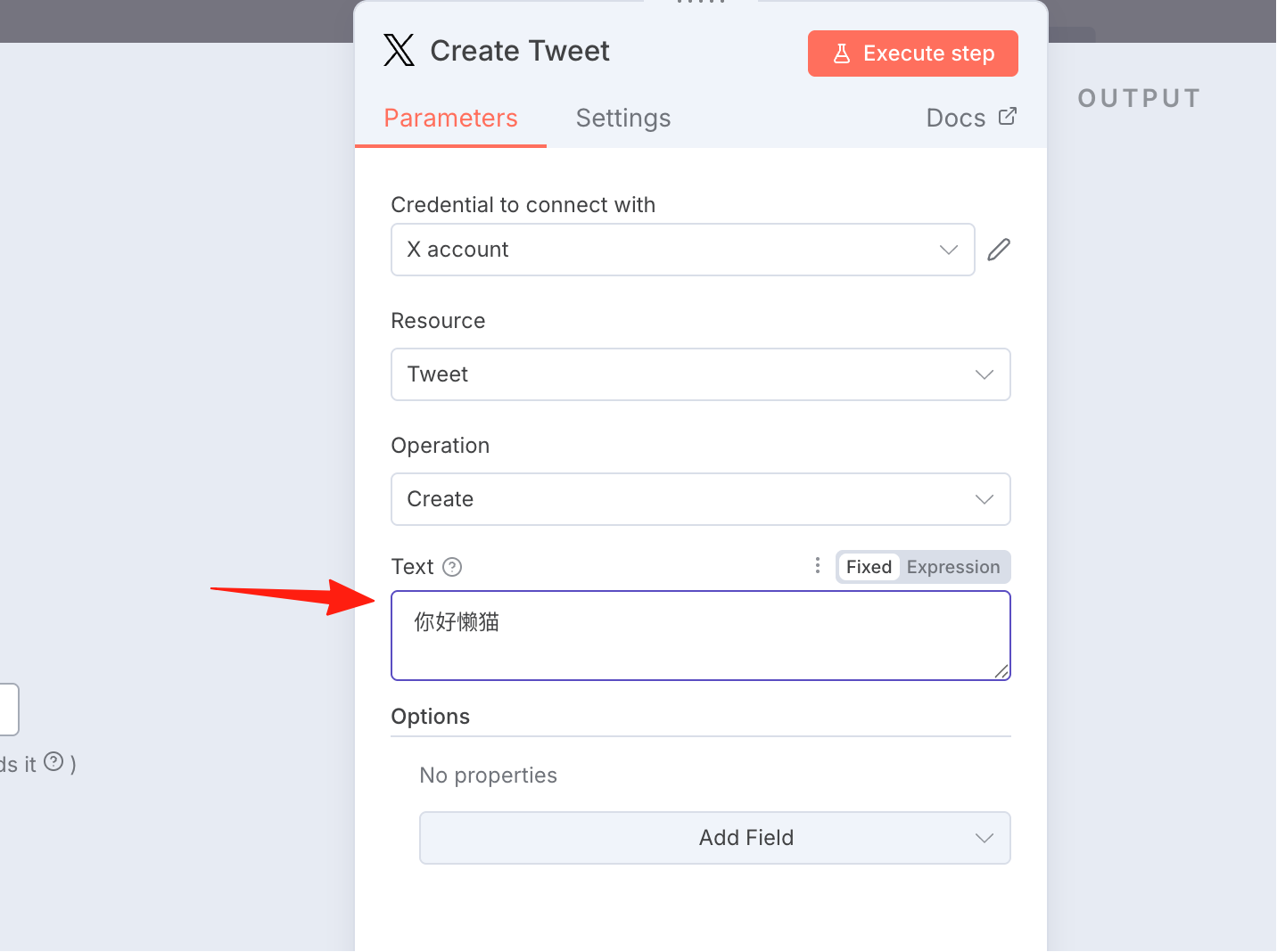
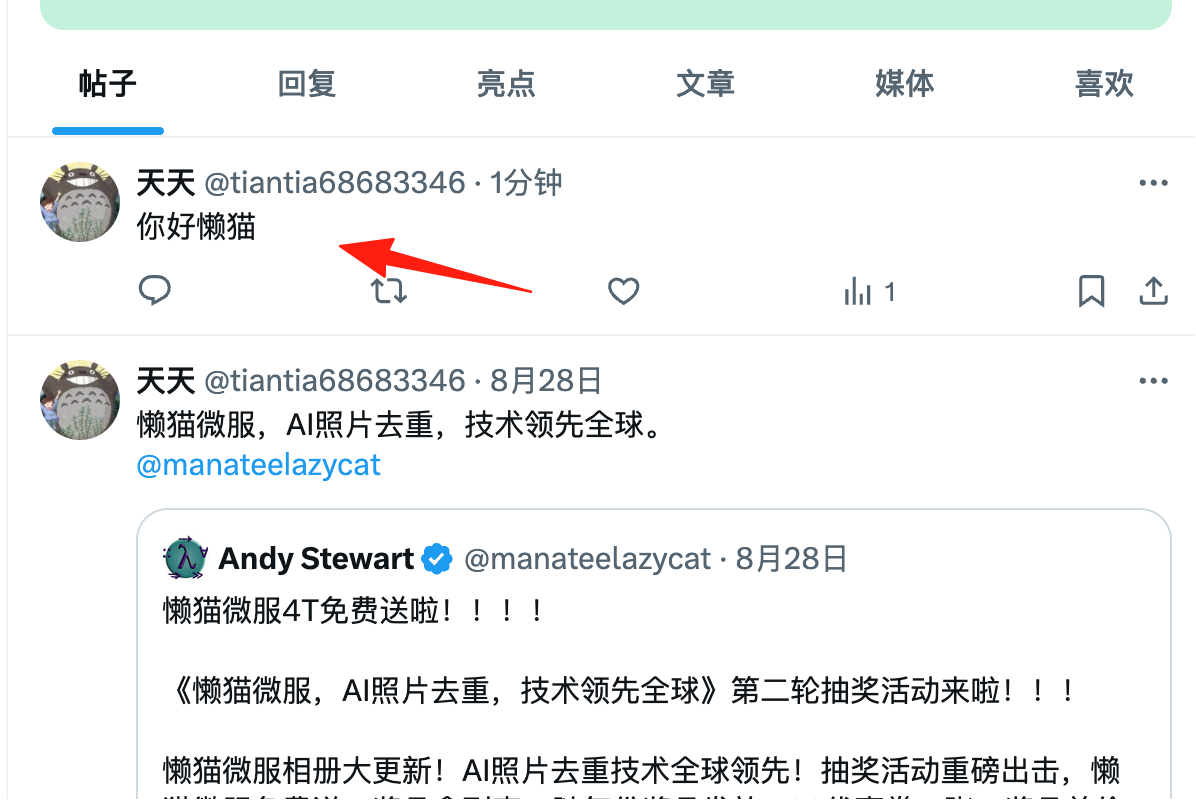
Let's test it by sending a "Hello Lazy Cat".
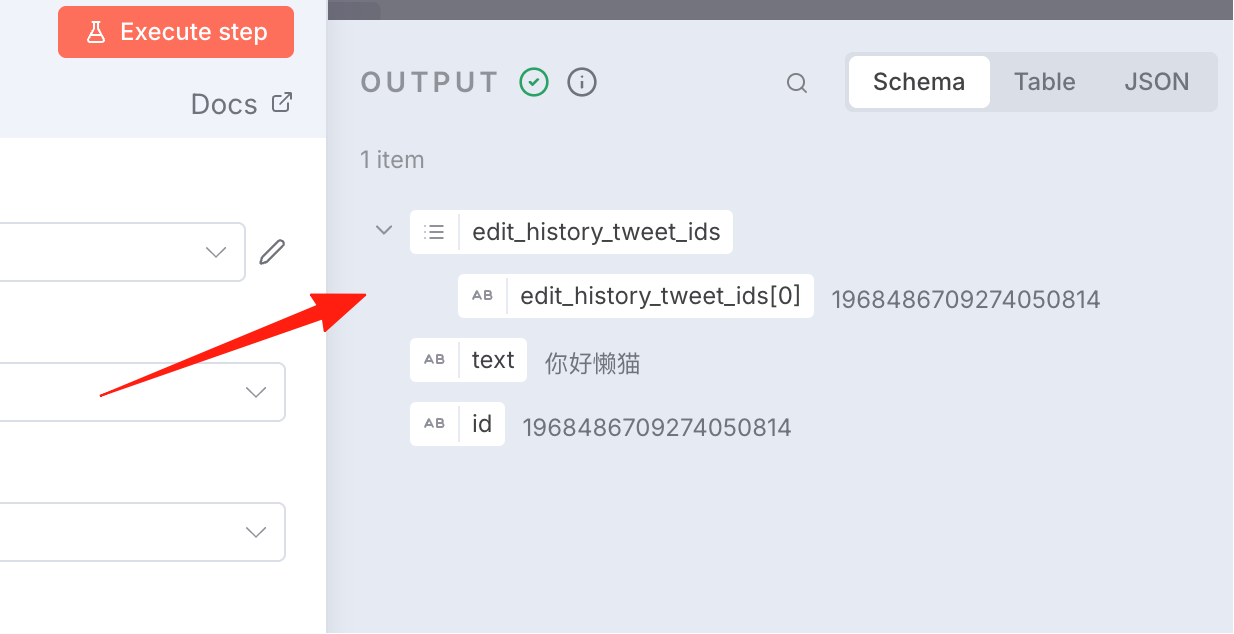
You can see the output result.
You can see it in my feed.
The above covers the configuration for X in n8n. Next, you can use it to do some interesting things, such as automatically scheduling tweets. Stay tuned for my future guides.