
Castopod: Easily Build Your Own Podcast Platform, Even for Beginners
What is Castopod?
In simple terms: Castopod is "WordPress for podcasts" — free, open-source, self-hostable, powerful, and completely independent from platforms!
Its features:
- 🌱 Completely free and open-source (AGPL v3 license), no worries about sudden platform fees or shutdowns
- 🔐 Full data sovereignty: Your content, subscribers, and analytics 100% belong to you, not fed to any third parties
- 🎙️ Built-in professional podcast features: Chapter markers, transcripts, donation links, and ad insertion handled with ease
- 💬 Built-in social features: Listeners can comment, favorite, and share your episodes, plus connect with the Fediverse and interact with Mastodon users
- 📈 GDPR-compliant analytics: Built-in compliant statistics showing who listened, for how long, and from where
https://appstore.lazycat.cloud/#/shop/detail/in.zhaoj.castopod
How to Use
After installing the app, open the homepage.
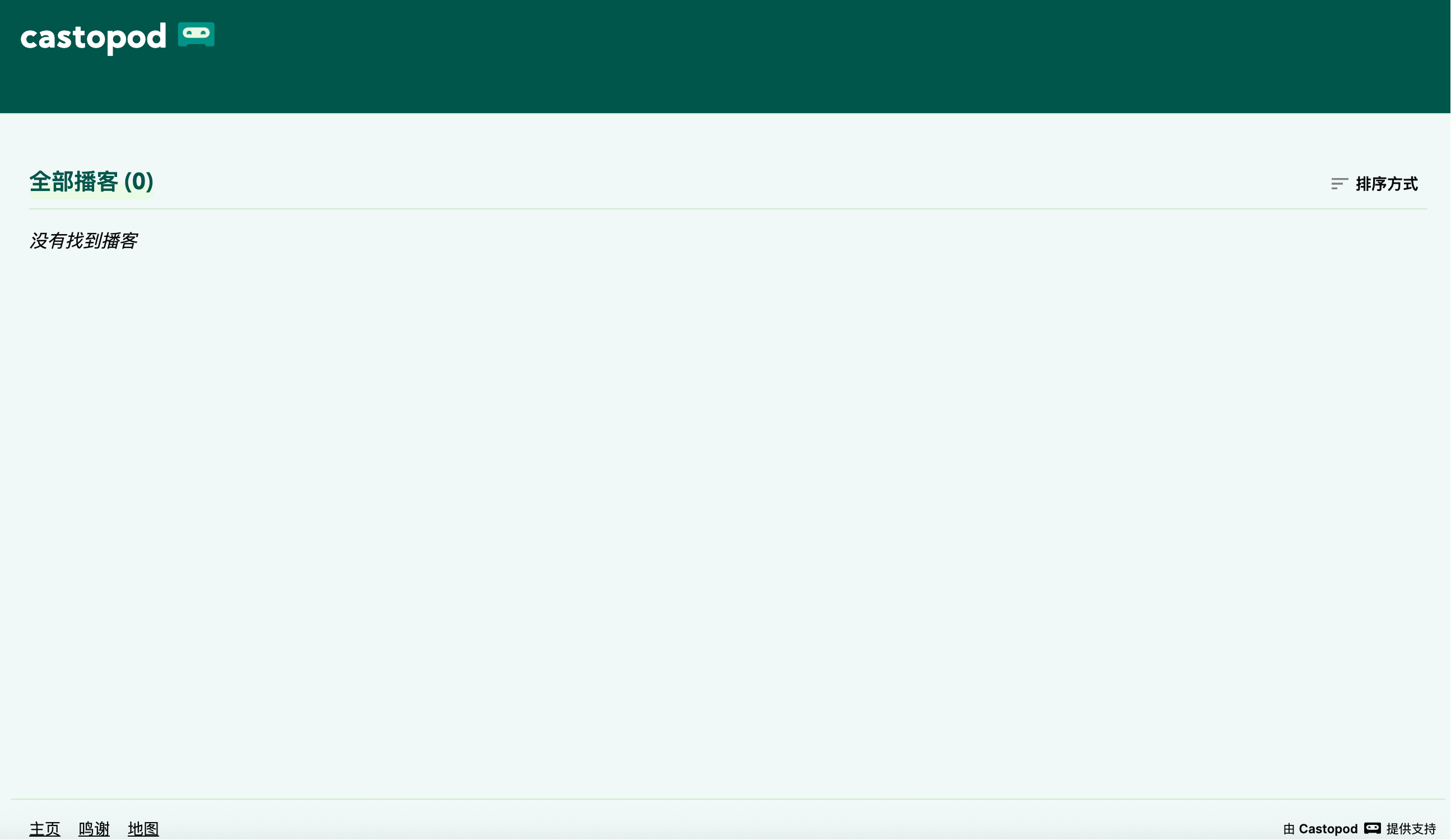
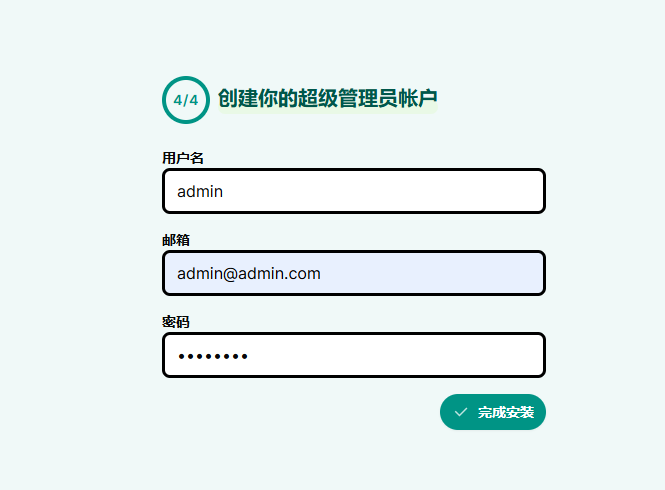
Manually add /cp-install to the address to create an administrator account. Note that the password cannot be too simple.
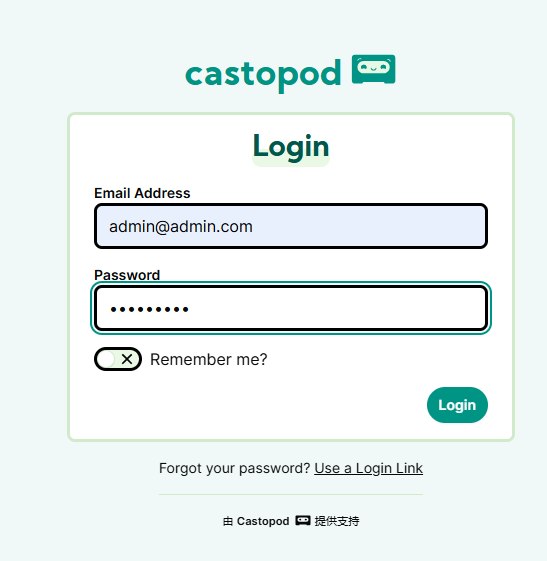
Log in again.
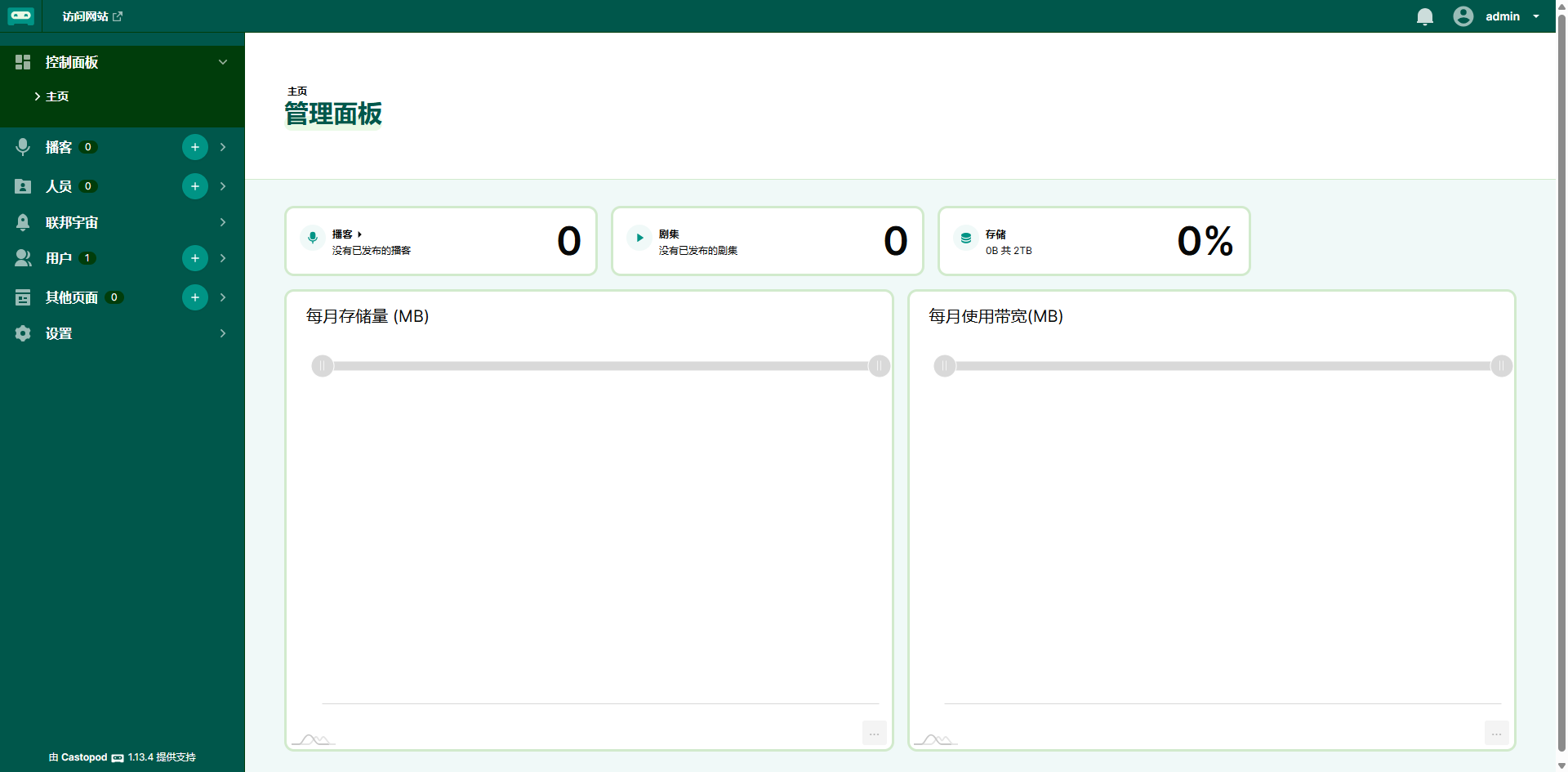
Access the admin dashboard.
Create a podcast.
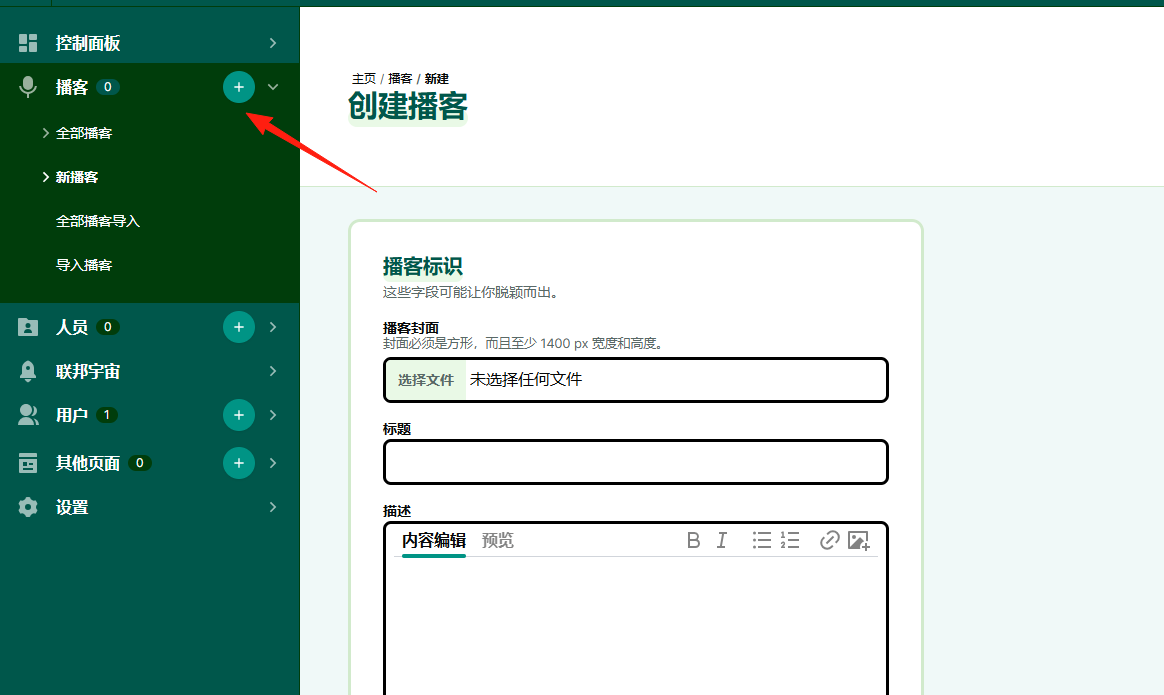
The cover art must be square and have a resolution of ≥1400x1400! Otherwise, the upload will fail.
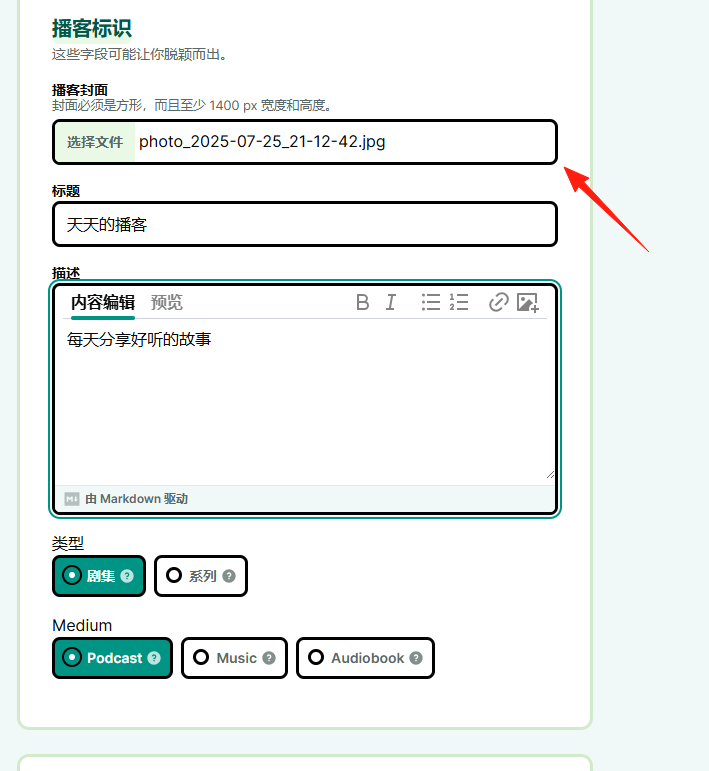
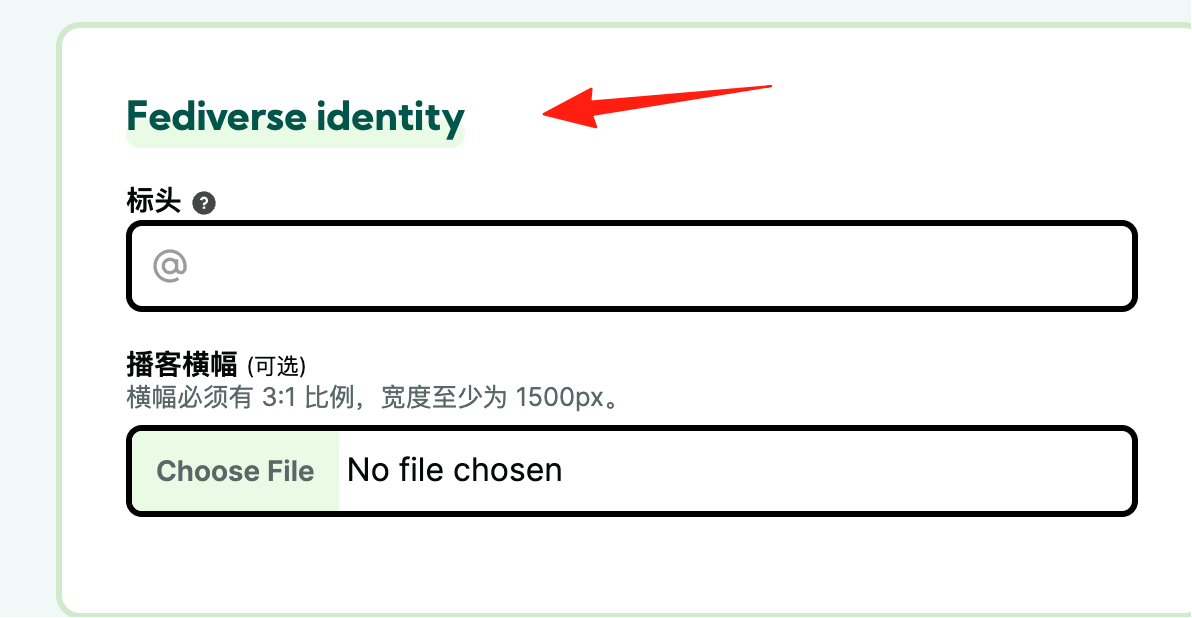
This field is required:
Fill in basic information like title, category, language, etc. (Chinese is supported!)
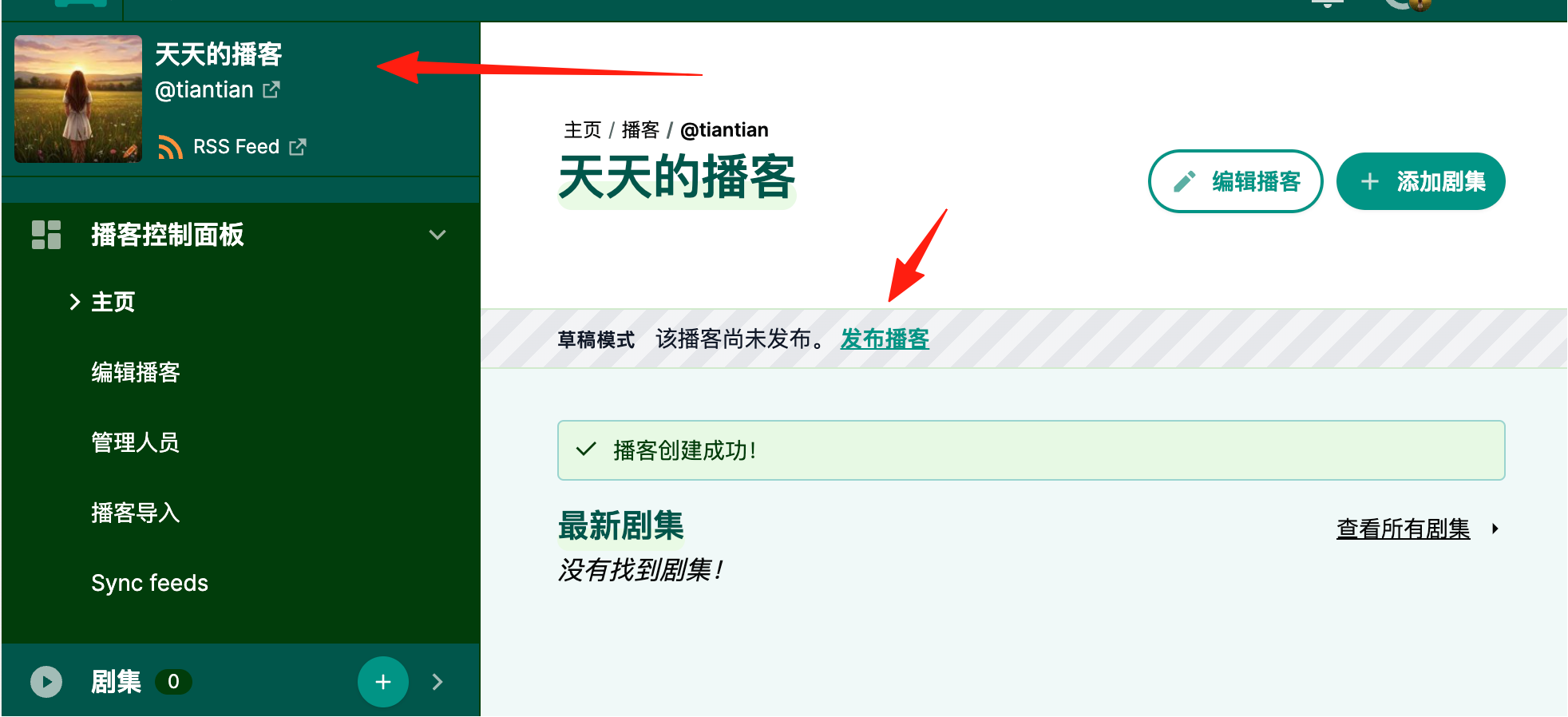
Publish Your First Episode
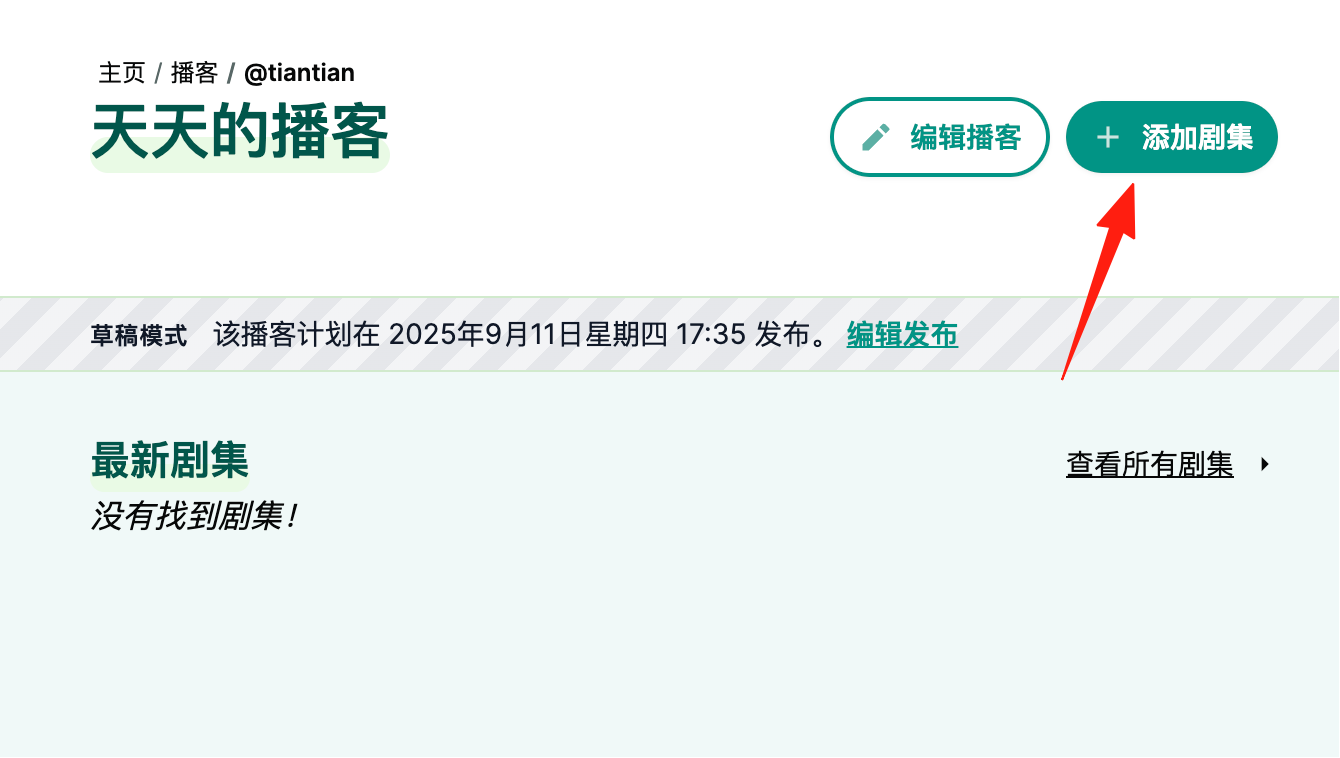
On the podcast details page, click "Add Episode".
 Upload an audio file (MP3 is recommended).
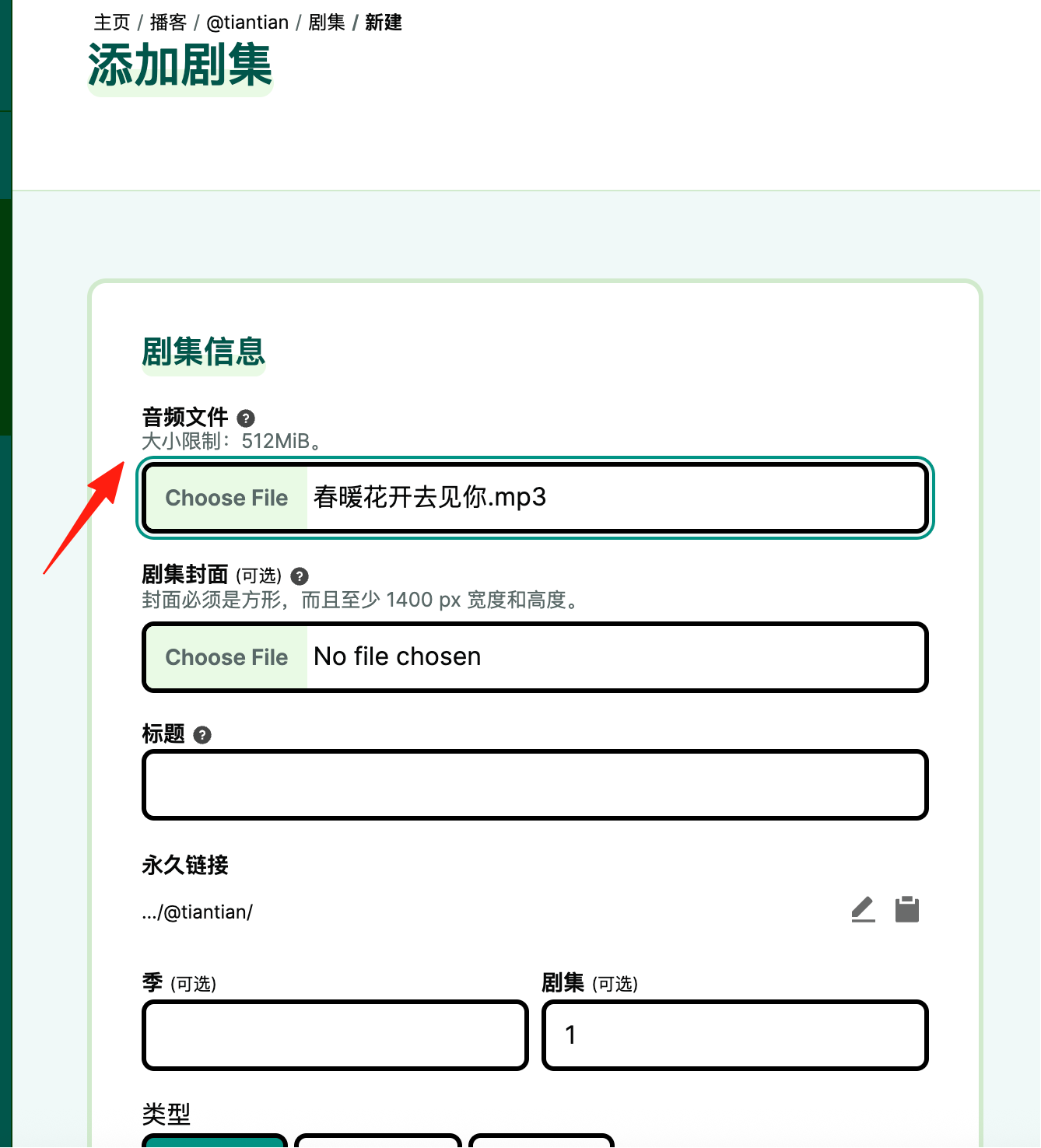
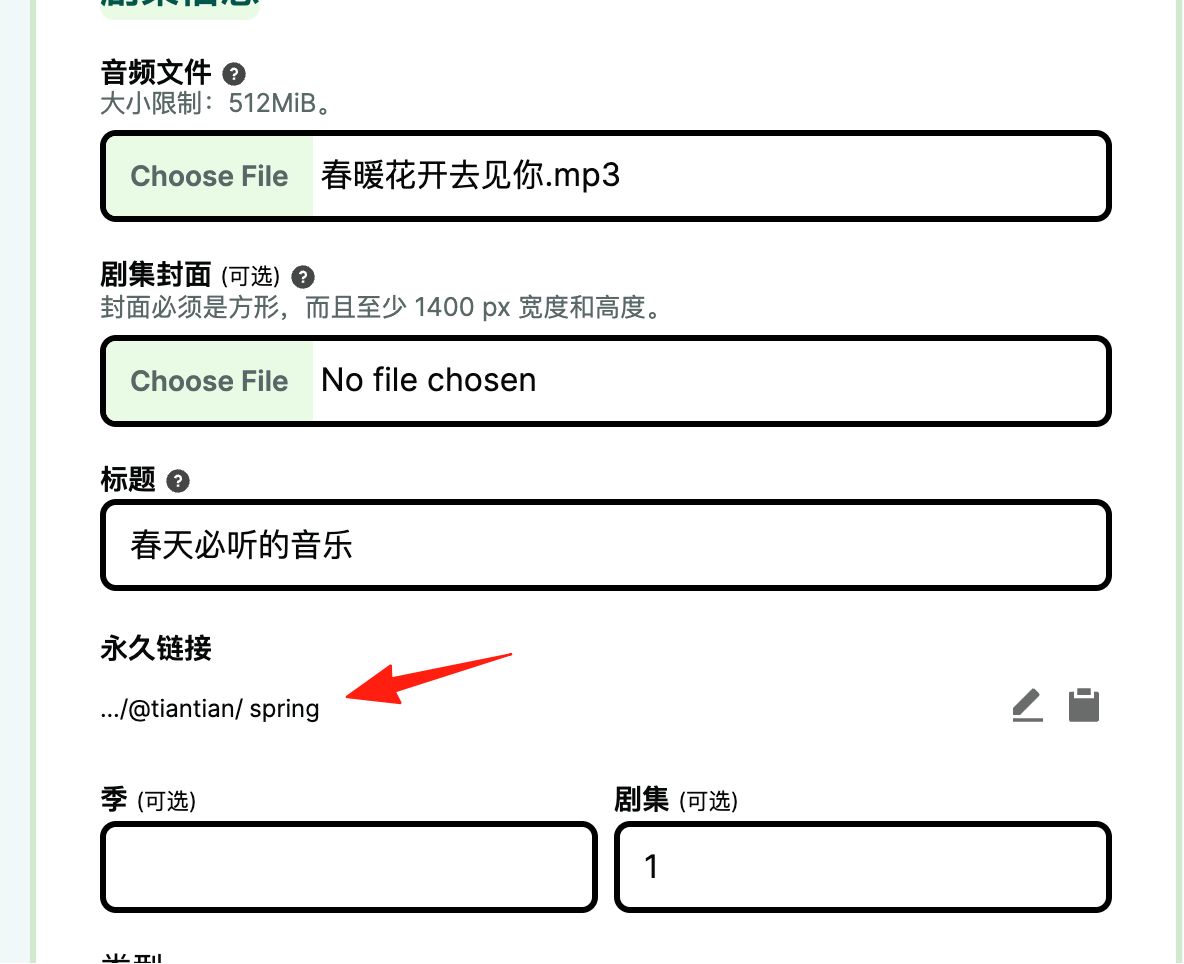
Note: The permanent link here must be configured, otherwise an error will occur.
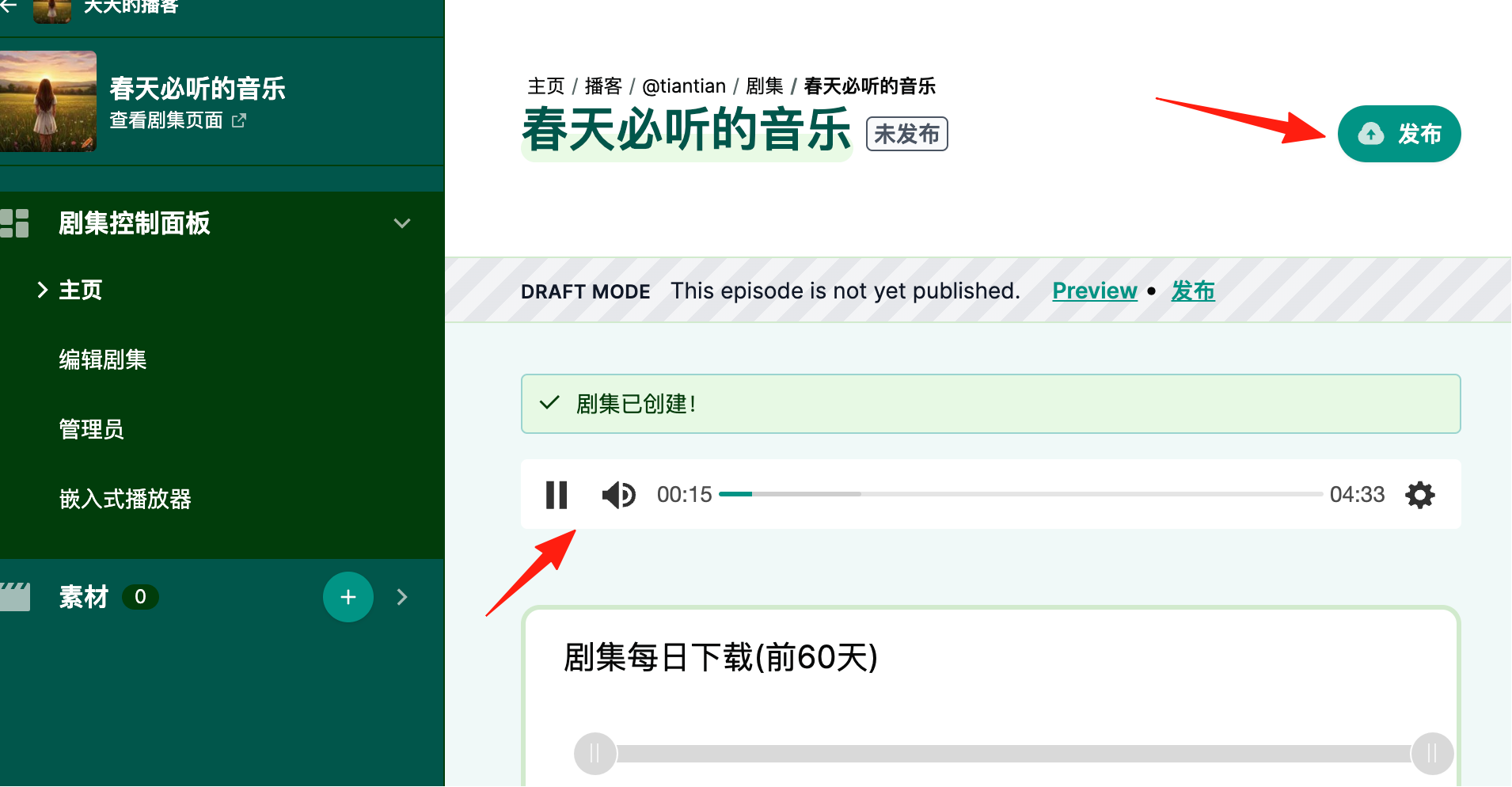
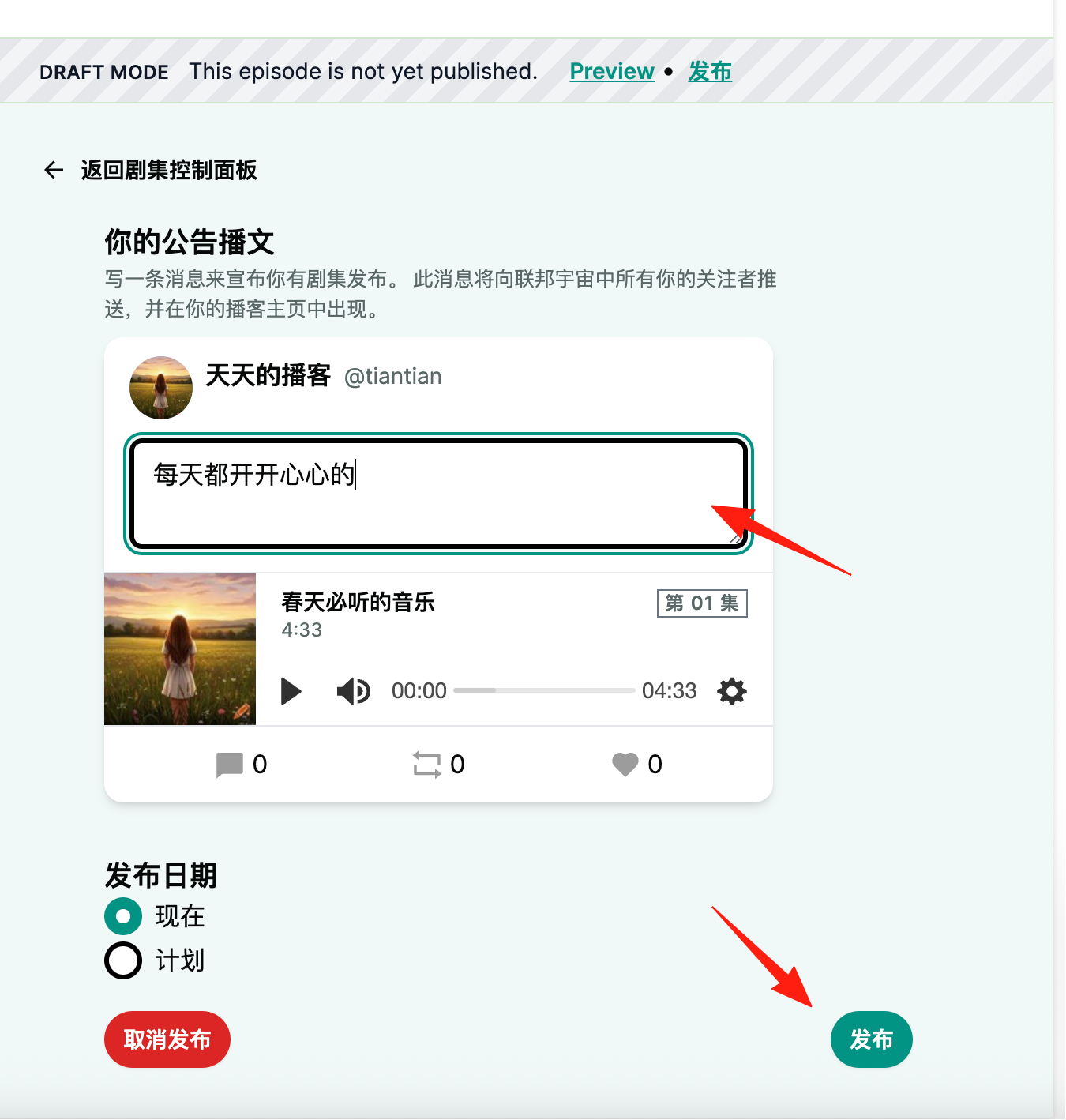
After clicking Create successfully, you can listen to the effect online, and click Publish in the upper right corner.
- Listener Analytics: View plays across platforms, completion rates, and popular listening times in the dashboard.
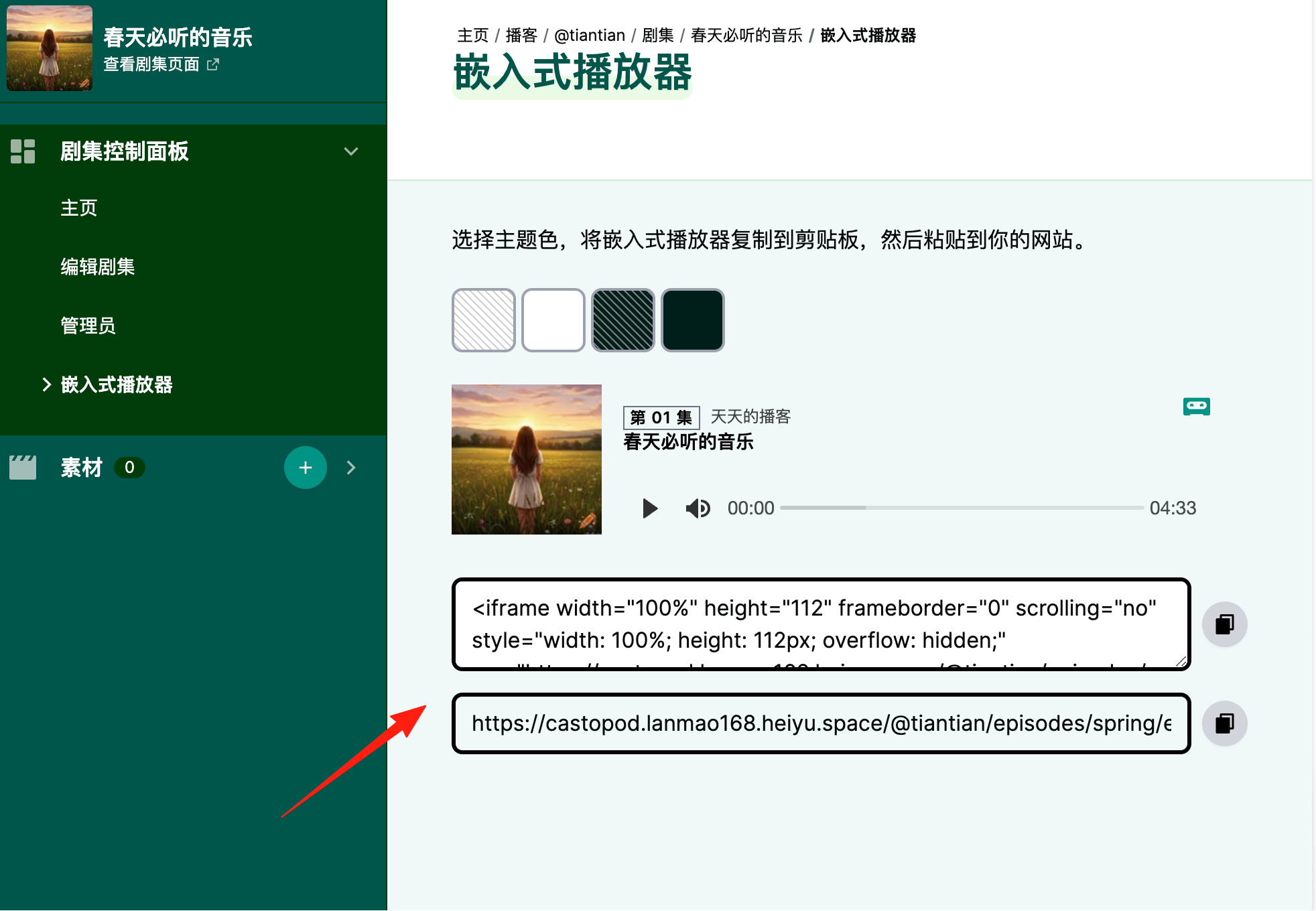
- Customizable Embedded Player: Copy the code to embed the player on your personal website (much better looking than Anchor's).
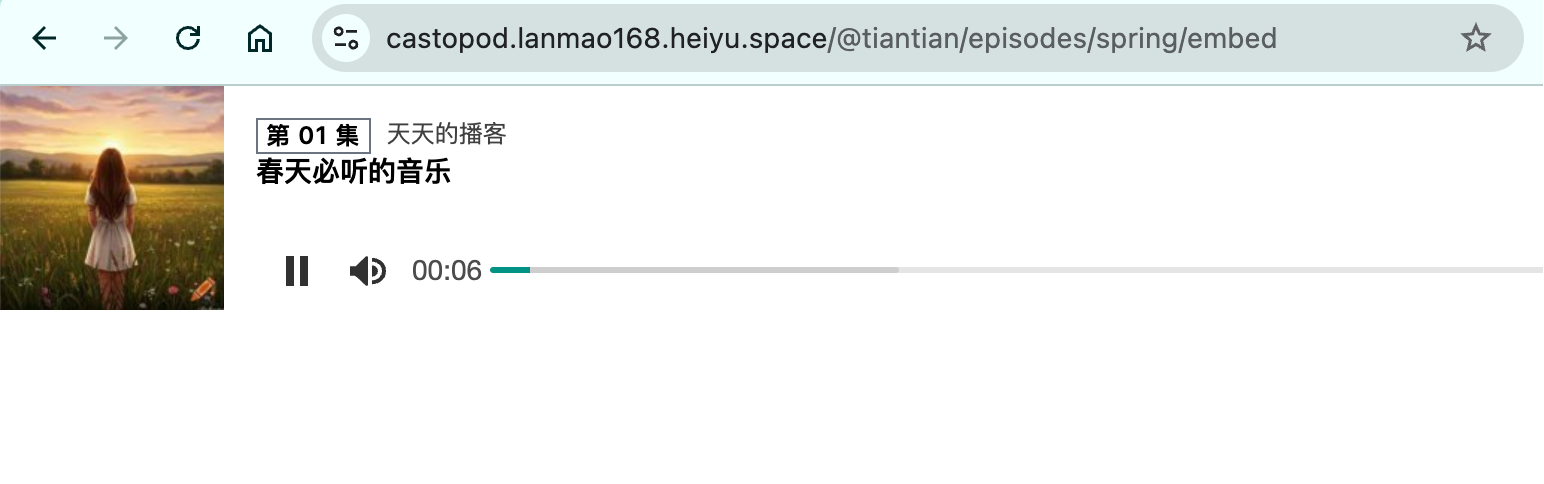
Open it in a browser to see the result.
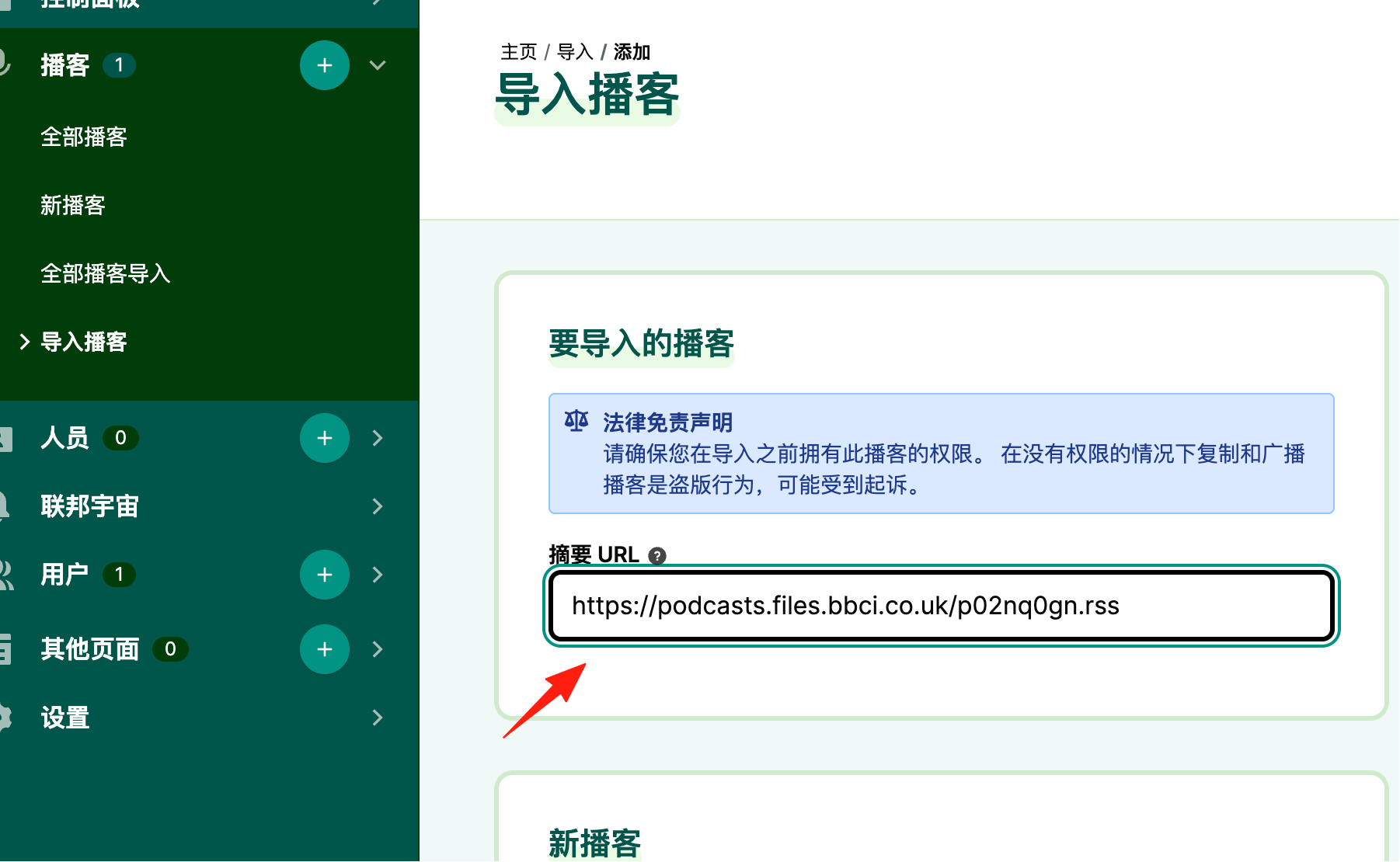
If you have existing podcasts you listen to, it also supports importing them.
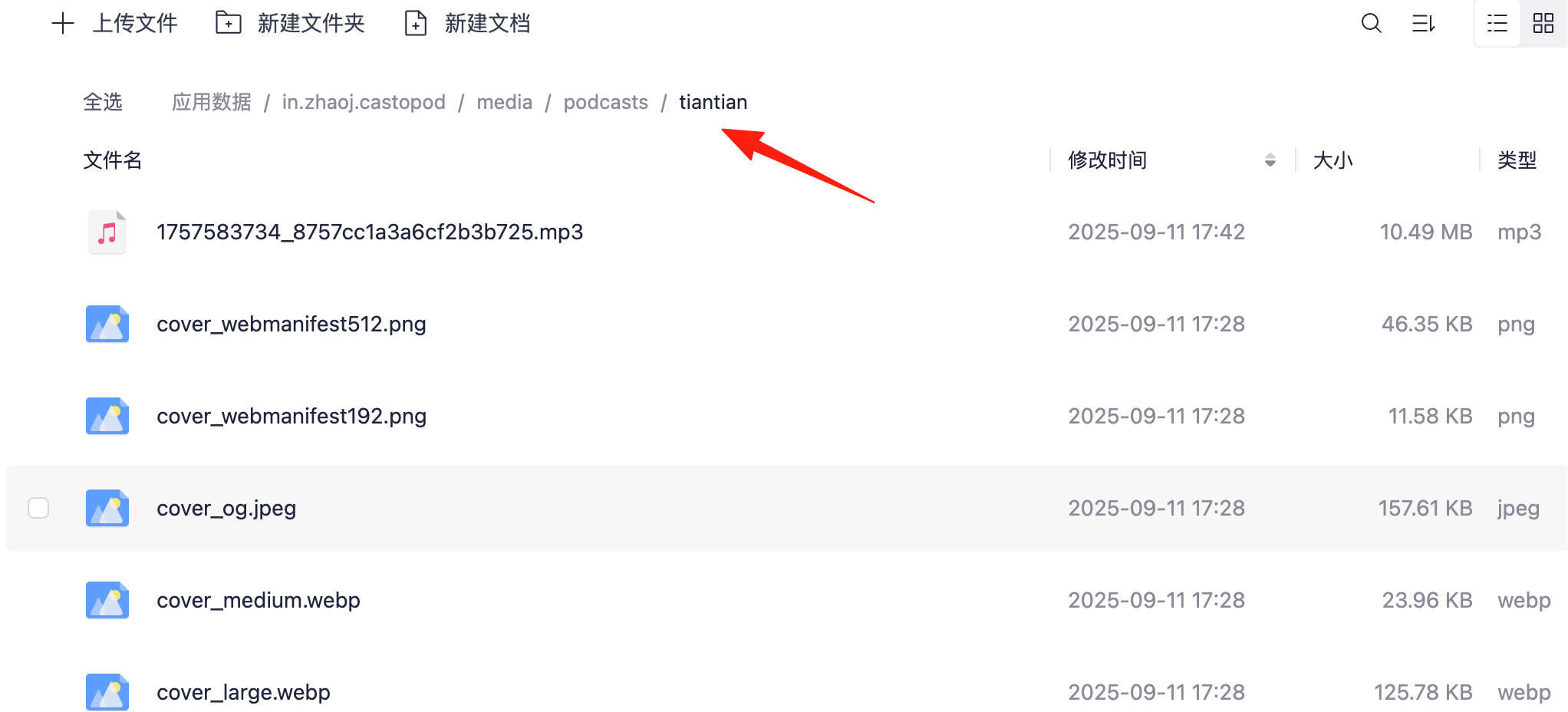
Its files are located in the path under App Data. Remember to back them up regularly.
Summary
- ✅ Zero cost to start: No subscription fees, no revenue sharing
- ✅ Data security: Full control over your content, avoiding platform risks
- ✅ Effortless scaling: Handles everything from solo shows to team productions
- ✅ Great listener experience: Ad-free, algorithm-free pure listening environment
Finally, here are the essential links: 🔗 Official Website: https://castopod.org/ 🔗 GitHub Repository: https://github.com/ad-aures/castopod
With Castopod, creating a podcast finally feels like building "your own business," not working for a platform 🎉