
NocoDB: Making Database Management as Simple as Using Excel
What is This
Have you ever encountered situations like: your boss asks you to manage a bunch of data, Excel isn't cutting it, but you don't know how to use a database? Or your company wants to build an internal system, but outsourcing is too expensive and you don't know how to program?
NocoDB, introduced today, is specifically designed to solve these problems.
Simply put, it's a free, open-source alternative to Airtable that turns your database into an interface as easy to use as Excel.
- Data is stored on your own server, no fear of leaks
- No worries about the service provider shutting down or raising prices
- Modify it however you want, with no restrictions
https://appstore.lazycat.cloud/#/shop/detail/in.zhaoj.nocodb
Quick Start
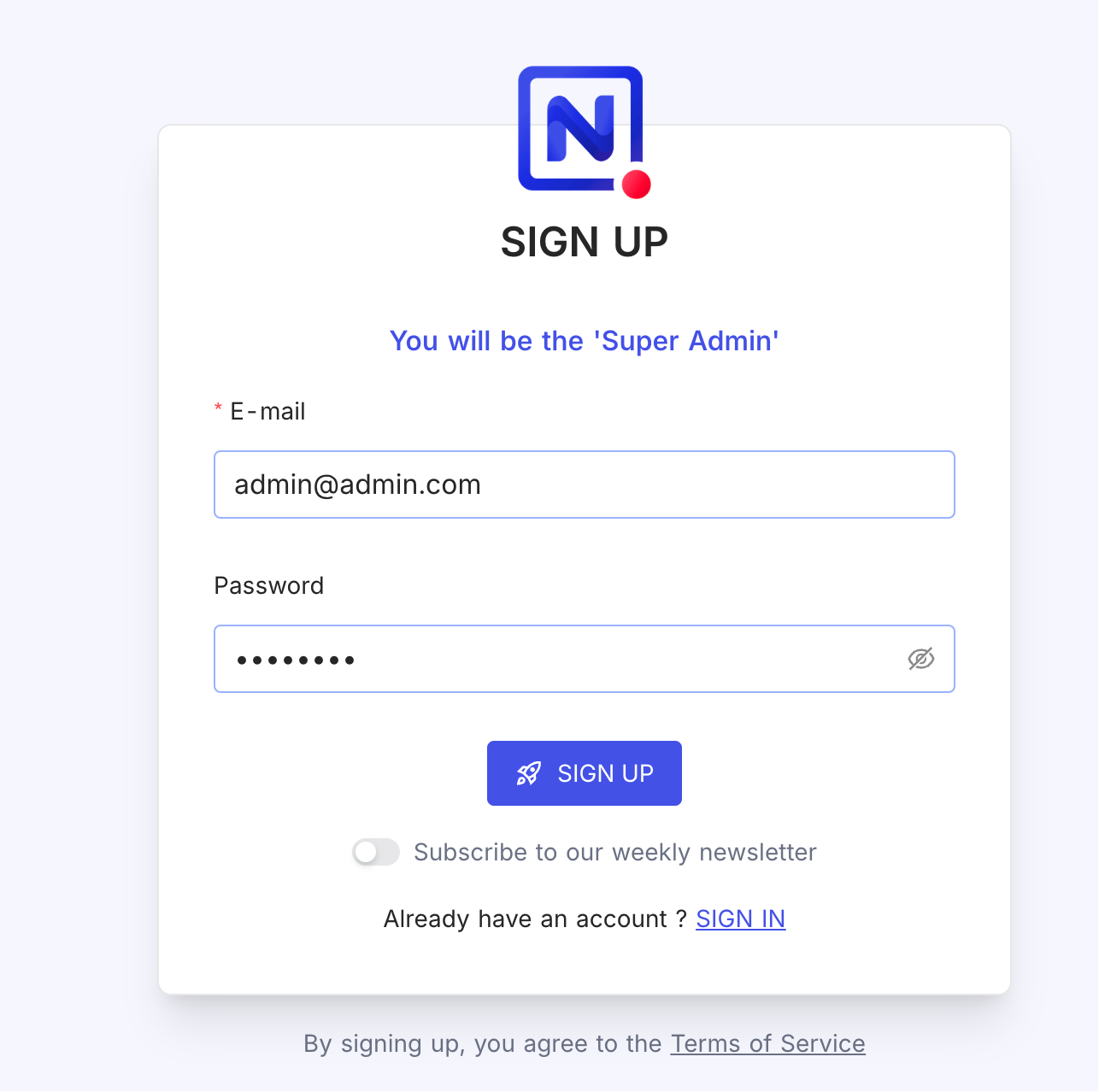
After installing the application, first register a user.
Enter the main page.
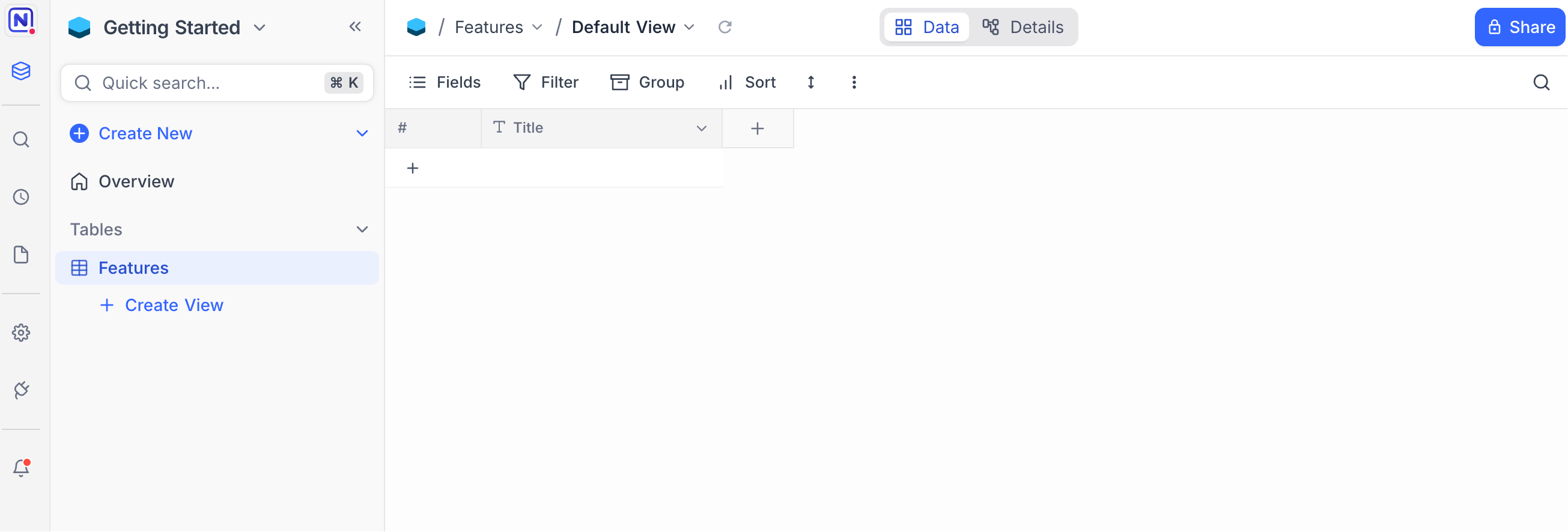
It supports Chinese. You can change the language first in Settings.
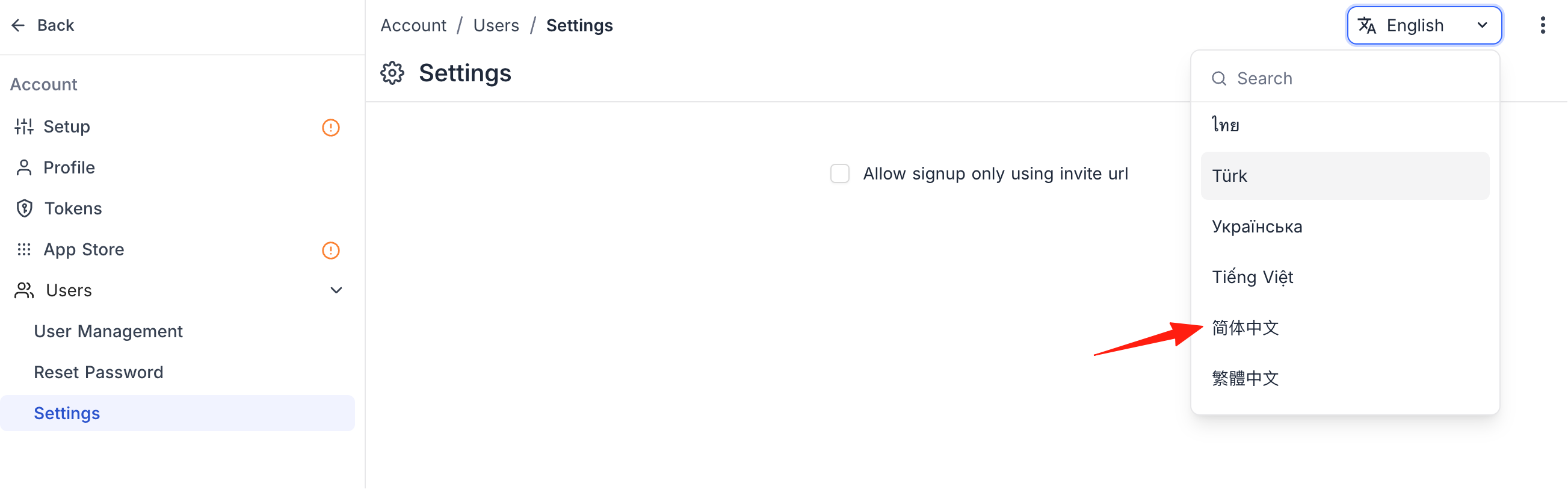
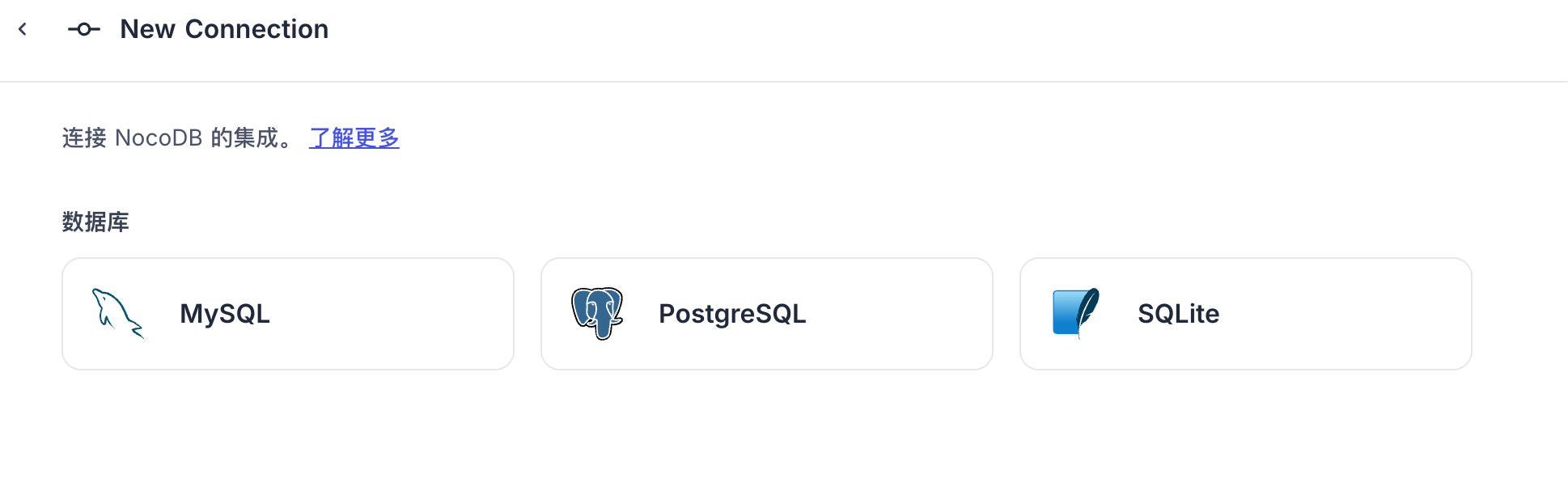
Return to the home page. Currently, there are 3 ways to create a new database.
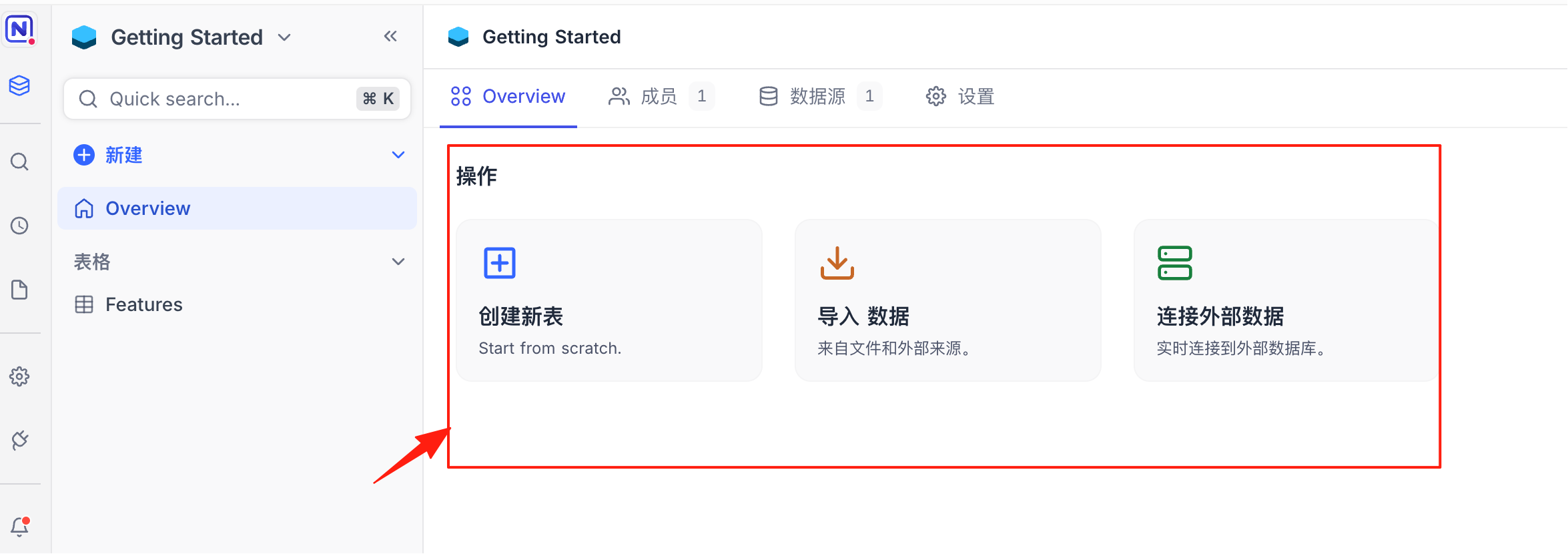
If your company already has MySQL or PostgreSQL databases, NocoDB can connect directly to them, instantly turning them into a visual management interface. It currently supports these 3 database types.
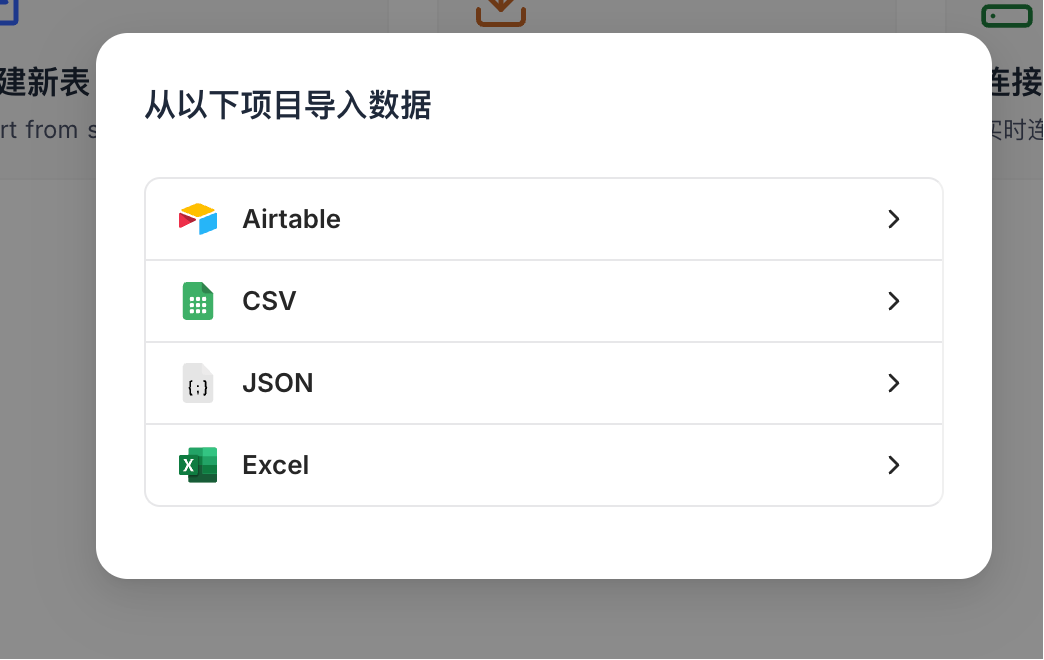
Here, I choose to import data. It supports files in these formats:
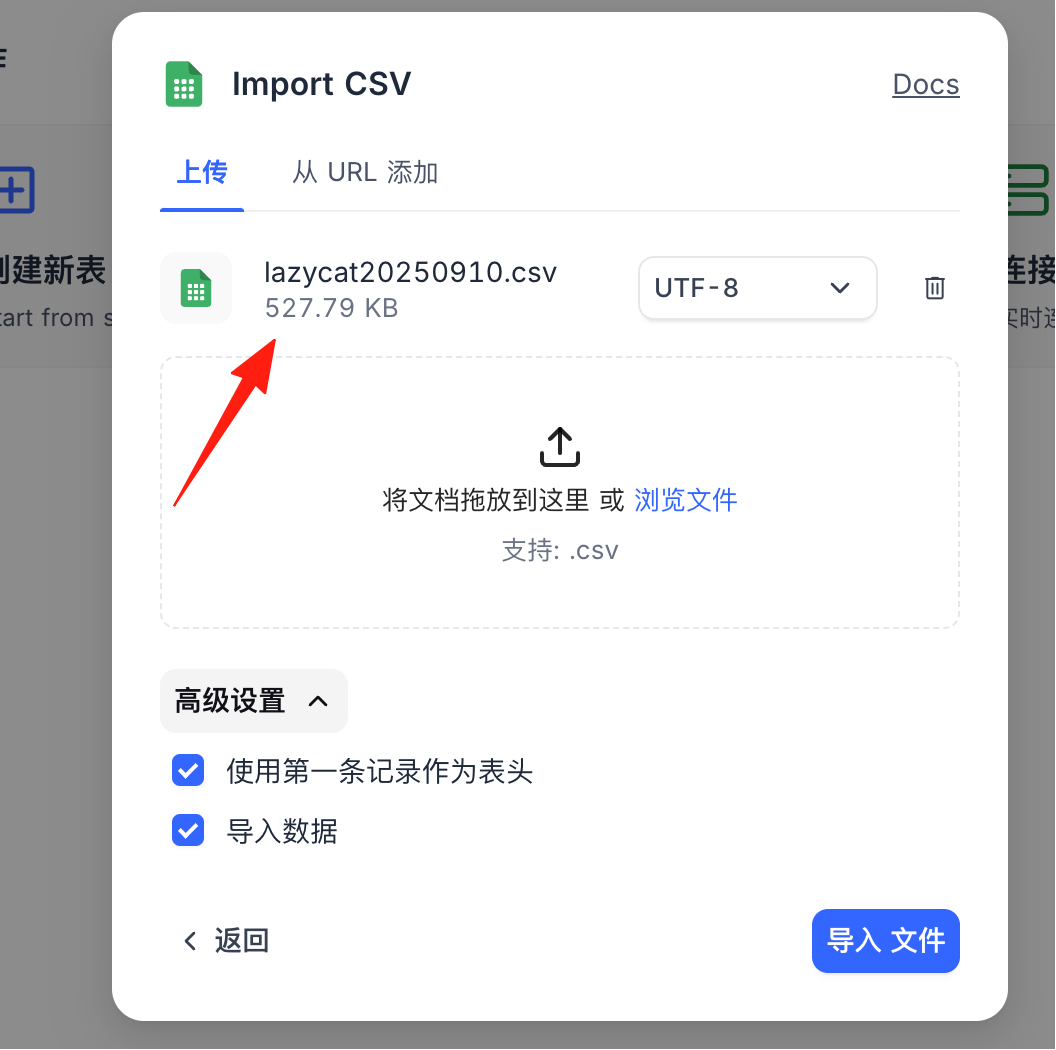
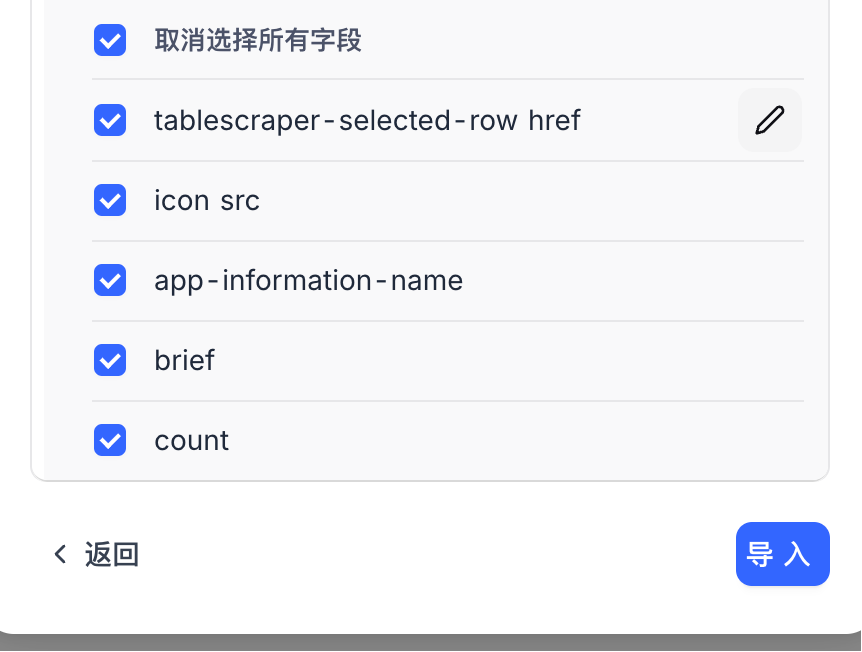
You can modify column names.
After a successful import, you can see the data in the default view.
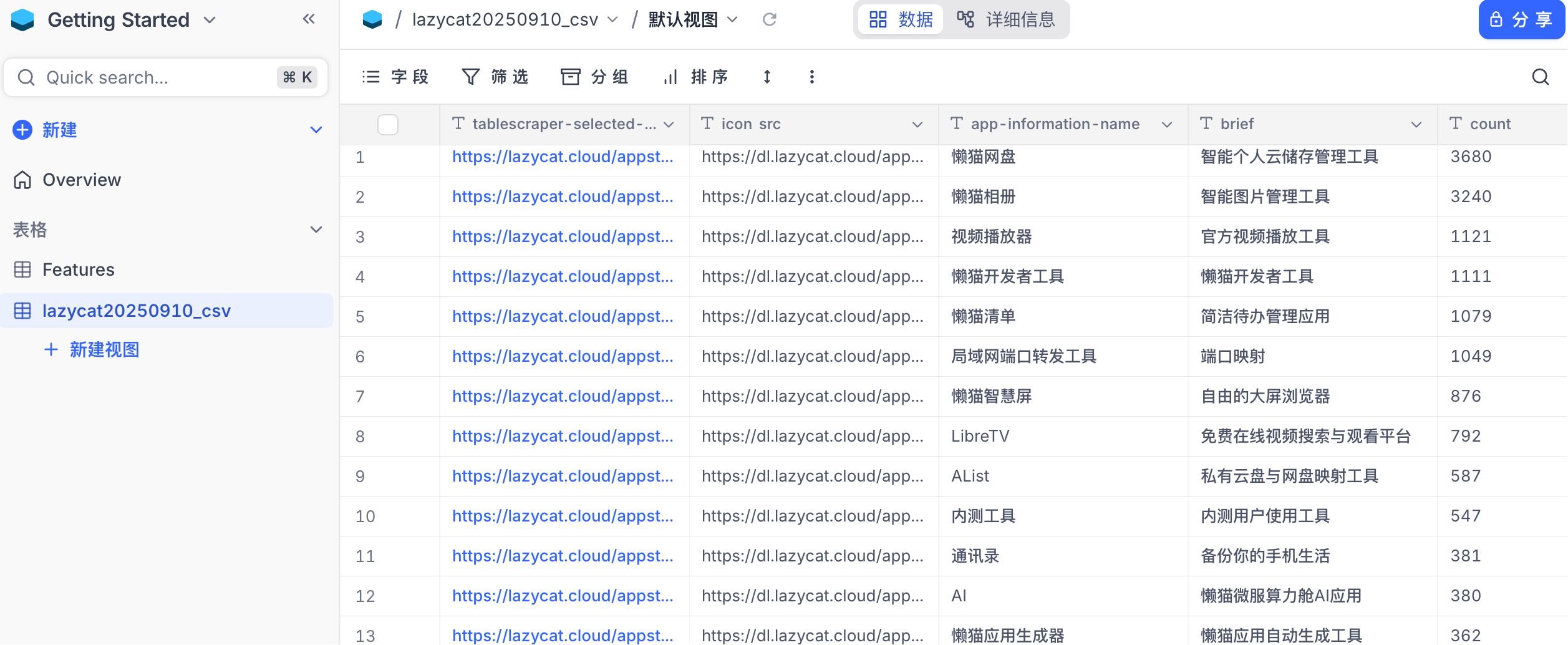
Besides the default view, you can also add your preferred views for more flexible data presentation.
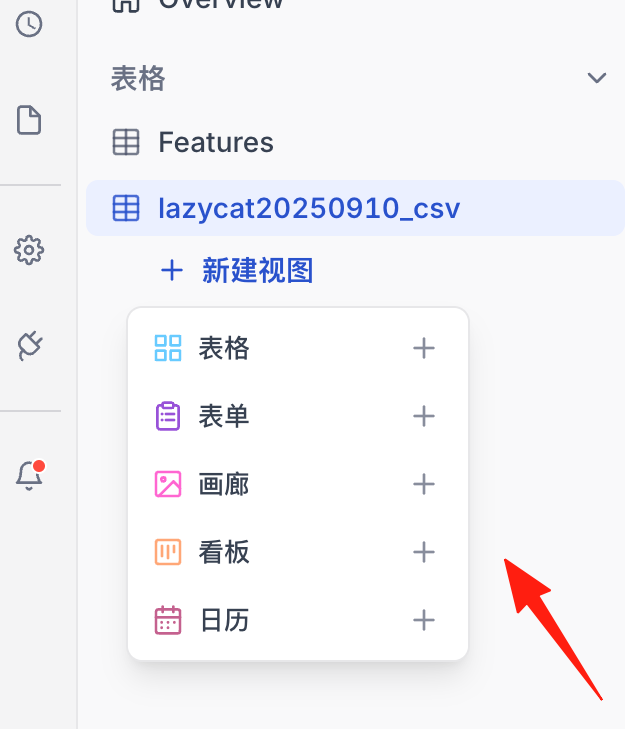
Gallery View: If your data contains images, using this view is like browsing a photo album. It's especially suitable for managing product libraries or image asset libraries.
Kanban View: Like Trello, you can drag and drop data based on status (e.g., "To Do," "In Progress," "Done"). It's perfect for project management.
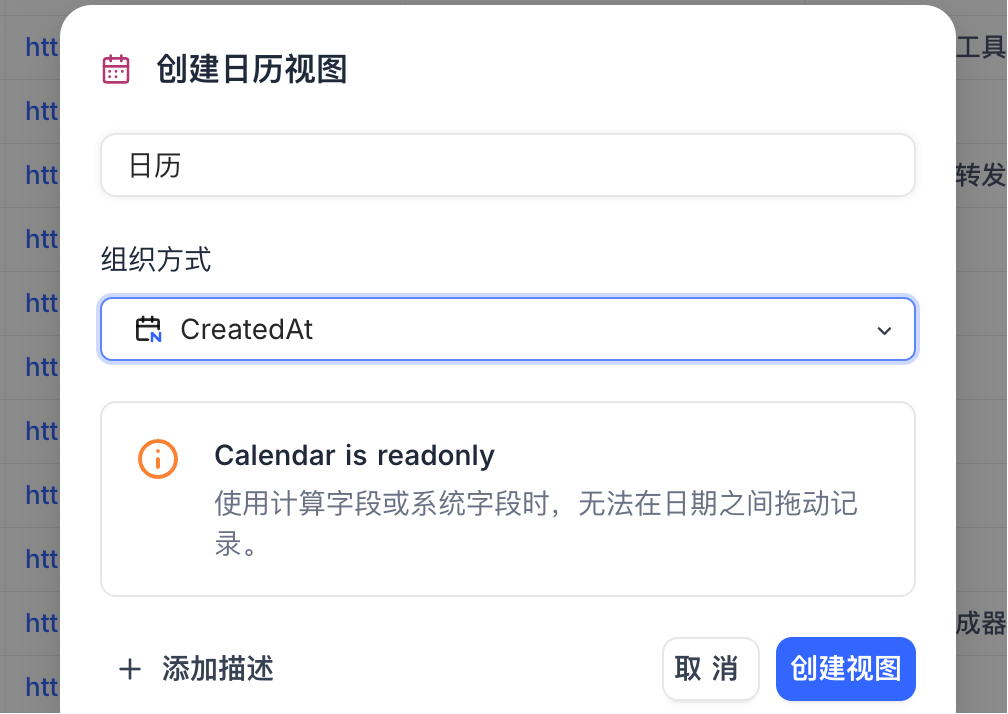
Calendar View: If your data has date fields, NocoDB can directly generate a calendar for you, clearly showing task deadlines and event schedules.
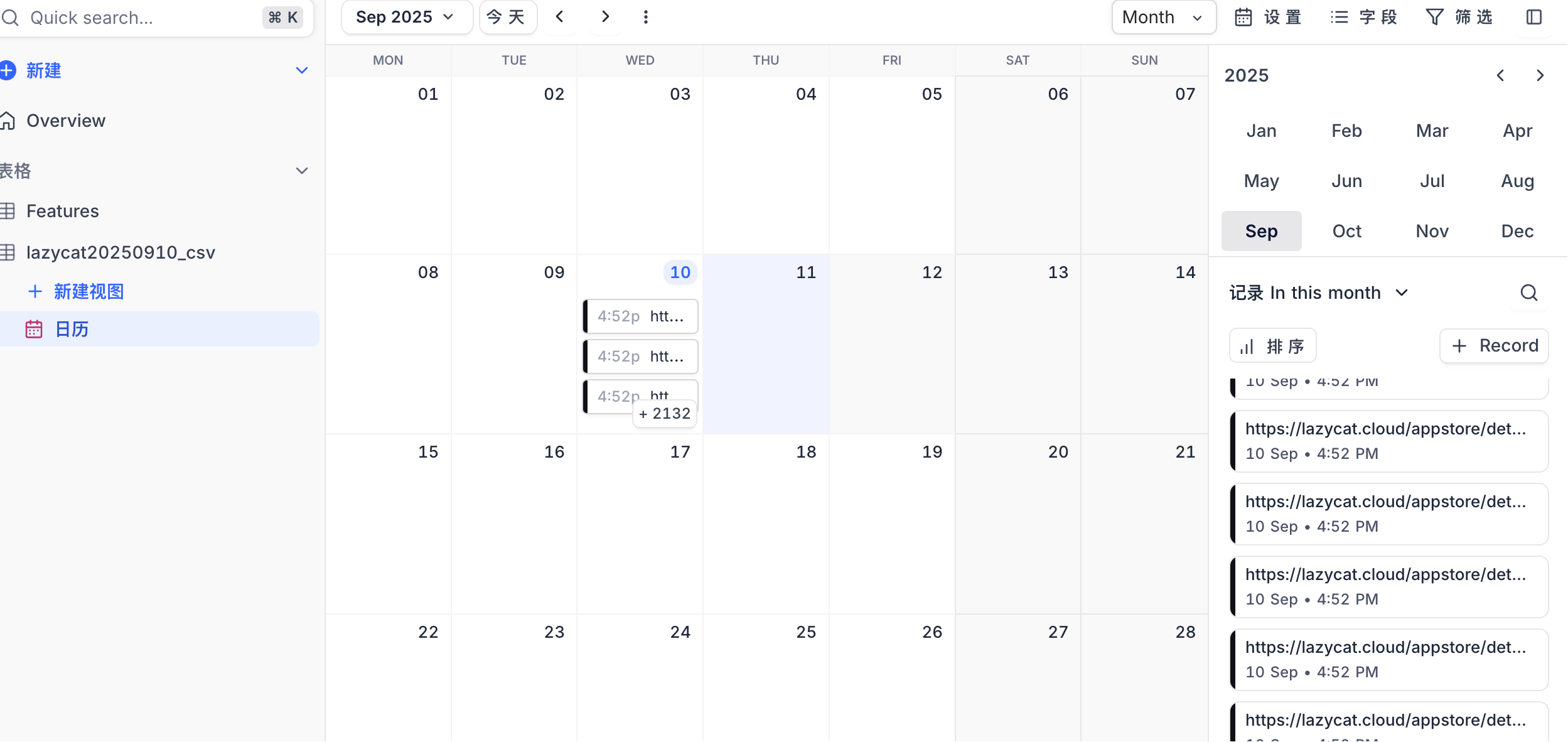
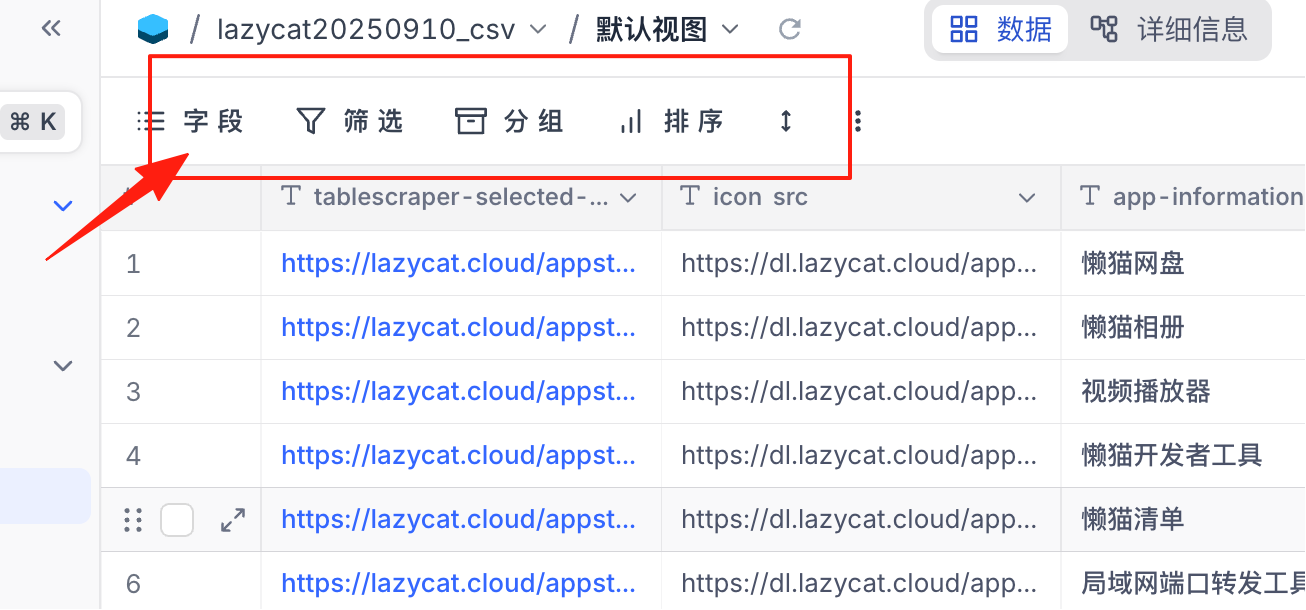
If you want to filter data, you can use the buttons above. It doesn't require writing SQL queries.
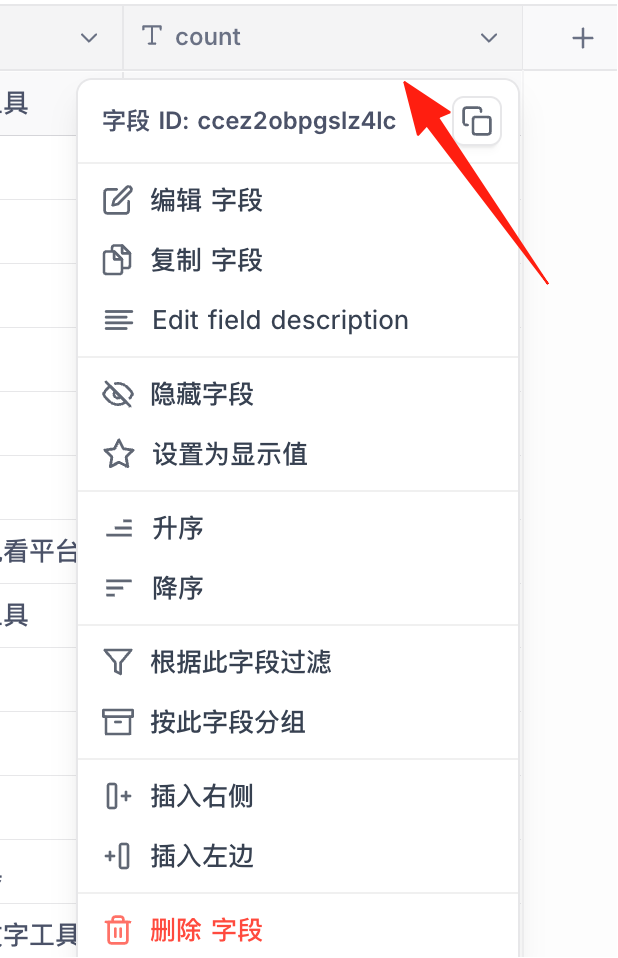
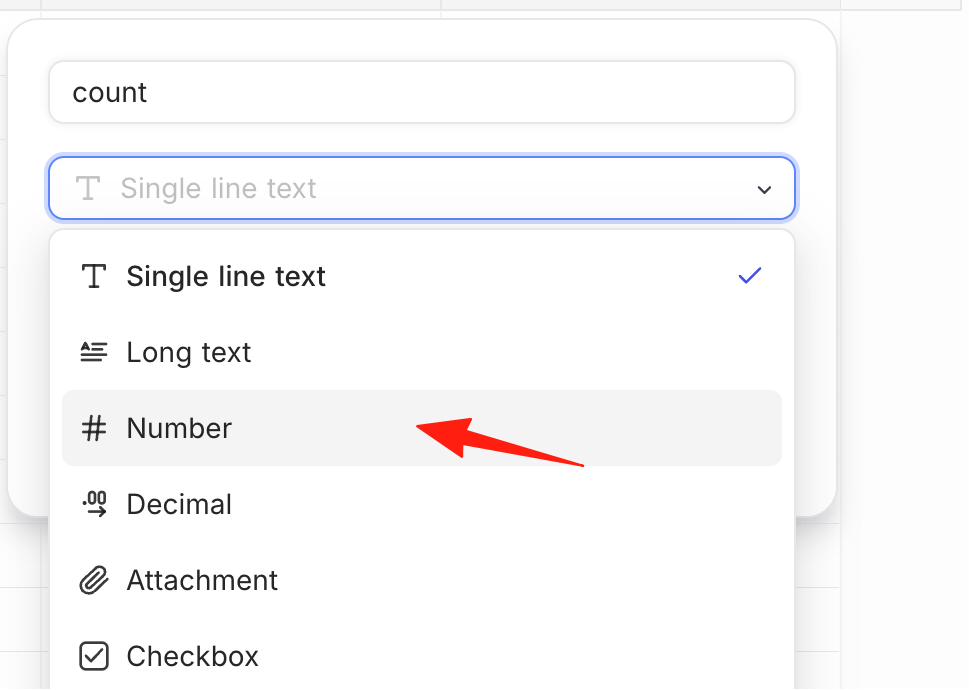
For example, suppose I want to find apps in the store with over 200 downloads. First, I need to change the field type to Number.
Field Type Selection
- Single Line Text: Short text like names, titles
- Long Text: Remarks, descriptions
- Number: Amounts, quantities
- Single Select / Multi Select: Status, tags
- Date: Birthdays, deadlines
- Attachment: Images, files
- Link: Link to other tables
- Lookup: Fetch data from linked tables
- Rollup: Aggregate data from linked tables
- Formula: Automatic calculations
Then, in the filter, input the condition.
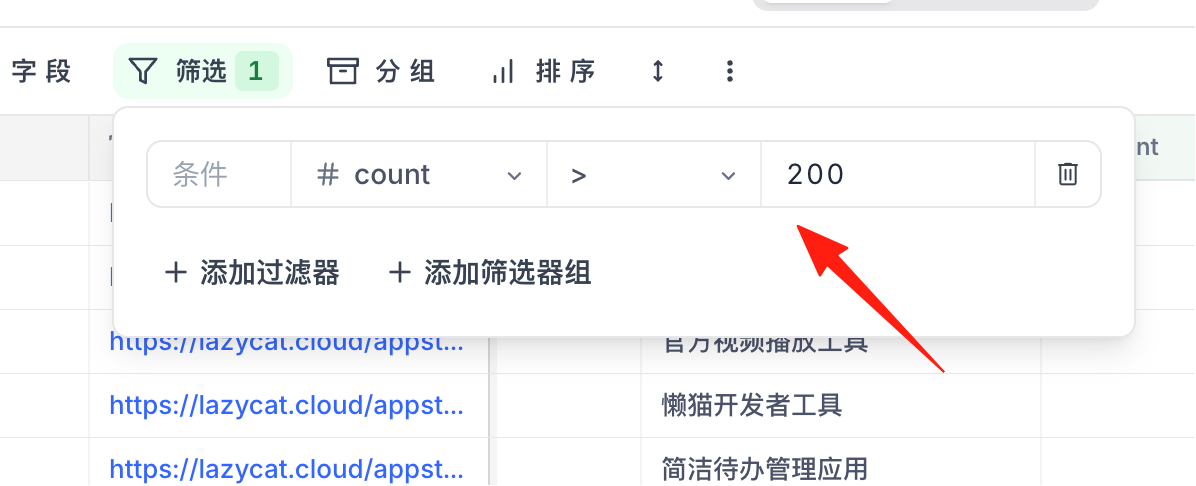
The data updates in real-time. After you finish entering the condition, the data below will change accordingly.
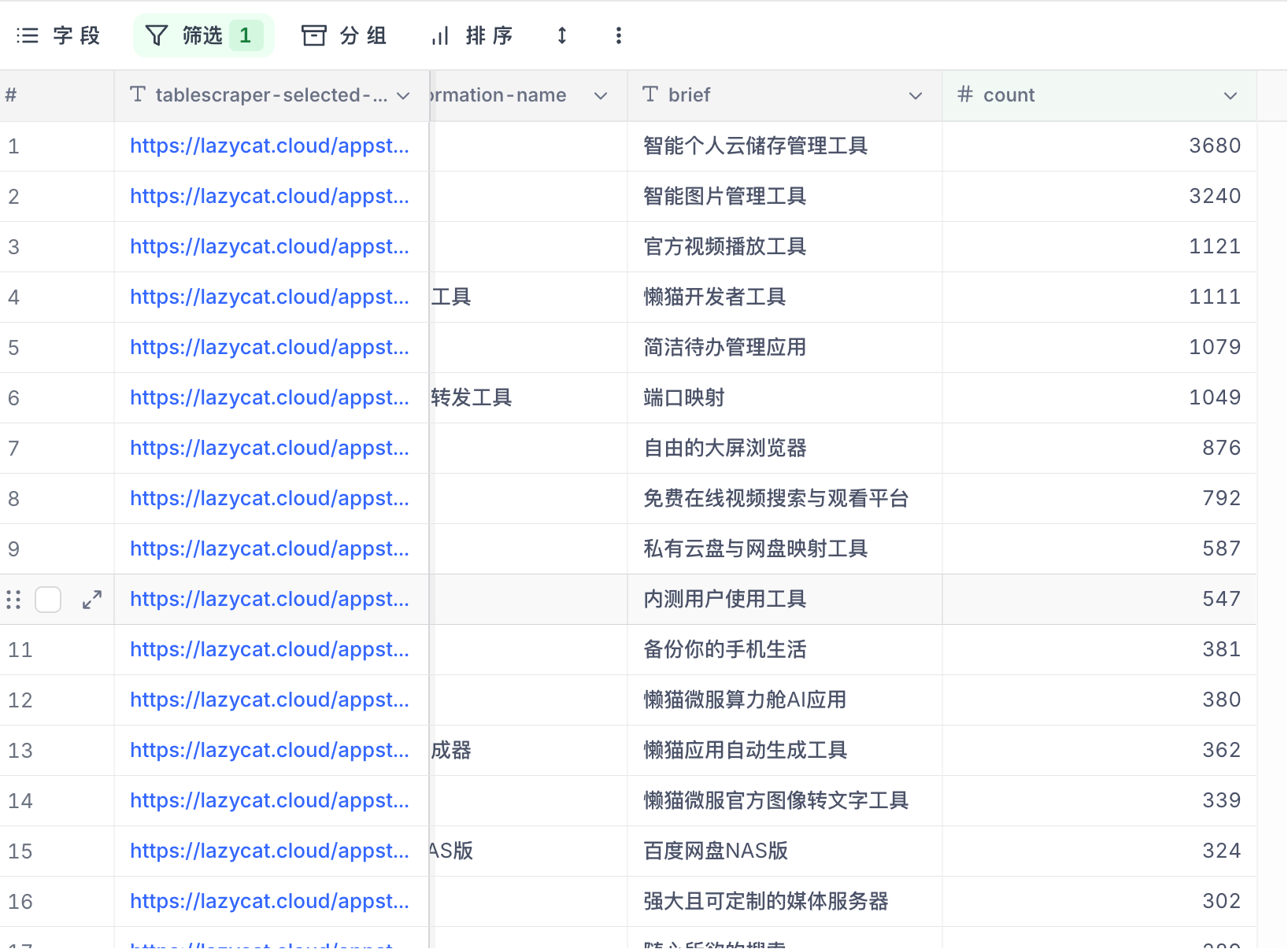 If there are many conditions, just add more filters.
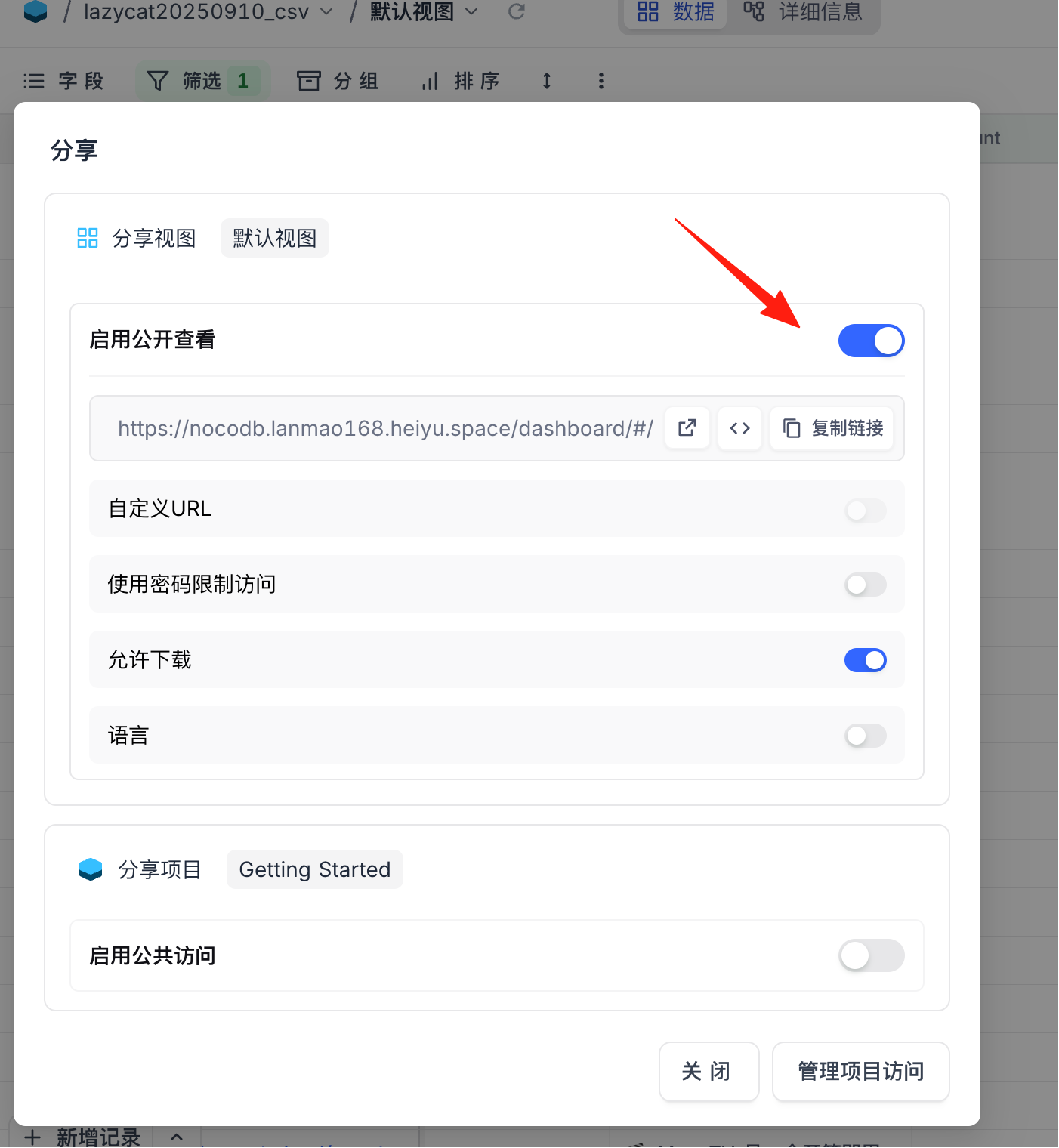
Its sharing feature is also excellent. You can generate a form link for customers to fill in information themselves, which automatically enters your system.
API Automation
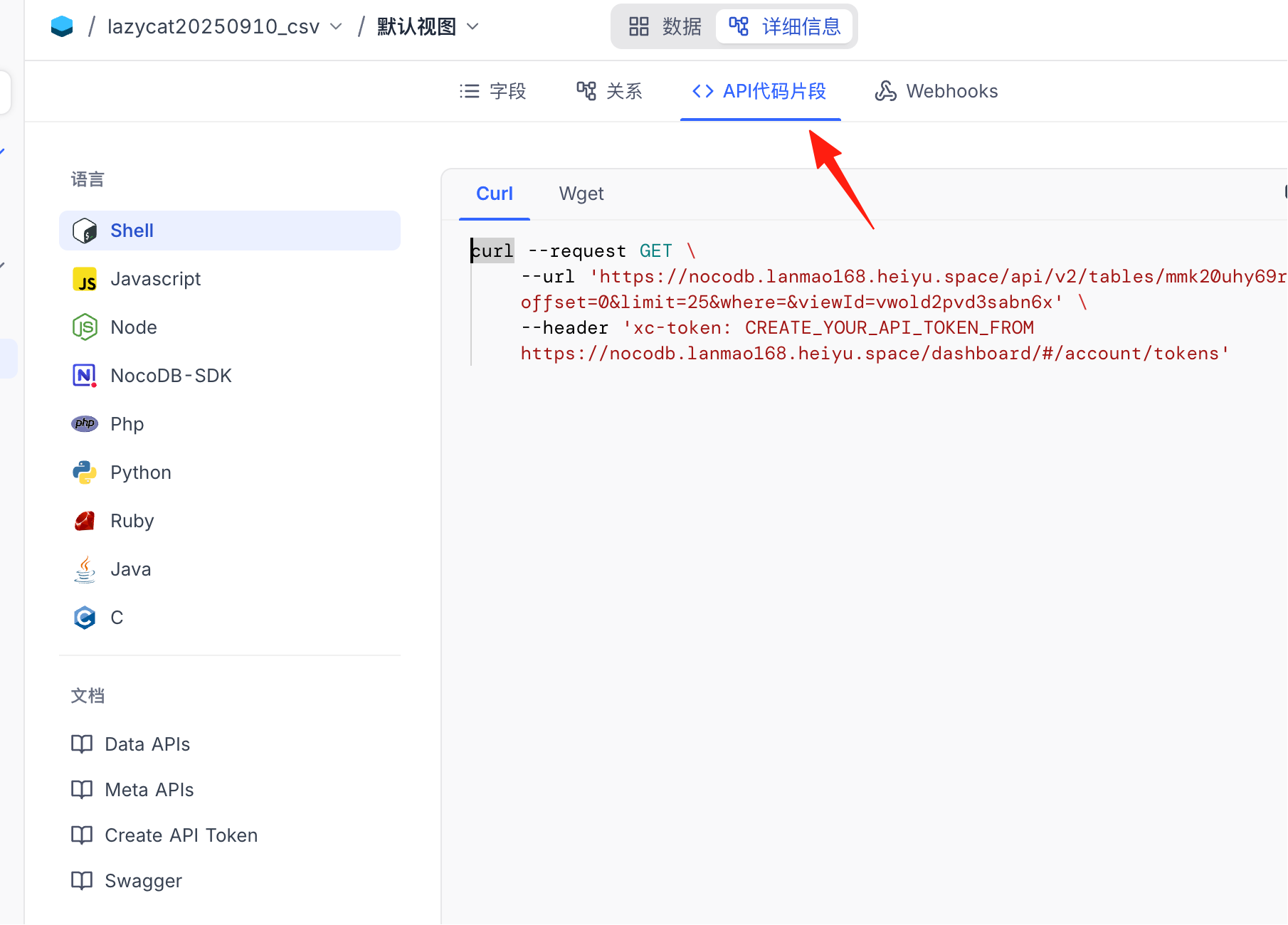
NocoDB automatically generates REST APIs for each table. You can:
- Integrate with n8n or Make.com for automation workflows
- Use Python scripts for batch data import/export
- Connect to WeChat, DingTalk, etc., to send notifications
Permission Management
- Viewer: Can only view, cannot modify
- Editor: Can add, delete, and modify data
- Commenter: Can view and comment
- Admin: Can modify table structure
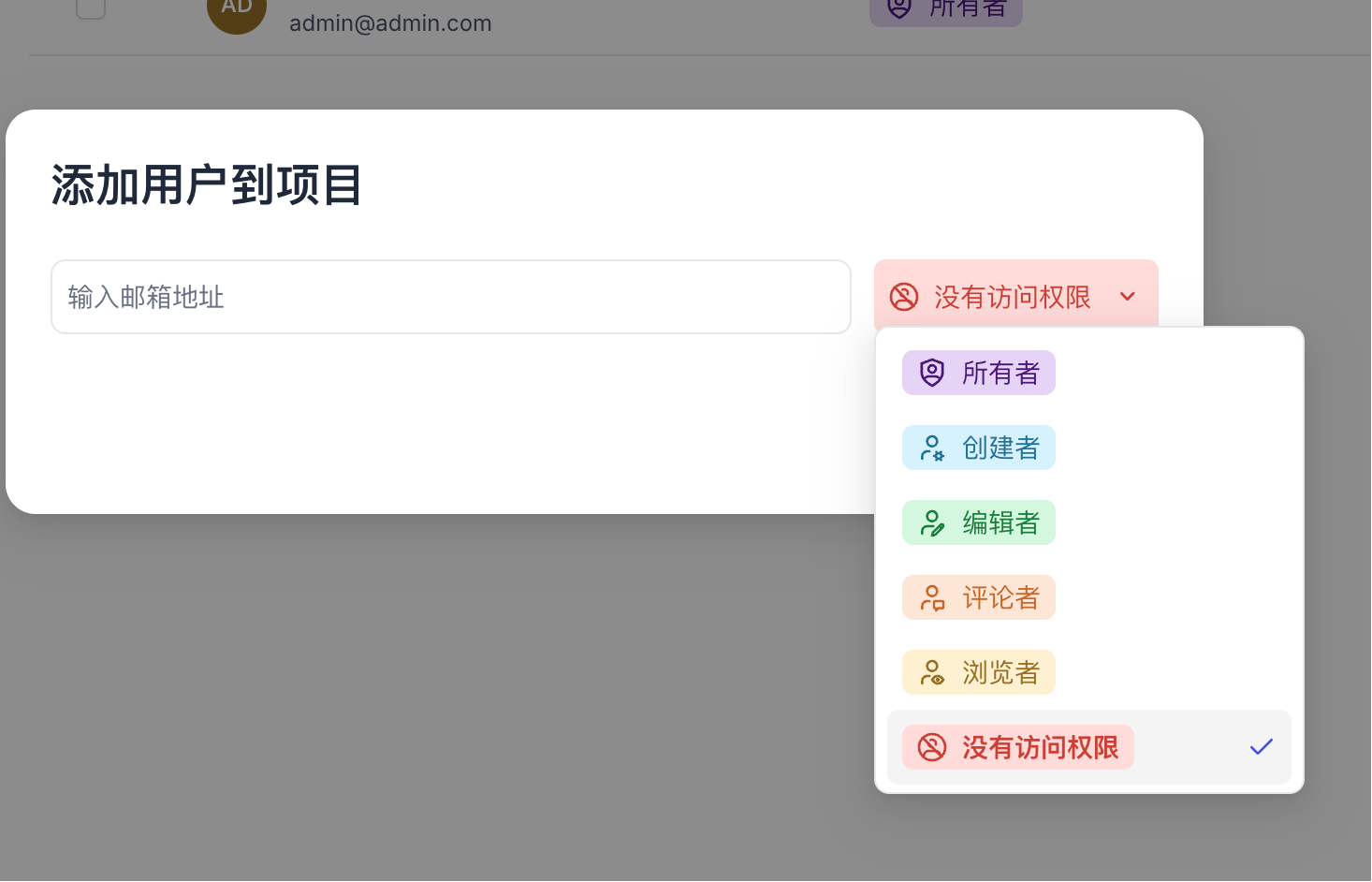 Set different permissions for people in different departments to ensure data security.
Final Thoughts
NocoDB is particularly suitable for these scenarios:
- Small companies needing a simple management system
- Individuals wanting to manage their own data
- Developers wanting a database visualization tool
- Those wanting to migrate from Airtable to save money
You can start with a simple table and gradually explore. You'll discover how simple data management can be.
Related Resources:
- GitHub: https://github.com/nocodb/nocodb
- Official Website: https://nocodb.com
- Documentation: https://docs.nocodb.com
- Community: https://community.nocodb.com
If you have questions, you can ask in the community. The folks there are quite helpful.