
Getting Started with Apprise: A Multi-Platform Notification Tool
What is Apprise?
In simple terms, Apprise is a Swiss Army knife for notifications. It unifies a wide variety of notification services into a single, simple interface. You no longer need to write different code for each platform; you can broadcast messages with a single command!
What can it do?
- Supports 100+ notification services: Email, Telegram, Discord, Slack, DingTalk, Feishu, Pushover... forget about WeChat for now.
- Unified calling method: Regardless of the platform, the calling method is equally simple.
- Supports sending attachments: Images, files, you can send them all.
- Lightweight: Doesn't consume many resources and runs really fast.
- Custom plugins: If a service isn't supported, you can write your own plugin.
https://appstore.lazycat.cloud/#/shop/detail/io.zeroc.app.apprise
Quick Start: Send Your First Notification in 5 Minutes
After installing the application, open the home page.
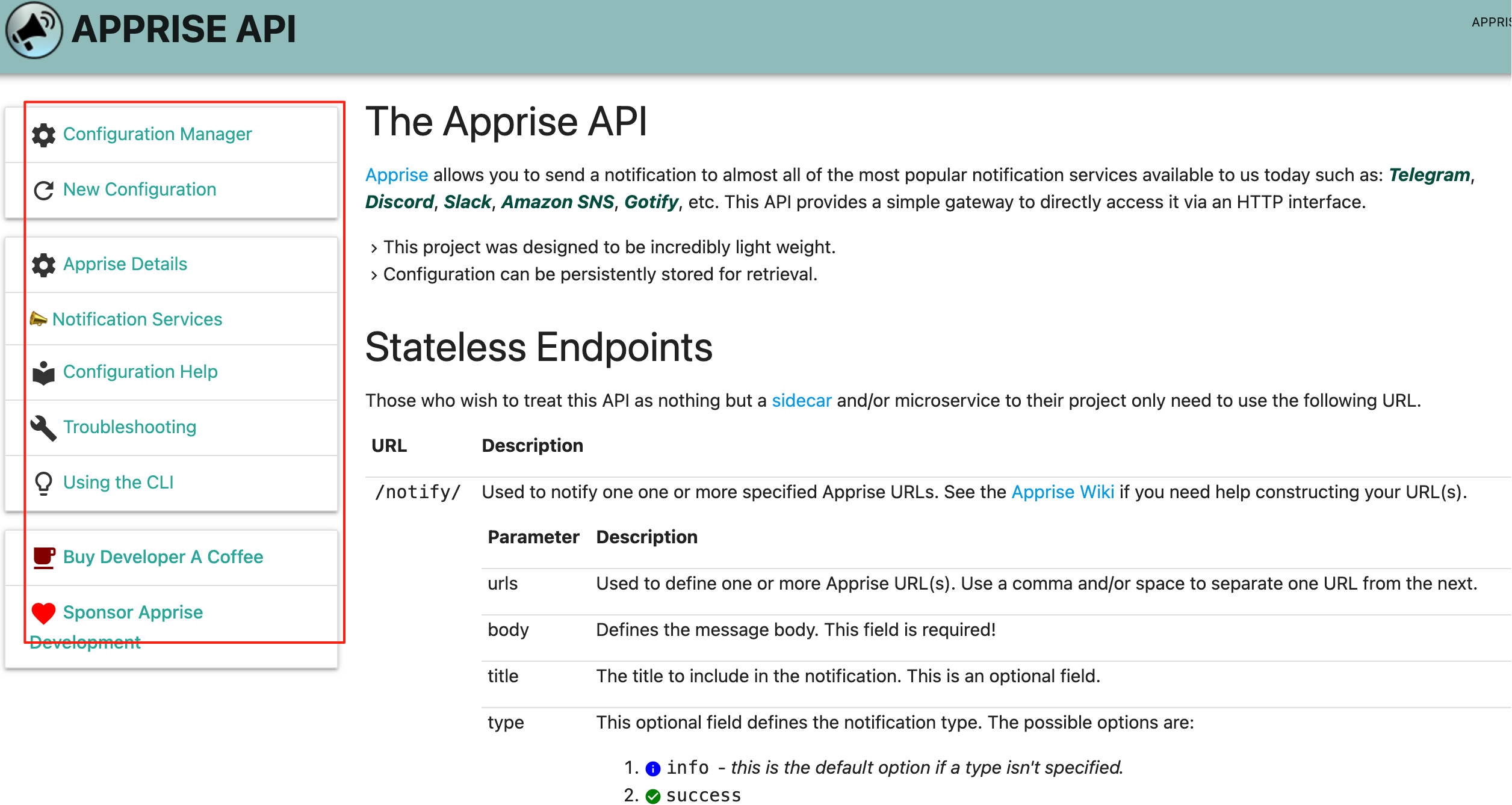
You can see the navigation bar on the left and feature explanations on the right.
Click on the Configuration Manager on the left.
• Used to manage and view current notification service configurations.
• Allows adding, modifying, and deleting notification channels (e.g., Telegram, Email, etc.).
• Suitable for scenarios requiring persistent storage of notification configurations.
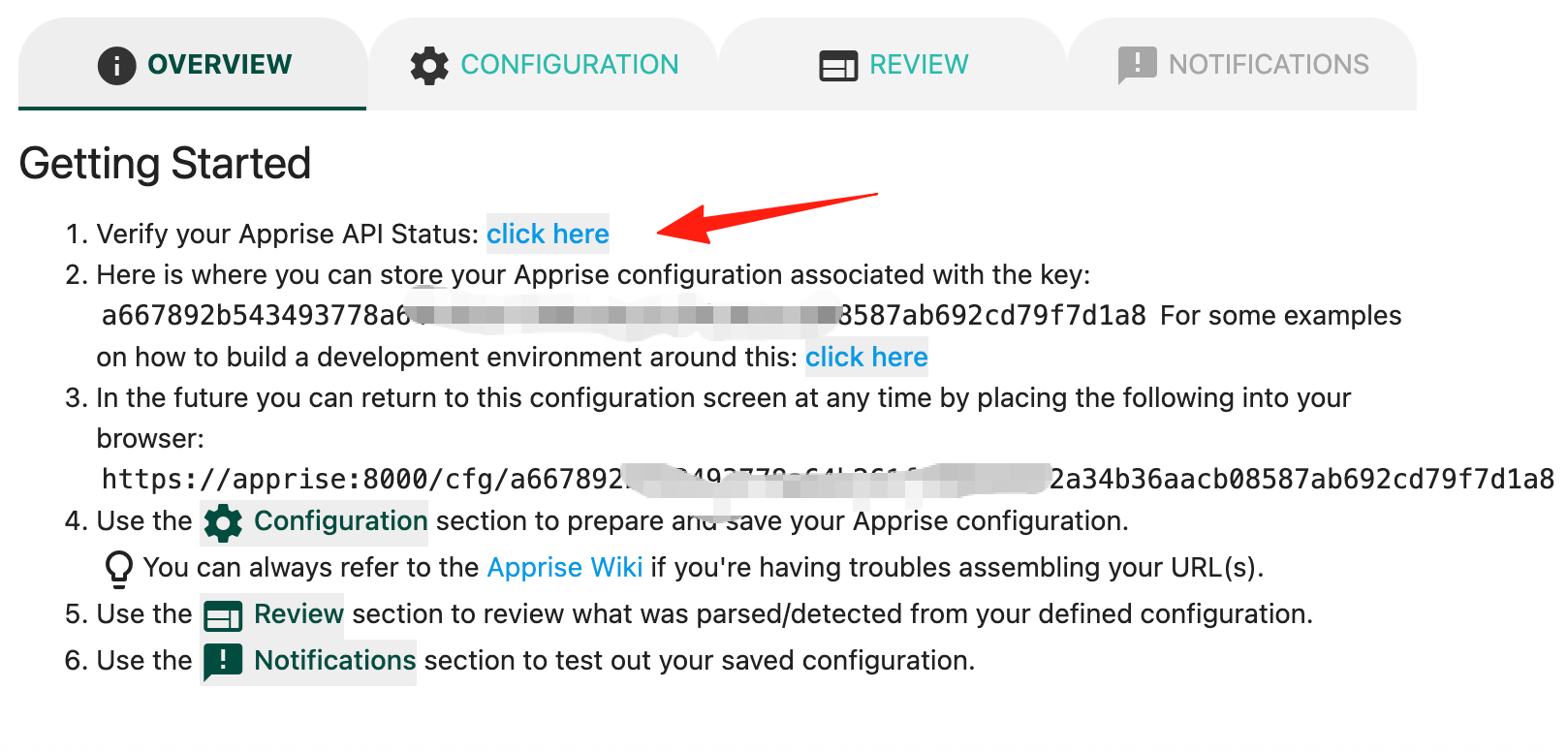
Click here to check if the service status is normal.
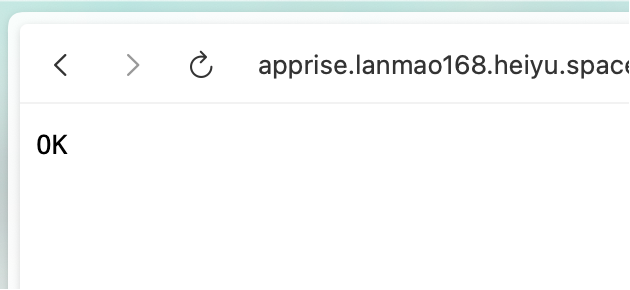
If successful, it will return ok.
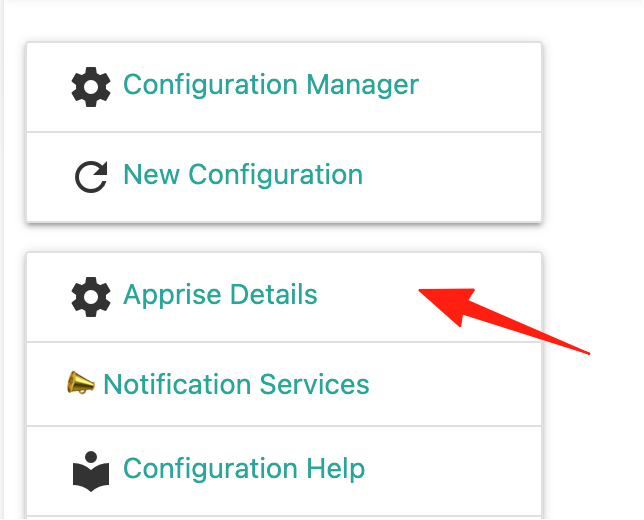
Click Apprise Details. This lists all supported platforms and how to use them.
Take Feishu as an example:
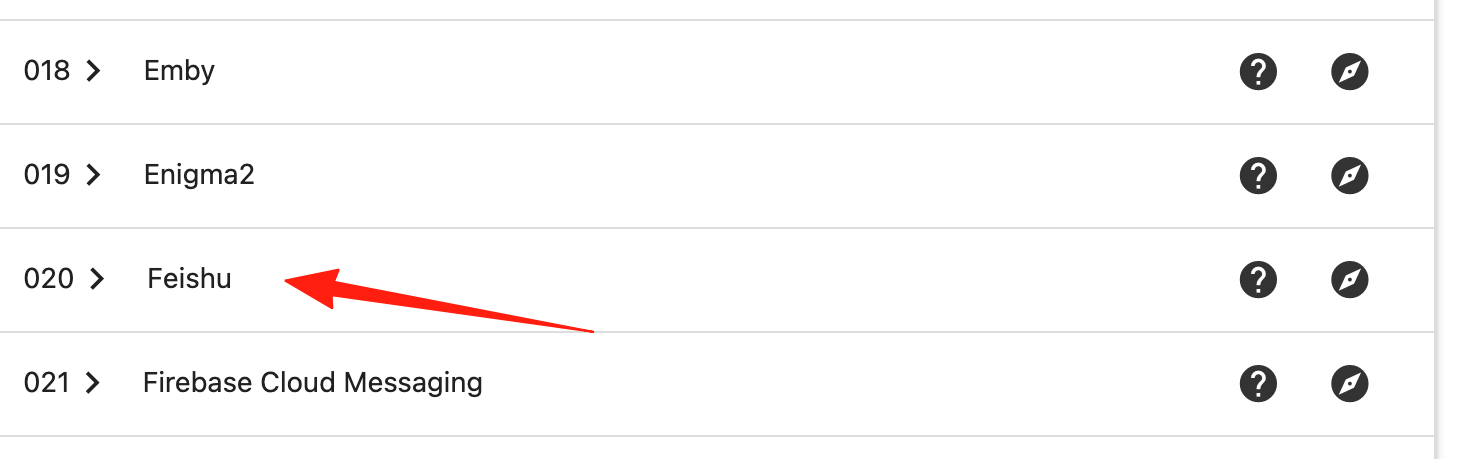
You can see it requires a token. Using a format like feishu://token will work.
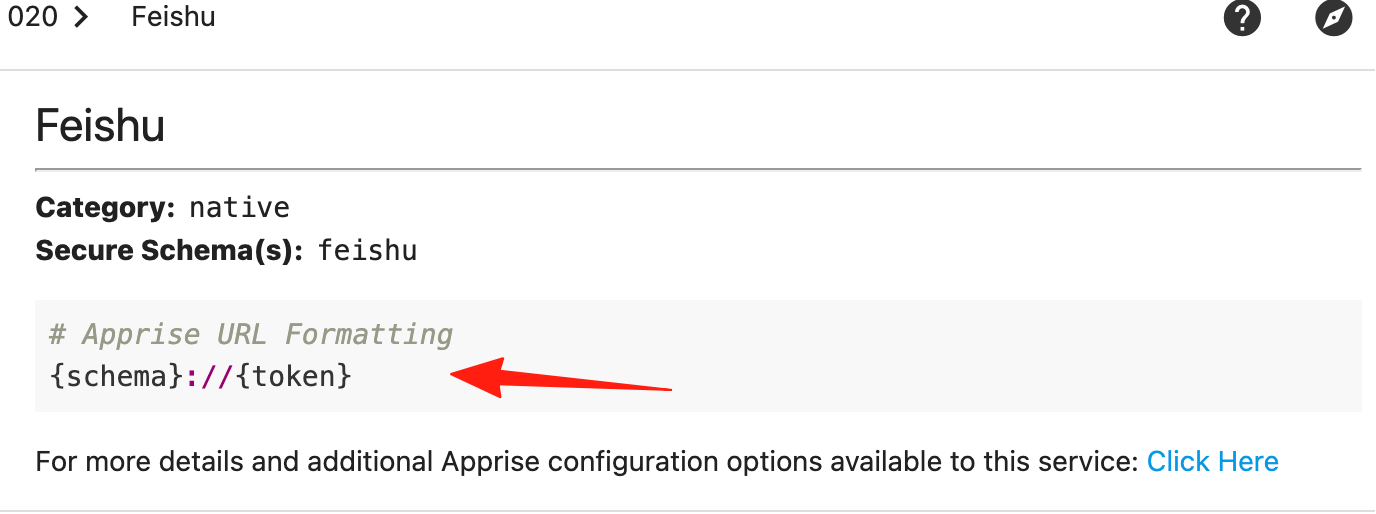
If you don't know how to get a Feishu token, you can refer to my guide here.
For example, if a Feishu group's webhook address is:
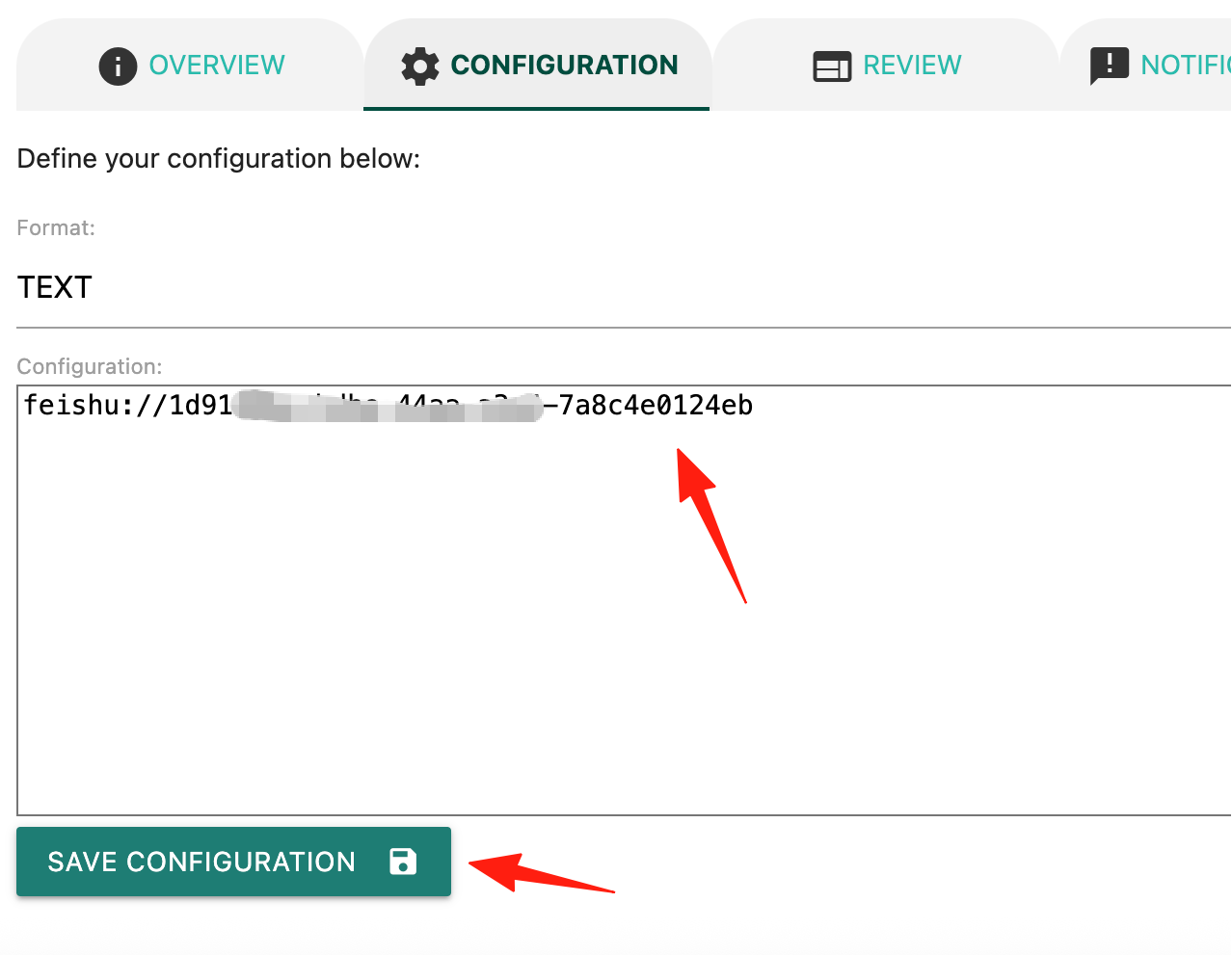
https://open.feishu.cn/open-apis/bot/v2/hook/1d9148be-bdbe-44aa-a3a4-7a8cddd4e0124eb
The string of characters after hook/ is the token we need.
In the configuration, let's add the Feishu configuration and save it.
In the notification function area on the right, let's create a new notification.
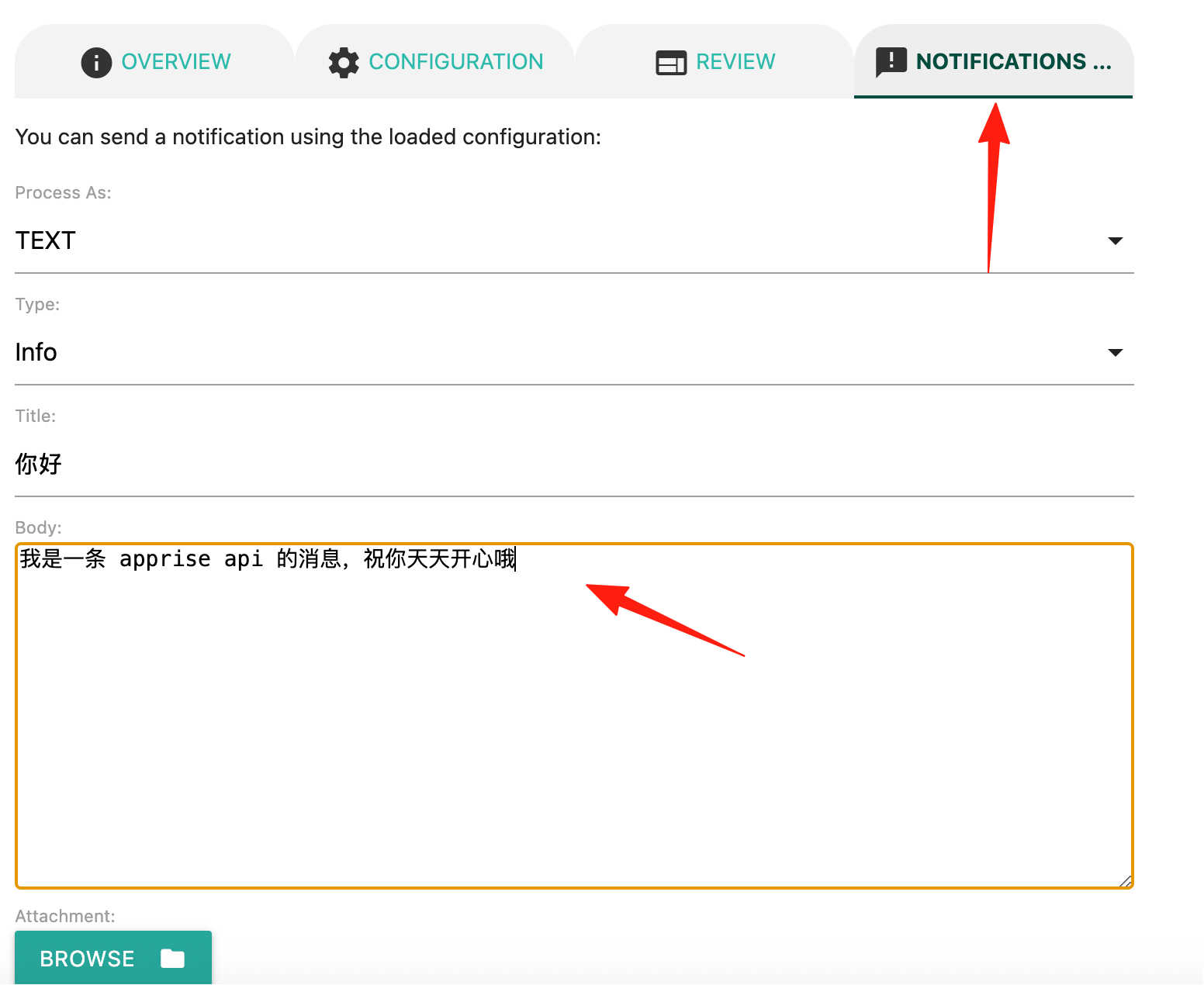
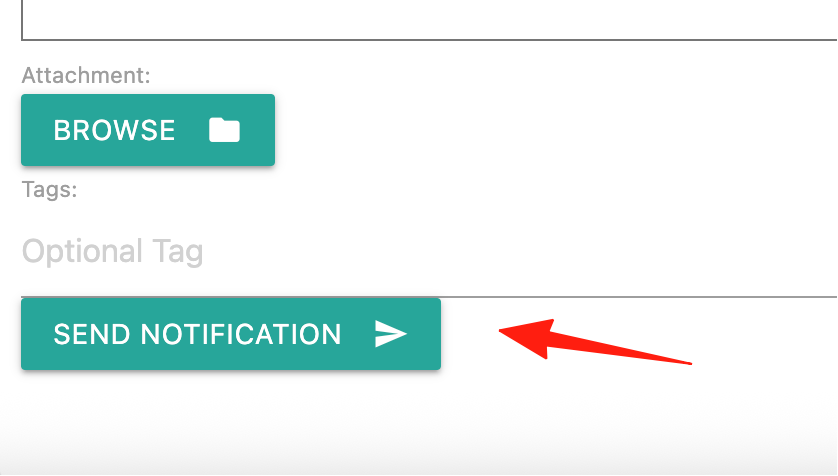
Click the send button below.
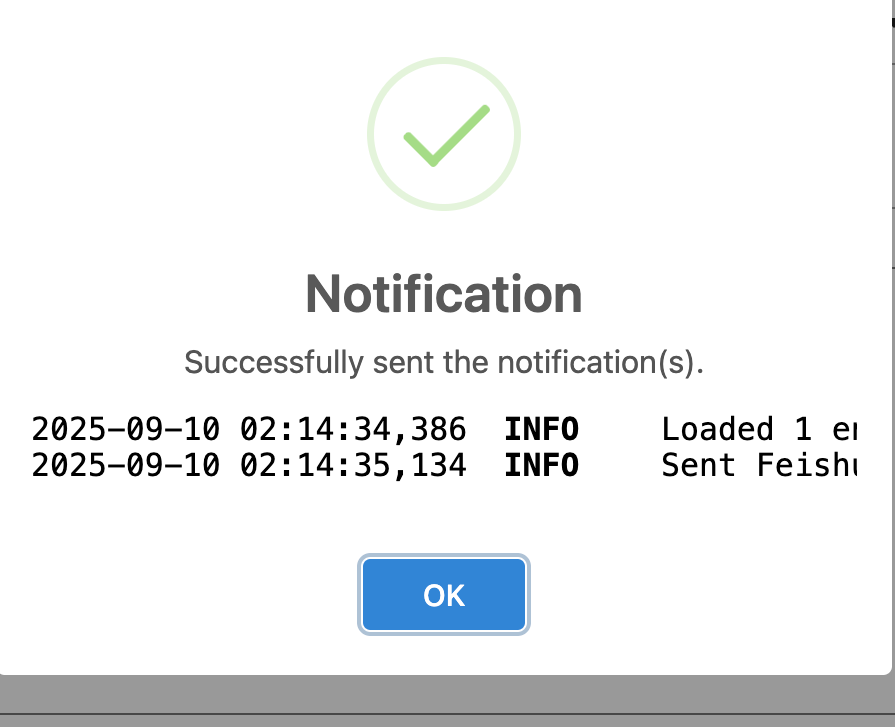
A prompt indicates the send was successful.
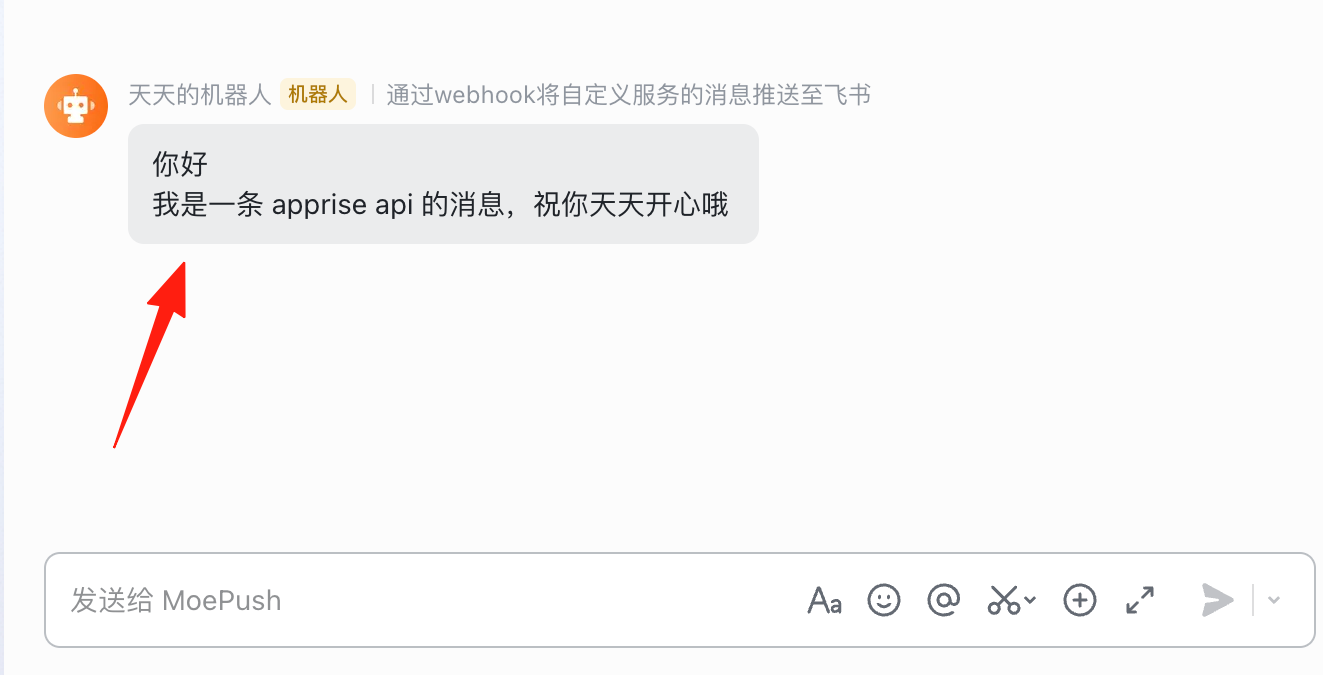
Returning to the Feishu group, you can see the message has been received:
Quick Reference for Common Platform Configurations
Email (Gmail Example)
mailto://youremail:app-specific-password@gmail.com
Note: You need to generate an "App Password" in your Google Account settings.
Telegram
- Find @BotFather to create a bot and get the token.
- Find @userinfobot to get your Chat ID.
- Format:
tgram://bottoken/ChatID
Discord
- Server Settings → Integrations → Webhooks → Create Webhook
- Copy the ID and Token from the Webhook URL.
- Format:
discord://webhook_id/webhook_token
DingTalk
dingtalk://token/
WeCom (Enterprise WeChat)
wxteams://corpid/corpsecret/agentid
Frequently Asked Questions
Q: Does Apprise support WeChat notifications? A: Not natively (it's a foreign project, after all). But you can achieve it indirectly through domestic services like Server Chan or PushPlus.
Q: Can I send to multiple recipients at once? A: Of course! Just write multiple URLs:
apprise -t "Broadcast" -b "Content" \
  "tgram://token/chatid1" \
  "tgram://token/chatid2" \
  "mailto://email@gmail.com"
Summary
Apprise is a highly practical tool, especially when you need to:
- Monitor server status
- Receive automated task notifications
- Distribute messages across multiple platforms
- Consolidate notifications from various services
Its biggest advantage is simplicity and unification. It makes your notification system incredibly simple, so you no longer have to struggle with various API documentation!