
n8n Practical Guide: How to Fetch Latest X Tweets
If you want to scrape the latest tweets from certain bloggers, this guide can help you.
https://appstore.lazycat.cloud/#/shop/detail/cloud.lazycat.app.n8n
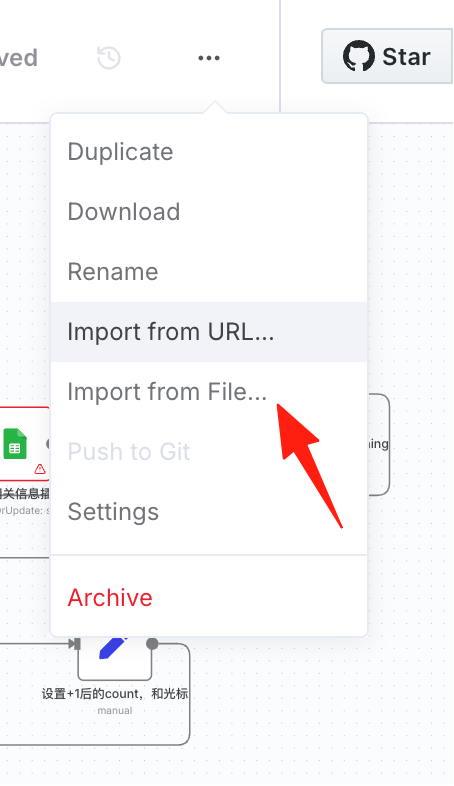
First, you can download this file and import it into your n8n.
If you click run directly, it will throw an error. We need to see which nodes have errors and then troubleshoot them one by one.
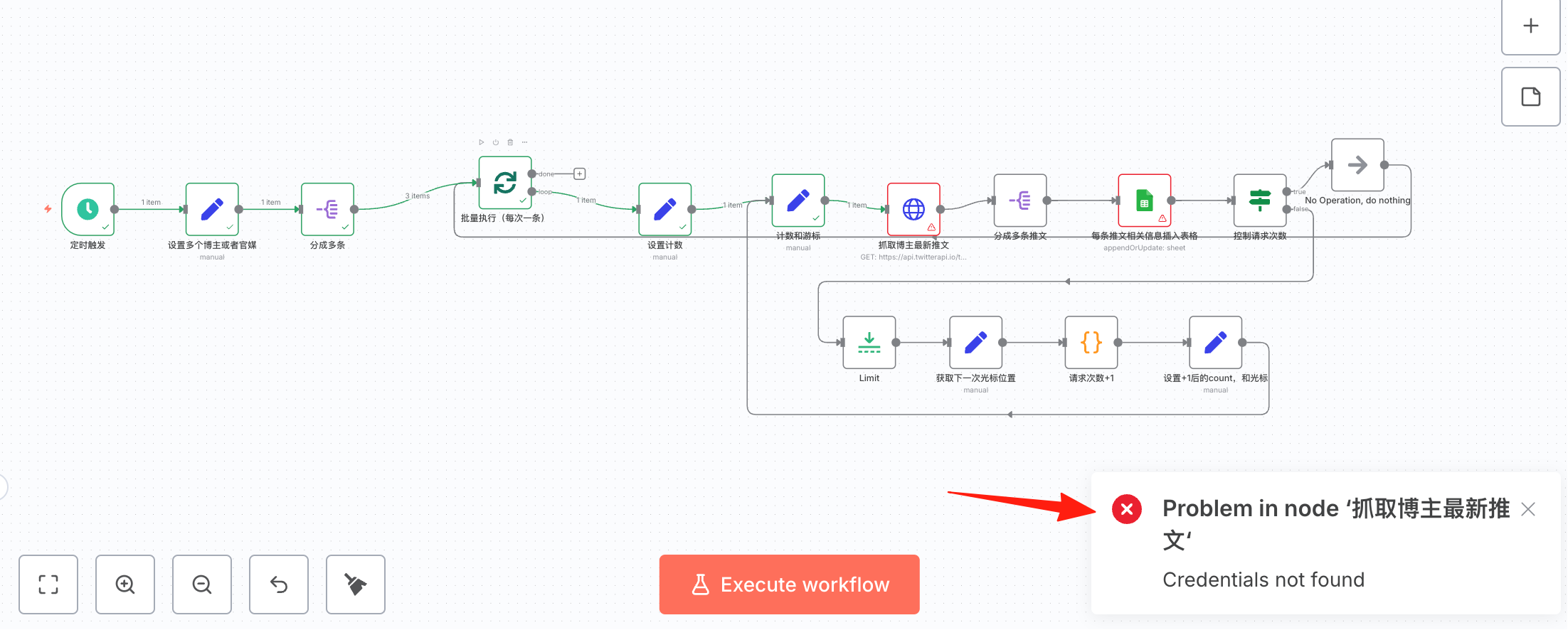
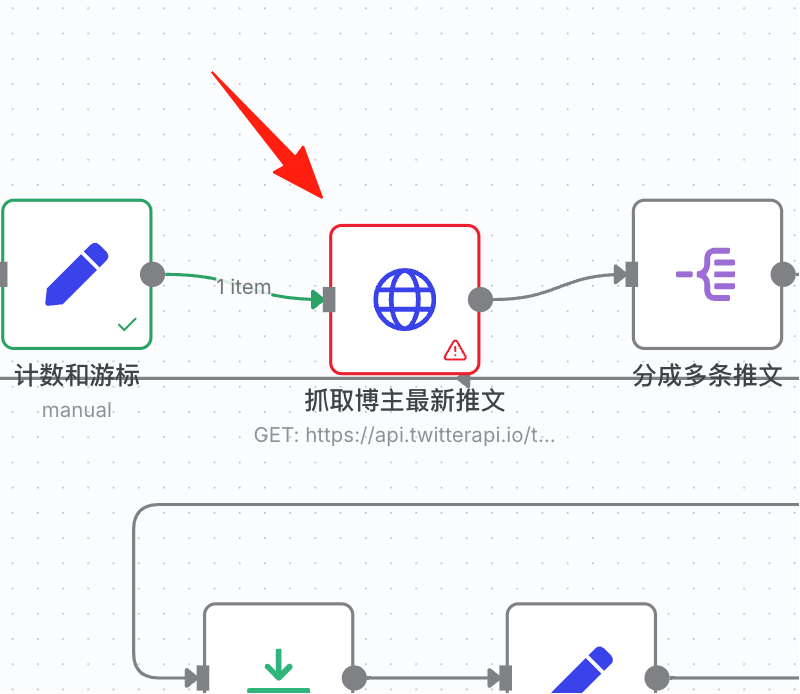
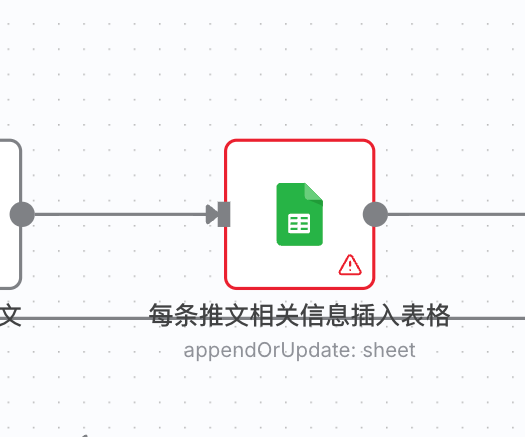
You can see this step has an error. Double-click to open the node directly.
This step requires us to configure Twitter permissions.
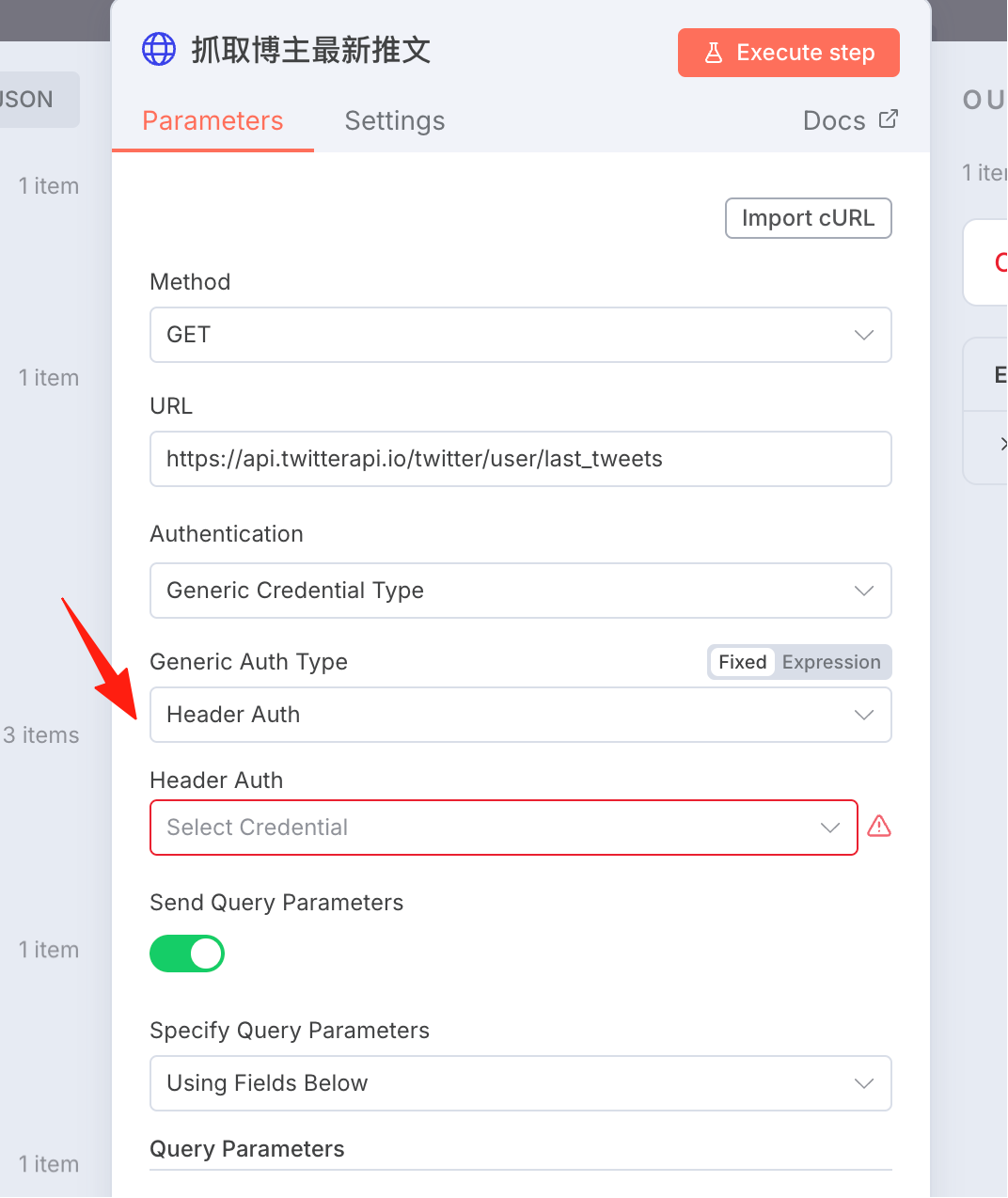
Visit the page: https://twitterapi.io/dashboard After creating an account, you will receive an API KEY.

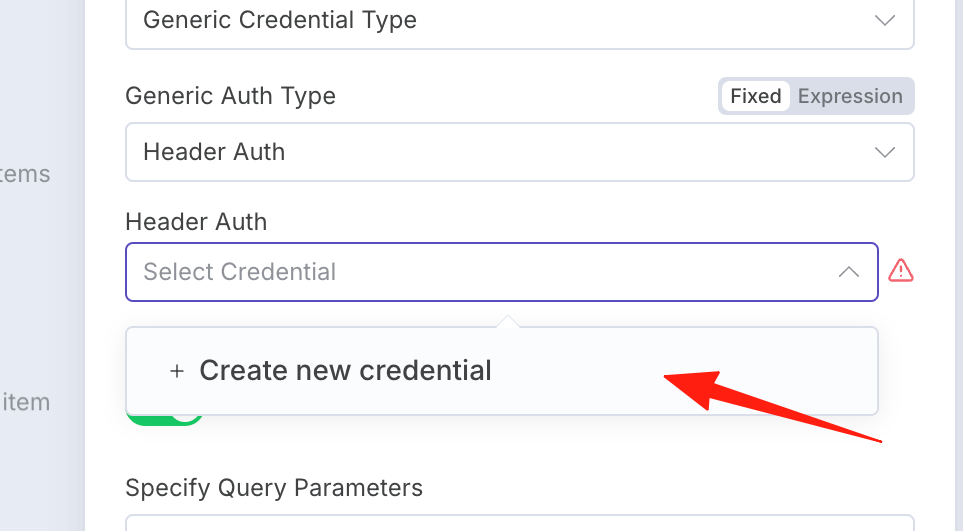
Create a new credential in Header Auth.
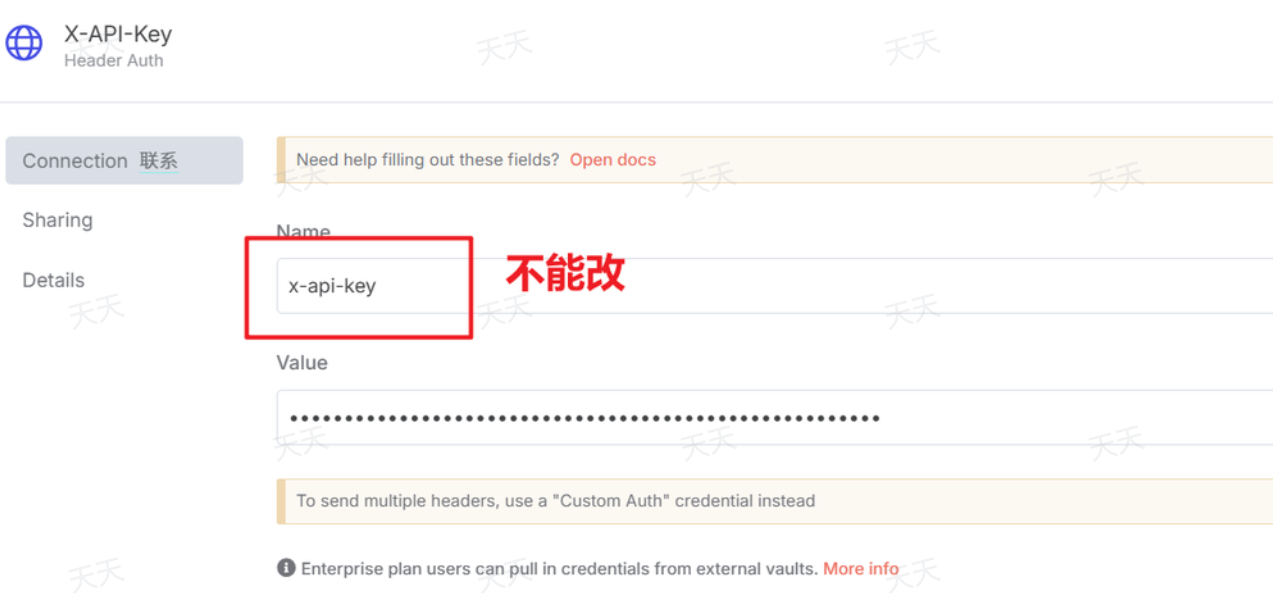
Fill in the Name as: x-api-key, and the Value is the apikey you just obtained.
Next, handle this error:
Click to create a new credential.
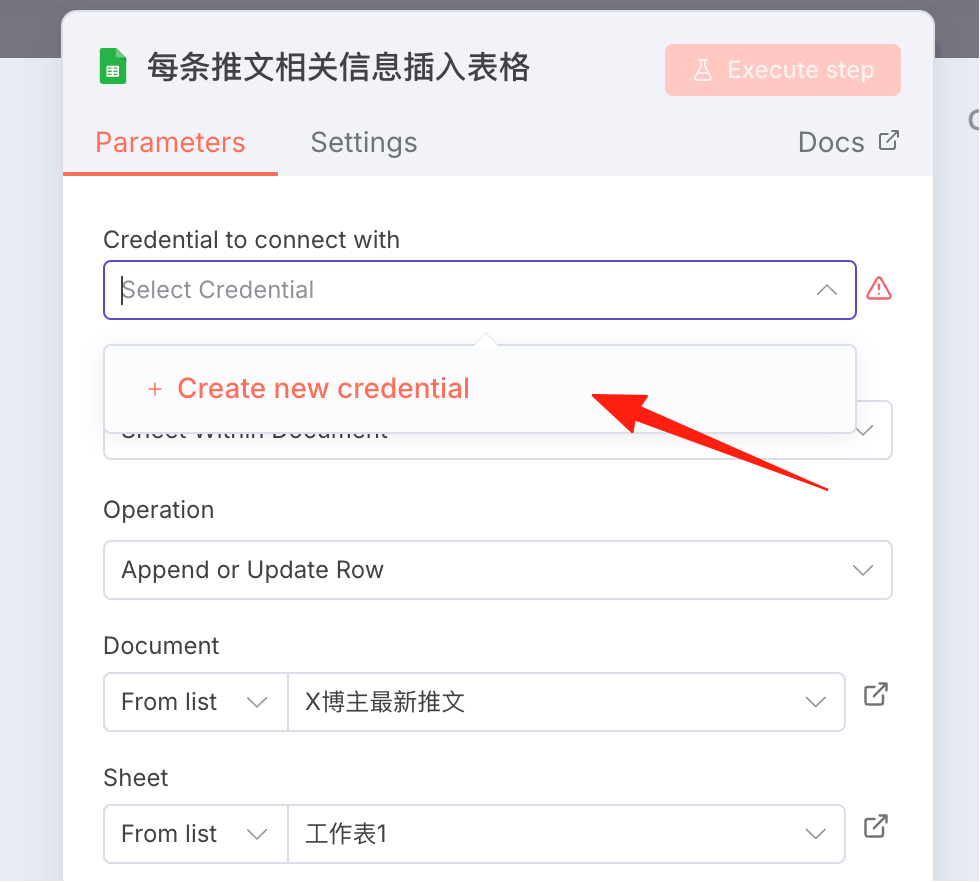
For the method to create Google credentials, you can refer to this guide I wrote previously: n8n Hands-on Guide 2: How to Add Google Drive Configuration
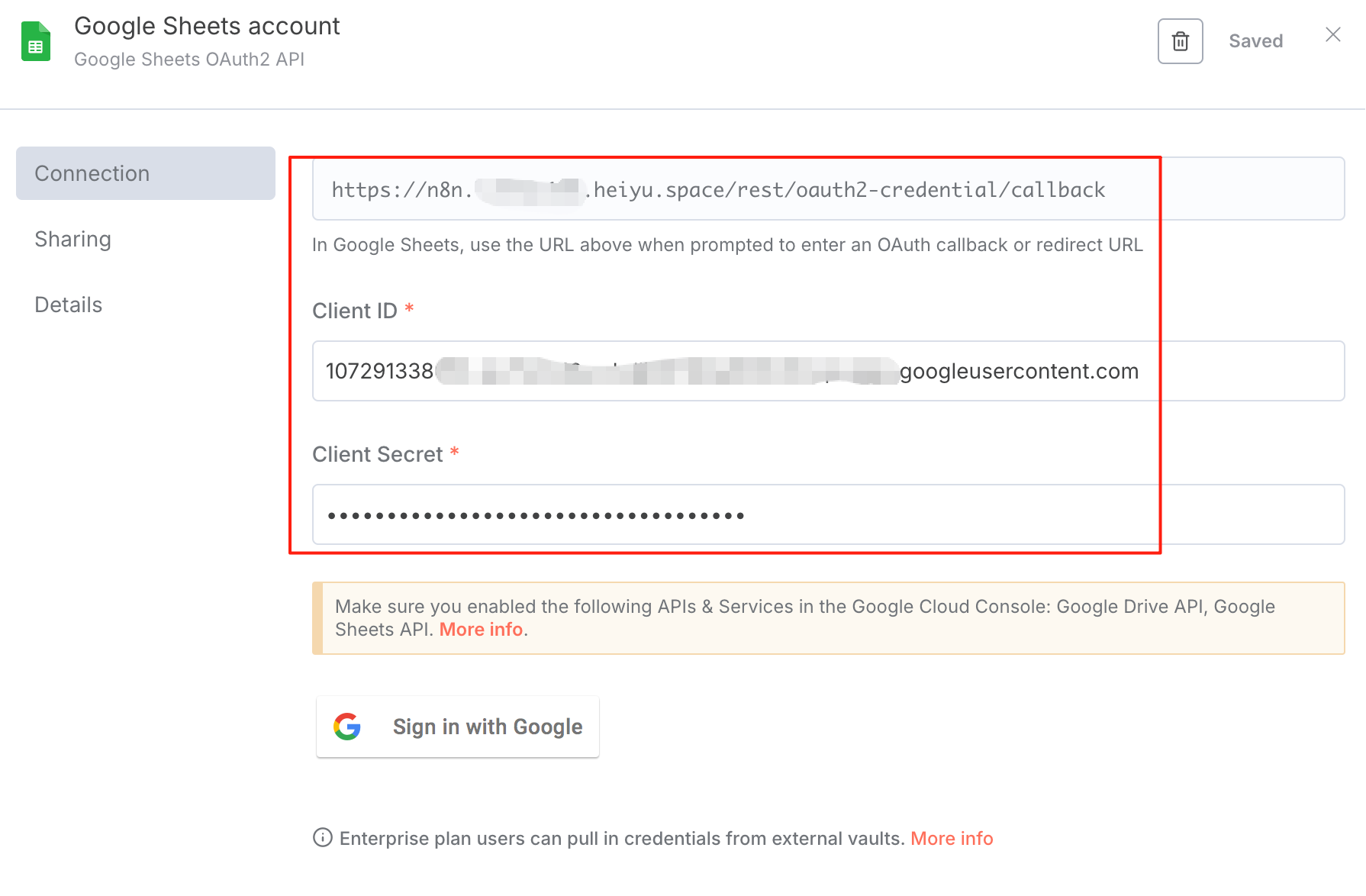
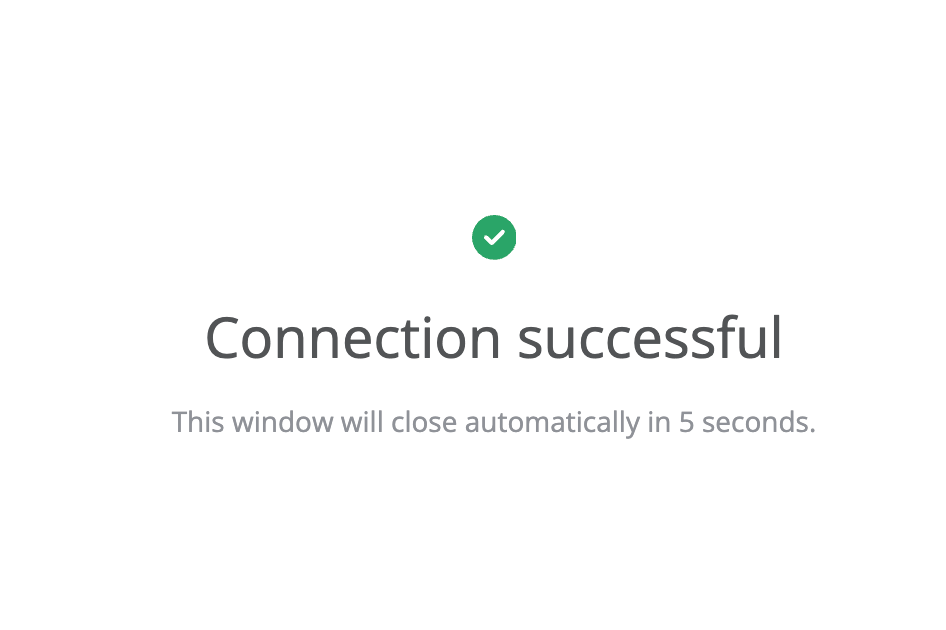
Click 'Sign in with Google' – it must log in successfully (check for Peppa Pig).
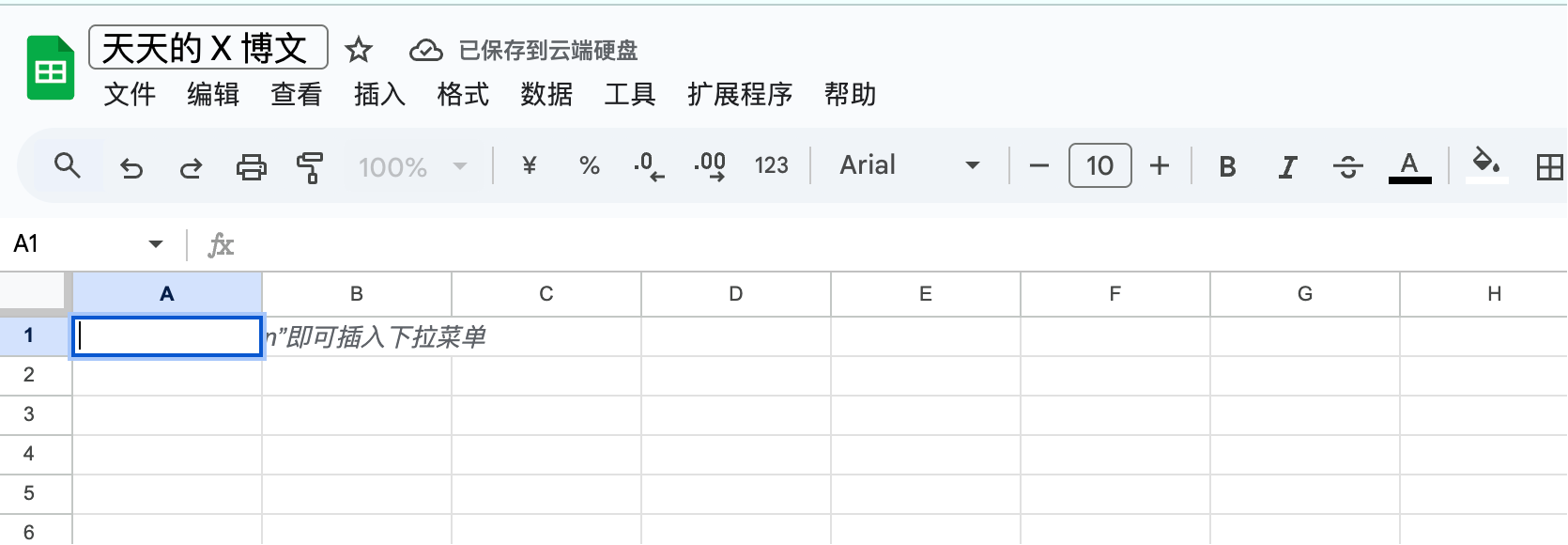
Create a Google Sheet (no need to write content). Google Cloud Docs: https://drive.google.com/drive/home
If the previous steps were done correctly, at this step, it should automatically fetch the sheet I just created:
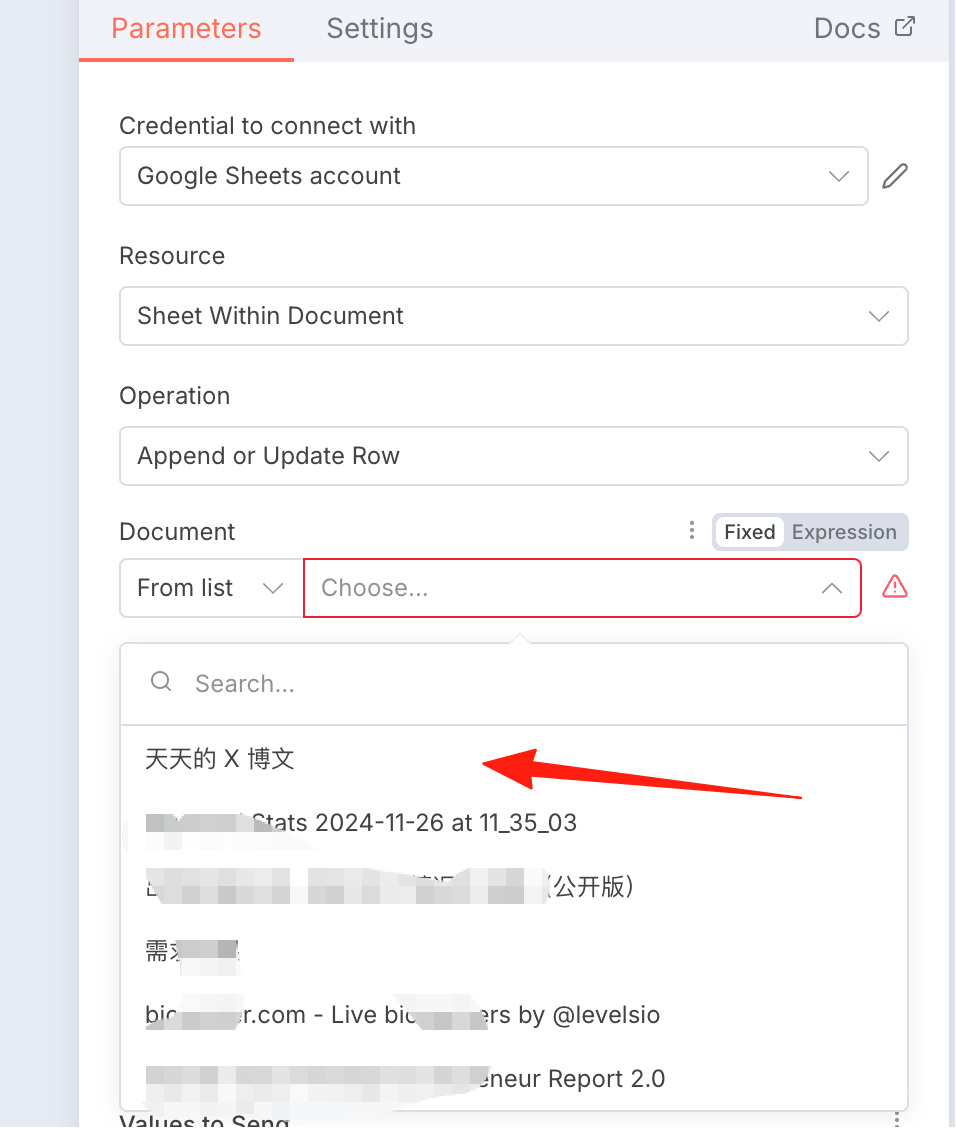
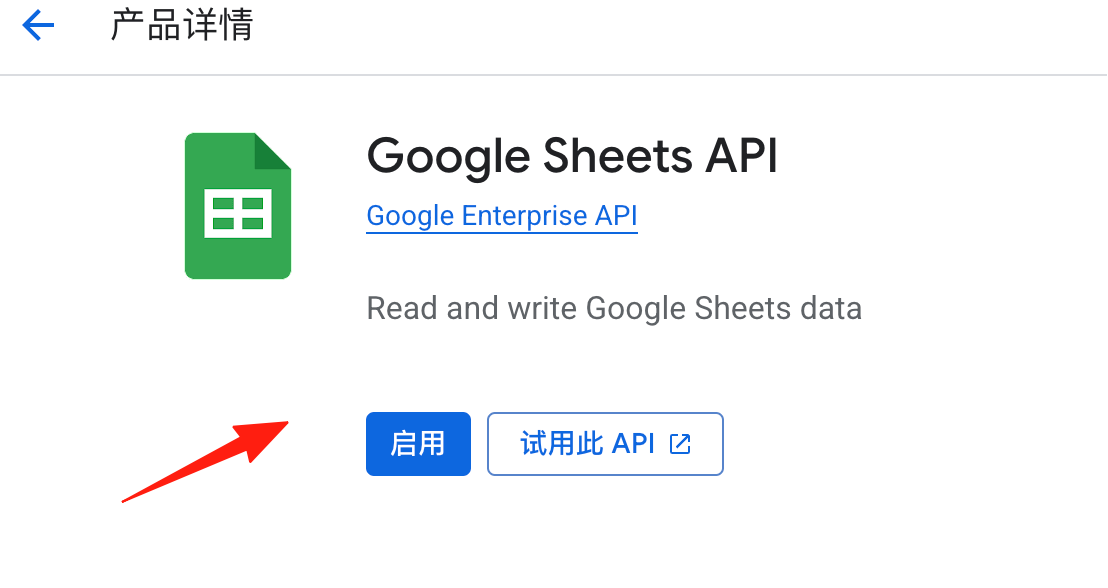
If it errors and fails to fetch, you need to check if your Google API is enabled.
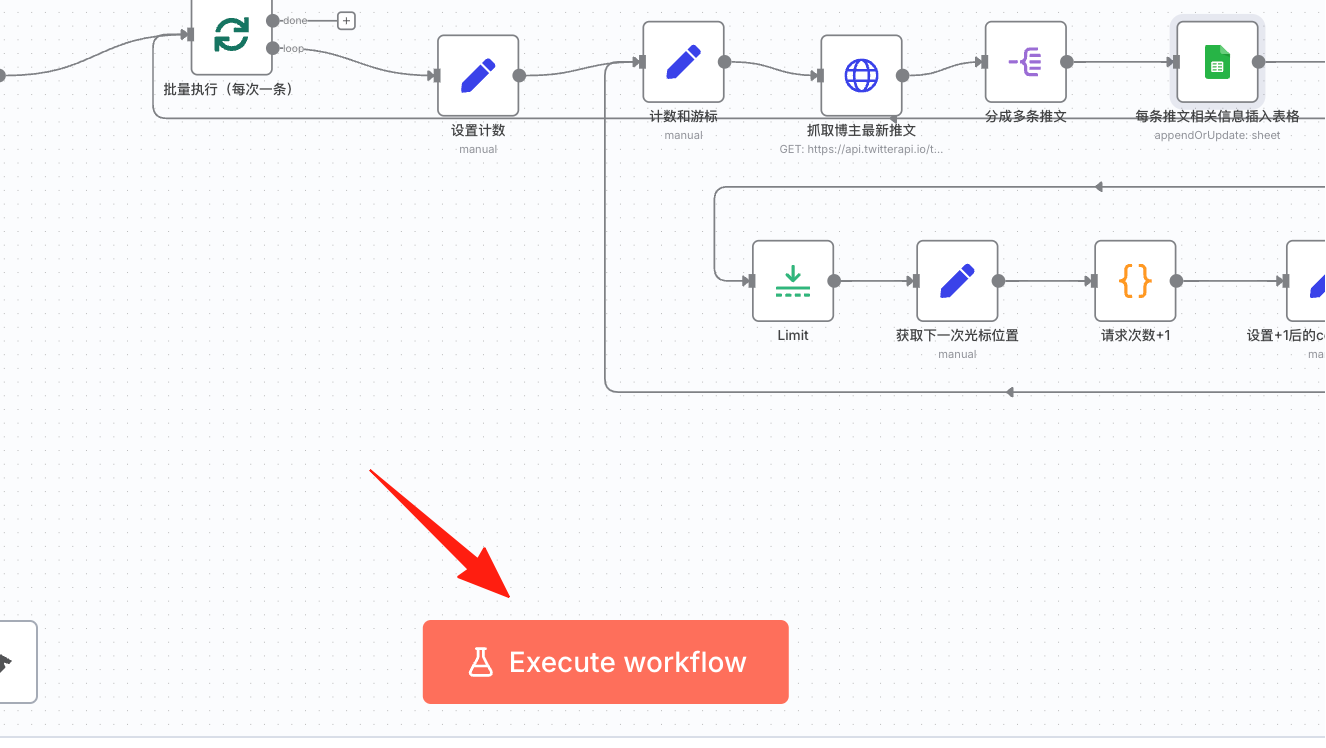
Click to execute the workflow.
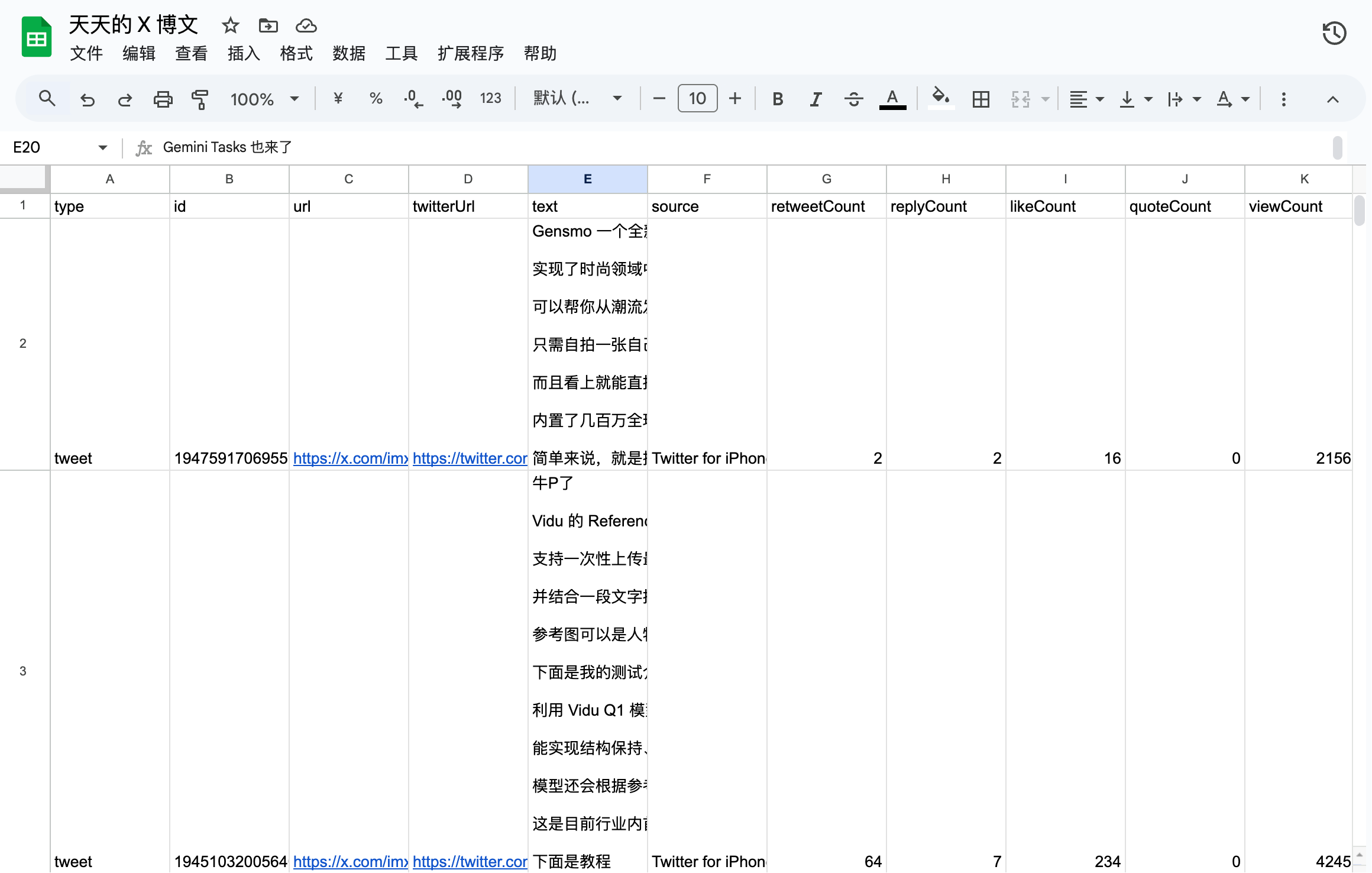
Return to the Google Sheet, and you can see the data has been written in.
This workflow allows you to scrape tweets from your favorite bloggers and filter out ads and automated recommendations, which is quite practical.