
n8n Getting Started Guide: 5 Ways to Quickly Build a Workflow
When learning to use the n8n automation tool, many people fall into a common misconception: treating it like a programming language to learn.
We all know that learning programming requires starting with basic syntax, then studying various frameworks, before finally being able to work on real projects.
But n8n is not programming at all. It's more like a tool for building with blocks. Have you ever seen a child memorize the entire instruction manual before playing with building blocks?
The fastest way to learn n8n is actually through imitation, or rather copying and pasting. Quickly getting a workflow running can significantly boost your confidence.
https://appstore.lazycat.cloud/#/shop/detail/cloud.lazycat.app.n8n
I've summarized the following methods to help you get started quickly:
Official Template Library
Open https://n8n.io/workflows/, enter your search keywords in the top search bar. The official library currently has over 5k workflows.
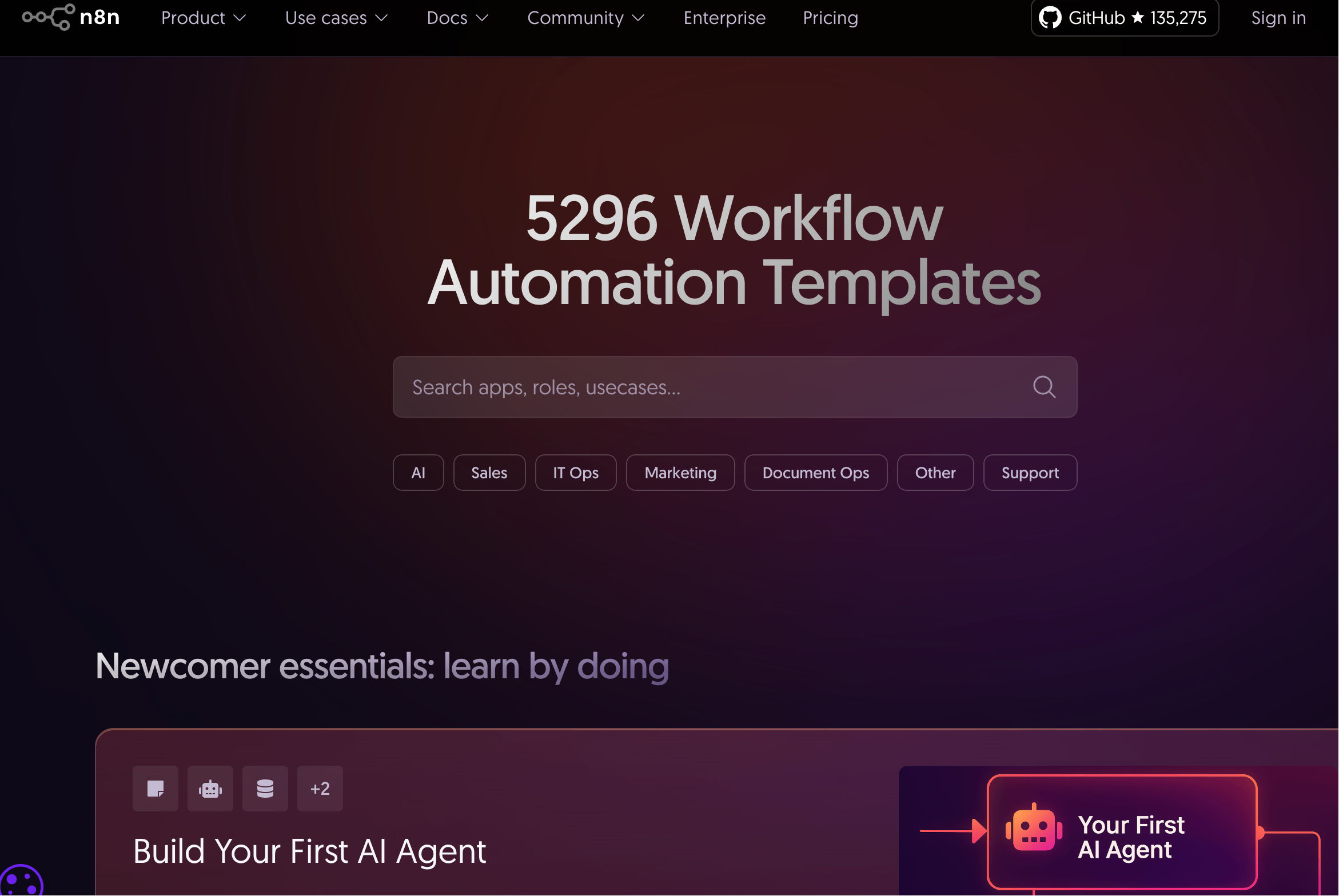
For example, if you search for "IT Ops", it shows 795 results.
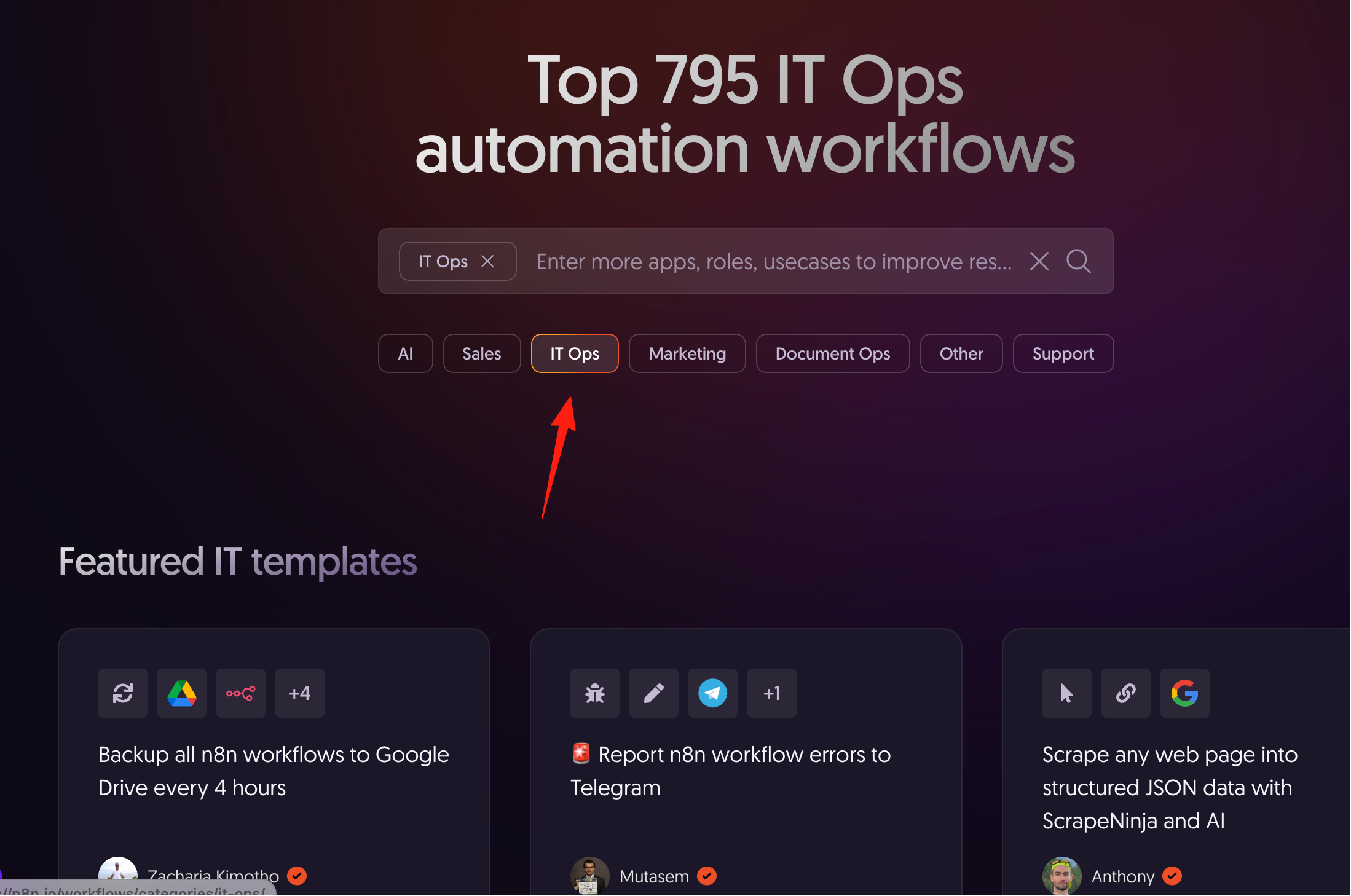
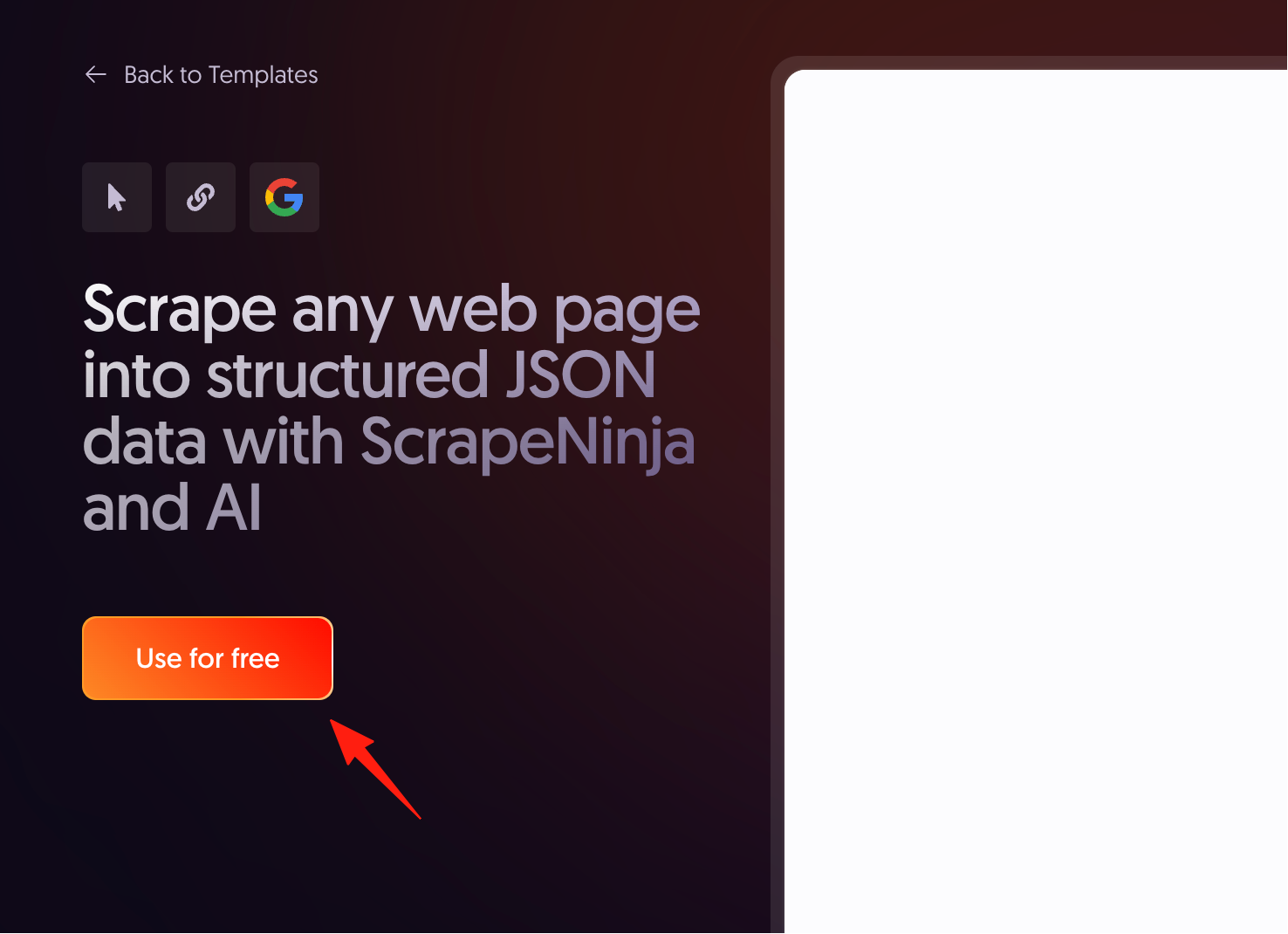
Click on a project that interests you, then click "Use for free".
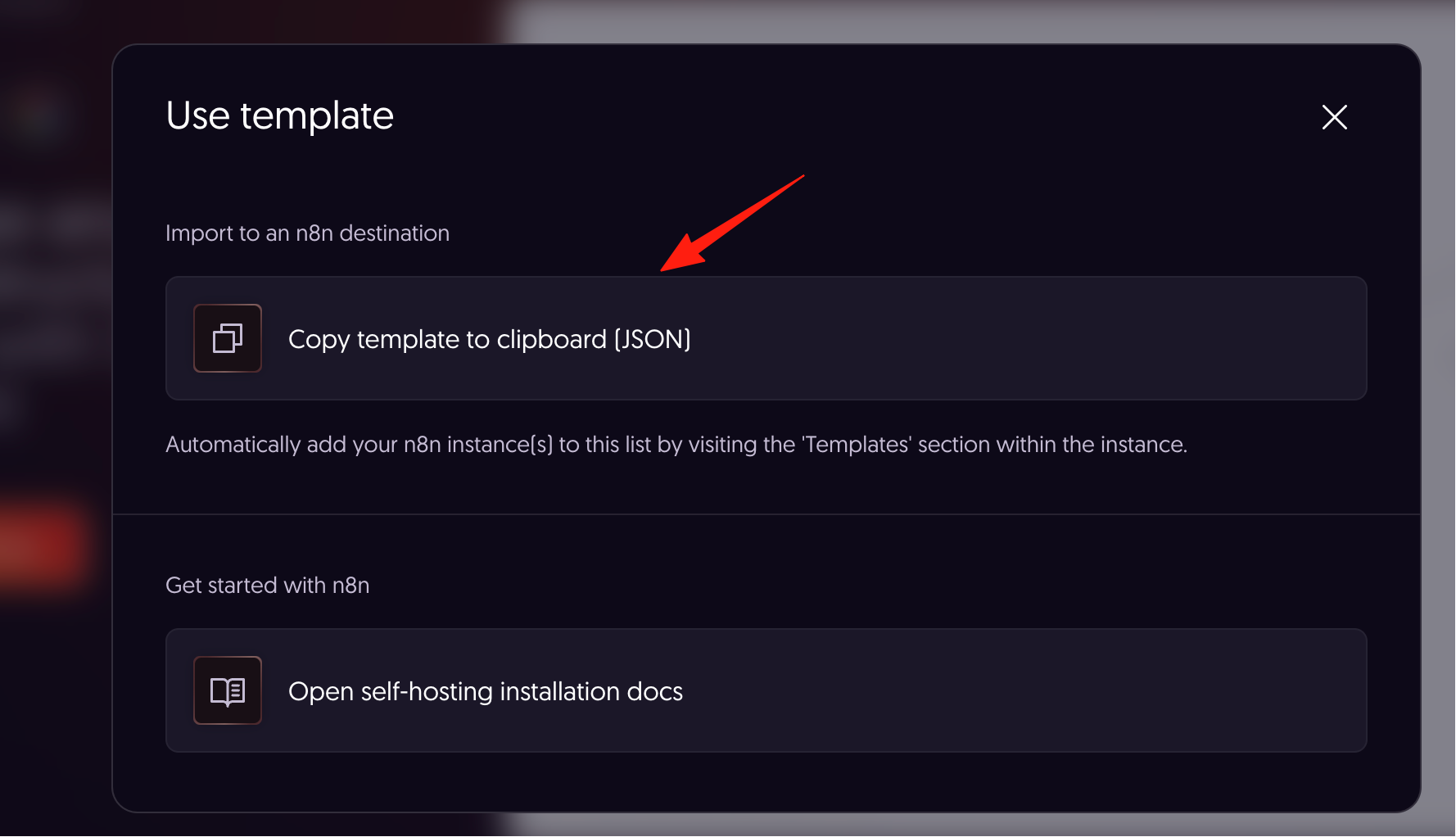
Copy its JSON file from the pop-up window.
Go back to n8n, create a new workflow, and directly paste using Ctrl+V.
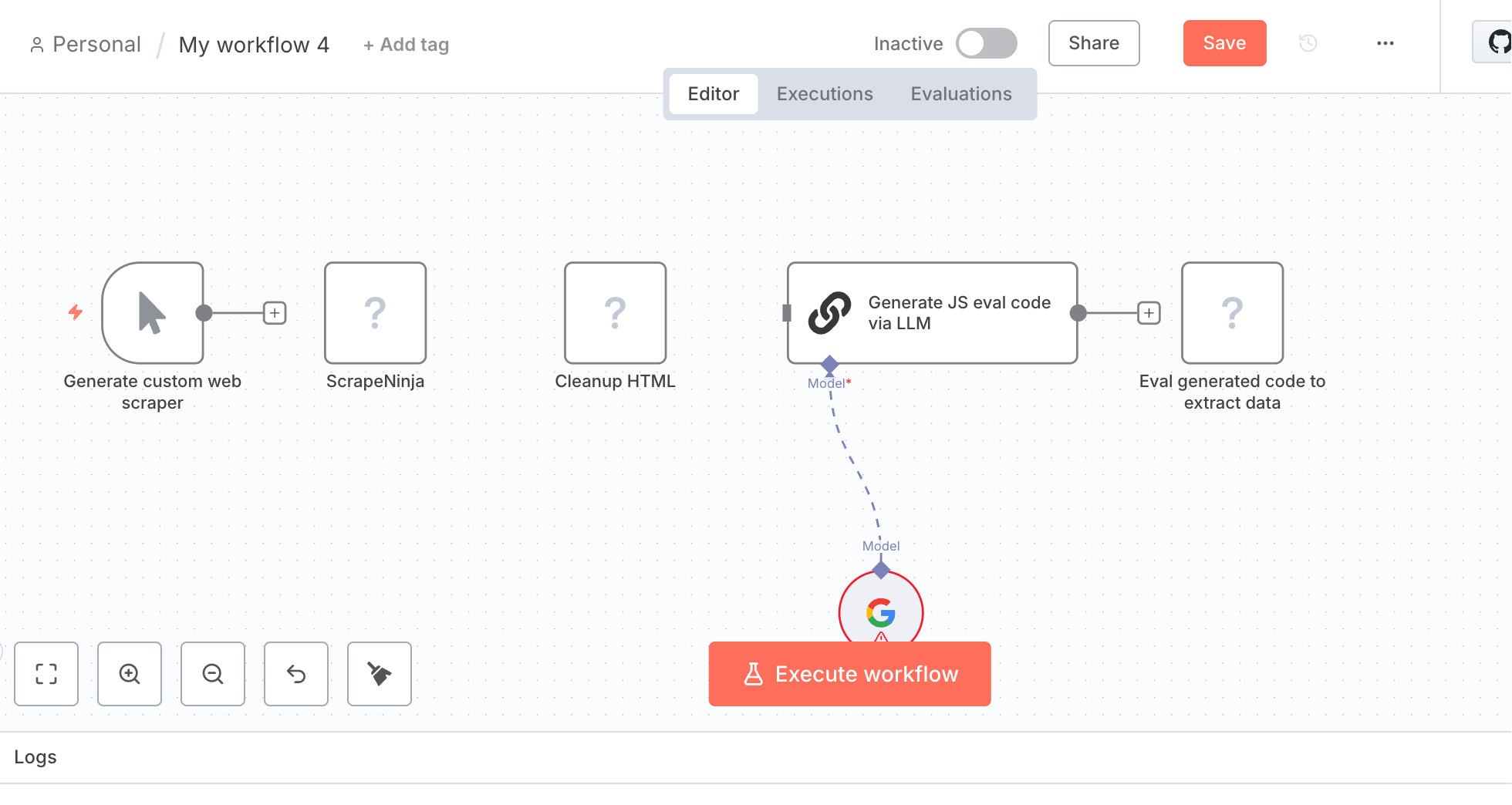
Imported workflows are usually grayed out, indicating they need configuration. If there are large language models or permission settings involved, you'll need to configure them manually.
n8n Workflows
This app is also available in the app store and supports the same operations mentioned above.
https://appstore.lazycat.cloud/#/shop/detail/com.txj.n8nworkflows
For beginners, you can choose workflows with "Low" difficulty, which have fewer nodes and are easier to get running.
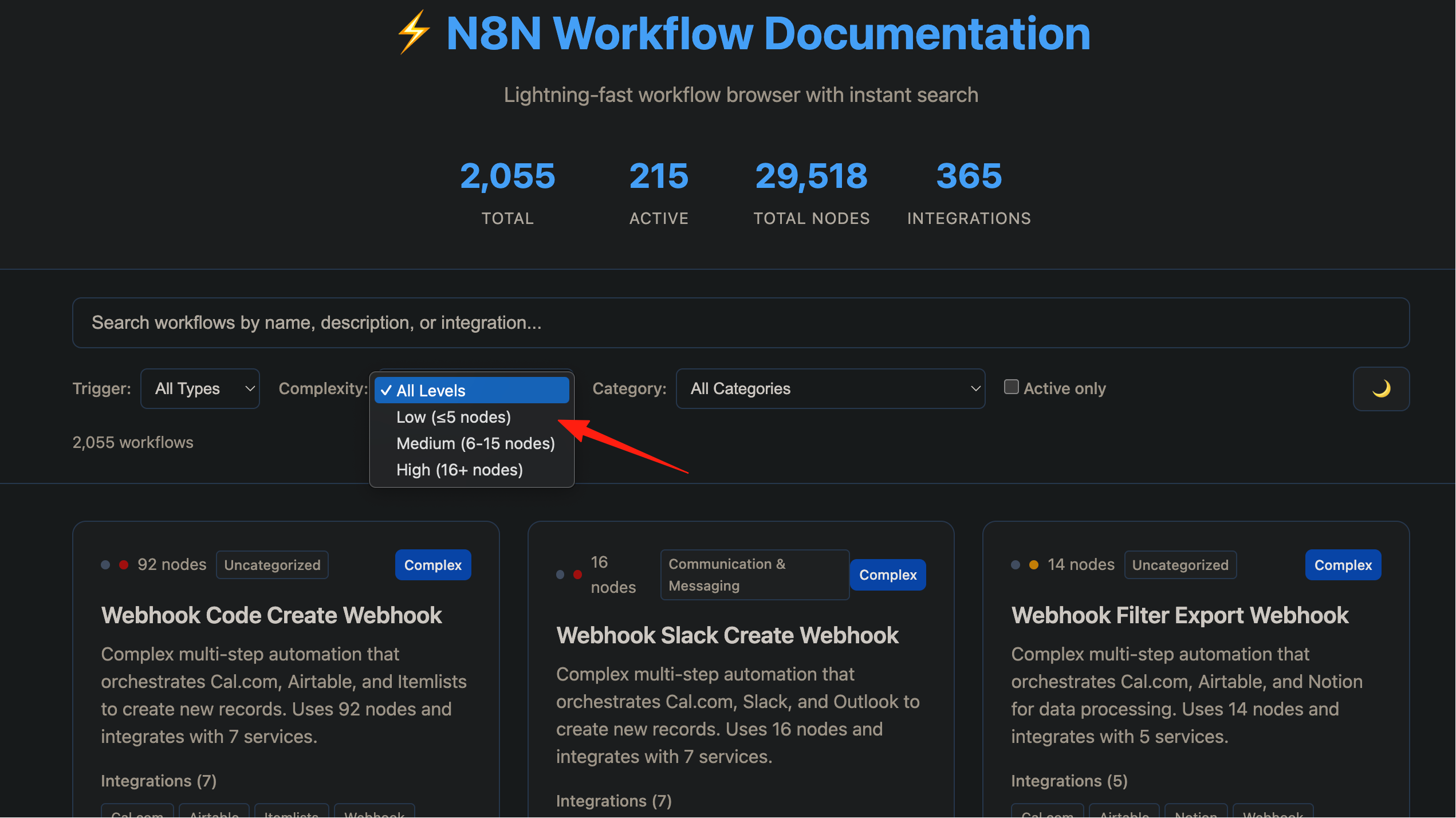
You can download the JSON file and import it into n8n, or directly copy and paste the code. It also supports online flowchart viewing.
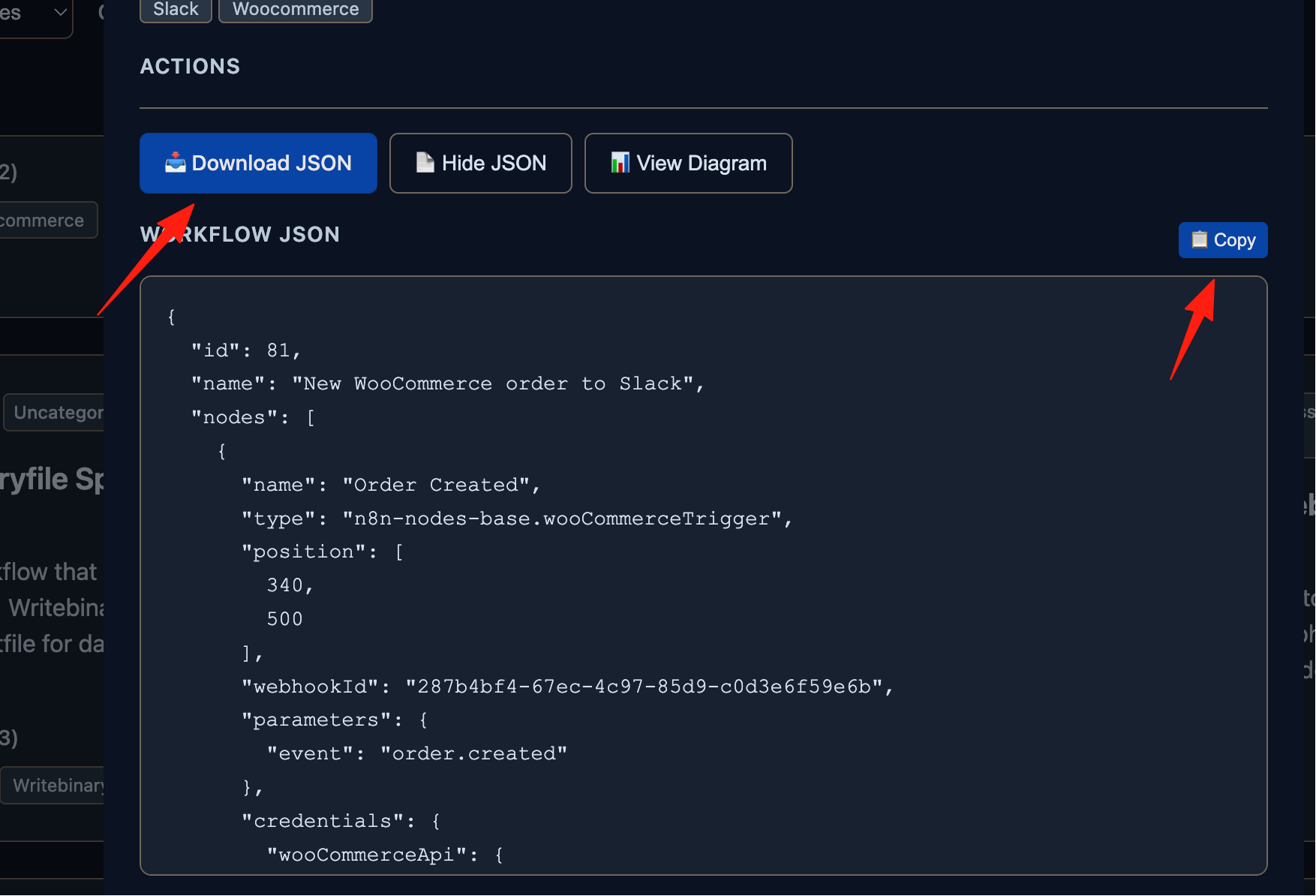
Using Large Language Models for Prompts
Universal prompt template: Please act as an n8n expert. Create a detailed n8n workflow for the following task: [Paste your specific requirement here] Please provide the step-by-step logic and the complete JSON for me to import.
It can even automatically generate JSON files for you.
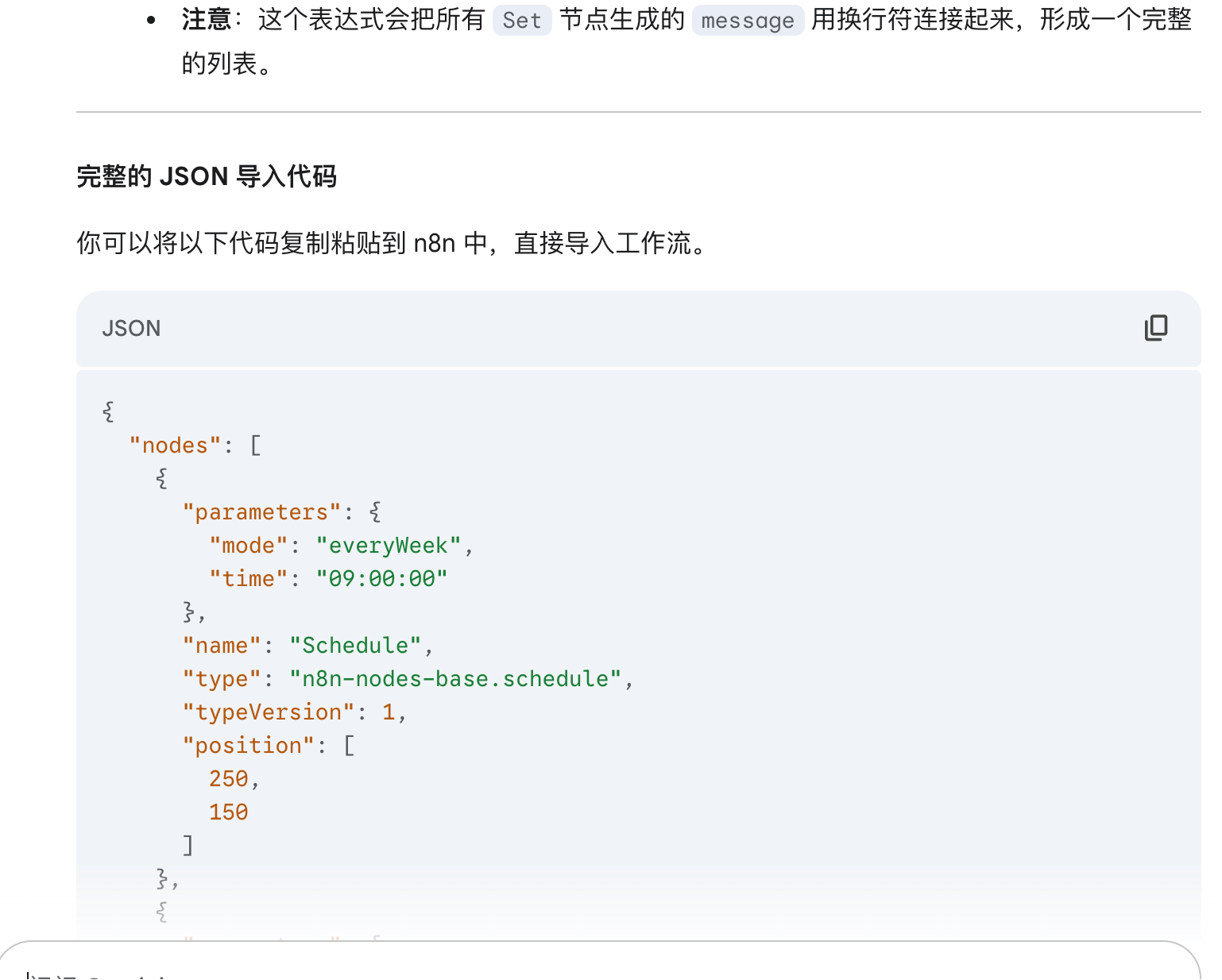
If you still find this too troublesome, check out the method below.
Install n8n-mcp
Execute the code: npm install -g @leonardsellem/n8n-mcp-server
Using Mac as an example, add the following to your ~/.zshrc file:
export N8N_API_KEY="your-actual-n8n-api-key" # Replace with your actual API Key export N8N_BASE_URL="http://localhost:5678" # Replace with your n8n instance URL
How to get n8n API Key:
- Log in to your n8n instance
- Click the user menu in the top right corner
- Select "Settings"
- Go to the "API" tab
- Create a new API Key or copy an existing one
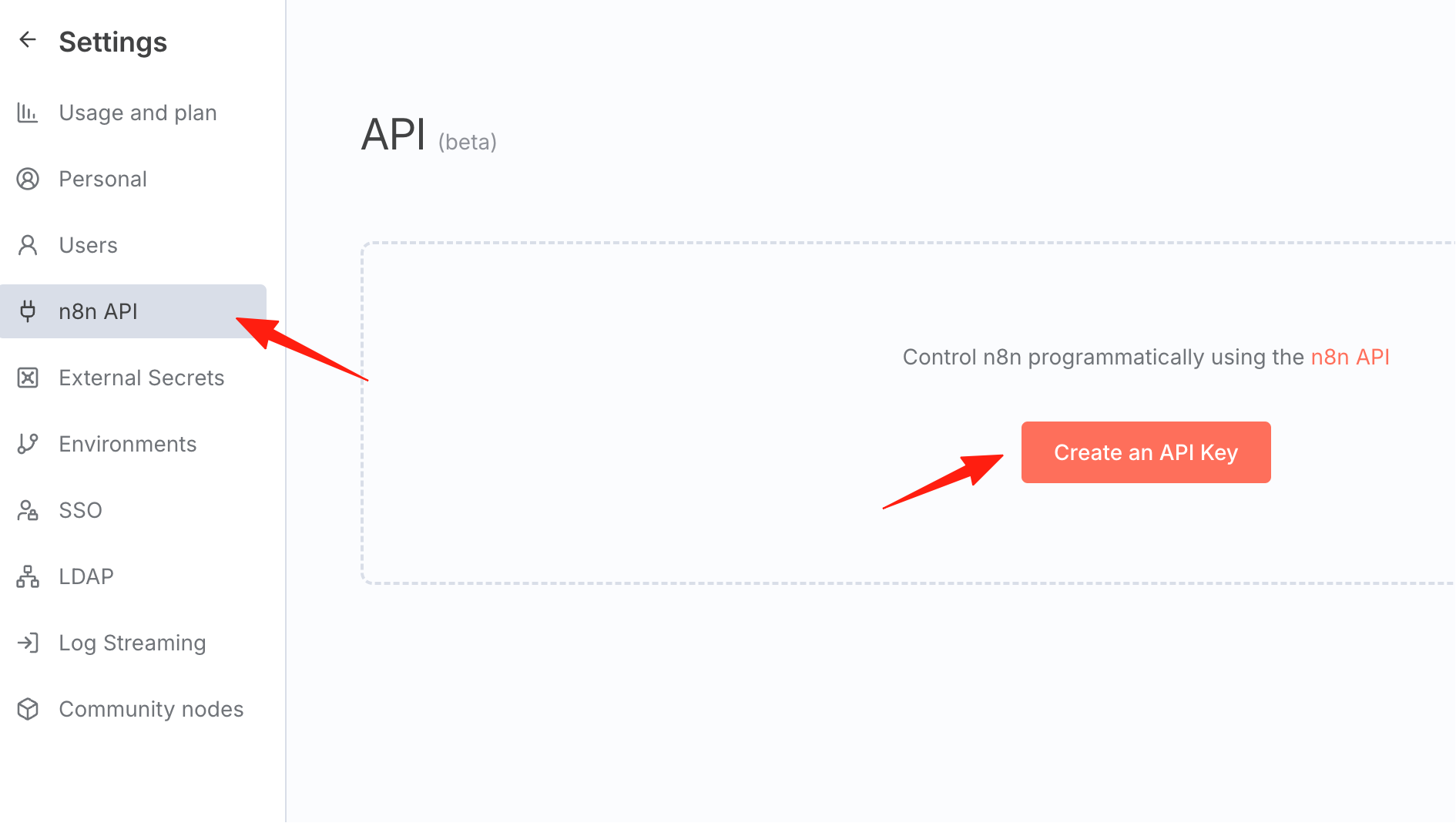
After configuration, you can ask directly in your development environment IDE (like I use Claude Code): "List all my n8n workflows". The output result:
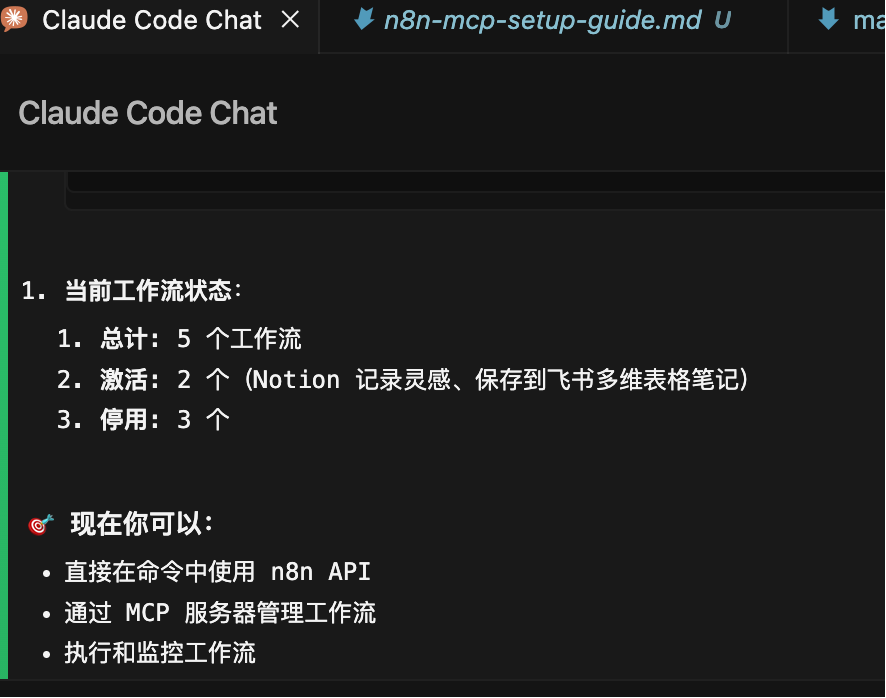
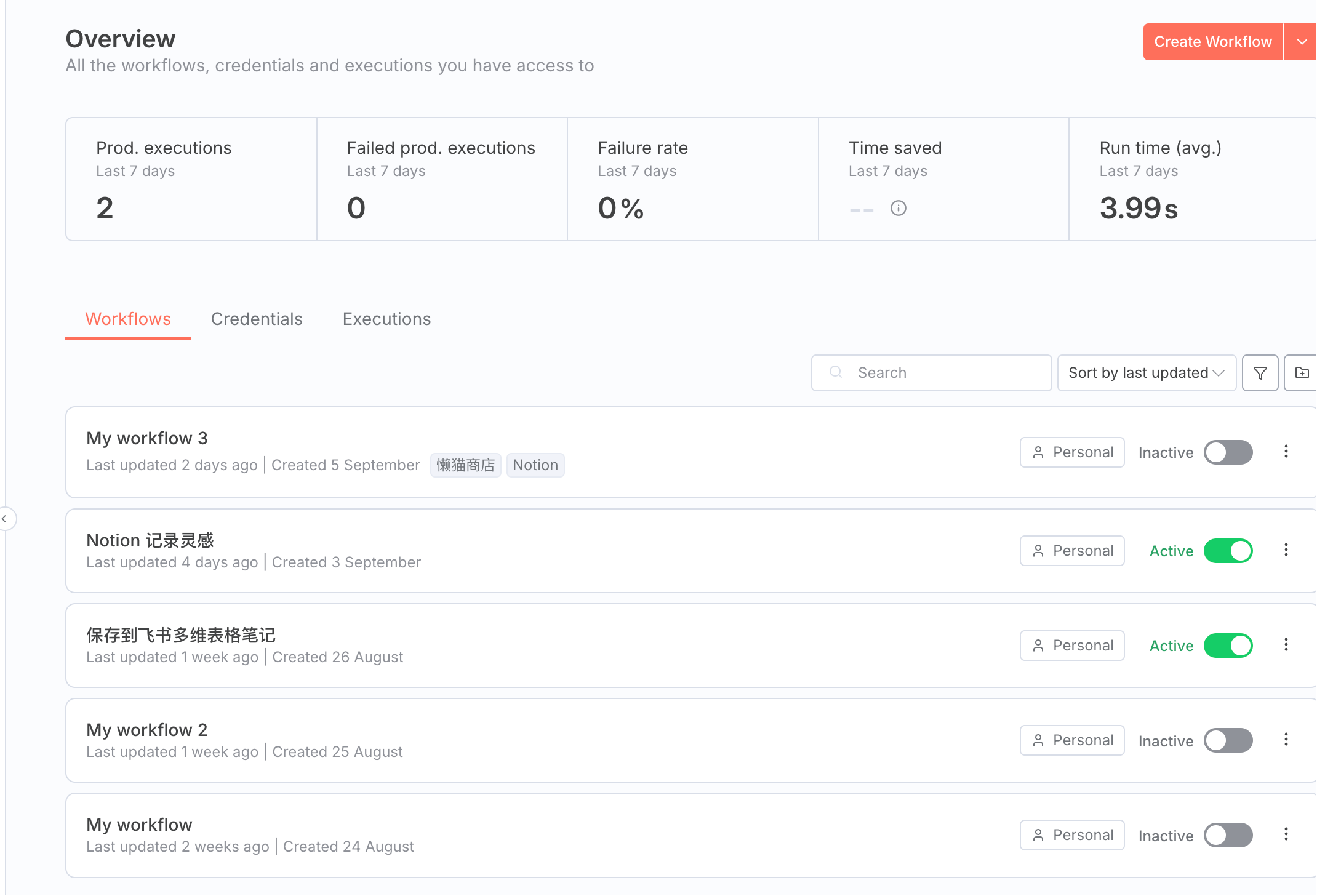
In the n8n environment, you can see that its conclusion is correct, indicating a successful connection.
Next, I can directly ask it to help me generate workflows.
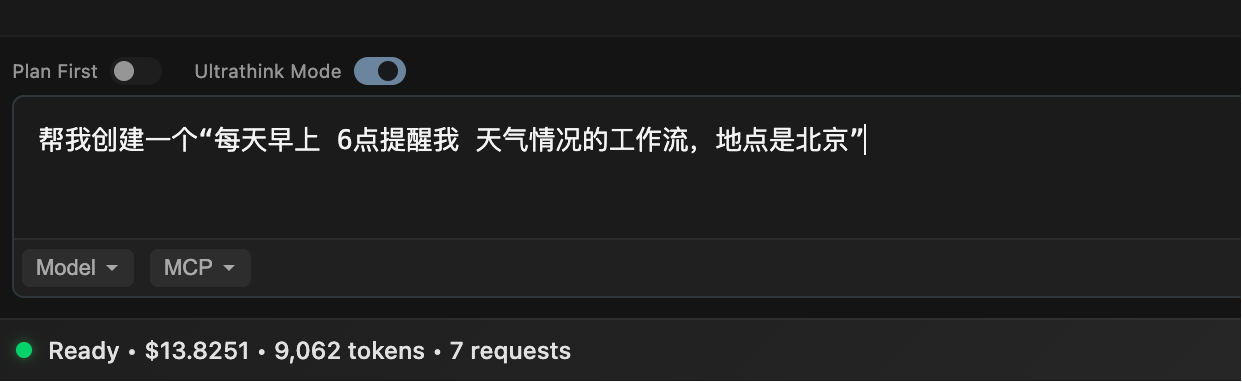
After waiting for 4 minutes, it prompted me that the creation was successful.
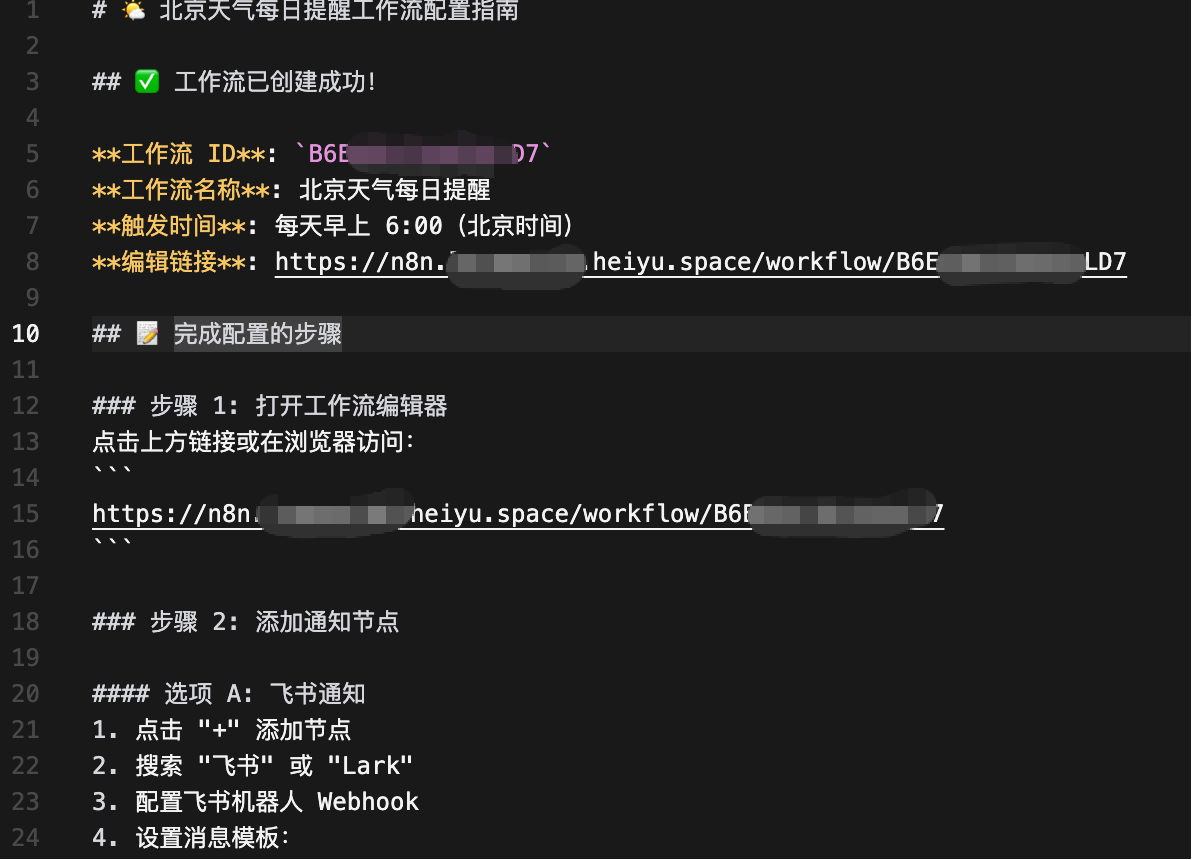
Returning to n8n and refreshing, I indeed found that it created a workflow for me.
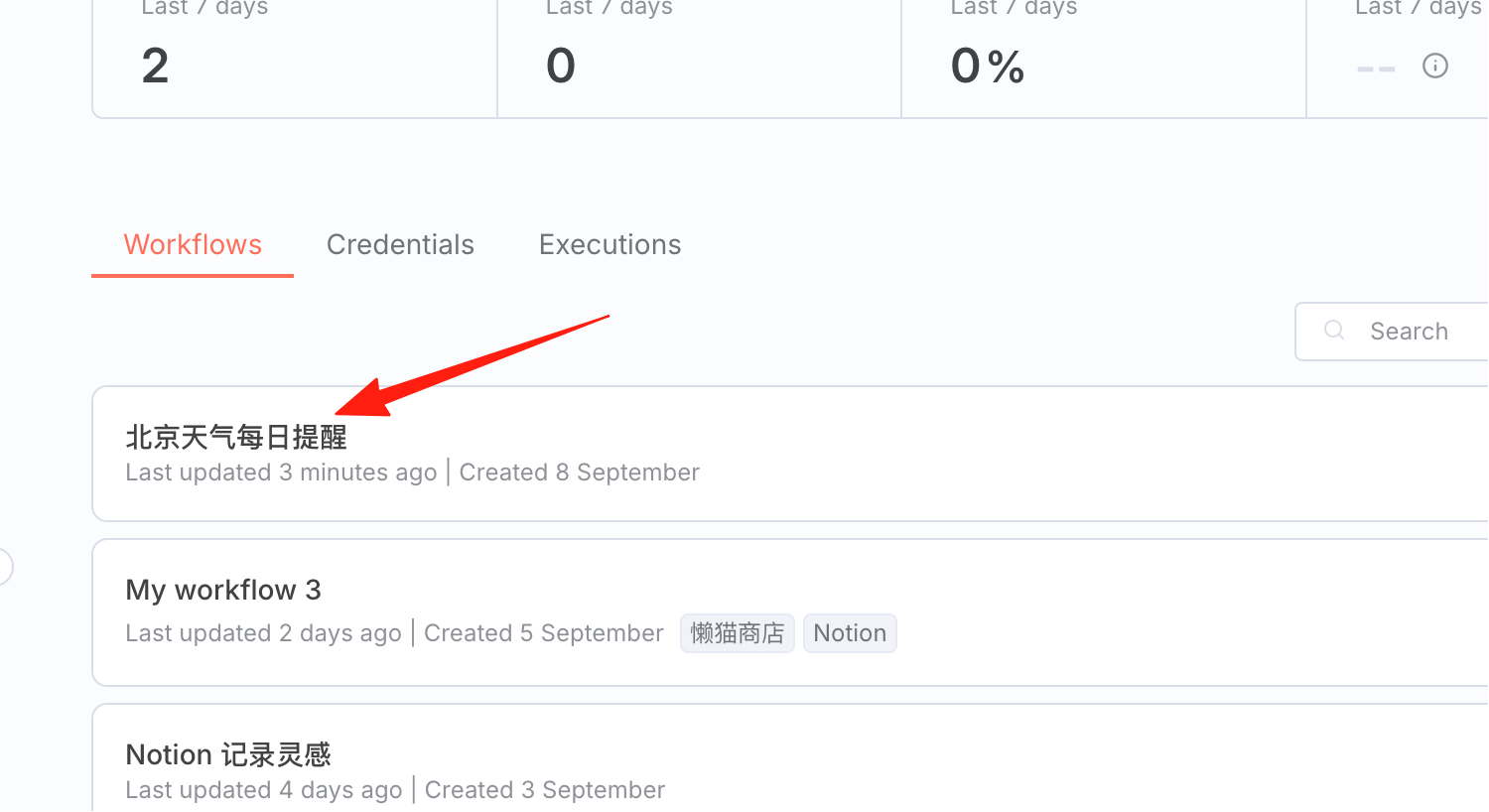
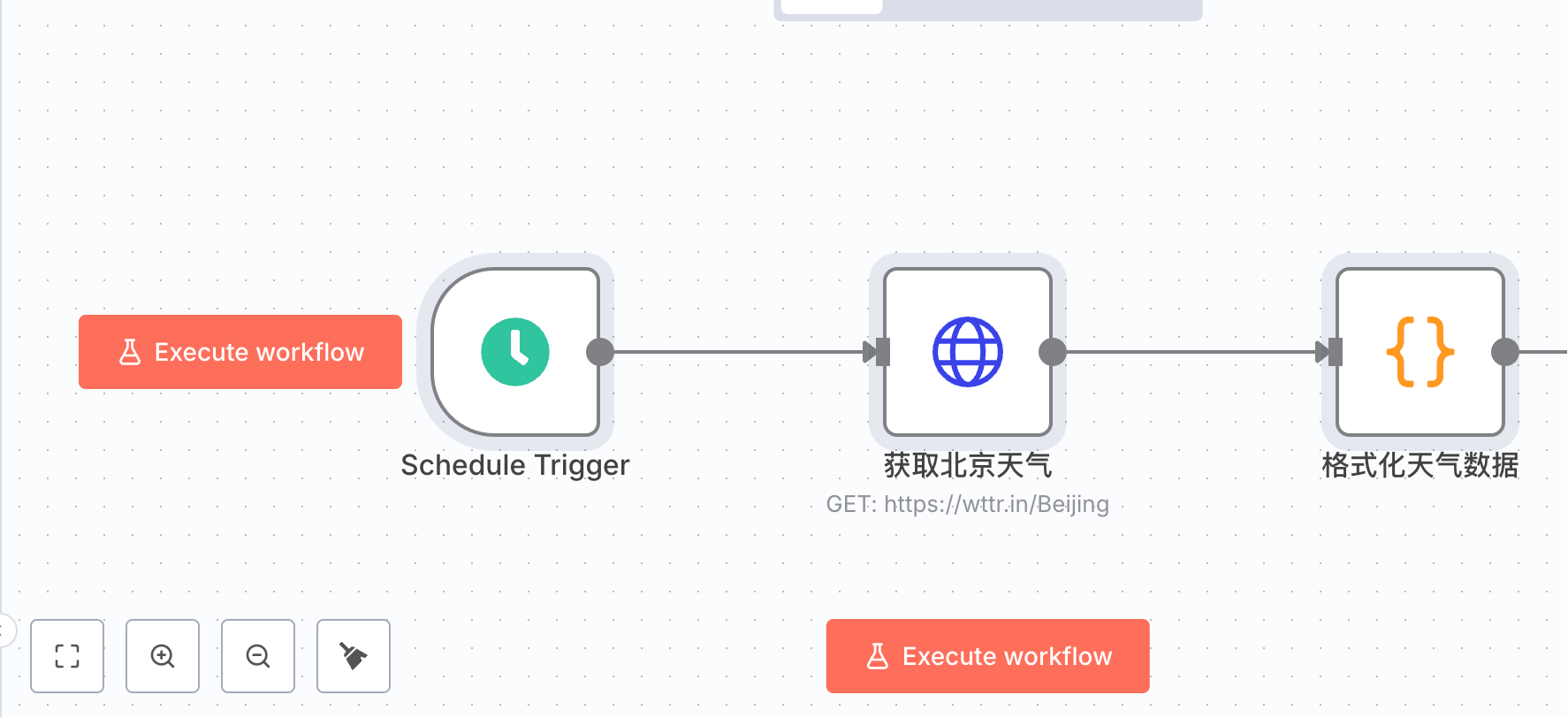
Of course, this method consumes quite a few tokens, but it doesn't matter if you're a Max user.
Install n8n Browser Extension
Search for "n8n workflow" in the Chrome Web Store.
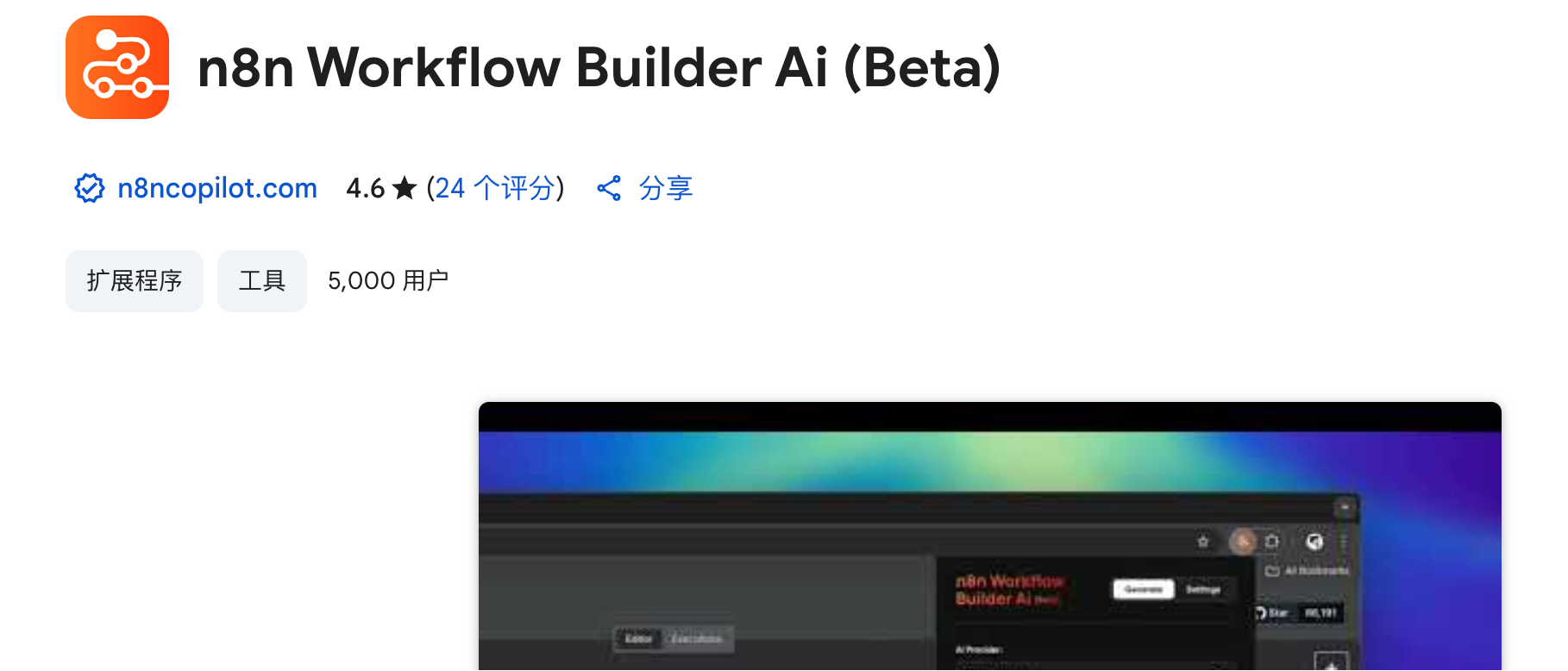
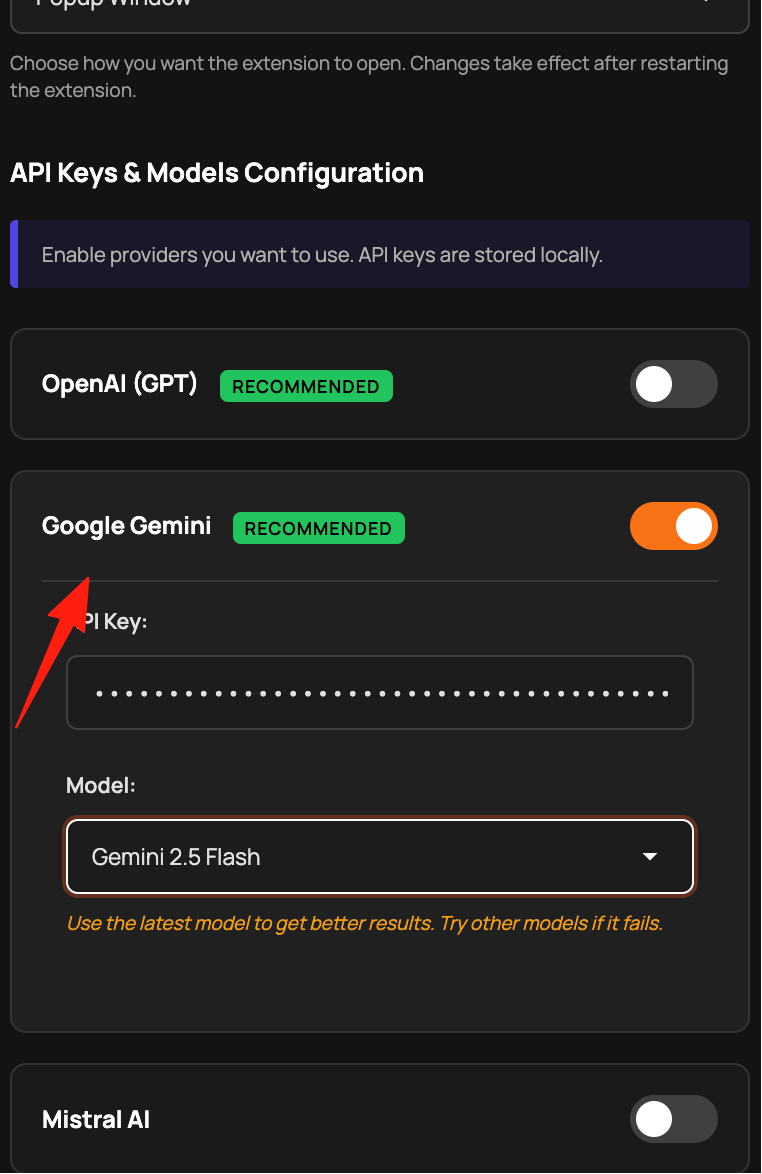
Configure it with your API key and it's ready to use. I'm using Gemini.
For simple workflows, it can generate them directly.
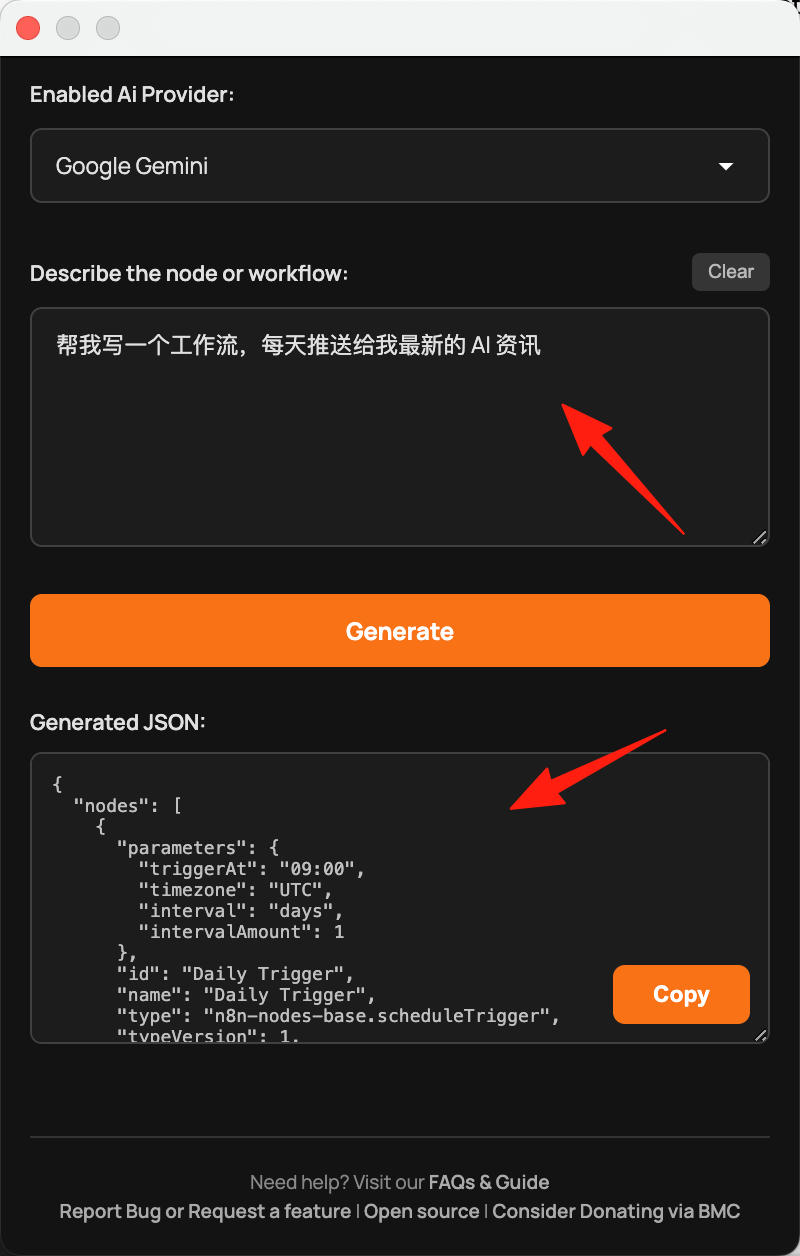
It doesn't generate detailed documentation like Claude Code does, but the advantage is that it's free to use.
Final Thoughts
The biggest mistake when learning n8n is only studying without doing. I believe the methods above will help you quickly get started with an n8n workflow.