
Hoppscotch: The Open-Source Tool That Makes API Testing Super Simple
If you're still struggling with API testing, this tool I'm introducing today will definitely catch your eye. Hoppscotch is an open-source API testing tool with over 73K Stars on GitHub. It's fully comparable to Postman, but it's lighter, faster, and free!
Although it's web-based, its features are comprehensive:
- Supports all HTTP methods (GET, POST, PUT, DELETE, etc.)
- Supports WebSocket, GraphQL, Socket.IO, MQTT
- Configurable authentication methods (Bearer Token, OAuth 2.0, etc.)
- Supports environment variables and collection management
- Automatically generates code snippets in multiple languages
https://appstore.lazycat.cloud/#/shop/detail/cloud.lazycat.app.hoppscotch
Quick Start: Complete Your First API Test
Ready to Use Immediately
After the app launches, you can start testing right away without logging in.
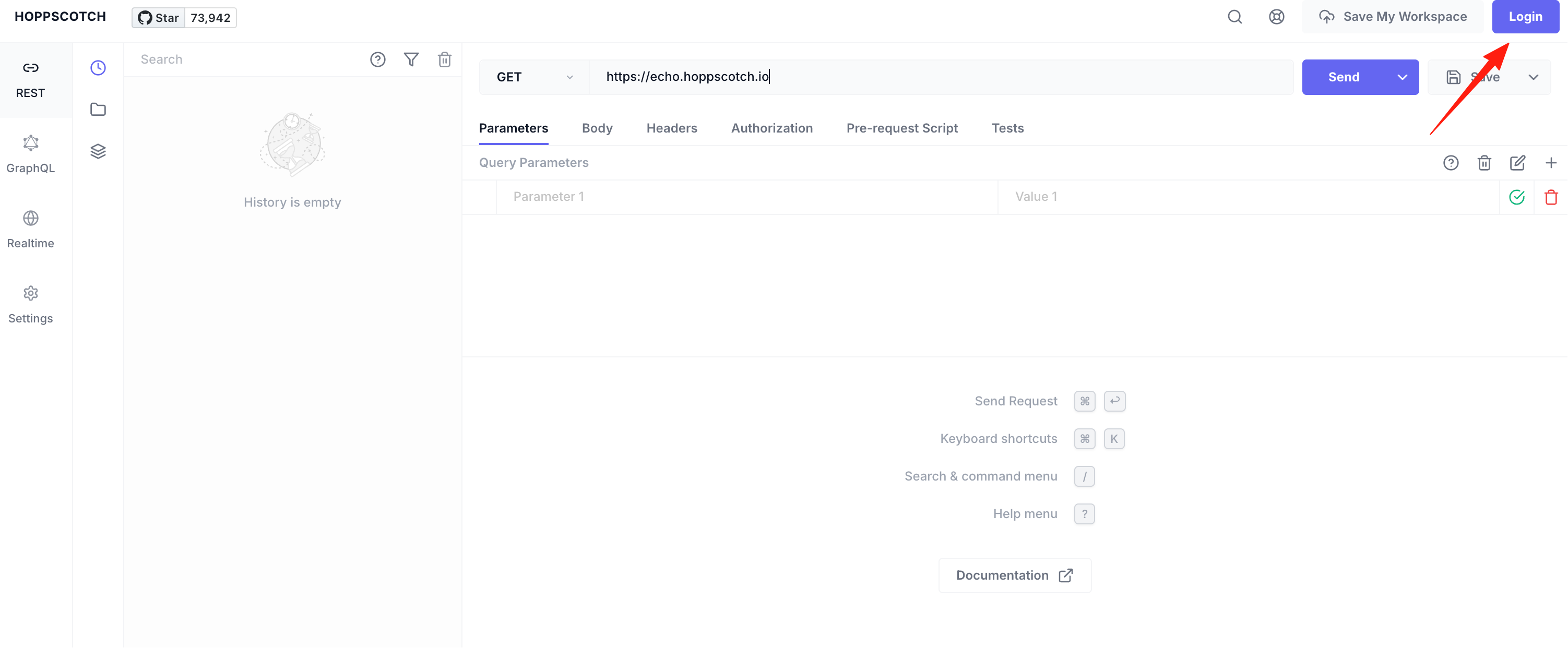
Send Your First Request
Simplest example:
- Enter in the URL bar:
https://lazycat.cloud/appstore/category/recent - Select the GET method (default)
- Click the "Send" button
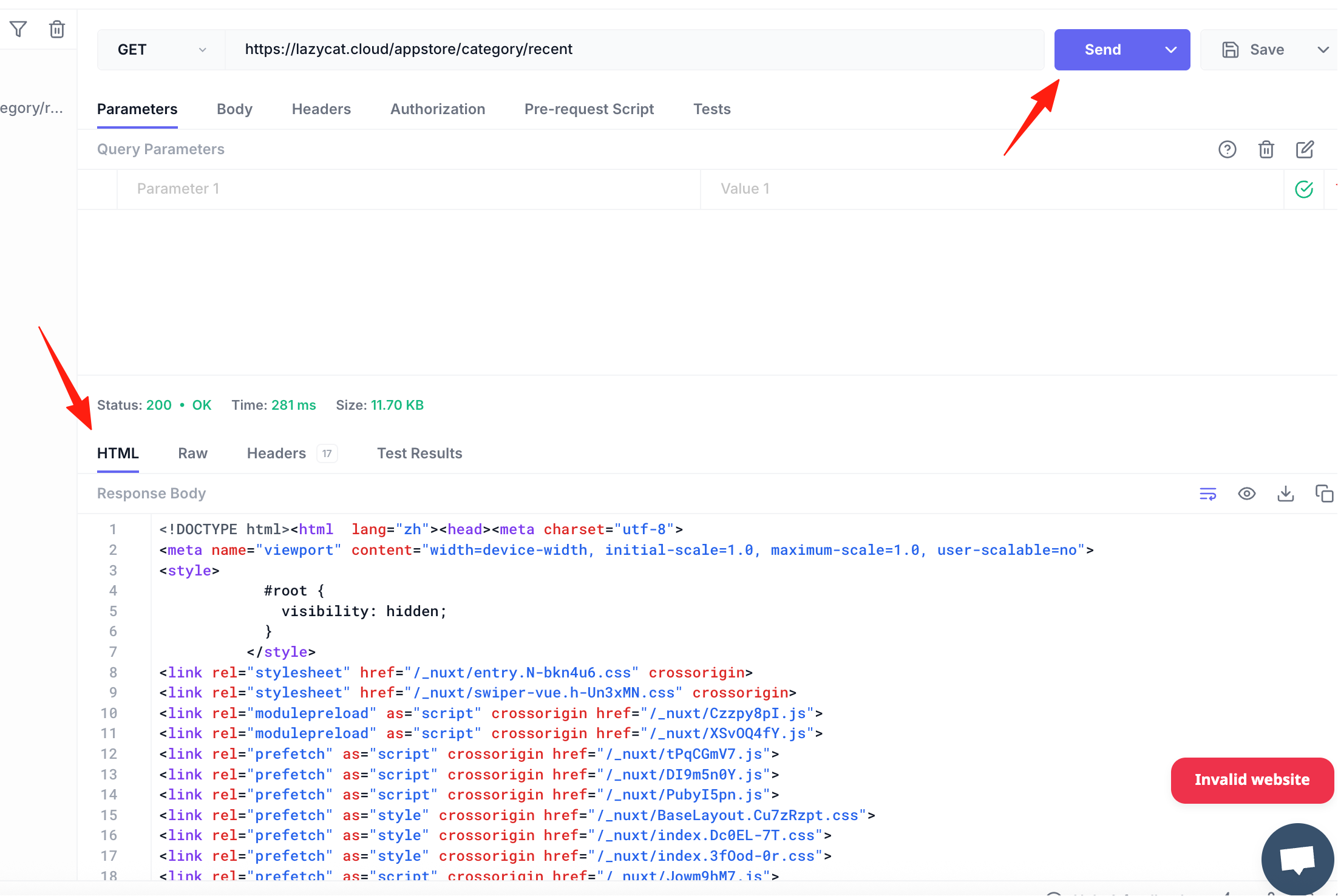 It's that simple! You've successfully sent your first request! The response will appear immediately below.
Test a POST Request with Parameters
In real work, we often need to send requests with data:
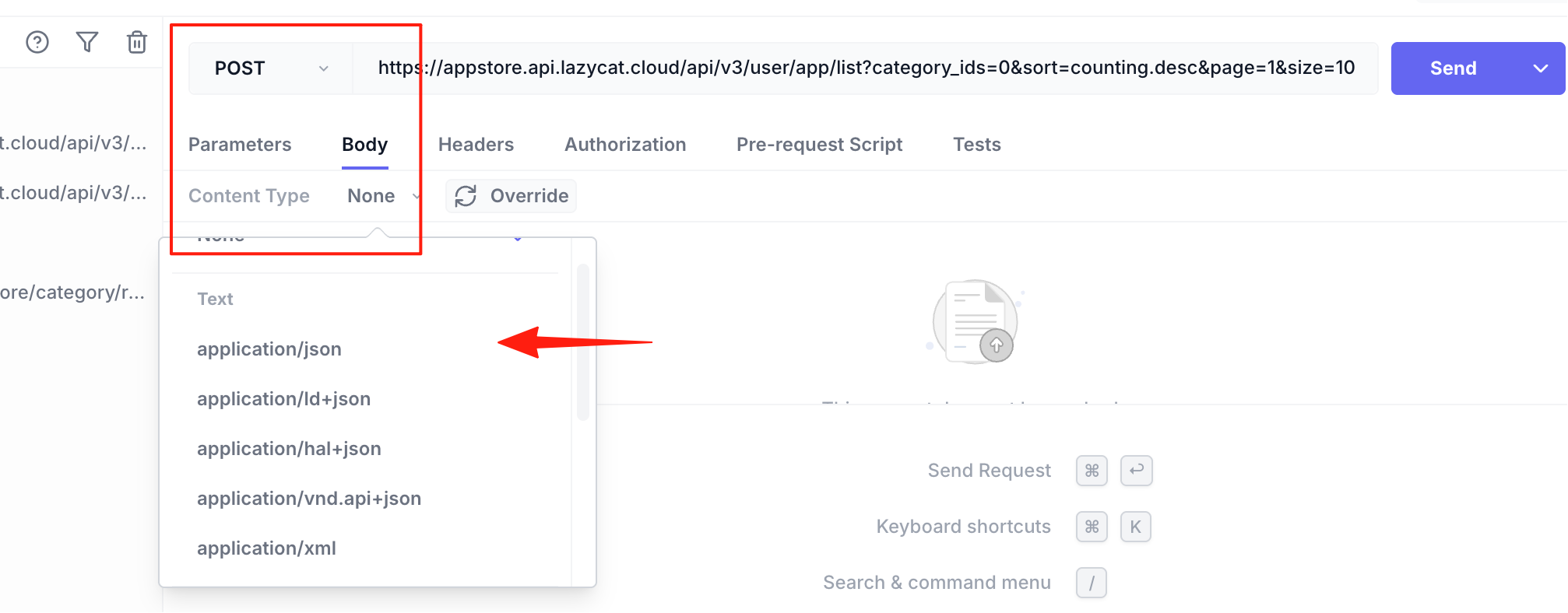
- Select the POST method
- Enter your API address
- Click the "Body" tab
- Select "application/json"
- Enter your JSON data, for example:
{
  "username": "testuser",
  "email": "test@example.com"
}
- Click Send, and you're done!
Practical Tips: Double Your Efficiency
Adjust the Interface Theme
Click the gear icon on the left to enter settings, where you can:
- Switch between dark/light mode
- Choose your preferred accent color (9 colors available)
- Enable Zen mode for focused testing
- Adjust font size
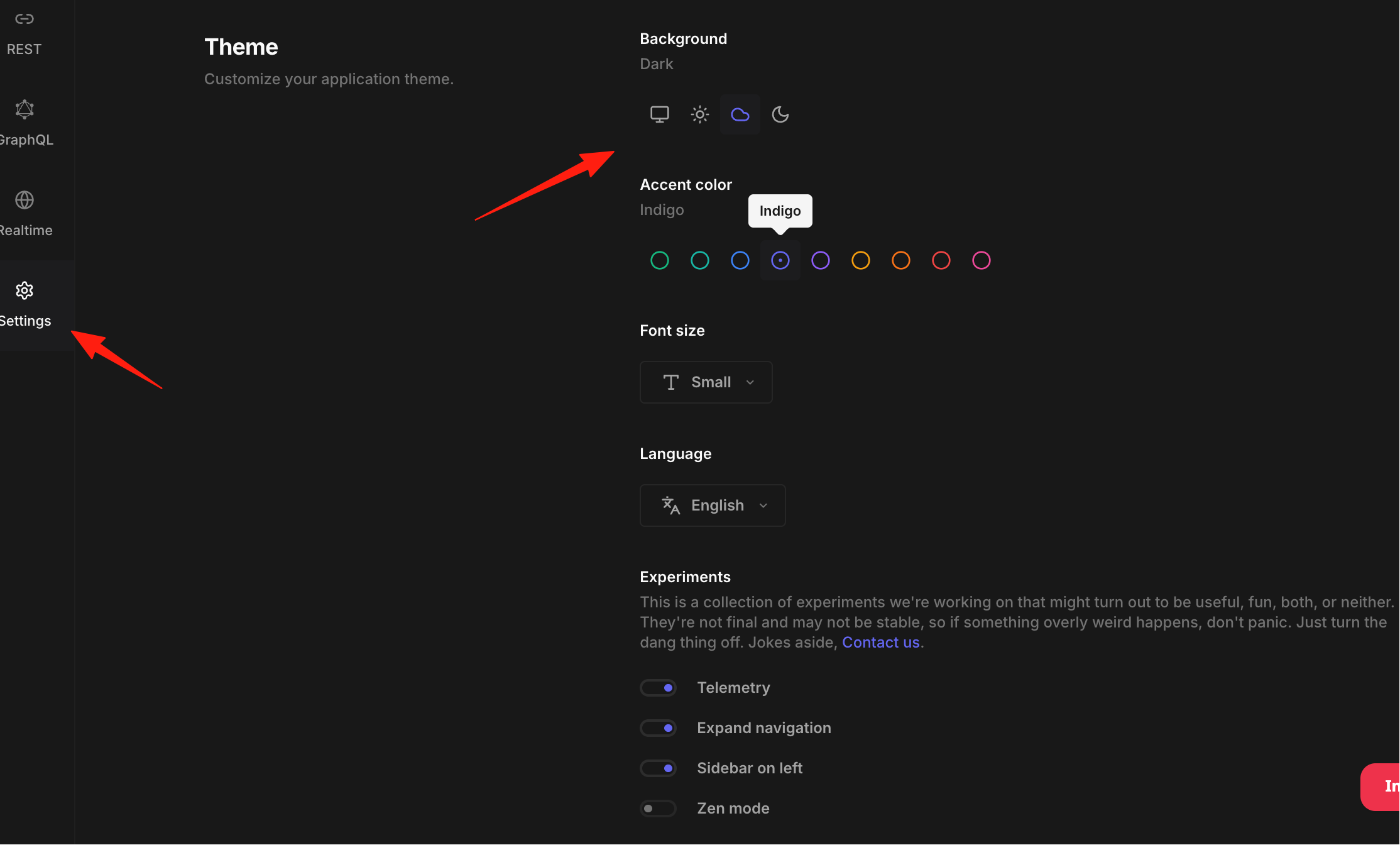 Switch to dark mode when working late; it's much easier on the eyes.
Manage Your APIs with Collections
If your project has many APIs, re-entering them each time is tedious. Use the Collections feature:
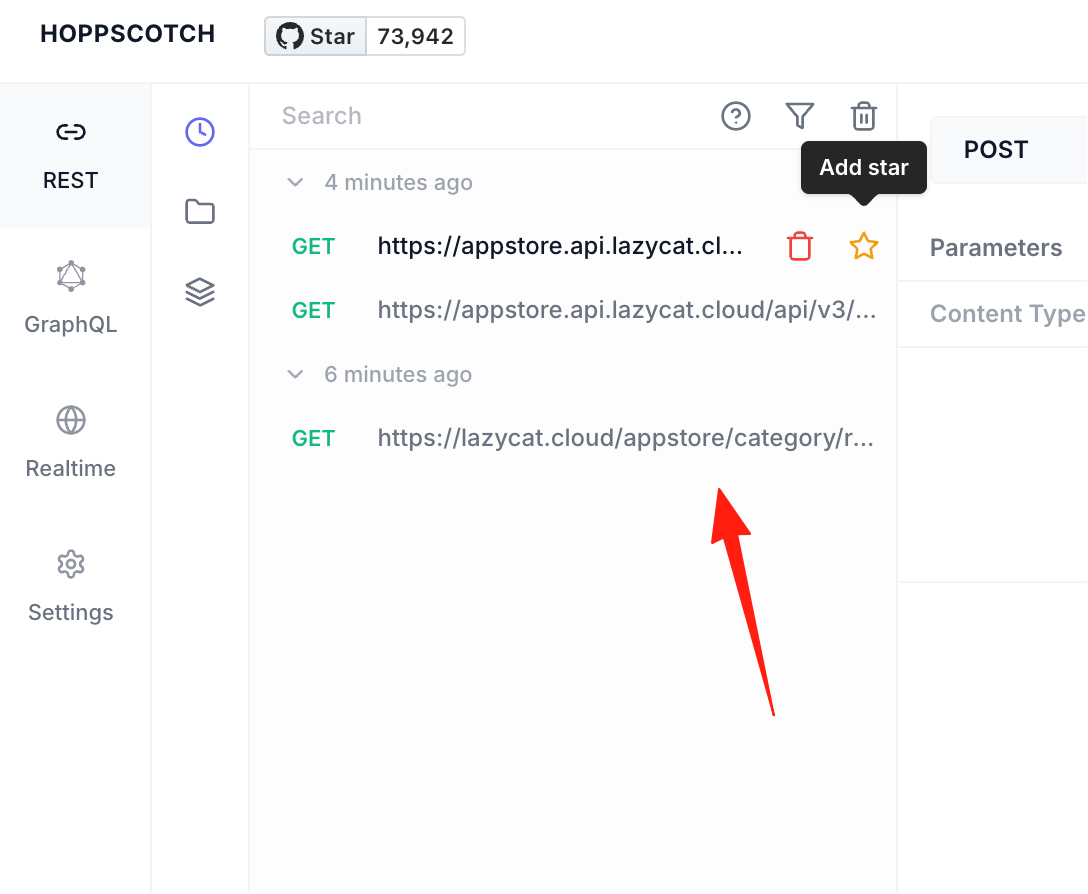
- Click the "Collections" icon on the left
- Create a new collection, e.g., "User Management API"
- Save all related requests into it
- Click to reuse them next time
You can also create multi-level folders for organization, for example:
ProjectA/
  ├── User Module/
  │   ├── Login
  │   ├── Register
  │   └── Get User Info
  └── Order Module/
      ├── Create Order
      └── Query Order
Use Environment Variables
Different environments (dev, test, prod) have different API addresses? Use environment variables to help:
- Click the environment selector in the top right corner
- Create a new environment, e.g., "Development"
- Add variables:
BASE_URL:http://localhost:3000API_KEY:your-dev-api-key
- Use
{{BASE_URL}}/api/usersin your requests
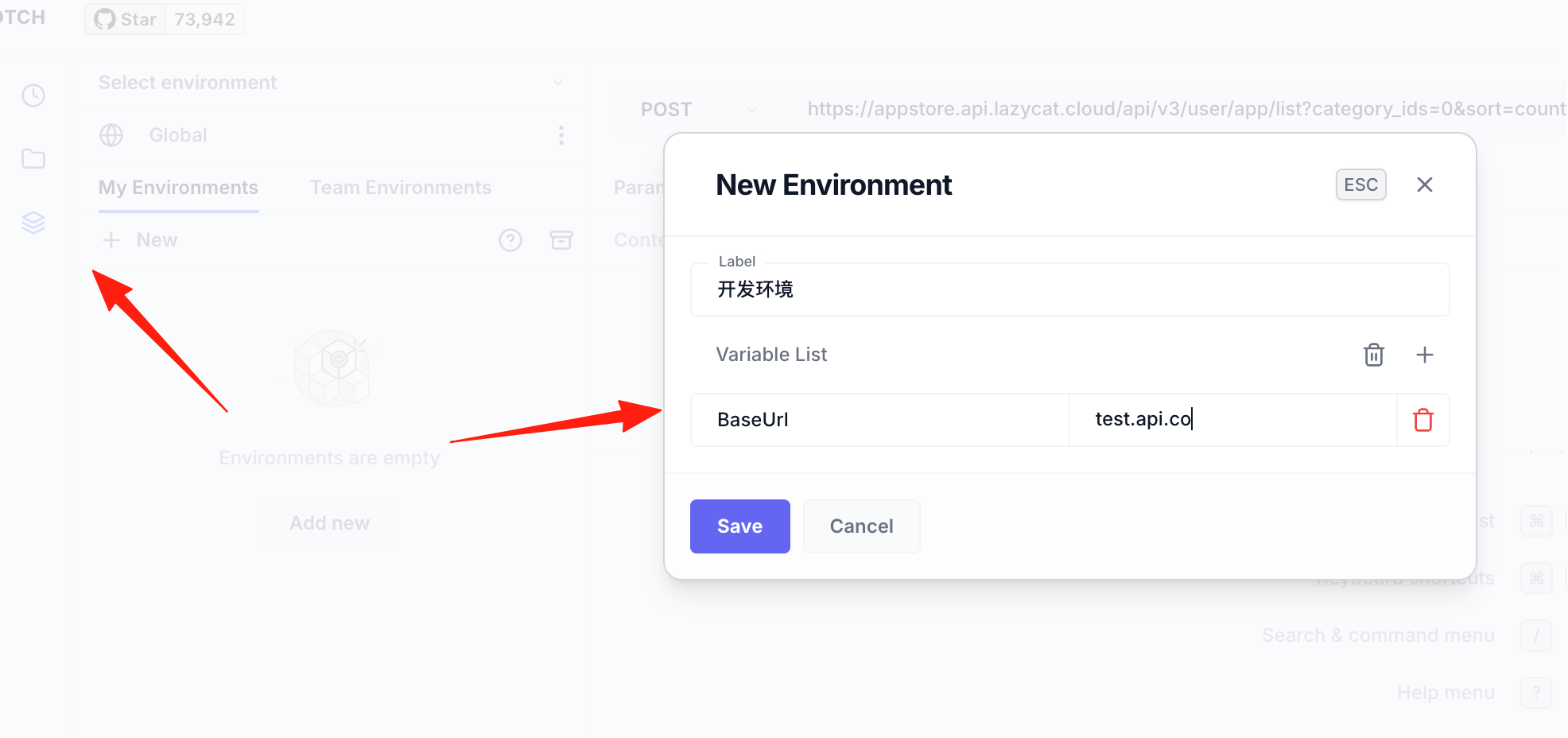 Switching environments is just one click away, and all request addresses update automatically. Super convenient!
Auto-generate Code
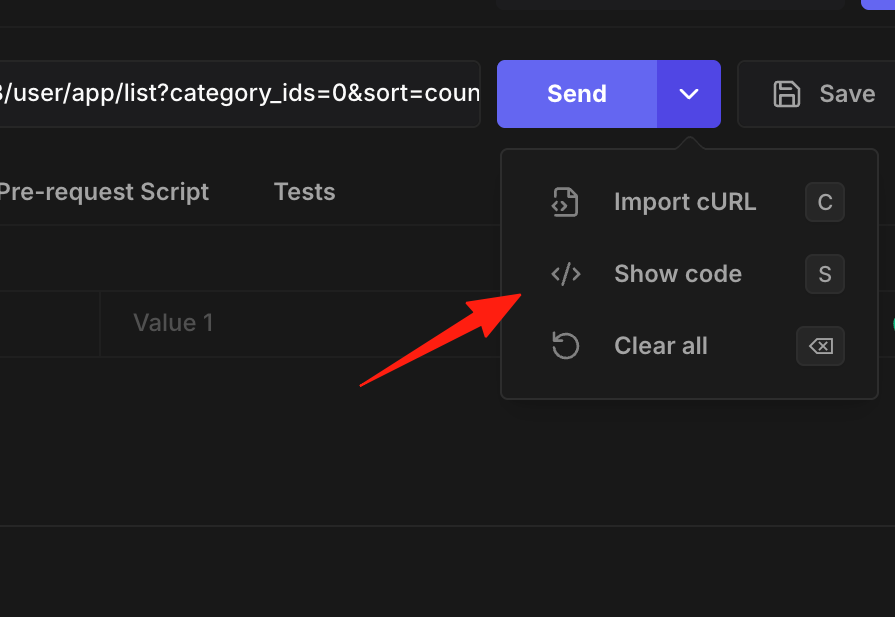
Need to write code to call the API after testing? Hoppscotch generates it for you:
- Click the small arrow next to the Send button
- Select "Show Code"
- Choose your required language/framework:
- JavaScript (Axios, Fetch)
- Python (Requests)
- PHP (cURL)
- Go, Ruby, Swift, etc.
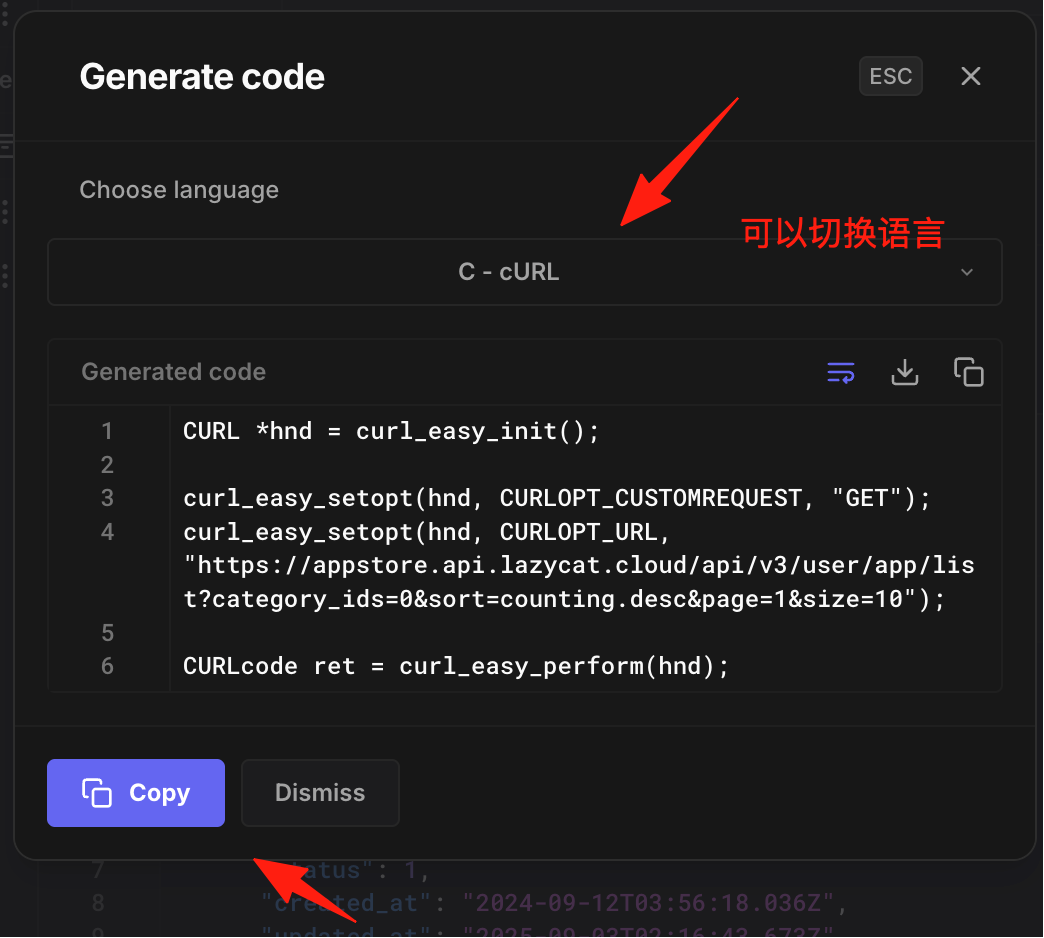 Copy and paste directly into your project, saving lots of coding time!
Easy Import/Export
If you used Postman before and have accumulated many requests, you can export them
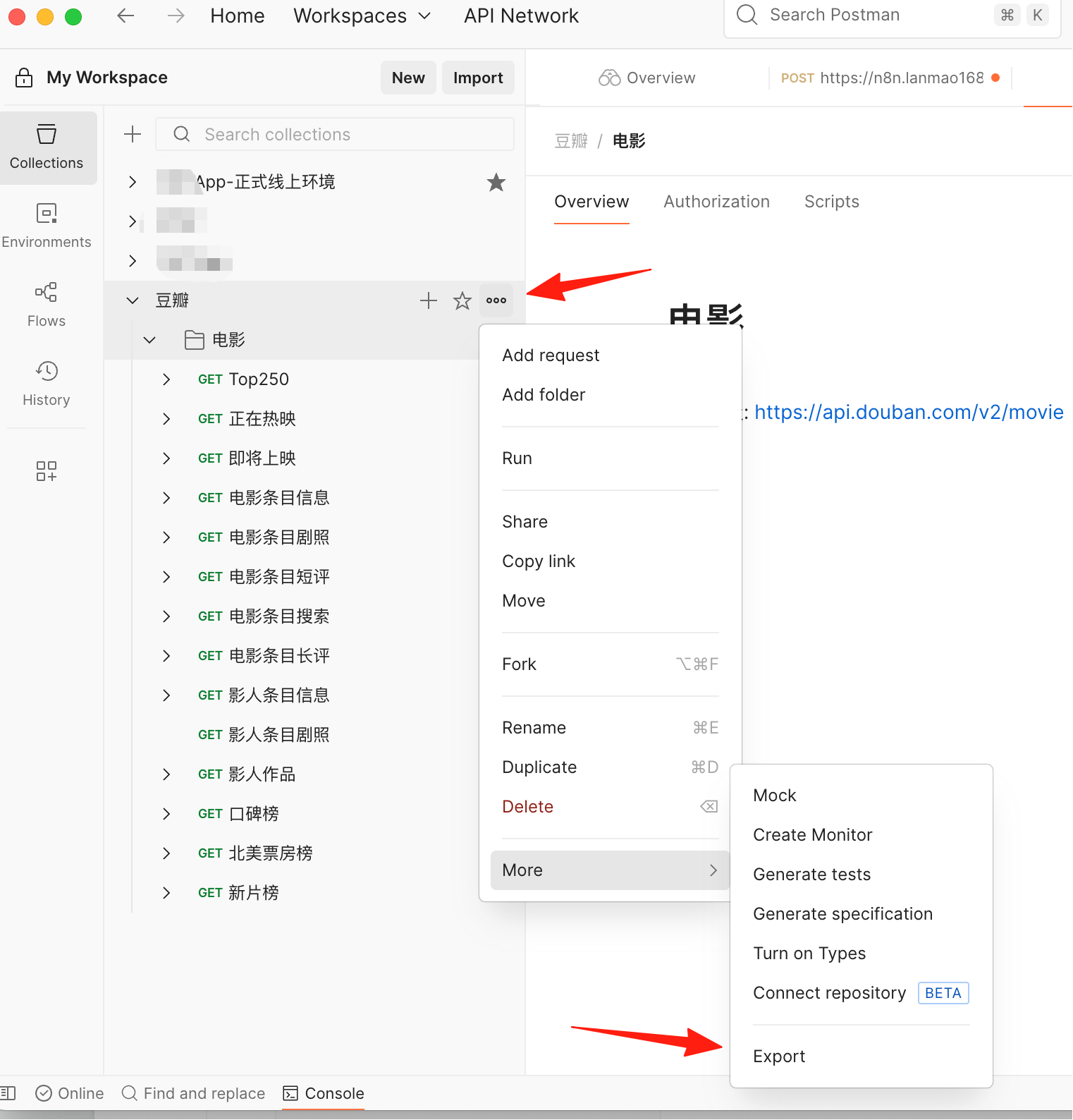
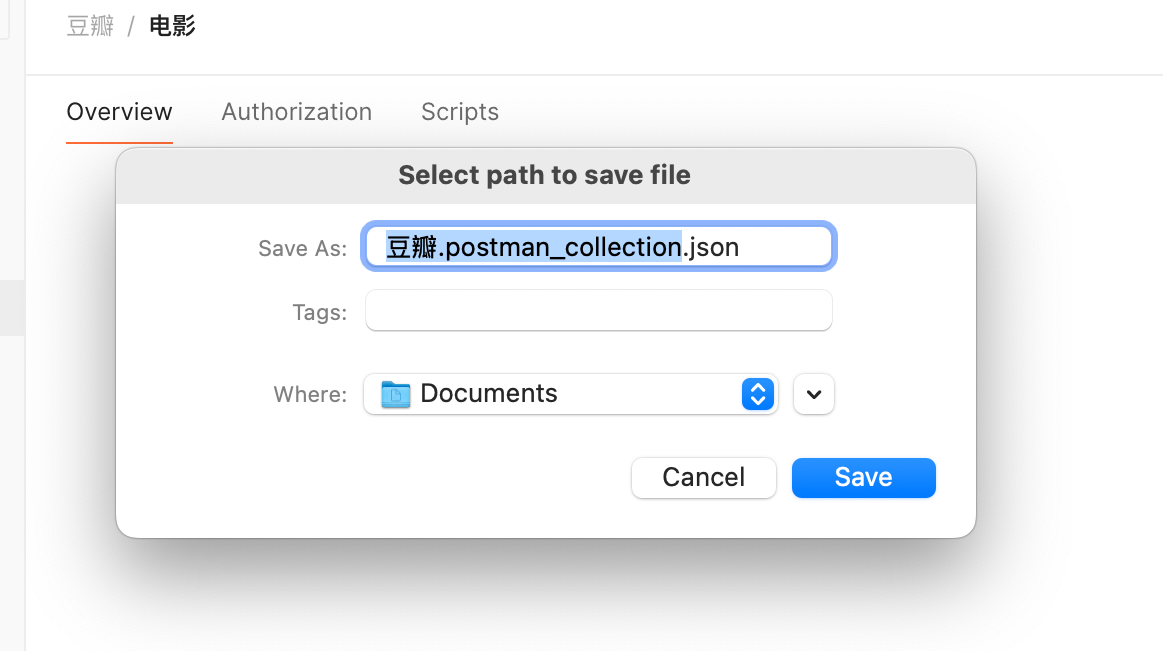 Then import them into Hoppscotch
Browser Extension Enhances Experience
Installing the Hoppscotch browser extension allows you to:
- Bypass CORS restrictions
- Access local localhost interfaces
- Test internal network APIs
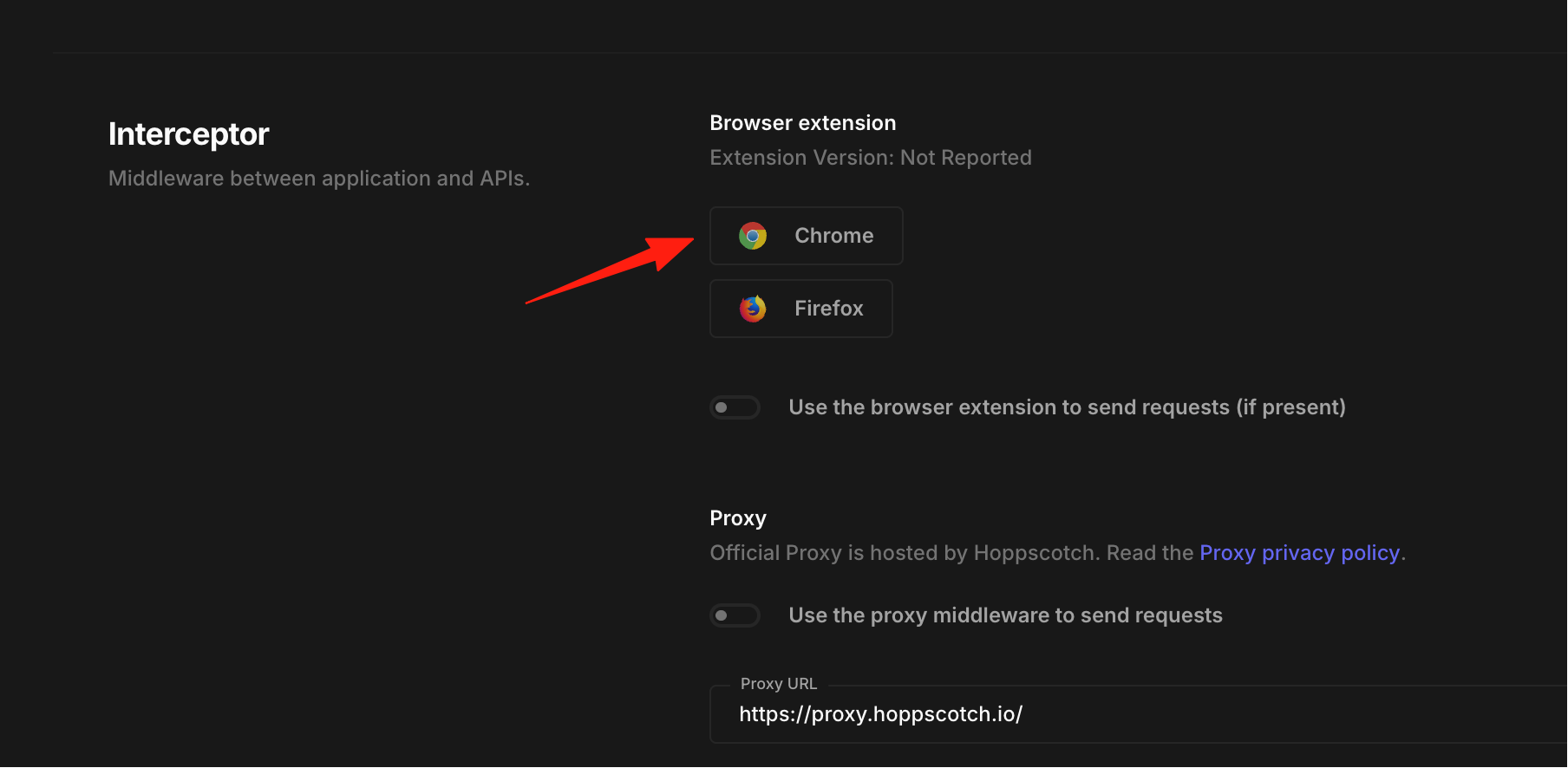
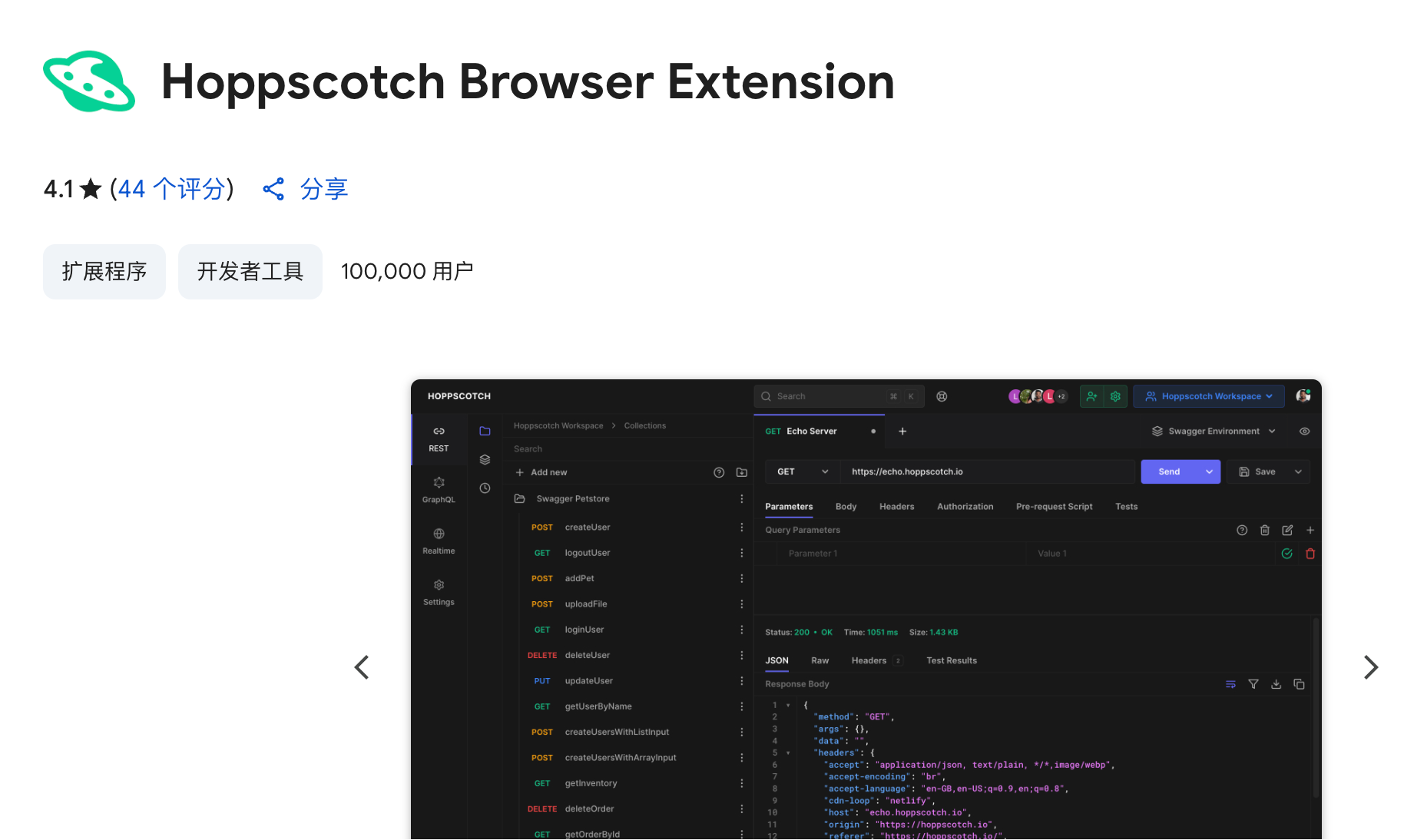
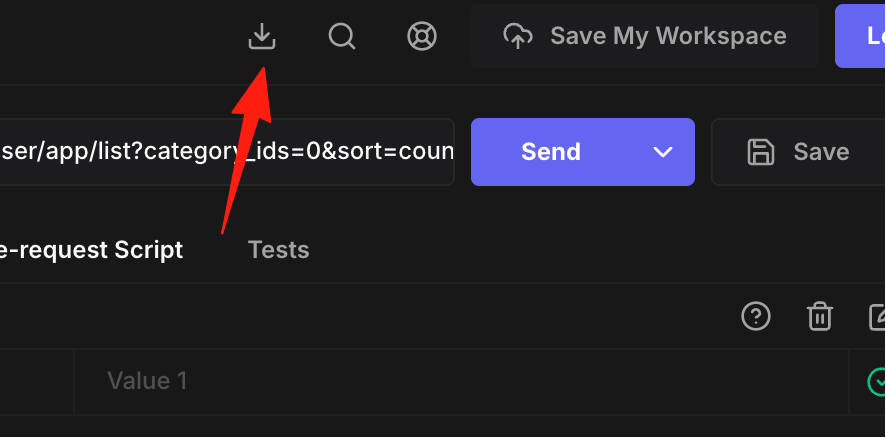
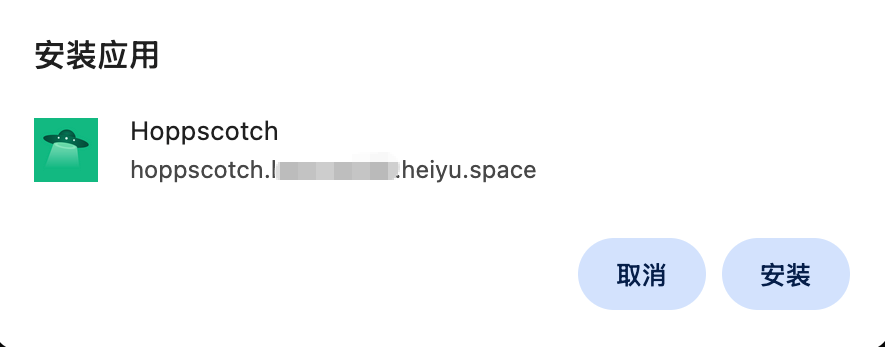
PWA App: Can be installed as a desktop app for a native application experience
Summary
Hoppscotch is a treasure trove of a tool: free, open-source, powerful, and simple to use. Whether you're a front-end, back-end developer, or tester, you can benefit from it. Most importantly, there's no barrier to entry – just open the webpage and start using it.