
Weblate Practical Guide: Effortlessly Add Multilingual Support to Your Project
What is Weblate?
Simply put, Weblate is an online translation management tool. Imagine you've built an app or website and want people worldwide to use it—it needs to be translated into various languages, right? This process used to be a major hassle: developers had to extract text, send it to translators, and then integrate the translations back in...
Weblate makes this workflow incredibly simple. It's already used by over 2,500 open-source projects and companies across 165 countries, including many projects you've definitely heard of.
https://appstore.lazycat.cloud/#/shop/detail/cloud.lazycat.app.weblate
Getting Started Guide
After installing the application, open the homepage.
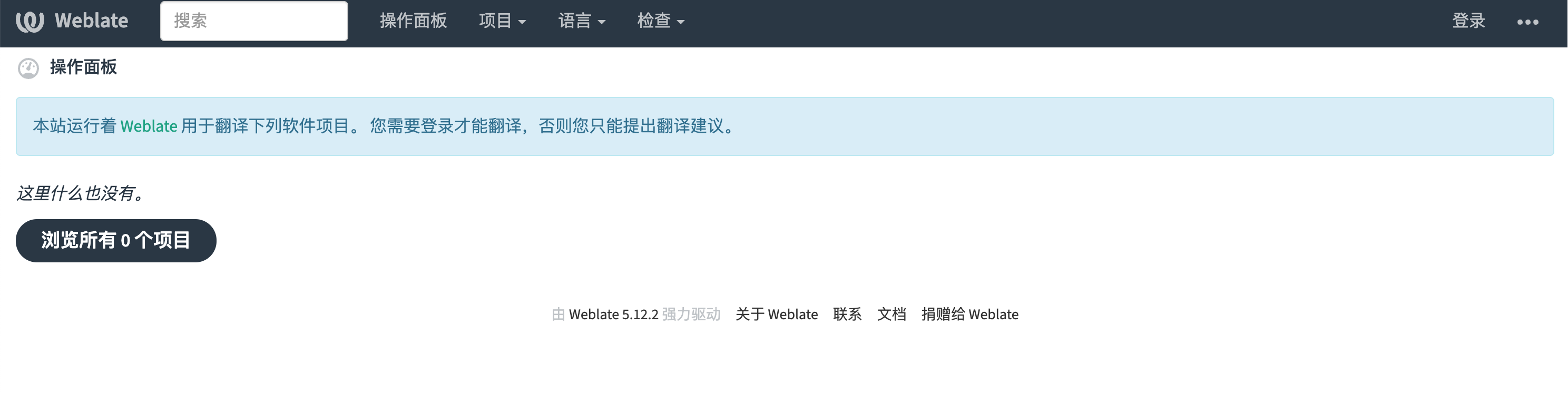
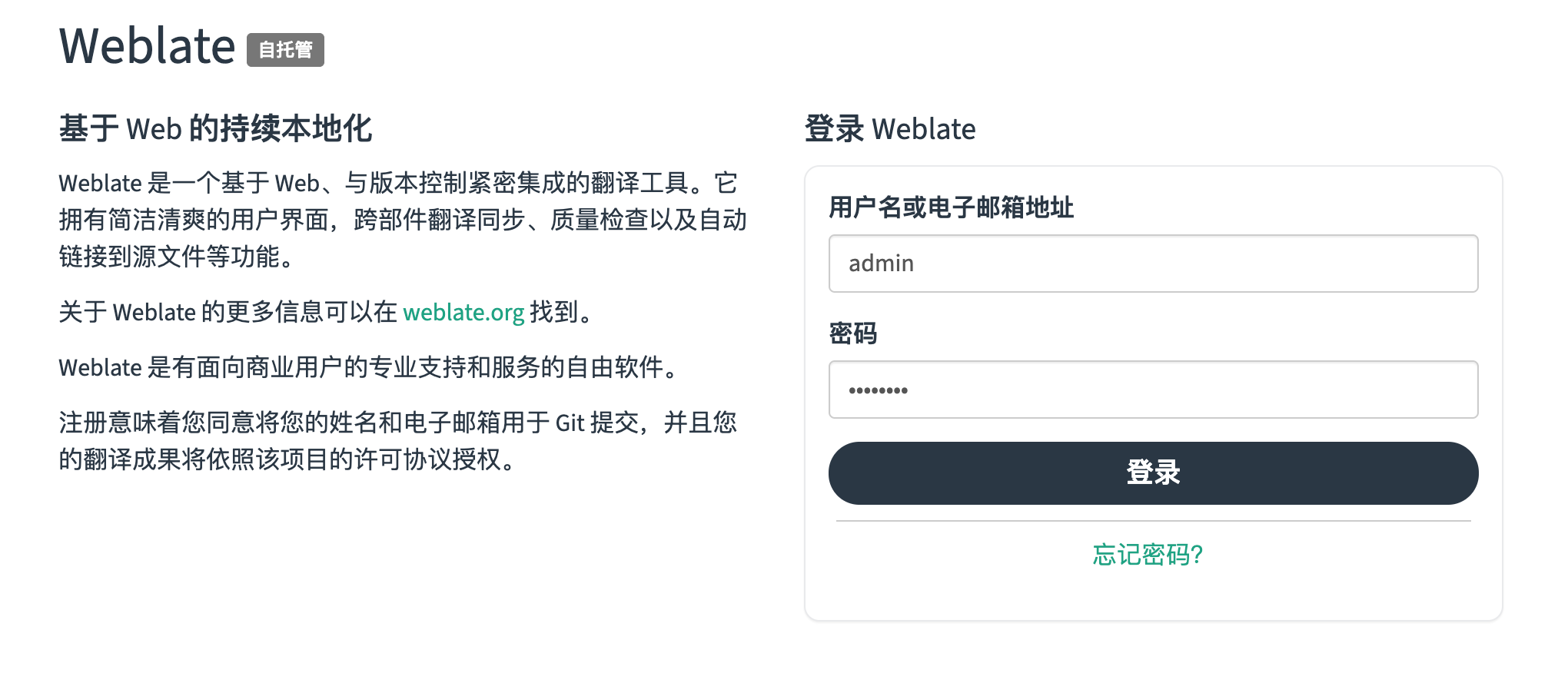
Click "Login" in the top right corner. The default credentials are: admin / password
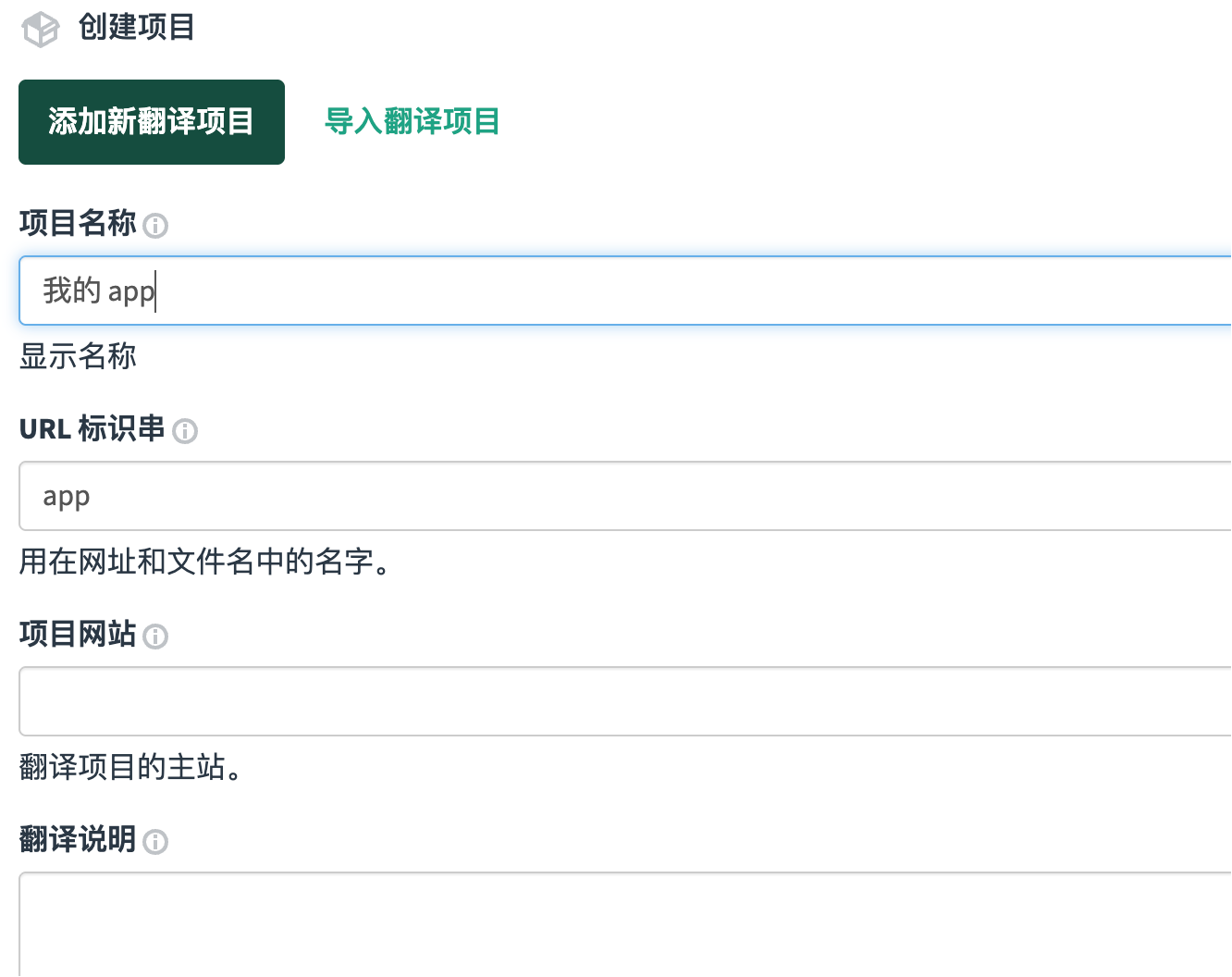
Create Your First Project
New Project: Give your project a name, for example, "My Awesome App"
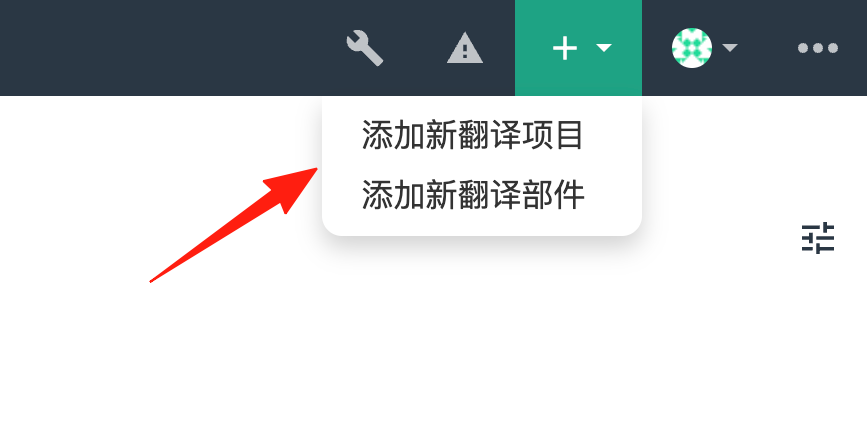
Add Component: Each file that needs translation is a component, such as UI text, help documentation, etc.
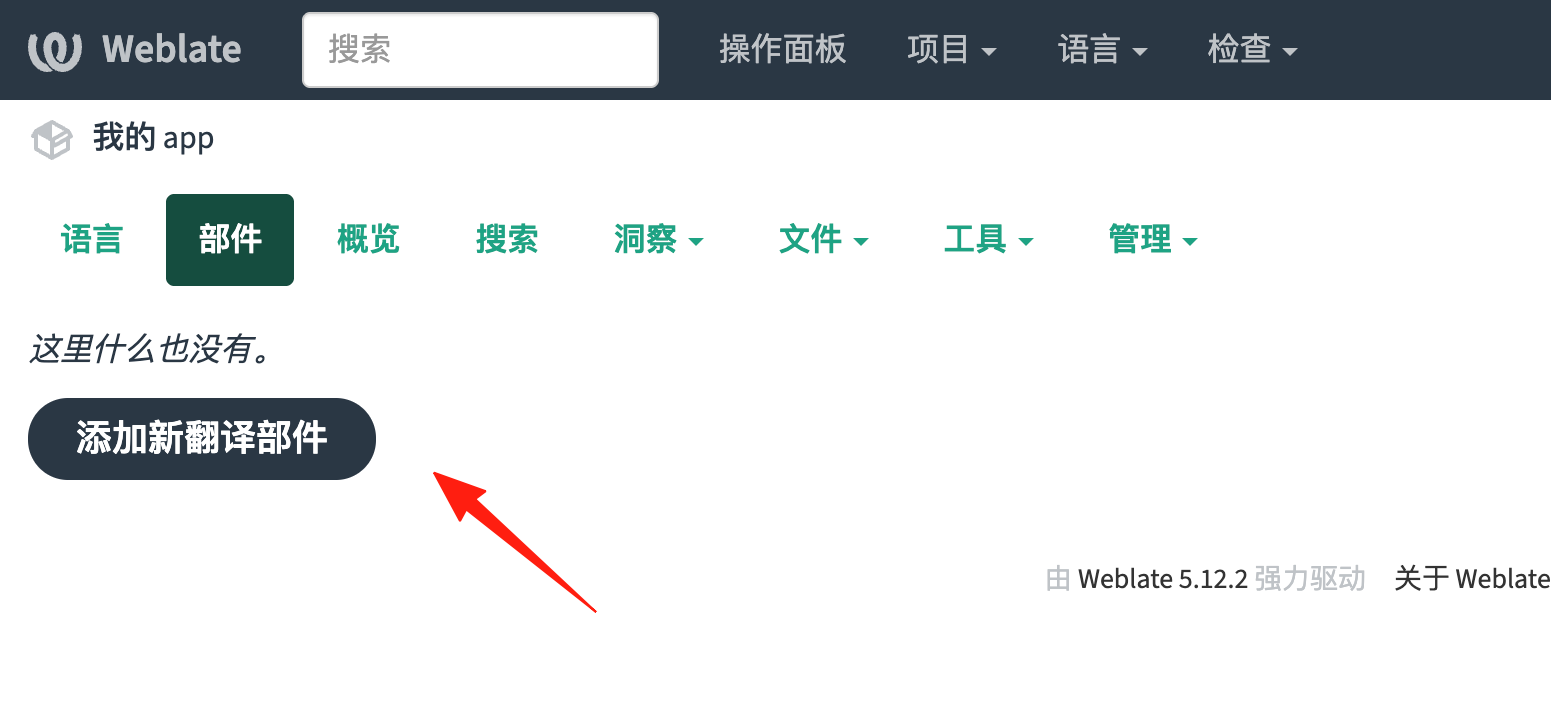
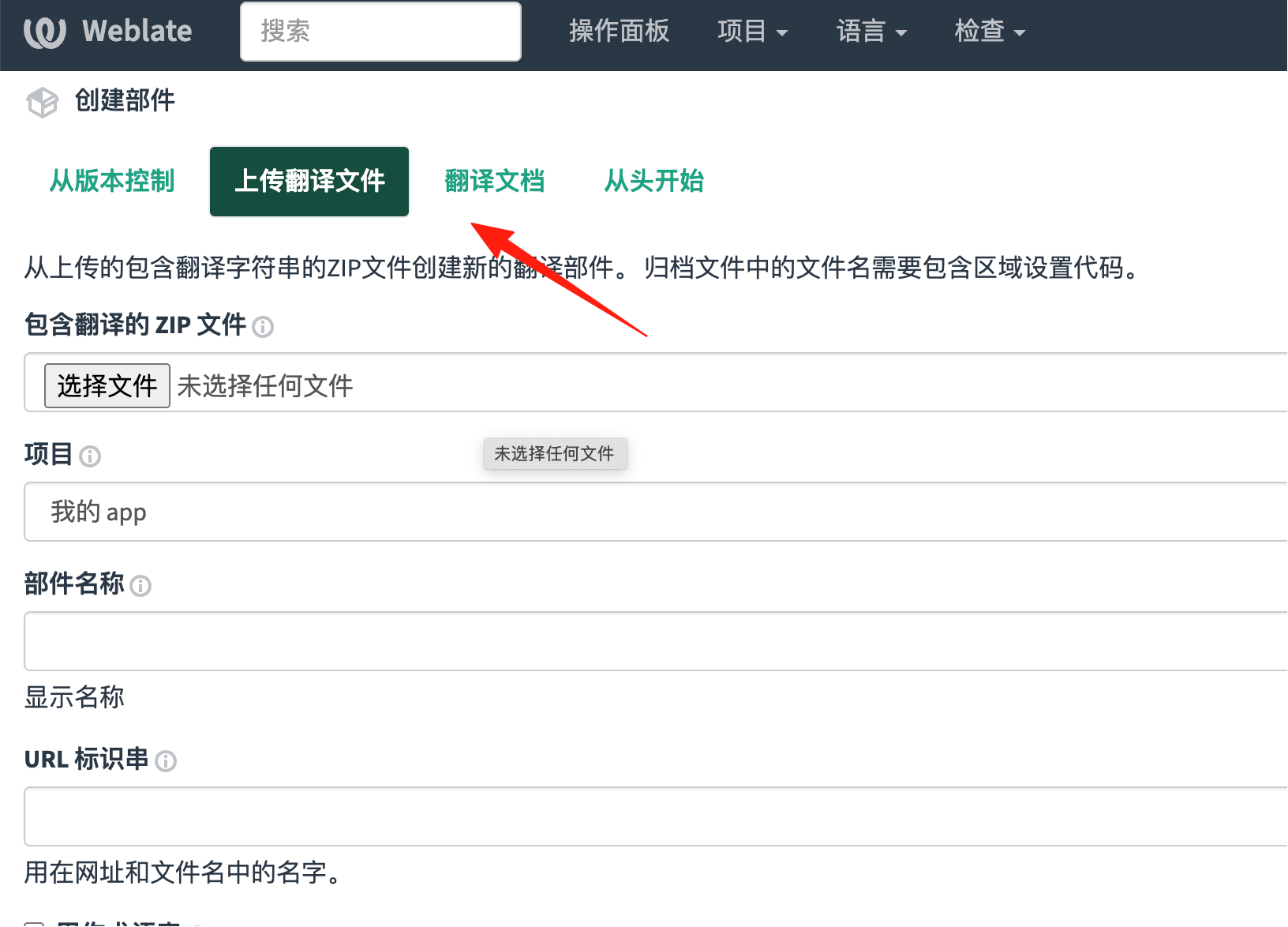
Upload Files for Translation
Weblate supports a bunch of formats:
.pofiles (most common).json.properties.yaml- ...and many others.
Simply drag and drop to upload—straightforward and efficient.
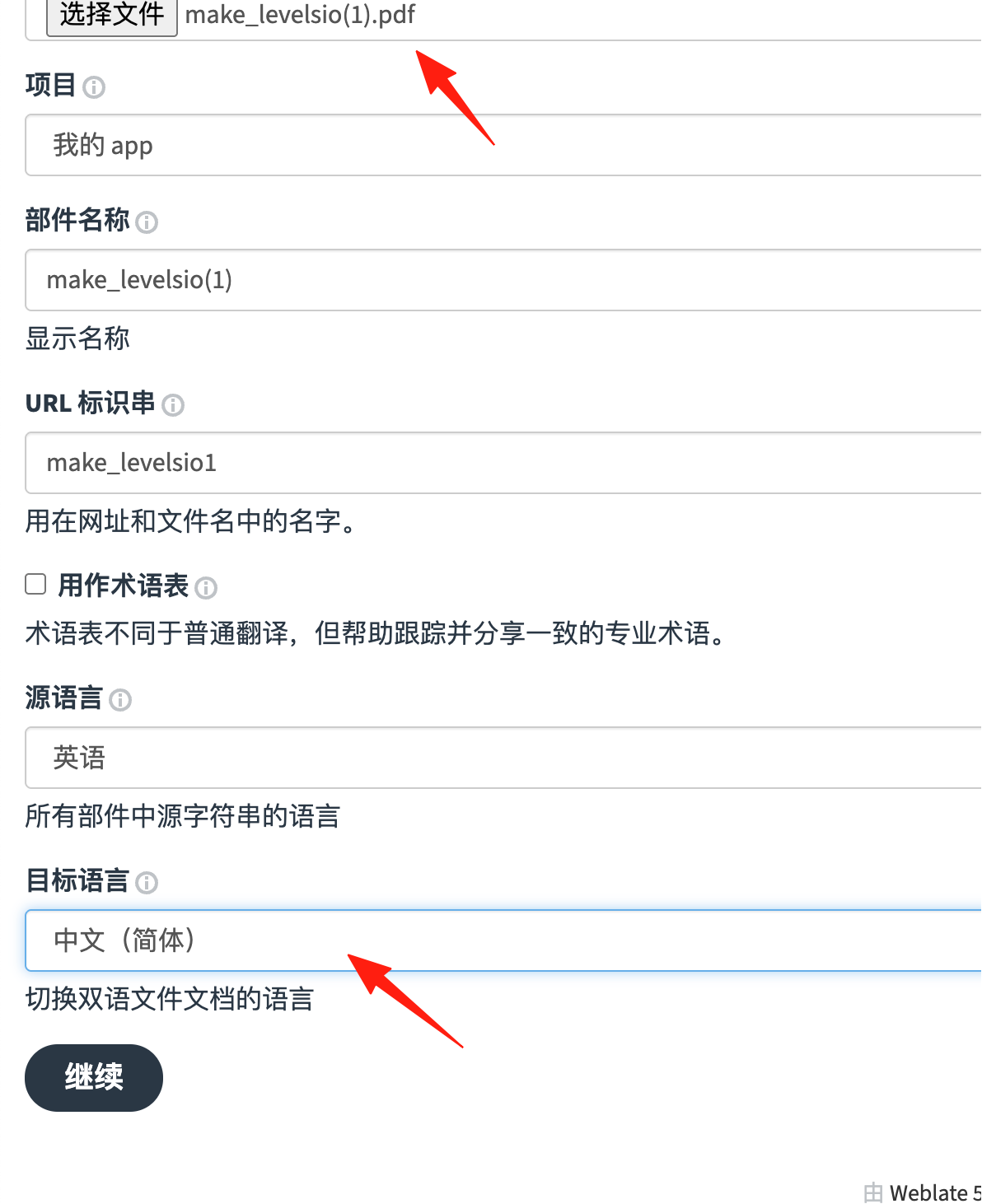
Start Translating
If you are a developer:
- Invite translators to join the project.
- Set the target languages (Chinese, English, Japanese...).
If you are a translator:
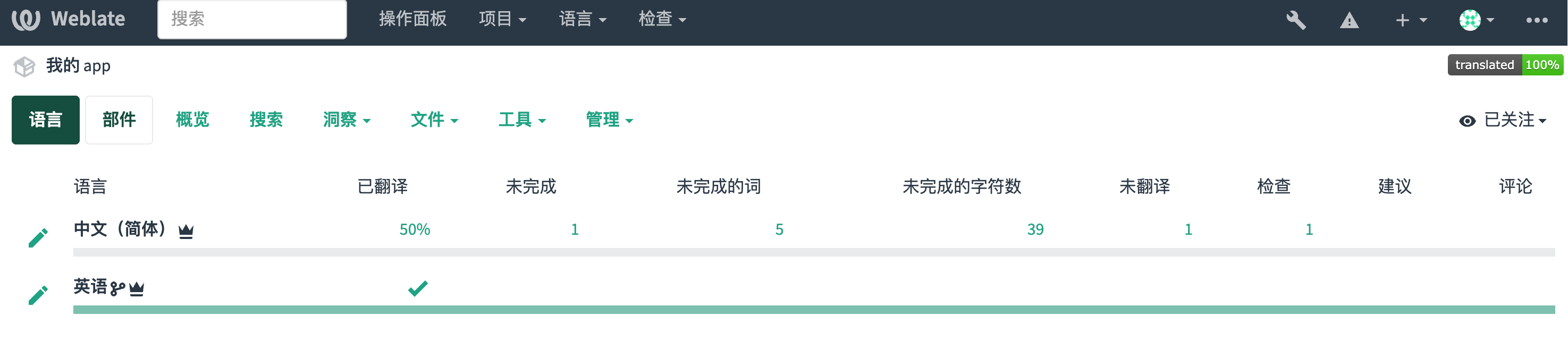
- Click on the language you want to translate.
- Find untranslated strings.
- Enter the translation in the box on the right.
- Click Save, and you're done.
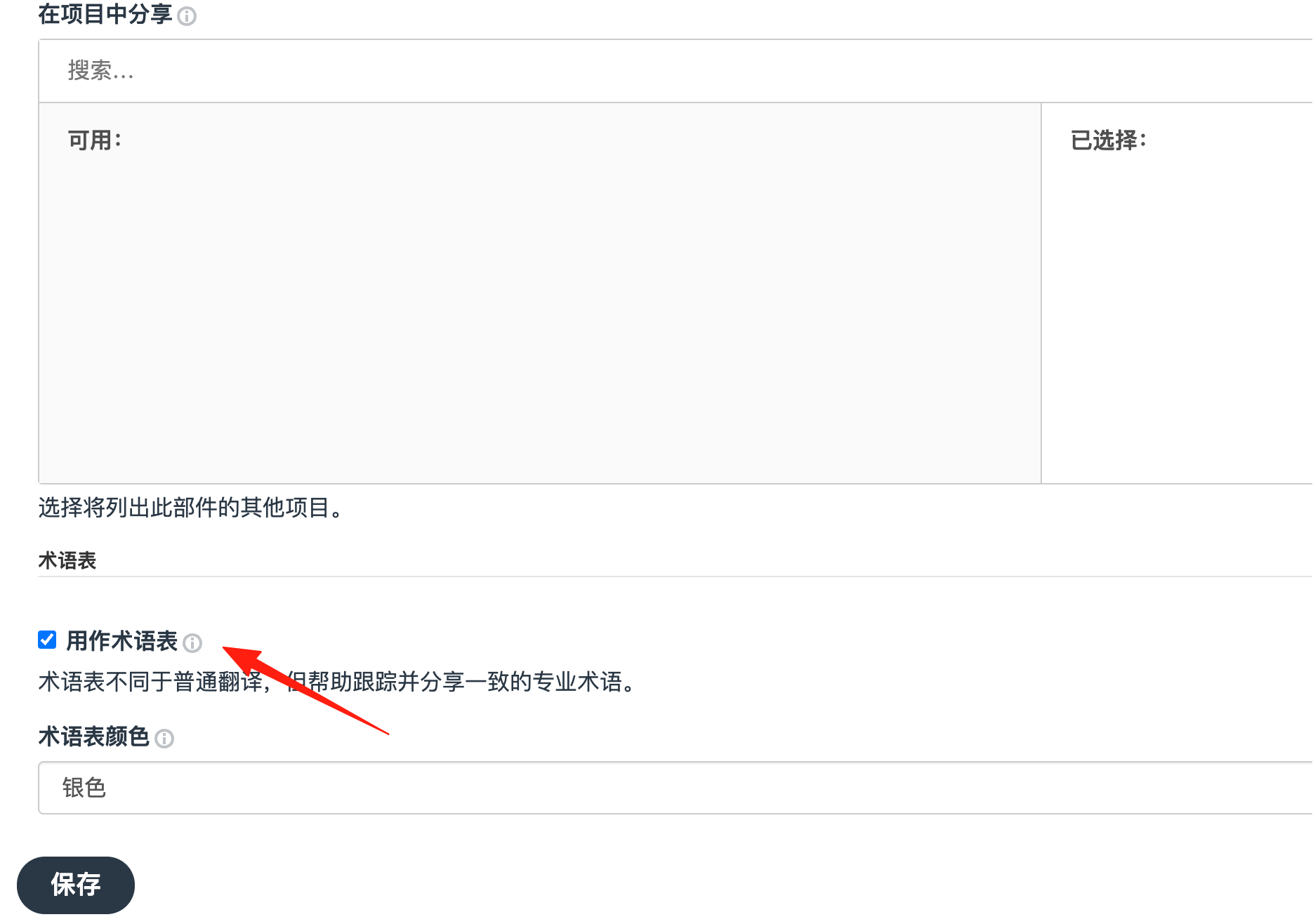
Create a glossary to standardize the translation of specialized terms used in the project. For example, decide whether "登录" is consistently translated as "ログイン" or "サインイン". A glossary prevents inconsistencies.
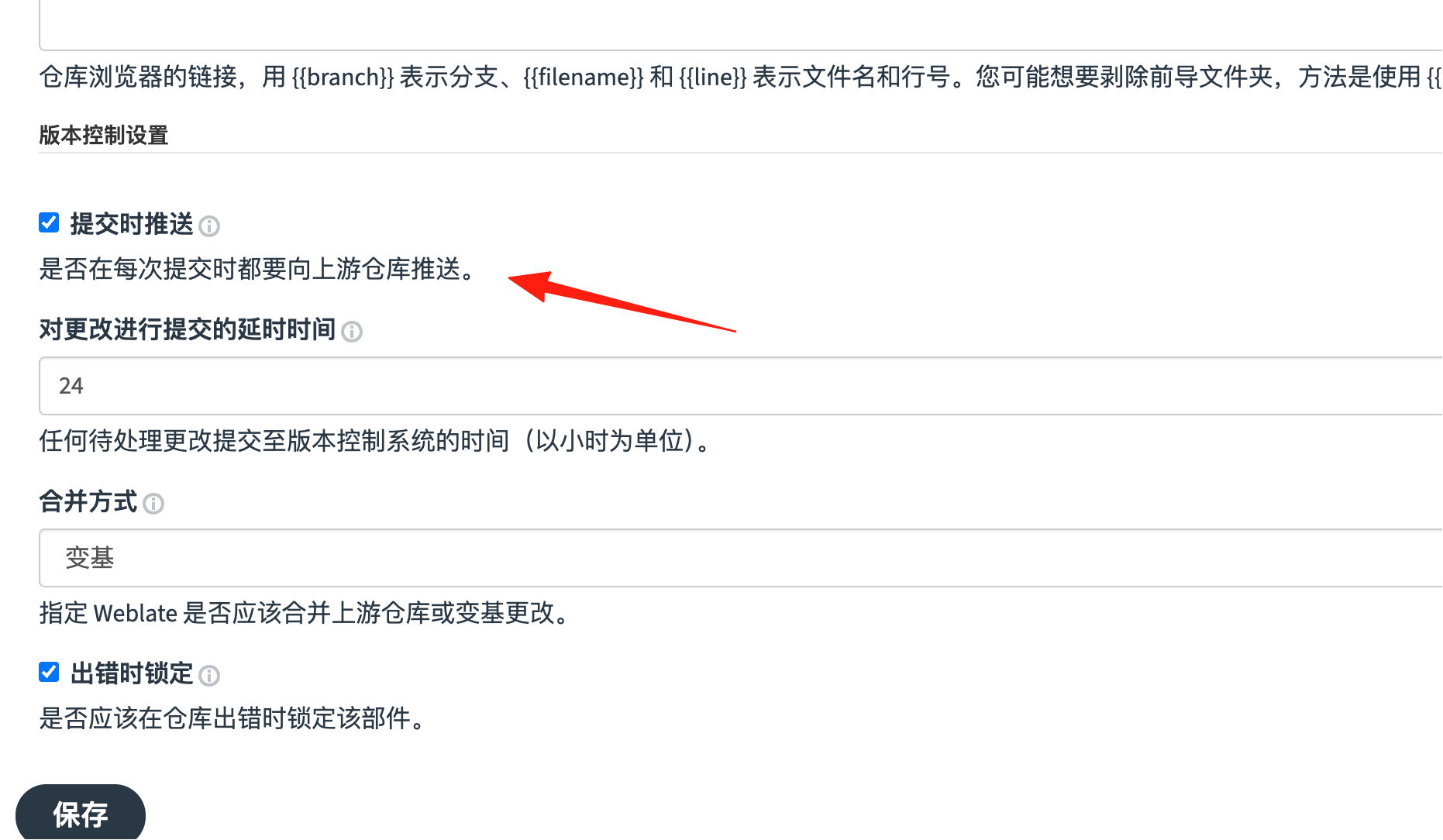
Configure automatic synchronization so translation updates can be pushed directly to your code repository. When developers change the source code, translations can be updated automatically, which is incredibly convenient.
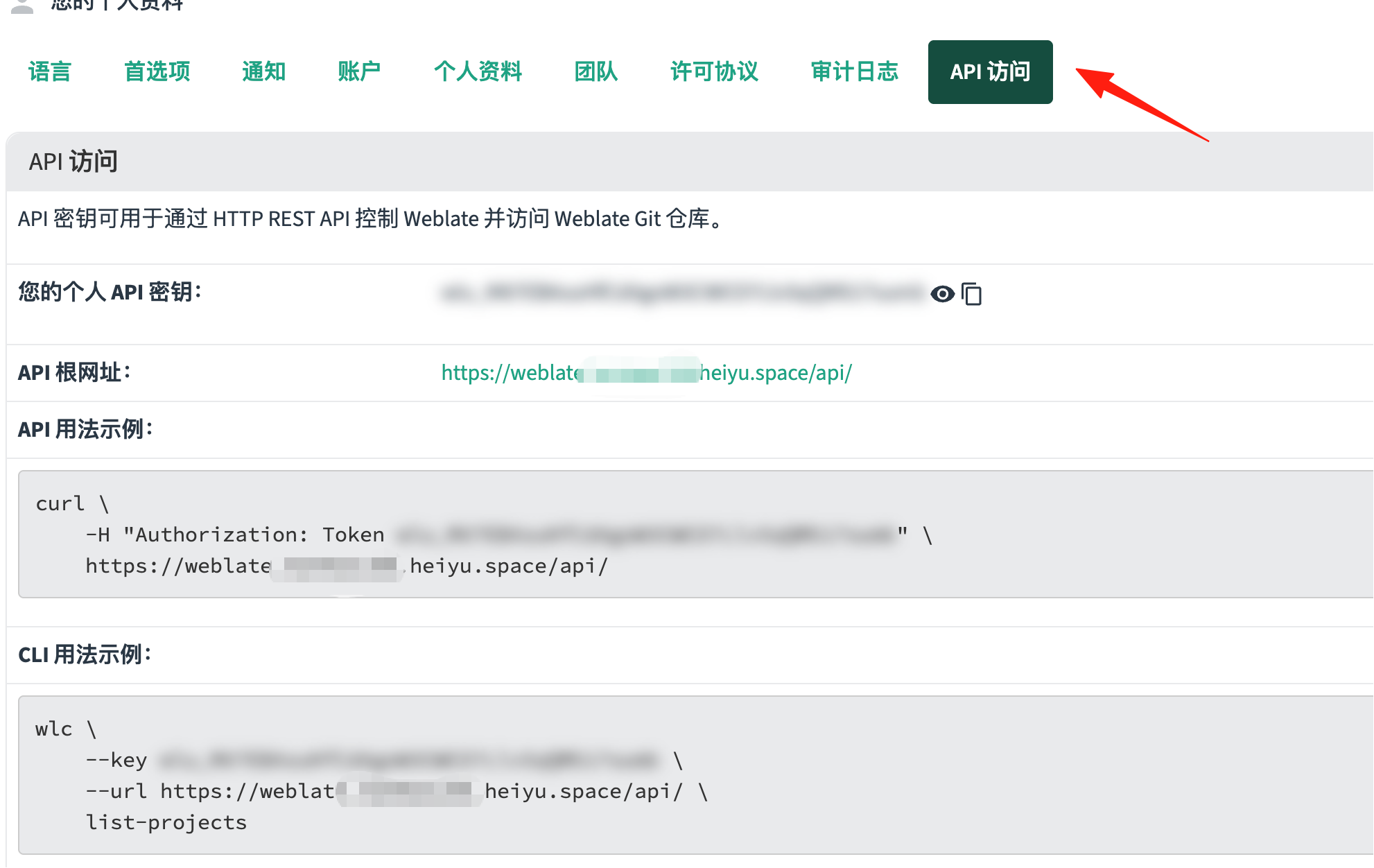
Weblate offers a comprehensive API that allows you to:
- Automatically create translation tasks
- Fetch translation progress
- Perform bulk imports/exports
Summary
Weblate is one of those tools you "can't live without once you've tried it". It's open-source, free, powerful, and most importantly, it genuinely solves problems. Whether you're an independent developer or part of a large company, it's definitely worth trying.