
NextChat: Easily Set Up Your Personal AI Assistant
What is NextChat?
NextChat is essentially a "beautified version" of the ChatGPT web interface, but with significantly more powerful features. It's a lightweight and fast AI assistant that supports multiple platforms including Web, iOS, macOS, Android, Linux, and Windows.
In simple terms, it repackages ChatGPT to look better and be more user-friendly. Most importantly, you can deploy it yourself using your own API keys, which is much cheaper than a ChatGPT Plus subscription.
Supports multiple LLM models like OpenAI-o1, GPT-4o, Gemini-1.5, Claude-3.5, all centralized in one place. It's like a "melting pot" of AI models – use whichever one you want.
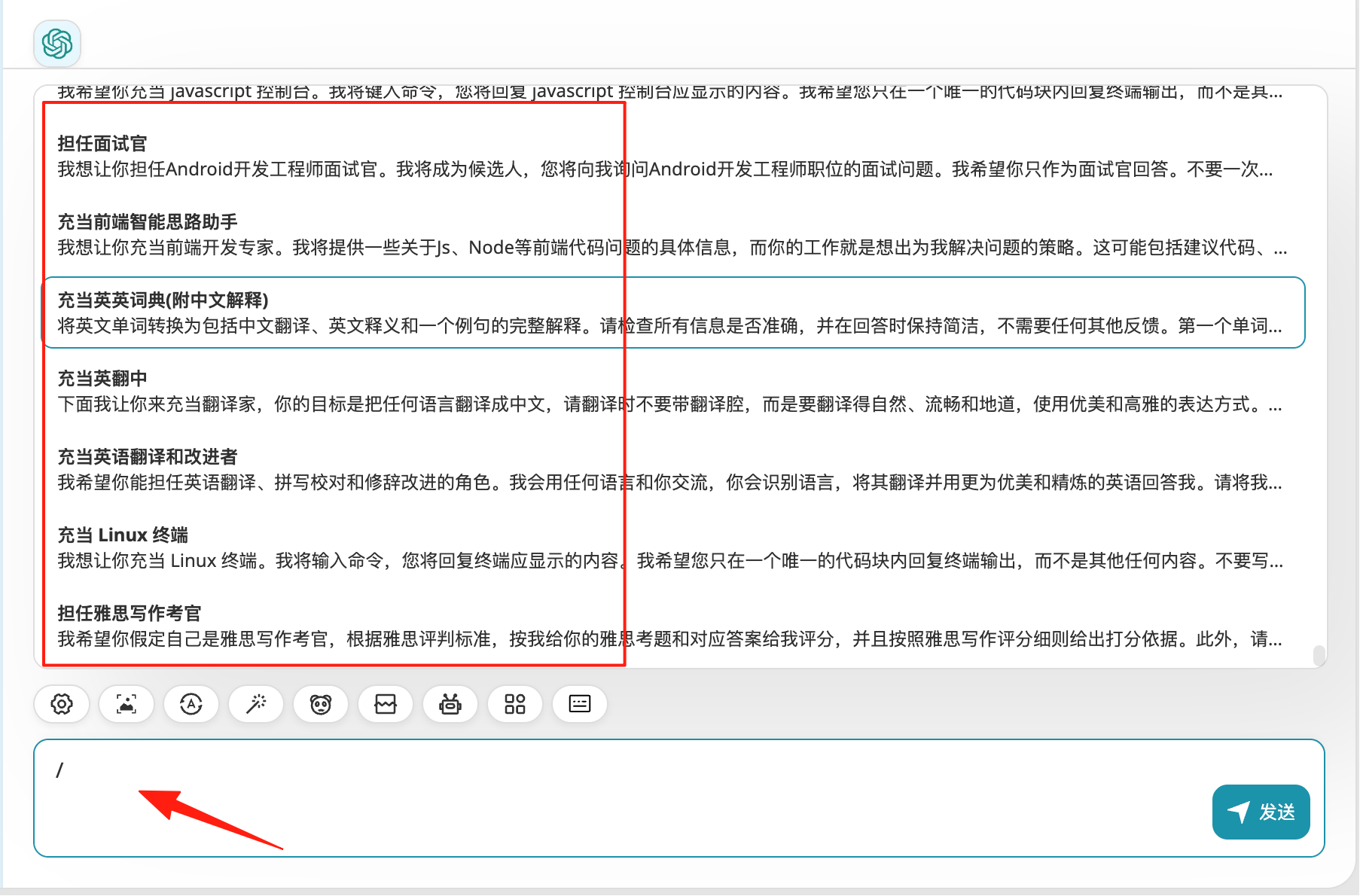
Features a built-in rich "awesome prompts" library covering various use cases. Just press the "/" key for quick access. No more racking your brains on how to write prompts.
Automatically compresses chat history, allowing for long conversations without consuming excessive tokens. Chat as long as you want without worrying about exceeding limits.
https://appstore.lazycat.cloud/#/shop/detail/lazycat.app.nextchat
Usage Tips
After installing the app, enter the main page.
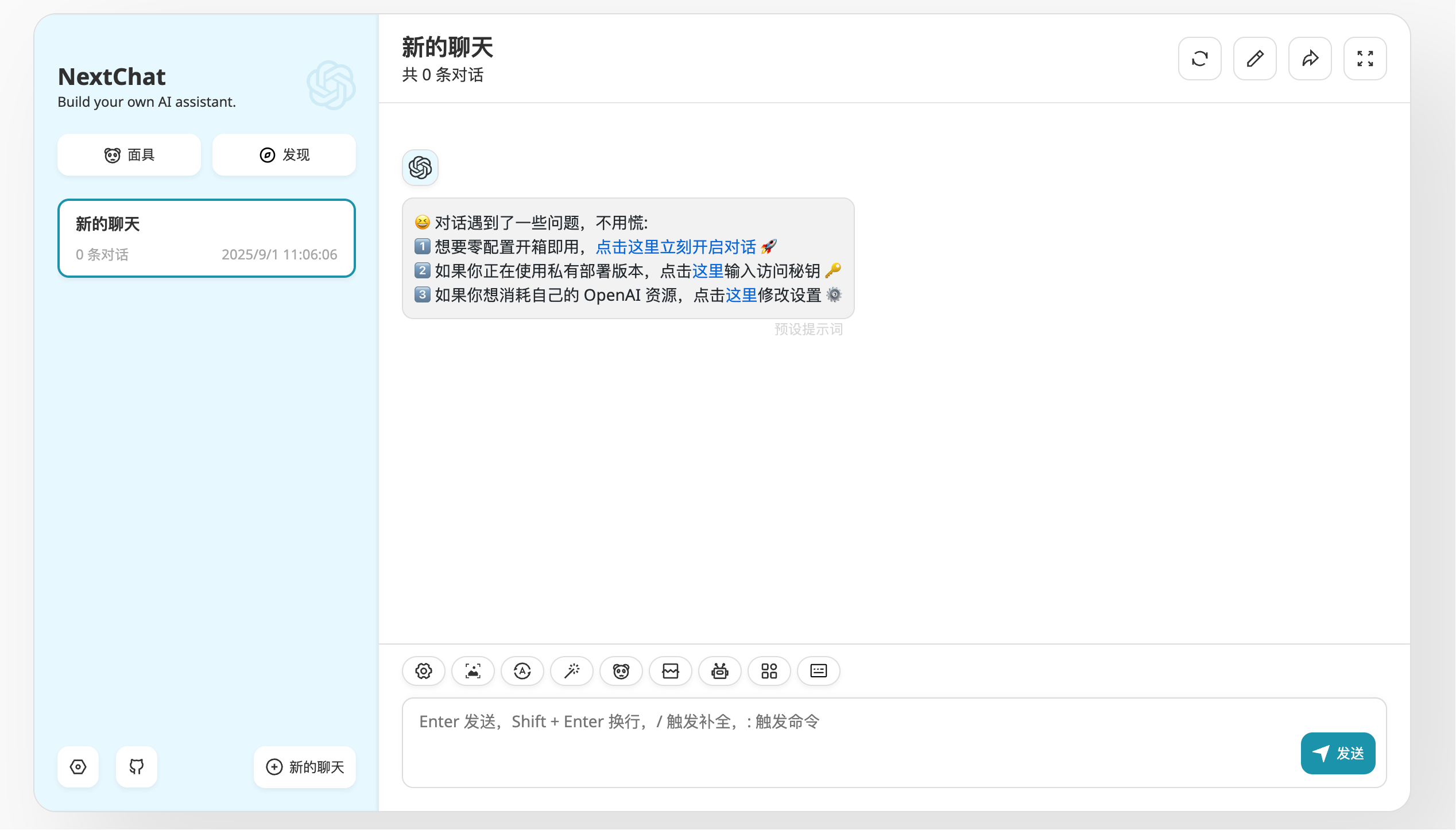
Directly starting a conversation at this point will result in an error; you need to set up the model first. Click on the 2nd item.
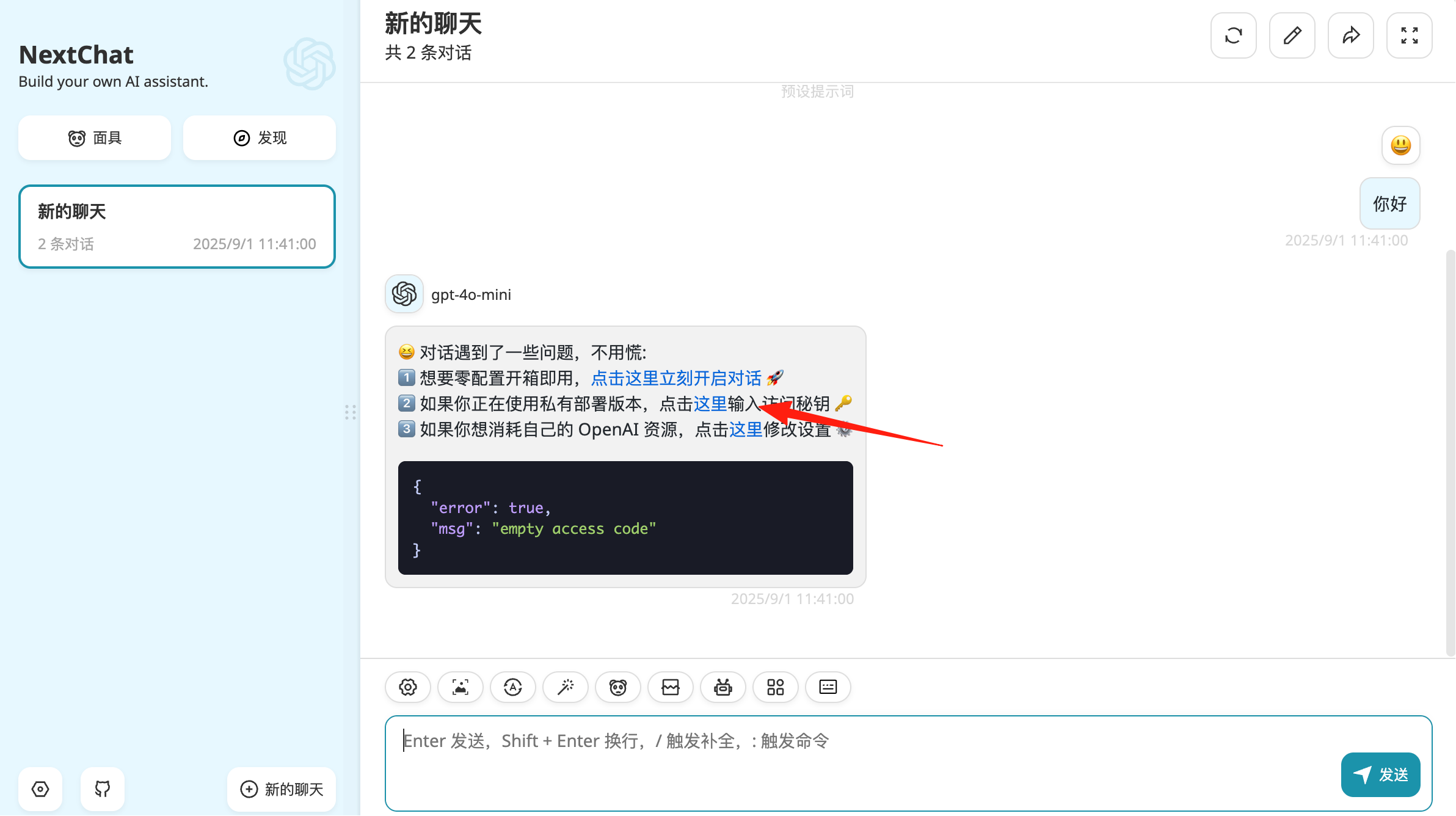
I entered the API key for Google Gemini.
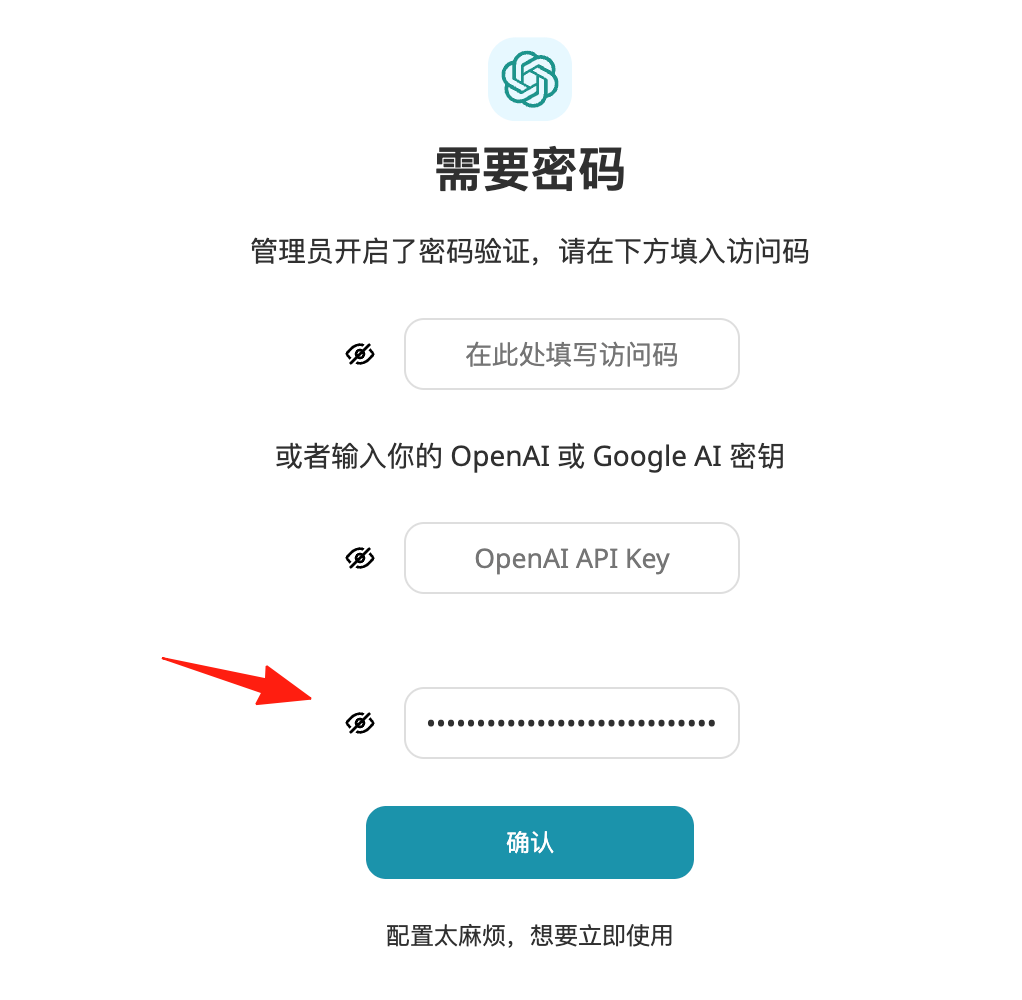
Click the bottom left to create a new chat.
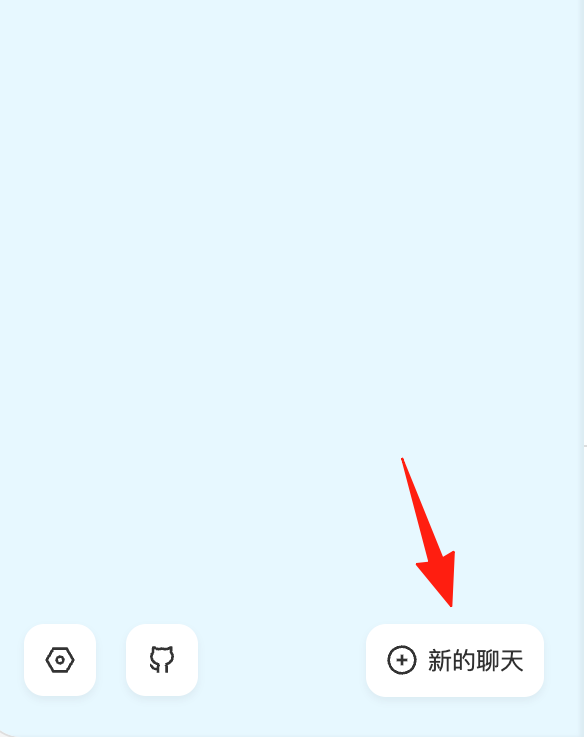
Enter the settings.
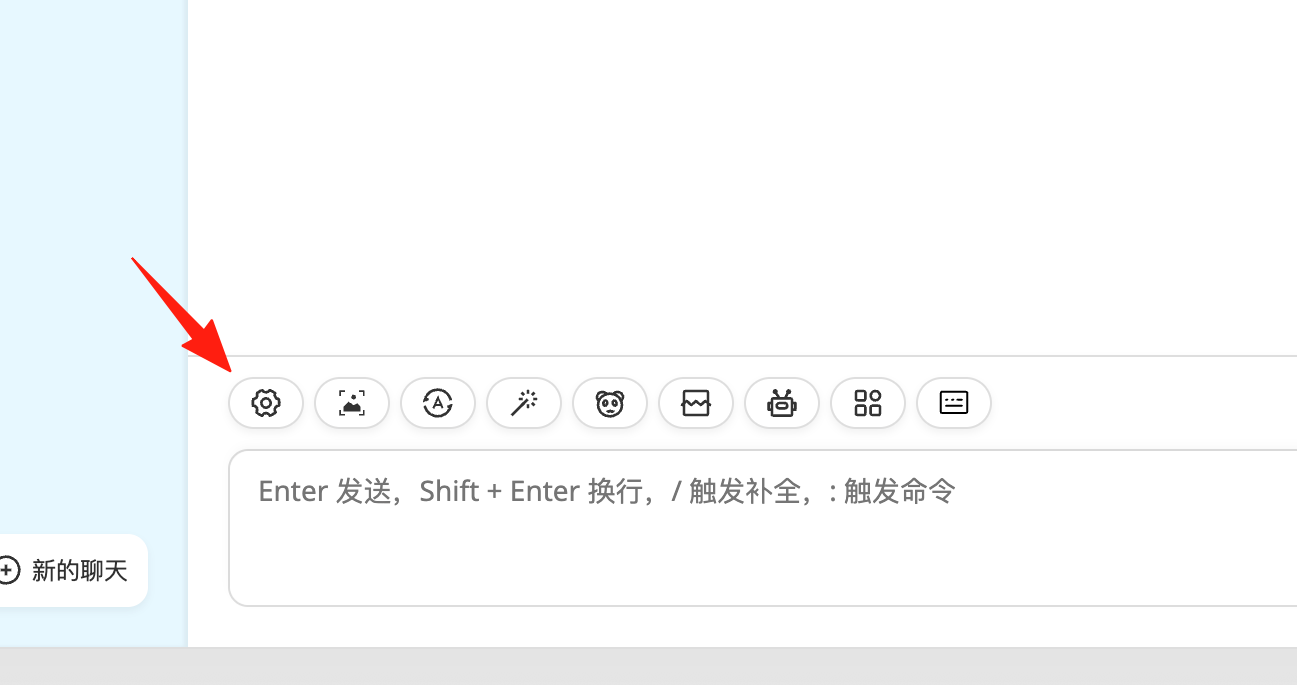
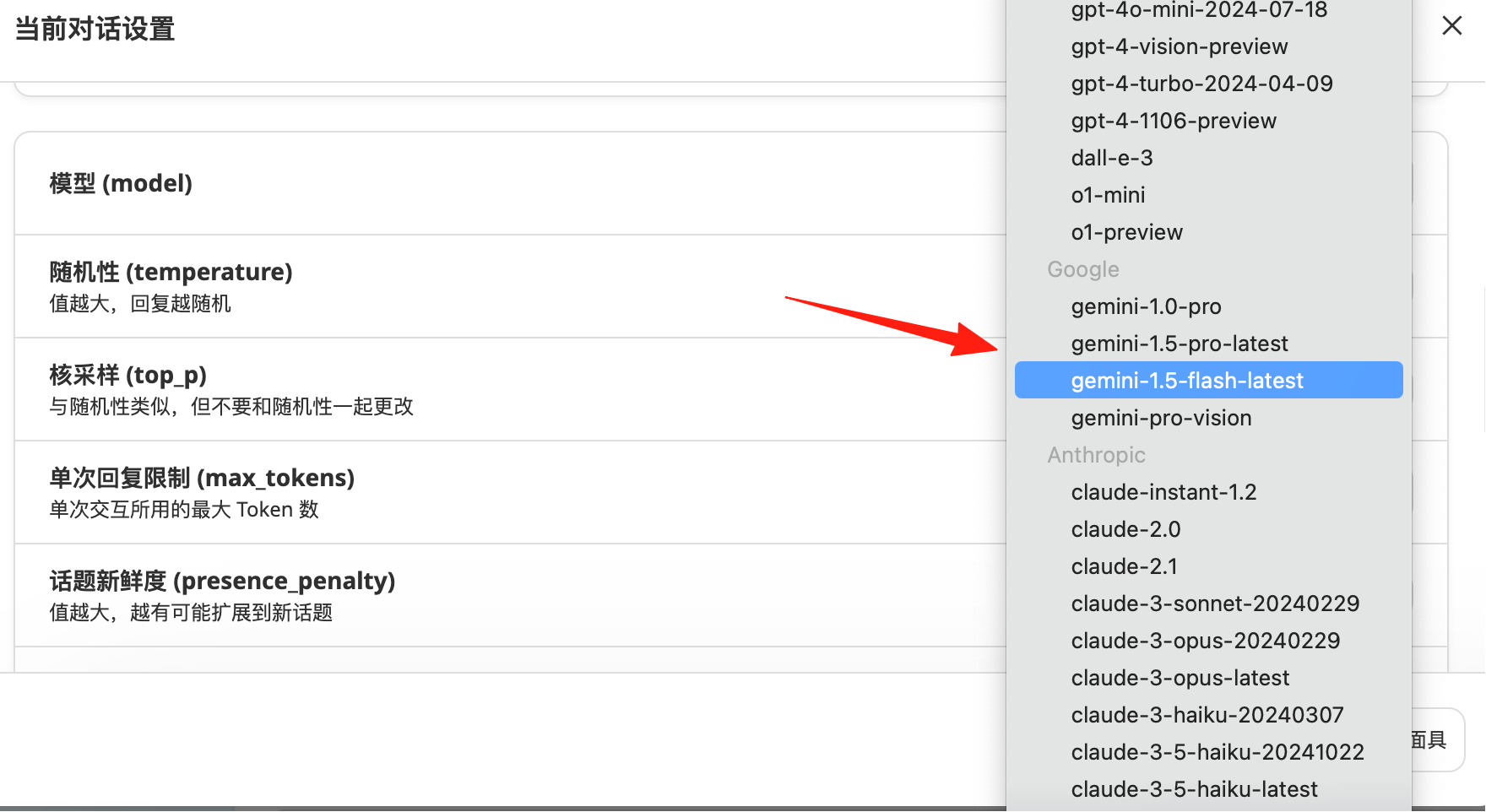
Select the corresponding chat model. Since I'm using Google's API, I'll choose a Google model.
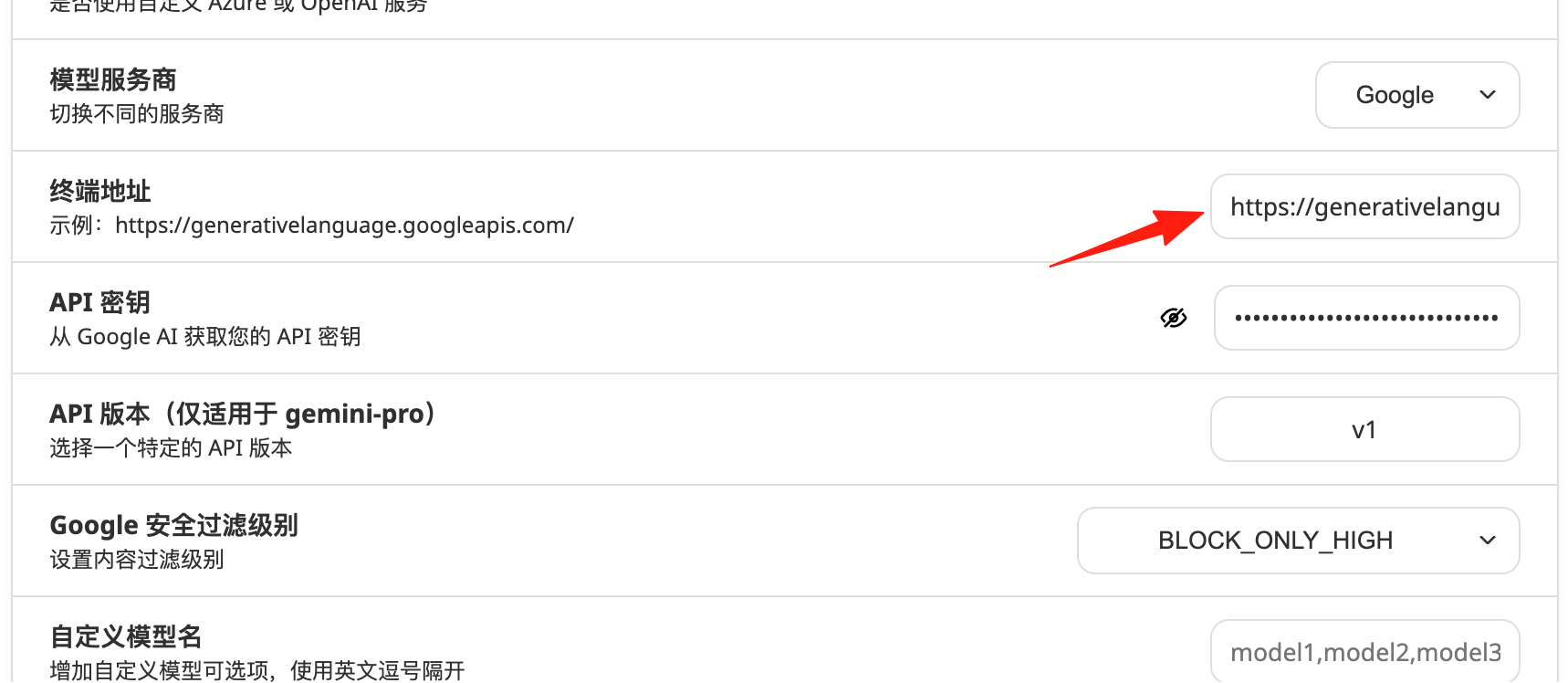
Change the endpoint address to Google's API address (delete the default one): https://generativelanguage.googleapis.com
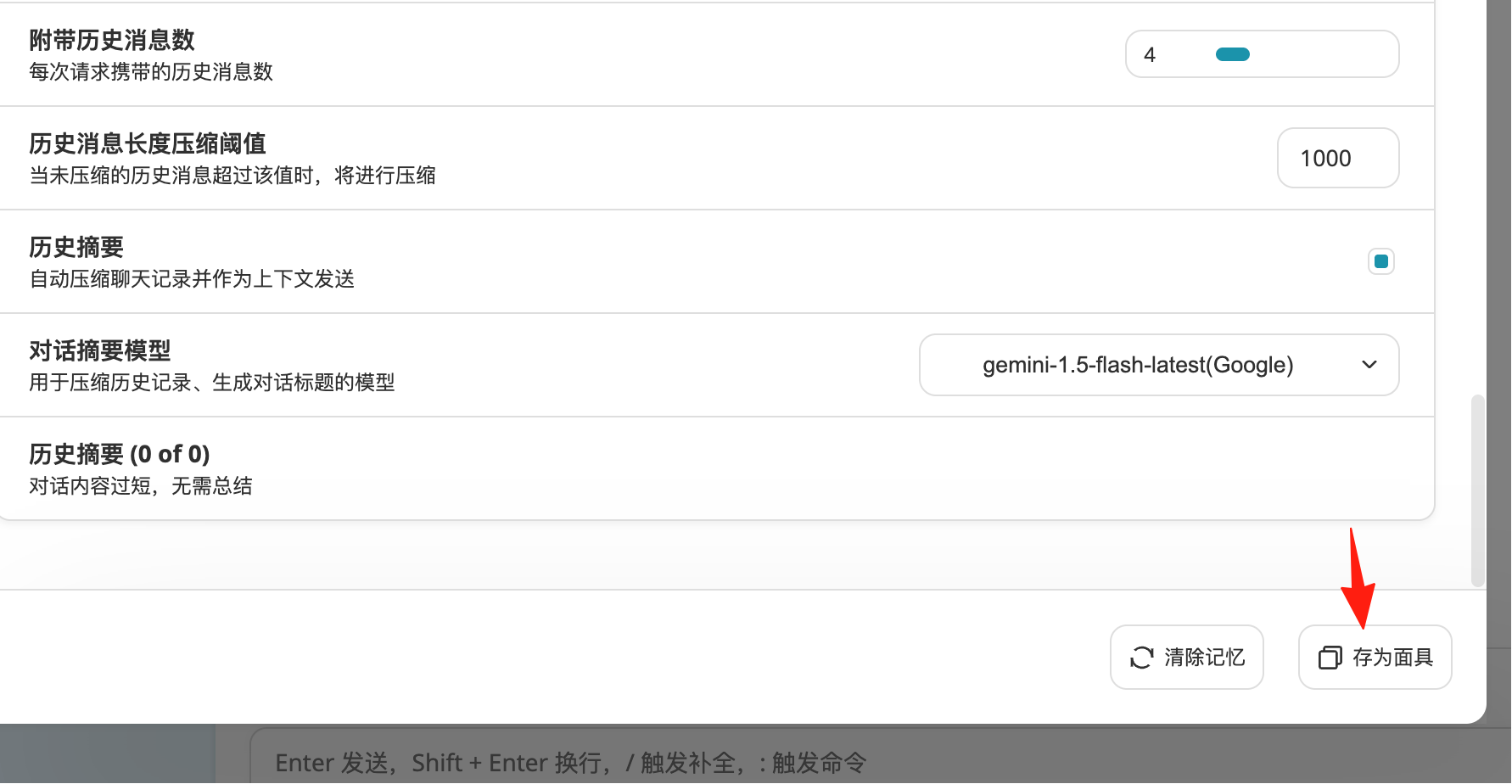
Click below; this is equivalent to saving a chat template.
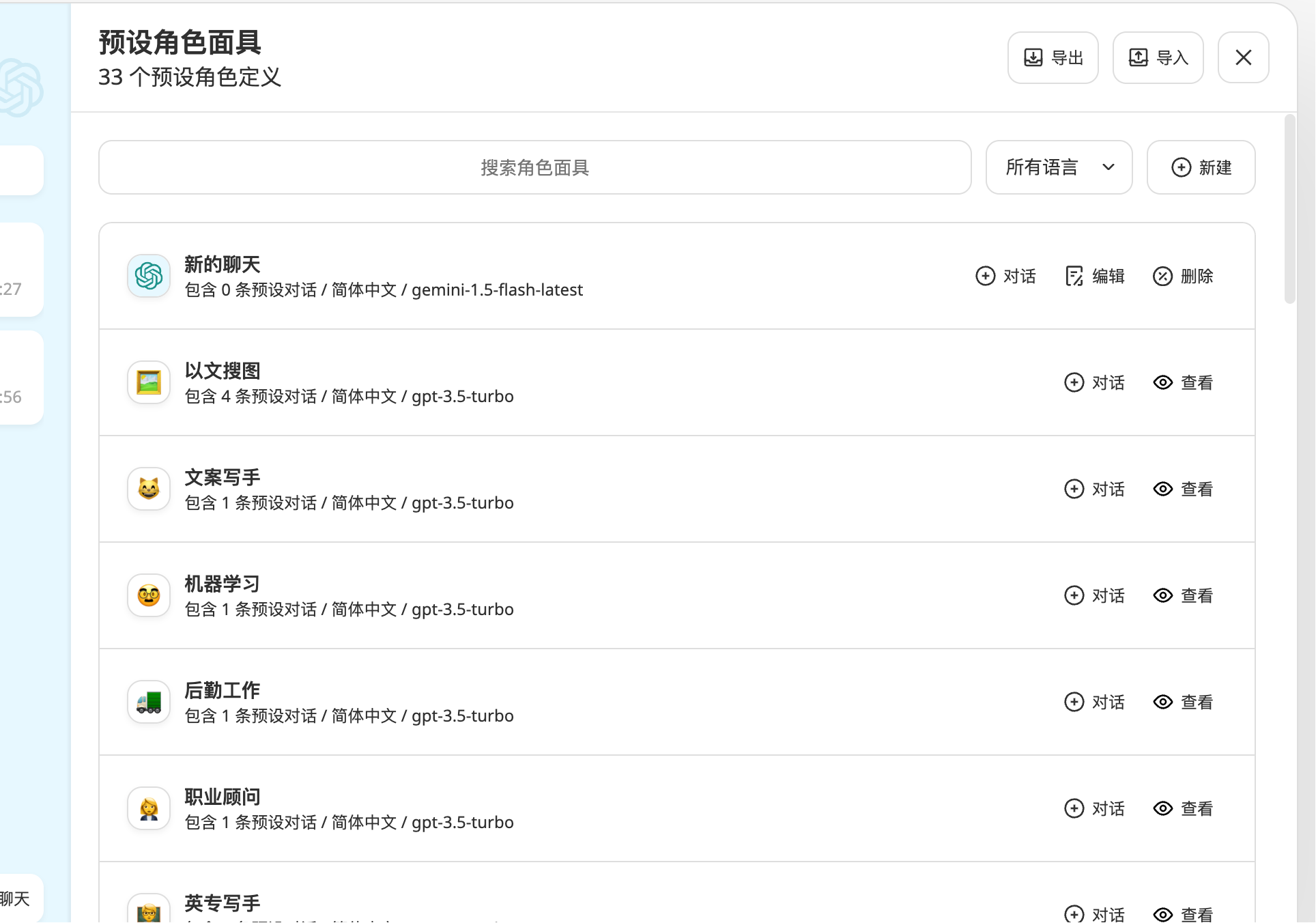
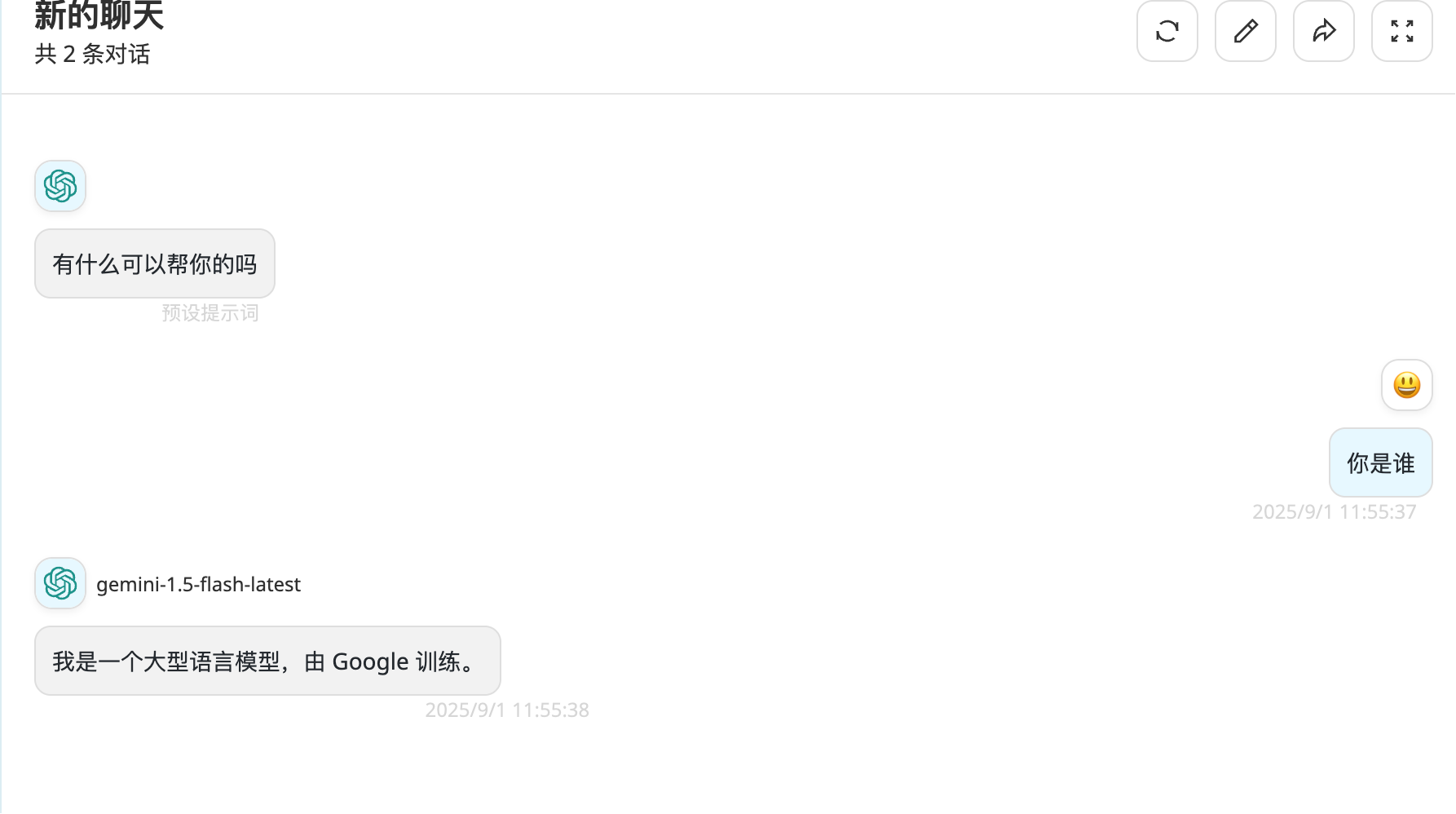
Now the conversation works normally.
1. Quickly Use the Prompt Library
Type "/" in the dialog box to bring up the prompt selection interface. For example:
/Writing Assistant- Helps you write articles/Code Review- Checks for code issues/English Teacher- Practice English conversation
2. Configure Model Parameters
In the settings, you can adjust:
- Temperature: Controls the creativity of responses (0-2, higher means more creative)
- Top P: Controls the diversity of responses
- Max Tokens: The maximum length of a single response
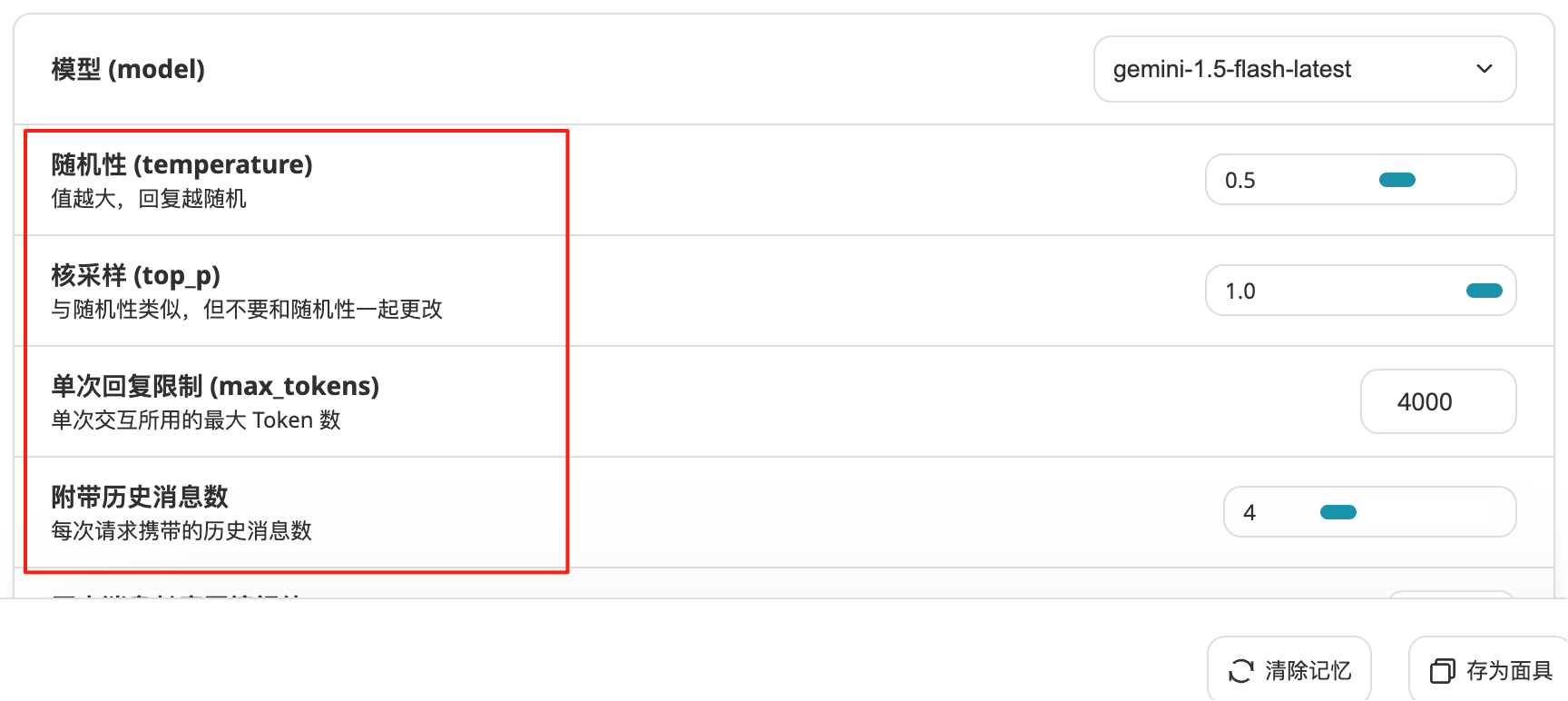
Generally, use a higher Temperature for writing (around 1.2) and a lower Temperature for coding problems (around 0.3).
3. Make Good Use of Chat History Management
- Name each conversation for easy searching
- Remember to export and save important conversations
- Regularly clean up unnecessary conversations to save storage space
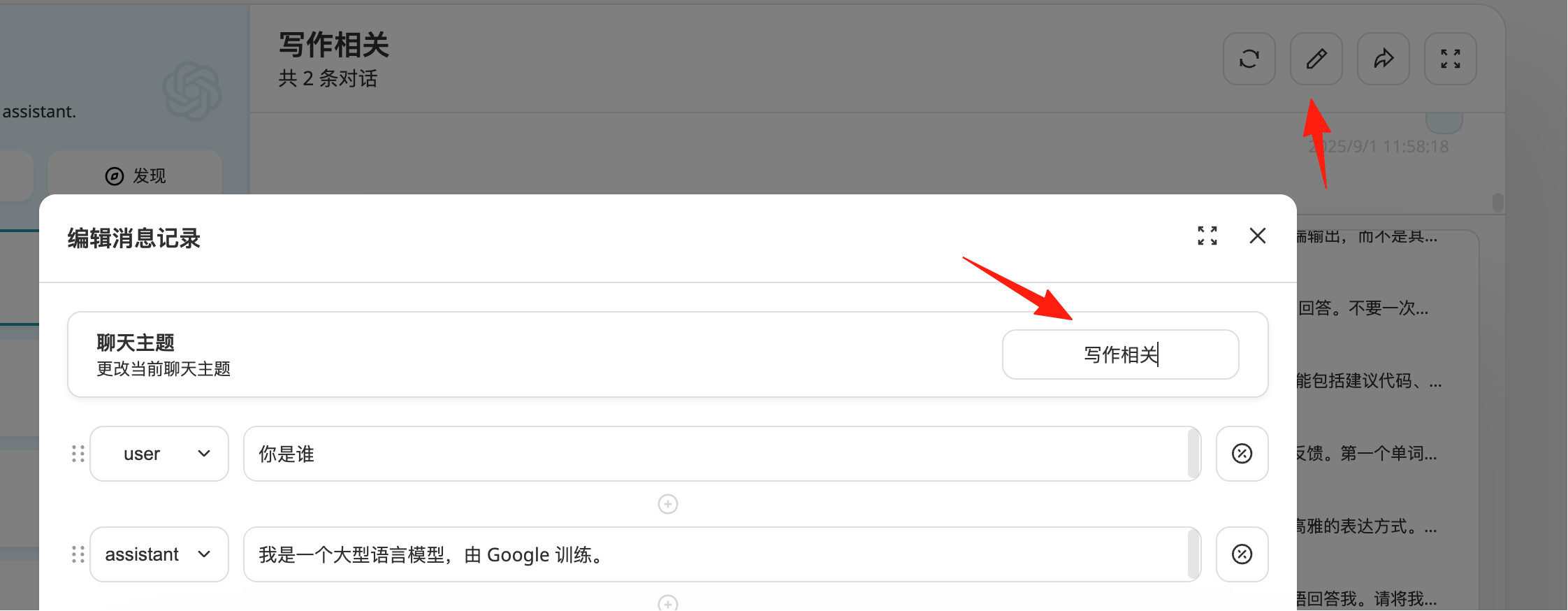
Besides OpenAI, you can also integrate various other AI services, both domestic and international, like Claude, Wenxin Yiyan, Tongyi Qianwen, etc.
Final Thoughts
NextChat is a great tool, with some users finding it smoother than Bard or the official ChatGPT. Most importantly, it allows you to enjoy better AI services at a lower cost.
Set up your own AI assistant to make work and study easier.