
Veloera - Simplifying AI API Management
What is This?
Imagine you want to use AIs like ChatGPT, Claude, or Wenxin Yiyan, but each has its own API format and requires separate API key management. Veloera acts like a "translator," allowing you to access all these AI models through a single, unified interface.
In simple terms: One codebase to call all the AIs worldwide.
There are similar projects available, like one-api and new-api, but Veloera builds upon new-api with several practical improvements:
- Multi-Key Rotation: Configure multiple API keys for a single channel; the system automatically rotates through them, eliminating worries about rate limits on a single key.
- Gift Code System: Issue usage credits to users, perfect for promotions or internal distribution.
- Regex Blocklist: Don't want the AI to discuss certain topics? Filter content directly using regular expressions.
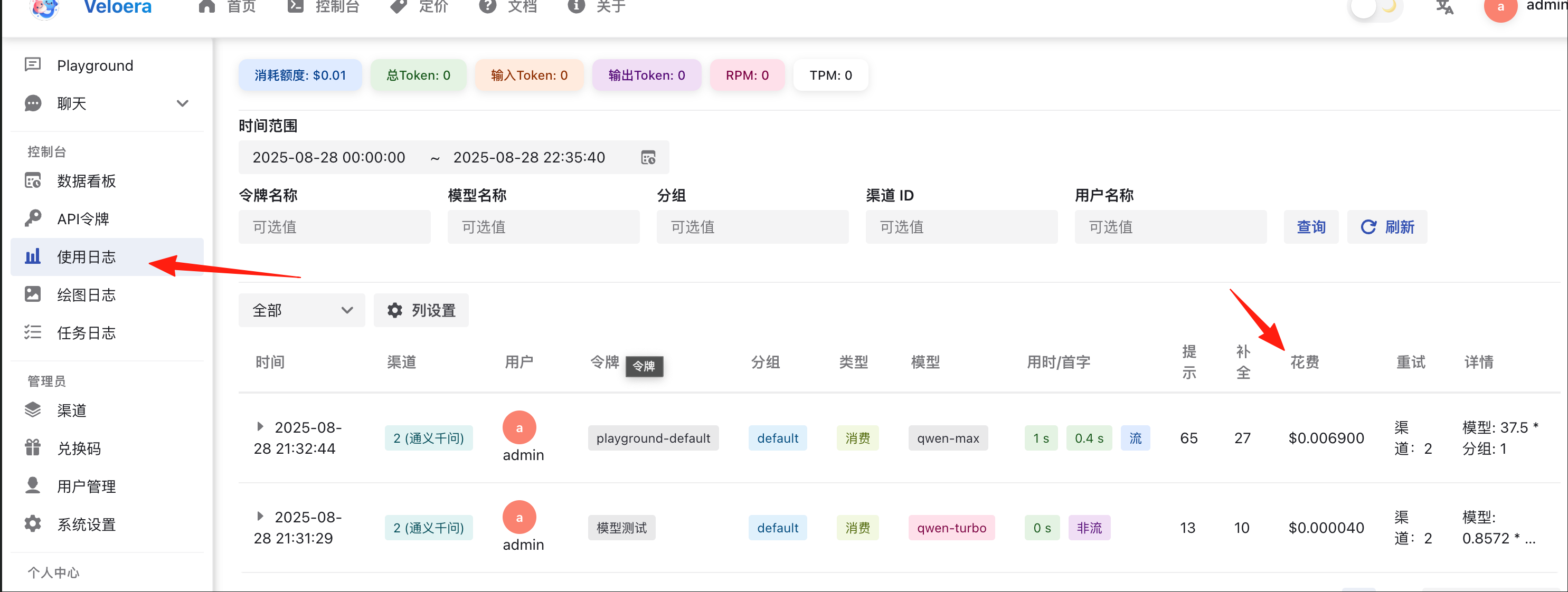
- Real-time Logs: Logs refresh in real-time, making troubleshooting much clearer.
- The interface largely retains the look and feel of new-api, ensuring a zero learning curve.
- Empty responses are not billed (Such a thoughtful feature!).
- Logs display more detailed token consumption information.
- Supports the native HuggingFace interface.
https://appstore.lazycat.cloud/#/shop/detail/cloud.lazycat.app.veloera
How to Use
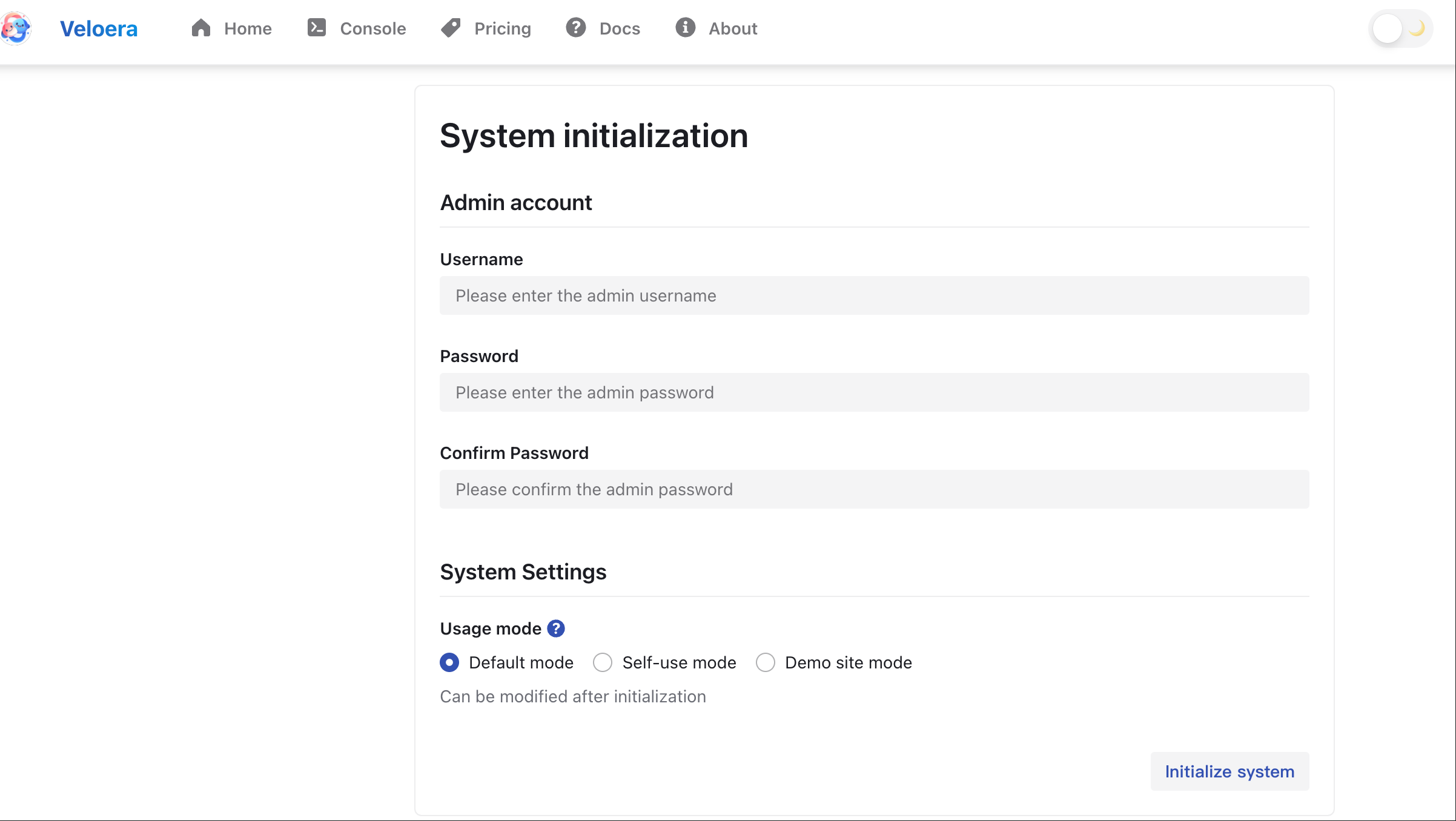
Upon first launch, you need to register a user account.
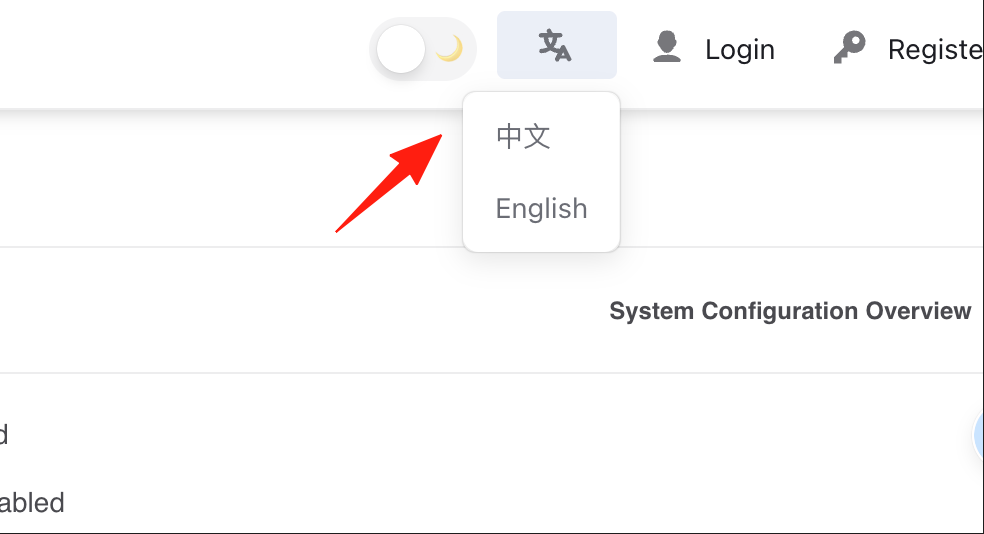
After logging in, you can switch the language to Chinese.
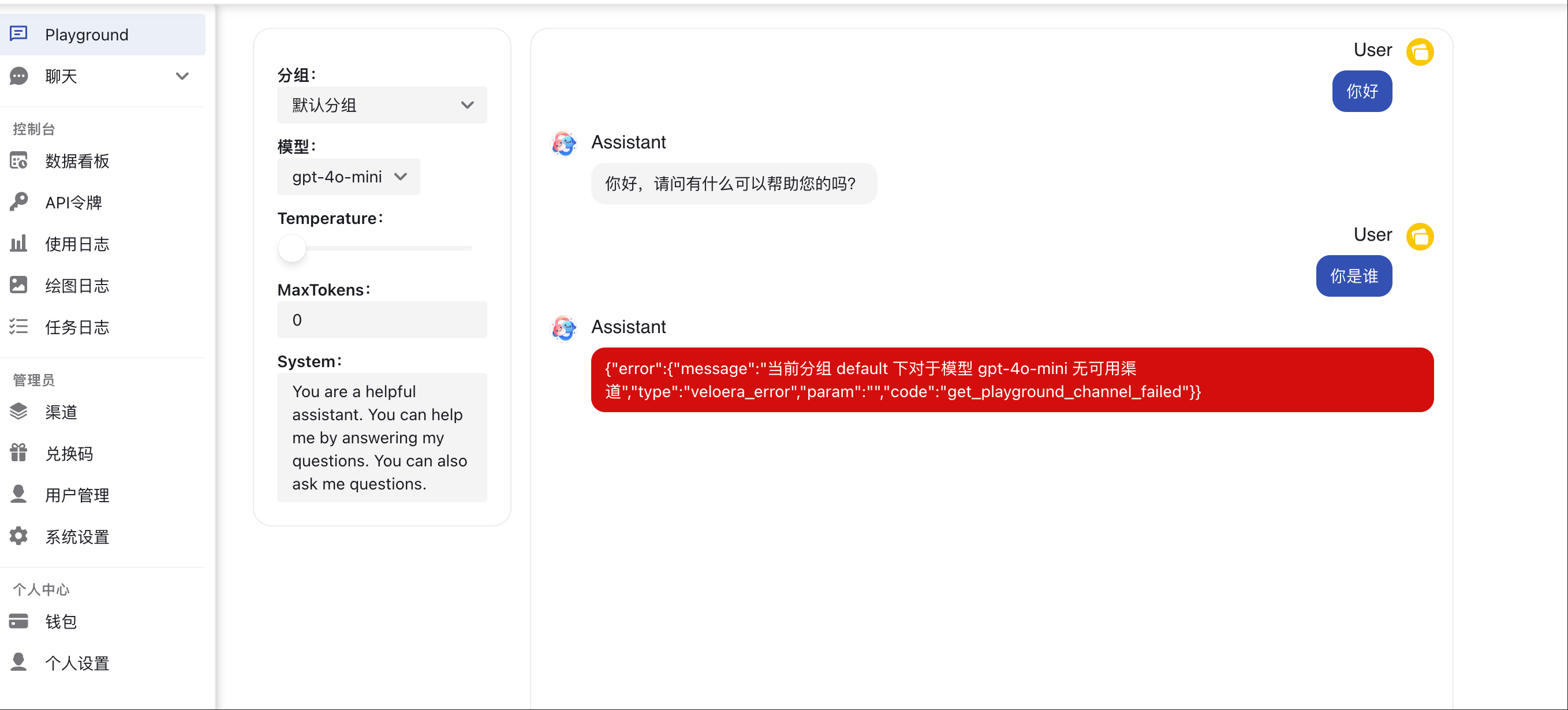
After logging in, you won't have any channels configured yet, so attempting to chat will result in an error.
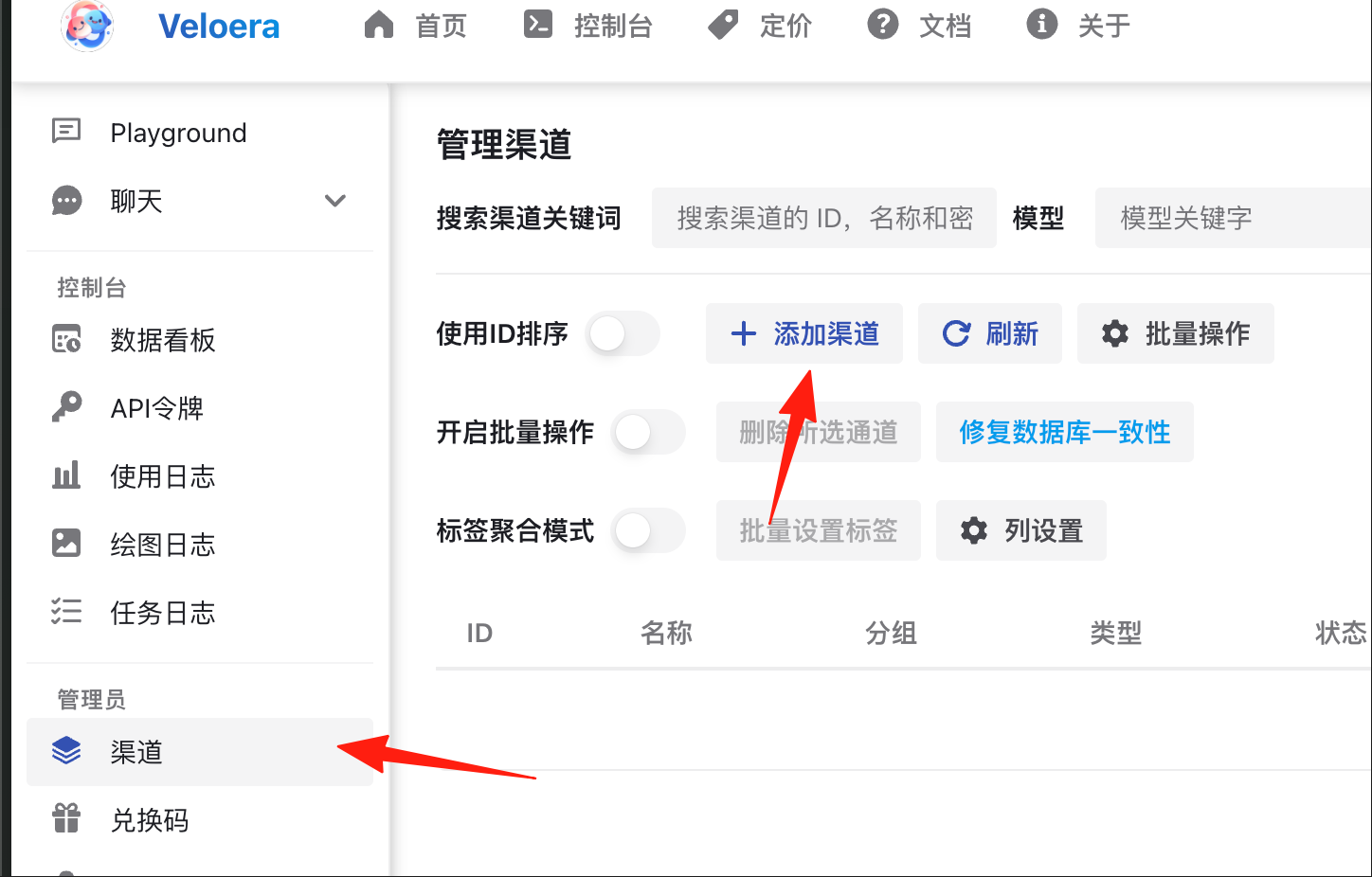
Go to the "Channels" section to add your AI platform interfaces.
Select the platform, model, and API key you want to add.
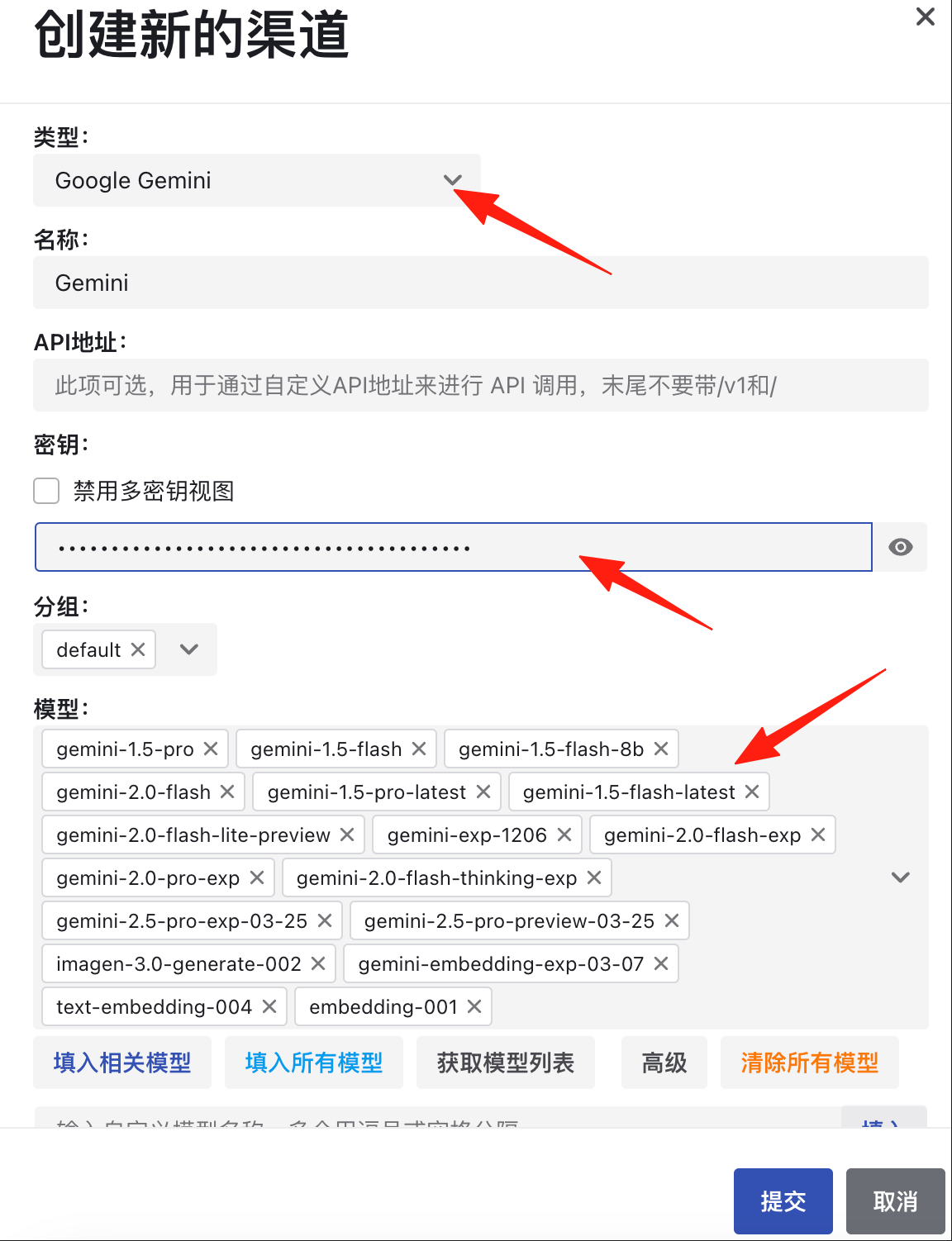
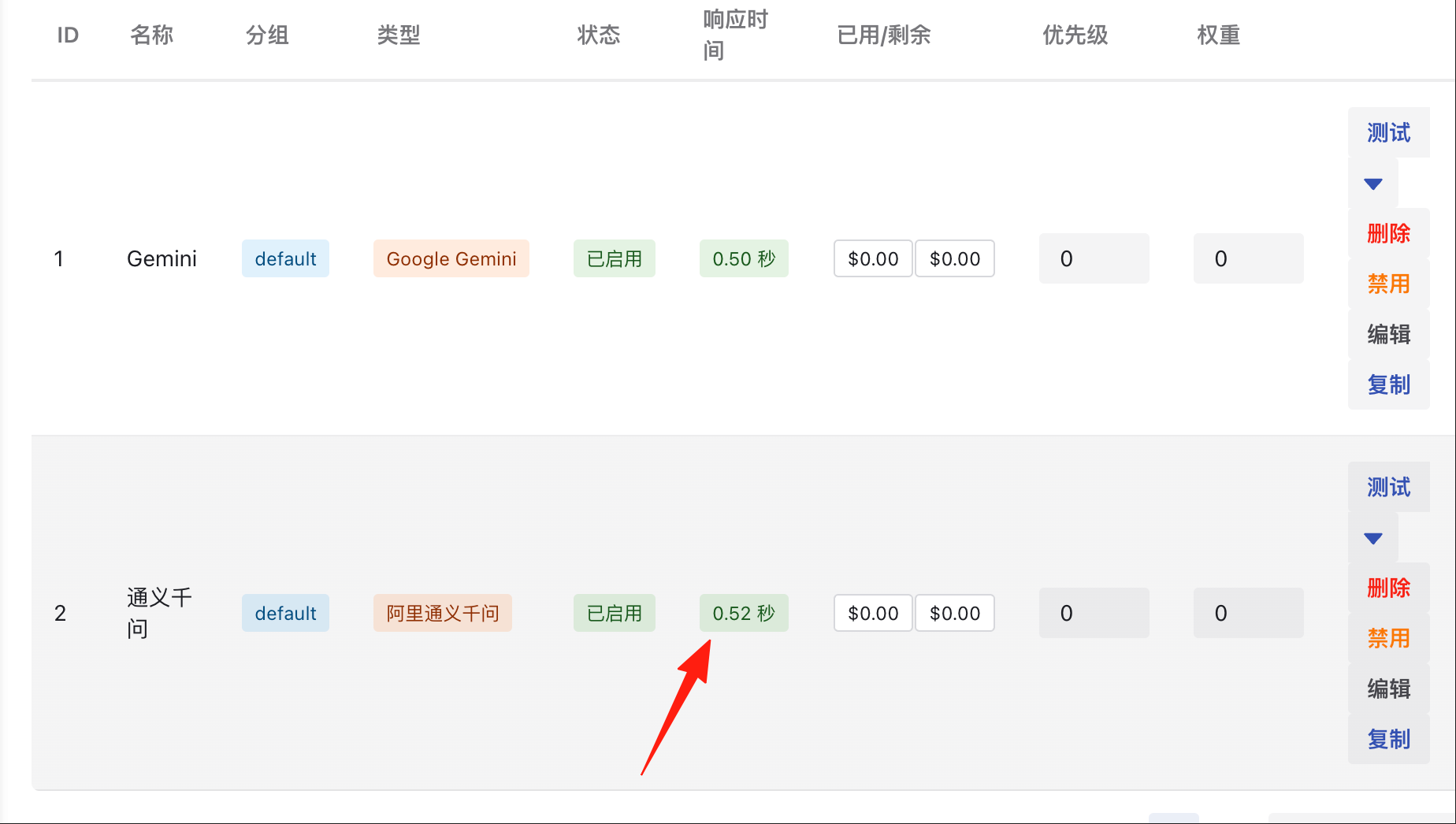
After submission, test the connection here.
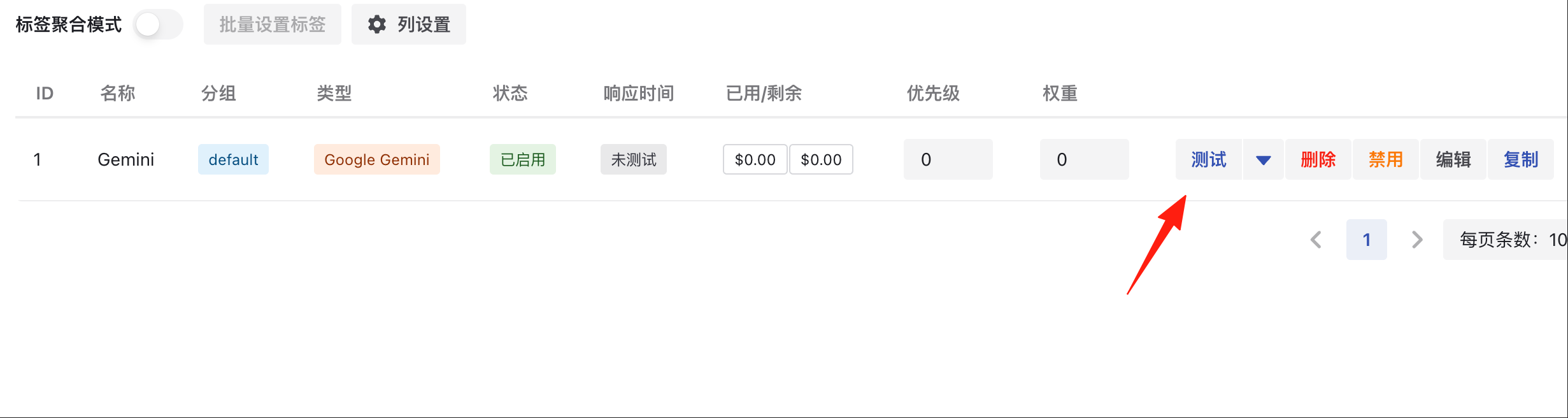
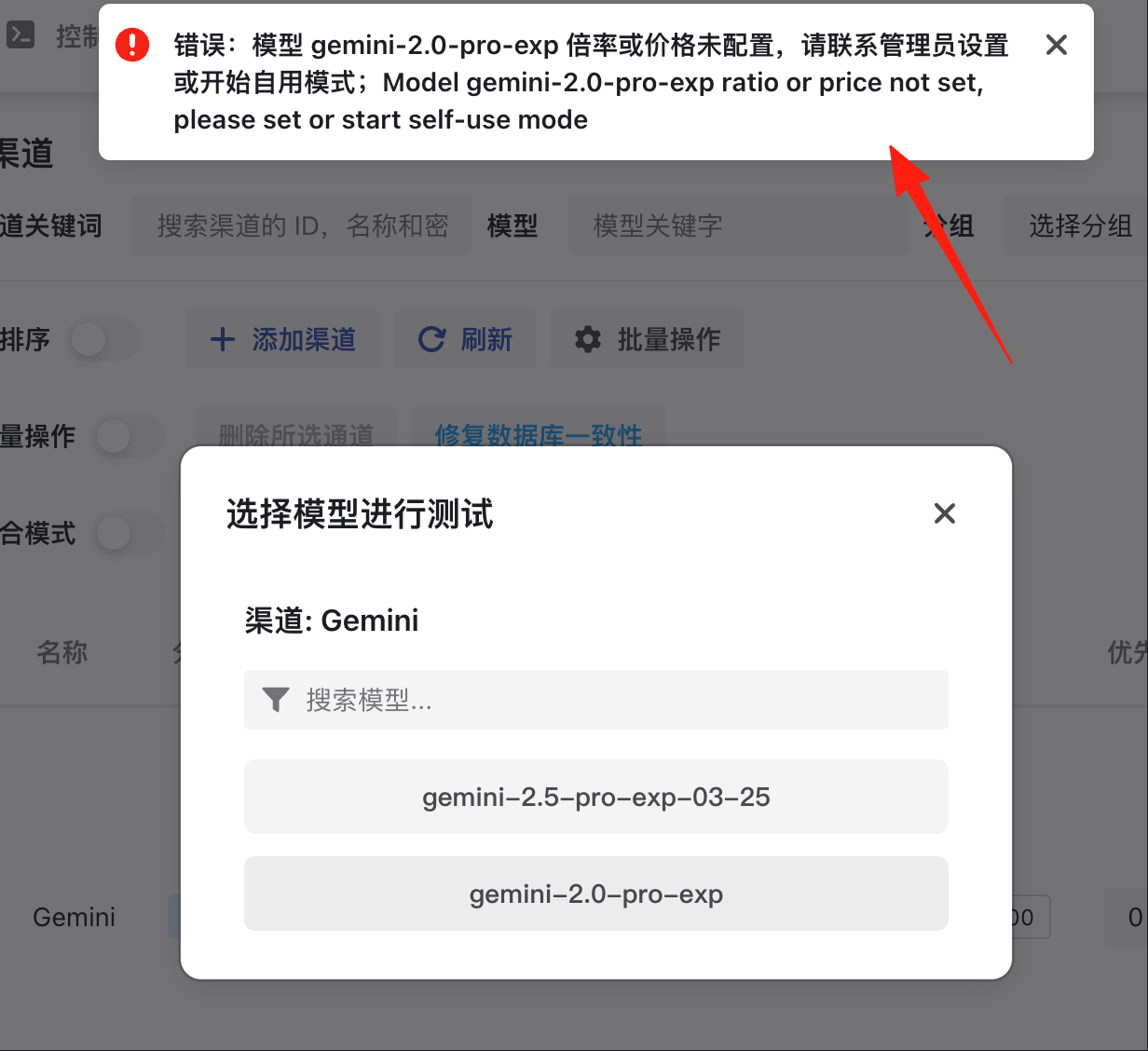
Error messages will be displayed during testing if there are issues.
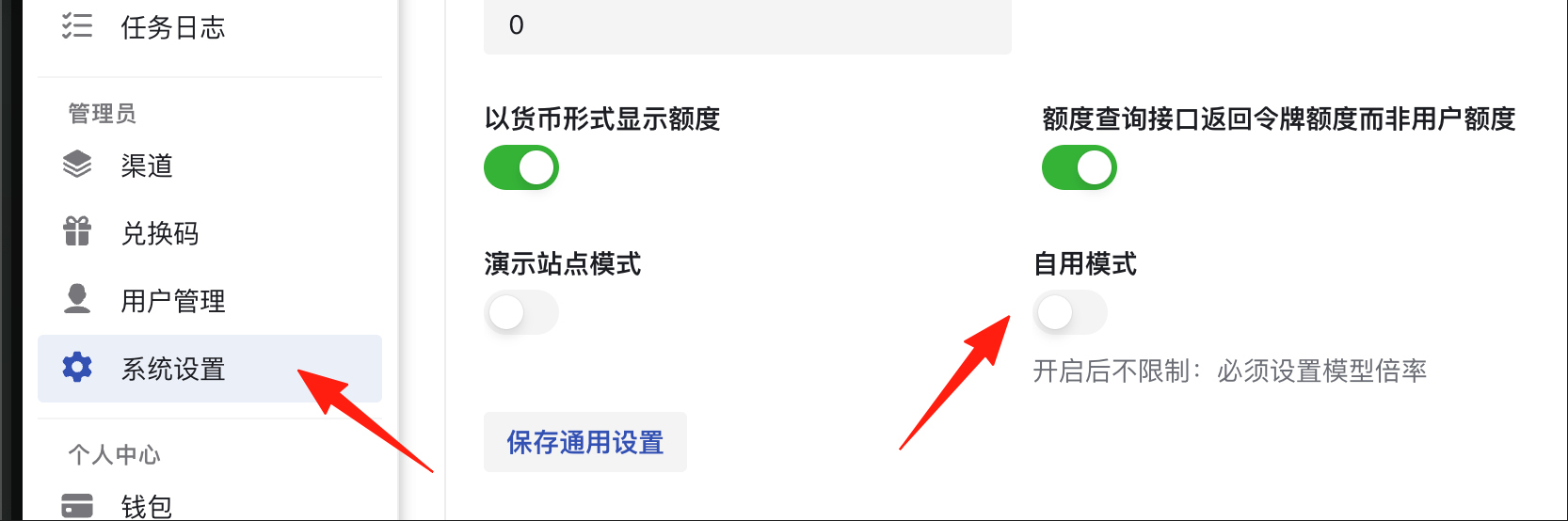
You can enable the self-use mode in the system settings.
Once configured, you can see the response time.
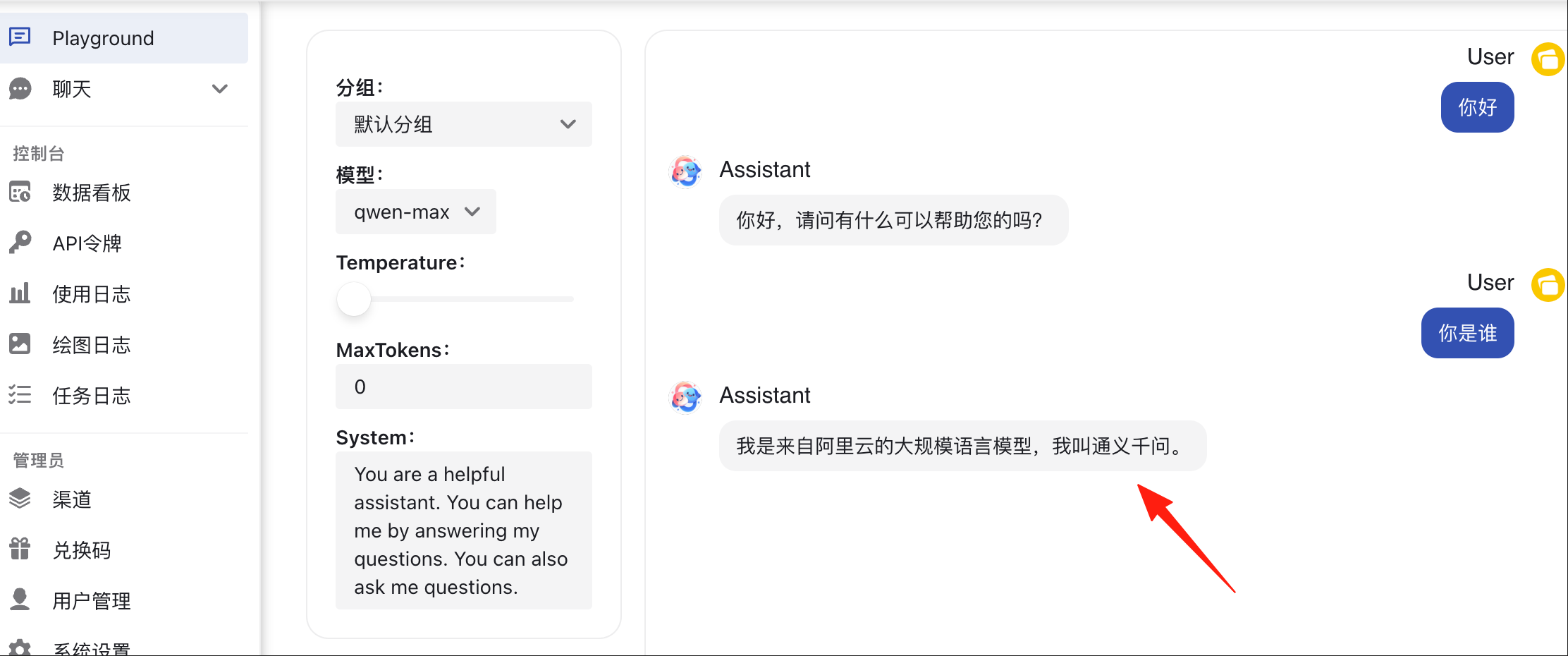
Now, return to the chat page to see it in action.
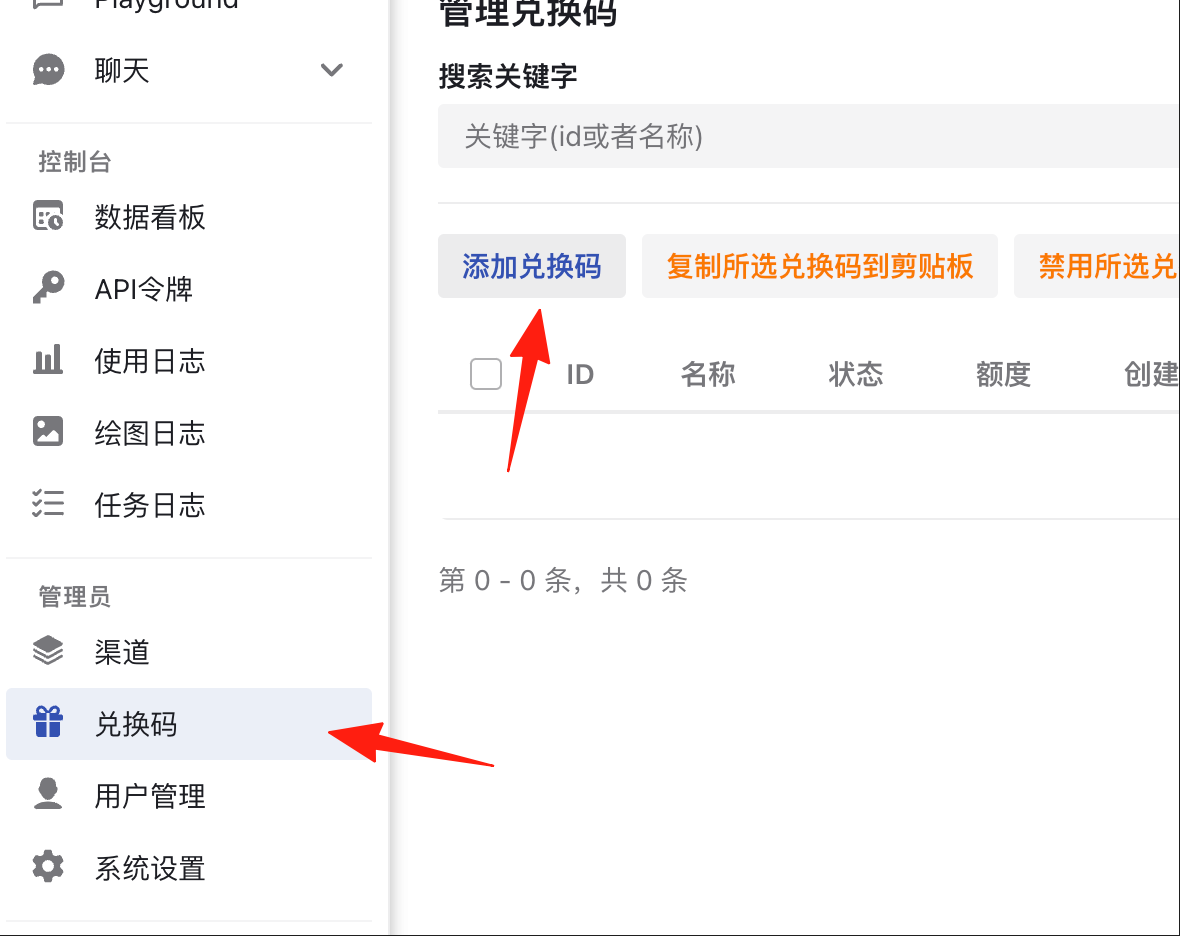
Gift Code Feature
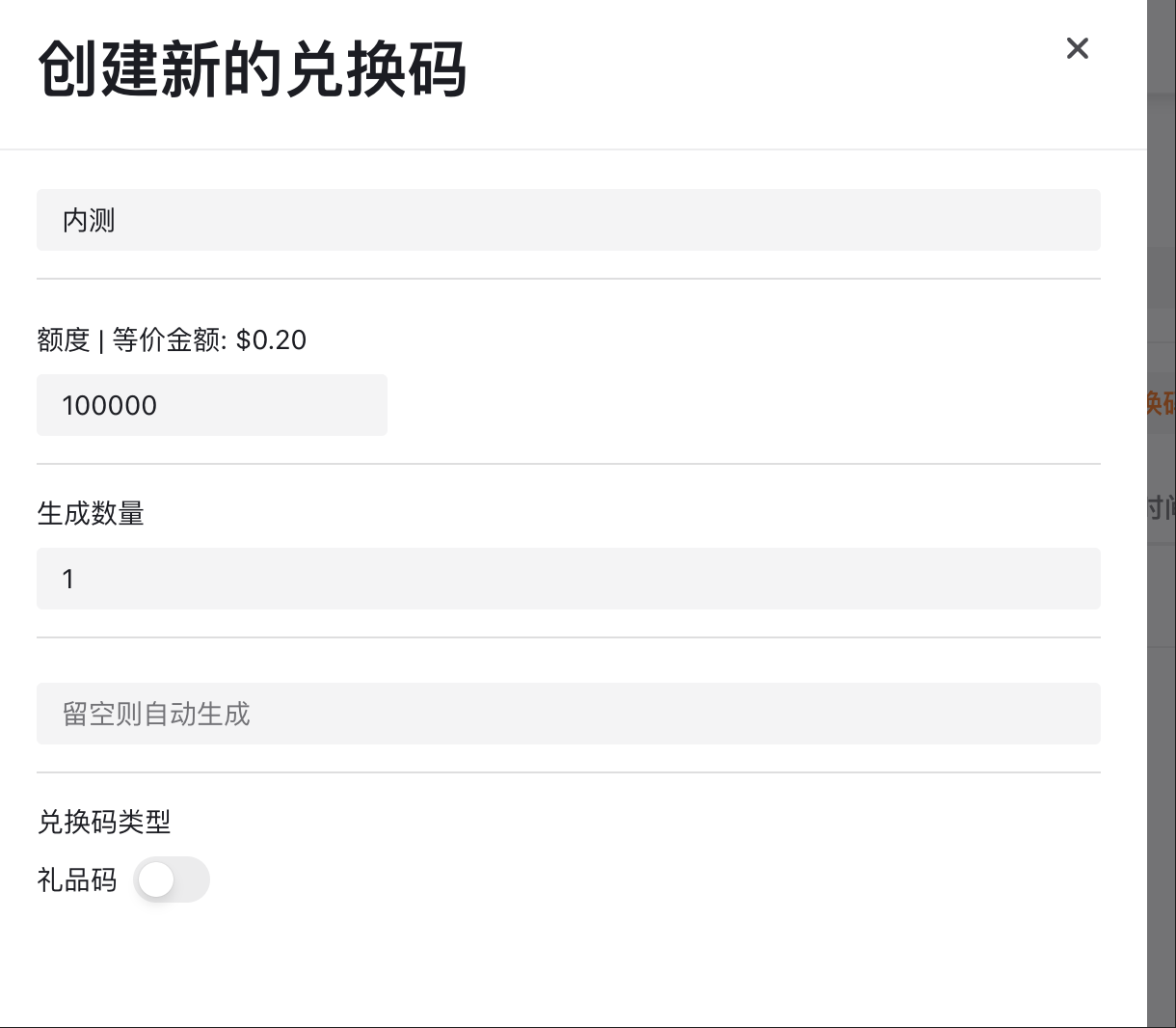
- Create a gift code in "Gift Code Management".
- Set the credit amount (e.g., $10).
- Share it with users; they can input the gift code to receive usage credits.
 This is particularly useful for:
- Distributing credits to beta testers.
- Activity rewards.
- Managing internal team usage quotas.
Monitoring and Operations
Log Viewing
- Real-time refresh lets you monitor API calls instantly.
- Filter logs by channel or user.
- Clear overview of token consumption.
 Cost Control
- Set usage quotas for each user.
- Configure different multipliers for different models.
- Empty responses are not billed, saving both money and hassle.
Summary
The Veloera project is highly practical, especially for scenarios requiring the simultaneous use of multiple AI models. It helps manage various AI API keys and provides a unified interface for calls, eliminating the need to configure different interface formats for every project.
If you are involved in AI-related development or manage team AI usage, we recommend trying Veloera.