
Activepieces Guide: Automated Workflow Tool
What is Activepieces?
Activepieces is a versatile AI automation platform that supports 280+ MCP servers and can integrate with various AI tools. In simple terms, it's a tool that automates your repetitive daily tasks.
For example:
- Automatically forward new emails to WeChat
- Automatically reply to new comments on your website
- Periodically scrape data and generate reports
- Automatically publish social media content
Most importantly, this tool runs millions of automation tasks monthly for thousands of users, and it's completely free to use. You can choose either the cloud version or self-host it.
https://appstore.lazycat.cloud/#/shop/detail/cloud.lazycat.app.activepieces
Practical Guide
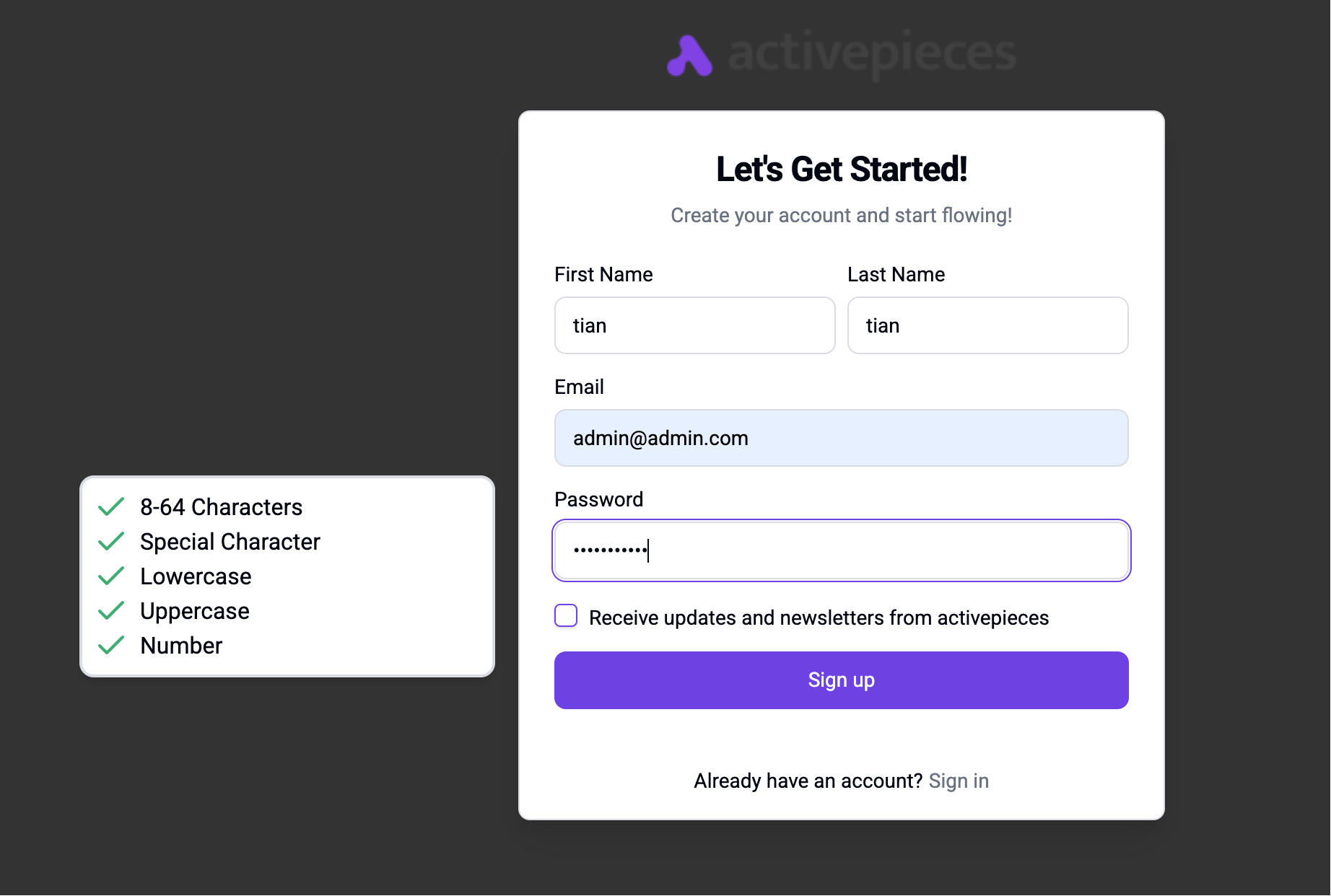
After the application starts, first create a user.
The most important features are the 3 on the left side:
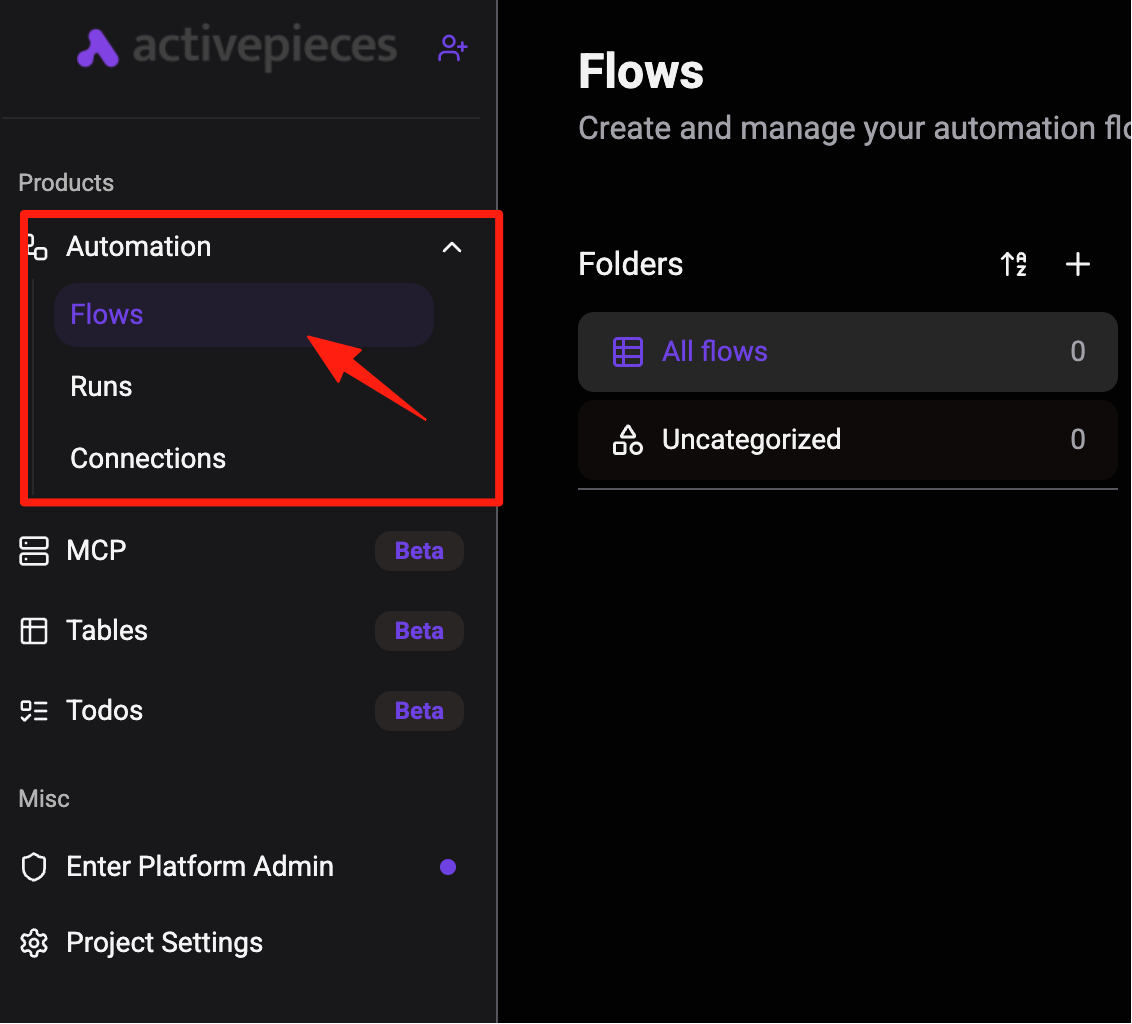
Flows: These are your automated workflows. You can view all created flows, their status, step counts, and manage them.
Runs: This records the execution history of all automated flows. If a flow is triggered, for example by receiving a new email or new data added to a spreadsheet, you can see here whether it ran successfully, encountered errors, and specifically which step failed. This is very useful for troubleshooting.
Connections: Your automation tasks need to connect to different applications like Gmail, Google Drive, Slack, etc. This section is where you manage all these application connections. You need to authorize Activepieces here to access your various application accounts so it can perform tasks for you.
Simply put, you create automation tasks through Flows, check their execution status in Runs, and manage application connections in Connections.
Practical Example: Automatically Save Gmail Attachments to Google Drive
This flow is perfect for people who need to handle a large volume of email attachments, such as designers or project managers.
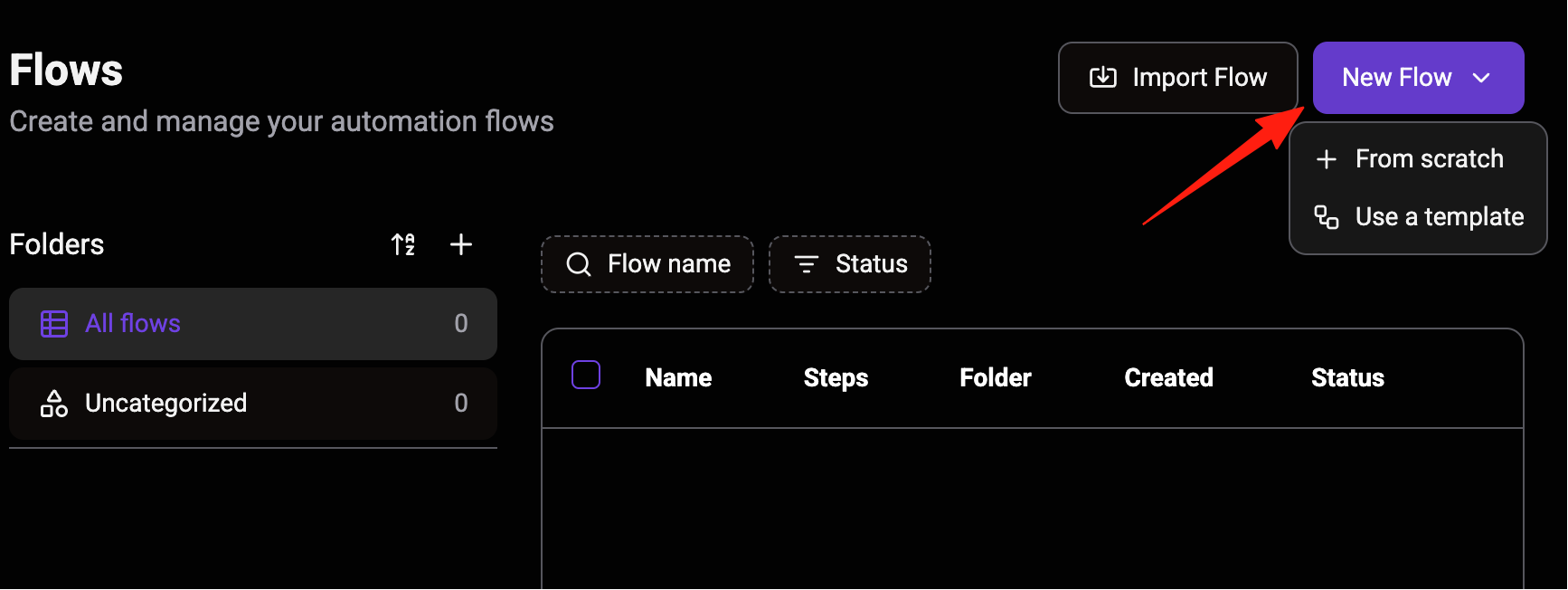
Step 1: Create a New Flow
- Click "New Flow" on the Flows page.
- Enter a flow name, for example, "Gmail".
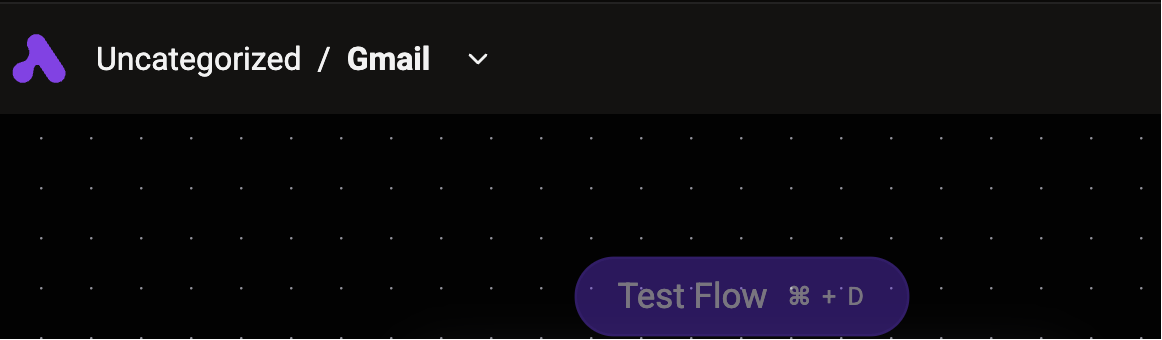
Step 2: Add a Trigger On the flow canvas, click the + button.
In the pop-up menu, search for and select the Gmail app.
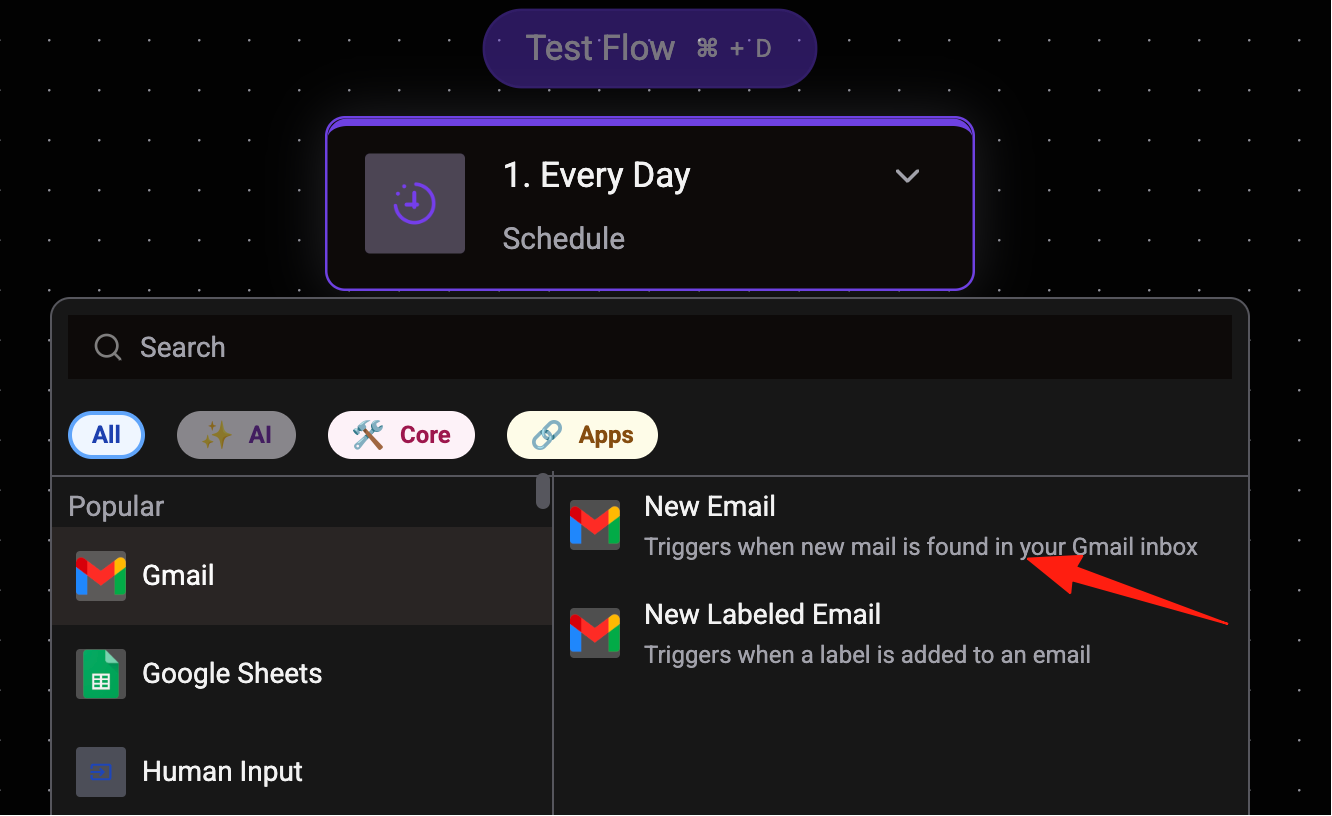
In the options that appear, select "New Email" as your trigger event.
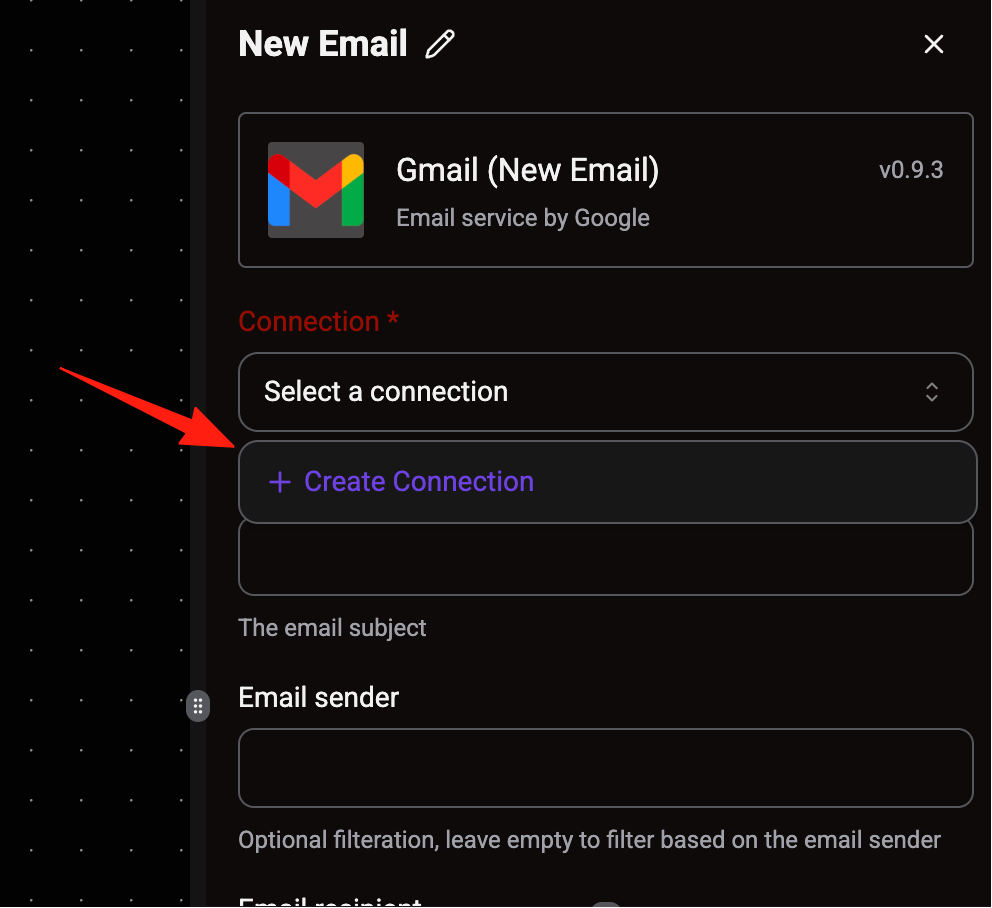
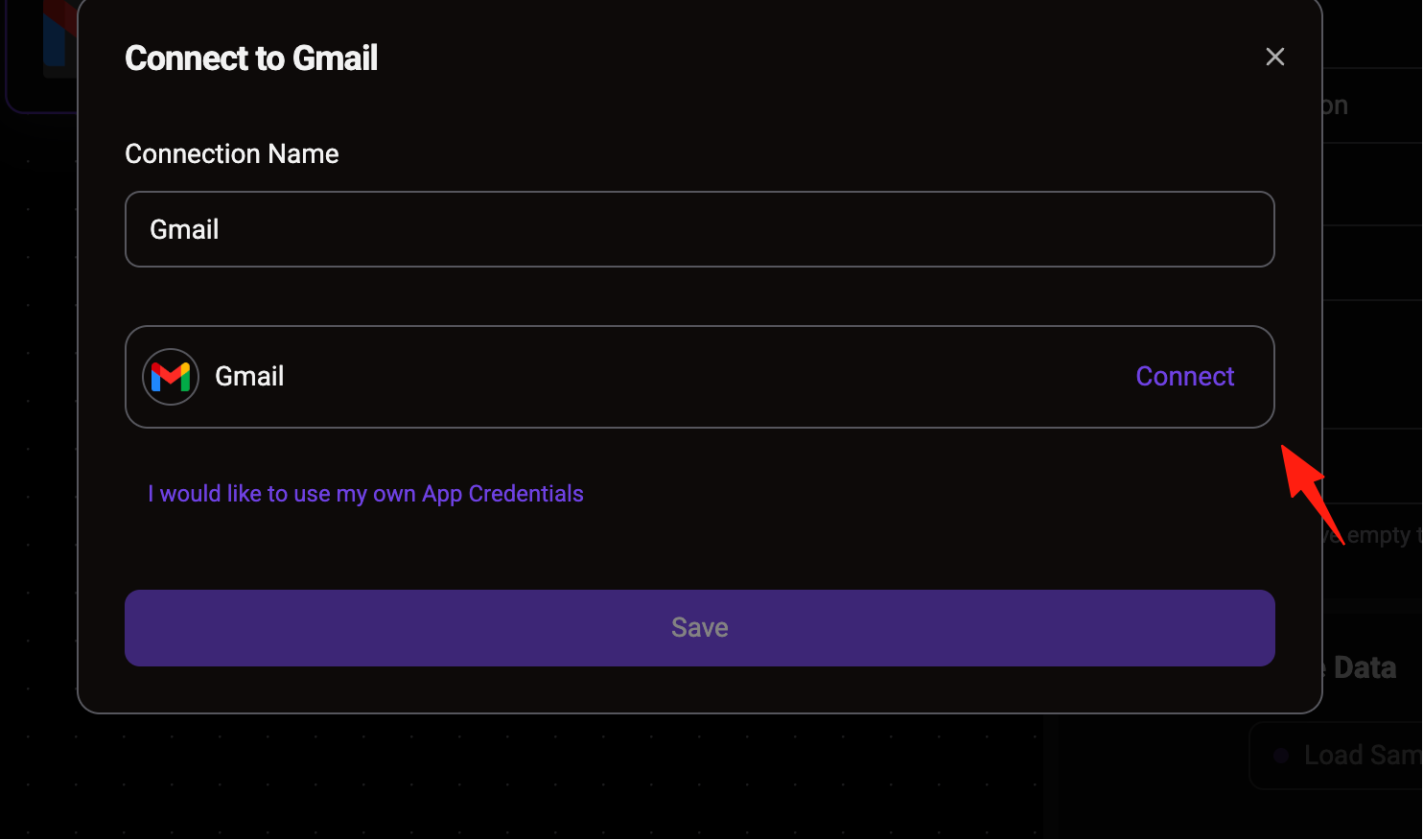
If it's your first time using it, Activepieces will prompt you to connect your Gmail account. Follow the prompts to authorize; it's secure.
After adding, you will also receive an email notification.
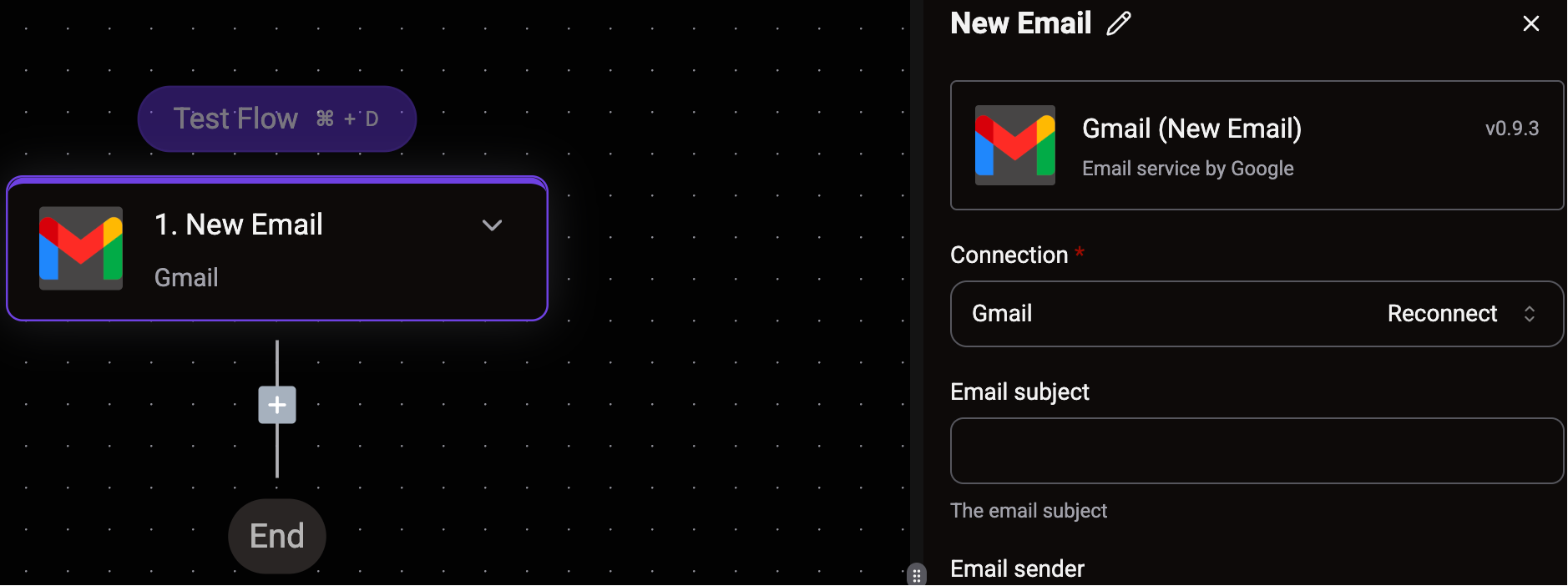
Step 3: Set up an Action
Actions are what you want the automation task to do. Our goal is to "save email attachments to Google Drive".
Below the trigger, click the + button to add a new step.
In the pop-up menu, search for and select the Google Drive app.
In the options that appear, select "Upload File" as your action.
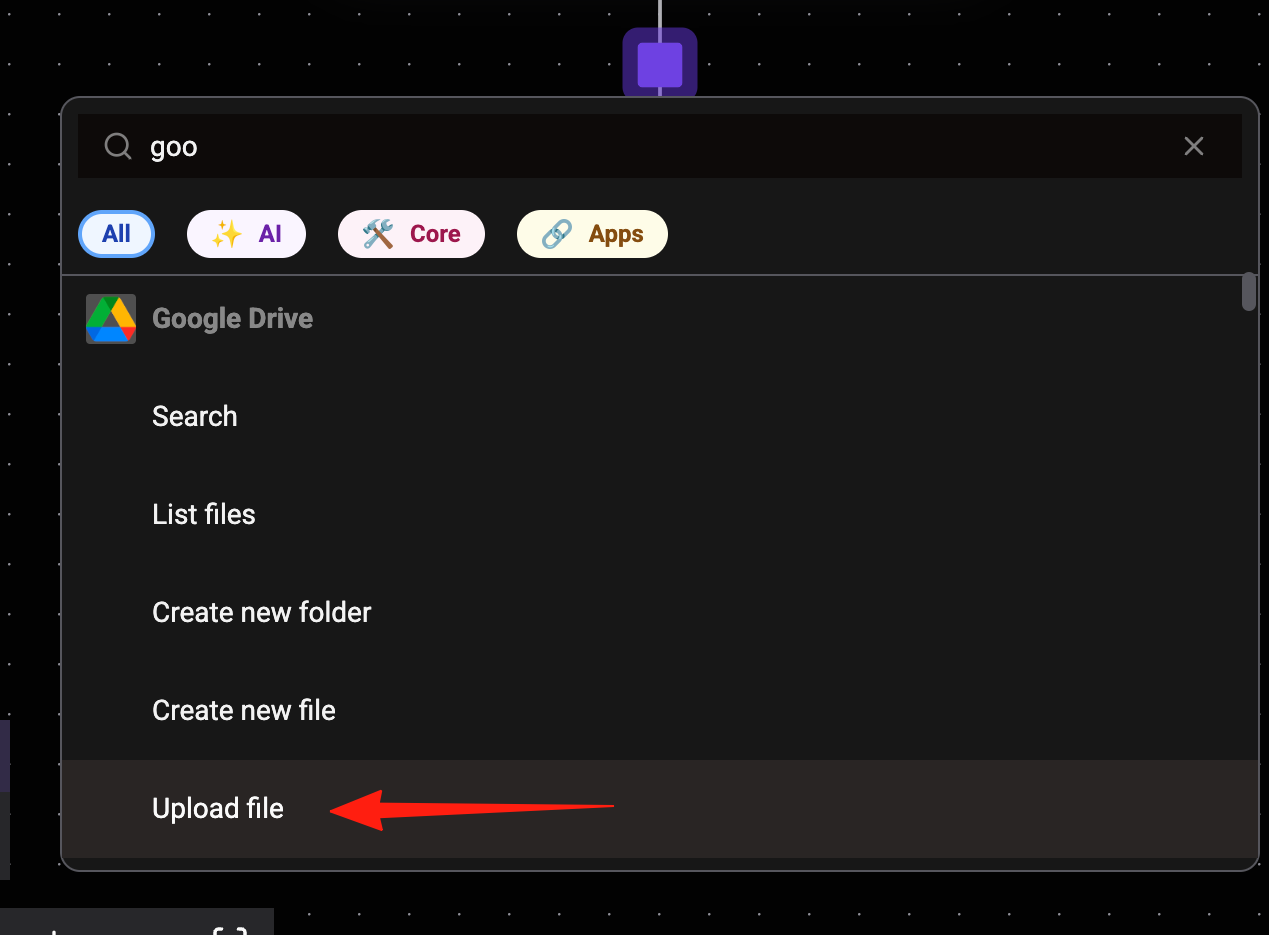
Similarly, if it's your first time using it, you need to connect your Google Drive account.
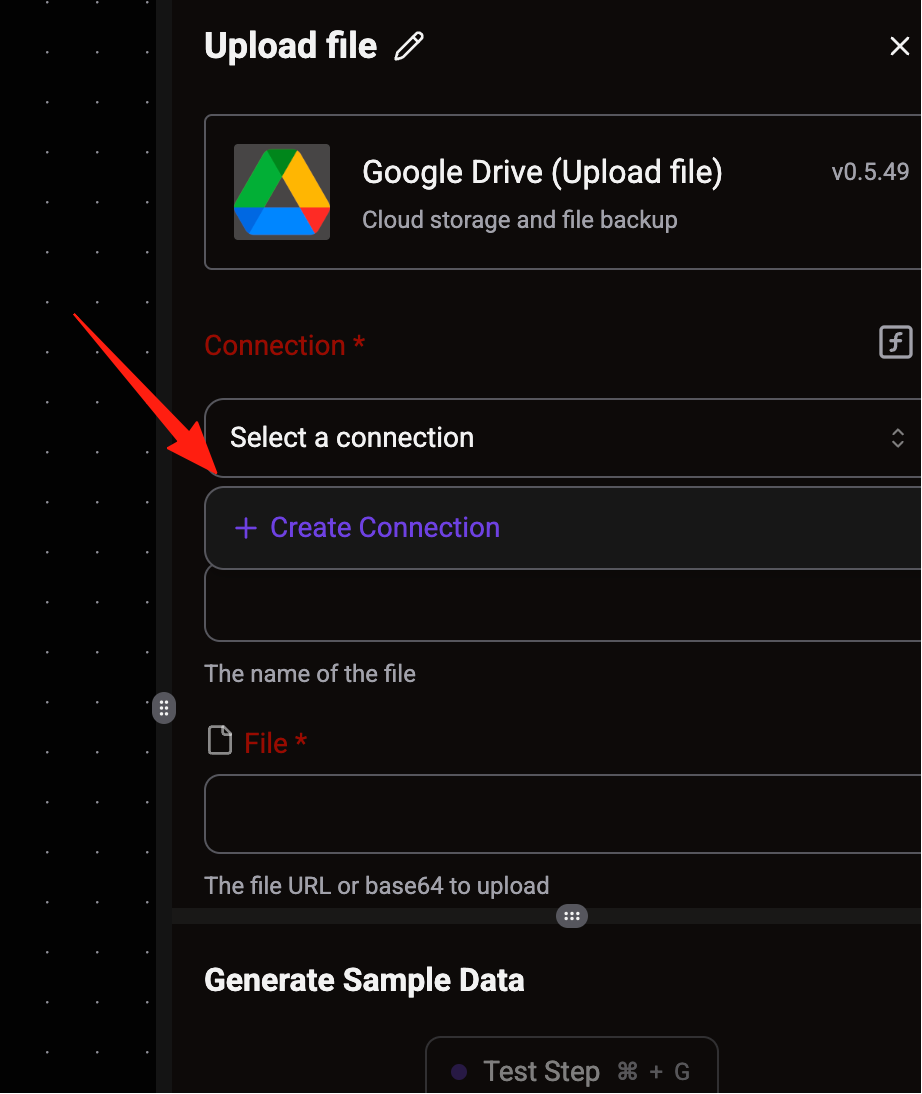
Now is the crucial step. You need to tell Activepieces two pieces of information:
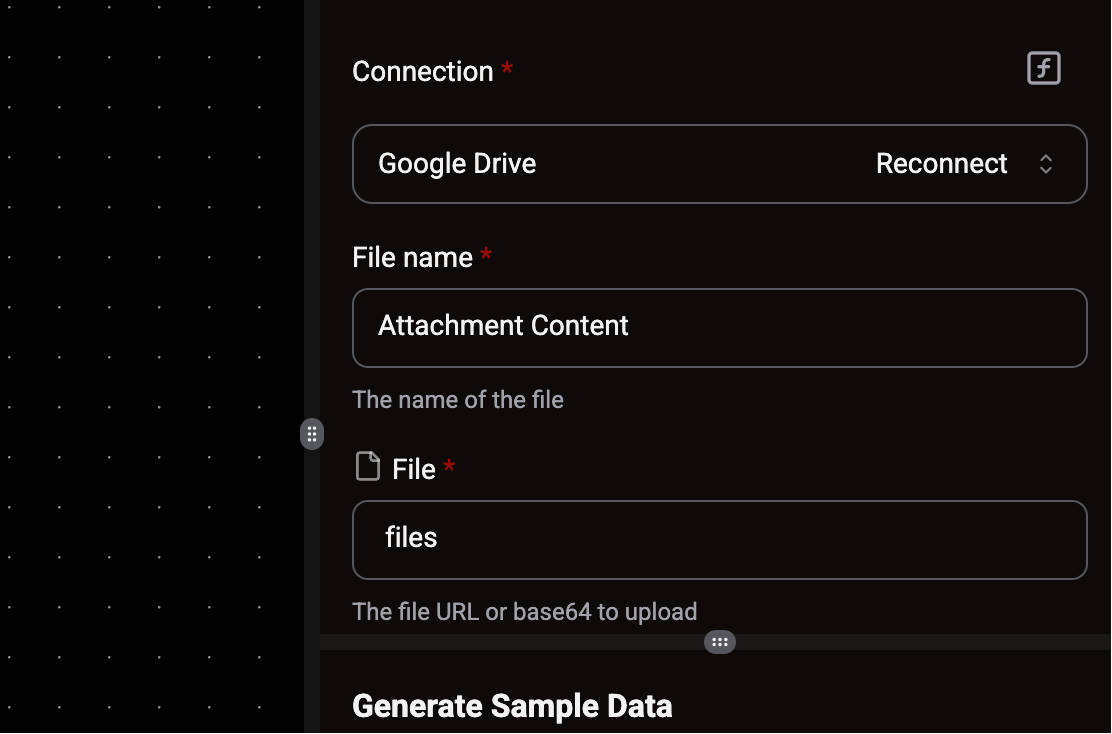
- Which file? In the "File Content" field, click the data selector, then select "Attachment Content" from the Gmail trigger. This tells Activepieces to fetch the "thing" that is the email attachment.
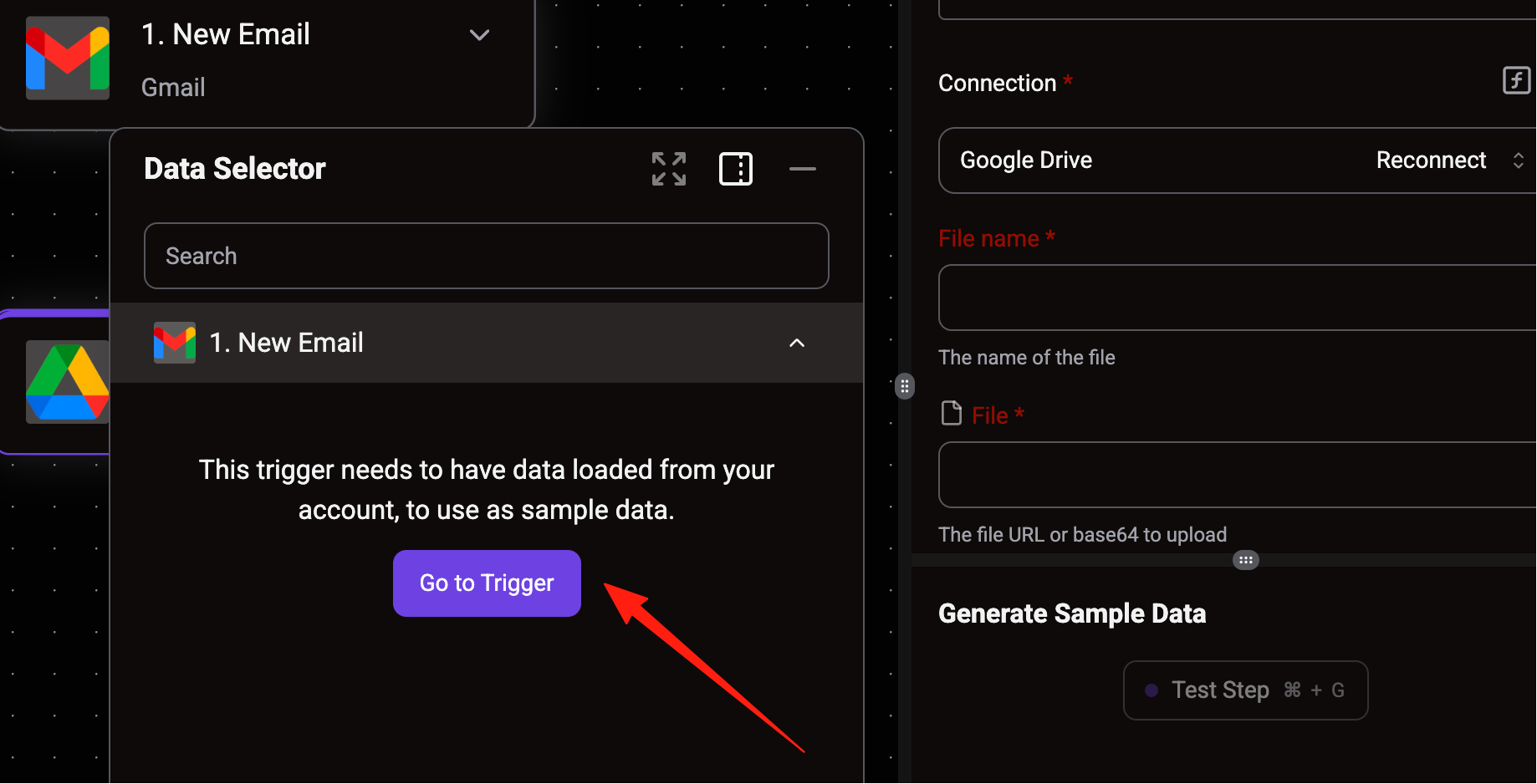
After clicking "go to trigger", you will return to the first step. Click the "Load Sample Data" button.
Activepieces will automatically pull the latest emails from your Gmail account.
After loading, a window will pop up asking you to select an email to use as sample data. Choosing an email with an attachment is more convenient.
- Where to save it? In the "Folder" field, select the Google Drive folder where you want to save the file. For example, you can create a folder named "files" and select it here.
Step 4: Publish and Run
Give your flow a name, for example, "Auto-save Email Attachments".
Click the "Publish" button in the top right corner.
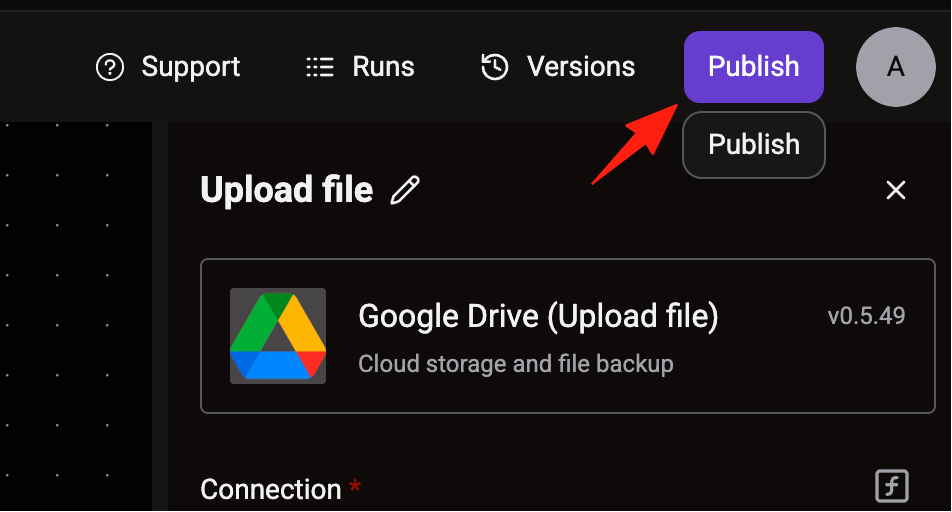
Now, whenever you receive an email with an attachment, Activepieces will automatically download it and save it to your specified Google Drive folder.
Summary
Activepieces can save a significant amount of time. The key is to find usage scenarios that fit your needs.
If you are looking for an automation solution, or have been put off by Zapier's pricing, it's recommended to try Activepieces.