
ClewdR: The Ultimate Tool to Supercharge Your AI Conversation Experience
What is This?
Simply put, ClewdR is a middleware that helps you use Claude and Gemini more effectively. Imagine you want to chat with an AI, but you're dealing with an unstable network, slow responses, and frequent disconnections? ClewdR acts like a super-reliable interpreter between you and the AI, making conversations smoother while also saving you money and time.
In short, it's a high-performance reverse proxy, specifically optimized for the Claude and Gemini AI models.
https://appstore.lazycat.cloud/#/shop/detail/lazycat.community.app.clewdr
Getting Started Guide
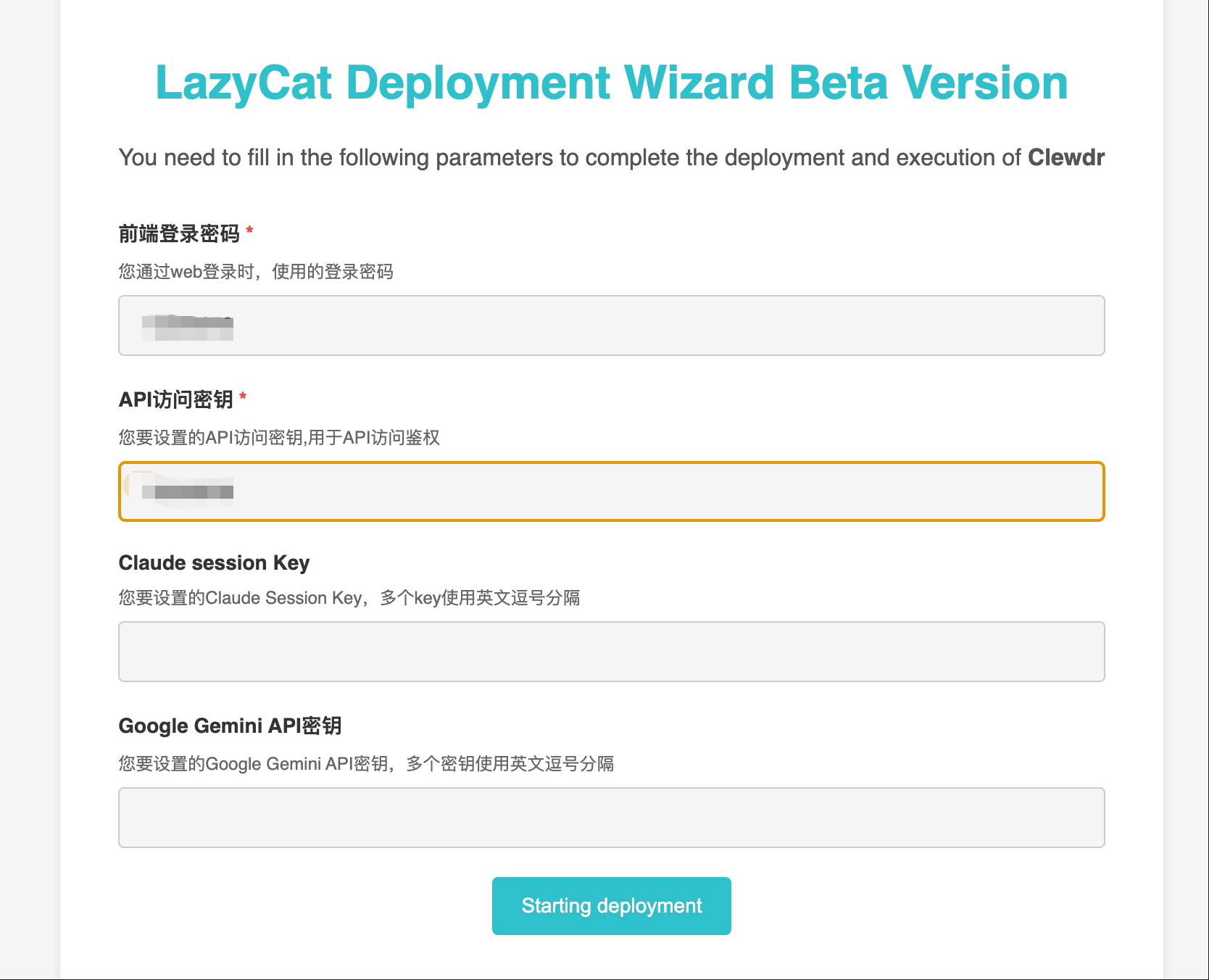
After installing the application, you need to set a password first. The Claude key and Gemini configuration can be done later.
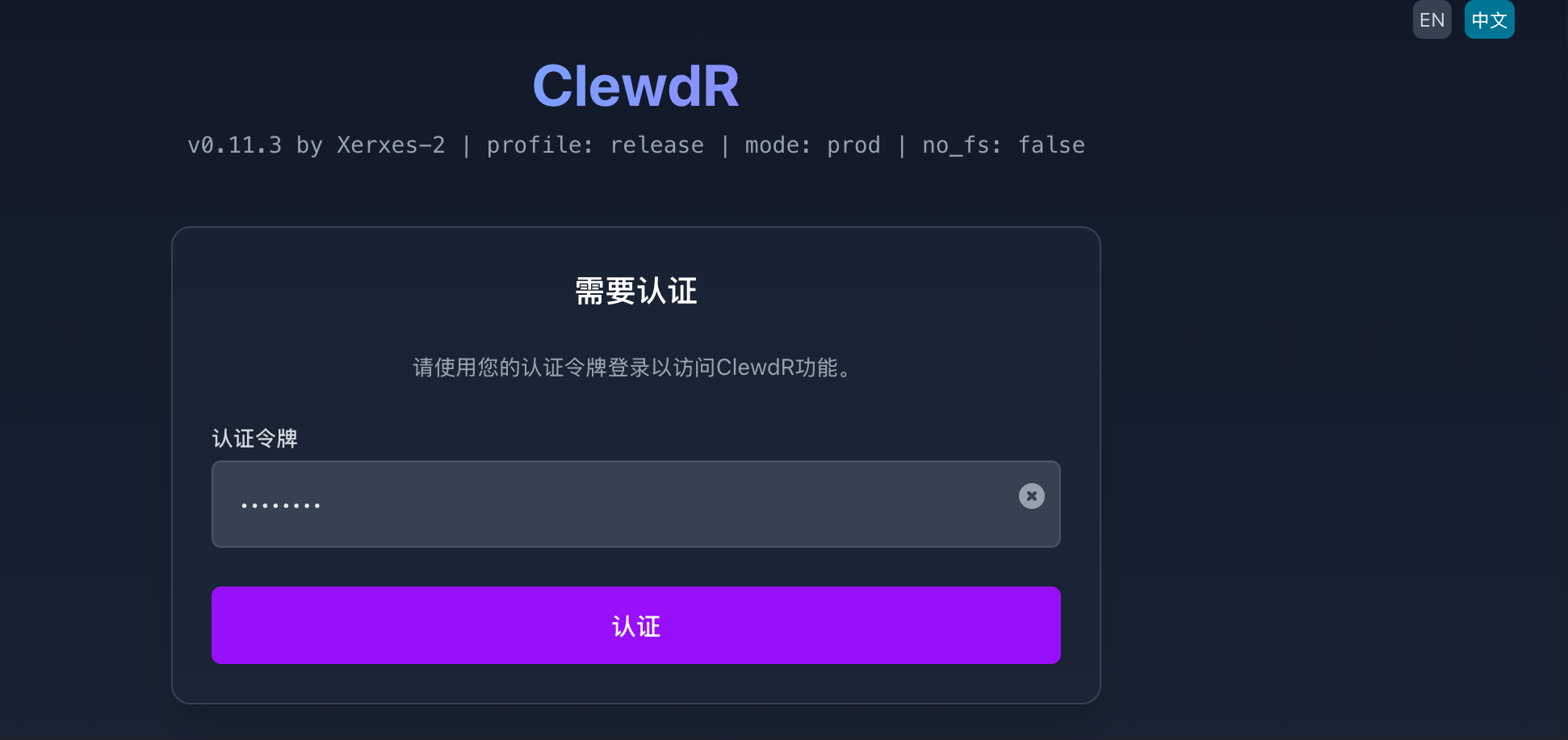
Click the button in the top right corner to switch to Chinese, enter the password you just set, and click Authenticate.
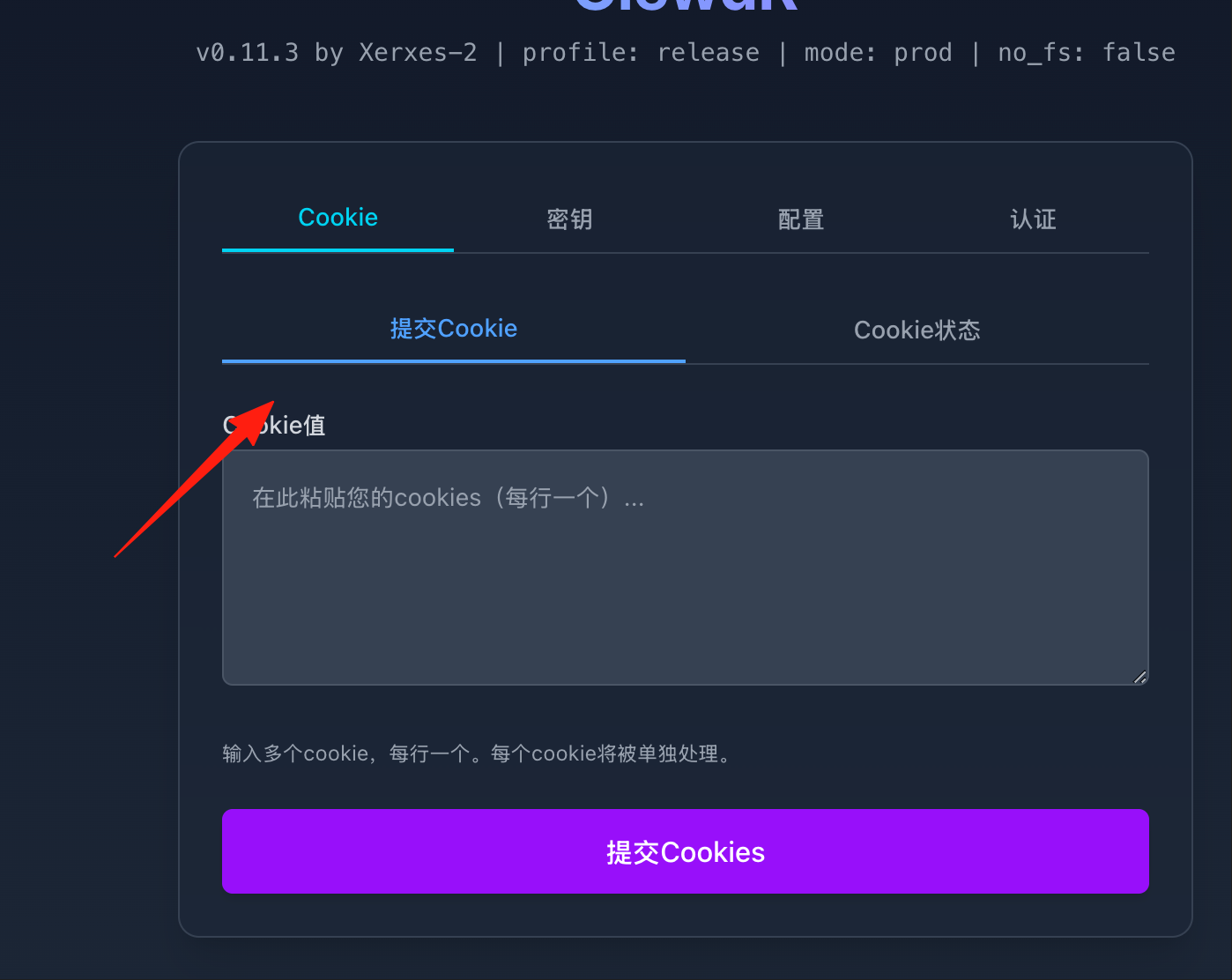
- Add Claude Account:
- Paste your Claude Cookie into the field (See the tip below for how to get the Cookie).
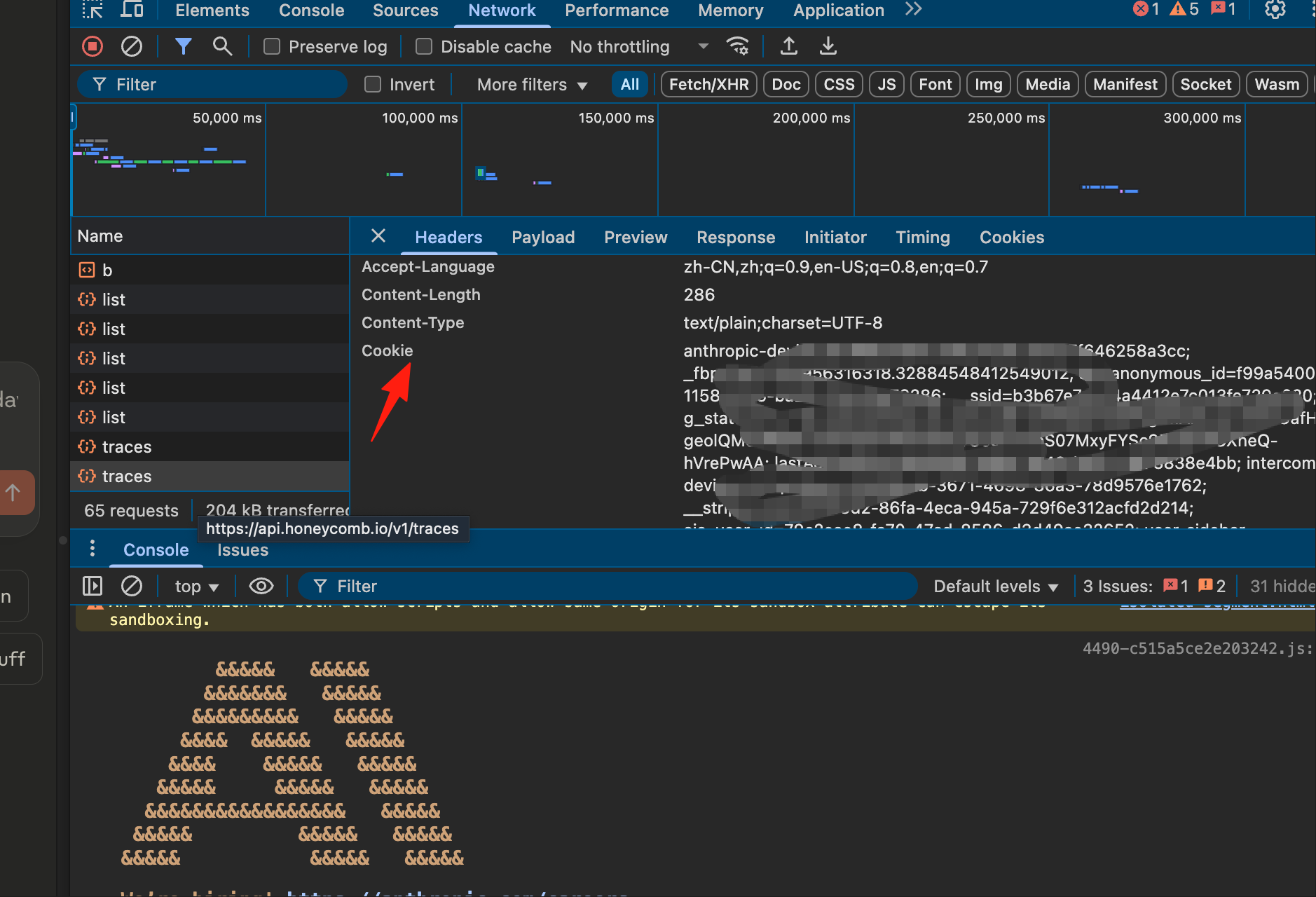
Tip for Getting Claude Cookie:
- Log in to claude.ai using your browser.
- Press F12 to open Developer Tools.
- Navigate to the Network tab.
- Find the entry for claude.ai under Cookies.
- Copy the entire Cookie string.
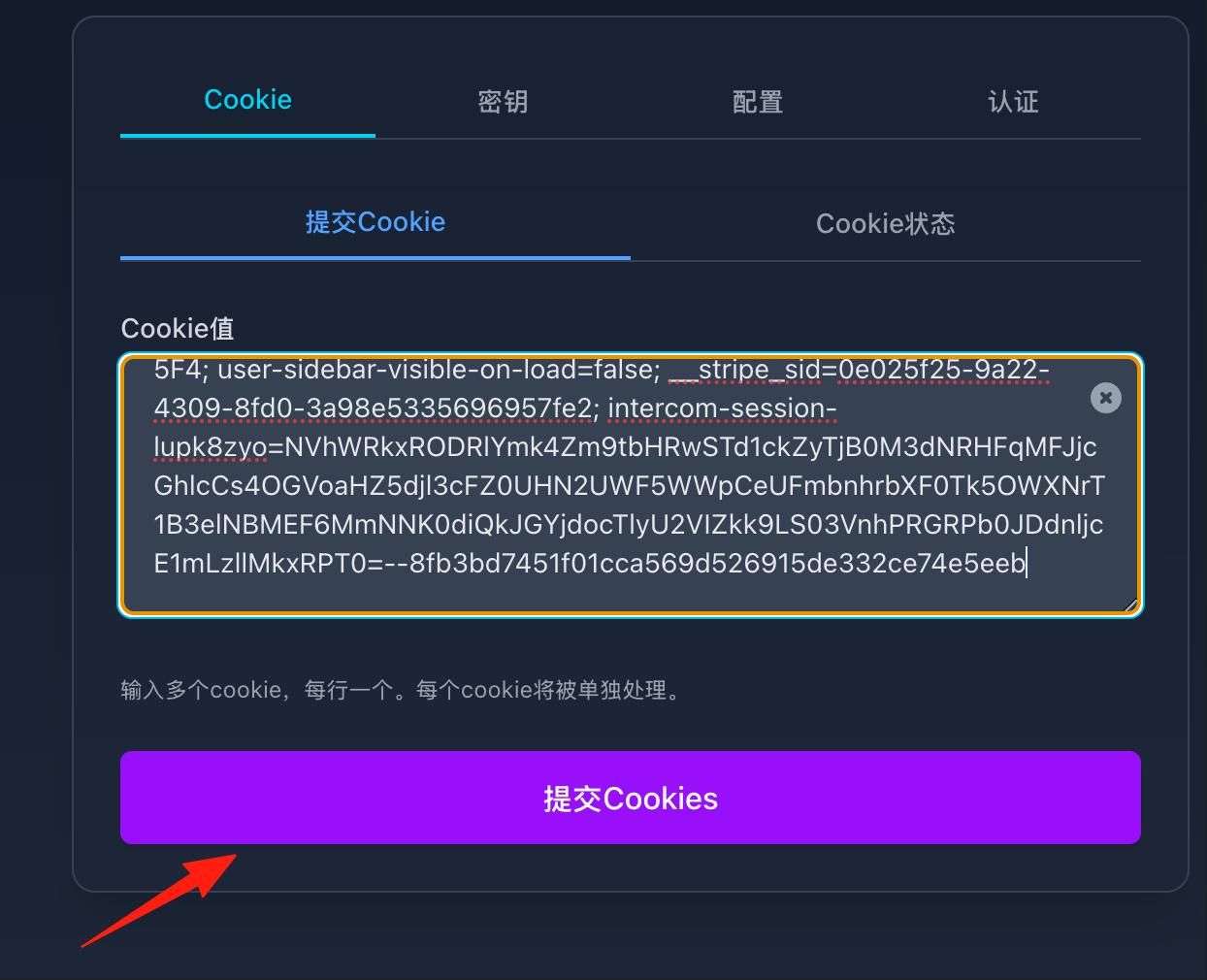
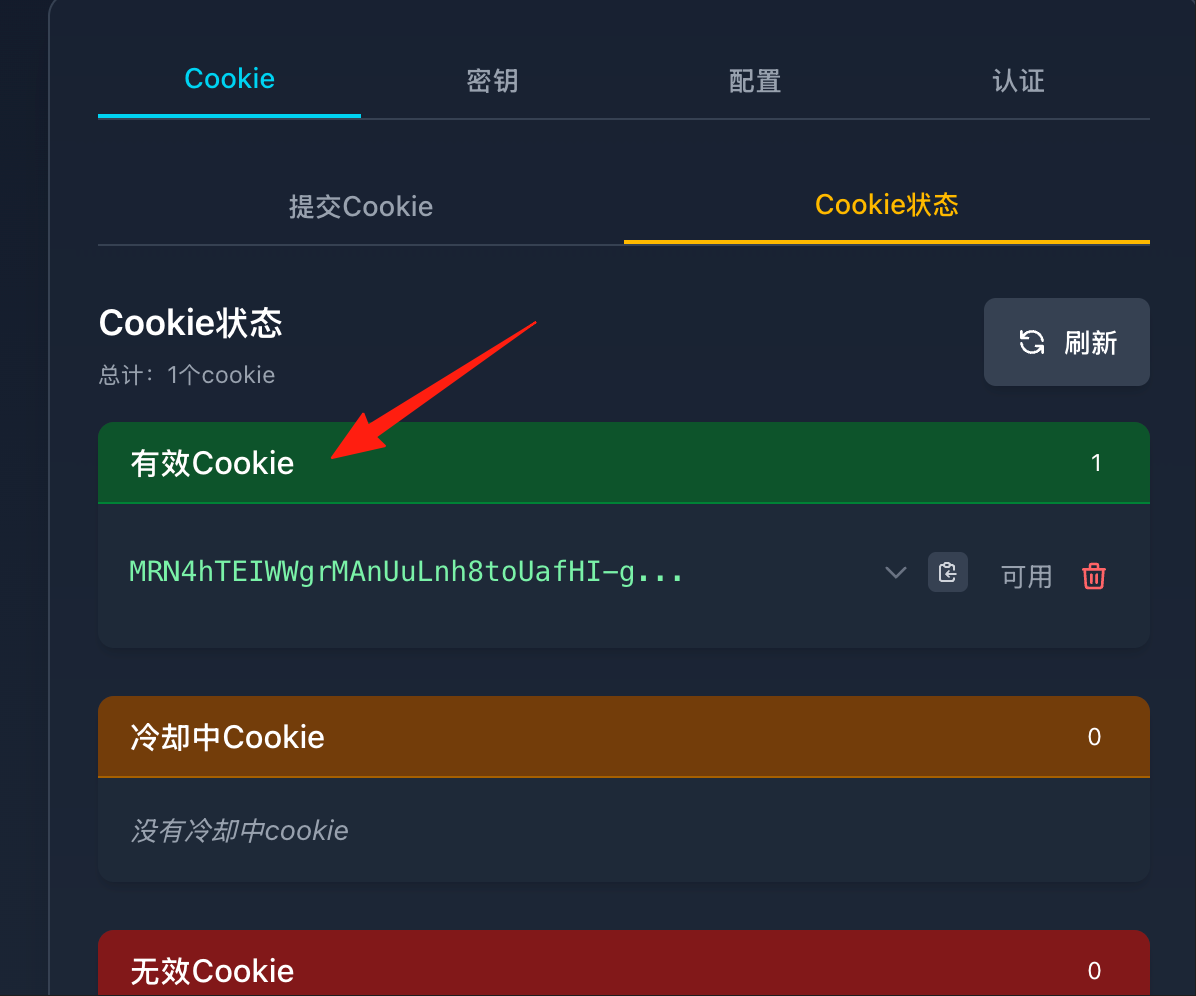
You can check the cookie status.
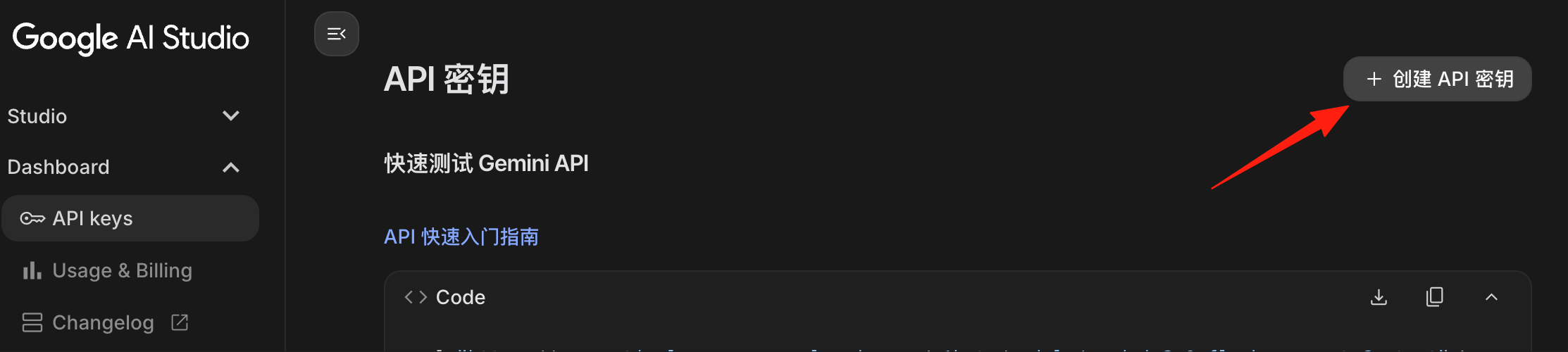
Add Gemini Account:
- Enter your Google AI Studio API Key.
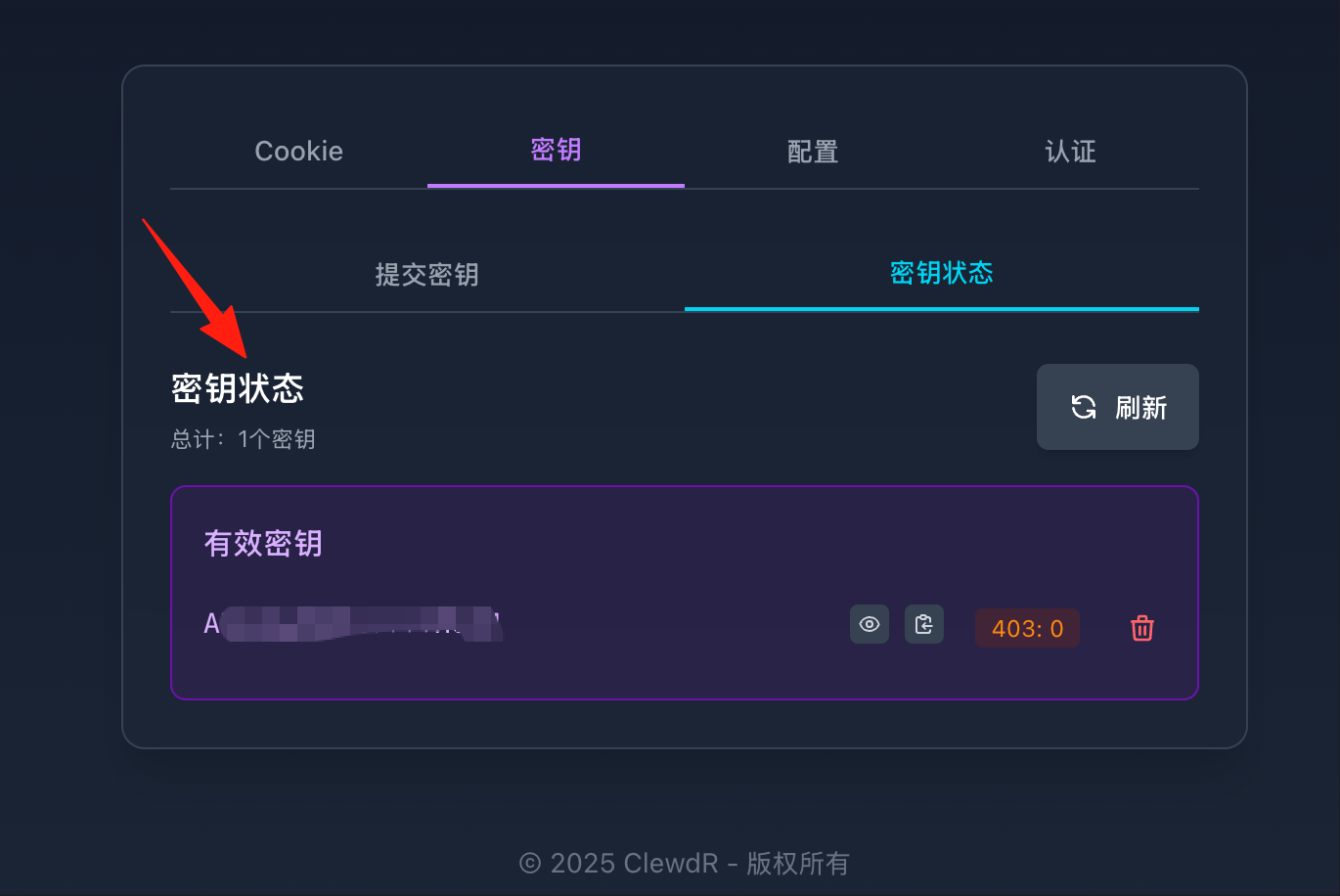
After filling it in, check the status.
At this point, ClewdR configuration is complete. To use it, you need a third-party client. View the logs in the application.
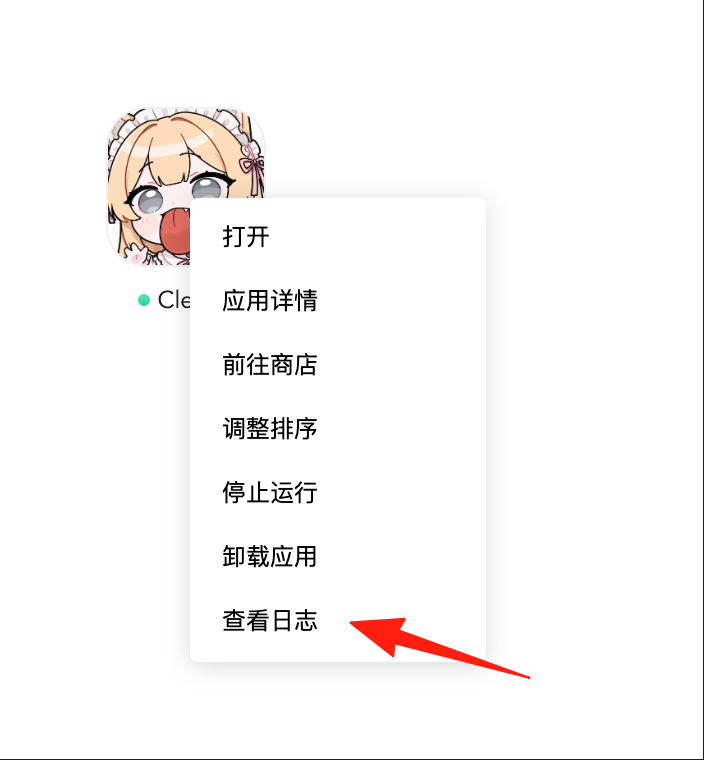
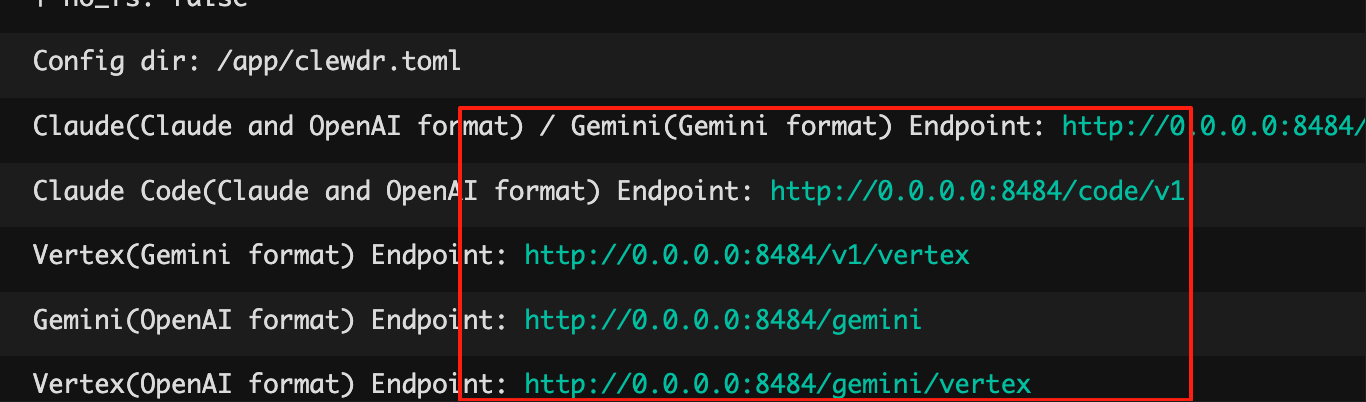
You can see the API endpoint address. Replace the IP part at the front with your domain name.
Configuring Third-Party Applications
If you want to use it in SillyTavern or other applications:
- Find the API address in the ClewdR console.
- In the third-party application settings:
- API Address: The address displayed in the console.
- API Key: The API Password displayed in the console.
- Model Selection: Choose the corresponding model based on the AI you want to use.
For example, in Cursor, go to Settings.
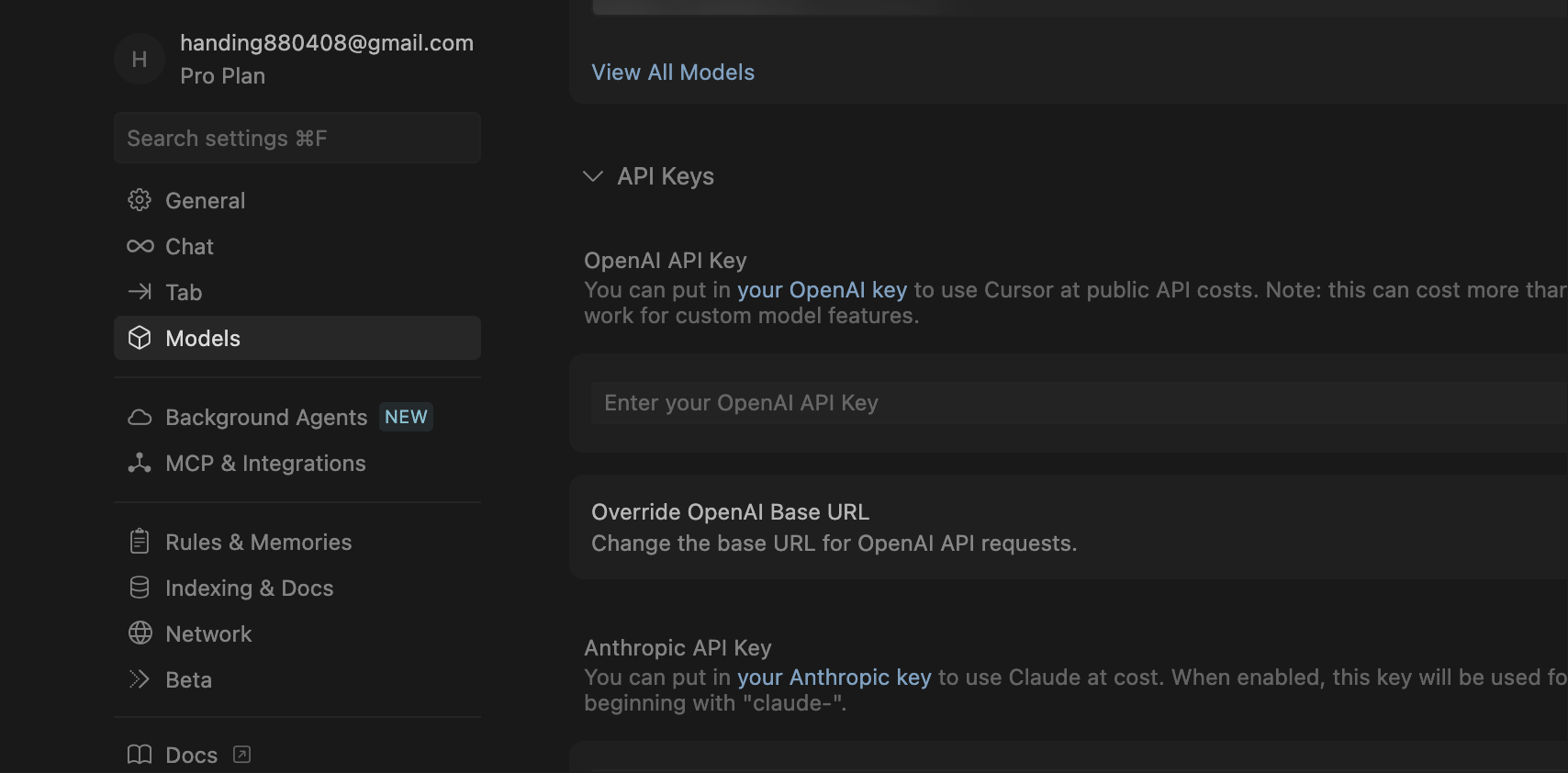
- OpenAI API Key: Enter the Web Management Password you see in the ClewdR console.
- Override OpenAI Base URL: Fill in the ClewdR API endpoint address.
- Model: In the relevant model selection field, enter the name of the model you want to use (e.g.,
claude-3-sonnet-20240229).
ClewdR uses fingerprint-level browser emulation, presenting a very low risk during normal use. It also features an intelligent rotation mechanism.
Summary
ClewdR is like adding a turbocharger to your AI experience. Whether you're an individual user or a small team, it makes your AI conversations more stable, faster, and more convenient.