
Podcast2 User Guide: Turn Bilibili and YouTube into Portable Podcasts
In short, Podcast2 is a fantastic tool for converting videos into podcasts. It supports:
- Bilibili
- YouTube
- Gan Jing World
- Other niche platforms
After installing this tool, you can transform video content from these platforms into podcast subscriptions and listen in any podcast app, just as conveniently as using Himalaya or Dedao.
https://appstore.lazycat.cloud/#/shop/detail/cloud.lazycat.app.podcast2
Use Cases:
Poor signal on the subway, but you want to listen to a new programming tutorial from a Bilibili UP主? Subscribe with Podcast2, download it in advance, and listen on your commute.
Want to listen to a history channel on YouTube without staring at the screen? Convert it to a podcast and listen while washing dishes.
How to Use
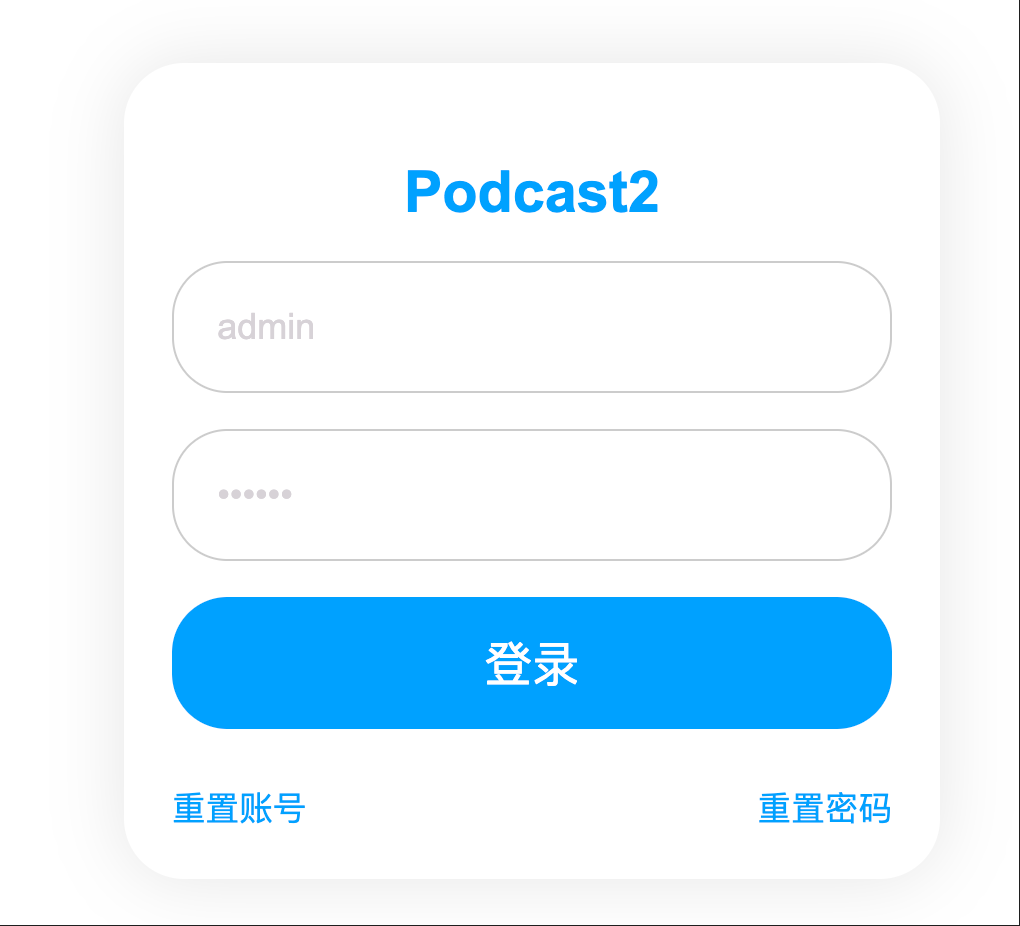
After installing the app, open the login page. Default username: admin Default password: 123456
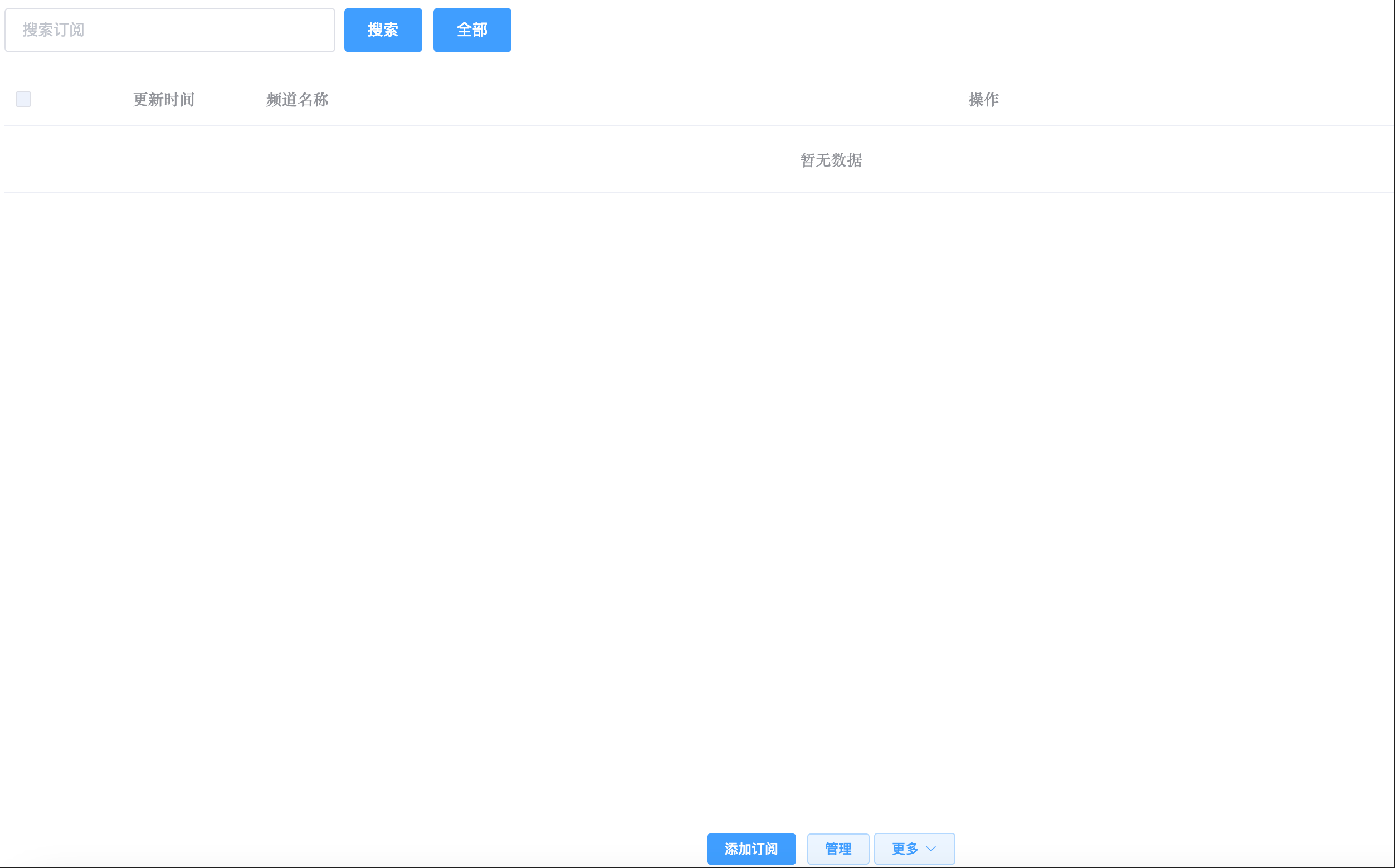
Enter the main page.
Bilibili Subscription Guide
-
Find the target UP主
- Open Bilibili and go to the UP主's page you want to subscribe to.
- Copy the URL, e.g.,
https://space.bilibili.com/3546882471102972
-
Add Subscription
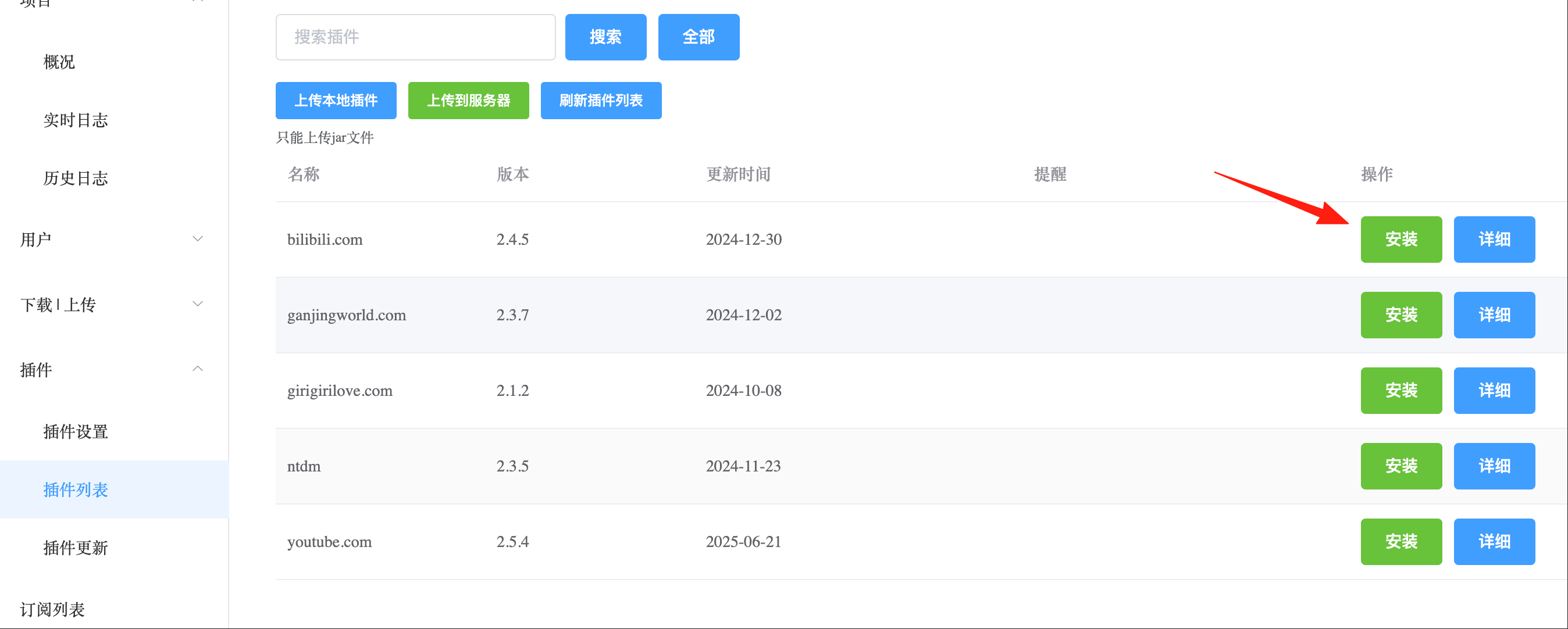
- In the Podcast2 management interface, select the "Bilibili Plugin".

Click Install.
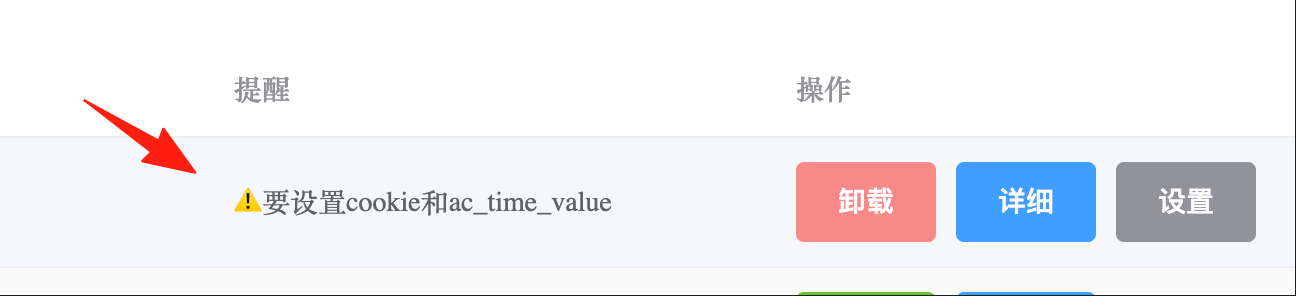
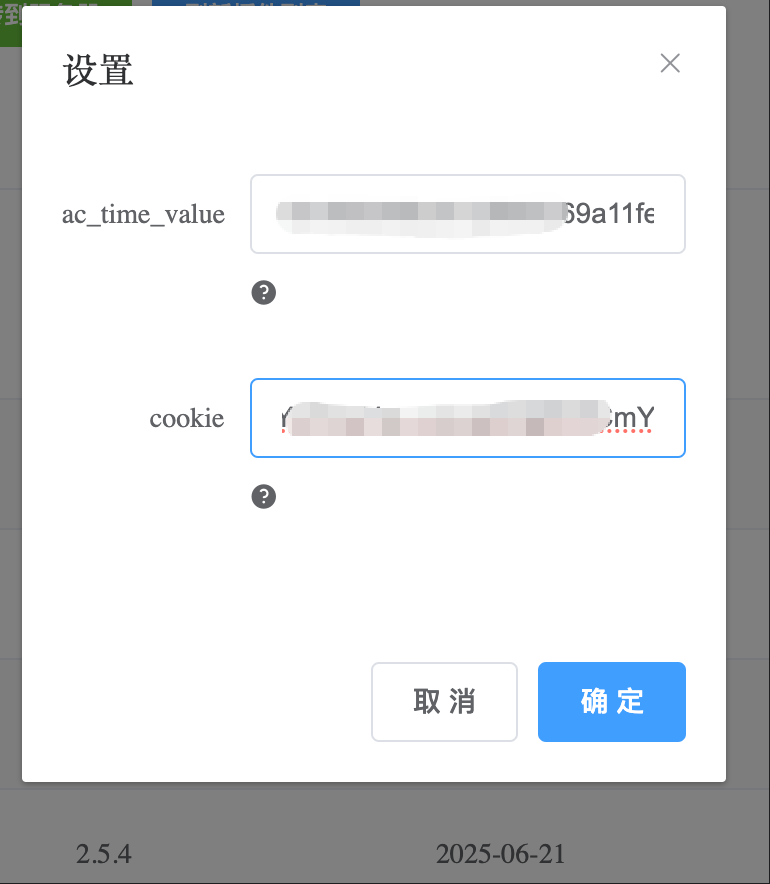
After installation, you'll be prompted to set a cookie.
Press F12, find the cookie value.
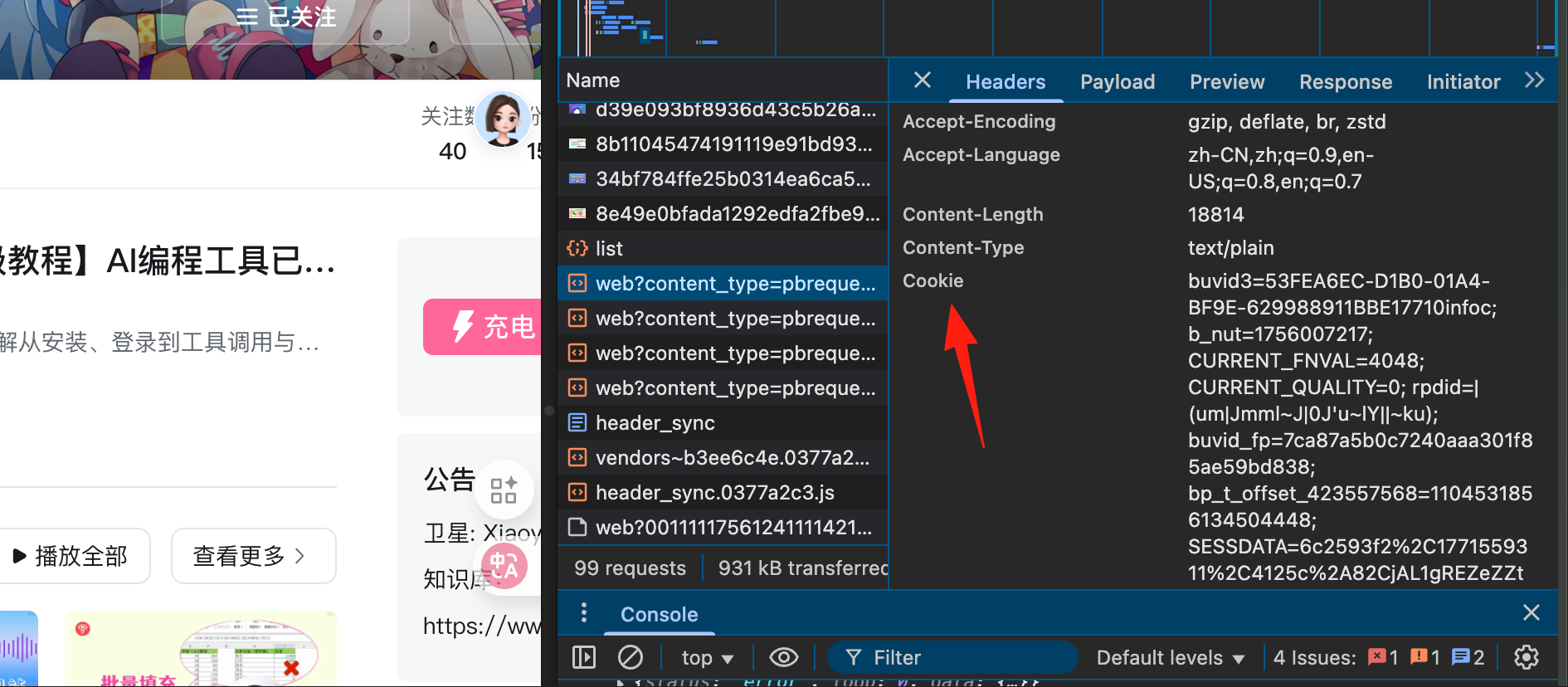
Or visit this website and scan the QR code with the Bilibili mobile app. https://b-login.vercel.app

After successful scanning, you'll see two copy buttons. Paste the respective values into the two fields.
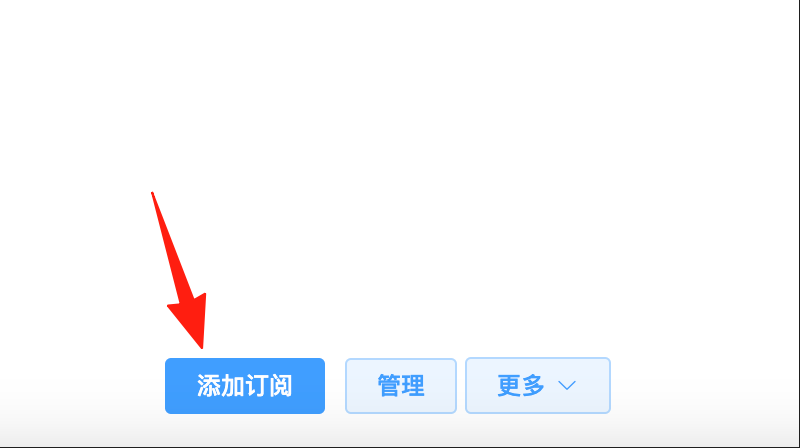
Return to the home page and add a subscription.
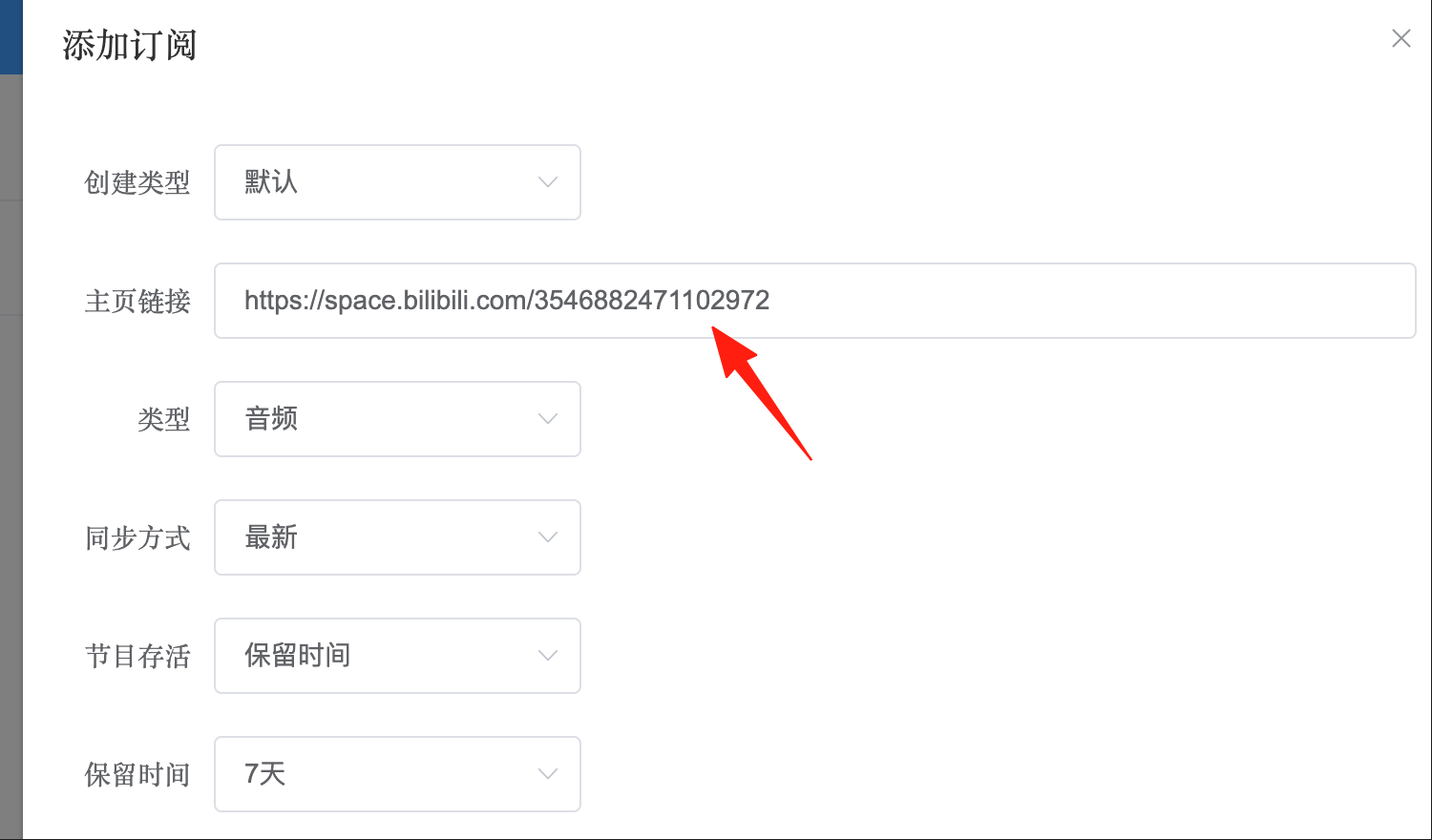
 * Paste the UP主 link.
* Set the update frequency (recommended: check once per day).
* Paste the UP主 link.
* Set the update frequency (recommended: check once per day).
After successful addition, you can see the channel information.
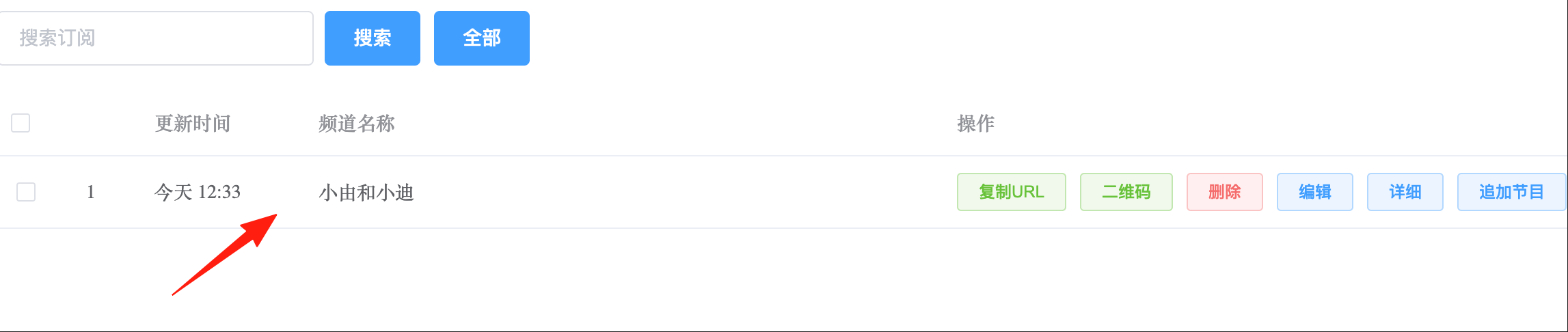
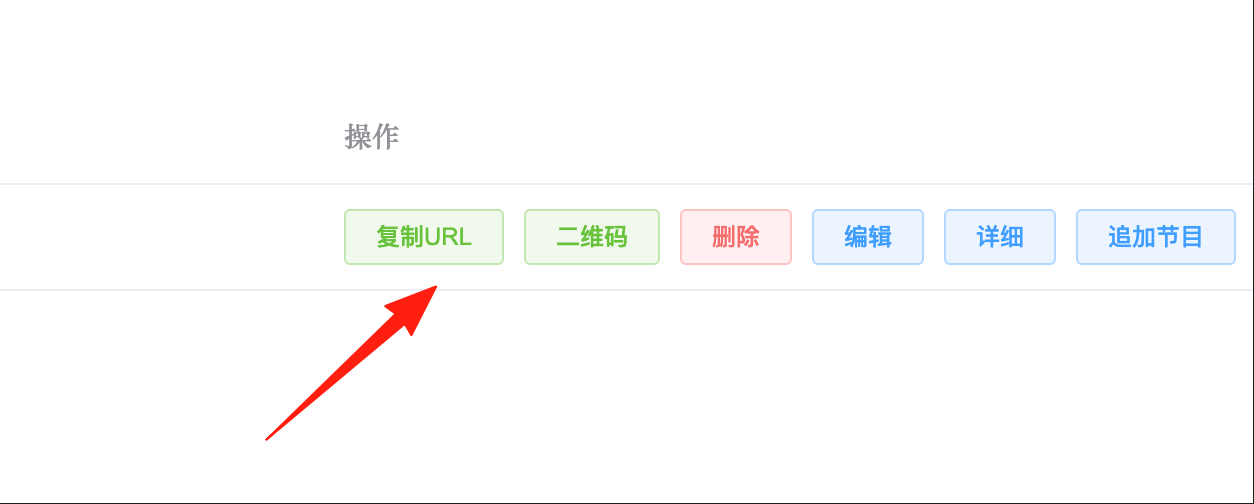
- Get the Podcast Link
- The system will generate an RSS link.
- Copy this link into your podcast app.
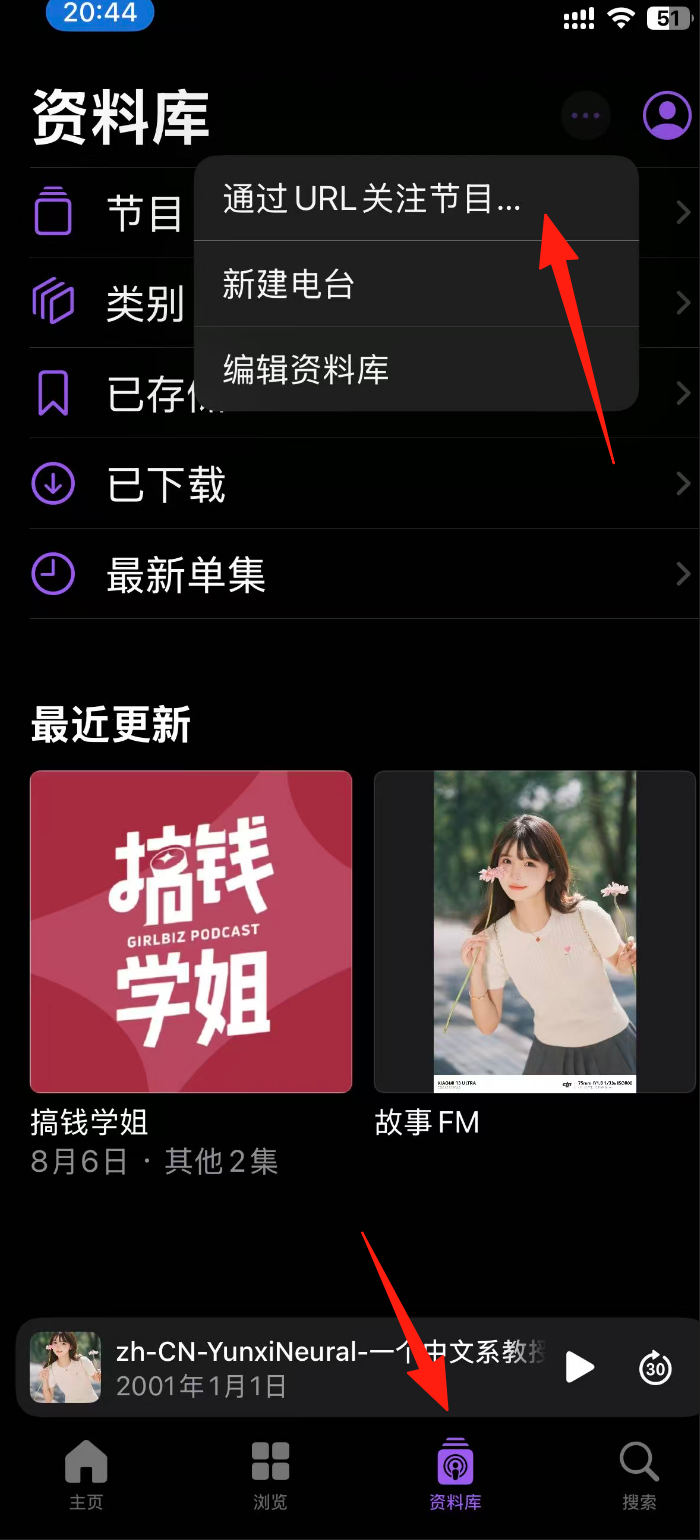
If you're using an iPhone, you can use the built-in Podcasts app. Go to Library, tap the ... in the top right corner.
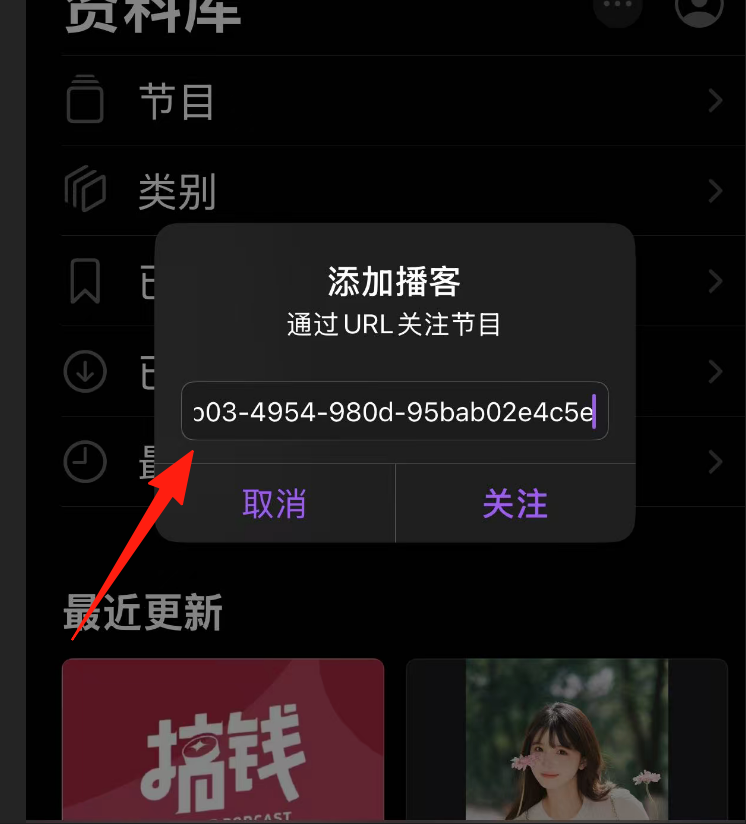
Paste the link address.
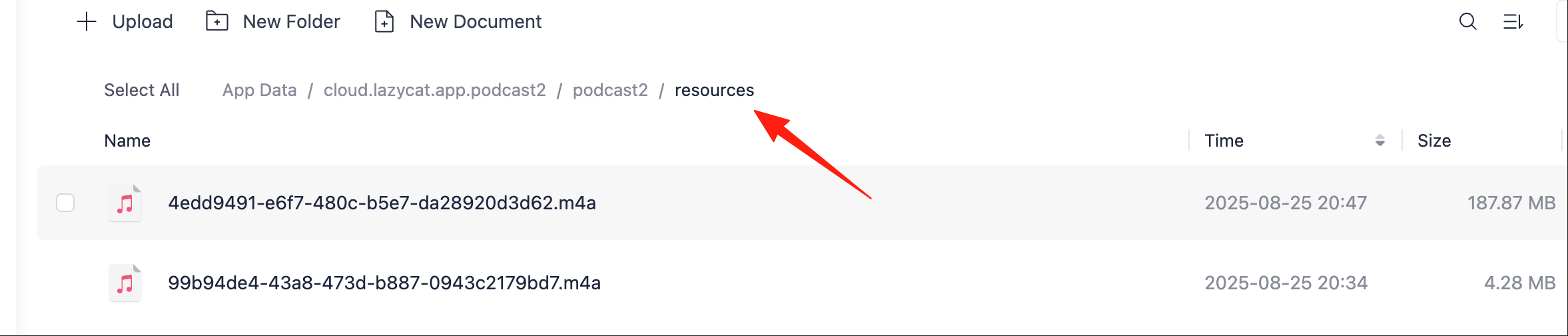
Podcast files take up storage space. It is recommended to:
- Clean them up regularly to avoid filling your hard drive.
Final Words
Simply put, Podcast2 helps you turn "watching videos" into "listening to podcasts." It's especially suitable for videos where the content is more important than the visuals, such as knowledge sharing, talk shows, and lectures.
Of course, not all videos are suitable for conversion into podcasts. Skip those that require watching the visuals, like gaming commentaries or makeup tutorials.
After setting up this tool, you can utilize your commute time, housework time, and walking time for learning or entertainment. Pretty neat.