
Narratium.ai Practical Guide: Making AI Role-Playing Simple and Fun
What is Narratium?
In simple terms, it makes AI role-playing genuinely interesting. It provides a creative space for writers, developers, and enthusiasts to create, customize, and interact with virtual characters, helping to build personalized adventures and interactive experiences.
Whether you're looking for inspiration to write a novel, want to experience immersive role-playing, or simply want to chat with an AI friend to pass the time, this platform can meet your needs.
https://appstore.lazycat.cloud/#/shop/detail/cloud.lazycat.app.narratium
Getting Started Guide
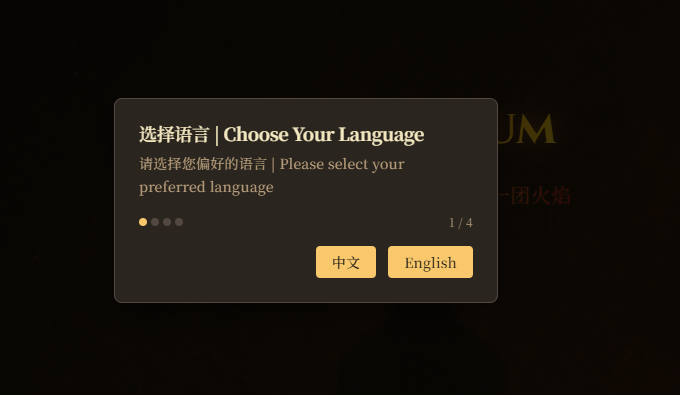
After installing the app, just follow the wizard. The first launch might require a few minutes for initialization.
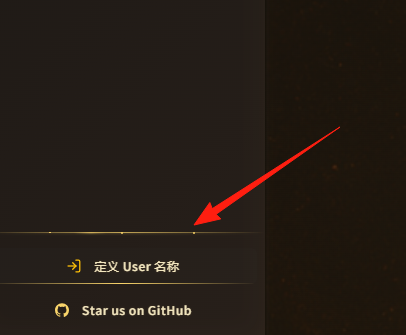
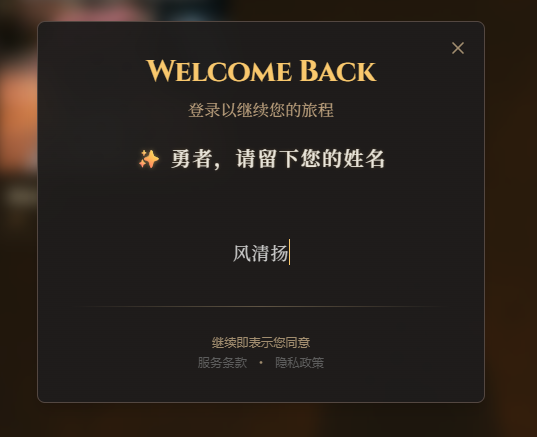
First, click the bottom left corner to set a character name.
Step 2: Configure the AI Model
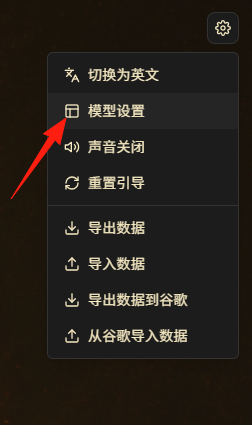
Narratium supports multiple AI backends:
- OpenAI API: Best performance, but requires payment.
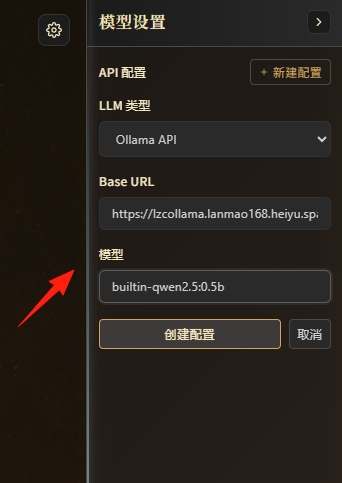
I initially selected the store's Ollama model, with the URL filled as: https://lzcollama.懒猫名字.heiyu.space/lzcollama. The model was builtin-qwen2.5:0.5b
Note: I encountered an issue here; Ollama had problems and I've reported it to the official team. I switched back to the OpenAI model. Here, I used DeepSeek's address and API key.
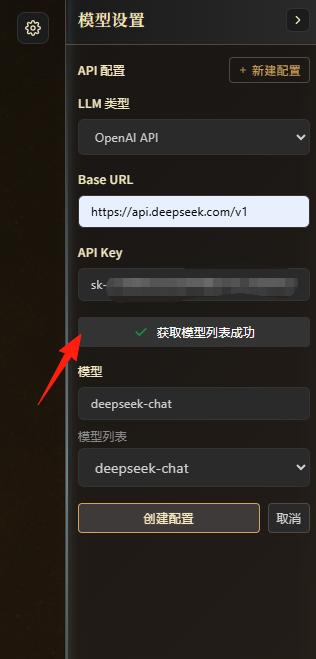
Click 'Create Configuration'.
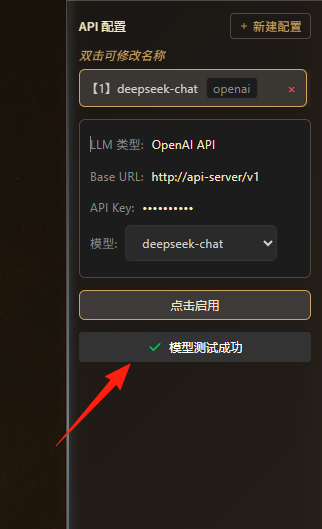
The BaseUrl display at the top might look incorrect, but you can ignore it; it actually works.
The model test was successful. Click 'Enable'.
Step 3: Create Your First Character
Click 'Start Now'. It comes with a default character card.
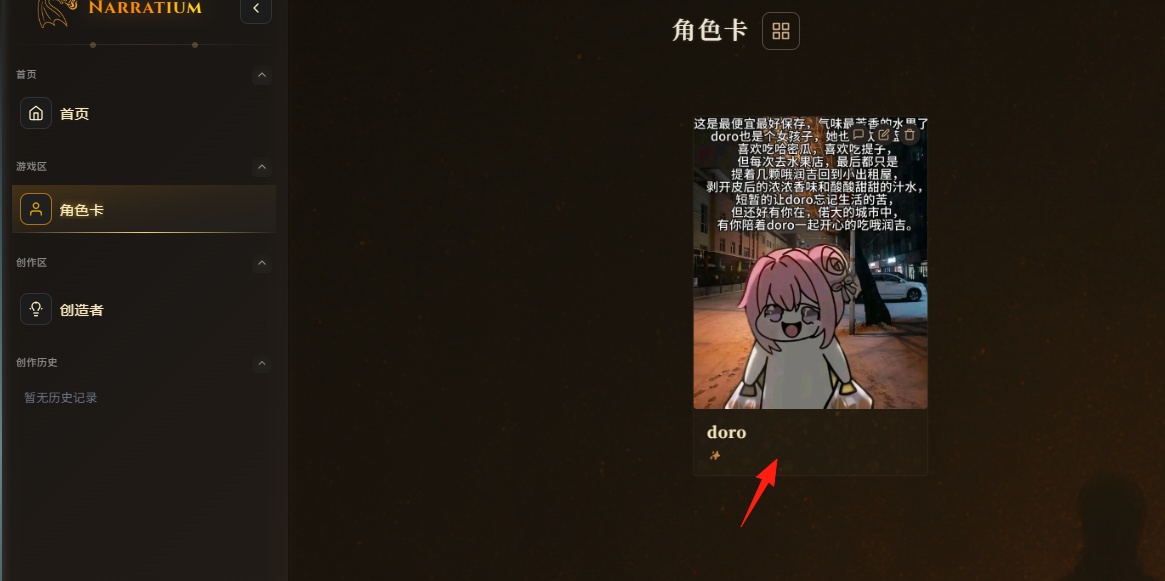
If you're not satisfied, you can also download from the community.
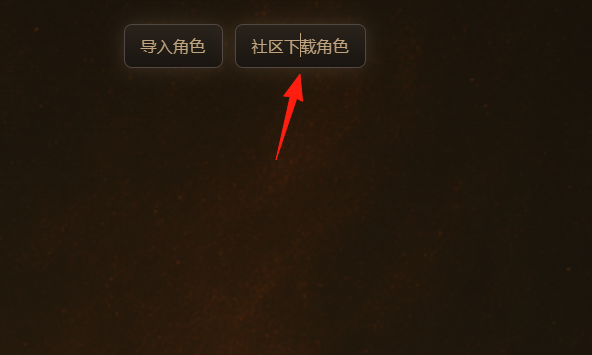
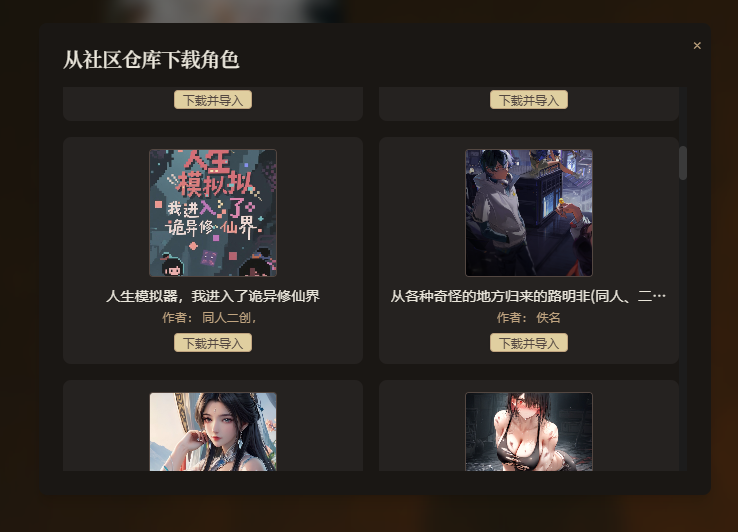
After downloading and importing, simply click on the character card.
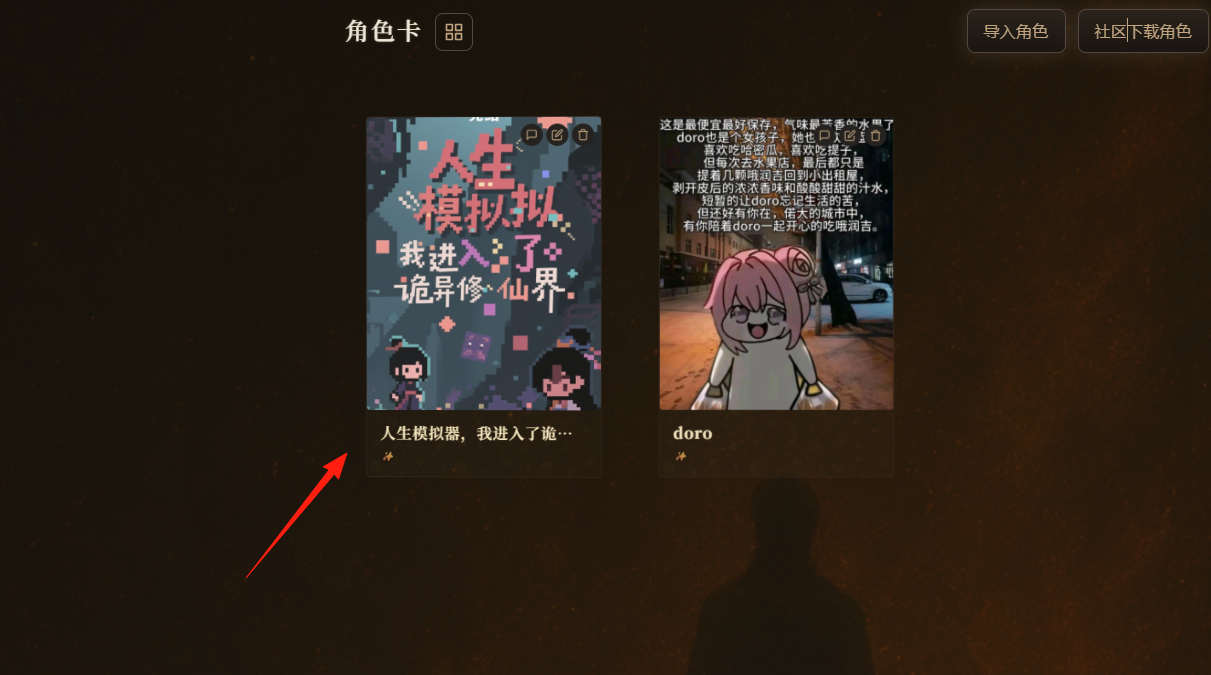
Then you can start conversing based on the storyline.
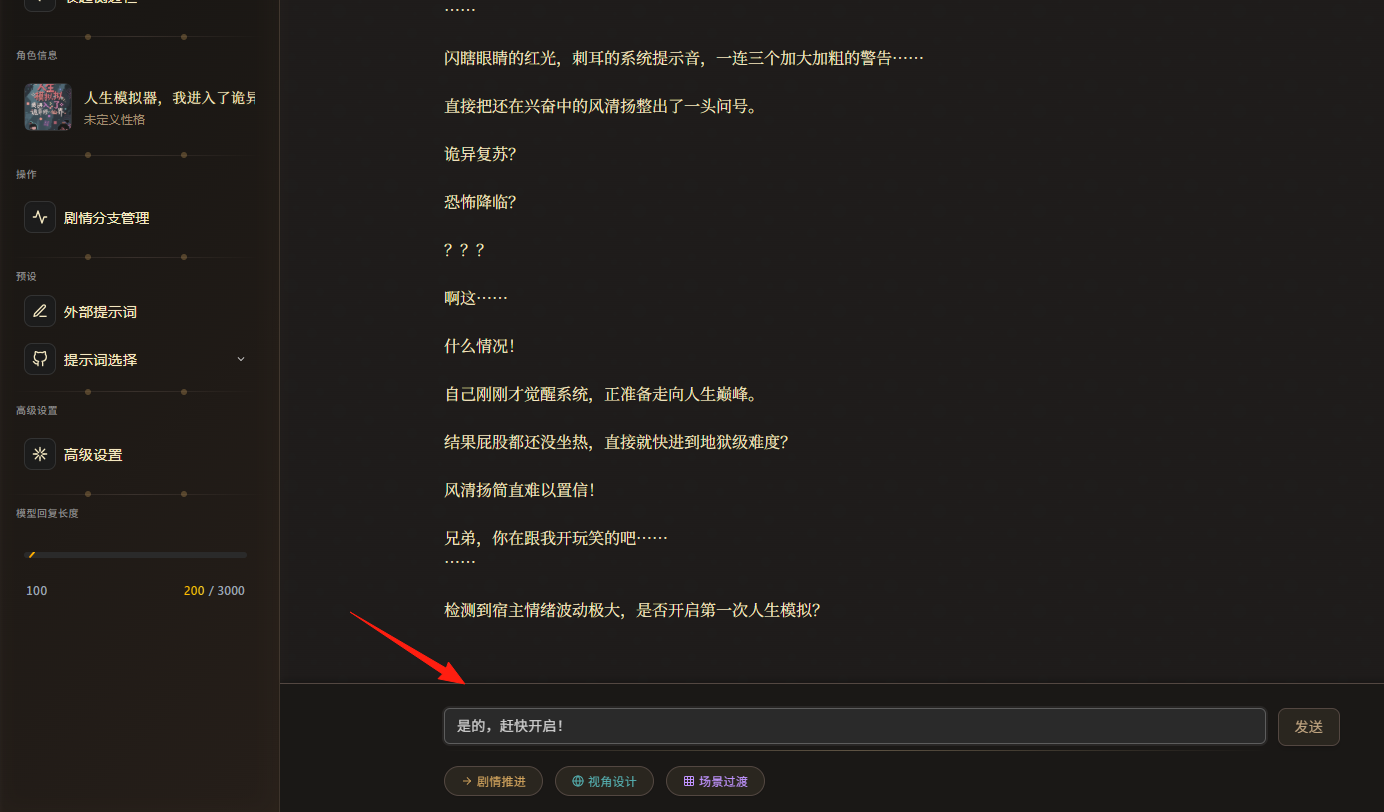
It generated the character's information for me, feeling a bit like a script murder mystery game.
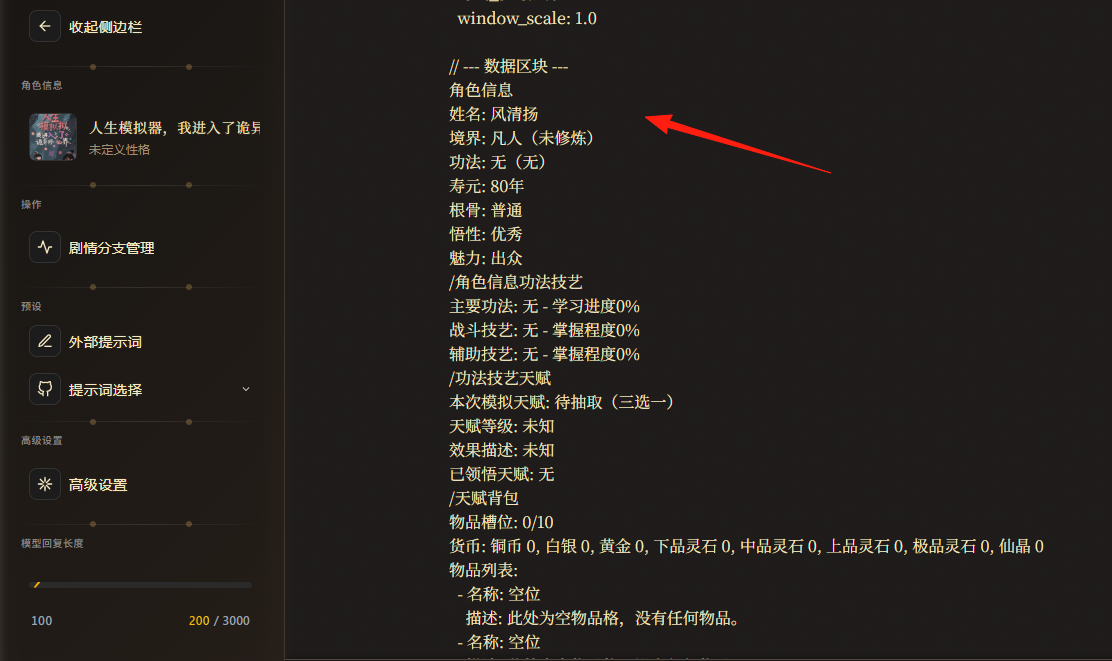
Character Creation Tips:
- Make personality descriptions specific. For example, "introverted" is less effective than "talks very little in front of strangers but is quite chatty with familiar people."
- Give characters small habits or catchphrases to make conversations more vivid.
- The backstory doesn't need to be too complex, but should include a few key experiences or turning points.
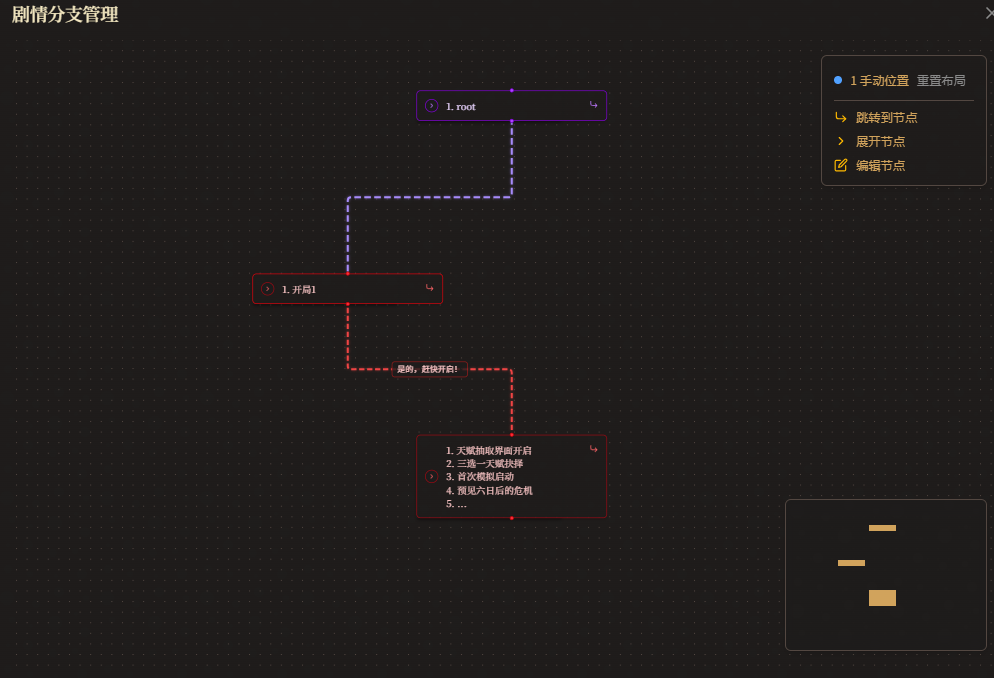
This feature on the left is quite interesting.
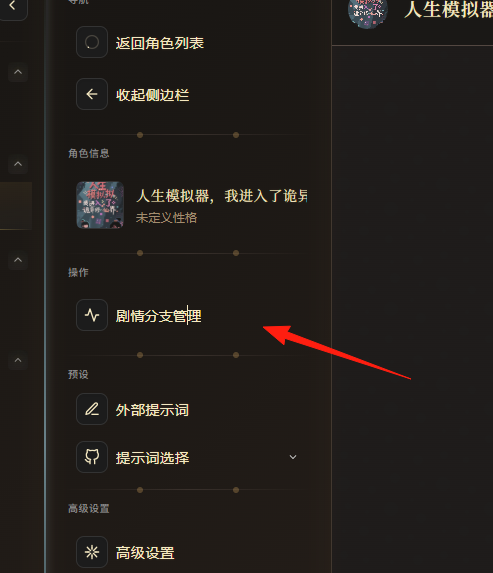
You can directly drag, drop, and modify the flowchart, giving a sense of controlling someone else's destiny.
Worldbook
This feature allows you to build a complete world view setting. For example, if you want to write a sci-fi novel, you can define in the Worldbook:
- Time Background: 2157
- Technology Level: Interstellar travel is common
- Social System: Federal interstellar government
- Key Events: The Third Galactic War
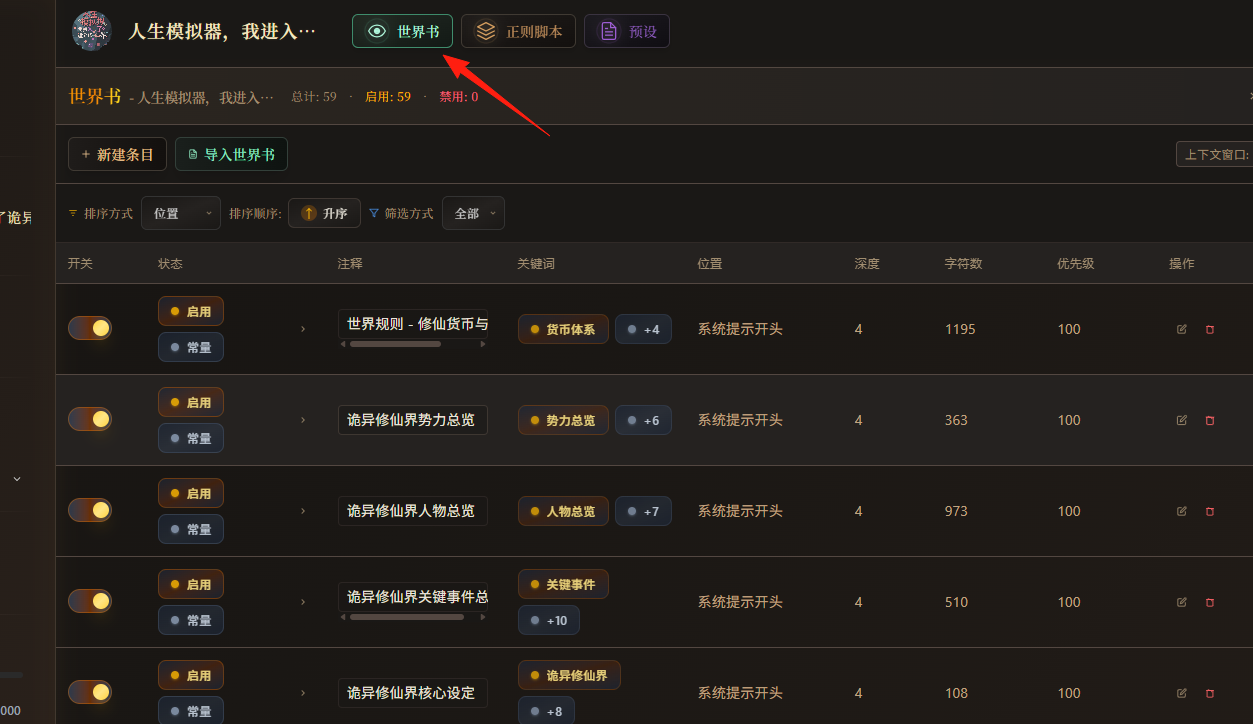
You can use this tool to assist in writing novels.
- Create the main characters for your novel.
- Explore character personalities and reactions through dialogue.
- Test different plot directions using Adventure Mode.
- Record interesting conversations and plot points.
Summary
Narratium.ai is indeed a great AI role-playing platform.
Compared to commercial platforms, Narratium offers the freedom of open-source along with a good user experience. Although the project is still relatively new, it has great potential for development.
If you're interested in AI role-playing, why not give it a try.