
EPUB to Audiobook Guide: Convert eBooks to Audiobooks
Why I Recommend This Tool
Let's be honest, buying audiobooks is expensive. A single book can easily cost tens of dollars, and English originals are even more outrageously priced. E-books, on the other hand, are much cheaper, sometimes even free. So the question arises: can we convert the e-books we already have into audiobooks?
The EPUB to Audiobook project is specifically designed for this. After using it, I found it quite impressive, so I'm here to share.
Biggest Advantage: Plenty of Choices
- Supports Microsoft Azure TTS (Best voice quality)
- Supports OpenAI TTS (Also great, but costs money)
- Supports Edge TTS (Free! Decent voice quality)
- Supports local Piper TTS (Completely offline, best privacy)
https://appstore.lazycat.cloud/#/shop/detail/cloud.lazycat.app.epub2audiobook
Quick Start
After installing the app, open the main page.
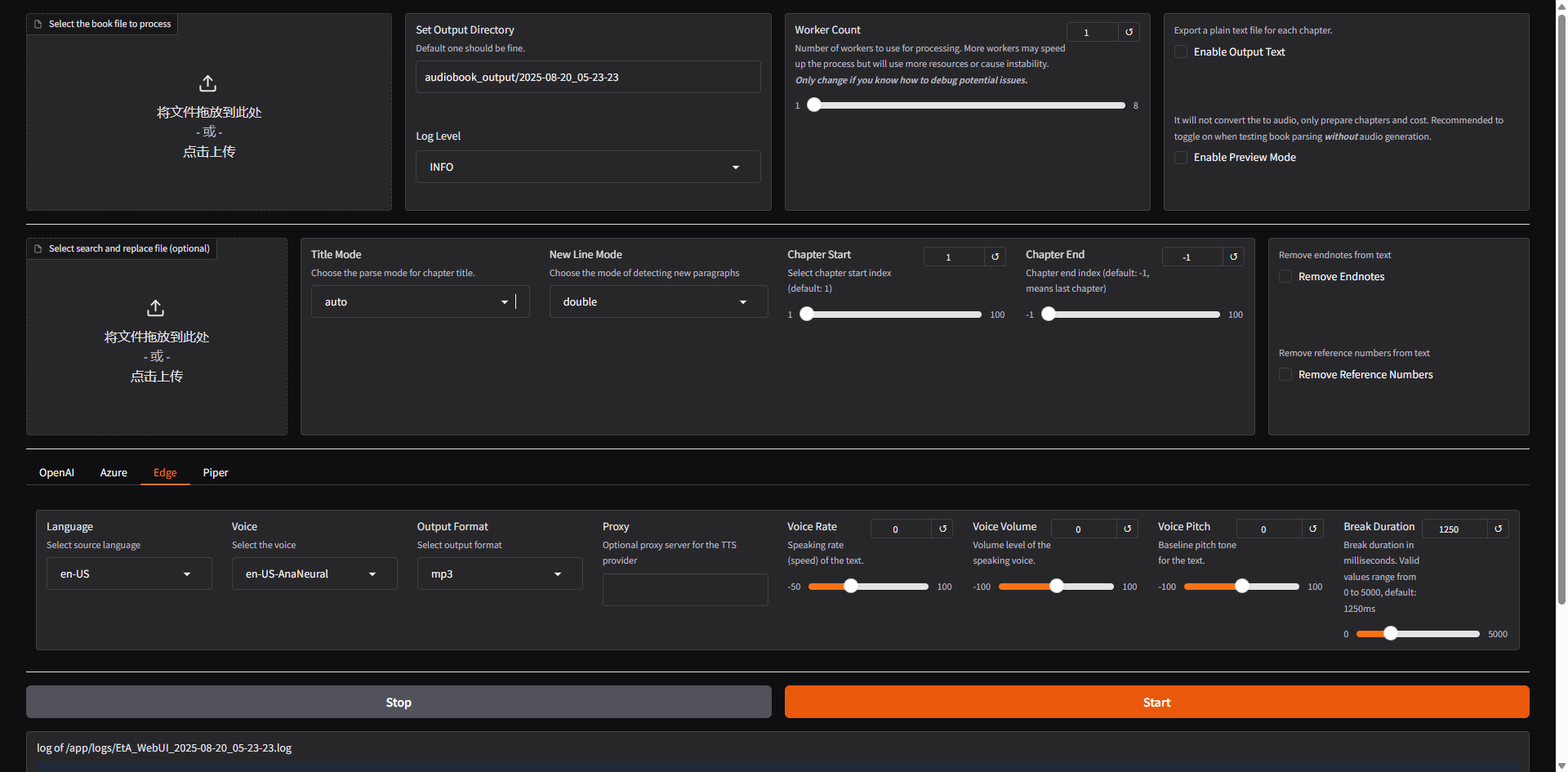
Upper Section: Basic Settings Area This is the core section for audiobook conversion, containing file upload and basic conversion settings.
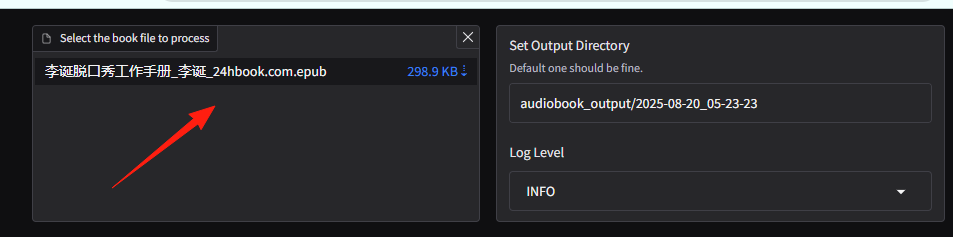
Top Left: Select the book file to process This is where you upload your EPUB file.
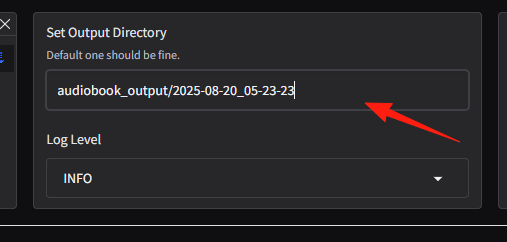
Middle Section: Set Output Directory This tells the tool where to save the converted audiobook (MP3 files).
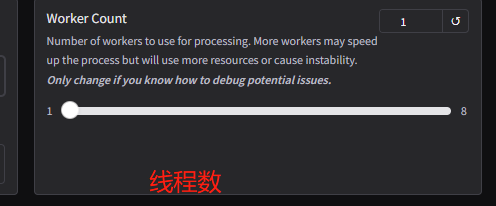
Worker Count This is for users with better hardware configuration. A higher number means more chapters are processed simultaneously, theoretically speeding up the conversion.
Top Right: Enable Preview Mode This feature is super practical! Highly recommended for first-time use. When checked, it only parses and displays chapter information but does not actually start converting audio. You can check if chapters are correctly identified, look for garbled characters, and after confirming everything is correct, uncheck it to start the formal conversion.
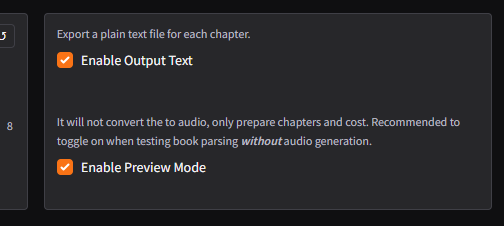
Chapter Start and Chapter End: If you only want to convert specific chapters of the e-book, you can set the start and end chapter numbers here.

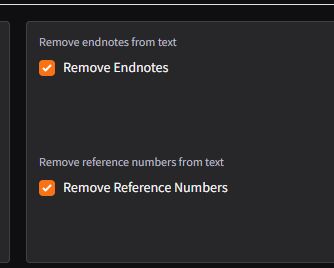
Remove Endnotes and Remove Reference Numbers: These two options are very considerate. Some e-books contain many endnotes or reference numbers at the end. If you don't want these read aloud, simply check these options, and the tool will automatically remove them.
Lower Section: This part is the core for selecting and adjusting the Text-to-Speech (TTS) service.
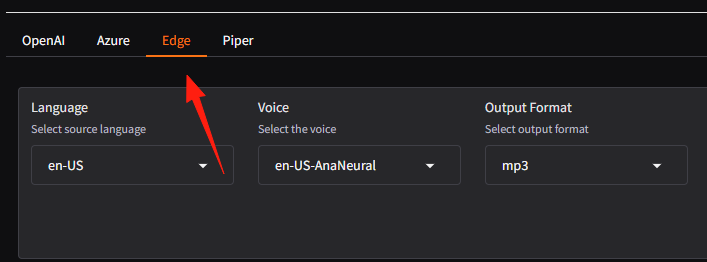
Top Tabs: OpenAI, Azure, Edge, Piper These are the four different TTS engines you can choose from. Edge is Microsoft's free service, works quite well, recommended for beginners.
Language and Voice
After selecting a TTS engine, you can choose your desired language and voice here.
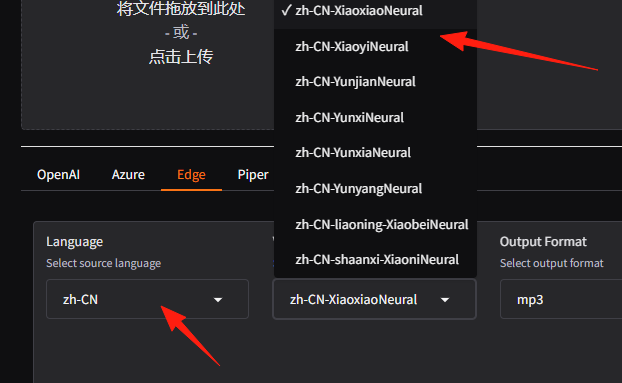
For example, if you selected Edge and want to listen in Chinese, select zh-CN in Language, then choose a voice you like in Voice, such as "Yunxi" or "Xiaoxuan".
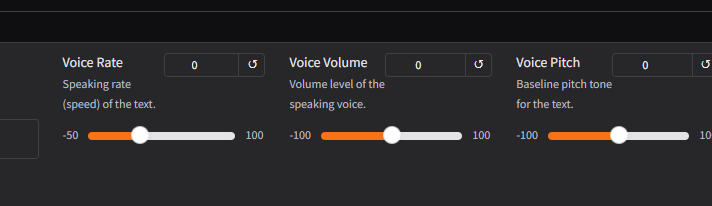
Voice Rate, Voice Volume, Voice Pitch These are sliders for adjusting voice details. You can adjust them according to your preference. For example, slide left if the speech rate is too fast, or right if it's too slow.
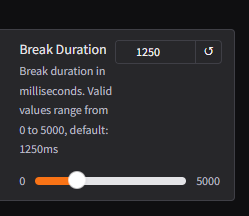
Break Duration This sets the pause duration between sentences, in milliseconds. If you feel the AI reads too quickly with short pauses, sounding like a machine gun, you can appropriately increase this value.
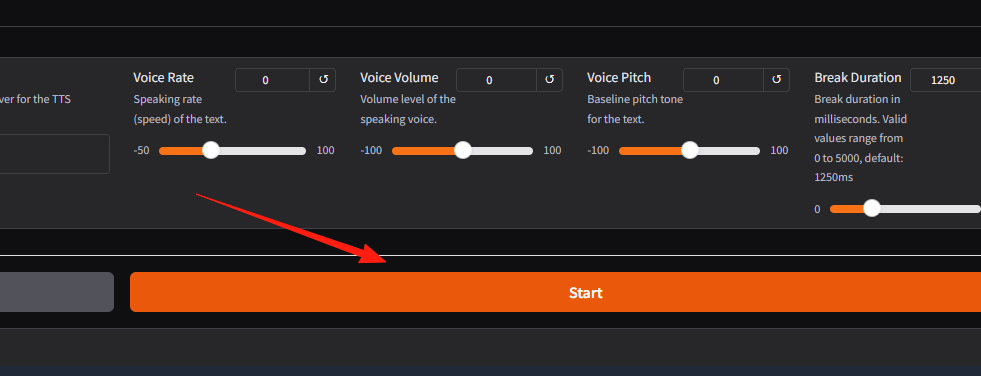
Once everything is set, you can click the large orange Start button in the lower right corner!
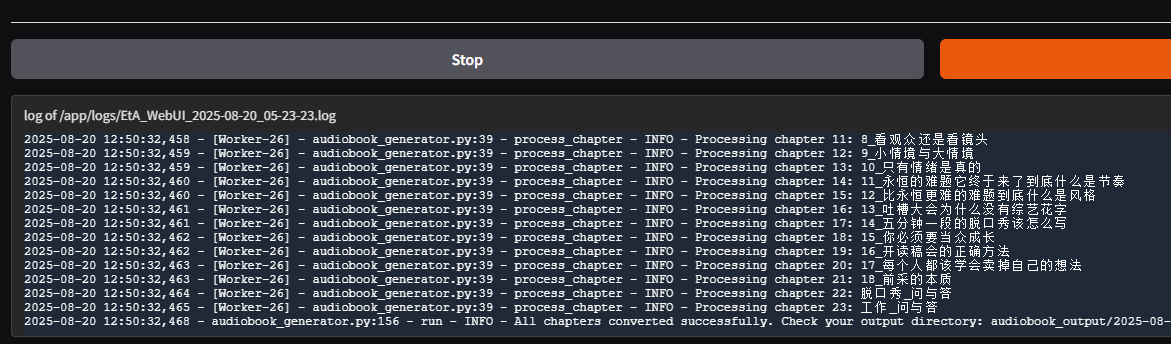
Log information for the conversion process will be displayed here. If the conversion fails, you can find the reason here.
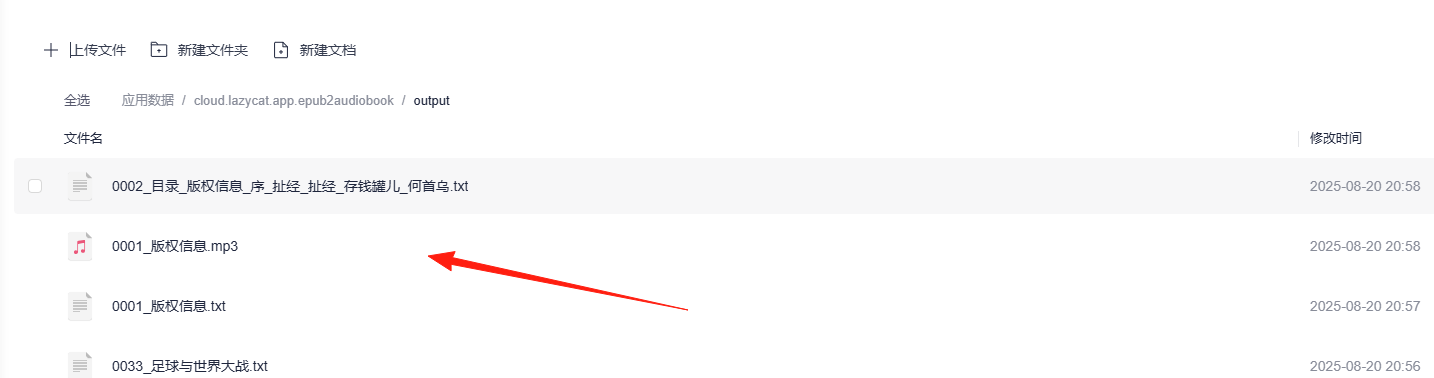
After conversion is complete, you can find the files in the application directory.
Summary
This tool genuinely solves a practical need for me. Spending a few minutes on setup can turn your e-book library into an audiobook library, which is a pretty good experience.
It's especially useful for:
- Friends who have many e-books but can't afford audiobooks.
- Friends who want to listen to niche books (where no official audiobook version exists).
- Friends who need to customize voice and speech rate.
This tool is definitely worth trying.