
Pinchflat - Your Personal YouTube Download Butler
What is Pinchflat?
In simple terms, Pinchflat is a self-hosted YouTube content downloader application built on yt-dlp. It's designed to be lightweight, self-contained, and easy to use. You just need to set up rules, telling it which channels or playlists you want to download from, and it will obediently check periodically and automatically download new videos.
Imagine this: a creator you follow posts a new video, and Pinchflat quietly downloads it for you. When you get home, you can watch it directly—no worries about ads, internet speed, or the video being taken down.
https://appstore.lazycat.cloud/#/shop/detail/cloud.lazycat.app.pinchflat
Practical Guide
After installing the app, open the home page.
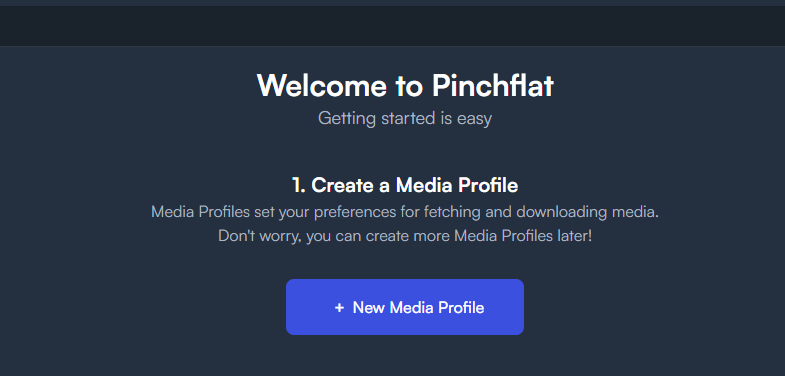 Create a Media Profile
This is the first step, and the most important one.
Media Profiles are like your "download task templates."
Click New Media Profile
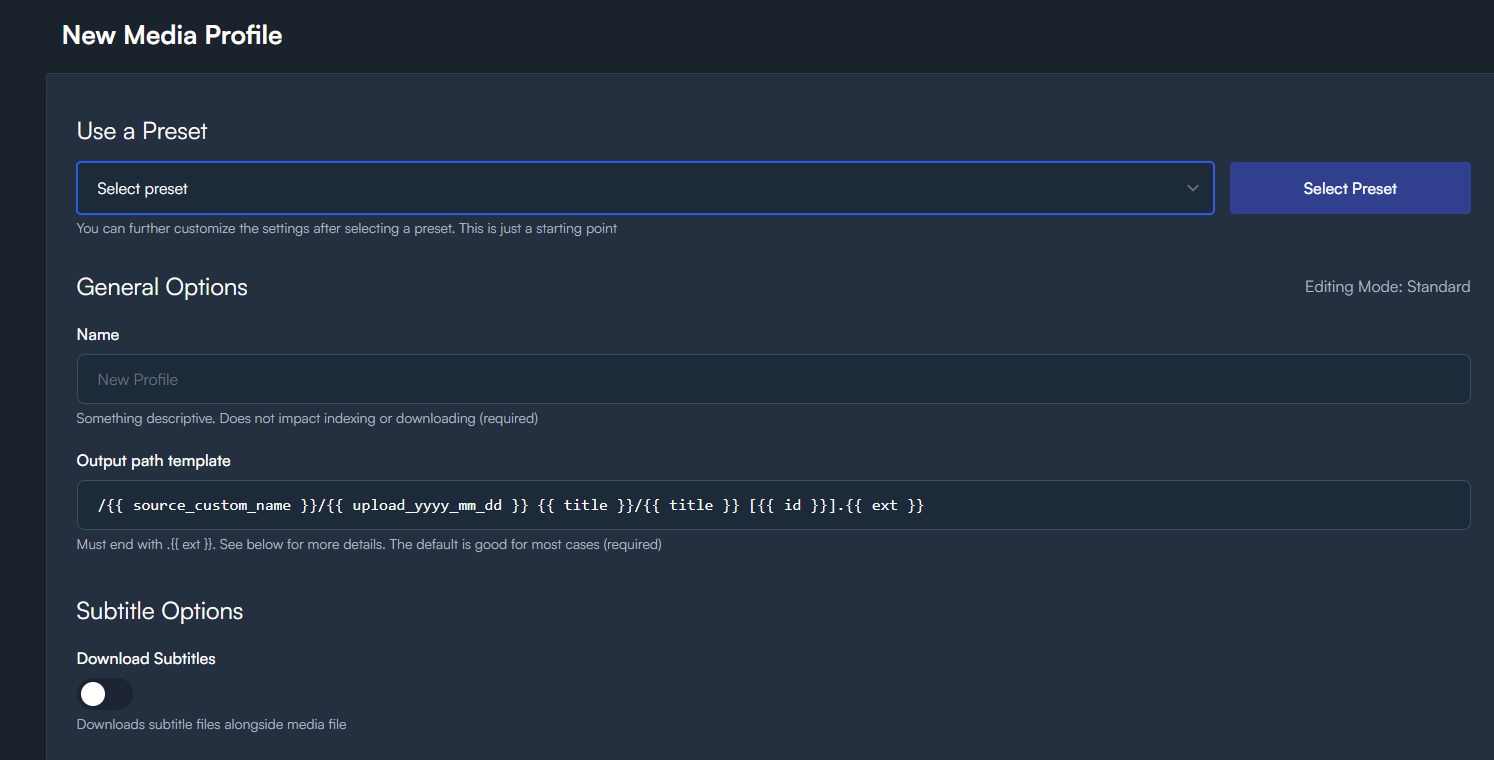 Use a Preset - This is a convenient shortcut for you.
If you're unsure what to choose, you can select Default.
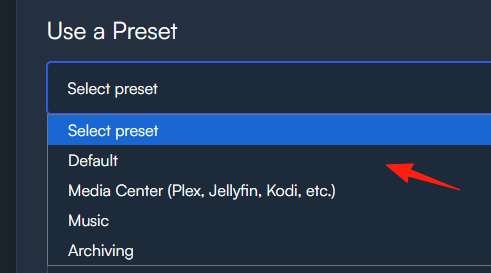
Use a Preset - This is a convenient shortcut for you.
If you're unsure what to choose, you can select Default.
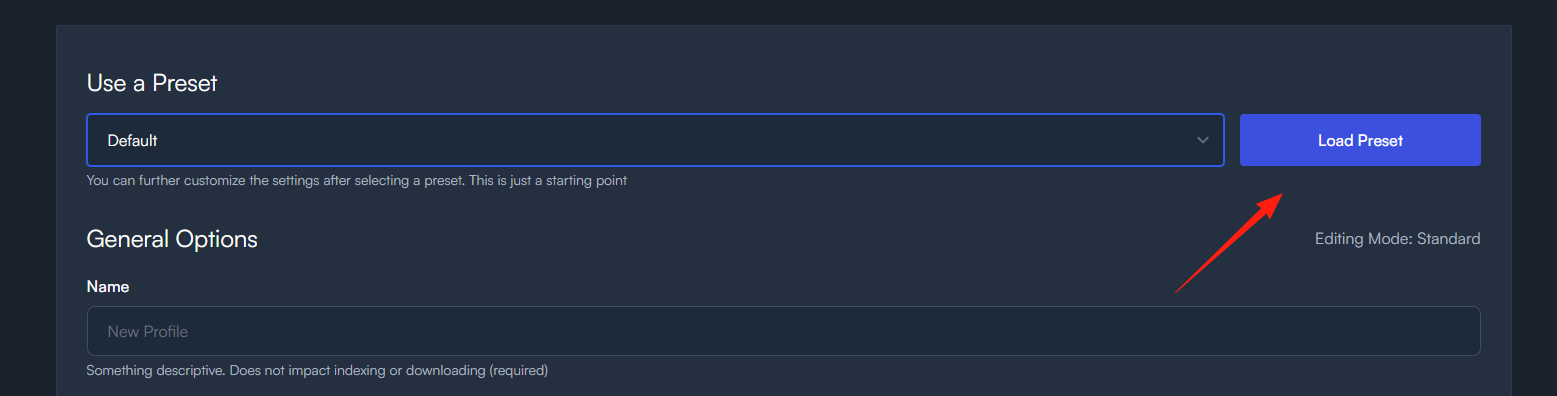
After clicking Load, the relevant configurations will be automatically filled in below.
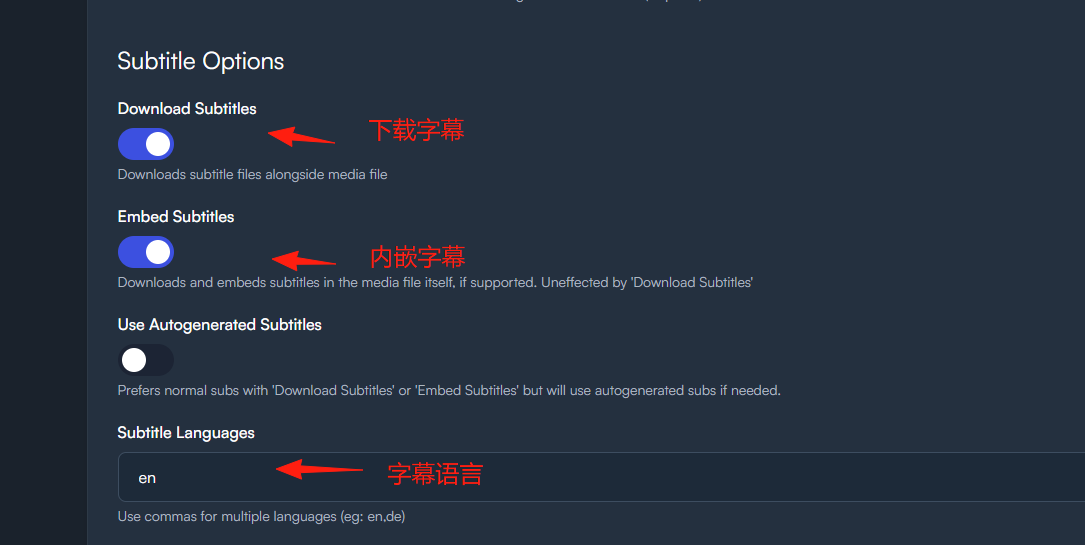
You can adjust the download quality. Video Quality: It is recommended to set it to 1080p for a good balance between quality and storage space.
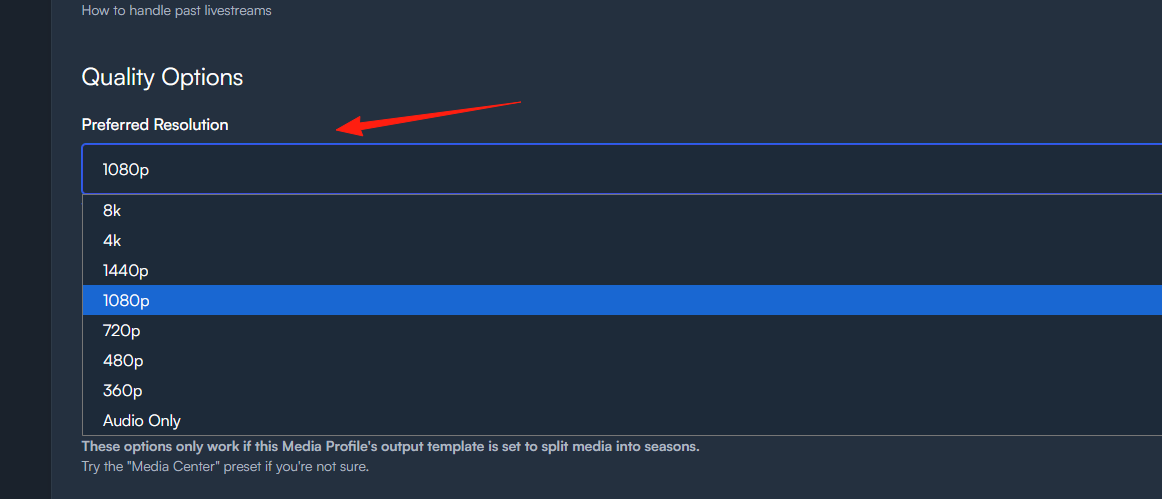
Click Save Configuration at the bottom.
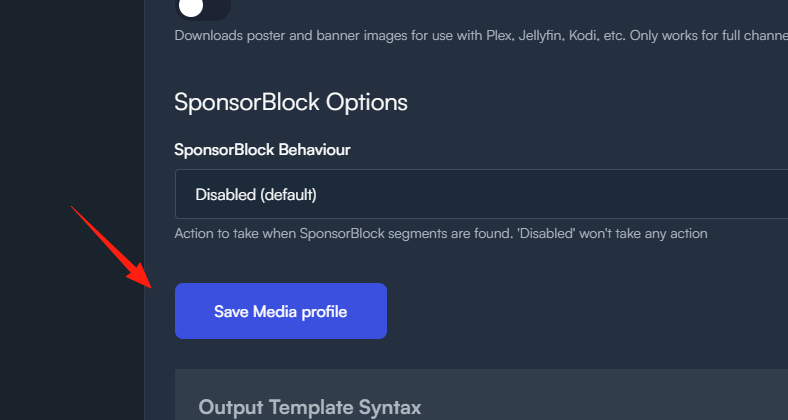
Step 2: Add a Data Source. This step tells Pinchflat which videos you want to download.
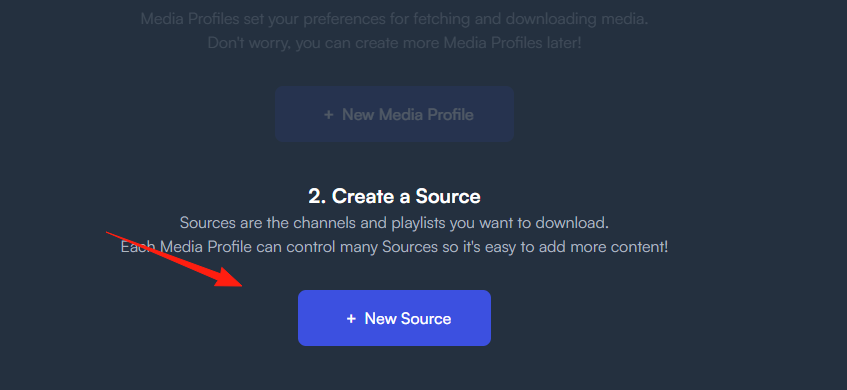
Sources url refers to the YouTube channel or playlist you want to follow.
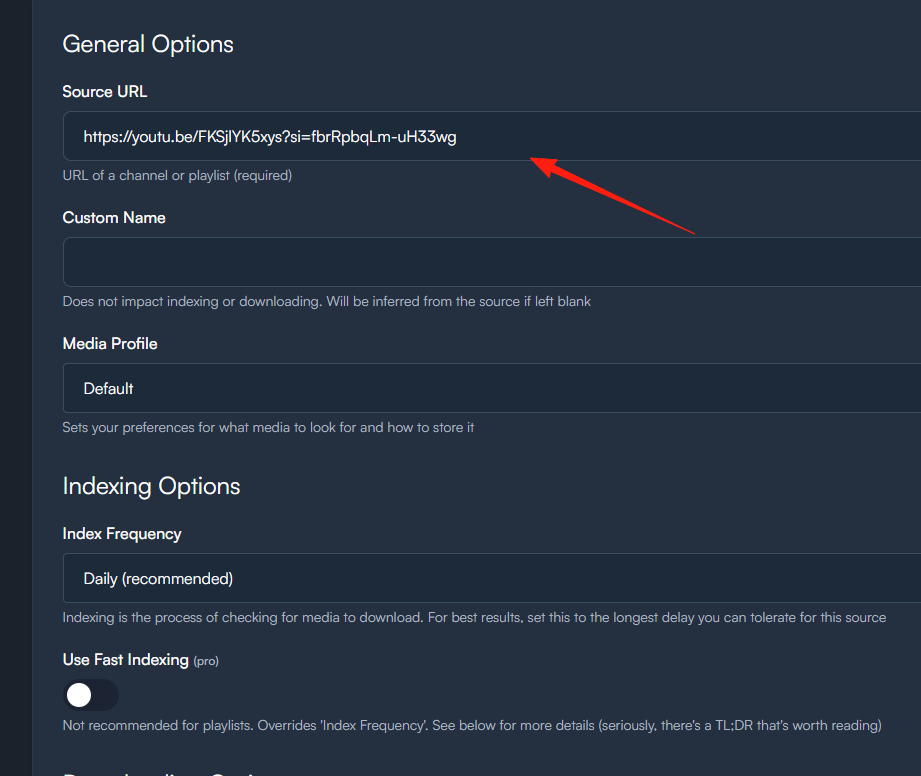
If you enter the URL of a specific video, it won't work.
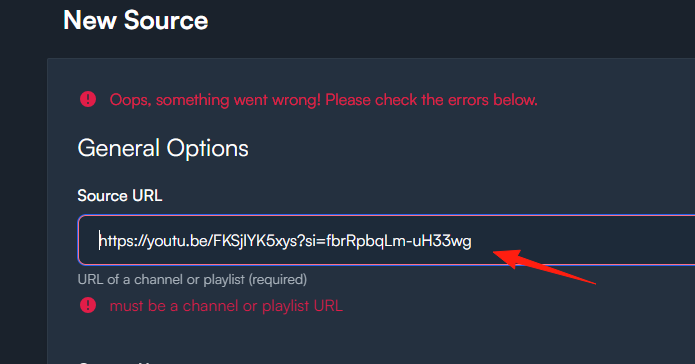
Pinchflat is designed to automatically download all videos from a series or a channel. It requires a continuously updated source, not a single, one-off video.
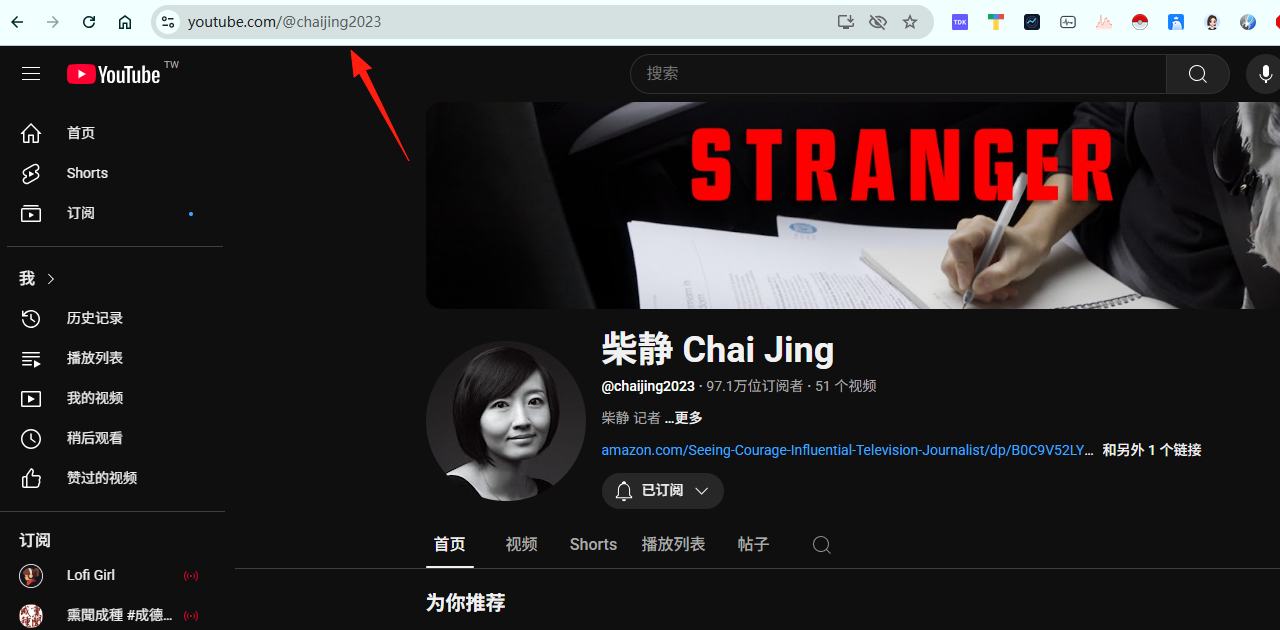
You need to find the channel homepage of the creator you want to follow and copy the link. For example, Teacher Chai's channel: https://www.youtube.com/@chaijing2023
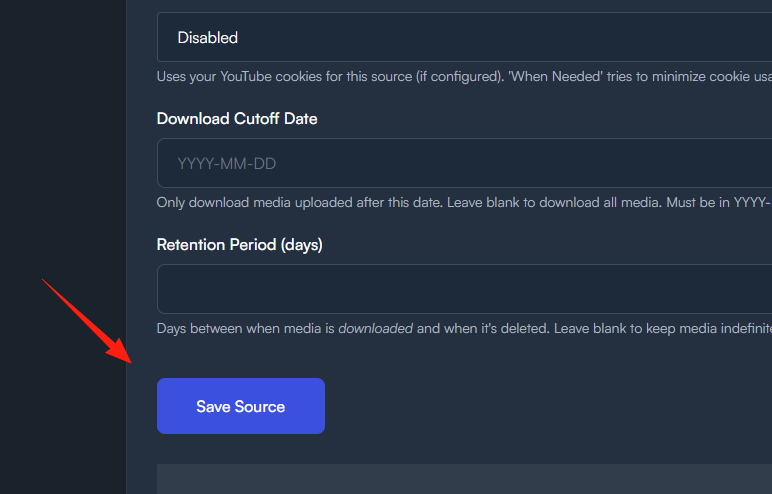
Click Save at the bottom.
Proceed to Step 3: Simply click lets go.
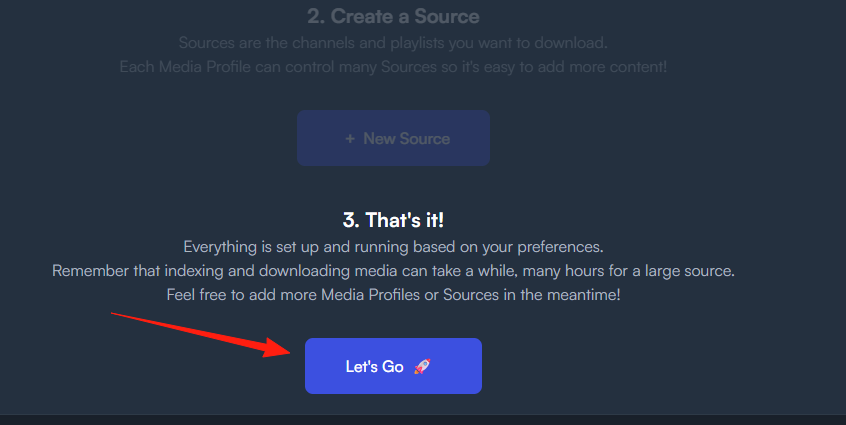
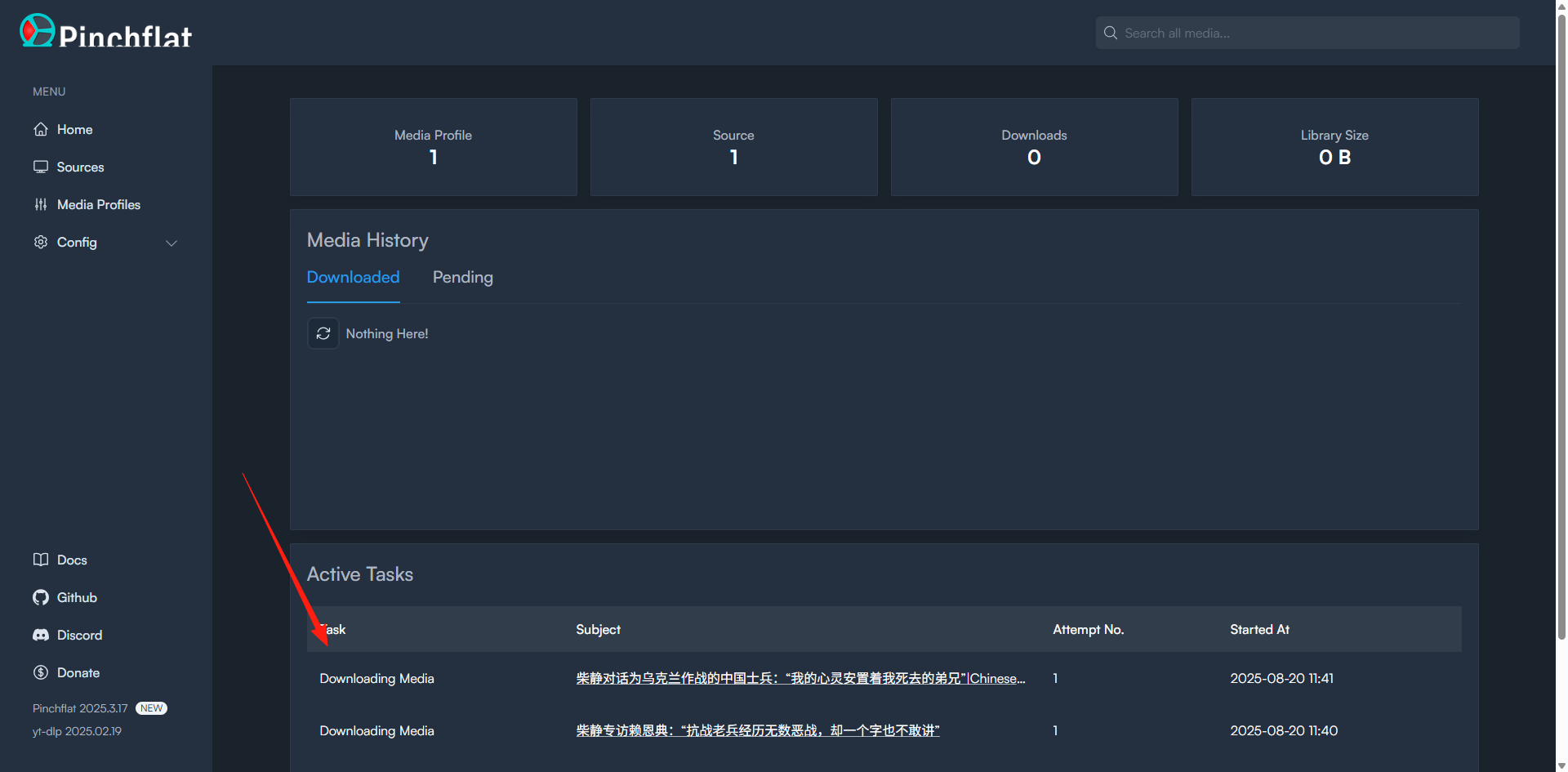
You will be taken to the home page, where you can see it has already started executing the download task.
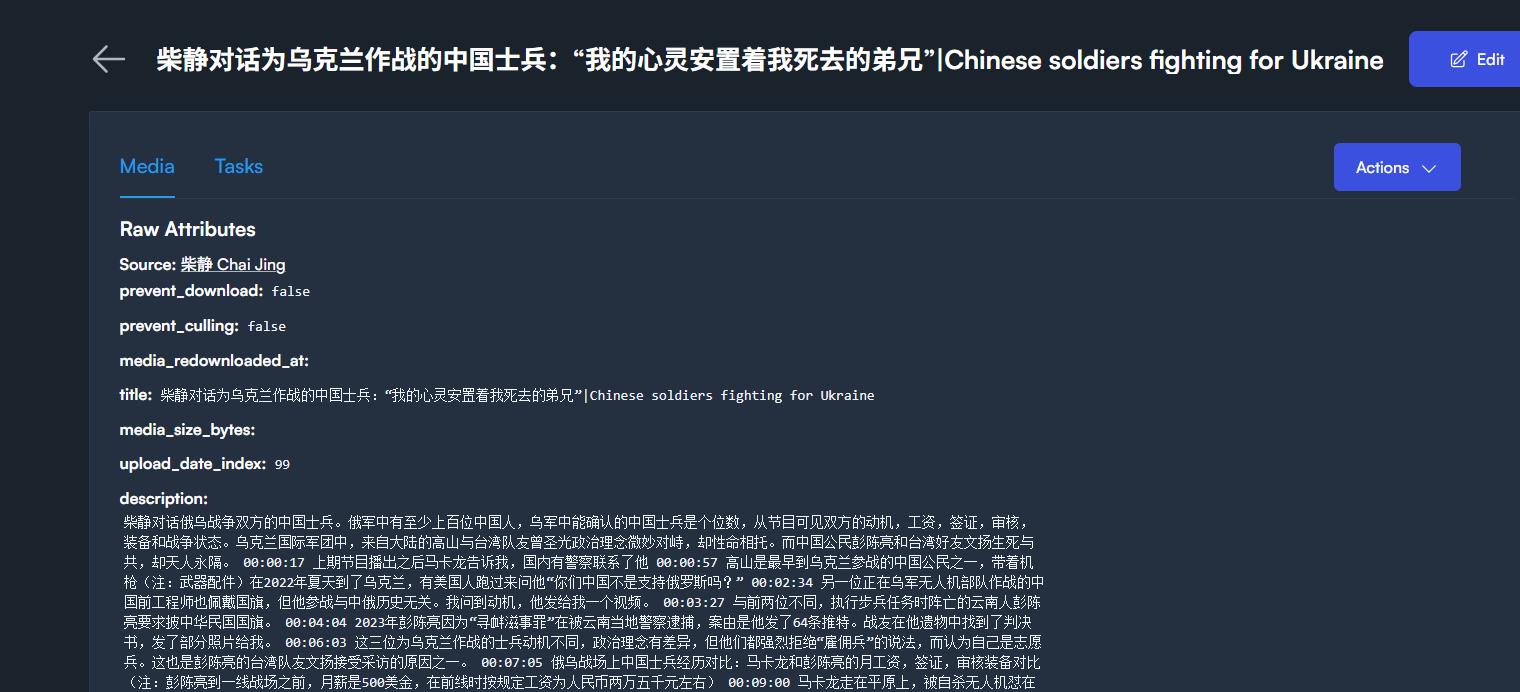
Click on a video to see its related information.
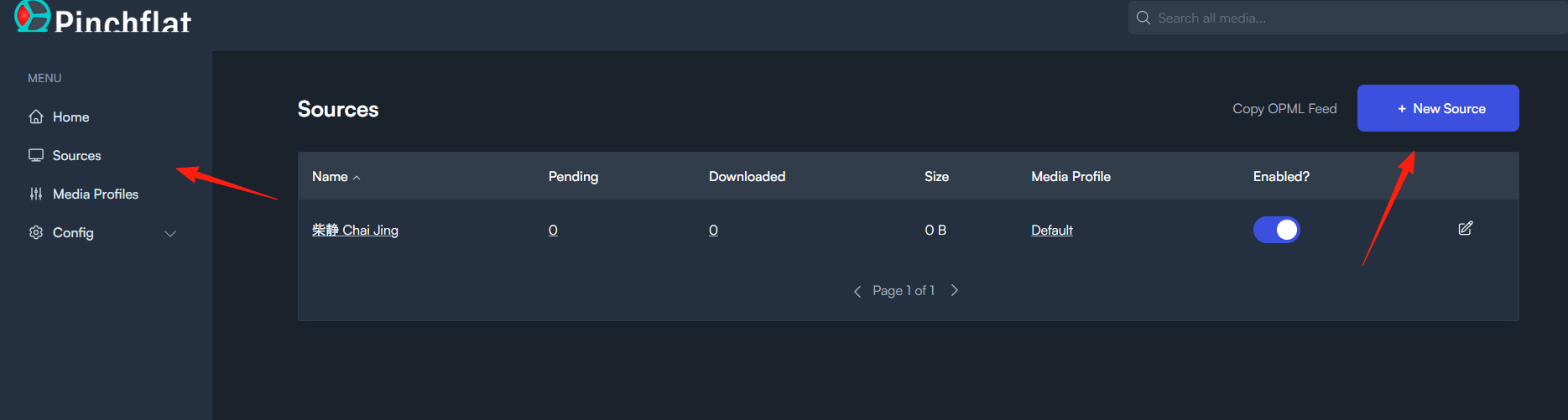
If you want to add more channels, you can add them in the Source section.
The downloaded videos can be found in the Downloads directory.
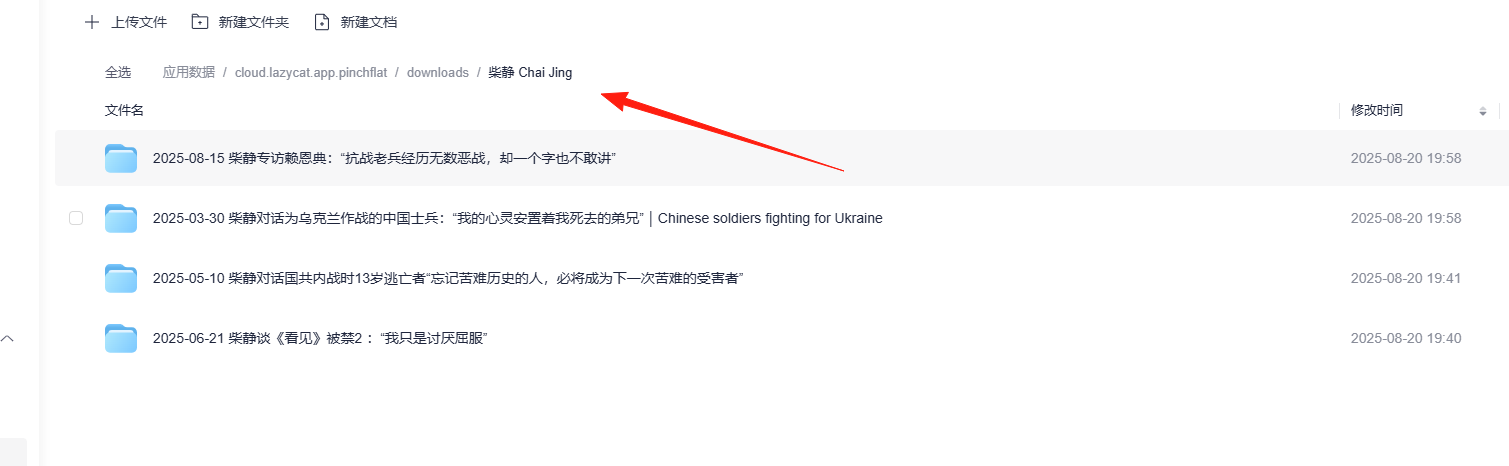
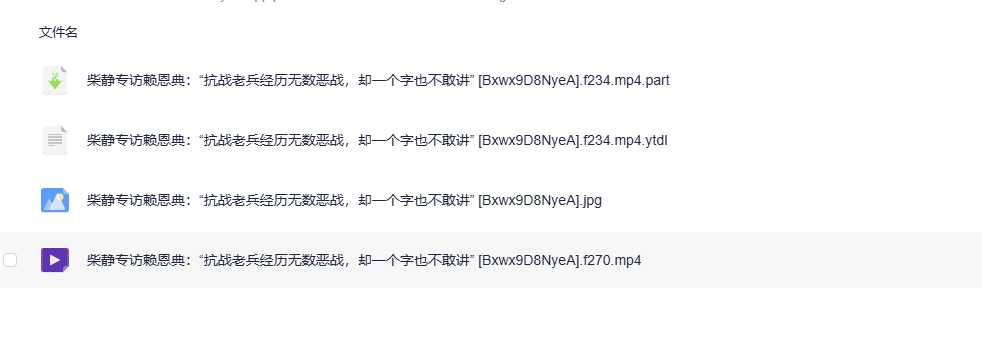
You can watch them directly in the cloud drive; it's very smooth.

Summary
Pinchflat is a boon for heavy YouTube users, especially for those who like to archive videos and are afraid of content disappearing.
While it's not suitable for occasionally downloading single videos, if you want an automated YouTube content management system, Pinchflat is definitely worth trying. Once set up, you can enjoy a localized, ad-free, high-quality YouTube viewing experience.