
Super Productivity: An Effective Time Management Tool
What is this?
Super Productivity is essentially a three-in-one tool combining "Task Management + Time Tracking + Pomodoro Timer". Simply put, it helps you:
- Record tasks you need to do
- Track how much time you spend on each task
- Stay focused using the Pomodoro Technique
It supports integrations with Jira, GitHub, and GitLab. If you are a programmer or work in project management, you can directly sync your work tasks without having to enter them repeatedly.
https://appstore.lazycat.cloud/#/shop/detail/cloud.lazycat.app.super-productivity
Practical Guide
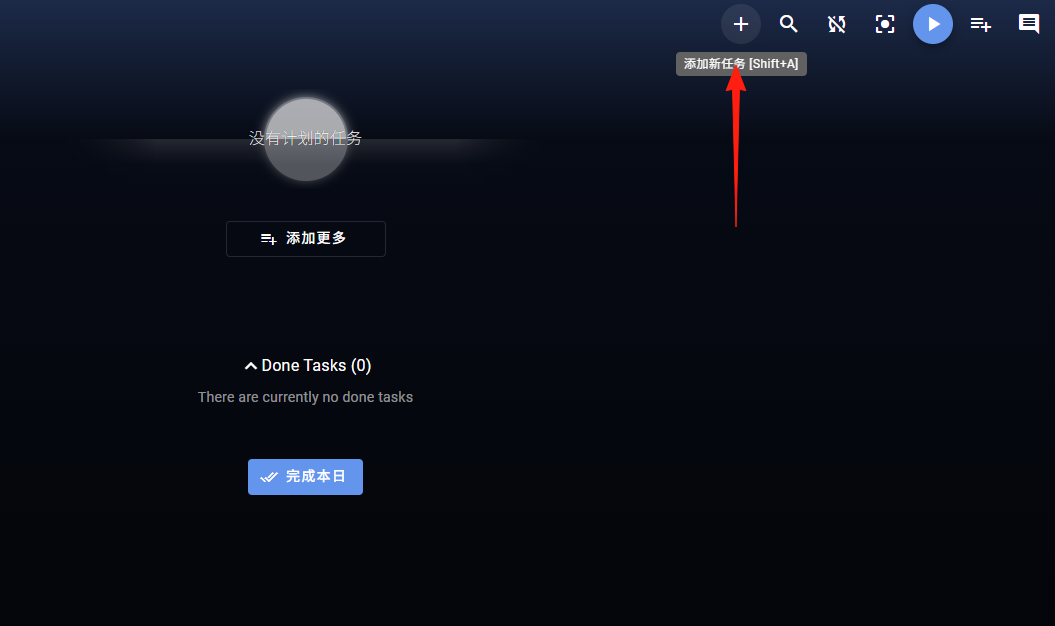
Click the + in the top right corner to add a task.
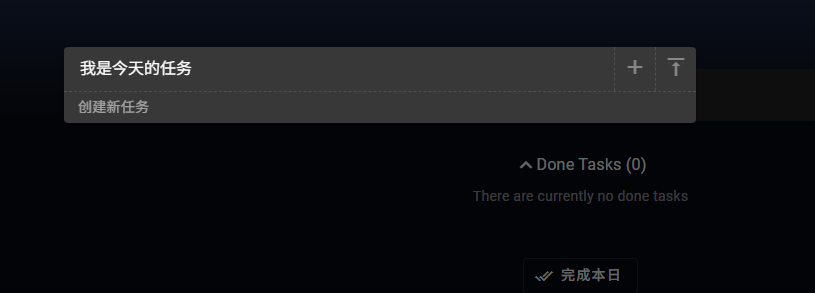
After entering the task, press Enter to save it directly.
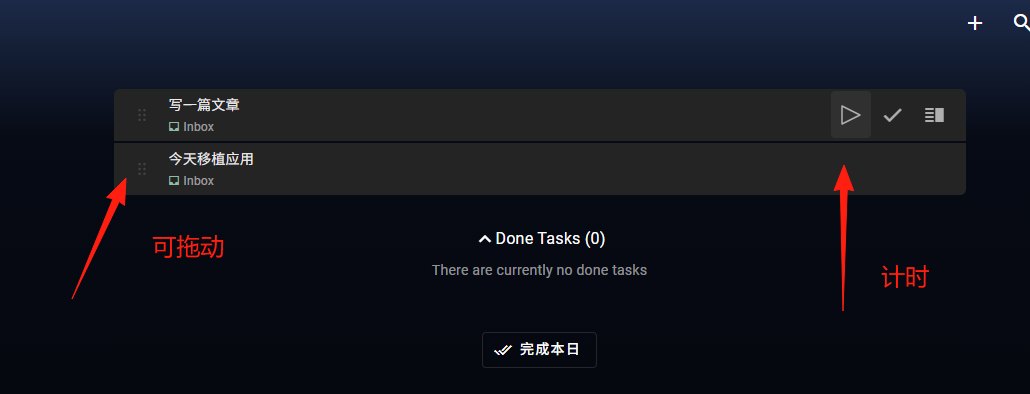
You can track time for each task to see how long it took.
Use tags for categorization, e.g., #work #study #life.
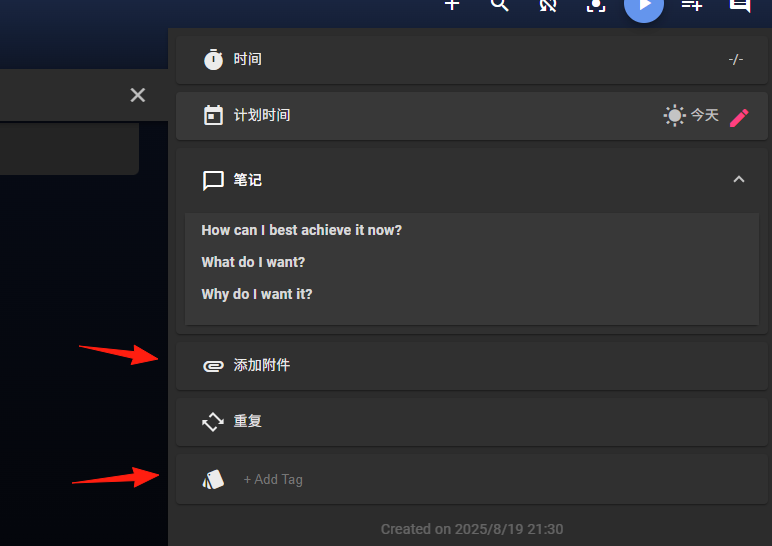
Click here to log time manually.
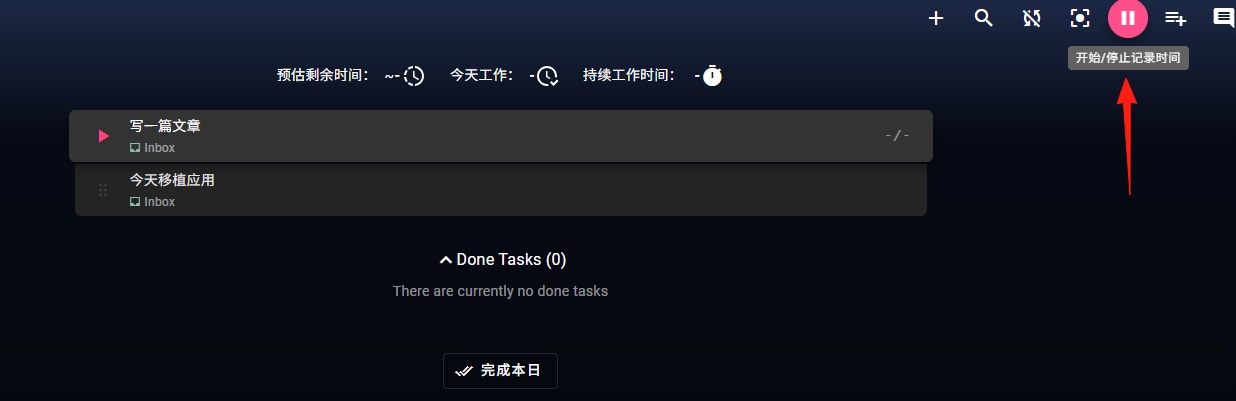
Pomodoro Timer Settings
- Go to Settings → Pomodoro
- Set work duration, recommended 25 minutes (classic Pomodoro length)
- Set short break to 5 minutes, long break to 15-30 minutes
- Enable sound notifications and choose a less jarring ringtone
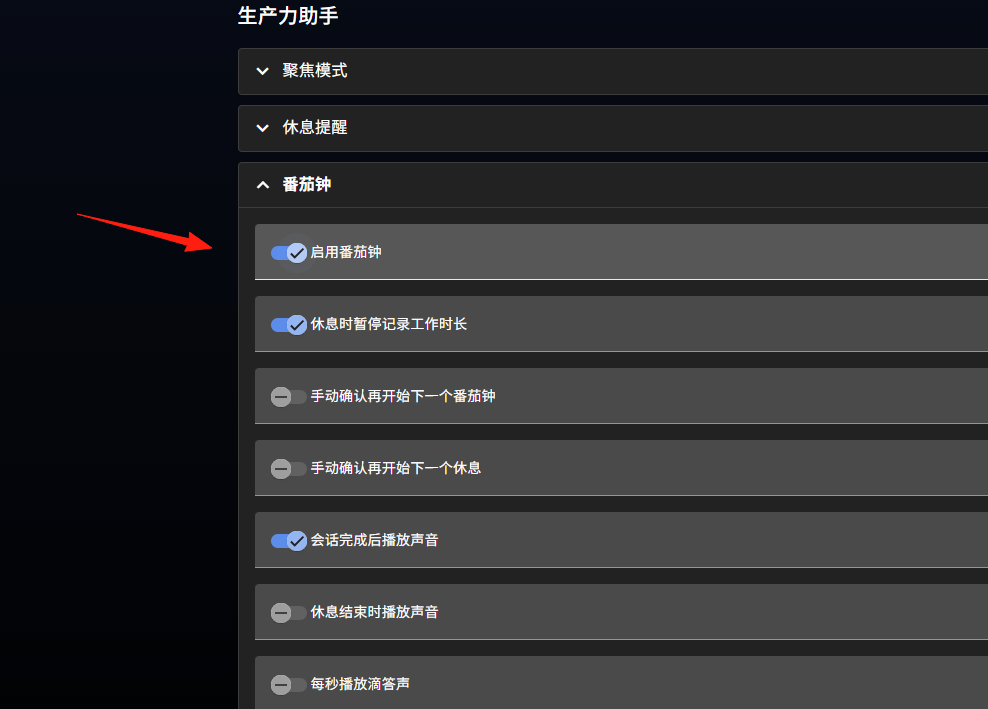
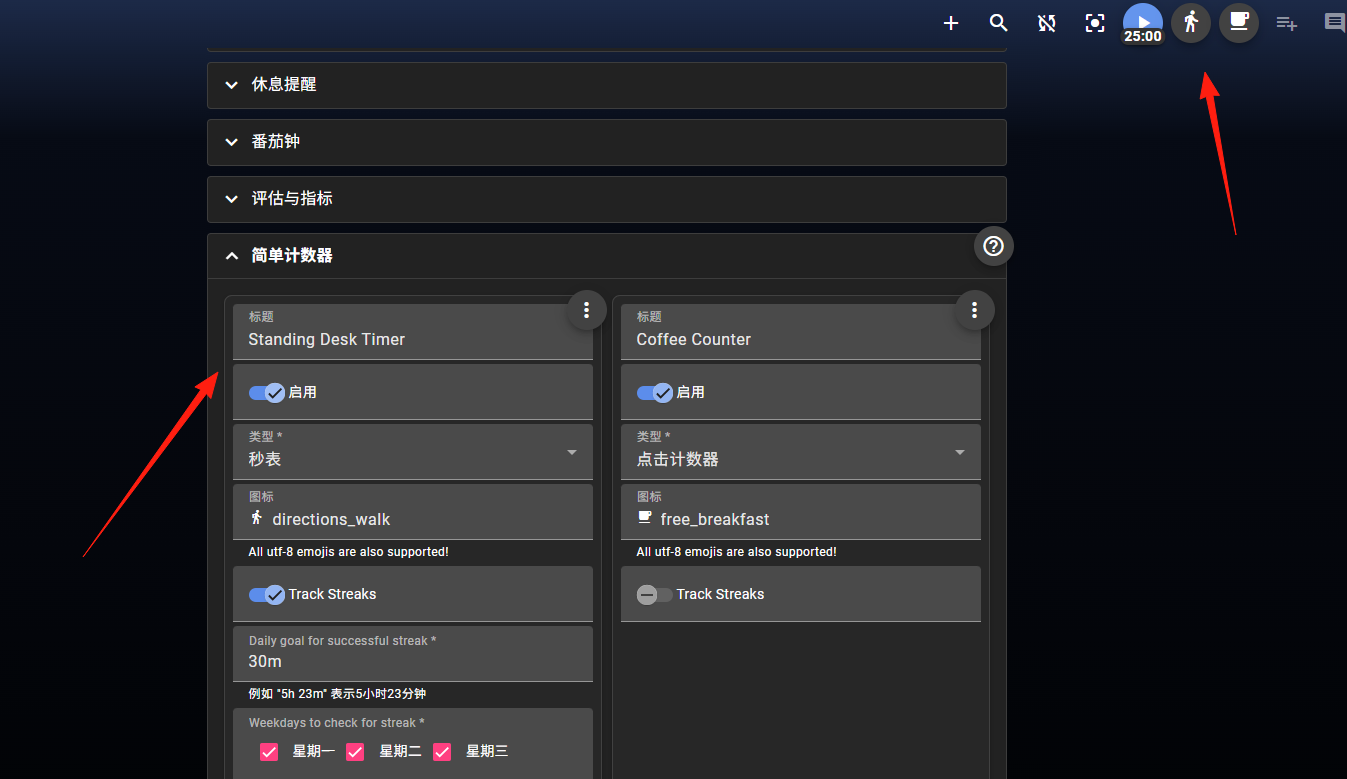
You can add counters, which will appear in the top right corner.
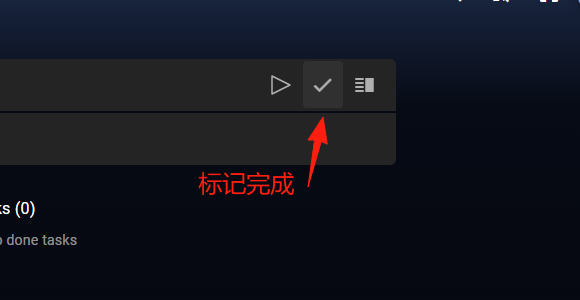
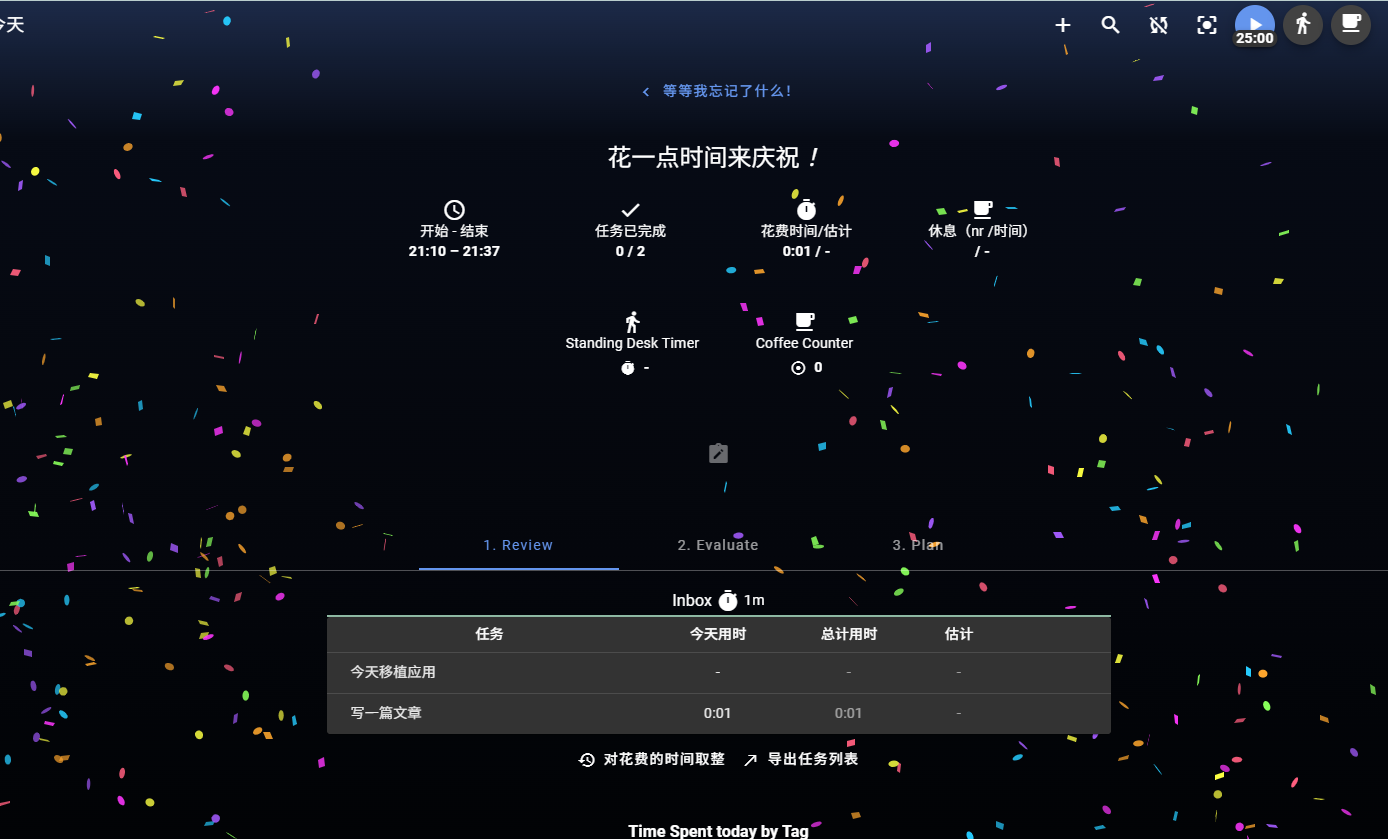
When a task is completed, a fireworks effect appears, giving a great sense of accomplishment.
The 'Boards' section on the left integrates Kanban functionality.

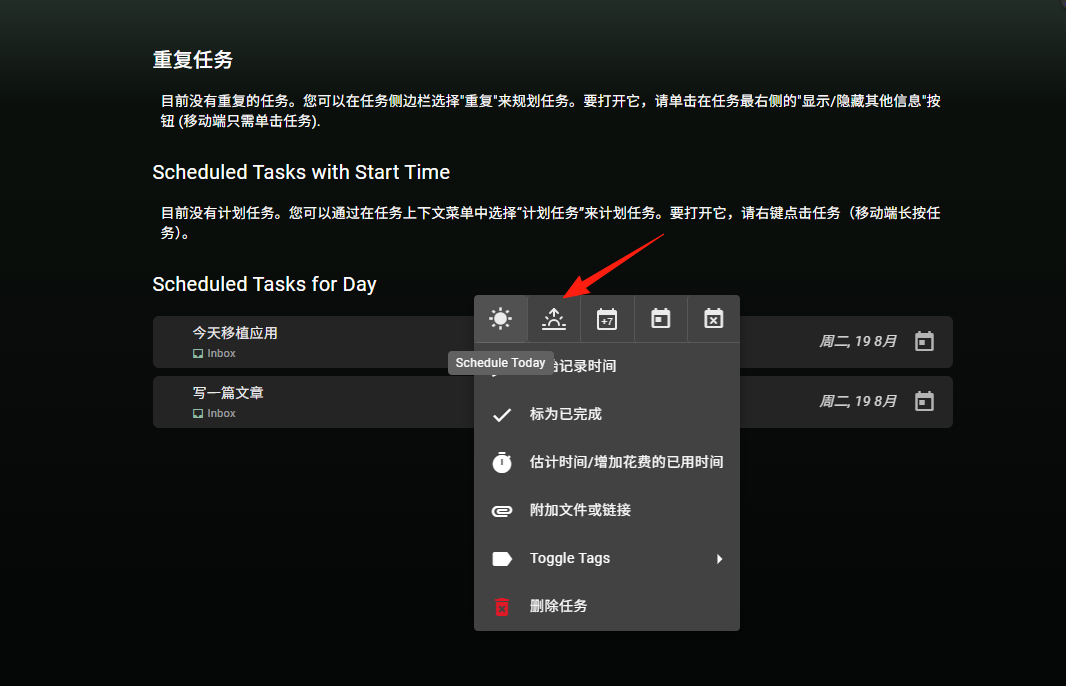
If you have a task you need to do daily, right-click it and set it as a recurring task.
You can use the tag system like this:
- Categorize by project: #ProjectA #ProjectB
- Categorize by work type: #meeting #coding #writing
- Categorize by priority: #urgent #normal #someday
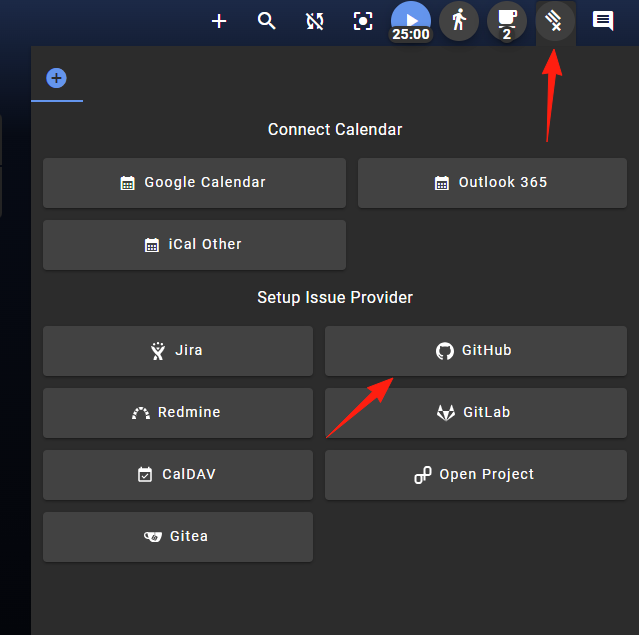
If you use GitHub or Jira, be sure to set up the integration:
- Go to Settings → Integrations
- Add the corresponding API configuration
- Tasks will sync automatically, saving you the trouble of manual entry
Trying to configure all features right from the start might overwhelm you with complexity. It's recommended to start with the basic functions and gradually add advanced settings as you become more familiar.
Summary
Super Productivity isn't a revolutionary tool, but it integrates several common productivity tools very well, and it's completely free.
If you are looking for a reliable time management tool, why not give Super Productivity a try. The user experience is excellent, the features provided are very practical, and you get access to some advanced features that are usually paid.
Tip: It's recommended to spend the first week familiarizing yourself with the basic features, then adjust the settings according to your work habits. Don't expect to become a time management master overnight; take it slow for more lasting results.