
ChatGPT-Shortcut Practical Guide: Double Your AI Efficiency
What is Shortcut?
In simple terms, ChatGPT Shortcut (now called AiShort) is a prompt toolbox. Imagine having a box filled with various tools, where each tool enables ChatGPT to perform specific tasks, and perform them exceptionally well.
You no longer need to rack your brains figuring out how to "train" the AI. Even if you know nothing about prompts, you can easily find prompts suitable for various scenarios through filtering and searching. Essentially, it simplifies complex tasks.
https://appstore.lazycat.cloud/#/shop/detail/cloud.lazycat.app.shortcut
User Guide
After installing the app, open the home page.
The top section provides filtering functionality. Click "Writing" to see all writing-related prompts, or click "Programming" to view code-related ones.
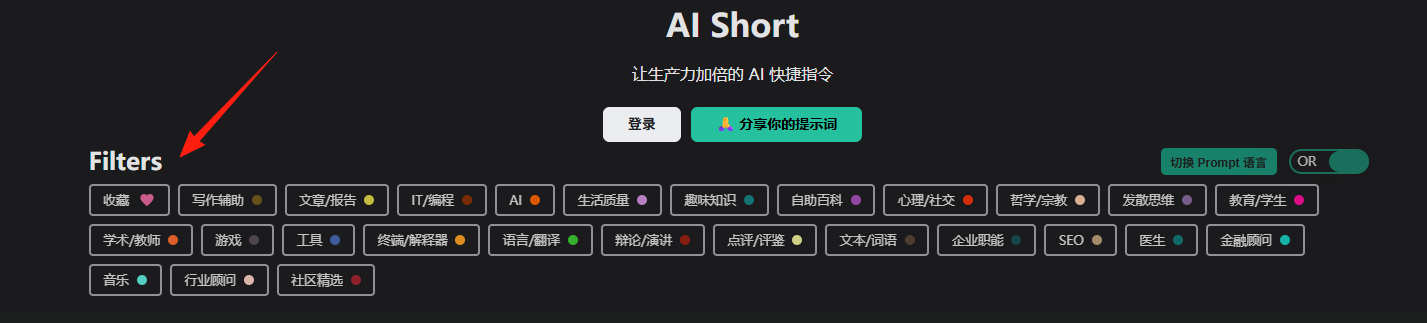
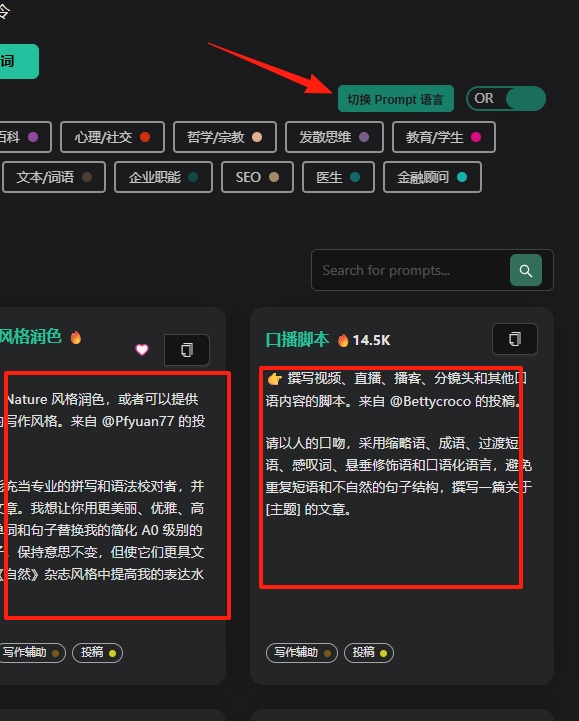
Click to switch languages, and the cards below will display in either Chinese or English.
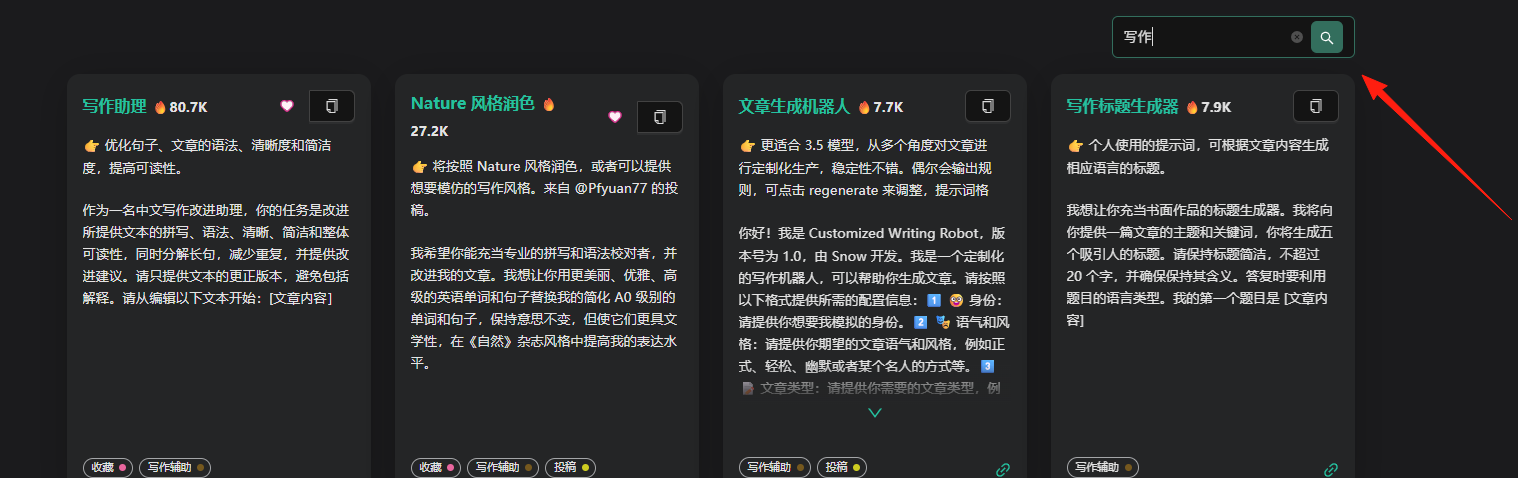
Looking for translation-related prompts? Simply search for "translation". Need help with PPT creation? Search for "PPT". This is much faster than scouring the internet for templates.
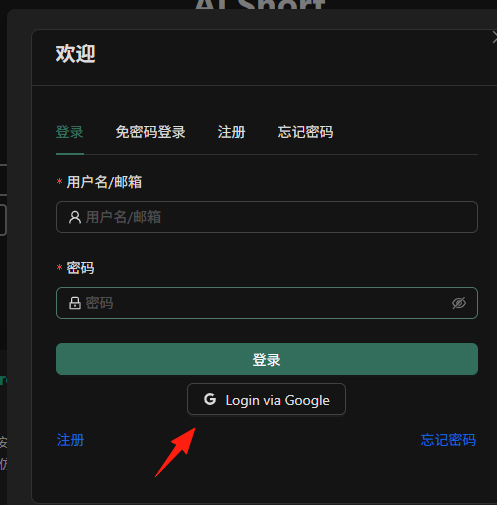
Click Login. This requires registration with a real email address, or you can bind a Google account.
Each prompt card features a heart icon. Users can favorite their preferred or frequently used prompts for quick access later.
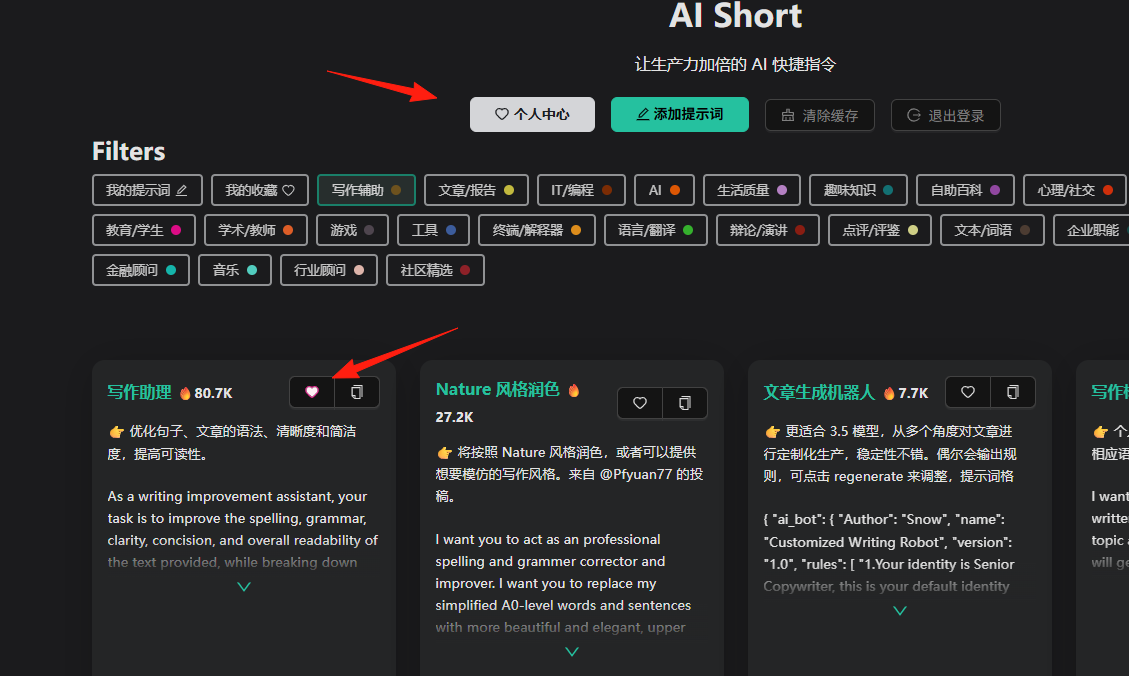
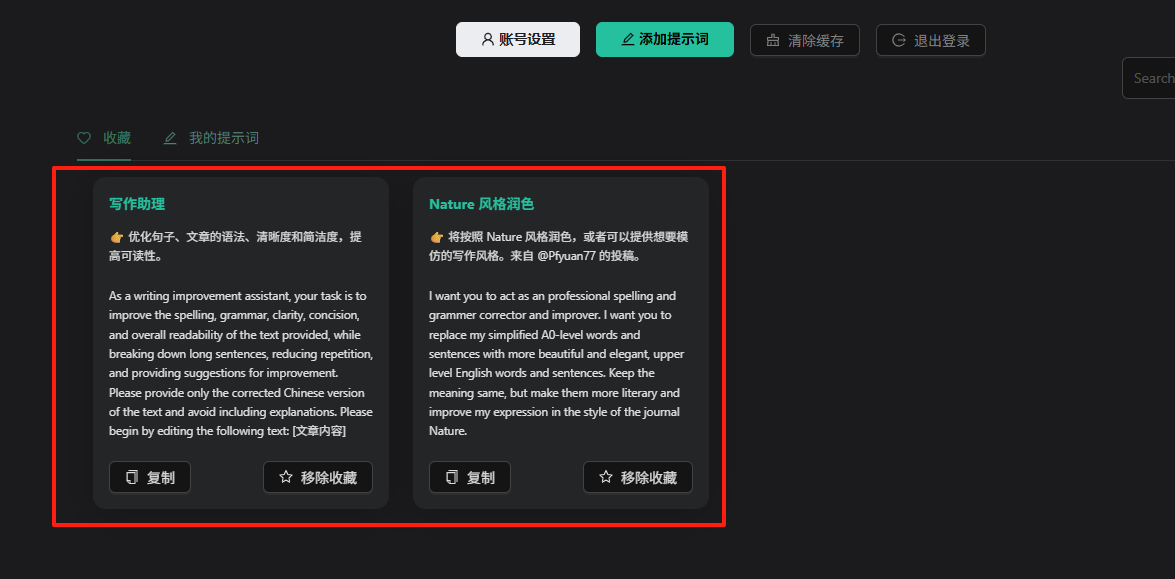
In the Personal Center, you can view your favorited prompts.
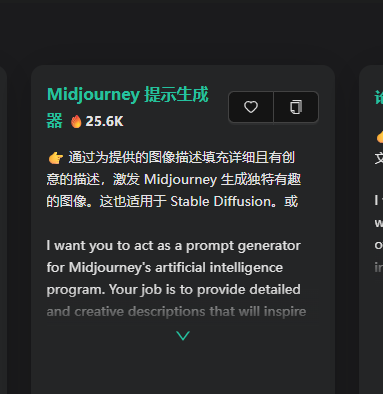
Some prompts are clearly labeled for specific AI models, such as the "Midjourney Prompt Generator." It supports prompts not only for text AIs but also for image generation AIs.
It supports browser extensions.
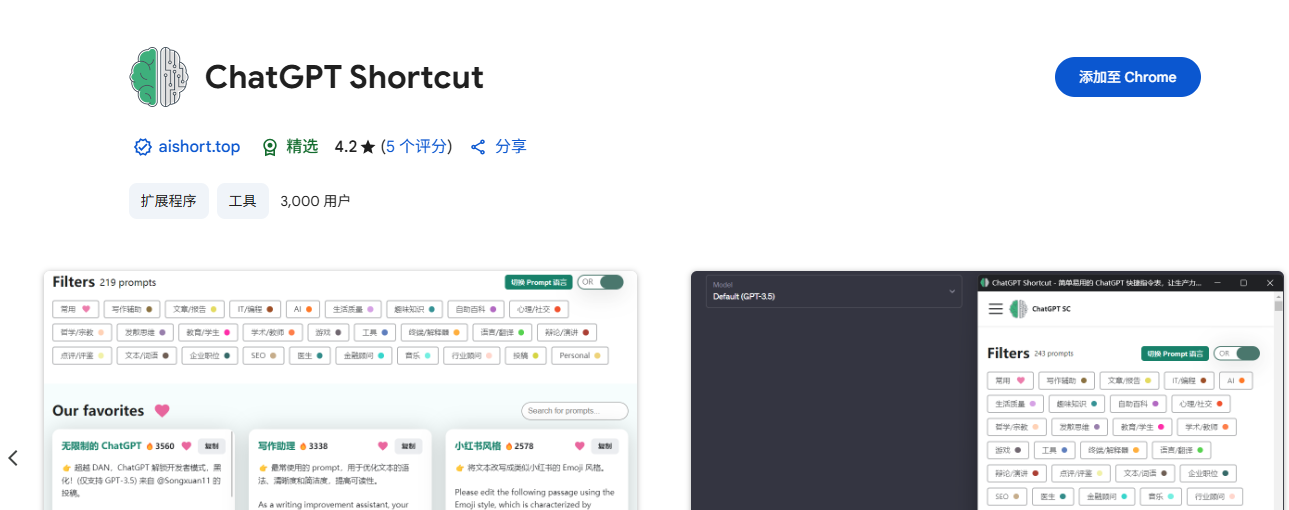
After installing the extension, you can:
- Sidebar Mode: Access it anytime without switching tabs.
- Auto-activation: Automatically launch AiShort when opening ChatGPT.
- Quick Copy: Copy prompts to the clipboard with one click.
The Community Prompts section displays custom prompts shared and uploaded by users.

Summary
The greatest value of AiShort is that it lowers the barrier to entry. You don't need to be a prompt engineer or master complex AI interaction techniques. It allows users to easily customize, save, and share prompts, while also providing a community-driven platform with thousands of publicly shared prompts.
If you're still struggling with how to use ChatGPT more effectively, why not give this tool a try?