
Matchering Practical Guide: Instantly Elevate Your Music to Professional Standards
What is Matchering?
Imagine you took a selfie but weren't happy with how it looked, so you used a beauty app to "enhance" your photo using a celebrity's picture as a reference.
Matchering is the audio version of a beauty camera—you give it two audio files: one is your target track that you want to "beautify," and the other is a reference track that you think sounds amazing. It then makes your track sound as professional as the reference.
This tool has gained significant recognition in the industry. In a study with 472 entries, Matchering 2.0 outperformed all other AI tools, ranking 3rd, just behind two professional mastering engineers.
https://appstore.lazycat.cloud/#/shop/detail/wcloud.gblw.app.matchering
How to Use?
After installing the app, the main function page opens directly.
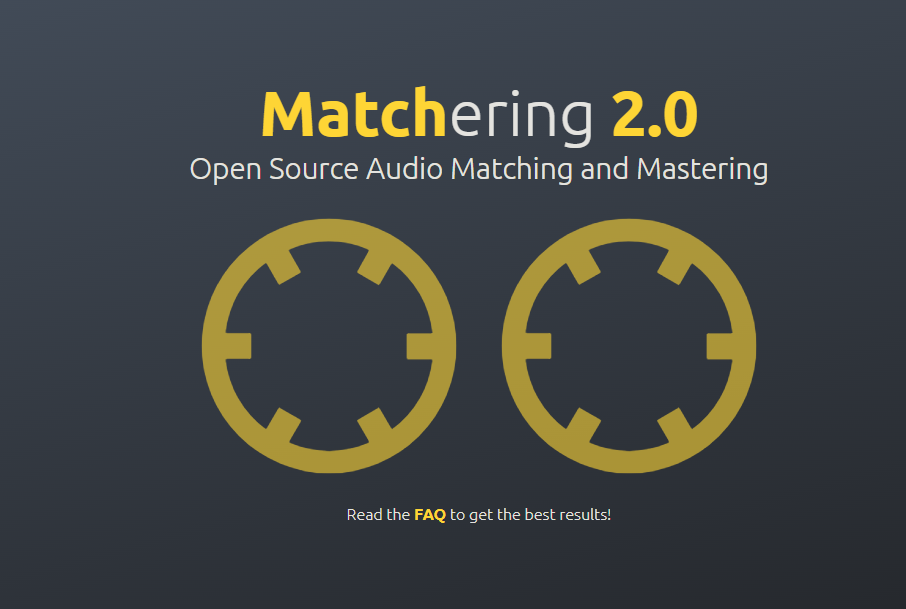
The left circle: TARGET
This represents your "target" audio, which is the song you need to master.
You need to drag and drop the song file you want to optimize into this circle. The software will analyze this song in preparation for processing it.
It shows "OK" after the upload is complete.
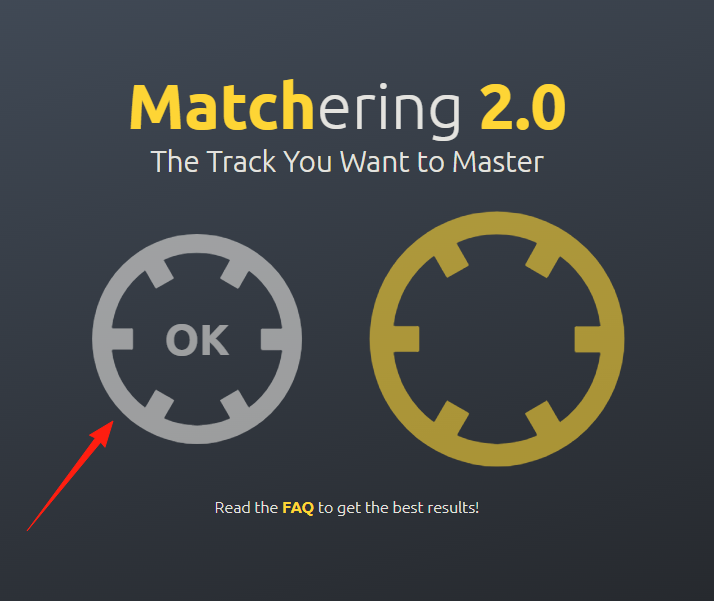
The right circle: REFERENCE
This is the song you want to use as a reference for mastering.
You need to find a song that you believe has excellent sound quality and is well-mastered, then drag and drop it into this circle.
The software will use this song as a "template" or "reference," analyzing its characteristics like loudness, dynamics, and timbre. It then "learns" these characteristics and applies them to the target song you dropped on the left.
It then begins the analysis.
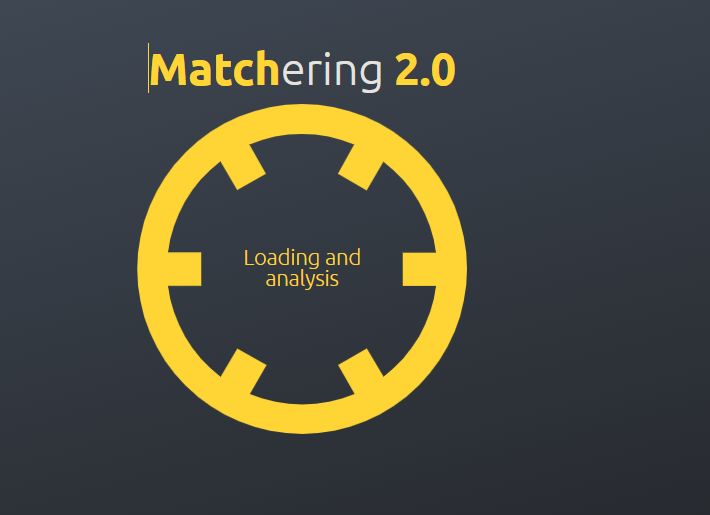
Just wait for the result.
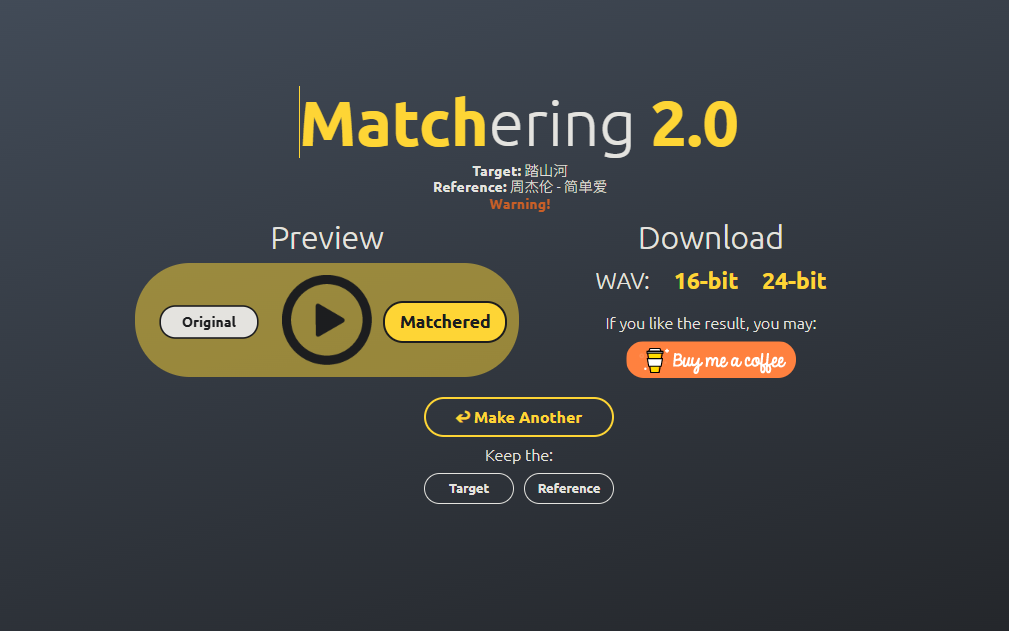
I used "Ta Shan He" + Jay Chou's "Simple Love." For a music novice like me, the resulting harmony sounds quite pleasant.
The Art of Choosing a Reference Track
- Genre Match is Key: Rock with rock, EDM with EDM. Mixing genres that are too different can produce strange results.
- High-Quality Source: The reference track itself must be high-quality, preferably an officially released version.
- Similar Dynamic Range: Don't pair a quiet folk song with an explosive metal track.
Pitfalls to Avoid
- Avoid Clipping in the Target: Most importantly, your target audio should not be clipped.
- Use the Right Format: WAV or FLAC are best. MP3's compressed quality will be suboptimal.
- Length Shouldn't Differ Too Much: A reference track that is too short may not yield ideal results.
Suitable Use Cases:
- Quickly hearing a potential result when making a demo.
- Creating covers where you want to mimic the original's timbre and texture.
- Maintaining a consistent style across an album's production.
- Learning and analyzing the production techniques of other music.
Less Suitable Use Cases:
- Commercial releases requiring the highest audio quality (hire a professional engineer instead).
- Experimental or highly personalized works.
- Situations where the source audio is of very poor quality and requires significant repair.
Summary
Matchering is like a "one-click beautify" for the audio world, especially suitable for:
- Beginners wanting quick results.
- Those wanting to learn and analyze the production techniques of other works.
While it can't fully replace a professional mastering engineer, it's incredibly useful as a learning tool and for rapid prototyping.
The key point is that it's free and open-source, allowing you to experience professional-level audio processing effects without spending any money.