
Share: Build Your Private File Sharing Tool
What is Share?
Ever find yourself in this situation: needing to send a password to a colleague or transfer a large file, but hesitant to use WeChat or QQ for fear of prying eyes? Email feels too formal, while cloud storage requires registration, login, and suffers from speed limits – it's just a hassle.
Today, I'd like to recommend a handy tool called Share, which allows you to set up a private file sharing station on your own server. Others can access your shared content simply by clicking a link, and it automatically self-destructs after use, ensuring security.
Core Features
- Share Secret Information: Passwords, API keys, and other sensitive data
- Transfer Large Files: No platform restrictions – share files as large as your server can handle
- Auto-Expiration: Set time-based expiration or auto-deletion after a certain number of accesses
- Encryption Protection: Utilizes OpenPGP encryption for professional-grade security
https://appstore.lazycat.cloud/#/shop/detail/xyz.mxue.share
User Guide
After installing the application, open the homepage.
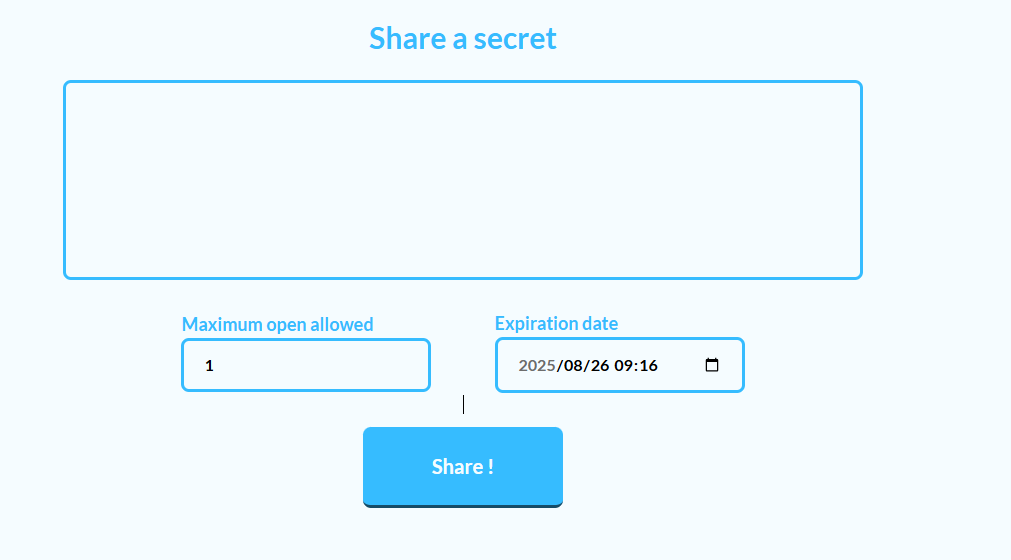 Secret: Used to share a piece of text information, such as an account password, an important note, a code snippet, etc.
Maximum open allowed:
The default value in this input box is 1. It means the link you share can only be opened once! Once your friend opens it, the link automatically becomes invalid.
This feature is what we often call "burn after reading".
Expiration date:
This input box sets a specific date and time. It means that once this time is reached, regardless of whether the link has been opened or not, it will automatically expire.

Generate the link and password.
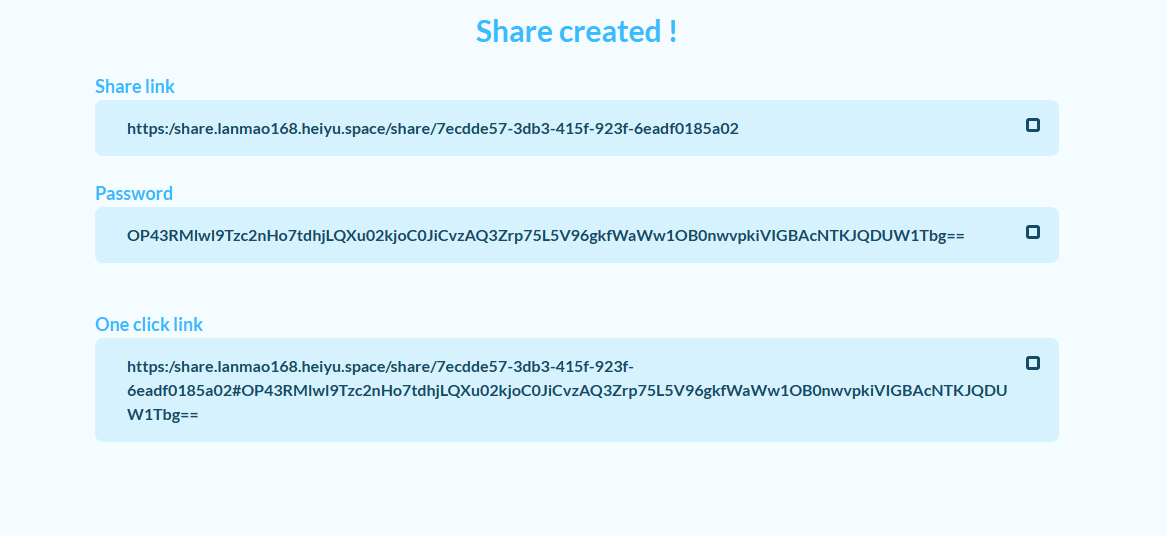
After opening, you can see the ciphertext.

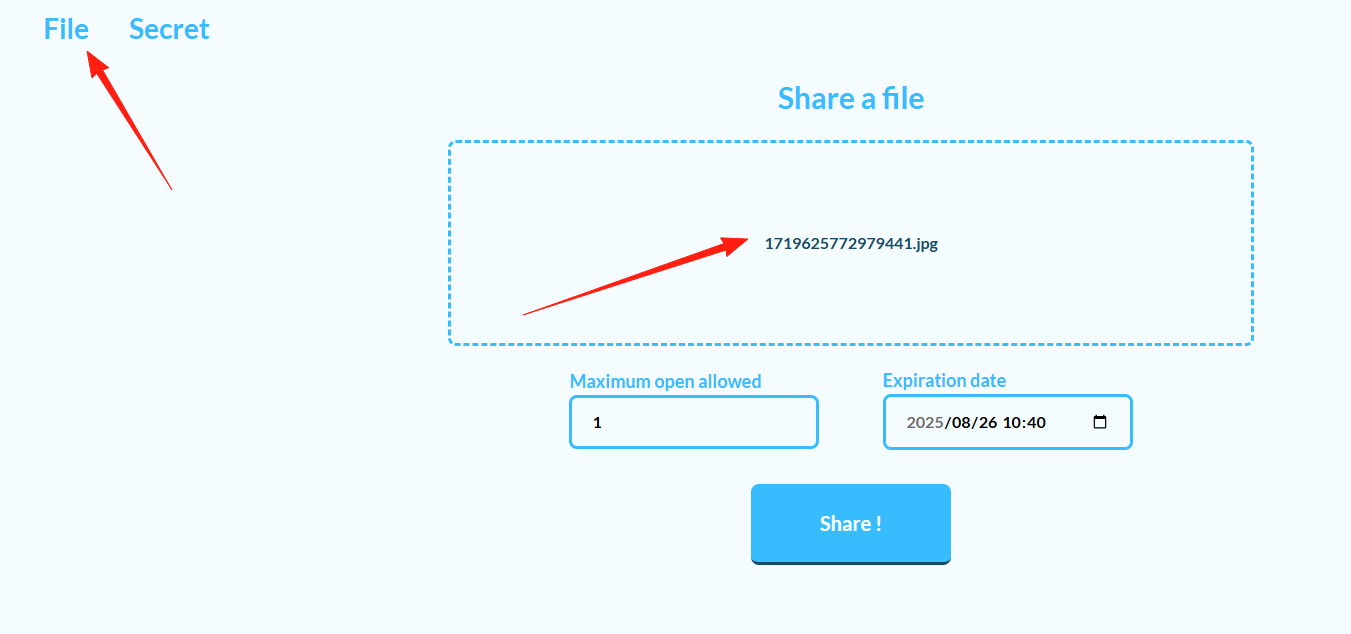
Temporarily sharing large files Before: Upload to cloud storage, send a share link, and still have to set an extraction code. Now: Simply drag the file into Share, generate a link, and send it to the recipient – straightforward and efficient.
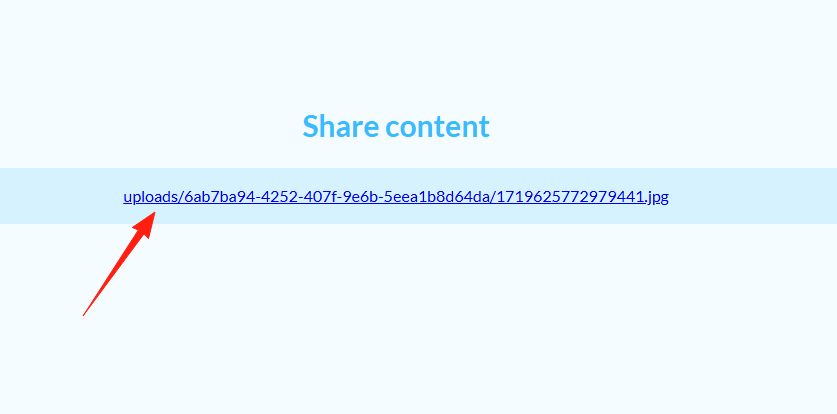
You can click to download.
Summary
The Share project is genuinely practical and particularly suitable for teams with some technical background who value data privacy.
If you happen to need a private file sharing solution or are tired of the limitations of various cloud storage services, why not give Share a try?
Most importantly, your data remains in your own hands, so you can use it with peace of mind!