
Cicada: Your Personal Music Cloud - You're in Control of What You Listen To
Today I'd like to introduce an open-source project Cicada, a self-hosted music service that supports multiple users. It's simple to use and comes with comprehensive features.
To be honest, there are many options for self-hosted music servers, but Cicada has several particularly appealing aspects:
It doesn't collect any private information - your music library stays entirely on your own server, so you don't have to worry about platforms shutting down or removing songs.
You can create multiple accounts, with each user having their own playlists and favorites. Supports sharing music playlists between users, making it easier to share good music with family and friends.
- Supports importing music files and music directories
- Separate playlists and custom playback queues
- Supports searching for music, artists, playlists, and lyrics
https://appstore.lazycat.cloud/#/shop/detail/xyz.mxue.cicada
Getting Started Guide
After installing the application, for the first login, use the default credentials: Username: cicada Password: cicada
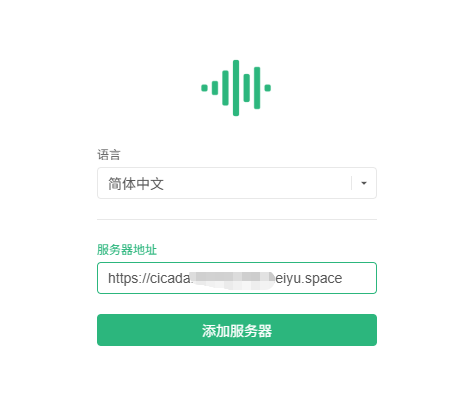
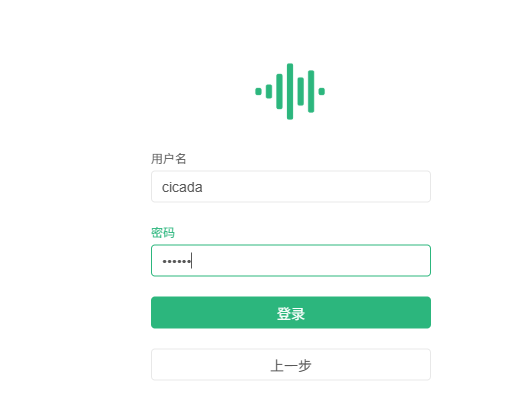
Entering the main page
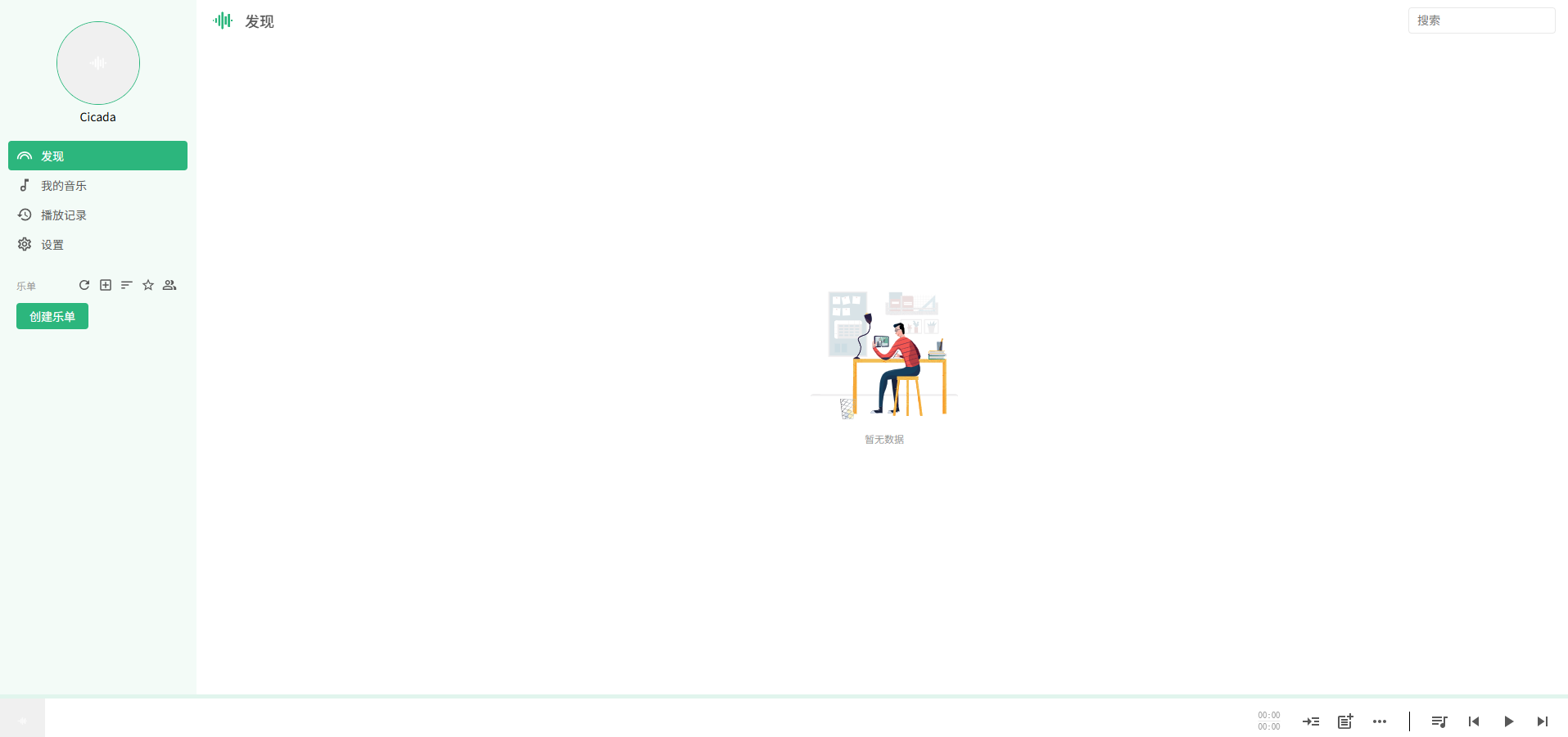
The Right Way to Bulk Import Music
When you first start using it, importing music can be a big task. Here are some tips:
Organize Your Music Files
- Ensure music files have correct ID3 tags (artist, album, title, etc.)
- Recommended to organize them first with tools like MP3Tag or Kid3
- Filename is not important, tag information is key
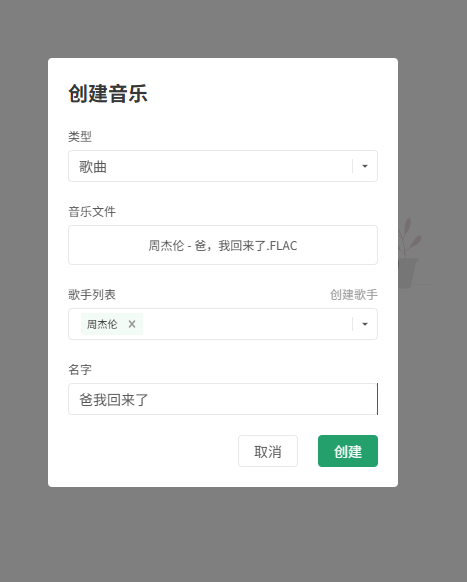
More information can be maintained on the right side
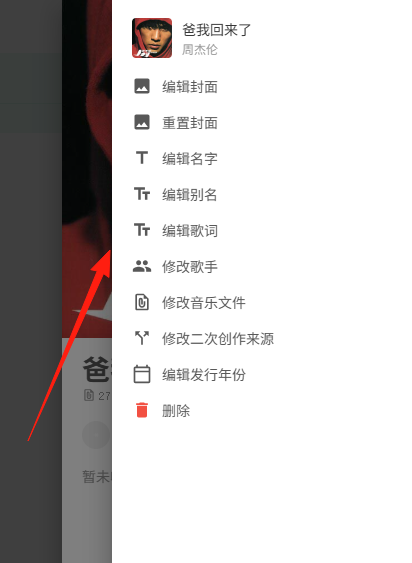
Import Notes
- If Cicada can retrieve music tags from files, they will be imported; otherwise, they'll be skipped
- During import, you can see which files were skipped for troubleshooting
- Bulk music imports may take some time - please be patient
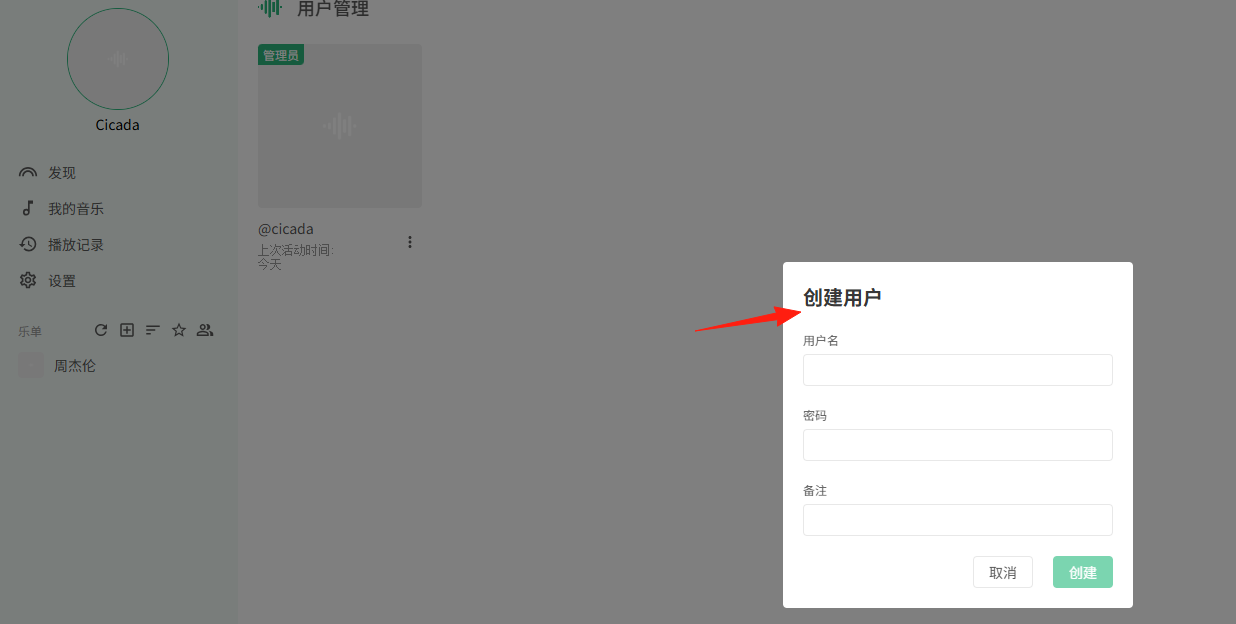
Setting Up Administrators The first registered user automatically becomes an administrator. Additional administrators can be added later in the user management interface.
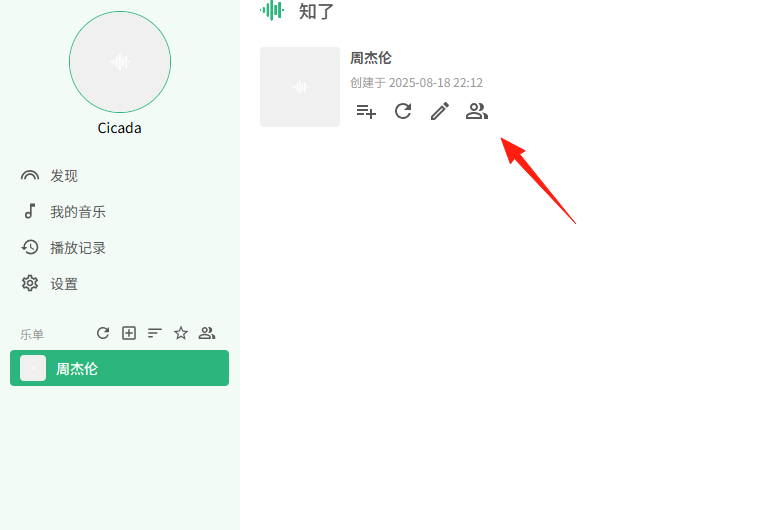
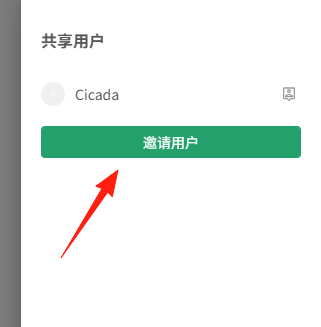
Shared Playlists This is one of Cicada's highlight features, allowing family members to share music discoveries:
- Create public playlists that other users can view and subscribe to
- Recommend music by directly sharing to shared playlists
- Perfect for family gatherings or parties where everyone can listen together
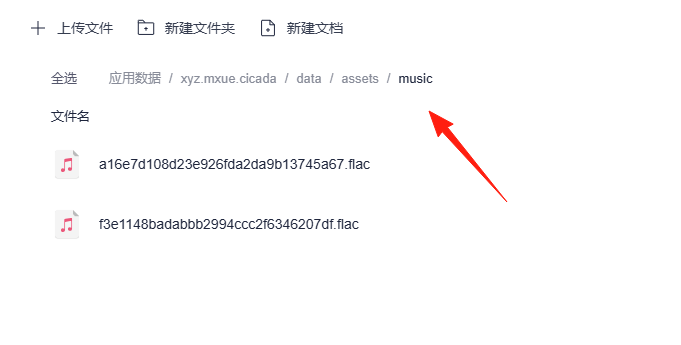
All data is stored in the specified data directory, which can be copied or moved to new devices. Regular backups of this directory are recommended to prevent data loss.
LazyCat Store also offers alternatives like Navidrome, Jellyfin, and Plex. Cicada's advantages include:
- Lightweight: Lower resource consumption compared to Jellyfin and Plex
- Music-focused: Optimized specifically for music, unlike complex full-media servers
- Chinese-friendly: Chinese interface support and better handling of Chinese music tags
- Active development: Developed by Chinese developers who better understand the needs of Chinese users
Final Thoughts
Cicada is an excellent self-hosted music solution, particularly suitable for users with substantial music collections who want access anytime, anywhere.
Your music library remains entirely under your control, eliminating concerns about songs being removed due to copyright issues.
If you're looking for a solution to music copyright problems or want a music service that's completely your own, give Cicada a try.