
BLREC - Making Bilibili Live Recording Super Simple
Want to record Bilibili live streams but don't want to stay up late waiting? Or missed your favorite streamer's highlights? Let me recommend a truly useful tool today – BLREC, a magical tool that lets you record streams effortlessly.
Honestly, there are plenty of recording tools on the market, but BLREC is genuinely different:
- Fully Automatic Background Recording: Starts recording automatically when the streamer goes live, stops when they end. You can go to sleep.
- Network Disconnection Recovery: Automatically stitches recordings after network interruptions, avoiding fragmented files.
- Smart Storage Management: Automatically deletes old recordings when disk space is low, no more worrying about full storage.
- Danmaku Sync: Records not just the video but also saves the danmaku comments.
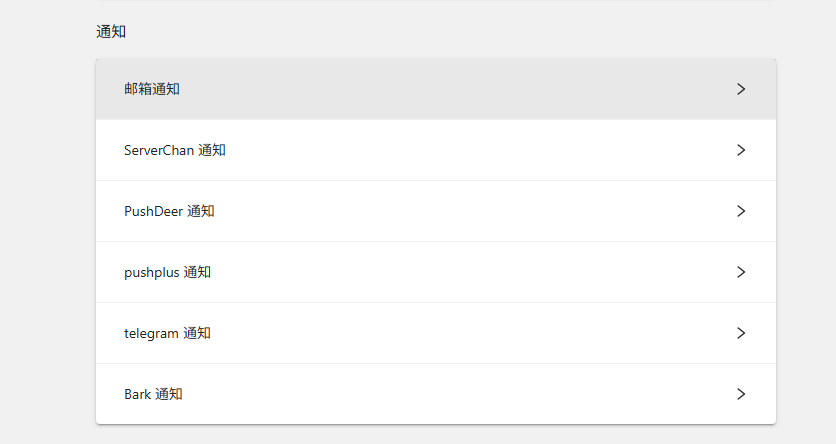
- Multiple Notifications: Get email or WeChat notifications when recording is complete, so you're informed immediately.
In short: Set it once, benefit forever.
https://appstore.lazycat.cloud/#/shop/detail/shiina.lzcapp.blrec
Getting Started Guide
After installing the app, open the home page.
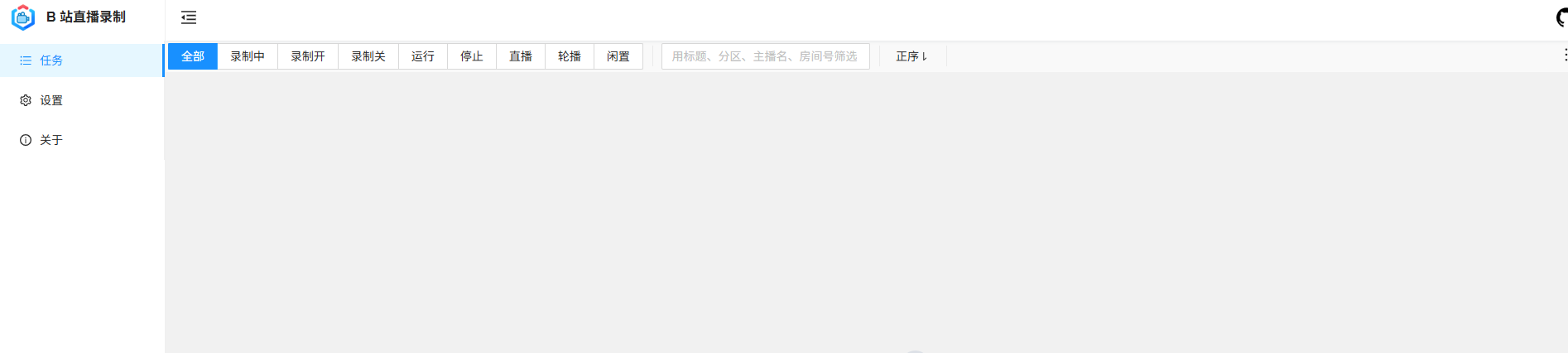
Click the + in the bottom right corner.

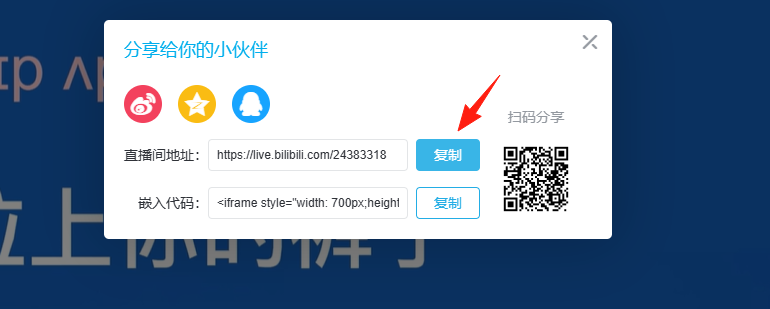
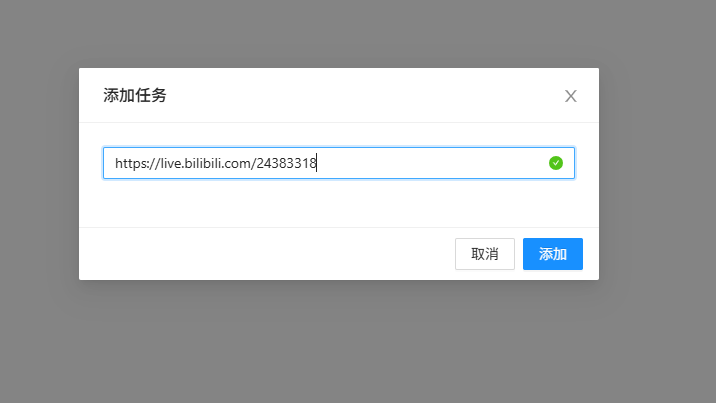
Enter your live stream room URL, for example: https://live.bilibili.com/24383318
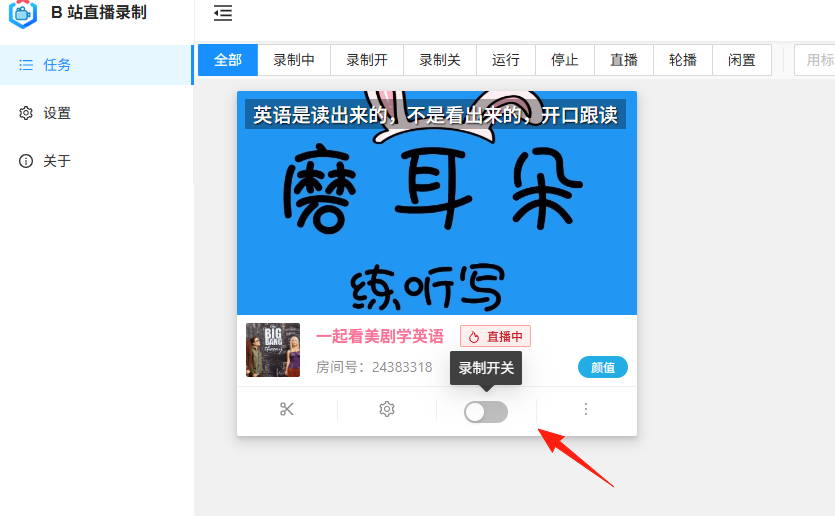
Click the toggle switch to start recording.
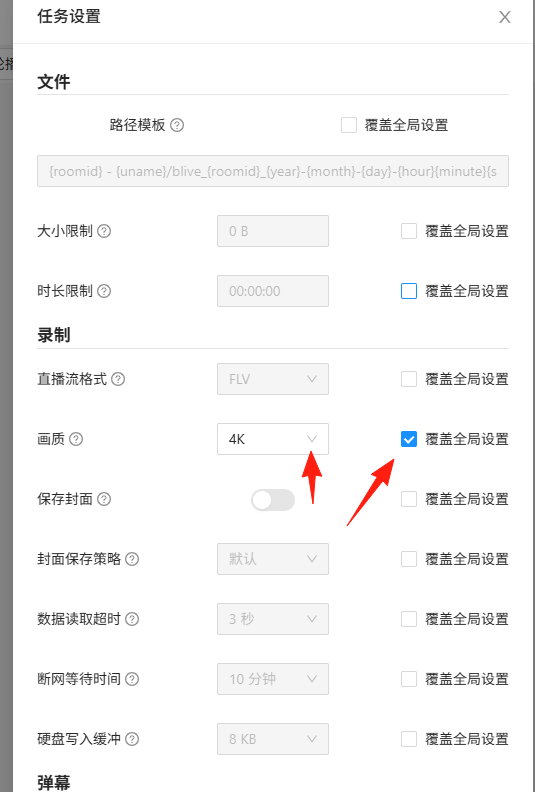
Video Quality Selection Strategy
- Original Quality: Best video quality but very large file size, suitable for highlight content.
- Super High Definition: Balanced quality and size, recommended for daily recording.
- High Definition: Saves space, suitable for long-duration recording.
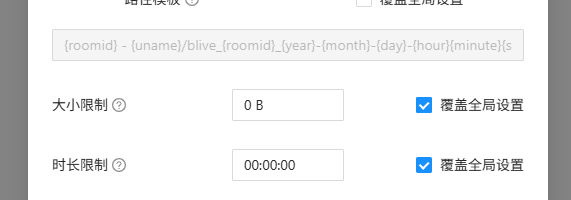
File Splitting Settings
Recommended to split by duration (e.g., one file per 2 hours). Reasons:
- Individual files won't be too large, making them easier to manage.
- If something goes wrong, you won't lose all the content.
The Most Practical Notification Methods:
Email Notification (Most stable):
- Set up your email to receive notifications for both recording start and end.
- Especially suitable for office workers; you can use your company email.
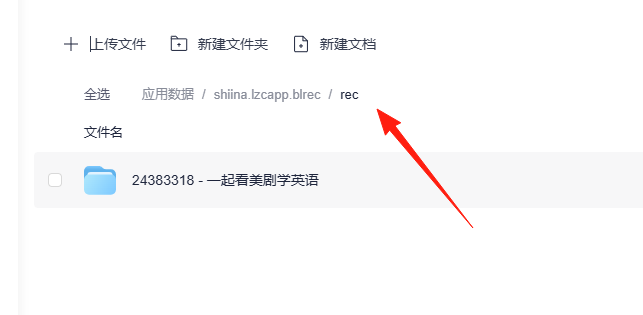
Recorded files can be found in the rec directory. There's a small tip: if you find the file doesn't exist, try switching the video quality to Super High Definition, and it should appear.
Summary
The biggest advantage of BLREC is peace of mind. Once set up, it basically runs itself. It records what needs to be recorded, deletes what should be deleted automatically, and cleans up when space is full.