
RSSbrew Guide: A Smart Tool to Enhance Your RSS Experience
What Is This?
RSS is a fantastic tool that lets you see updates from all your followed websites in one place. However, traditional RSS has a problem – the information can be too cluttered and overwhelming.
RSSbrew is a self-deployable RSS tool that aggregates multiple RSS feeds, applies custom filters, and generates AI summaries and daily/weekly digests. In simple terms: It helps you organize a bunch of RSS feeds neatly and uses AI to summarize articles for you, making your news reading more efficient.
https://appstore.lazycat.cloud/#/shop/detail/cloud.lazycat.app.rssbrew
Getting Started Guide
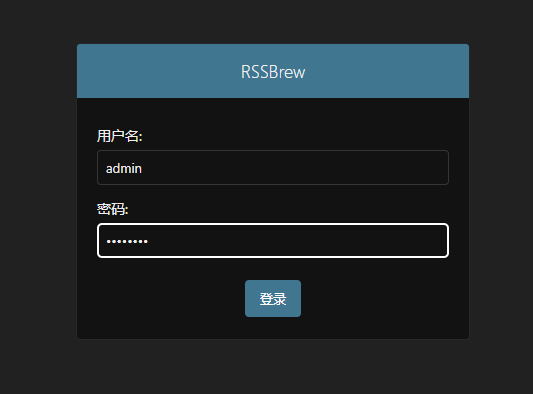
After installing the application, open the login page. The default username is admin, and the default password is changeme.
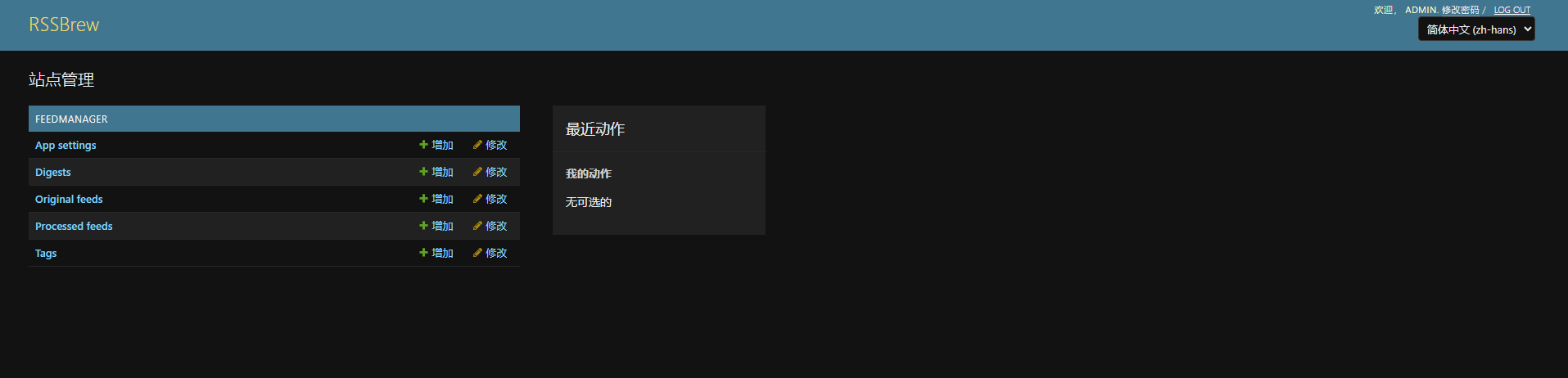
Enter the main page.
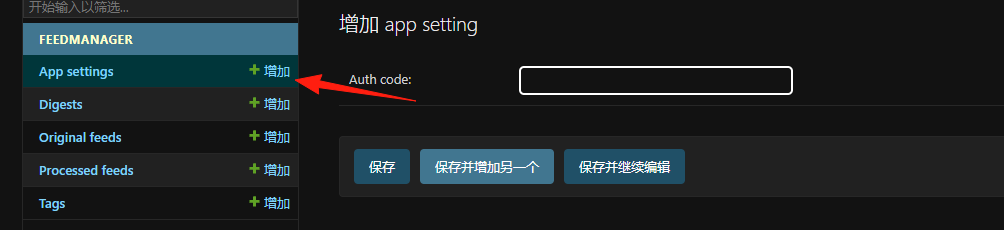
App settings: As the name suggests, these are the global settings for the entire application. You can adjust core parameters here, such as the interface language, theme, or, more importantly, configure your AI service (like your OpenAI API Key). This is necessary to use the AI summary and digest features.
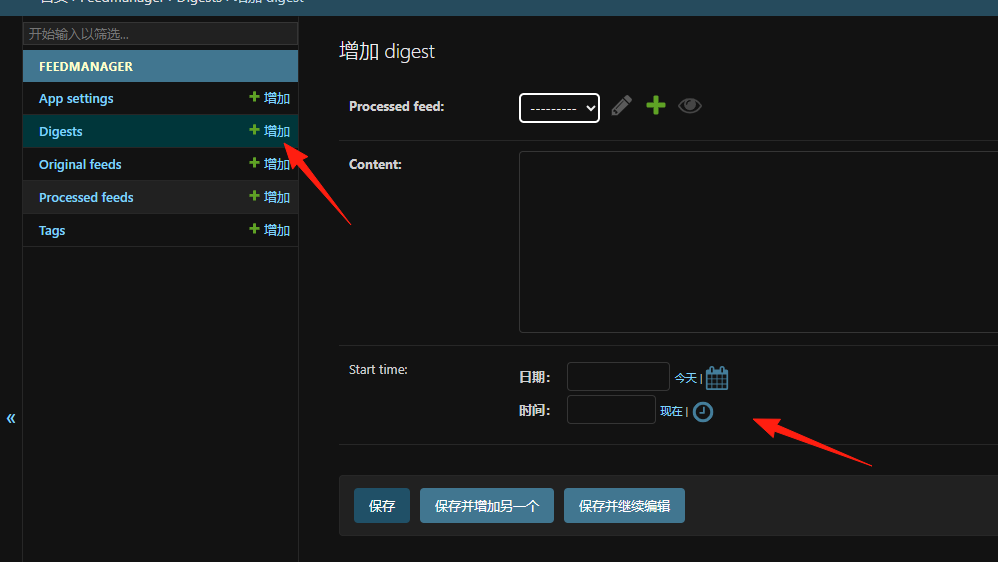
Digests: This is a core feature of RSSBrew. You can create "Daily" or "Weekly" digests here. You can set the digest's name, receiving frequency (e.g., every day at 8 AM), and select the content sources you want to include in the digest.
This way, RSSBrew automatically packages the selected articles into a concise report and pushes it to your RSS reader, which is perfect for those who don't have time to browse a large number of articles every day.
Original feeds: This is where you add all your RSS feed URLs. For example, you can add the RSS address of a tech blog or news website here.
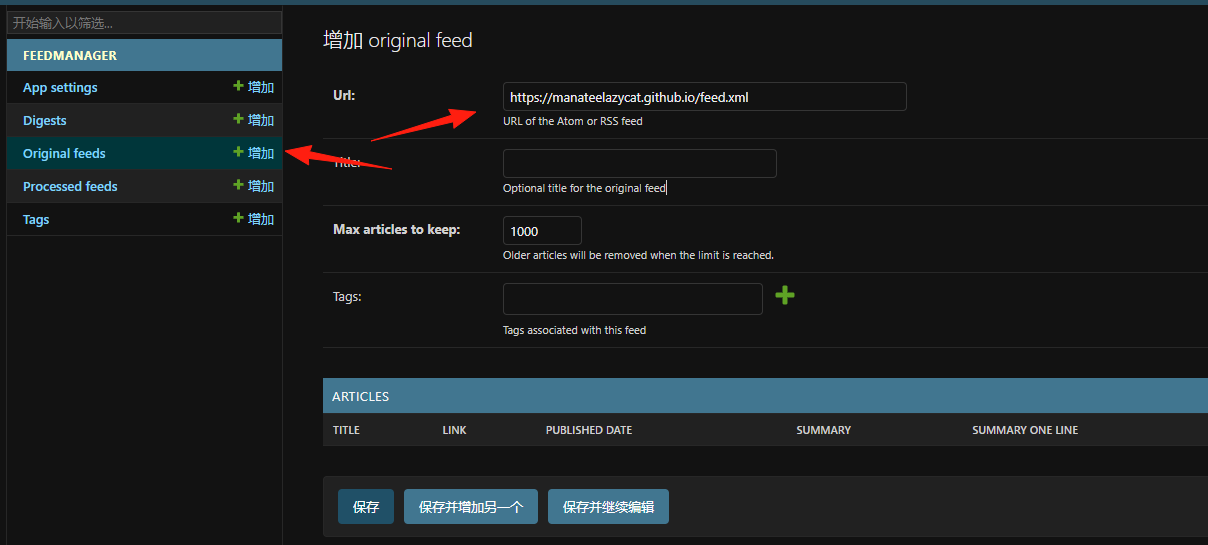
Now you have a basic RSS feed.
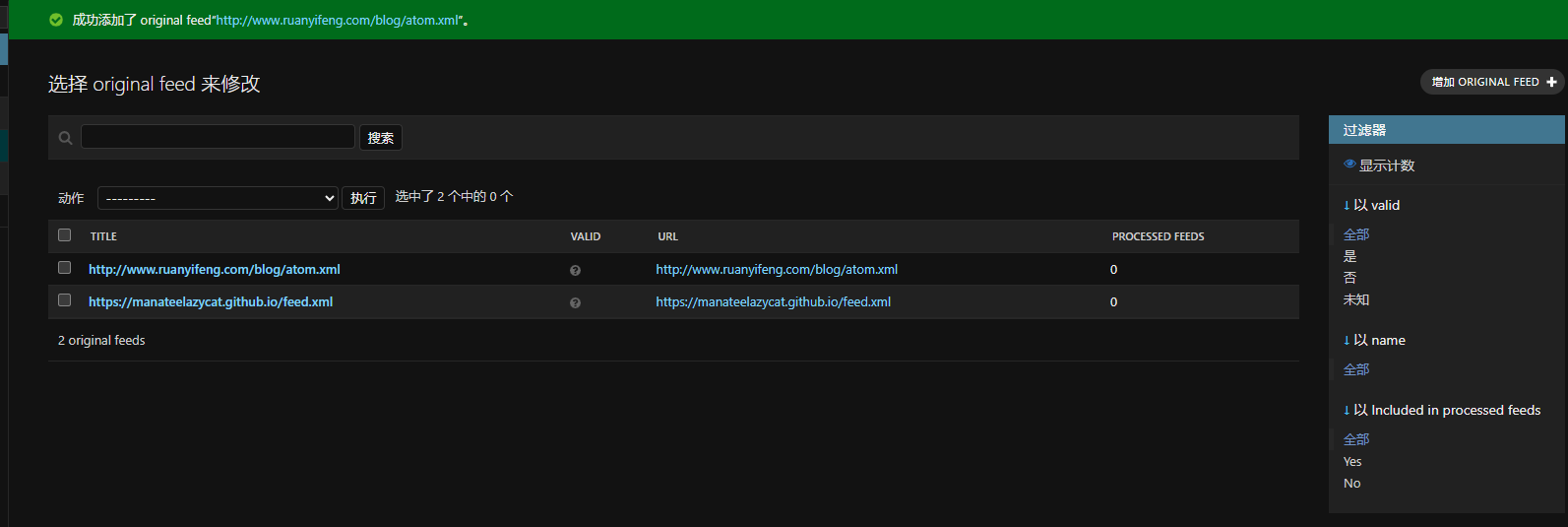
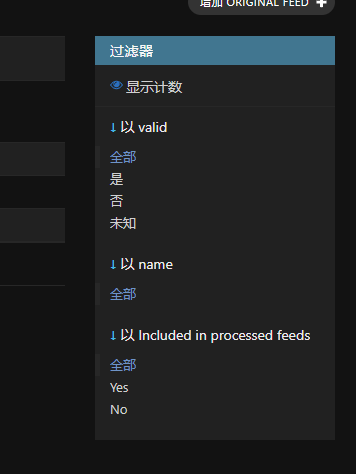
Setting up Filters (This is key!)
This is RSSbrew's most powerful feature. For example, if you are subscribed to Hacker News but only want to see articles related to AI:
Keyword Filter Example:
- Title contains: AI, ChatGPT, Machine Learning
- Description contains: artificial intelligence
- Link does NOT contain: ads, sponsored
Advanced Filtering Tips:
- Use AND to connect multiple conditions: All must be met.
- Use OR to connect: Any one condition can be met.
- Use NOT to exclude: Filter out unwanted content.
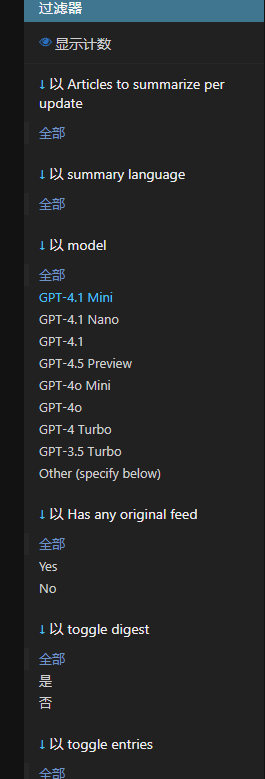
If you have an OpenAI API or other compatible API:
- Enter your API information in the settings.
- Select the summary mode:
- One-sentence summary: Quickly grasp the main points of the article.
- Detailed summary: Includes more details.
- Custom prompt: e.g., "Summarize this technical article in plain, easy-to-understand language."
The RSS feeds generated by RSSbrew can be subscribed to in any RSS reader. On mobile phones, Reeder, NetNewsWire, etc., are recommended.
Summary
The greatest value of RSSbrew is not to replace existing RSS readers, but to make RSS smarter. It solves the problem of information overload in traditional RSS, allowing you to:
- Precisely filter the content you want to see.
- Use AI to quickly understand the main points of articles.
- Organize scattered information sources into clear daily reports.
- Have complete control over your information flow.
In this era flooded with algorithm-based recommendations, having a tool that lets you autonomously choose what to see is quite precious.