
Ocean Brain User Experience: A Notion-Style Private Note-Taking Treasure
What is Ocean Brain?
To be honest, there are already plenty of note-taking apps on the market. While Notion is powerful, it has a critical flaw—your data isn't in your own hands. Imagine one day you suddenly lose access to the thousands of notes you've painstakingly recorded; it feels just like your hard-earned savings vanishing overnight.
Ocean Brain was born to solve this very pain point. It's a self-hosted, Notion-like note-taking application that gives you complete control over your data. Simply put, it brings Notion's ease of use to your own server.
https://appstore.lazycat.cloud/#/shop/detail/xyz.mxue.oceanbrain
Familiar Editing Experience
If you've used Notion, you'll find Ocean Brain has virtually zero learning curve. It uses the BlockNote editor and supports all the shortcuts you're familiar with:
- Type
/to bring up various block types (headings, lists, code blocks, etc.) - Type
@to quickly add tags - Type
[to link to other notes

Powerful Organization Features
- Tagging System: Add tags to notes for easy categorization and management
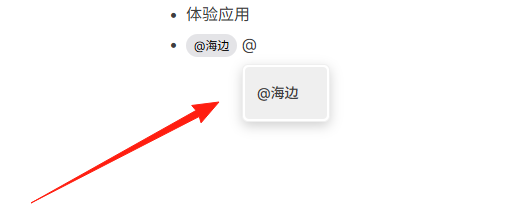
- Note Linking: Supports bidirectional links, helping you build your knowledge network
- Pinning Feature: Important notes can be pinned so they don't get buried
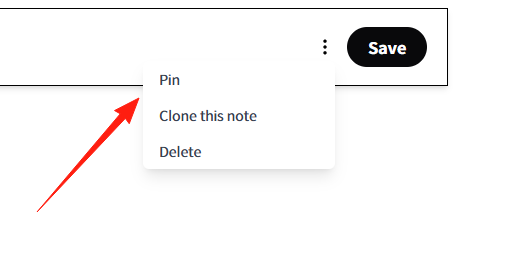
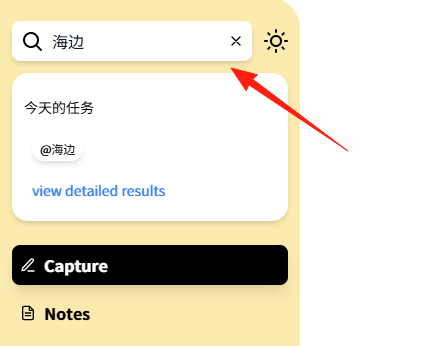
- Full-Text Search: Find anything directly with search, no need to scroll endlessly
Quick Note-Taking Tips
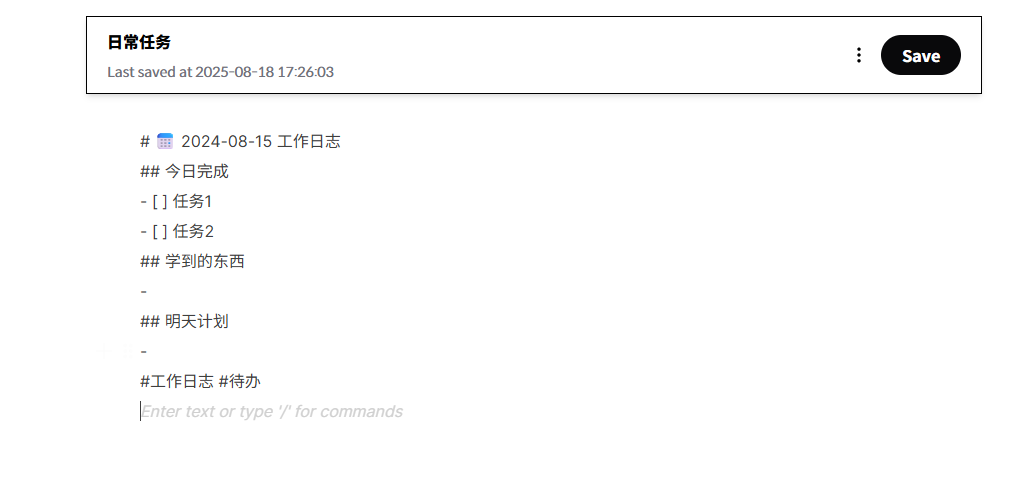
Daily Log Template:
# 📅 2024-08-15 Work Log

## Completed Today
- [ ] Task 1
- [ ] Task 2

## Things Learned
-

## Plan for Tomorrow
-

#WorkLog #Todo
Meeting Minutes Template:
# 💼 Project Discussion Meeting

**Time**: 2024-08-15 14:00
**Attendees**: @张三 @李四
**Topic**:

## Discussion Points
-

## Action Items
- [ ] Responsible Person: Specific Task

## Next Meeting
**Time**:
**Topic**:

#MeetingMinutes #ProjectName

Ocean Brain's search functionality is powerful. Here are a few tips:
- Search for specific tags: Enter the tag name directly
- Search titles: Enter keywords from the title in the search bar
- Fuzzy search: Find relevant content even if you don't remember the exact words
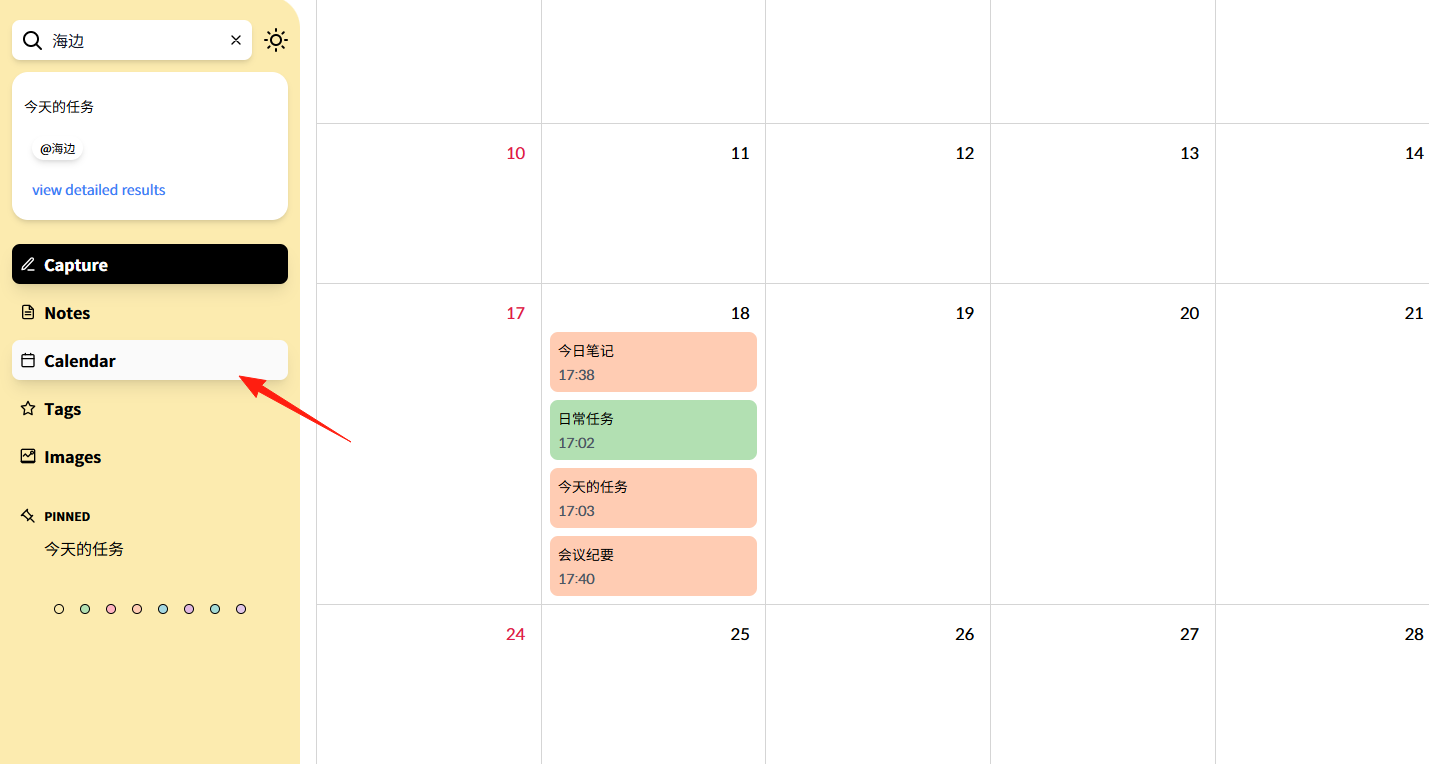
Calendar view, allowing you to see task completion status for each day.
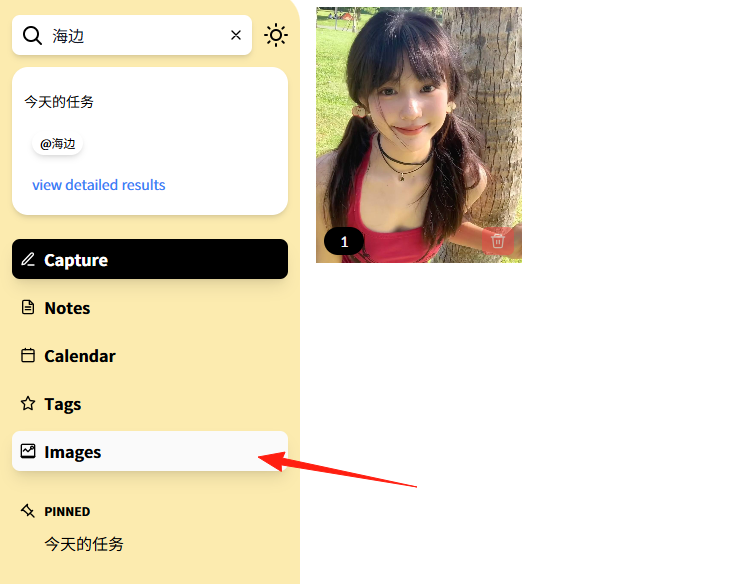
Images shows all pictures within the notes.
Summary
Although Ocean Brain is still a relatively niche project, it addresses a core pain point for many users—data sovereignty. As more and more people become concerned about privacy and data security, these types of self-hosted tools are likely to gain popularity.
If you're looking for a simple, easy-to-use note-taking tool where you control your data, Ocean Brain is definitely worth a try. While its features might not be as extensive as Notion's, it's perfectly adequate for most individual users.
Most importantly, your data always remains in your own hands—a sense of security that no cloud service can provide.