
ALS - Making Server Network Testing Brutally Simple
What is This?
Simply put, ALS (Another Looking-glass Server) is a web-based server testing tool.
When managing servers, network status is a top concern—this includes server latency, routing, and speed. Previously, you had to SSH into the server and run commands; now, you can just open a webpage and click around.
You bought a Lazycat server and want to check its network speed and routing quality? The traditional way involves connecting via SSH and fiddling with commands like ping, traceroute, and wget.
With ALS, you can just open it and see all the information. Much more convenient, right?
https://appstore.lazycat.cloud/#/shop/detail/in.zhaoj.als
How to Use
After installing the application, open the homepage.
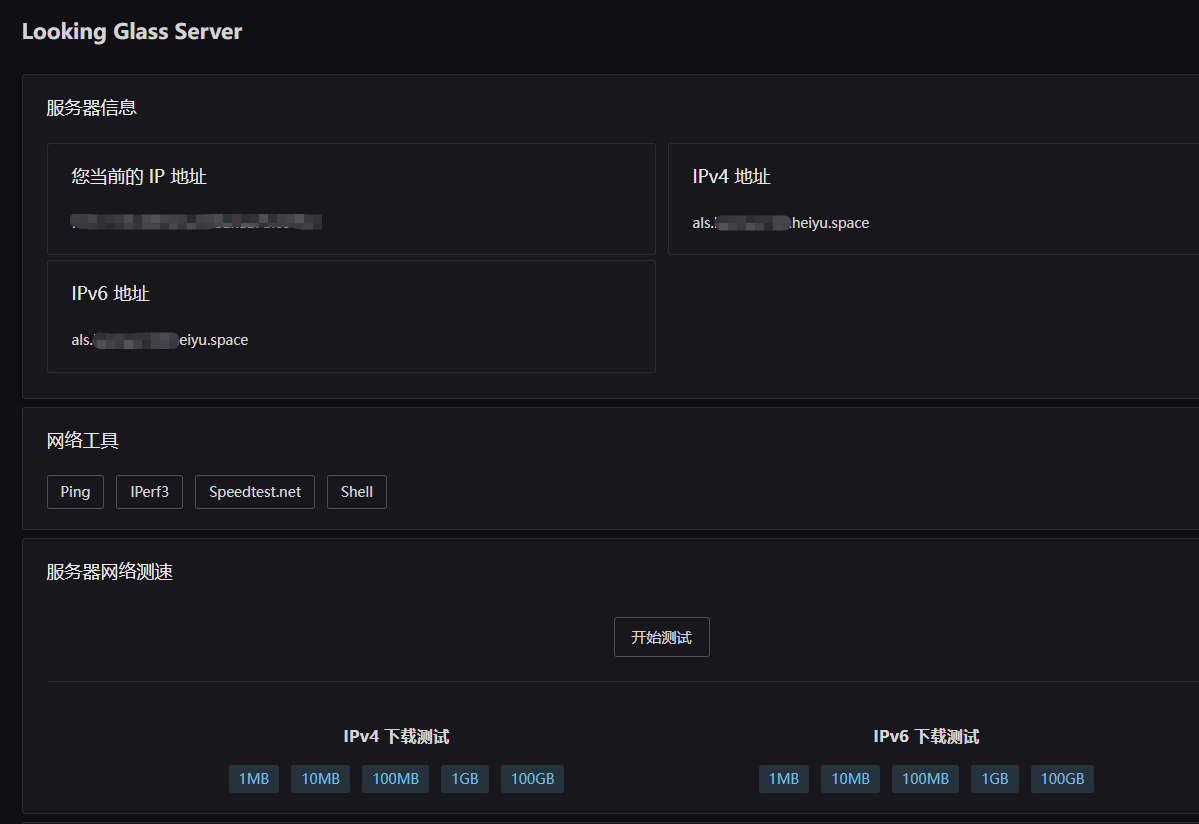
The IP address of the Lazycat server is displayed here.
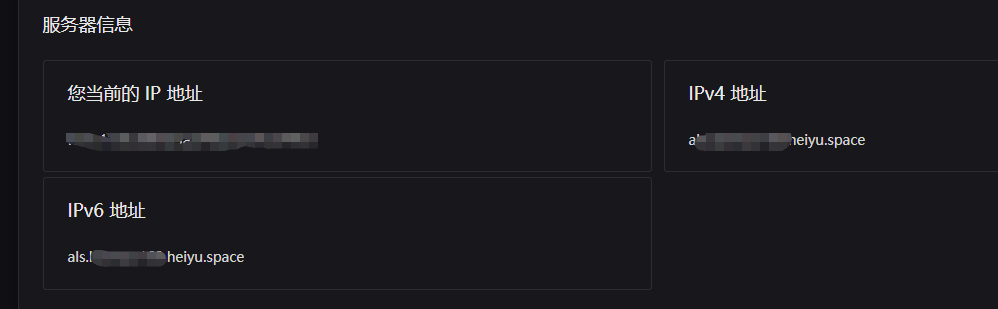
This is the core functional area and our main workspace for network testing.

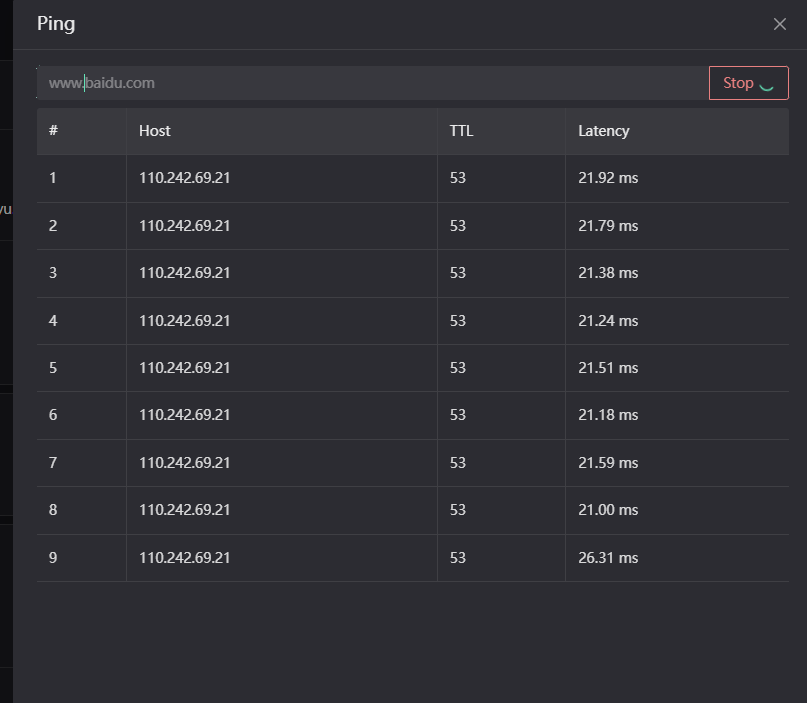
📍 Ping Test
Want to know the latency from your server to a specific address? Enter an IP or domain name, and get results instantly.
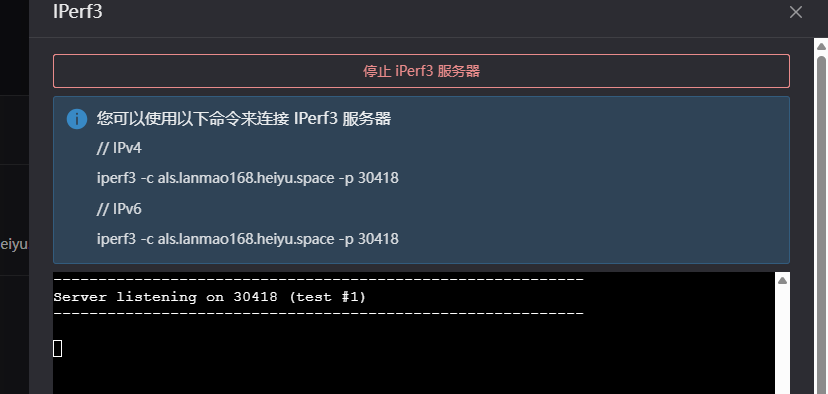
iPerf3 Test
iPerf3 is a professional bandwidth testing tool. It typically requires you to run an iPerf3 server on another machine. Enter that server's IP address and port number here to perform the test.
Speedtest.net
Clicking the Speedtest.net button runs a speed test program based on Speedtest.net directly on the ALS server.
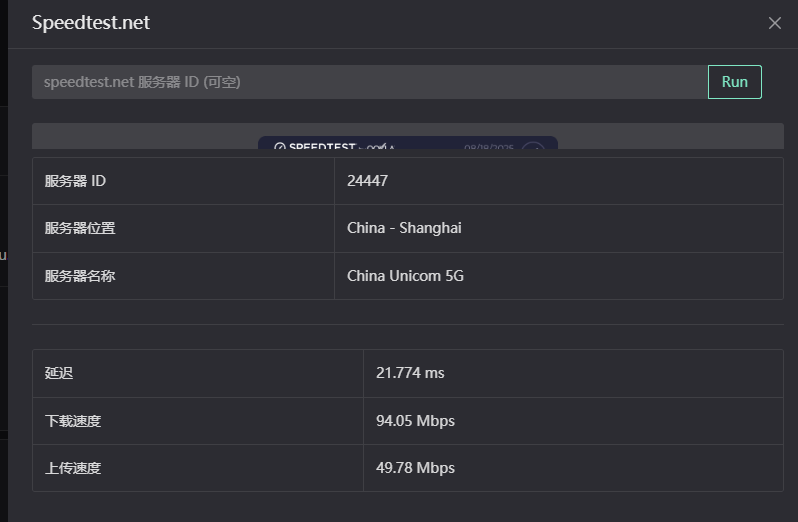 Purpose: This conveniently tests the download and upload speeds between your server and global Speedtest nodes. It's more accurate than testing from your local computer because it measures the server's network performance.
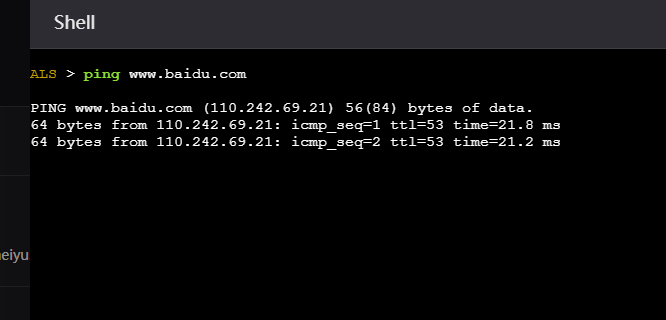
Online Shell
Provides a restricted Shell environment where you can execute basic network commands. While functionally limited, it's quite handy for quick tasks.
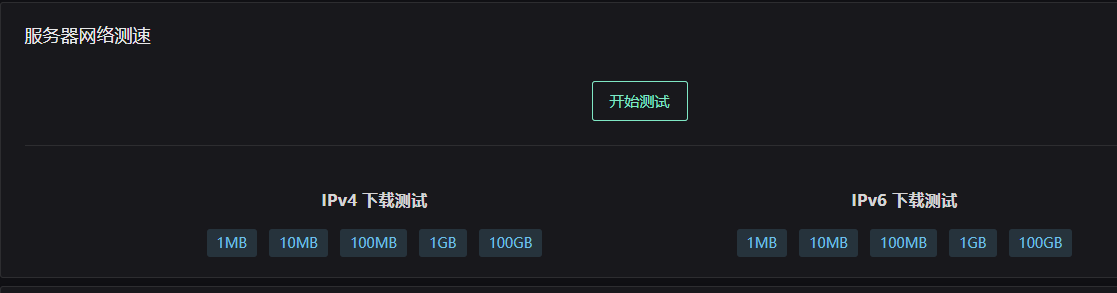
Server Network Speed Test
Click the "Start Test" button, and ALS will automatically download files of different sizes (1MB, 10MB, 100MB, 1GB, 100GB) from test nodes and display the download speed.
You can test the download speed for IPv4 and IPv6 separately.
Server Traffic Graph
A chart used to display the trend of server network traffic.
eth0: In Linux systems, eth0 typically represents the server's first Ethernet card—the "port" connected to the network. If your server has multiple network cards, you might see eth1, eth2, etc., here.
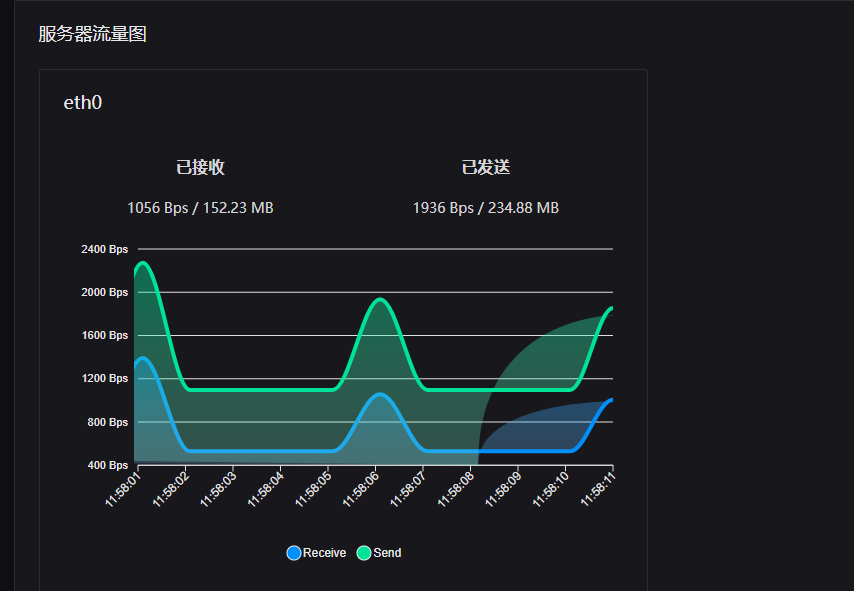
For beginners, this is much more intuitive than plain text traffic data, helping you visually "understand" the server's network status.
Summary
ALS is a tool that simplifies network testing. Tasks that previously required various command-line tools can now be done by simply opening a webpage. It's practical for both individual users testing their VPS and businesses demonstrating network quality.